Seedream 5.0 pro is an advanced AI image generation and editing model designed for controllable visual creation. Instead of treating AI images as random results from a single prompt, Seedream 5.0 pro supports a more practical workflow: generate, point, edit, refine, combine, reuse, and prepare the image for downstream creative production.
With APOB AI, Seedream 5.0 pro can help creators and teams create images for social media, ecommerce, advertising, AI avatars, influencer-style content, storyboards, presentations, and image-to-video projects. You can start from a text prompt, a reference image, multiple visual references, or an image you already generated, then keep improving the result through targeted prompts.
The goal is simple: make AI image creation feel less like guessing and more like directing.


Seedream 5.0 Pro is built for users who need more than simple text-to-image generation. It helps creators, marketers, ecommerce teams, and design workflows move from one-shot image creation to a more controllable creative editing process. With Seedream 5.0 Pro, users can generate images from prompts, edit specific regions, use reference images, adjust colors and materials, combine multiple visual inputs, and prepare assets for downstream video generation. This makes it especially useful for product visuals, AI influencer images, campaign posters, portrait styling, social ads, story frames, and video-ready first frames. The biggest advantage is control. Instead of regenerating an entire image every time something is wrong, users can guide edits more precisely: point to a target area, describe the change, use sketch-like guidance, adjust object position, refine material details, or separate visual elements into editable layers. For teams that need consistent characters, reusable product assets, and multiple campaign variations, Seedream 5.0 Pro gives image generation a more production-ready workflow. It also connects naturally with Seedance video workflows. Images generated by Seedream 5.0 Pro can be used as trusted inputs across the Seedance model family, helping make text-to-image to image-to-video creation smoother.
You should use a Seedream 5.0 Pro alternative on APOB AI when you want the same controlled AI image generator workflow, but need stronger output quality and a more practical production path. Seedream 5.0 Pro is useful for prompt-to-image creation, AI image editing, reference image workflows, product images, AI influencer images, and campaign visuals, but teams often need a cleaner way to push final assets further.
The core advantage is quality. APOB AI can further enhance Seedream 5.0 Pro-style results with Ultra S 4K, giving creators a 4K-ready image workflow for product banners, creator portraits, ad creatives, poster visuals, and image-to-video first frames. This helps go beyond the original output limitation when sharper details, cleaner skin texture, richer fabric, and clearer commercial assets matter.
APOB AI also further optimizes character consistency. By combining reference images, detailed prompts, AI influencer generation, and Edit Image workflows, users can keep the same face, hairstyle, outfit direction, product identity, and brand style across multiple images instead of rebuilding the visual from scratch every time.

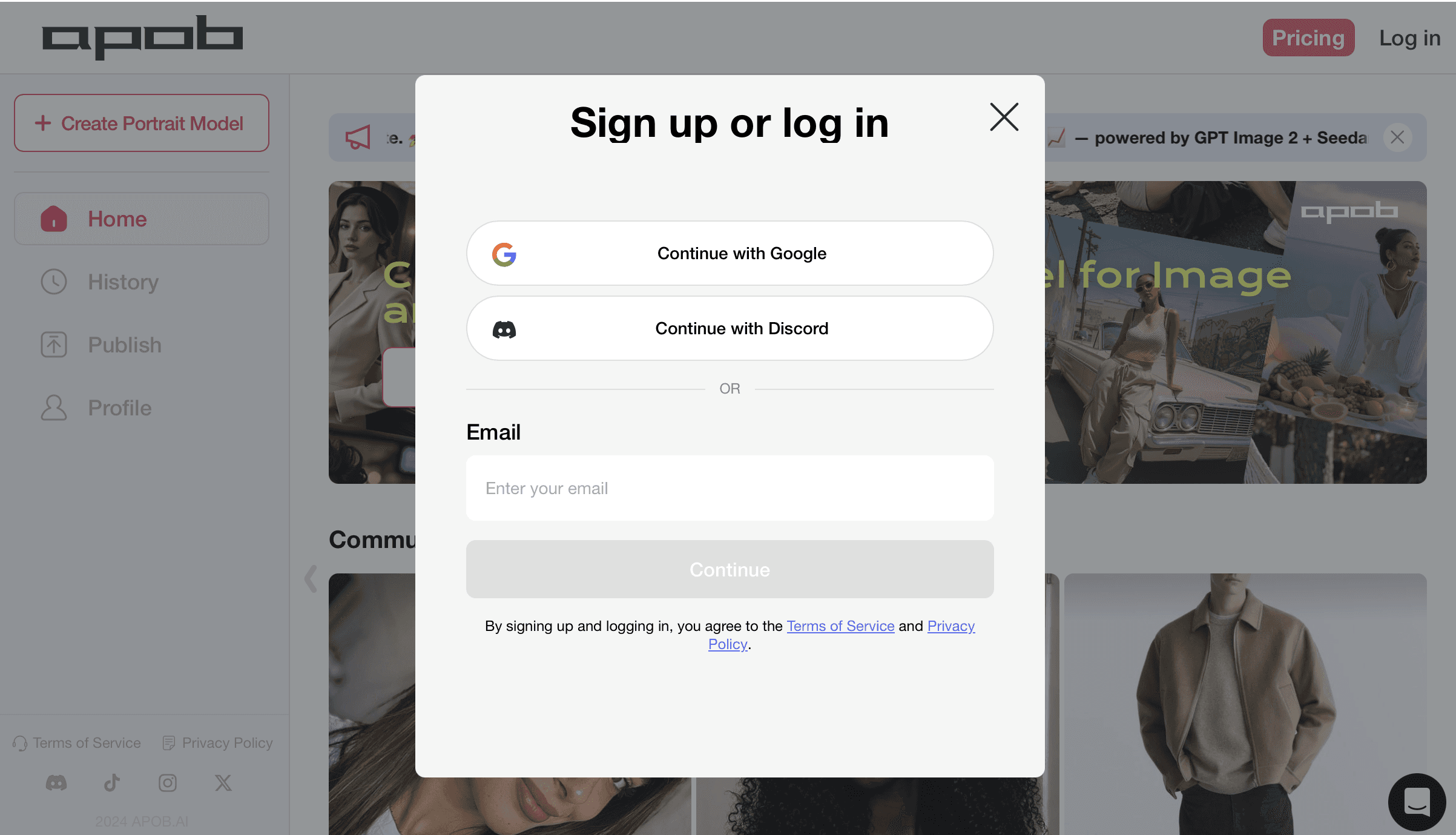
Step 1: Sign In to Start Your AI Image Generator Workflow
Sign in before using the AI image generator so your prompt-to-image results, reference image edits, product image drafts, and AI influencer image versions stay saved in one workspace. This is useful when you want to compare different image editing results, test multiple creative directions, or return later to refine a social media visual, poster, product photo, or character image. After logging in, you can keep your generated images organized and continue editing without losing earlier versions.

Step 2: Create an AI Influencer Reference Image
Open the AI influencer generator and create a clear reference image for your Seedream 5.0 Pro alternative workflow. Add detailed face, hair, skin tone, eye color, expression, outfit, and style details in the Bespoke Details box. For best results, describe the avatar as an original fictional character and avoid celebrity names, brand logos, text, or watermarks.
After generation, choose the image that best matches your AI influencer image direction. A strong reference image helps keep the character’s face, hairstyle, skin texture, and fashion style more consistent when you create image variations, product visuals, or first frames for image-to-video content.
Prompt: Ultra-realistic adult female AI avatar, 24 years old, original fictional character, soft European fashion influencer look, natural oval-heart shaped face, balanced facial proportions, softly defined jawline, high cheekbones, smooth realistic skin texture with visible pores, light natural freckles across the nose and cheeks, clear honey-brown almond-shaped eyes, realistic iris texture, soft under-eye detail, natural eyelid crease, long but realistic eyelashes, full softly arched eyebrows with individual hair strands, straight refined nose with a soft rounded tip, naturally full lips with defined cupid’s bow, glossy rose-nude lip color, gentle confident closed-mouth smile, subtle smile lines, clean forehead, sun-kissed golden fair skin tone, minimal natural makeup, soft peach blush, long straight blonde hair with darker roots and fine face-framing layers, slightly tousled natural strands, bright indoor daylight, shallow depth of field, casual lifestyle influencer aesthetic, head-and-shoulders portrait, looking directly at the camera, realistic facial details, no celebrity likeness, no brand logo, no text, no watermark.
Step 3: Generate an AI Influencer Image with Ultra S 4K
Go to Generate image and enter a detailed AI influencer prompt. Describe the face, hairstyle, skin texture, outfit, pose, lighting, background, and camera style clearly. For a Seedream 5.0 Pro alternative workflow, use specific visual details such as natural freckles, realistic skin texture, soft indoor light, casual selfie framing, and no brand logos or watermark.
Choose the quantity, aspect ratio, and quality before generating. Select Ultra S 4K when you want APOB AI’s enhanced Seedream 5.0 Pro-style output: it goes beyond the original limitation and supports 4K-ready image generation for sharper AI influencer images, product visuals, creator portraits, campaign assets, and reference images for future image-to-video content.
A 1:1 image works well for Instagram-style AI influencer images, profile photos, creator portraits, and reusable reference images. If the result needs more consistency, keep the same reference image and refine the prompt instead of starting from a completely new character.


Step 4: Review, Edit, and Reuse the Final Image
After the AI influencer image is generated, review the face, eyes, hands, hair, skin texture, clothing, background, and small visual details before publishing. If the result is not accurate enough, adjust the prompt, regenerate the image, or use Edit Image to refine the final output without starting over.
Use Edit Image to improve facial details, clean up backgrounds, adjust outfit colors, refine product placement, correct small artifacts, or make the character more consistent across multiple images. This is especially useful when you want the same AI influencer, product image, or campaign style to stay stable across several versions.
You can also reuse the final image as more than a photo. It can become a profile picture, campaign image, reference image, first frame for image-to-video, or visual base for AI video generation. APOB AI also supports video creation, so users can continue from a still AI influencer image into video workflows when they need short-form content.
For more ideas, check the blog for additional AI Instagram influencer prompts that can help with beauty creator portraits, lifestyle selfies, fashion looks, product posts, and social media-ready AI influencer images.
Feature | Seedream 5.0 Pro | Nano Banana Pro | GPT Image |
|---|---|---|---|
Main Focus | A production-ready AI image generator and AI image editor for controlled product images, AI influencer visuals, campaign assets, and image-to-video first frames. | A Gemini image model focused on prompt following, realistic image structure, sharper text rendering, and multi-reference image creation. | A conversational image generation workflow built for fast creative drafts, chat-based edits, lifestyle visuals, and broad idea exploration. |
Best For | Product shoots, creator portraits, social ads, ecommerce banners, character images, storyboard frames, and reusable commercial visuals. | Poster concepts, product banners, image edits with readable text, reference-driven designs, and polished social media graphics. | Quick concept images, conversational revisions, mood references, casual campaign drafts, and prompt-to-image exploration. |
Image Editing Workflow | Supports prompt editing, reference images, local refinements, style changes, product cleanup, and character-focused image editing. | Strong for instruction-based image editing, visual reasoning, layout control, and improving details inside an existing image. | Easy to edit through conversation, but users may need extra iterations for strict product accuracy or repeatable campaign batches. |
Text and Prompt Following | Good for detailed prompts, visual direction, lighting, scene styling, and controllable creative image generation. | Especially strong for text rendering in images, structured prompts, signage, posters, labels, and ad-style visuals. | Flexible for natural-language prompts and fast edits, with results depending heavily on prompt clarity and revision quality. |
Reference and Consistency | Useful for consistent AI influencer images, product identity, outfit direction, brand style, and repeatable visual series. | Strong multi-reference understanding for matching product, character, layout, and style references in one image. | Good for iterative concepts, but exact character consistency may require careful prompting and repeated refinement. |
Output Quality | Strong for polished commercial image assets. On APOB AI, Ultra S 4K can further enhance Seedream 5.0 Pro-style output for 4K-ready visuals. | Designed for high-quality image output with improved realism, prompt accuracy, and more stable text in generated images. | Convenient for high-quality creative outputs, but less specialized for structured production pipelines and batch visual consistency. |


















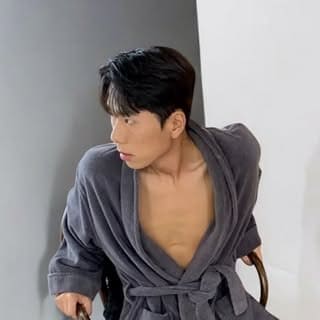

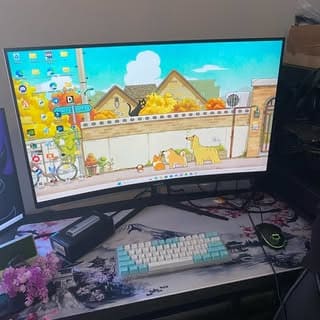




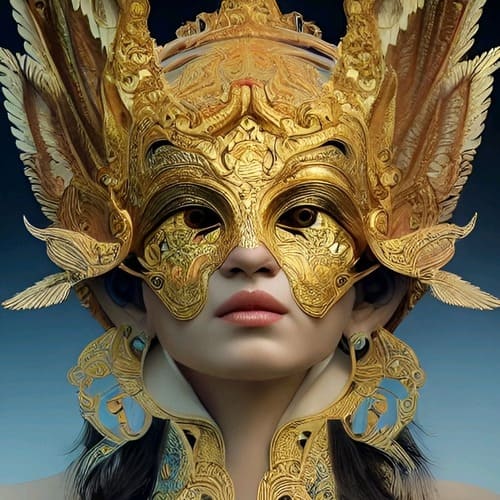
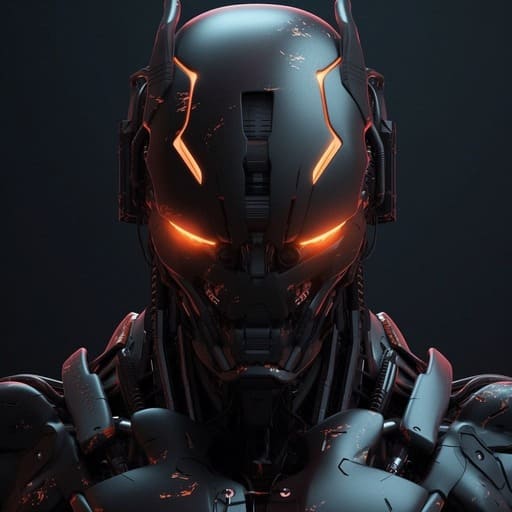


Text-to-image generation
Create original images from detailed prompts. Use it for product scenes, portraits, fashion visuals, ad concepts, story frames, posters, thumbnails, and social media assets.
Image editing with natural language
Upload or select an image, then describe what should change. This is useful for outfit edits, background swaps, lighting adjustments, object replacement, product cleanup, and portrait refinement.
Targeted local edits
Edit a specific region instead of changing the whole picture. Use this for small product corrections, face cleanup, color changes, prop edits, or fixing details in a nearly finished image.
Ecommerce Product Images
Use Seedream 5.0 Pro to create product hero shots, marketplace listing images, colorway variations, lifestyle scenes, bundle images, seasonal product visuals, and material demos. This is especially useful when product structure, color, material, label placement, and commercial accuracy need to stay consistent across many creative variations. (TechRadar on AI-generated ecommerce visuals and product fidelity, 2026)
AI Influencer Images
Use Seedream 5.0 Pro to create creator-style portraits, campaign images, outfit variations, and first frames for AI influencer videos. This fits brands that want reusable virtual creators, consistent faces, and repeatable social campaign assets. (The Guardian on AI models and digital twins, 2026)
Marketing and Ad Creatives
Use Seedream 5.0 Pro to create ad concepts, campaign posters, social media variations, promo banners, product launch visuals, and seasonal creative. It is useful for teams that need to test many visual directions while keeping brand elements, product identity, and campaign style consistent. (IAB on GenAI for video ad creative, 2026)
No Credit Card Required
Reviews




Precise Image Editing Control
Seedream 5.0 pro is useful when users need to adjust exact details in an image instead of regenerating the entire result from scratch. It can support more controlled edits to objects, backgrounds, styles, clothing, layouts, and visual details.
Stronger Fit for Product and Campaign Assets
Seedream 5.0 is well suited for ecommerce, fashion, beauty, advertising, AI influencer content, and social media teams. A single idea can be expanded into multiple polished image variations for different channels and campaign needs.
Useful for Image-to-Video Workflows
A clear Seedream 5.0 image can be used as a first frame, reference image, avatar portrait, product visual, or storyboard asset for APOB AI video generation workflows.
Review Before Publishing
Seedream 5.0 Pro can generate polished visual outputs, but users should still review important details before using them publicly. Check faces, hands, text, product details, logos, labels, and small background elements to make sure the final image is accurate and brand-safe.
Better Text Rendering, Still Needs Checking
Seedream 5.0 Pro is expected to improve text rendering inside images, but small text, multilingual copy, packaging labels, and brand slogans may still need manual review. For commercial use, users should check spelling, layout, and readability before publishing.
Use Reference Images Responsibly
Seedream 5.0 Pro can work with reference images, but users should only upload photos, product images, logos, characters, or campaign assets they own or have permission to use. This is especially important for branded content, influencer visuals, and commercial marketing materials.
What is Seedream 5.0 Pro?
Seedream 5.0 Pro is an AI image generation and creative editing model designed for controllable visual production. It supports text-to-image generation, image editing, reference-image workflows, local edits, sketch-based guidance, color and material control, multi-image fusion, and layer-oriented asset creation.
What is Seedream 5.0 Pro best used for?
Seedream 5.0 Pro is best used for ecommerce product images, marketing campaigns, AI influencer visuals, portrait retouching, social media assets, storyboards, gaming concepts, presentation visuals, and video-ready first frames.
How is Seedream 5.0 Pro different from a basic AI image generator?
A basic AI image generator usually focuses on creating one image from one prompt. Seedream 5.0 Pro is closer to a production workflow because users can generate, edit, use references, adjust materials, separate layers, and reuse assets across campaigns or video workflows.
Does Seedream 5.0 Pro support image editing?
Yes. Seedream 5.0 Pro supports image editing with natural-language instructions. Users can describe changes such as background edits, outfit changes, lighting adjustments, product color updates, material changes, object placement, or local area edits.
Can Seedream 5.0 Pro edit only part of an image?
Yes. Seedream 5.0 Pro supports more precise local editing. Users can guide the model with selections, points, arrows, annotation boxes, coordinates, or natural-language instructions to modify a specific region while keeping the rest of the image stable.
Does Seedream 5.0 Pro support sketch editing?
Yes. Seedream 5.0 Pro can use simple sketches, doodles, color blocks, lines, and rough visual guidance as editing references. This helps users turn a rough idea or layout into a more polished and realistic image.
What is anchor editing in Seedream 5.0 Pro?
Anchor editing means using points or positional references to tell Seedream 5.0 Pro exactly where an edit should happen. It is useful when objects need to be arranged clearly or when the user needs a precise positional change.
Does Seedream 5.0 Pro support layer separation?
Yes. Seedream 5.0 Pro is reported to support layer separation. It can split an image into one background layer plus multiple element layers, output as PNG files with transparency, making assets easier to drag, scale, edit, and reuse.
Why is layer separation useful in Seedream 5.0 Pro?
Layer separation is useful because it turns a finished image into editable visual assets. Designers and marketers can separate the background, subject, objects, and design elements, then reuse them in ads, social posts, posters, videos, and campaign variations.
Can Seedream 5.0 Pro use multiple reference images?
Yes. Seedream 5.0 Pro supports multiple reference images and is reported to support up to 10 input images. This is useful for product references, style boards, character references, material examples, and multi-object compositions.


