Turn imagination into stunning visuals in seconds. Seedream 5.0 empowers anyone to create professional-grade AI images—effortlessly.

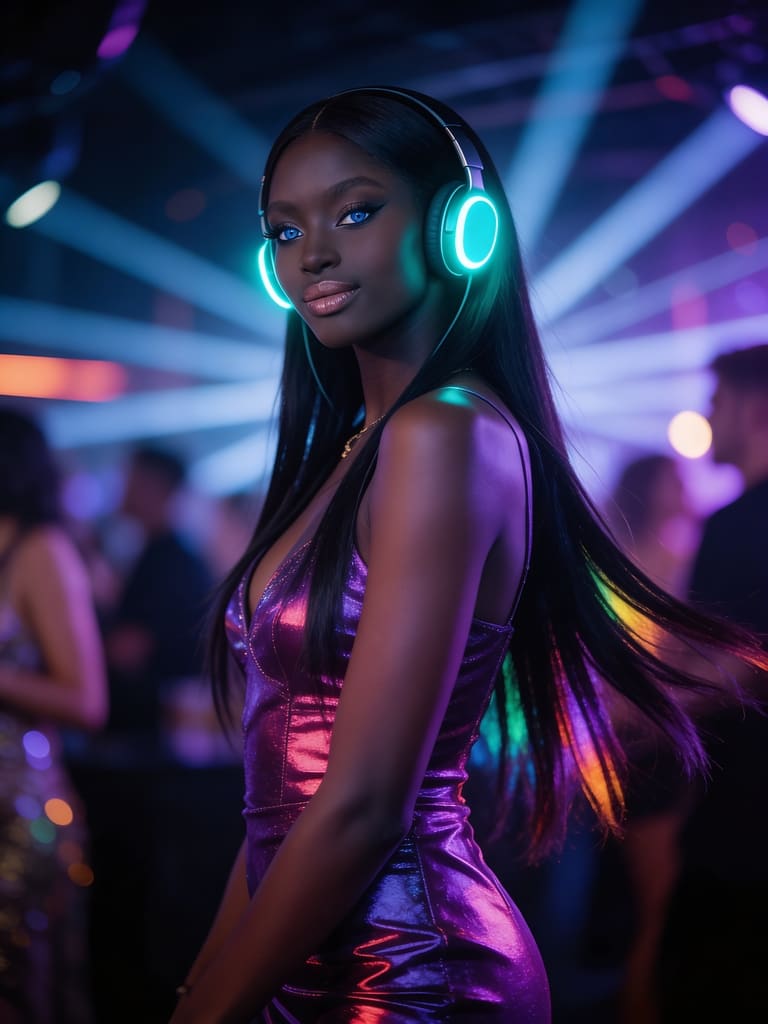



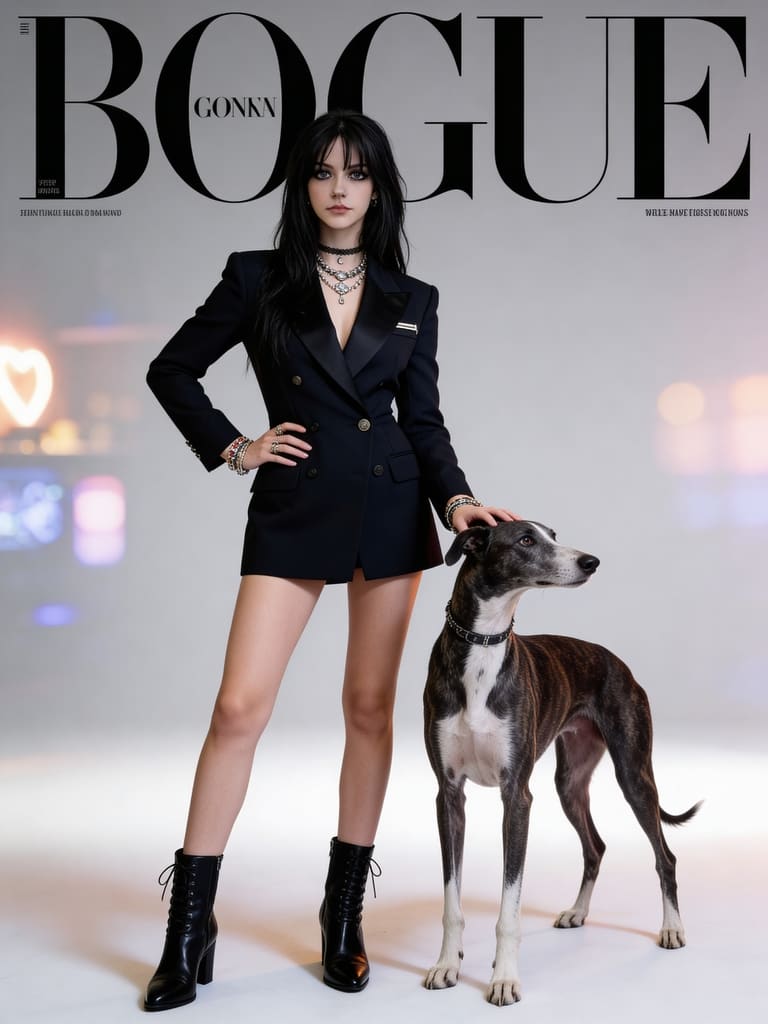
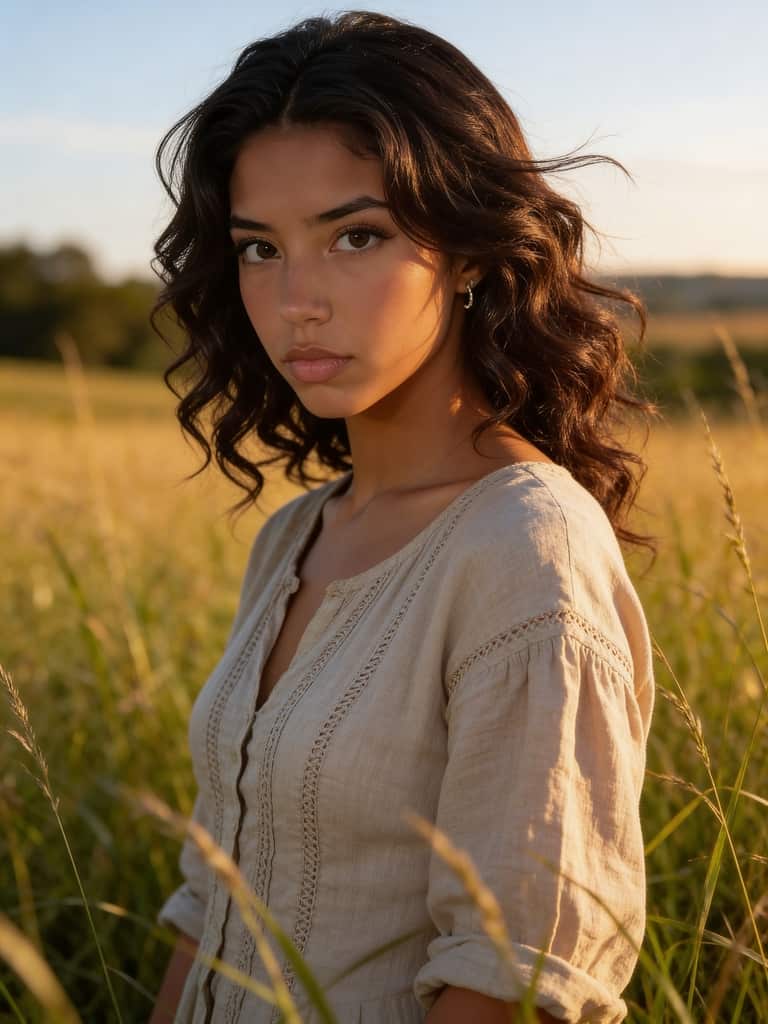
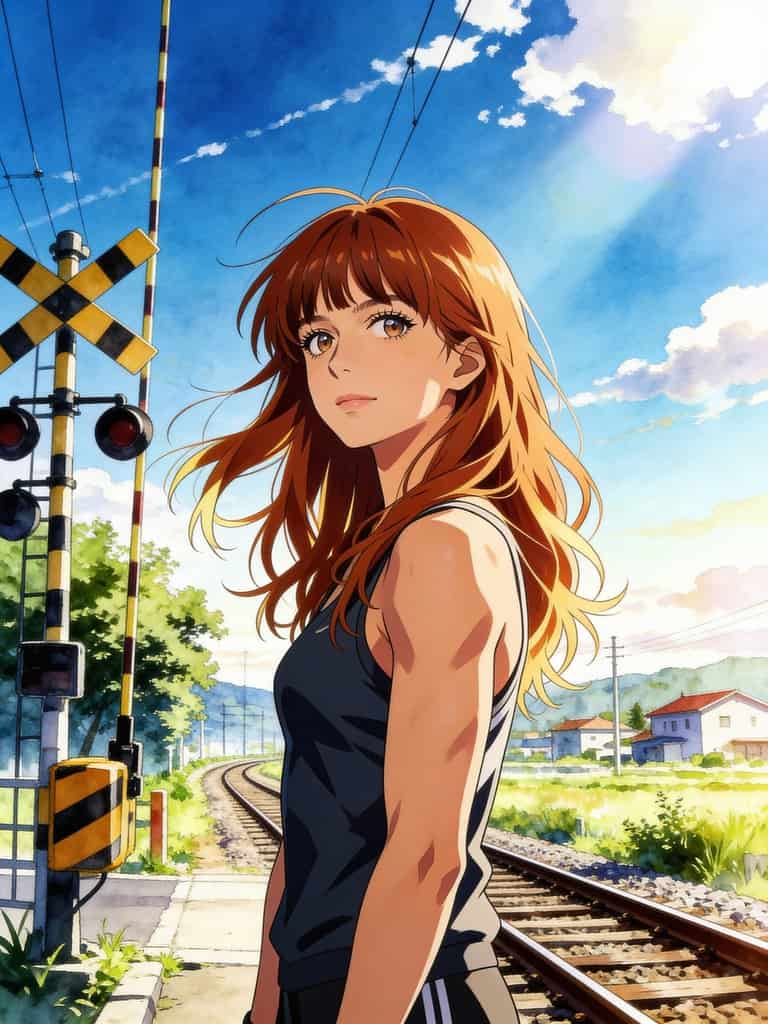
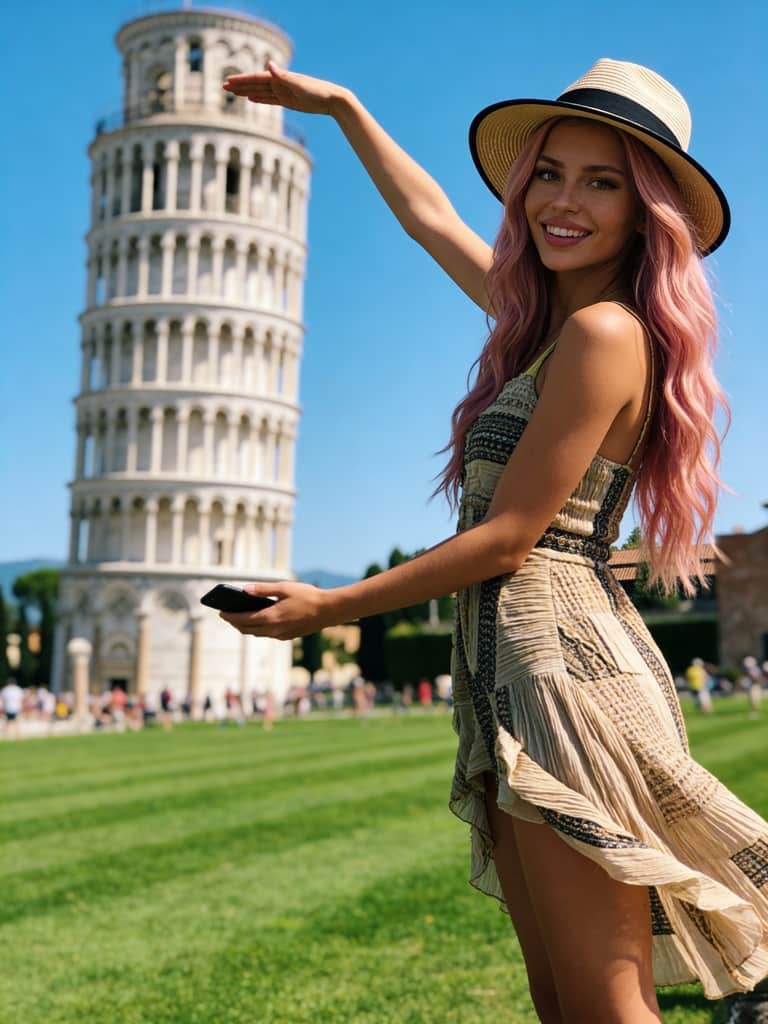

What Is Seedream 5.0?
Seedream 5.0 is a next-generation AI image generation model designed to deliver high-quality, visually consistent, and production-ready images. Built for both creators and businesses, it transforms text prompts into realistic or stylized visuals within seconds. Unlike traditional tools that focus only on image output, Seedream 5.0 emphasizes creative control, accuracy, and flexibility.
Whether you’re generating characters, landscapes, posters, or branded visuals, Seedream 5.0 adapts to your intent with impressive prompt understanding. It supports complex descriptions, refined artistic styles, and consistent character rendering across multiple images. If you’re looking for a tool that bridges creativity and efficiency, Seedream 5.0 sets a new benchmark.

2. Explore Models or Build Your Own
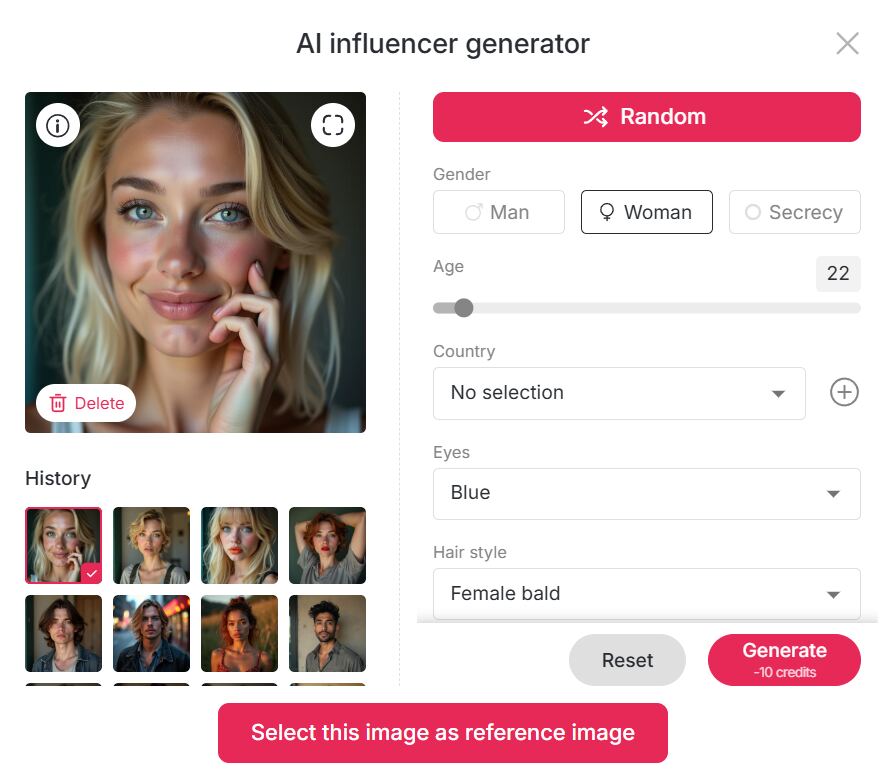
Getting started with Seedream 5.0 is intuitive. After entering the website, head to the APOB Community Model section, where you’ll find a wide range of models created by other users. If you see a model you like, simply click and start generating images instantly—no setup required.
Want something more personal? You can choose Create Portrait Model to upload non-human characters such as cartoon animals or fictional roles. For creators building a personal brand, the AI Influencer Generator allows you to design unique digital personas tailored to your vision. This flexibility makes Seedream 5.0 suitable for both casual experimentation and professional identity creation. 👉 Ready to try? Hit Create Now and start designing.
3. Three Powerful Ways to Generate AI Images
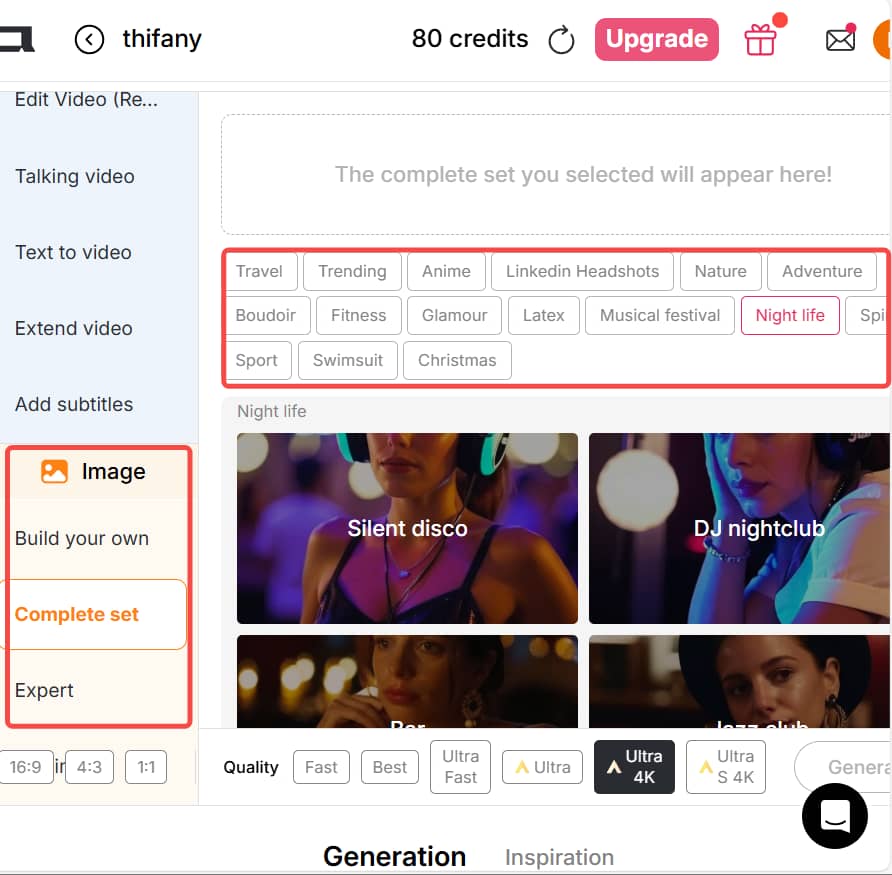
Seedream 5.0 offers three flexible image-generation methods. First, you can input a detailed prompt of up to 2000 characters, describing exactly what you want. Second, you can select from over 10 categories of preset templates—just click and generate, no writing required.
The third option combines both approaches: select elements such as Art Style, Clothing, Architecture, Landscape, and Weather, while also adding custom text prompts. This hybrid method offers maximum creative control. You can further fine-tune your results by selecting 2K or 4K output resolution, choosing the most suitable aspect ratio based on where the image will be used, and adjusting additional parameters like style preferences to perfectly match your creative goals.
4. Edit, Refine, and Design with Chat to Edit
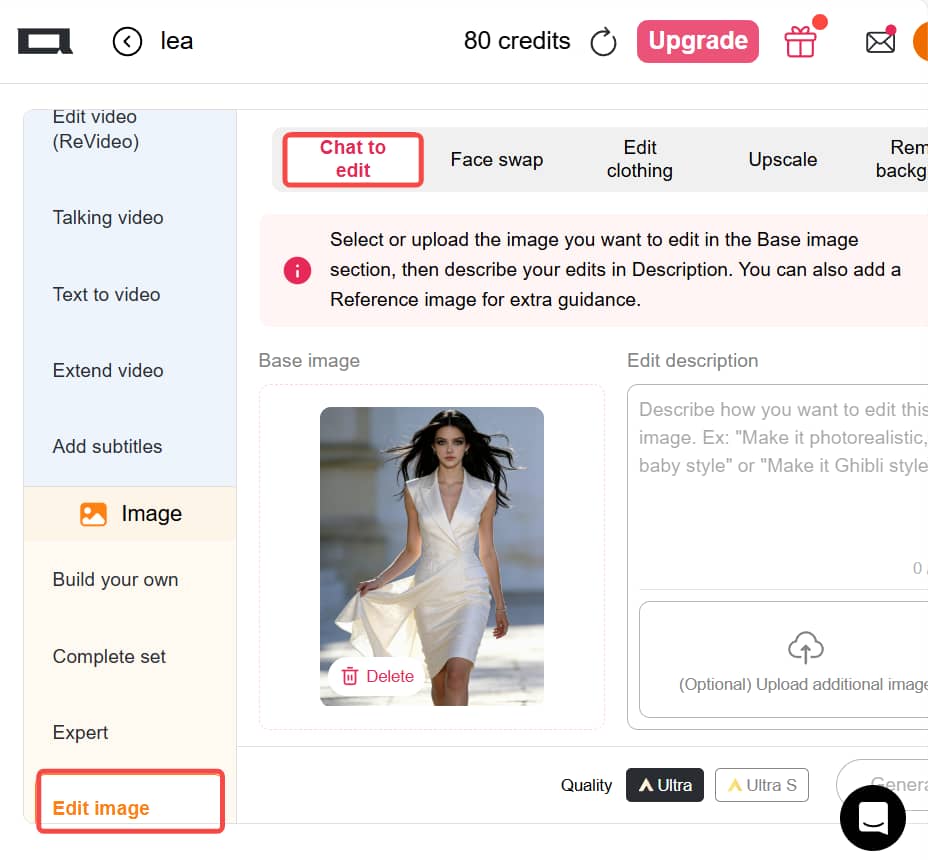
After generating an image, you can refine it further in the Edit Image section using Chat to Edit. Simply select or upload an image, then enter a prompt (up to 2000 characters) describing how you want to edit it.
You can also upload reference images to generate new visuals in the same style, ensuring consistency across campaigns. With advanced capabilities such as Image Compositing, Environment Replacement, Makeup Transfer, and Brand Style Application, Chat to Edit goes far beyond simple edits. It excels at complex graphic tasks, including poster layouts and ad creatives with integrated marketing copy. From concept to final design, Seedream 5.0 supports your entire creative workflow.
Live Web-Aware Image Generation
Seedream 5.0 is the first AI image model with built-in live web retrieval. When your prompt includes trending topics, public figures, or culturally specific references, the model automatically searches the web in real time. This ensures the generated images are based on current information, not outdated training data, delivering visuals that stay relevant, timely, and contextually accurate.
Precision Editing with Natural Language Control
Describe your edits in plain language and get exactly what you asked for. Seedream 5.0 enables seamless style transfers, color tone adjustments, and lens effect matching between images. You can even teach the model new transformations using before-and-after examples. With dramatically reduced hallucination, the model understands your true intent and follows instructions with exceptional accuracy.
Advanced Spatial & Architectural Understanding
Powered by multi-step reasoning and real-world knowledge, Seedream 5.0 excels at composing complex scenes with realistic structure. It understands spatial relationships, proportions, materials, and lighting, making it especially powerful for architectural visualization, data-rich graphics, and environment design across domains like biology, geography, and engineering.
Social Media & Digital Content Creation
Seedream 5.0 enables creators to rapidly design visually compelling banners, feed posts, stories, and digital ads tailored for different social platforms. With built-in layout awareness and style consistency, it helps brands deliver cohesive visuals that capture attention, strengthen identity, and communicate messages with greater impact.
Marketing, Advertising & Campaign Materials
Create high-quality promotional assets such as campaign posters, product visuals, and text-rich flyers—without the need for a full in-house design team. Seedream 5.0 streamlines the production process, allowing marketing teams to move faster while maintaining a refined, professional look across all campaign touchpoints.
Creative Ideation & Concept Development
Seedream 5.0 supports early-stage visual thinking by helping teams explore styles, atmospheres, and design directions. Whether for concept art, mood boards, storyboards, or interface design, it enables rapid experimentation and iteration, turning abstract ideas into clear, actionable visual concepts.
Flexible Creation Workflows
Seedream 5.0 supports multiple creation paths, including prompt-driven generation, ready-to-use templates, and hybrid workflows. This flexibility allows users to choose the most efficient approach for their needs, whether they prefer detailed text control or quick visual selection, making creation feel intuitive rather than restrictive.
Real-Time, Context-Aware Image Generation
With built-in live web search, Seedream 5.0 can generate images based on current events, trending topics, and real-world information. This ensures visuals remain timely and relevant, rather than relying solely on static training data, which is especially valuable for marketing and news-driven content.
Precise Editing Through Conversational Control
The Chat to Edit feature enables accurate, instruction-based editing using natural language. Users can transfer visual features, apply style changes, or refine details with high precision. Example-based editing further reduces guesswork, resulting in cleaner outputs and minimal hallucination.
Intelligent Reasoning for Complex Scenes
Seedream 5.0 applies multi-step reasoning and spatial understanding to create realistic compositions. With domain knowledge spanning architecture, design, and data visualization, it accurately handles proportions, materials, and layout logic—ideal for advanced visual and structural concepts.
High-Resolution Output with Fast Performance
Supporting both 2K and 4K output resolutions, Seedream 5.0 delivers sharp, professional-grade images optimized for multiple aspect ratios. Combined with rapid generation speeds that take only seconds, it significantly boosts productivity without compromising image quality.
Best Results Require Prompt Practice
While templates help, advanced results still depend on learning how to write effective prompts.
High Demand Can Affect Availability
During peak usage times, some advanced features may experience brief delays.
No Credit Card Required

Answers about Seedream 5.0 features, image quality, styles, credits, and commercial use.
Where to use Seedream 5.0?
Currently, you can experience Seedream 5.0 directly on APOB . APOB offers free access with more stable performance and optimized results.
Is the website free to use?
Yes. APOB is a free AI image generator . After logging in, users receive 80 free daily credits , enough to generate multiple images. One Chat to Edit action costs 50 credits and is also covered. APOB also supports AI video generation, image-to-video, text-to-video, and advanced AI UGC creation.
What output quality and resolution does it support?
Seedream 5 delivers high-detail 4K images that can be further upscaled for professional production and large-scale campaign use. It also ensures crisp, readable text in posters, packaging, signage, and infographic-style designs, with strong multilingual text rendering support.
What makes Seedream 5.0 different from previous versions?
Seedream 5.0 Preview marks a major step forward in AI image generation by introducing three key advancements: live web-based information retrieval, highly accurate edit execution, and advanced logical reasoning. This early release is designed with a strong focus on intelligence and knowledge understanding rather than visual polish, making it especially powerful for complex, information-rich creative workflows. For creators whose priority is visual refinement and photorealistic quality, Seedream 4.5 continues to be the preferred option. The upcoming full version of Seedream 5.0 will unify both strengths—delivering advanced reasoning alongside enhanced visual realism.
How fast is the generation process?
Image generation and image editing are extremely fast, usually taking only a few seconds.
How can I get the best results?
The key to great results is in your prompts. Be specific about style, mood, lighting, and composition. Experiment with different descriptions to refine your vision.
Can I generate images in the same style repeatedly?
Yes. By uploading reference images in Chat to Edit, Seedream 5.0 can generate new images with consistent styles.
Is Seedream 5.0 suitable for beginners?
Absolutely. Preset templates and community models make it easy for beginners, while advanced prompts satisfy professionals.
Can I use Seedream 5.0 for commercial projects?
Yes. Seedream 5.0 can be used for commercial projects such as marketing ads, social media content, product visuals, campaign posters, and client presentations, as long as you follow the platform’s usage and licensing terms.


