
AI Influencer Generator
Create a reusable virtual influencer from a written brief or approved reference image. Define the persona, niche, wardrobe, scene, and content goal, then refine still images and optional video variations.
MADE WITH APOB
AI influencer video ideas for your next post
Explore AI influencer content styles, from creator introductions and lifestyle scenes to dance and fashion reels. Each card offers a recommended text-to-video prompt inspired by the clip, not its verified original prompt. Examples feature different characters; results and character consistency vary.
Scaling Video Ads with AI Influencer Generator
In the world of paid social media ads, creative fatigue happens quickly. Using an AI influencer allows media buyers to generate dozens of video hooks in minutes. You can have the same digital persona wear different outfits, use different tones of voice, or even speak different languages to test which "first 3 seconds" converts the best. It's a data-driven marketer's dream for scaling User Generated Content (UGC) campaigns with a consistent AI influencer.
Planning a fictional adult food creator? Use our AI Mukbang example to plan one snack scene and check the bite before using the clip in a campaign concept.
Hyper-Realistic Prompt (TikTok Ad/Webcam Vibe):
A casual selfie-style photo of a young woman holding Perfume close to the camera, arm extended holding the phone, natural smile, relaxed expression, soft indoor lighting, realistic skin texture and pores, slightly messy room in the background, authentic smartphone photography, user-generated content style.

Brand safety requires human review
A virtual influencer does not remove campaign risk. Teams still need approval for claims, rights, disclosure, audience suitability, product accuracy, and platform policy. Treat the character as governed brand content, not as a risk-free ambassador.

What is an AI influencer generator?
An AI influencer generator creates a virtual persona - a consistent, photorealistic character - and produces social-media content starring that character. Unlike a general image generator, it keeps the same face, body and style across every image and video, which is what makes a believable influencer identity possible. APOB AI trains a reusable portrait model from one photo (or a generated face) and powers 40+ image, video and voice tools with it.
Same face in every photo and video - here is how
Most generators drift: every render is a slightly different person. APOB trains a portrait model from a single 1:1 reference image; that one model then powers every tool - images up to Ultra S 4K, video up to 4K, talking avatars, outfit changes - so your influencer’s face never changes.


Same character - six scenes
Create a consistent AI influencer in 4 Steps
1. Define the virtual influencer
Start from a written persona brief or an approved reference image. Specify niche, audience, visual traits, wardrobe, setting, and content goal. Save one approved result and reuse stable details, while reviewing every new generation for drift.

2. Choose image, video, or talking content with the ai influencer generator
Use the left-side creation panel to decide what you want to make next. APOB AI supports image generation, image-to-video, edit video, talking video, text-to-video, video extension, subtitles, and more. This lets you turn one AI influencer into a complete social media content engine for Instagram, TikTok, Reels, UGC ads, and brand campaigns.
Add Your Influencer to the Prompt
In the prompt box, mention your saved model with the @ influencer tag. This tells APOB AI to use your selected AI influencer instead of generating a random face. You can then describe the scene, outfit, pose, camera style, background, mood, or product placement you want.
Example prompt:@Lila taking a mirror selfie in a modern apartment, wearing a white blazer and jeans, natural daylight, realistic skin texture, Instagram lifestyle photo

Image gallery of ai influencer


Create a consistent AI influencer in 4 Steps
3. Customize style, clothing, scene, and details of your ai influencer
Use the quick prompt controls to add art style, clothing, architecture, landscape, weather, and extra elements. These options help you build a more specific look without writing a long prompt from scratch. For brand campaigns, you can add products, outfits, locations, or seasonal themes to create polished influencer-style content.
Select Quantity, Aspect Ratio, and Quality
Before generating, choose how many images you want, the aspect ratio, and the output quality. For TikTok, Reels, and Shorts, use a vertical format like 9:16. For Instagram posts or product pages, choose a square or portrait format. Higher quality settings are ideal for ads, e-commerce visuals, and professional brand assets.

Generate and Reuse Your Best Results
Click Generate to create your AI influencer content. You can save the best outputs, use them as references for new generations, or turn still images into videos with APOB AI’s video tools. This makes it easy to keep your virtual influencer visually consistent while producing fresh content for different platforms.

Give your influencer a voice - and 4K video
Talking avatar
turn one still into a talking video up to 3 minutes
Voice cloning
clone a voice from a 10-90 second clip (or design one from text) and link it to your portrait model, so face and voice travel together
Video
image-to-video, text-to-video and storyboard-to-video at 720P-4K. Clone a storyboard from any viral video and remake it shot-for-shot starring your influencer
Motion control & lip sync
natural movement and dance/motion transfer
Create UGC and brand content
Virtual try-on - re-dress your influencer in any garment from a preset library or your own product photo
Product placement & face swap
Lip-synced ad reads with subtitles

Real Creator Case Study: Build a Consistent AI Influencer with APOB AI
Watch YouTuber 'Monetize with AI' reveal his exact workflow for building and profiting from APOB AI models.
User: Monetize with AI
Creator goal: create a reusable AI influencer for social posts and short videos.
Workflow: generate a face-consistent AI model, create lifestyle images, then turn selected images into videos.
Result: one AI persona can be reused across Instagram, TikTok, UGC-style ads, and brand visuals.
Best for: creators, agencies, ecommerce brands, and social media teams.
Trusted by Thousands of Pro Influencers
Emir.
21k Followers
Subhan Qureshi
26k Followers
ELITE MINDSET
23k Followers

Ajay Sharma
30k Followers
Mr Shishir
5k Followers
edrian.exe
604k Followers

aprendeconvalerio
1.39M Followers
gabzer.mp4
591k Followers
Hasan Toor
413k Followers
Tulsi Soni
153k Followers

TuTecnoMundo
3.08M Subscribers

YORD
2.79M Subscribers
SinnerSam
325k Subscribers
malik.makhlouff
1.2M Followers
Riscaane
215k Followers
setups_ai
950k Followers



Jhonier Gomez
137k Subscribers

David Dato
70k Subscribers
Pro Secret
22k Subscribers

rulomart
2.4M Followers
xabatz
99K Followers
reels_drgn
55K Followers
cristinakerk.studio
156K Followers
websconia_ia
23k Followers
felippetek
216k Followers
cr_webq
15k Followers
moddy.a.m
385k Followers
mpminds
1.2M Followers
ainusantara
551k Followers
vin.ai93
209K Followers

pampisman
957k Followers
eloiljf
296k Followers


The Faceless Creator: Monetizing with an AI Influencer Generator
The Faceless Creator: Monetizing with an AI Influencer Generator
For creators who have a great eye for content but suffer from camera anxiety or want to protect their privacy, creating an AI influencer is the ultimate solution. You can build a fully fleshed-out persona with a specific fashion sense, backstory, and aesthetic. Whether it's daily lifestyle vlogs on TikTok or aesthetic photo dumps on Instagram, your AI influencer can post consistently without ever burning out, allowing you to monetize through brand deals and creator funds completely anonymously.
Hyper-Realistic Prompt (UGC/Casual Vibe):
candid mirror selfie of a 25-year-old female AI influencer, taken with an iPhone 15 Pro front camera, casual messy bun, wearing an oversized vintage graphic tee and grey sweatpants, holding a half-empty iced coffee, slightly messy bedroom background, natural window light, subtle natural skin texture, visible pores, unedited raw photo, authentic everyday lifestyle

E-Commerce Revolution: Using AI Influencer Generator for Virtual Models
E-commerce brands are aggressively cutting traditional photoshoot budgets. By using an AI influencer generator to train a custom model that fits your brand's target demographic, you can instantly generate product mockups, virtual try-ons, and lifestyle lookbooks. You no longer need to pay for flights to exotic locations or rent expensive studios. Your dedicated AI influencer can showcase your new summer collection on a beach in Bali or wear your jewelry in a Parisian cafe, generating endless variations for your product pages.

APOB vs the alternatives
Feature | APOB AI | Other influencer tools | Generic image generators |
|---|---|---|---|
Model training | 1 photo - or generate a face | reference images or builder | 10-20 photo LoRA |
Face consistency | one trained model powers 40+ tools | varies | drifts per render |
Video | 4K, storyboard-clone, 3-min talking avatars | short clips | none |
Voice | cloned & linked to your character | lip sync only | none |
Free tier | 80 credits every day | varies | varies |
Earn | 30% affiliate + public-model revenue share | none | none |
Why Choose APOB AI as your AI influencer generator?
A staged workflow for social content
Create the persona, approve one still image, refine only the details that matter, then move to an optional video workflow. Platform formats, credits, output sizes, and available controls can change, so use the settings shown in the current product rather than relying on fixed promises.
4 Biggest Bottlenecks in AI Influencer Marketing (How to Fix Them)
Consistency requires review
Reuse stable references and identity notes, but expect variation across poses, lighting, and video. Compare every output.
Products and logos can distort
Check hands, packaging, labels, and claims before a brand asset is approved.
Rights and disclosure still apply
Use permitted references, avoid impersonation, and label synthetic content where required.
Pros and Cons of Using AI Influencer Generator
Pros
Reusable persona brief
Document niche, audience, visual traits, wardrobe, and tone for repeated use.
Focused content variations
Create separate stills for social posts, product scenes, and campaign concepts rather than changing everything at once.
Optional motion workflow
Animate only an approved still and review the complete clip.
Cons
Digital-only content
An AI influencer cannot attend physical events or replace an in-person creator.
Plan for scale
Free credits suit testing and light posting; high-volume campaigns may need a paid plan.
Create with the AI Influencer Generator
No Credit Card Required
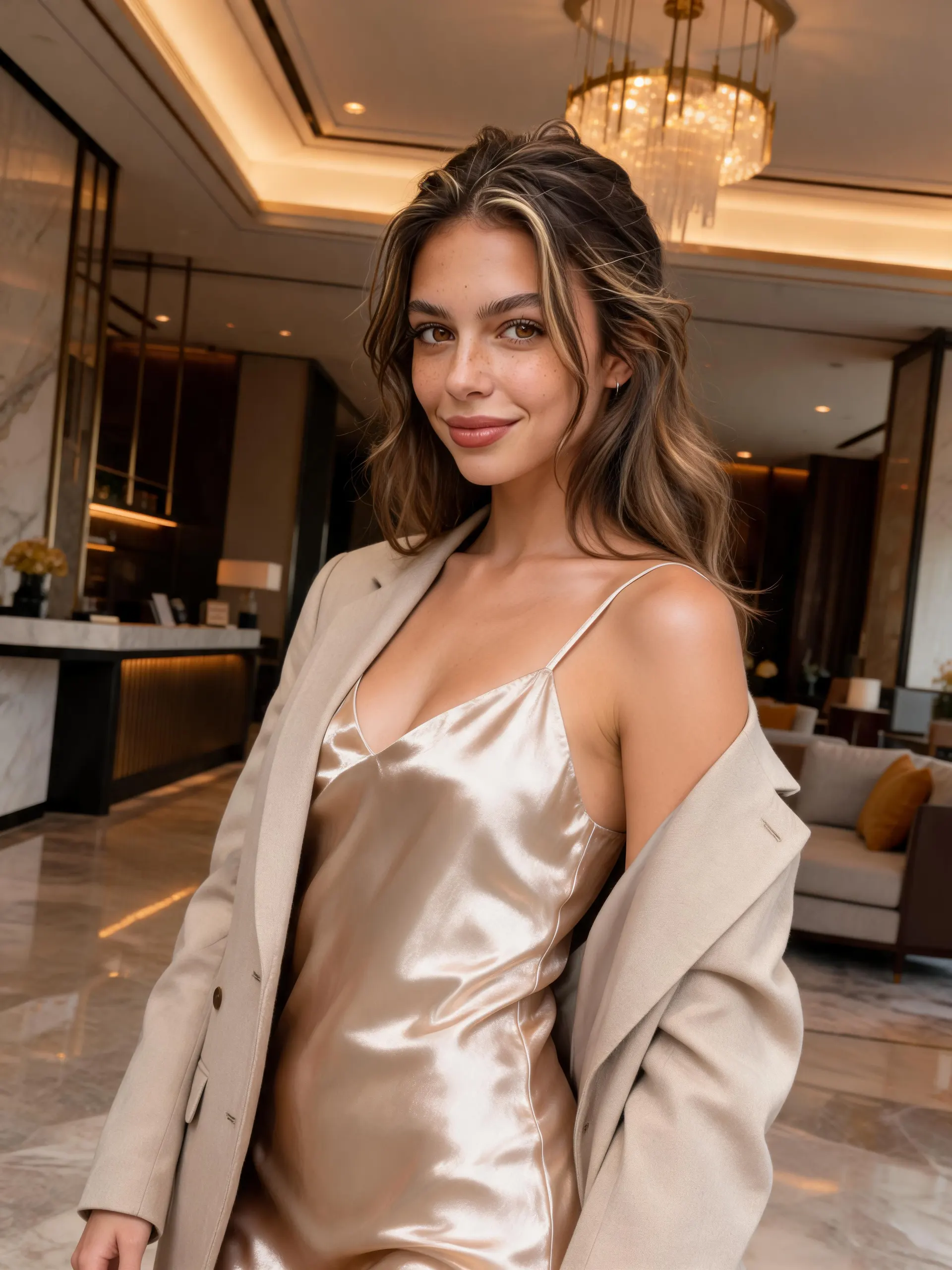
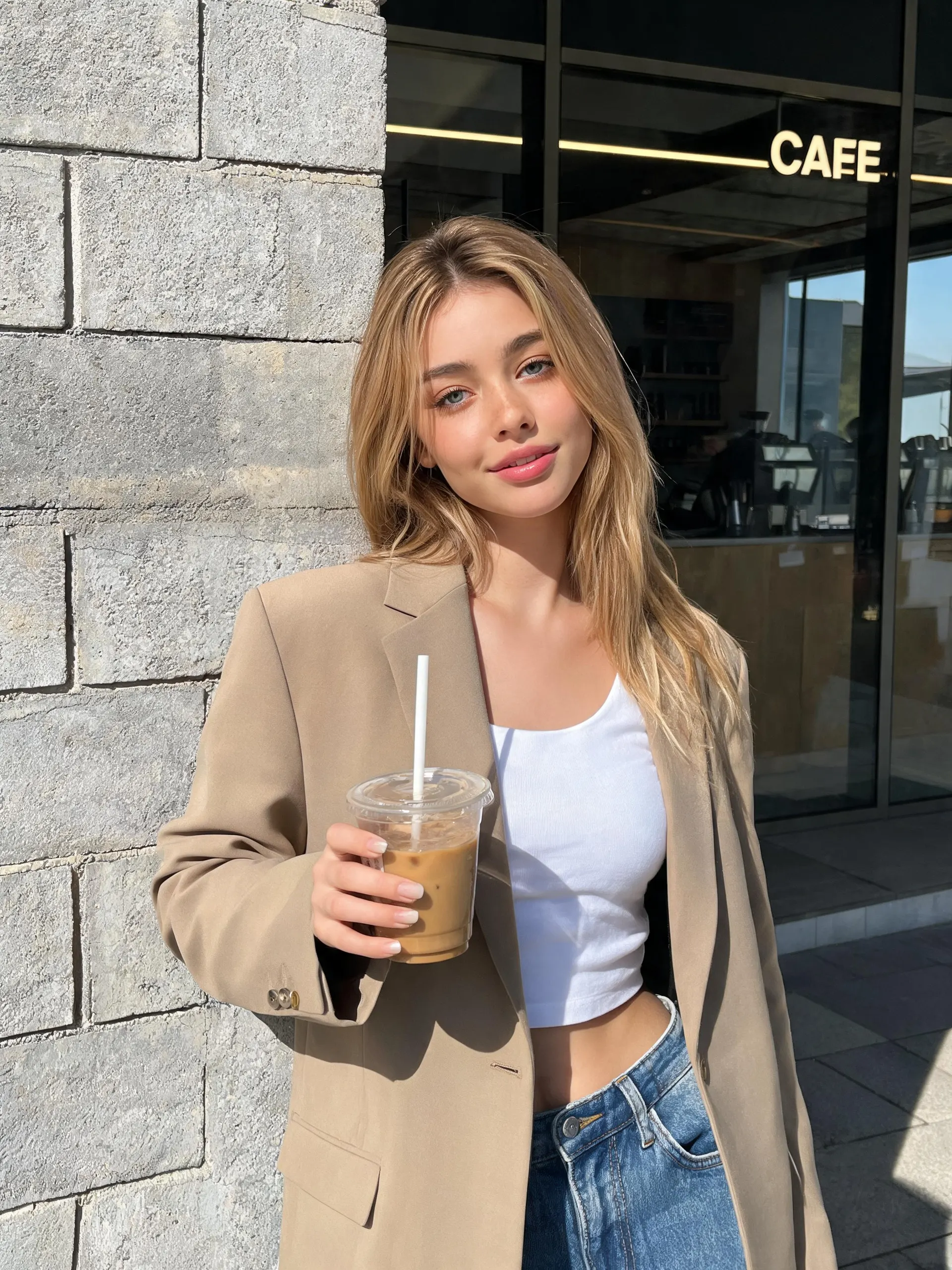
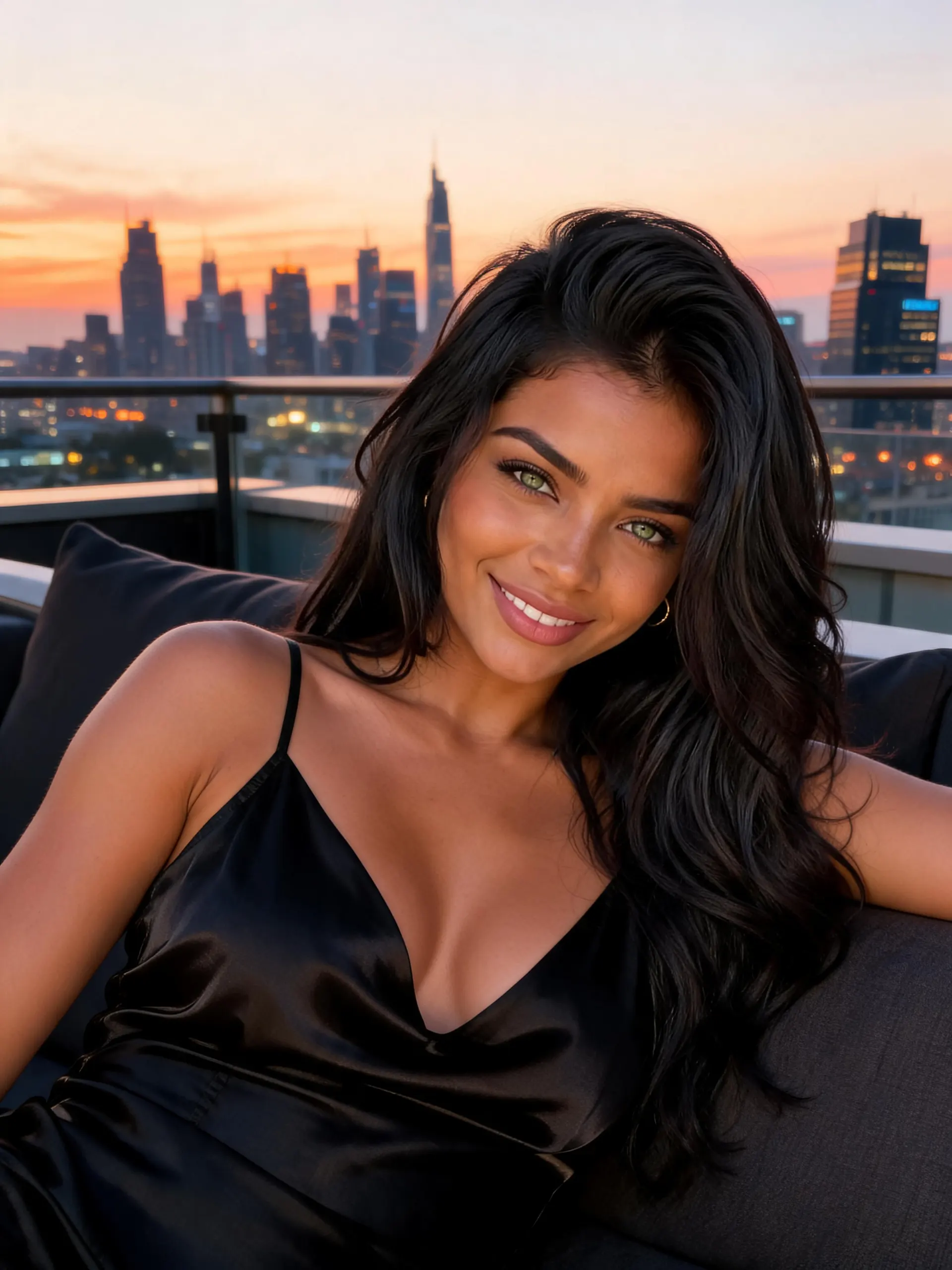
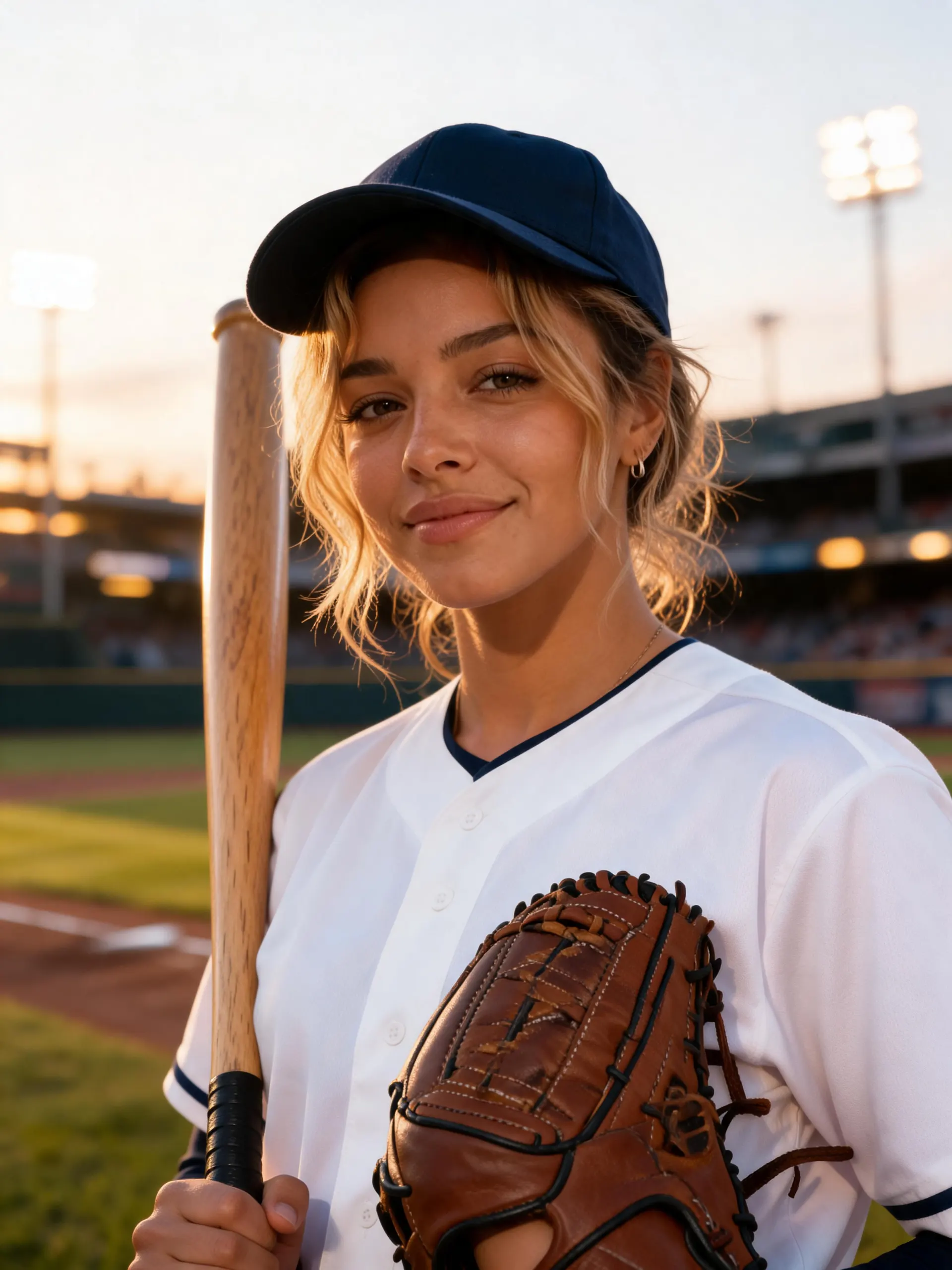
Discover more blogs about AI influencer


Frequently Asked Questions
Practical answers about the workflow, expected results, limitations, and responsible use.
What is an AI Influencer Generator?
It helps create a repeatable virtual persona for social posts, campaign concepts, and optional video workflows. It is more than a one-off avatar because the brief is designed to be reused across content.
How do I improve visual consistency?
Approve one reference image, keep stable identity details in every prompt, and change one variable at a time. Always review the result because consistency can vary across poses, lighting, and video.
Can I create influencer videos?
Yes. Start with an approved still image, use Image to Video for one clear action, and review face, hands, products, logos, and backgrounds before publishing.
What permissions do I need?
Use references you own or are allowed to use, disclose synthetic content where required, and avoid impersonation or false endorsements. Check the current platform and APOB AI terms for commercial use.
Do I need to show my face to create an AI influencer?
No. You can build the persona from a written brief or an authorized reference image without recording yourself.
Can I start with only a text description?
Yes. Describe the identity, niche, styling, setting, and content goal, then approve a reference before producing content at scale.
What should a strong persona brief include?
Include the audience, age range, facial traits, hair, wardrobe, tone, niche, recurring settings, and brand boundaries.
Can the same AI influencer appear in different outfits and locations?
Yes, but keep identity anchors fixed and change one outfit or scene at a time so consistency is easier to review.
Why can the face or hands change between generations?
Generative results vary. Complex poses, occlusion, lighting, and motion can increase differences, so review and regenerate when needed.
What is a reliable workflow for a multi-post campaign?
Lock a reference, save a reusable prompt template, plan the posts, generate small batches, and approve every asset before scheduling.
Can I make content for Instagram, TikTok, and YouTube?
Yes. Adapt the aspect ratio, duration, hook, captions, and safe zones for each platform instead of reusing one export unchanged.
Can an AI influencer present or demonstrate products?
Yes, when you have the necessary rights to the product assets and claims. Verify packaging, labels, proportions, and demonstrations before use.
How do I keep logos and product details accurate?
Use clear authorized references, simplify the scene, generate close variants, and manually review every visible word, logo, and product feature.
Can I create more than one virtual influencer?
Yes. Keep separate references, persona briefs, naming rules, and asset folders so identities do not drift or mix.
What kind of source image works best?
Use a sharp, well-lit, front-facing authorized image without heavy filters, cropped features, or visual obstructions.
How long does generation take?
Timing depends on the selected workflow, media type, settings, and current demand. Allow extra time for review and revisions.
Can I revise a result I do not like?
Yes. Adjust one variable at a time, regenerate, and keep notes on the prompts and settings that produced approved results.
Are AI influencer outputs always unique?
Results can vary, but uniqueness is not guaranteed. Review for unwanted resemblance, repeated elements, and third-party rights.
How should I disclose AI-generated influencer content?
Follow current platform rules and applicable law, and use clear labels when content could reasonably be mistaken for a real person or event.
Can I use AI influencer content commercially?
Commercial use depends on your rights to the inputs, the current APOB AI terms, platform rules, and local law. Verify them before launch.