


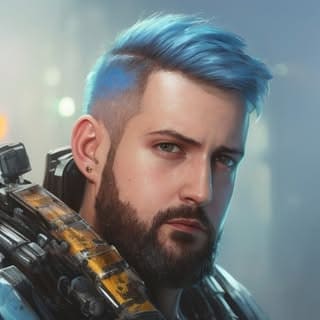








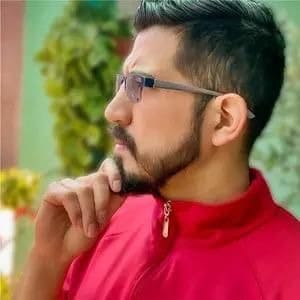
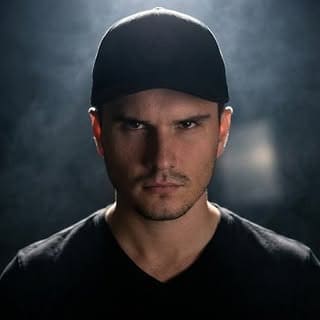
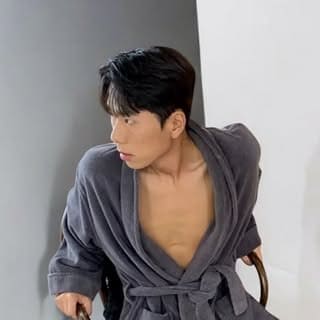
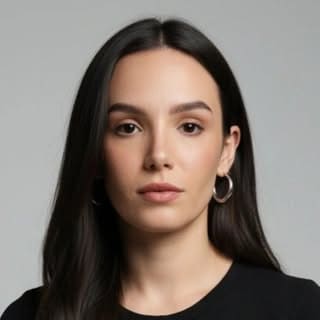

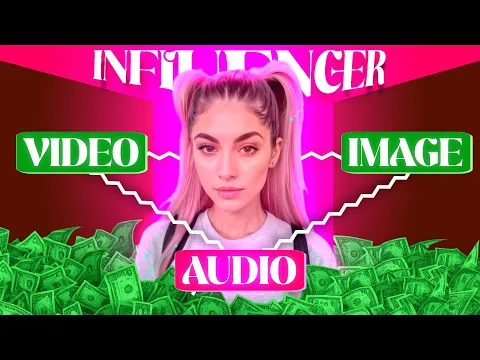
Create an AI man from a written brief or reference image. Define age range, role, clothing, pose, and scene, refine the approved still, and optionally turn it into a short video.
Describe the role, approximate age range, face and hair traits, clothing, pose, camera angle, lighting, and setting. Keep identity details stable across prompts and change one production variable at a time so you can compare results.
Use source images you own or have permission to use. Do not imitate a real person without authorization or imply a false endorsement. Before commercial use, review the current APOB AI terms and the rules of the platform where the content will appear.
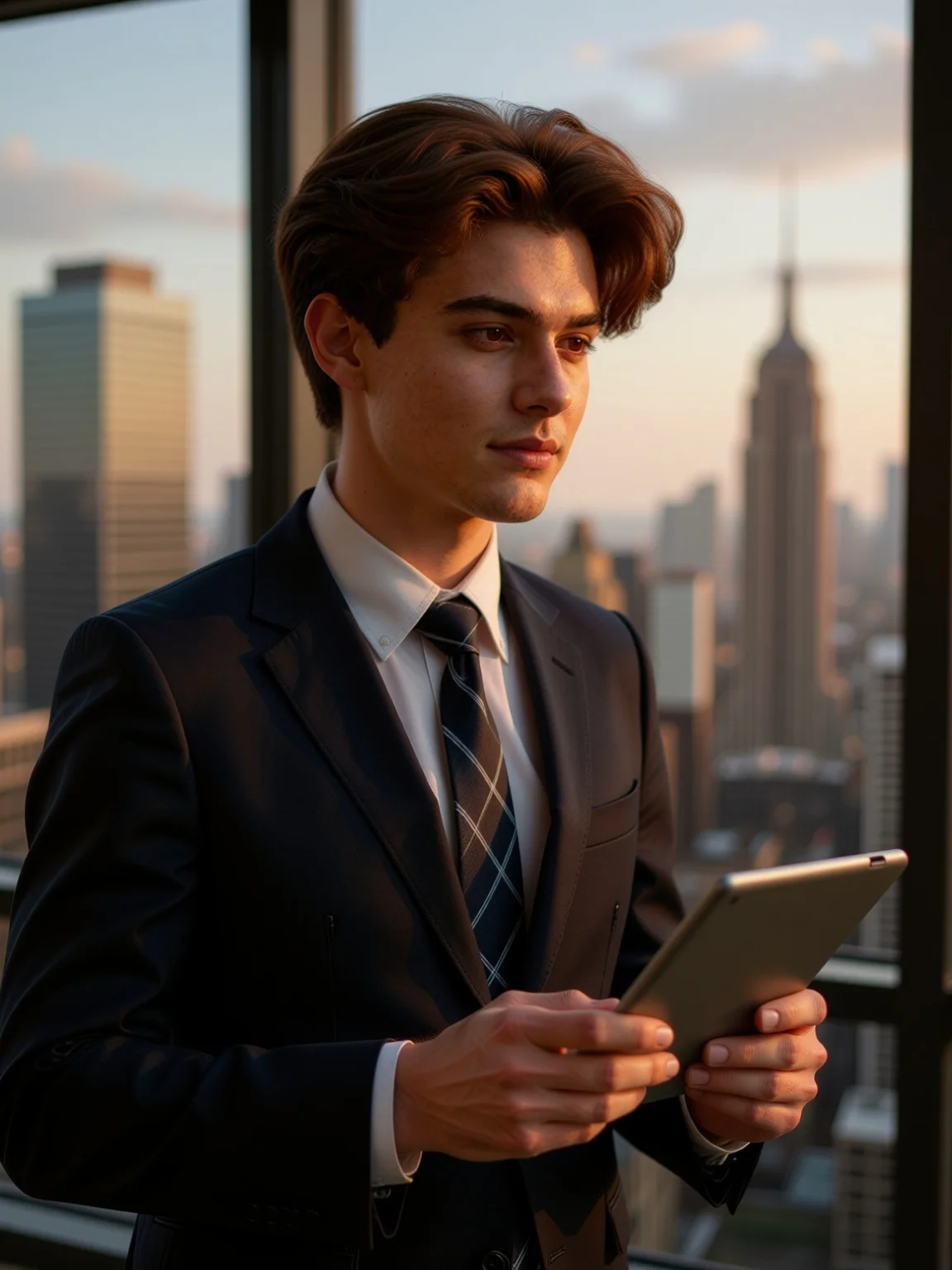
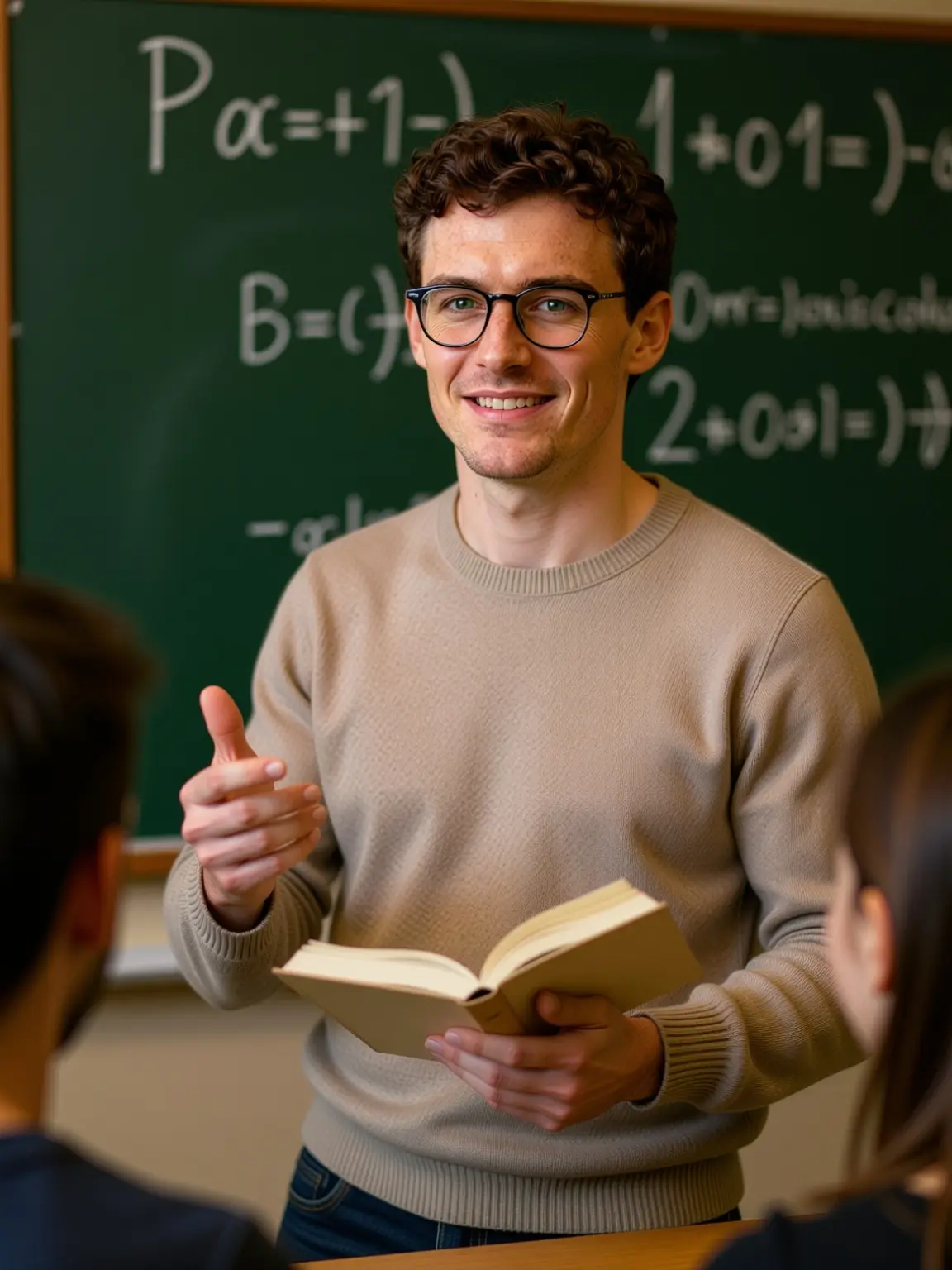
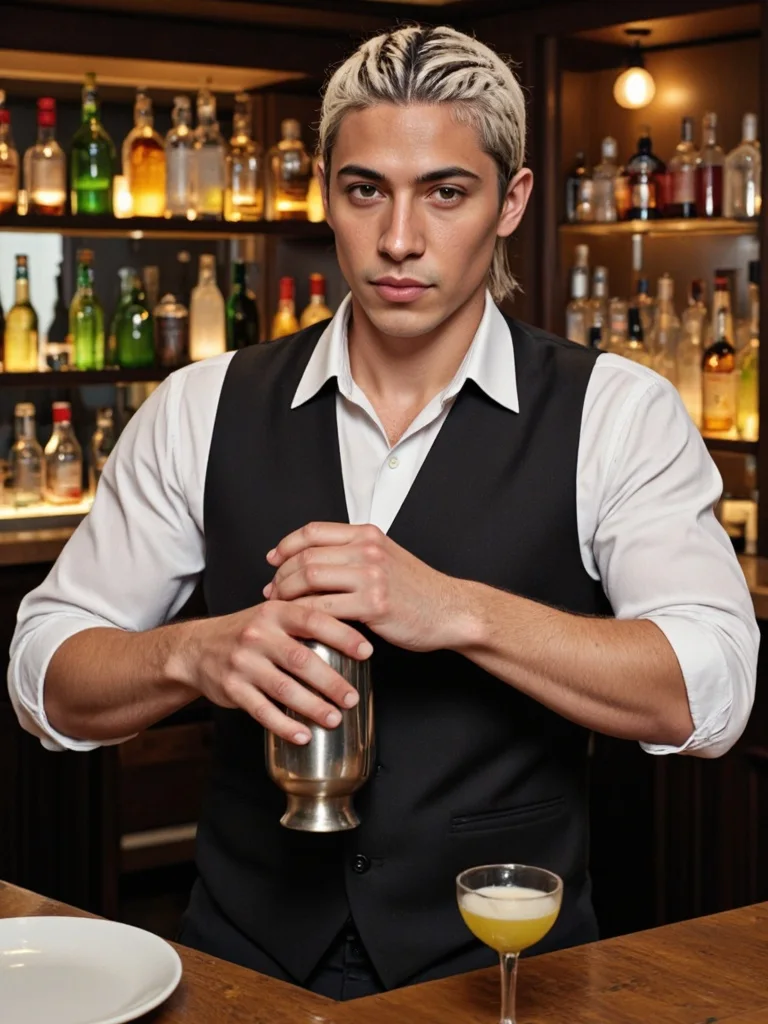
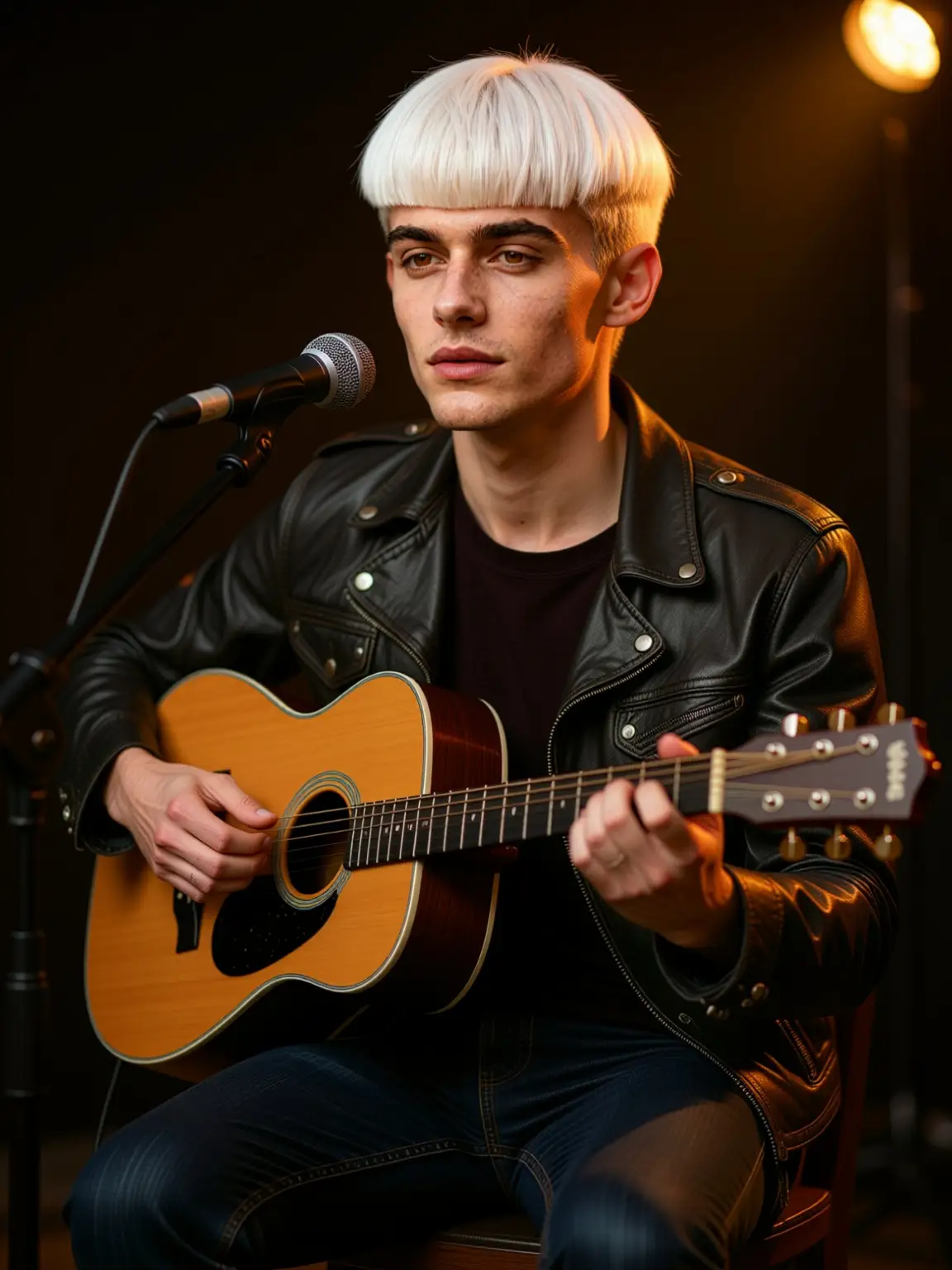
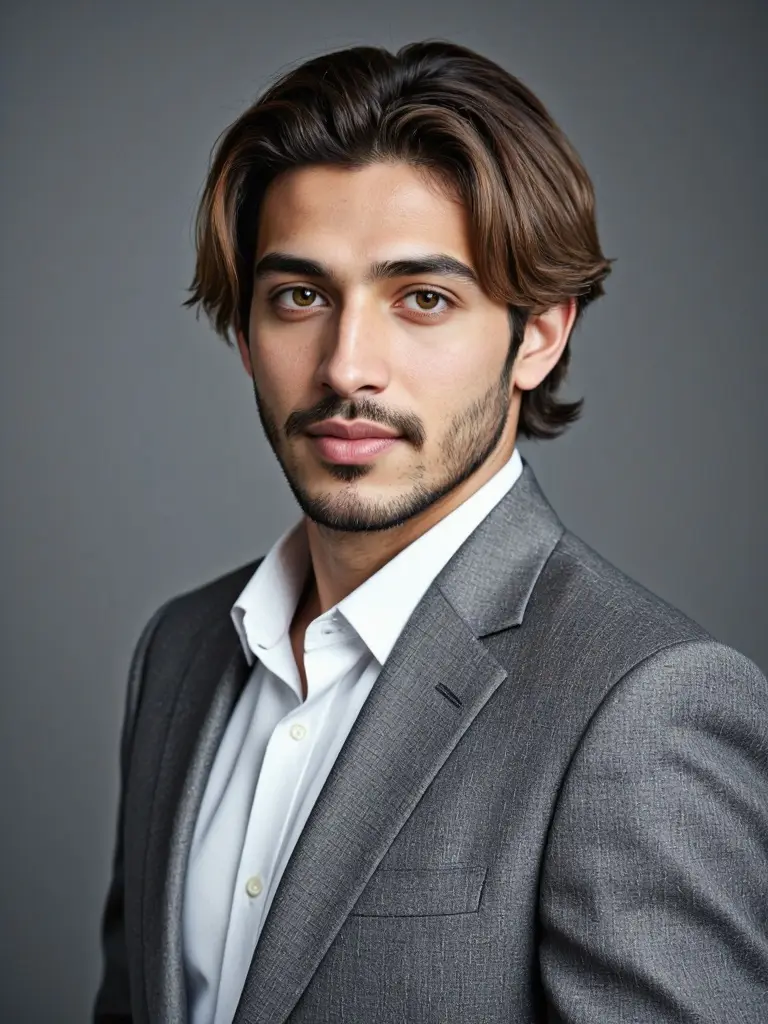
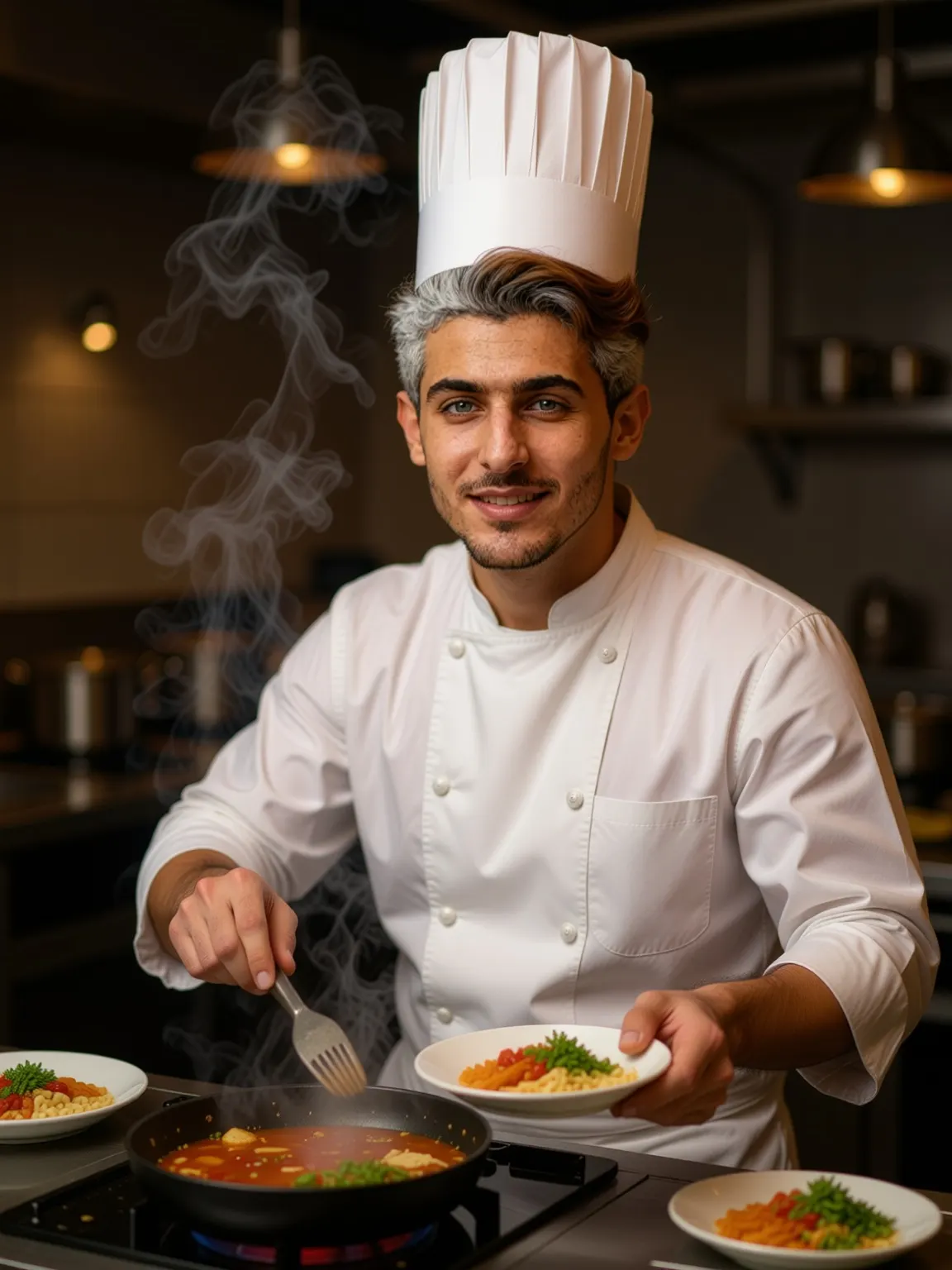
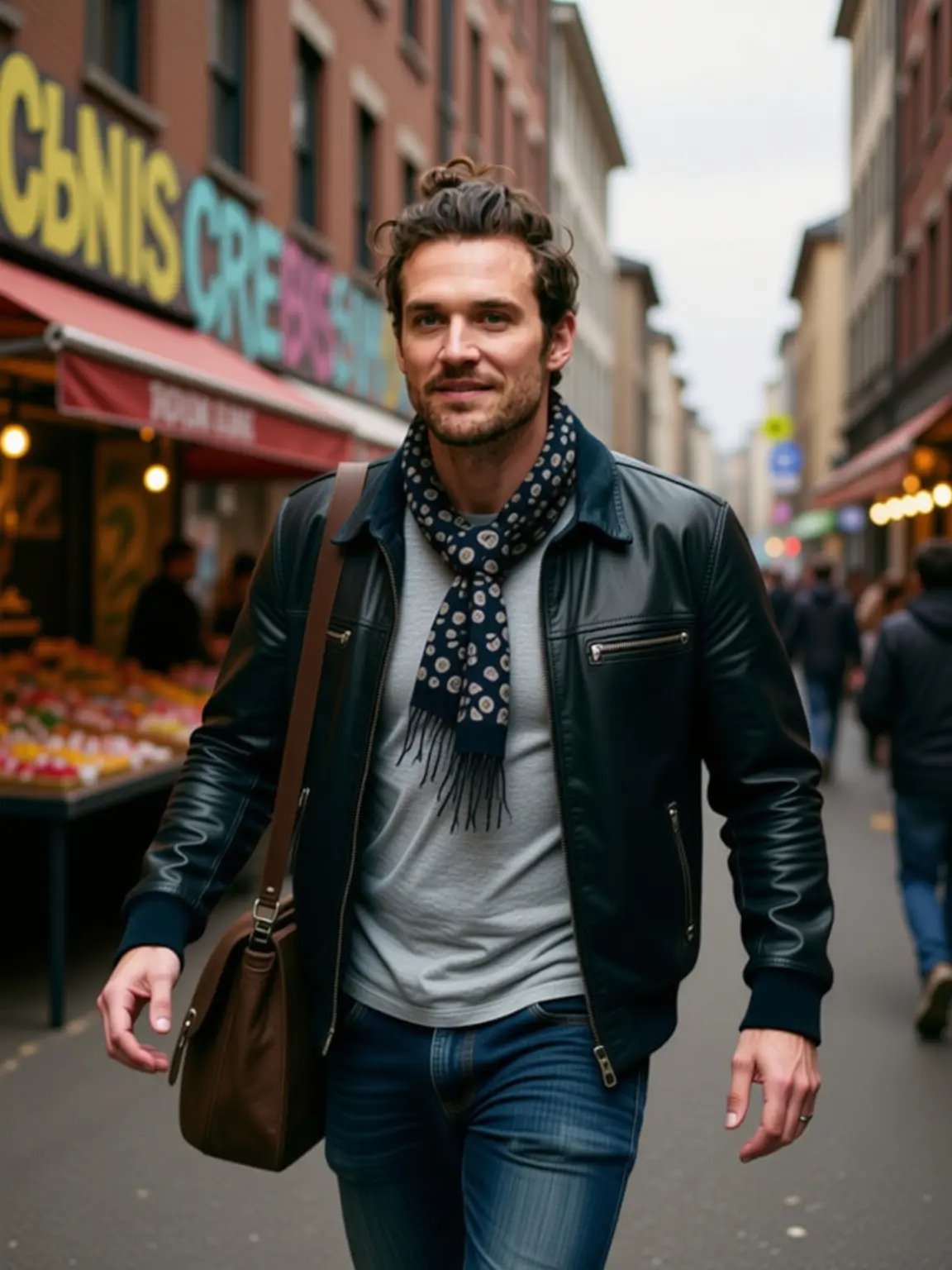
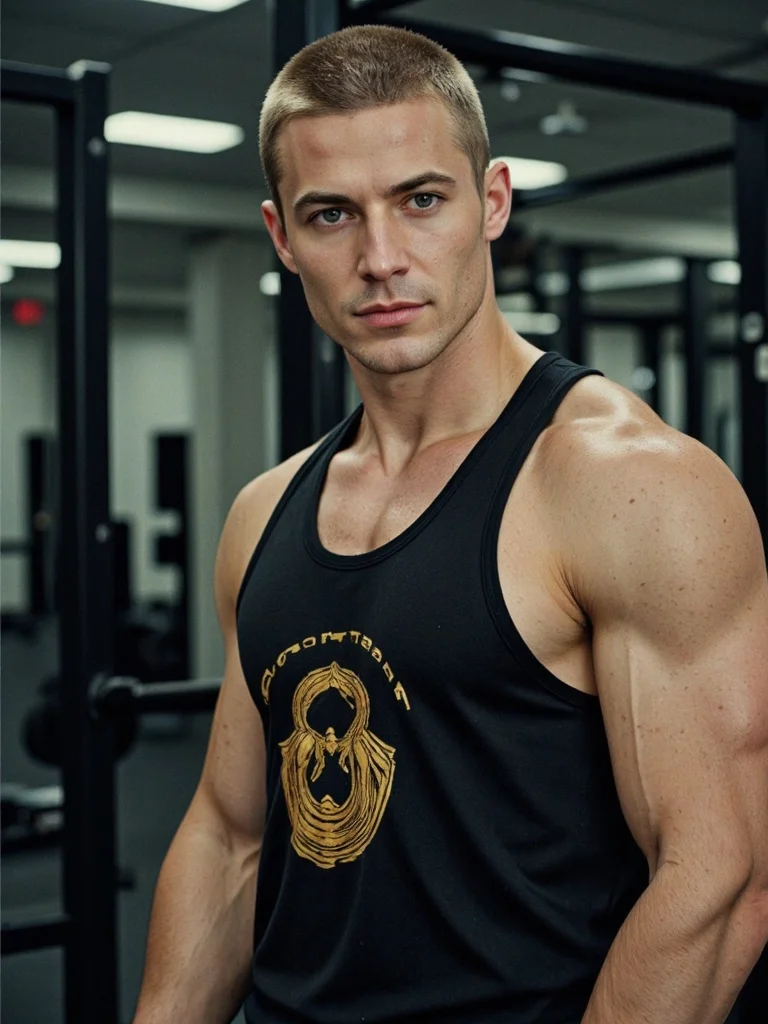
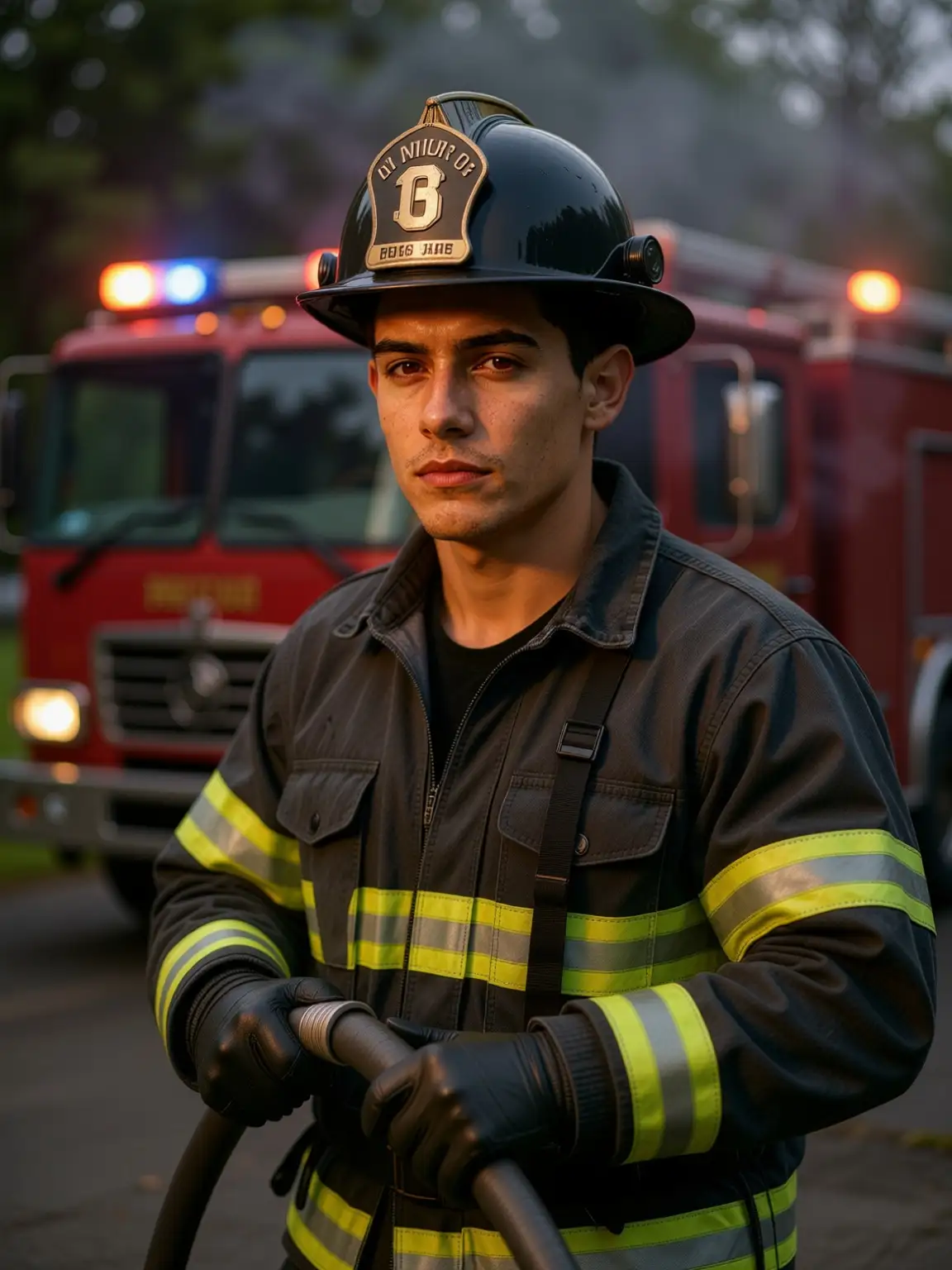
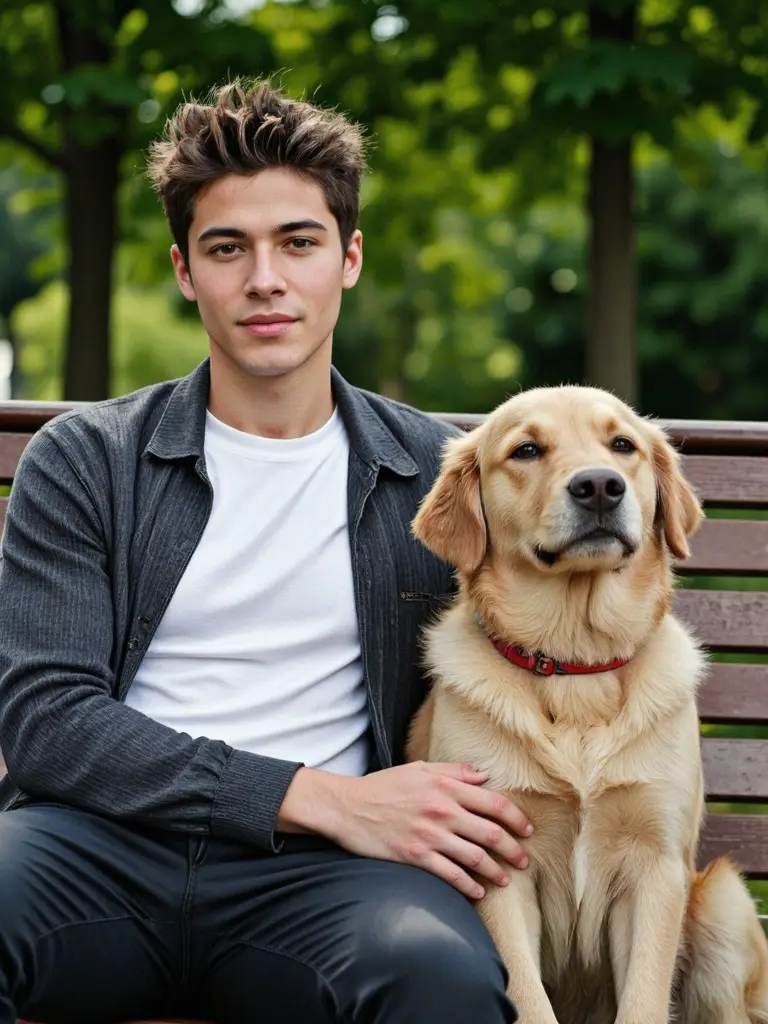
Build Your Ideal AI Man with APOB AI
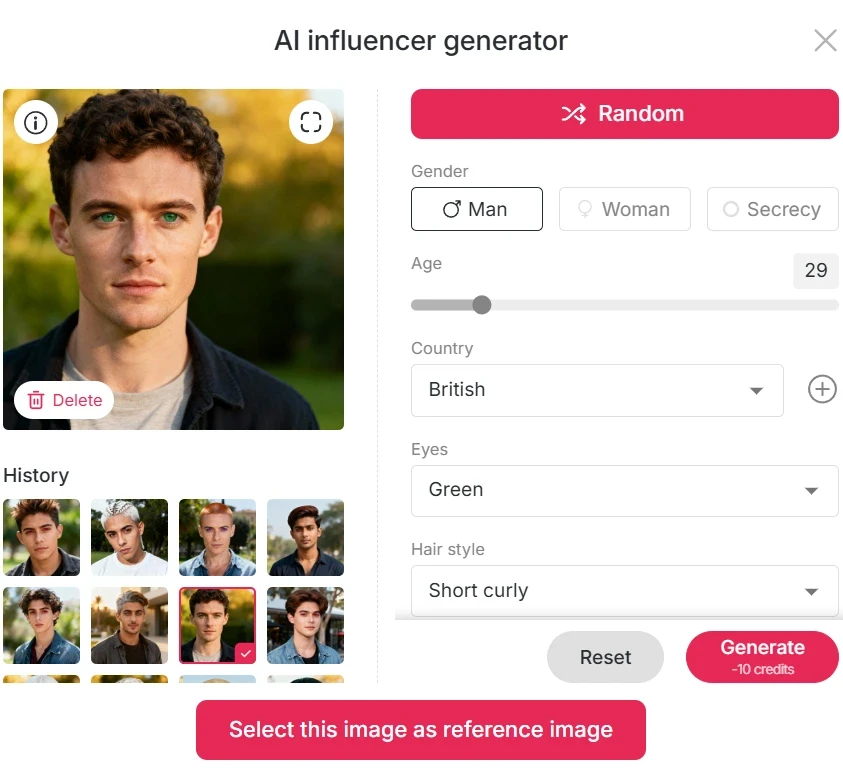
Start by logging into APOB and claim your 80 free daily credits. Click “Create Portrait Model” → “AI Influencer Generator.”
Since we’re making an AI male model, choose “Man” in gender settings. You can also customize age, nationality, hairstyle, eye color, face shape, and skin tone—or just hit Generate directly. Each image costs only 10 credits, and you can create many different AI male charactersto explore diverse looks and styles.
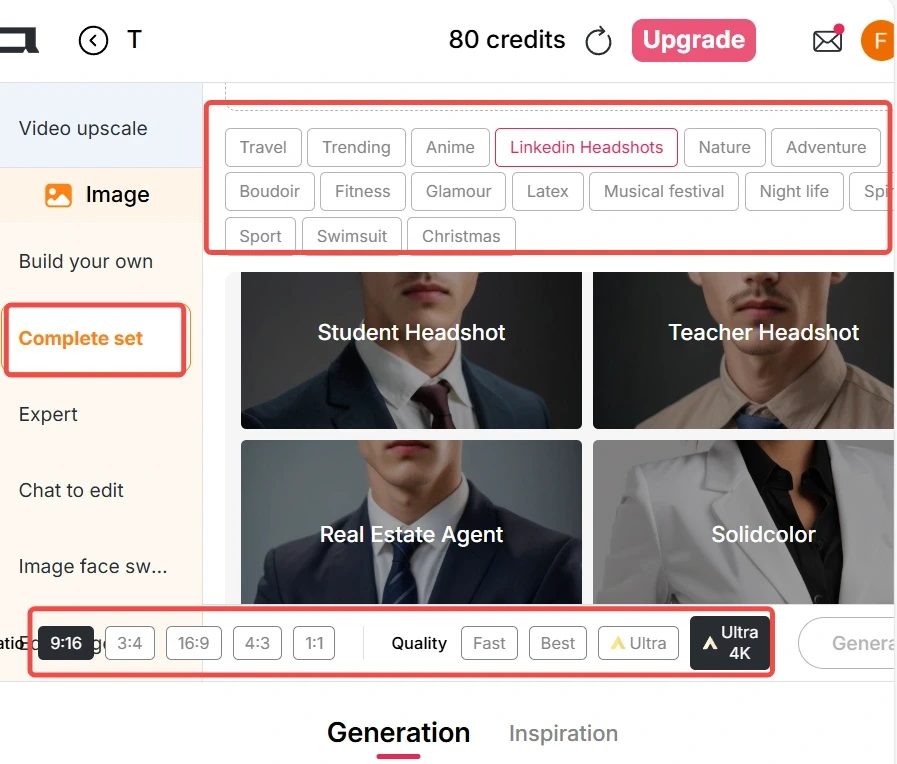
Generate Professional AI Man Images with Ready-Made Templates
Want ready-made scenes? Go to Complete Set for a huge selection: Travel, Trending, Linkedin Headshots, Fitness, Sport, Swimsuit, Night Life, Christmas, and more. Pick your image ratio (9:16, 16:9, 3:4, 4:3, 1:1) and your generation mode:
Fast: 10 credits → 4 images
Best: 20 credits → 4 images
Ultra: 24 credits → 1 high-quality image
Ultra 4K: 46 credits → 1 super-detailed image Click Generate—and your perfect AI man photo is ready in seconds.
Create Custom AI Man Visuals with Advanced Prompt Engineering
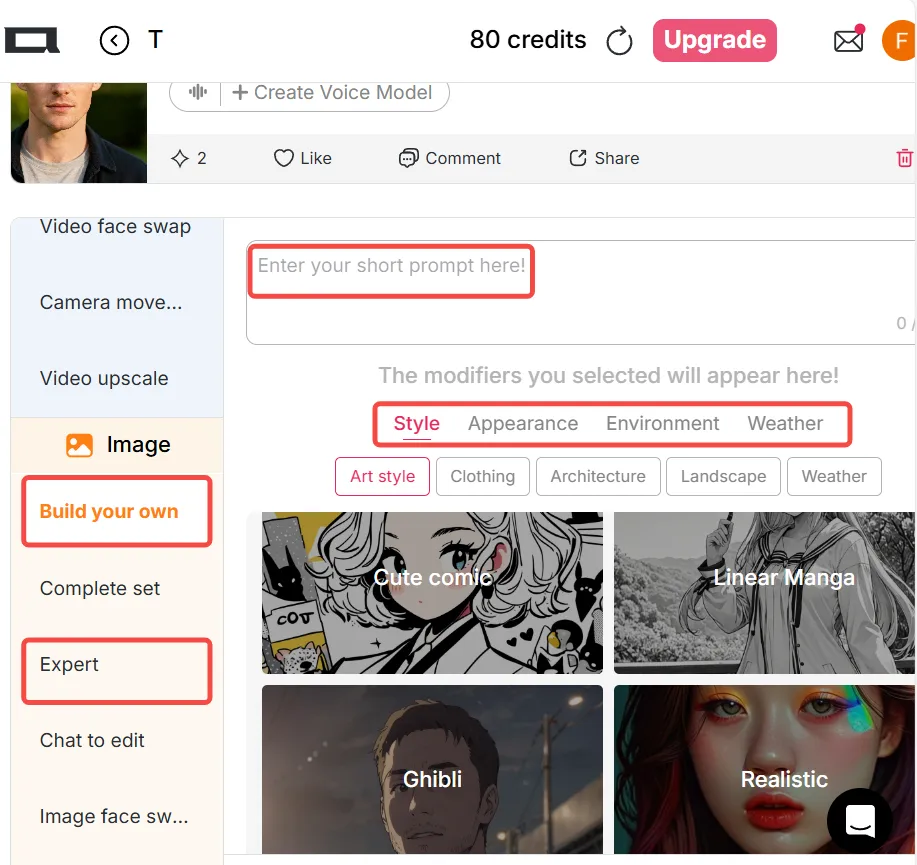
For full creative control, open Build Your Own. Choose from Art Style, Clothing, Architecture, Landscape, Weather, and more.
Select your style (e.g., Realistic or Anime) and, if you wish, add a prompt up to 1024 characters (about 200 words).
Want to fine-tune results? Try Expert Mode, where you can enter both prompt and negative prompt fields.
Tip: If the result isn’t perfect, use Chat to Edit. You can tweak outfits, change background color, or adjust facial expressions instantly.
Animate Your AI Man with Dynamic Video Generation
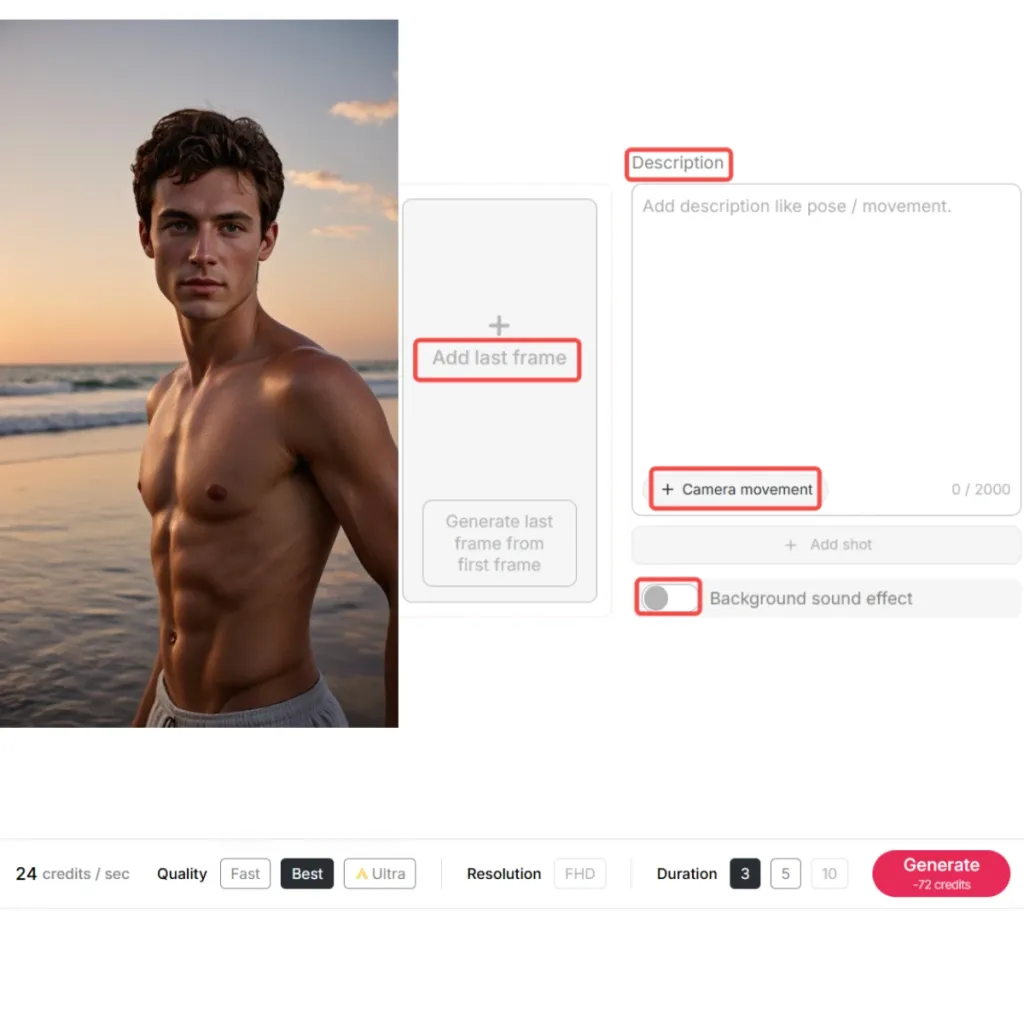
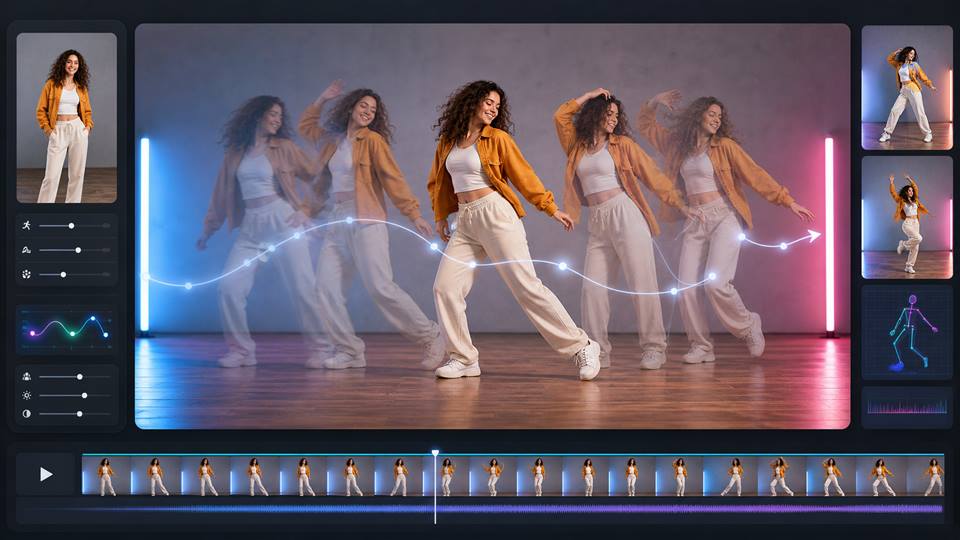
Once your image is ready, click Generate Video to use Image to Video. You can also upload your own photo.
Add a short description (up to 2000 characters)—describe poses or movements.
You can upload a last frame for smoother transitions and select camera movements like Zoom Out, Zoom In, Around Character, or Follow Character.
Enable Background Sound Effect to give your AI man atmosphere!
Choose your generation mode: Fast, Best, or Ultra. Videos range from 3–10 seconds, perfect for creative storytelling.
Add motion or speech after the still image is approved
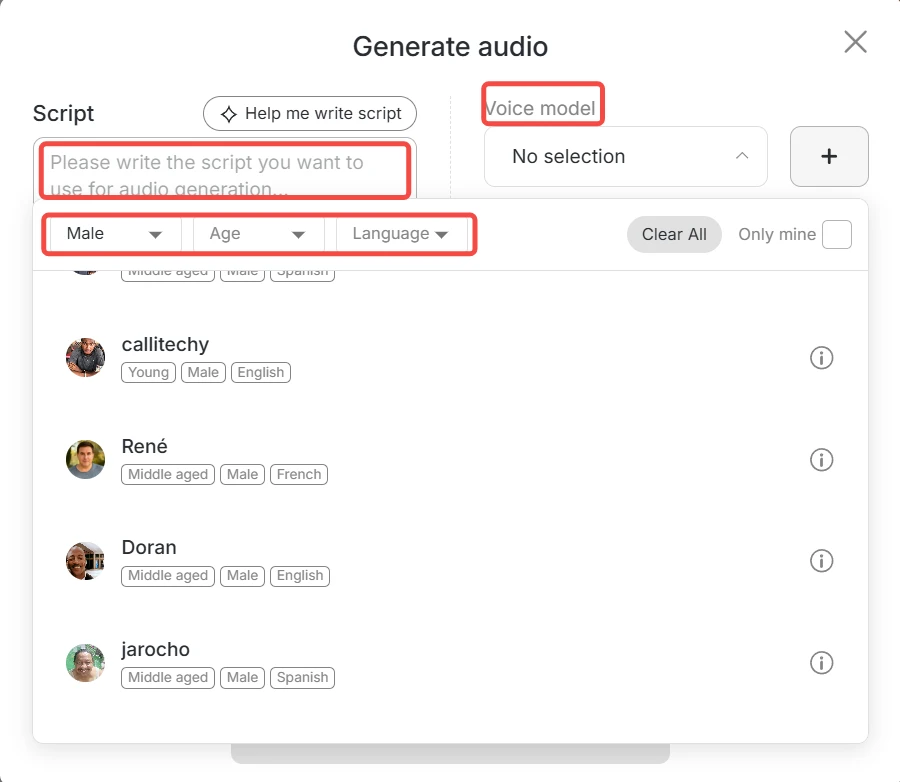
Use Image to Video for a clear action, or the currently available talking-video tools for speech. Check the entire result for face, hand, clothing, voice, and lip-sync drift; available languages and controls can change with the product.
One brief, several production paths
Start with a male-character brief, generate a still image, refine it with focused edits, and then choose image-to-video or talking-video tools only when the content needs motion or speech. Review each stage instead of assuming instant professional quality.
Social Media & Content Creation
Create engaging AI men for TikTok, Instagram, or YouTube—perfect for storytelling, reactions, or virtual influencer content.
Marketing & Branding
Use AI men in ads, demo videos, or corporate campaigns. They look natural, stay on-brand, and are available anytime you need fresh content.
Film, Games & Education
Design unique male characters for films, games, or e-learning. Build story-driven visuals without hiring actors or setting up photo shoots.
AI Man Generator: A Practical Character Workflow
Watch how easily you can build fully customized, professional-looking AI man characters for image and video projects, all while staying faceless.
Shared by creator: @AiMinds26
'The platform will create high-quality images... and the results look really good.'
Vanessa Lee
I needed a polished male spokesperson concept for a product video. APOB AI helped me generate the look, then test a short talking clip before committing to a full production plan.
Natsumi Kobayashi
The AI man maker gave me a consistent male character for story videos. I could move from image to voice and motion without rebuilding the character from scratch every time.
Michael Turner
For a training campaign, I used it to test several male model looks and action poses. It helped the team choose a clear direction before we planned real footage.
Alex Warren
The most useful part was consistency. I could create one AI man, generate different scenes, then make a short video that still felt like the same person.
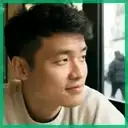
Dominic Shaw
APOB AI helped me explore outfits on a male model concept before shooting samples. It was useful for styling, framing, and seeing which pieces looked strongest together.

Freya Kapoor
I used an AI male presenter for a short lesson intro. The result gave the course a more professional feel without needing a studio day for every update.
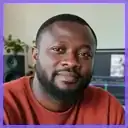
Jamal Reed
The image-to-video workflow gave me enough motion for a proof of concept. It made the character feel alive and helped sell the idea in the first review.
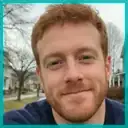
Colin Hayes
We tested a friendly male avatar for onboarding videos. APOB AI made it easy to adjust the look, voice, and pacing until the tone felt right for customers.
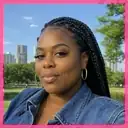
Megan Foster
For short-form content, having a consistent AI man with voice and movement is genuinely helpful. I could create multiple clips around one character instead of starting over each time.
Prompt-based character direction
Define role, age range, clothing, pose, camera, and setting without relying on fixed presets.
Reusable visual reference
Keep one approved image and stable identity notes for later scenes.
Optional image-to-video workflow
Animate only after reviewing the still image.
Credit Limits on Advanced Modes
High-end modes like Ultra or 4K consume more credits, and using the Ultra mode for image-to-video generation delivers better results — though it also requires more credits.
Longer Generation Time
High-resolution videos might take a bit more time to process.
No Credit Card Required

Practical answers about the workflow, expected results, limitations, and responsible use.
What is an AI Man Generator?
It is a workflow for creating a male character from a written brief or reference image, then refining appearance, clothing, pose, scene, and optional motion.
How do I keep the character recognizable?
Reuse the same approved reference and repeat stable identity details in each prompt. Review every result because consistency can vary between generations and scenes.
Can I turn an AI man image into a video?
Yes. Use an approved still image as the source for Image to Video, describe one clear action, and check the output for face, clothing, hand, and background drift.
Can I use the result commercially?
Review APOB AI’s current terms and the rights for every uploaded reference before commercial use. Do not use a real person’s likeness without permission or imply an endorsement that does not exist.


