
Anime Character Generator
Create original anime characters from prompts, photos, or custom AI models. Design full-body anime characters, keep their identity consistent, and turn them into animated videos with APOB AI.
Anime character Gallery


What Is an Anime Character Generator?
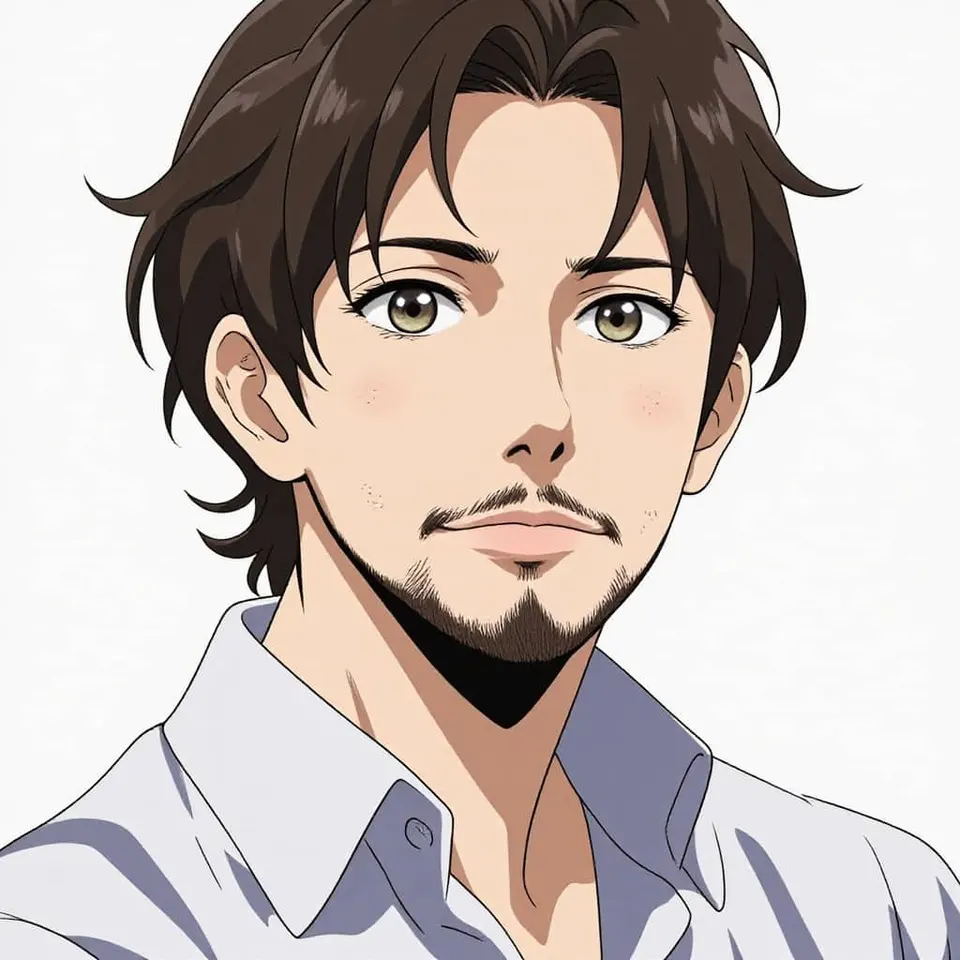
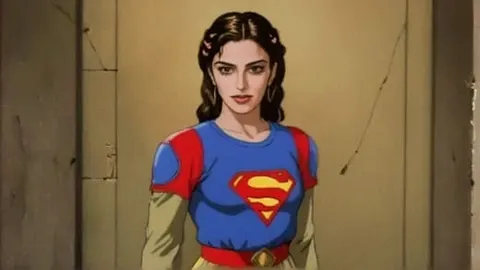
An anime character generator is an AI tool that helps you create original anime-style characters from text prompts, uploaded photos, or visual references. Instead of drawing every detail manually, you can describe the character's face, hairstyle, outfit, pose, personality, and background, then let AI generate a polished anime character image in seconds.
With APOB AI, your anime character can become a profile avatar, a story character, a virtual influencer, a game concept, a talking avatar, or the first frame of an anime-style video. The goal is not only to generate anime art, but to build a character that can appear consistently across images and videos.

How to Create Anime Characters with APOB AI
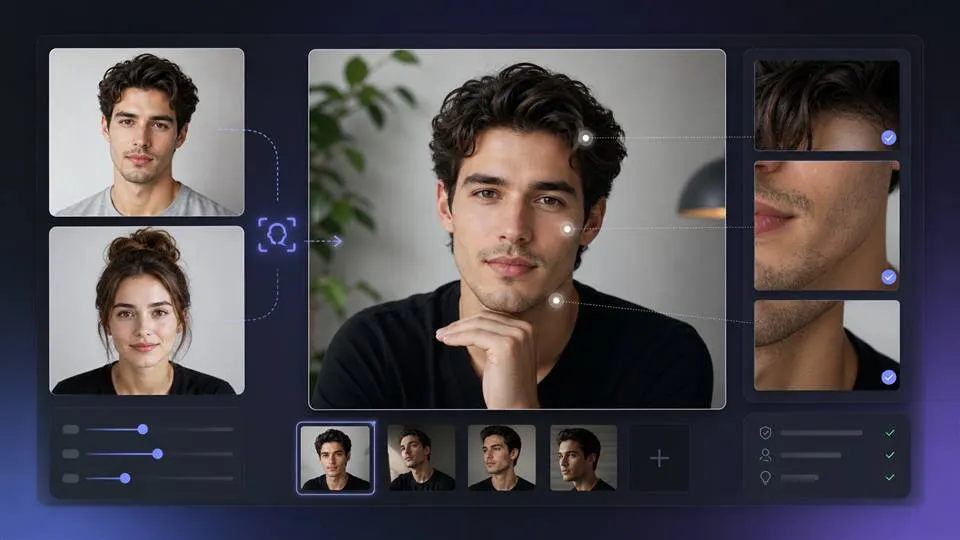
1. Create an anime portrait model from an image or AI Influencer
Start in the Create model: Portrait workflow. APOB AI gives you two ways to create the model reference image:
- Upload a character image if you already have an anime reference, sketch, cosplay image, or visual concept.
- Upload your own photo, or a photo of another person, if you want to turn a real face into an anime-style character.
- Use the AI influencer generator if you want APOB AI to generate the model's reference image for you.
After uploading or generating the reference image, enter a short model name and write a description. A saved portrait model gives you a more consistent anime character for future image generation, image editing, talking videos, and image-to-video animation.

2. Generate Anime Character Images with Chat to Generate
After creating the model, go to Image > Generate image. In the Chat to generate mode, APOB AI lets you add your model tag directly into the prompt. This is where you can tell the system what kind of anime character image you want to create.
You can also add preset controls such as:
Art stylefor anime, cinematic anime, 3D anime, fantasy, cyberpunk, or soft illustration looks.Clothingfor school uniforms, armor, streetwear, idol outfits, fantasy robes, or casual creator looks.Architecturefor cities, castles, classrooms, temples, apartments, or futuristic interiors.Landscapefor rooftops, forests, beaches, neon streets, mountains, or fantasy worlds.Weatherfor rain, snow, sunset, fog, dramatic wind, or soft daylight.
Choose the quantity, aspect ratio, and quality before generating. For vertical social content, use 9:16. For website gallery images, blog covers, or wider character previews, use 16:9 or a landscape layout when available.
Example prompt:
Create an original anime character, a confident young adventurer with short silver hair, amber eyes, a black travel cloak, leather boots, and a calm expression, standing in a neon-lit fantasy city at night, cinematic anime style, full-body composition.
If you are using a saved model, mention the model tag first and then describe the scene:

3. Use Complete Sets for Faster Style Selection
If you do not want to write every visual detail manually, use the Complete set mode. APOB AI provides preset scene categories such as travel, trending, anime, nature, adventure, fitness, glamour, musical festival, nightlife, spiritual, sport, swimsuit, and Christmas.
For an anime character generator page, the most relevant category is Anime, but other categories can also be useful. For example, you can create an anime travel character, anime sports character, anime festival character, or anime fantasy adventure scene by combining your character model with a complete set.
This is helpful when you need a quick batch of images for a gallery, storyboard, anime influencer feed, or short-form video concept.

4. Edit Anime Character Images with Chat to Edit
If the generated image is close but not perfect, go to Image > Edit image. APOB AI supports several editing options, including Chat to edit, Face swap, Edit clothing, Upscale, and Remove background.
Use Chat to edit when you want to refine the image with natural language. Upload or select the base image, then describe the edit in the edit description box. You can also upload an additional reference image for extra guidance.
Example edit prompts:
Make this character more cinematic, with stronger anime lighting and sharper eyes. Keep the same face and hairstyle.Change the outfit into a black cyberpunk jacket with silver details. Keep the pose and background unchanged.Make the image look like a clean anime character sheet with a simple background.Remove the background and keep only the anime character with clean edges.
This editing step is important because it lets users improve a generated anime character without starting over. It also gives creators more control over clothing, background, face consistency, and final image quality.

5. Build a Consistent Custom AI Anime Model
For creators who need the same character across multiple images and videos, a custom AI anime model is the strongest workflow. Instead of generating a new random character every time, you can create a reusable anime character identity and generate different outfits, poses, scenes, and formats around the same look.
This matters for anime storytelling, AI influencers, short-form video series, visual novel assets, game character concepts, and brand mascots. A consistent anime character is easier for audiences to recognize, follow, and remember.

6. Turn Your Anime Character into a Video
After creating your anime character, go to Video > Image to video. Select or upload the anime character image as the reference image. You can also add a last frame, or generate the last frame from the first frame, if you want more control over how the video ends.
In the description box, describe the motion, pose change, camera movement, facial expression, background movement, and scene mood. You can also add Element, Voice model, and Camera controls to guide the final video.
Example image-to-video prompt:
Animate the same anime character standing on a rooftop at sunset. Her hair and coat move gently in the wind. The camera slowly pushes in from a medium shot to a close-up. She looks toward the city, then turns slightly toward the camera with a calm confident expression. Cinematic anime lighting, subtle background motion, stable character identity.
You can also enable native audio or synchronized audio-video generation when the video concept needs music, speech, or sound-driven movement.
This is where APOB AI stands apart from a normal static image tool. Instead of stopping at a still image, you can turn your anime character into an animated video for short-form content, music edits, storytelling, or social media posts.

Trusted by Thousands of creators
Emir.
21k Followers
Subhan Qureshi
26k Followers
ELITE MINDSET
23k Followers

Ajay Sharma
30k Followers
Mr Shishir
5k Followers
edrian.exe
604k Followers
aprendeconvalerio
1.39M Followers
gabzer.mp4
591k Followers
Hasan Toor
413k Followers
Tulsi Soni
153k Followers
TuTecnoMundo
3.08M Subscribers
YORD
2.79M Subscribers
SinnerSam
325k Subscribers
malik.makhlouff
1.2M Followers
Riscaane
215k Followers
setups_ai
950k Followers



Jhonier Gomez
137k Subscribers

David Dato
70k Subscribers
Pro Secret
22k Subscribers

rulomart
2.4M Followers
xabatz
99K Followers
reels_drgn
55K Followers
cristinakerk.studio
156K Followers
websconia_ia
23k Followers
felippetek
216k Followers
cr_webq
15k Followers
moddy.a.m
385k Followers
mpminds
1.2M Followers
ainusantara
551k Followers
vin.ai93
209K Followers

pampisman
957k Followers
eloiljf
296k Followers


Why should you choose APOB AI to generate anime character?
Character Consistency Across Images and Videos
APOB AI is built for creators who need the same character to appear across multiple images and ideos. Keep the face, hairstyle, outfit logic, and overall style consistent while changing poses, scenes, and formats.
From Image Generation to Video Creation
Many anime tools only create still images. APOB AI helps you move from character design to video production, including image-to-video, talking avatars, dance videos, and story clips.
Full-Body Anime Character Design
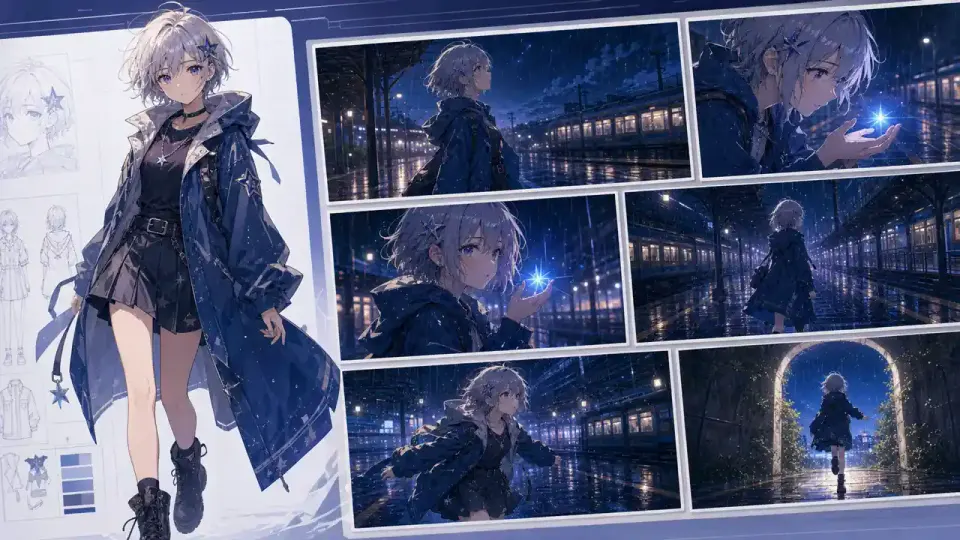
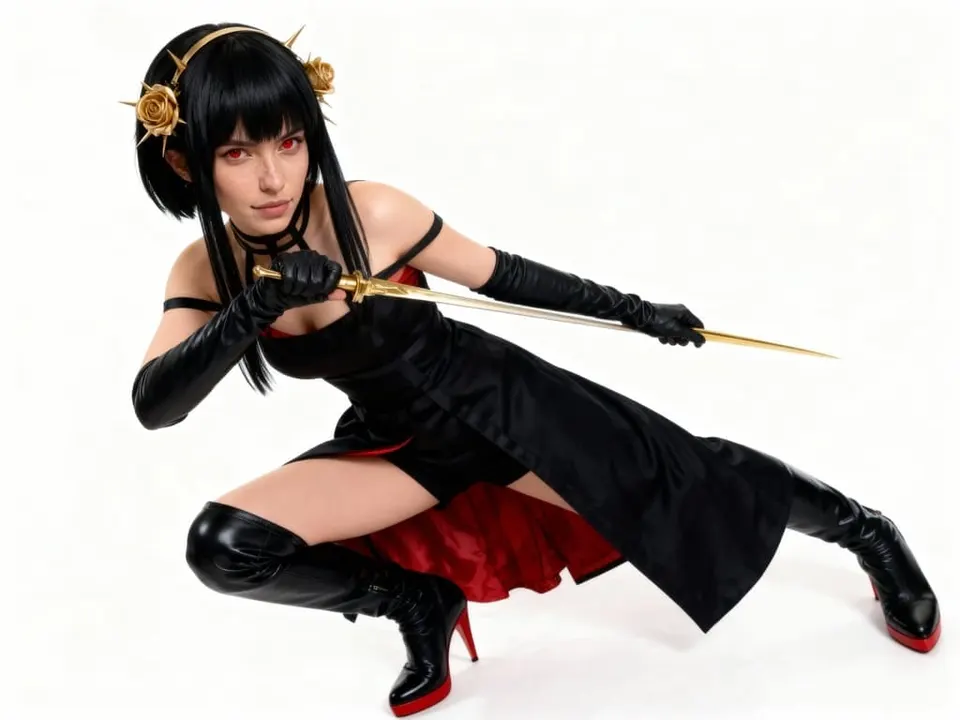
Create complete character designs instead of only close-up portraits. Full-body images are useful for character sheets, fashion looks, cosplay concepts, game references, and animation first frames.
Prompt-Based Editing
Refine your anime character with natural language. Change hair color, outfit style, background, mood, lighting, or pose without starting from scratch.
Built for Creators and Short-Form Video
APOB AI is useful for TikTok creators, YouTubers, AI influencer builders, storytellers, game designers, and anyone who wants to generate anime-style images and videos faster.
Prompt Examples for Anime Character Generation
Original Anime Character Prompt
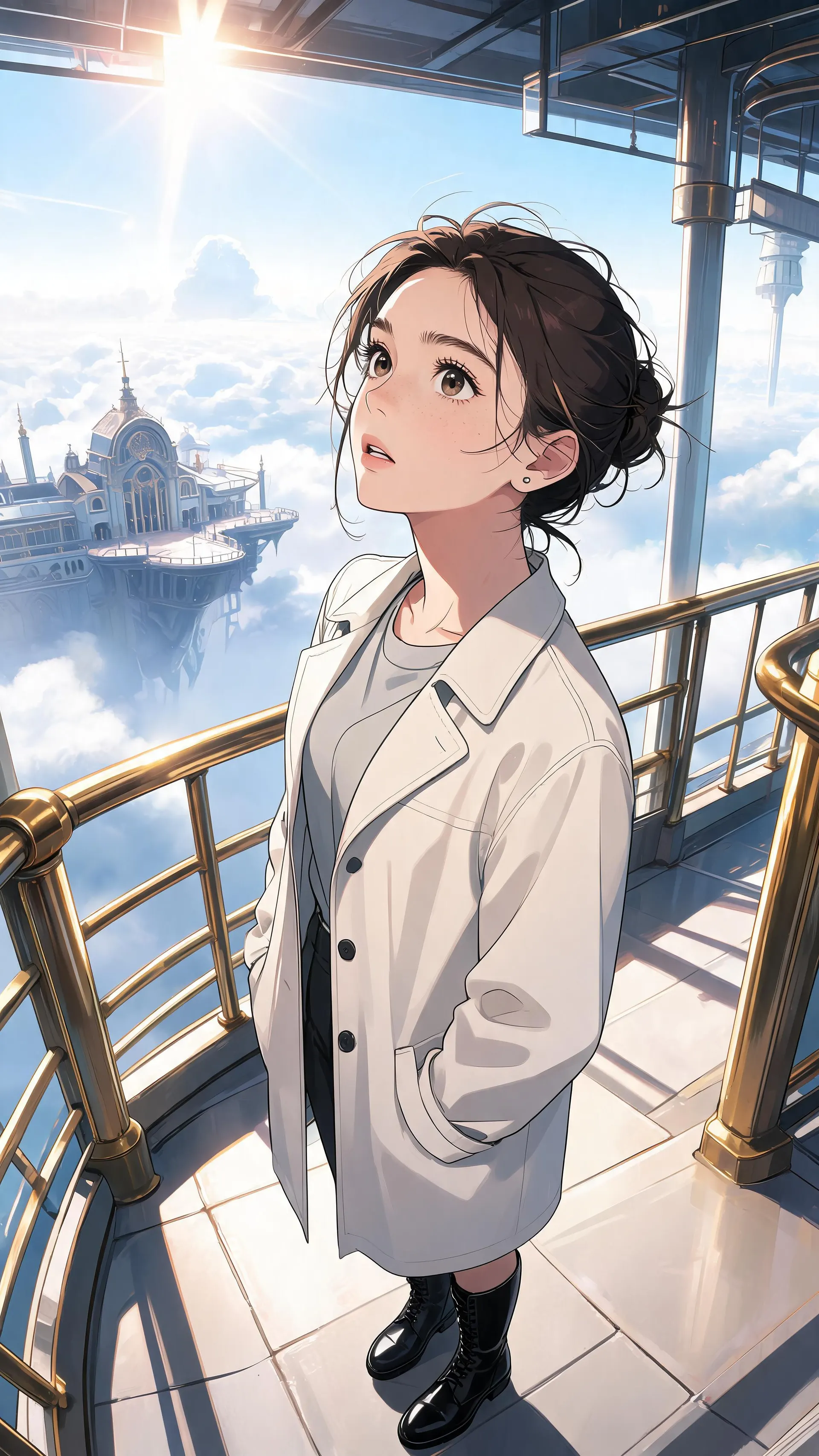
Create an original anime character, a brave young explorer with short black hair, green eyes, a tan utility jacket, fingerless gloves, and a confident smile, standing in front of an ancient floating city, cinematic anime style, detailed full-body design.
Male Anime Character Prompt
Create a male anime character, calm and intelligent, silver hair, dark blue eyes, long black coat, modern fantasy style, standing on a rainy city street at night, soft neon reflections, cinematic anime lighting.
Female Anime Character Prompt
Create a female anime character, warm expression, shoulder-length brown hair, amber eyes, oversized cream sweater, soft daylight, cozy bedroom background, clean anime portrait style, natural pose.
Fantasy Anime Character Prompt
Create a fantasy anime character, elegant mage with violet hair, gold-trimmed cloak, glowing staff, floating magic symbols, ancient library background, dramatic lighting, full-body character design.
Cyberpunk Anime Character Prompt
Create a cyberpunk anime character, short white hair, red cybernetic eye, black techwear jacket, neon city alley, rain reflections, cinematic anime style, intense expression, full-body pose.
Anime Video First Frame Prompt
Create a video-ready anime character first frame, full-body composition, the character standing on a rooftop at sunset, hair moving slightly in the wind, dramatic sky, cinematic lighting, stable character design, suitable for image-to-video animation.
Anime Talking Avatar Prompt
Create a front-facing anime talking avatar, clear face, expressive eyes, natural mouth shape, simple background, soft lighting, clean anime style, suitable for lip-sync video generation.
Anime Character Generator Use Cases
Social Media Avatars
Create anime avatars for TikTok, YouTube, Instagram, Discord, Twitch, and creator profiles. A consistent anime avatar helps your audience recognize your content across platforms, especially as more online identity and entertainment activity moves into digital-first spaces. The ITU estimates that almost three-quarters of the world’s population is now online, which makes recognizable visual identity increasingly important for creators and communities (ITU, 2025).
AI Influencer Content
Build an anime-style AI influencer with a consistent look, outfit style, personality, and video presence. Generate portraits, full-body posts, short videos, talking clips, and character-driven content. This use case fits the broader growth of the creator economy: Goldman Sachs Research estimated that the creator economy could grow from about $250 billion to $480 billion by 2027, with short-form video monetization and influencer marketing as major drivers (Goldman Sachs, 2023).
Anime Storytelling
Use APOB AI to create characters for short stories, visual novels, web comics, fictional trailers, and cinematic social posts. You can generate multiple poses and scenes for the same anime character, making it easier to build narrative continuity. Anime is no longer a niche format: Netflix said more than 50% of its subscribers watch anime, and anime content passed 1 billion global views on Netflix in 2024 (GamesRadar / Netflix report, 2025).
Game and Character Concept Design
Brainstorm game characters, NPCs, hero designs, villain concepts, outfit variations, and visual references. APOB AI can help speed up early creative exploration before final production. This matters because character-led worldbuilding sits inside a very large entertainment market: Newzoo reported that the global games market closed 2025 at $201.6 billion, crossing the $200 billion threshold for the first time (PC Gamer / Newzoo, 2026).
Talking Avatar Videos
Turn your anime character into a speaking host for explainers, tutorials, fictional updates, or social videos. This can make anime-style content more interactive and easier to scale. The timing is relevant because major platforms are moving toward AI-assisted creator tools: YouTube has discussed AI likeness features for Shorts, while Shorts now average about 200 billion daily views (The Verge, 2026).
Anime Dance and Music Videos
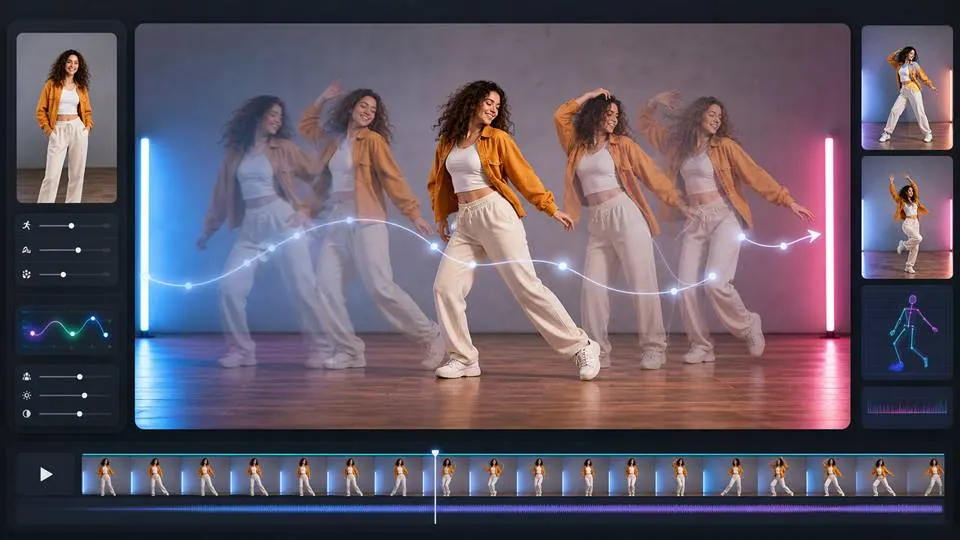
Create dance videos, music edits, and motion-driven content using your anime character as the visual identity. This works well for short-form video platforms where movement, rhythm, and personality matter. With YouTube Shorts reaching around 200 billion daily views, anime dance and music clips give creators a format that is visual, repeatable, and easy to adapt for trends (The Verge, 2026).
Reviews on APOB Anime Character Generator
Anime Character Generator gives me a strong character base in seconds, especially when I am exploring silhouettes.
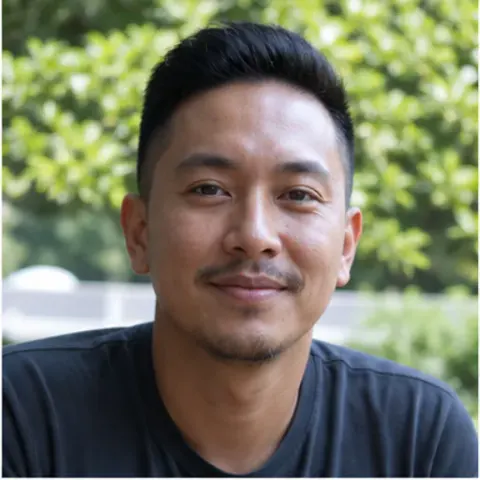
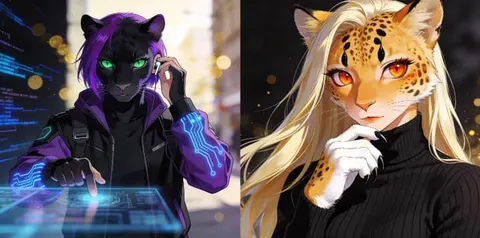
I love how the character’s tiny face and expressive ears translated into an adorable mascot design with a surprisingly polished finish.
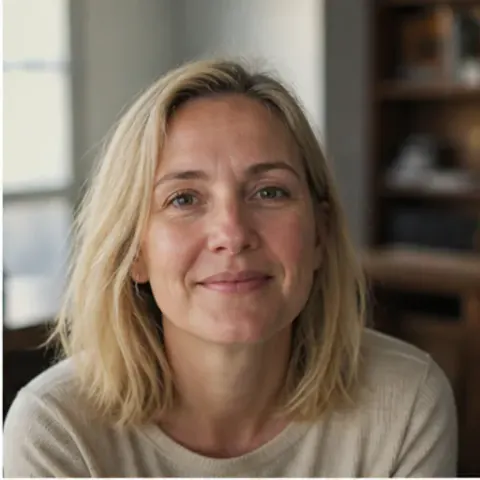
I can compare hairstyles, outfits, and expressions without losing the character’s core identity.
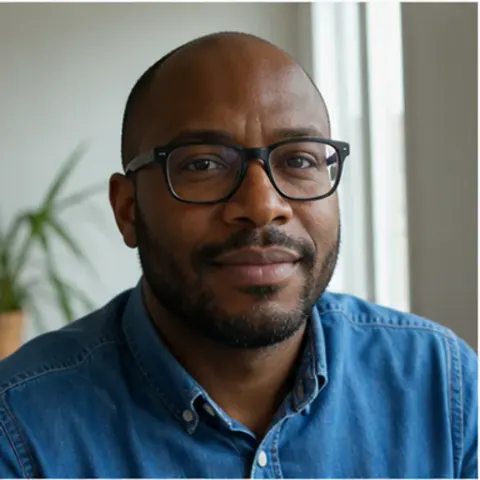
The bright eyes and compact proportions gave me the perfect visual reference for a sticker set.
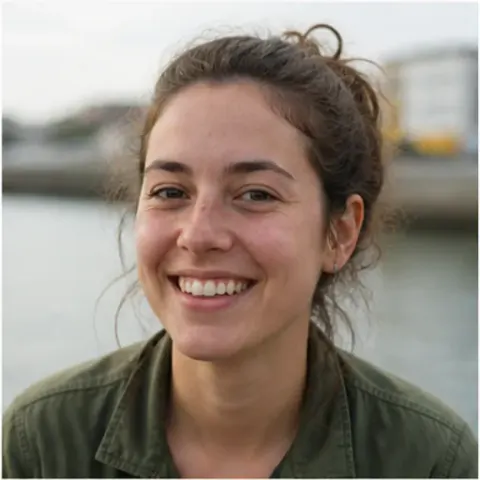
I find that the style controls are flexible enough for manga, game concepts, and softer illustrated avatars.
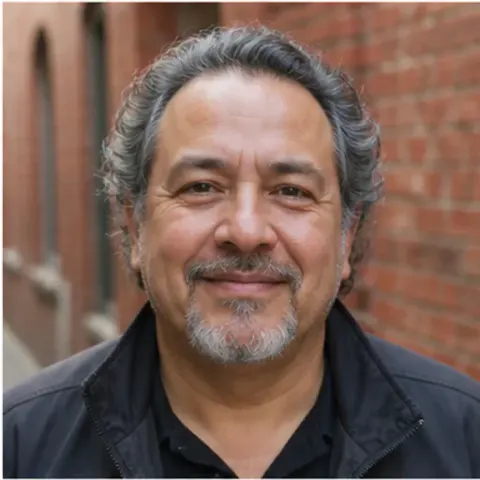
The playful design came out clean and colorful, making it easy to carry the look into a complete character sheet.
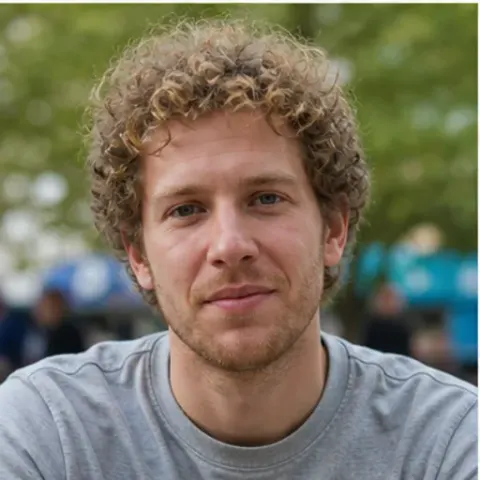
It helped me move past a blank canvas and find a visual direction for my next comic cast.
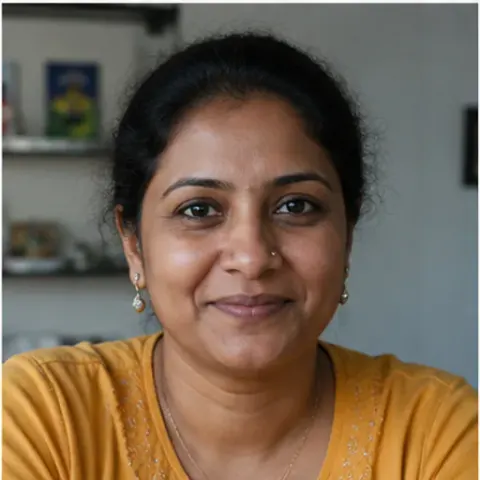
The portrait has such a clear expression that I immediately knew how to build the character’s personality around it.
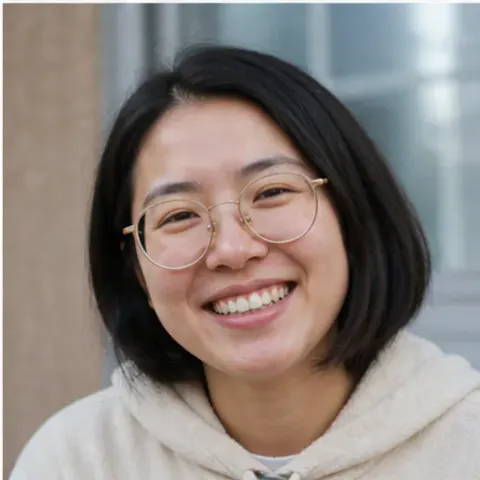
I find that the generator is great for testing character variations while keeping face shape and outfit details consistent.


Create anime image and video with AI
No Credit Card Required
Discover more blogs about Anime Character Generator


FAQs about image and video generation of anime character
Answers about styles, character design, prompts, resolution, credits, and commercial use.
What is the best anime character generator?
The best anime character generator depends on what you want to create. If you only need one static image, a simple anime image generator may be enough. If you want a consistent anime character that can appear in images, talking avatar videos, dance videos, and story clips, APOB AI is a stronger choice.
Can I create an anime character from a photo?
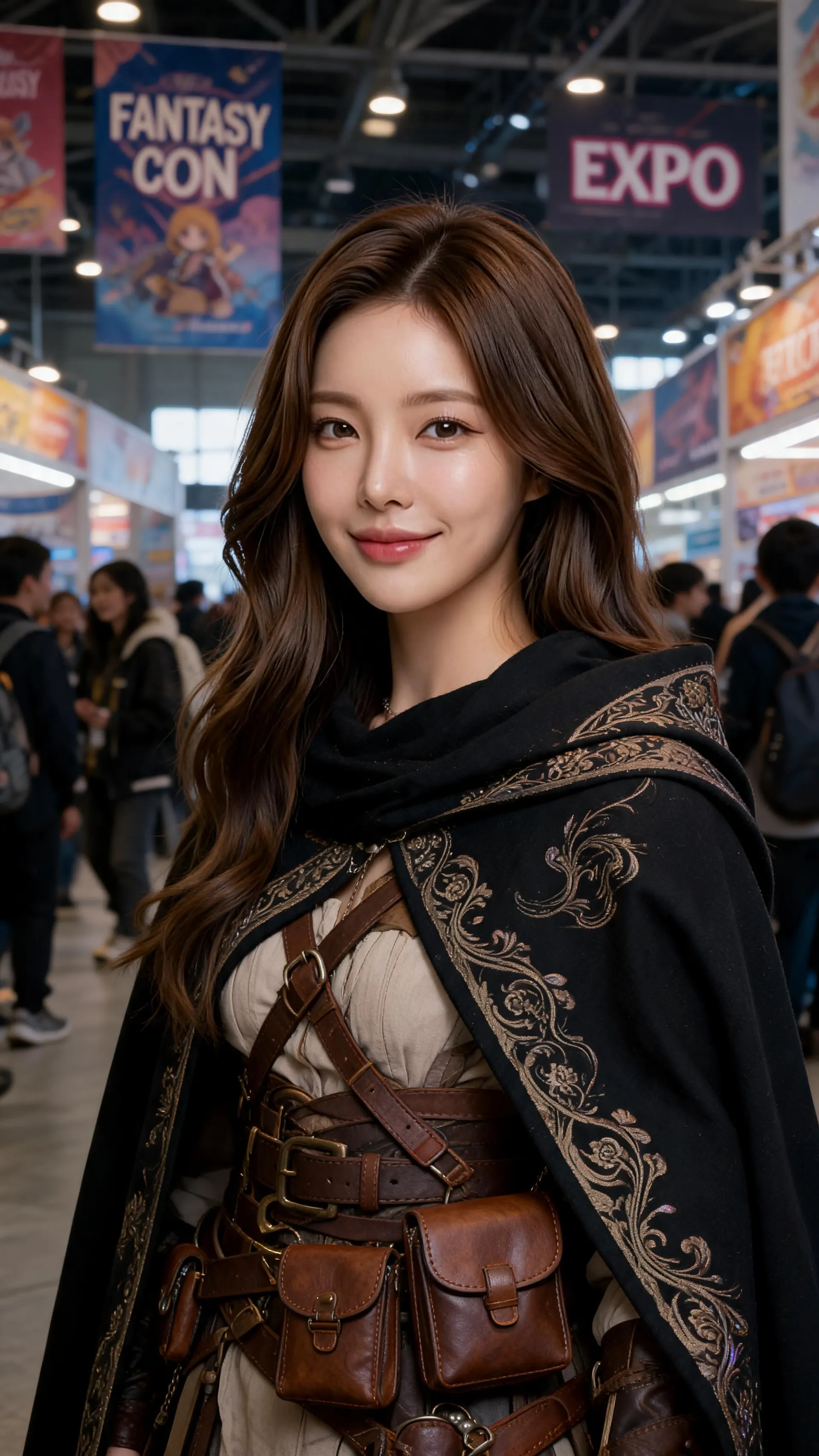
Yes. You can upload a photo and use APOB AI to create an anime character based on your face, hairstyle, expression, and overall look. This anime character from photo workflow is useful for avatars, creator personas, and video-ready character concepts. For the best result, use a clear photo with good lighting and one person in the frame.
Can I generate a full-body anime character?
Yes. APOB AI can generate full-body anime character images with specific outfits, poses, backgrounds, and visual styles. Full-body images are especially useful for character sheets, AI influencers, game concepts, and anime video first frames.
Can I turn my anime character into a video?
Yes. After creating your anime character, you can use APOB AI's image-to-video and talking avatar tools to animate the character, add expressions, create lip-sync videos, or generate short anime-style clips.
Can I make my anime character talk?
Yes. You can create an anime talking avatar by adding a script and voice style. APOB AI can generate a video where your anime character speaks with lip-sync and facial movement.
Is APOB AI an anime character voice generator?
APOB AI can support anime character voice generator use cases when you create a talking avatar video. You can write a script, choose a voice style, and generate a speaking anime character for explainers, story narration, fictional hosts, or short social videos.
Can I make my anime character dance?
Yes. You can use video workflows to make your anime character dance or follow motion references. For the most stable result, start with a clear full-body anime character image.
Is APOB AI only for anime girls?
No. APOB AI can create male anime characters, female anime characters, fantasy characters, cyberpunk characters, chibi characters, school characters, heroes, villains, and custom anime avatars.
What is the difference between an anime character generator and an anime girl AI generator?
An anime girl AI generator focuses mainly on female anime characters. An anime character generator is broader: it can create male, female, fantasy, cyberpunk, school, hero, villain, chibi, and video-ready anime characters.
What prompts work best for anime character generation?
The best prompts include character identity, hairstyle, eye color, outfit, pose, facial expression, background, lighting, and intended use. If you want to animate the character later, mention "full-body composition" or "video-ready first frame."
Can I use anime characters for social media or creator projects?
Yes. You can use anime characters for profile avatars, short videos, story concepts, thumbnails, AI influencer content, visual branding, and creative social media posts. Always make sure your final use follows the platform rules and your local content policies.