Step 1: Sign Up and Open APOB AI
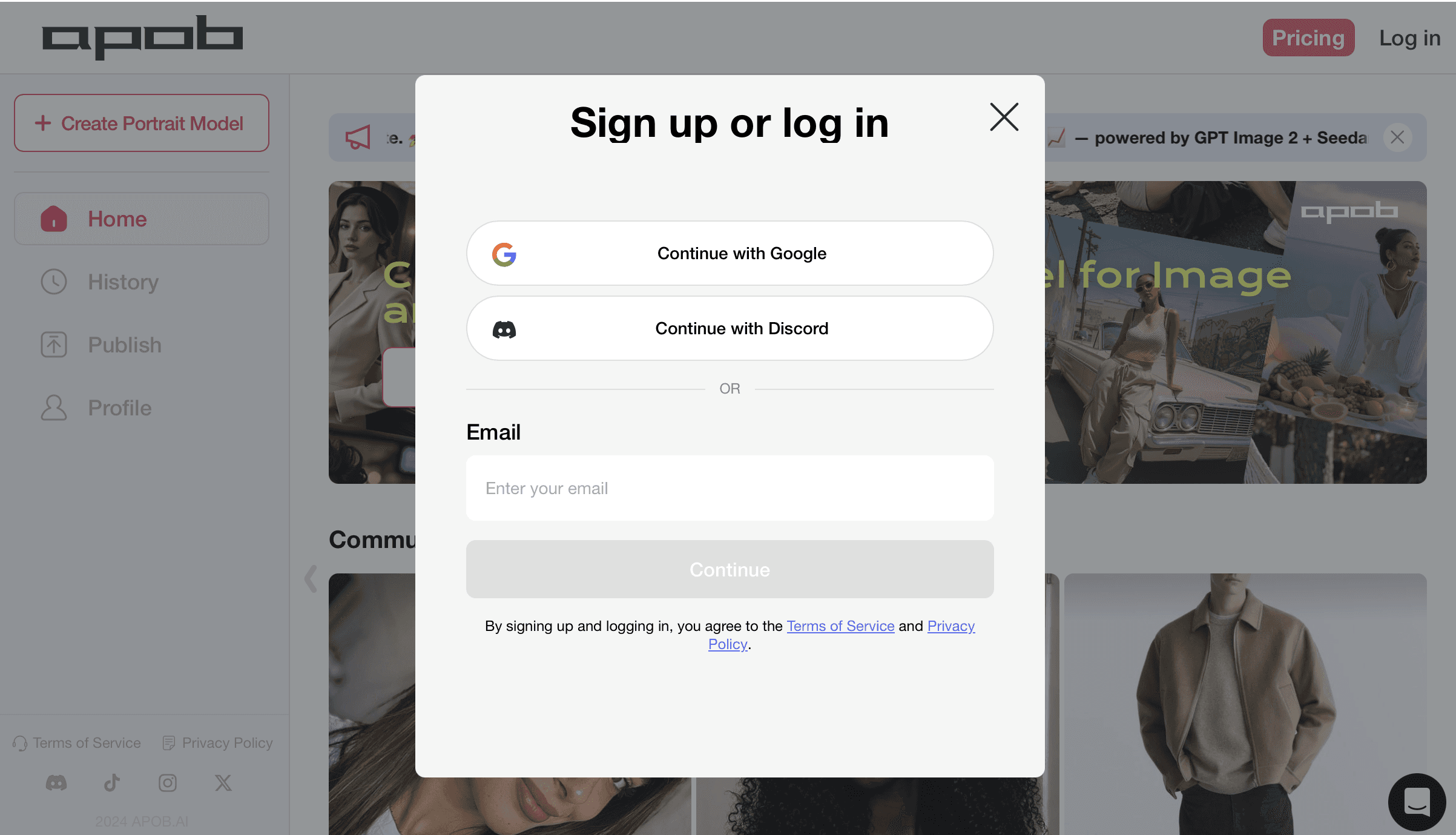
Start by signing up or logging in to APOB AI. This gives you access to a creator-friendly AI video workspace where you can build Wan-style image-to-video clips without installing models, connecting APIs, or learning complicated editing software. Once inside, you can use free daily credits to test AI video generation, create an AI influencer, animate portraits, and prepare short-form content for TikTok, Instagram Reels, YouTube Shorts, UGC ads, and product videos.
Step 2: Create or Upload Your AI Character Reference
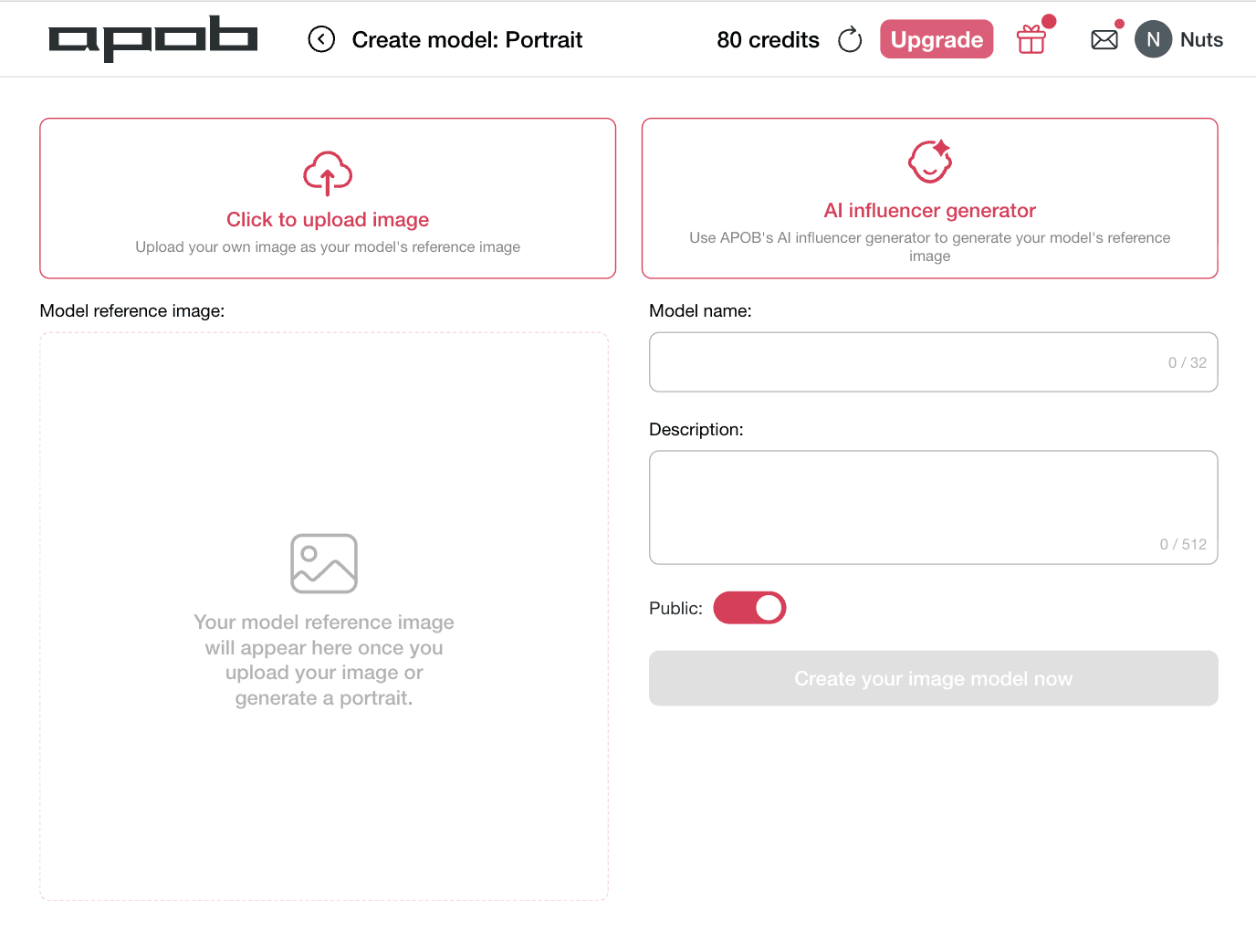
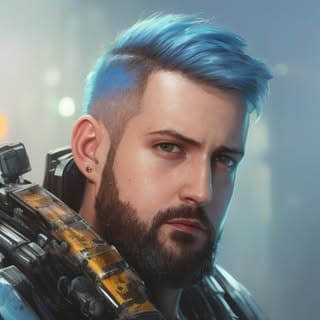
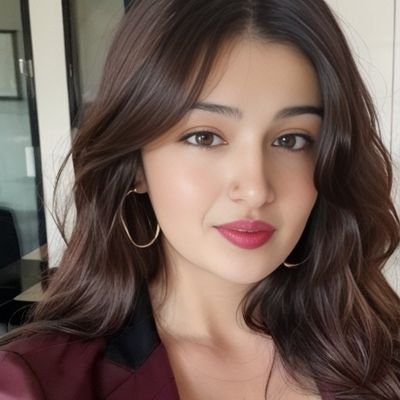
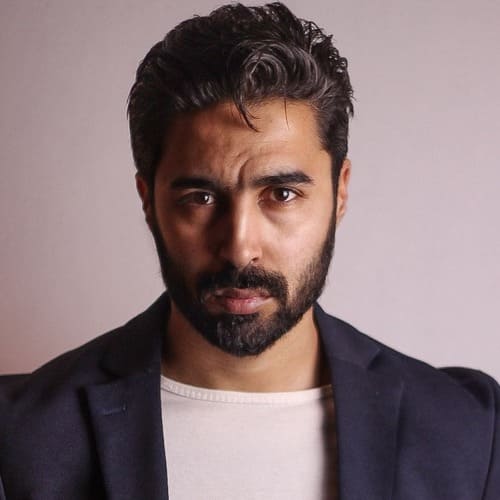
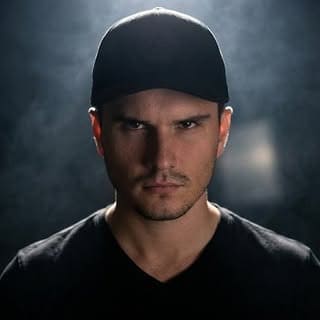
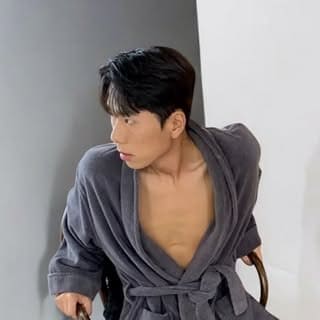
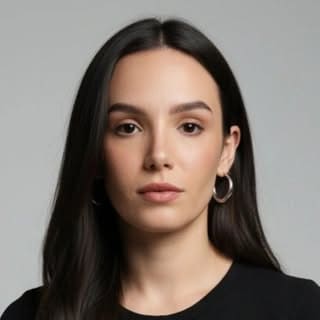
After logging in, open Create model: Portrait to prepare your reference character. You can upload your own portrait image or use APOB’s AI influencer generator to create a clean character reference for your video. For the best Wan-style AI character animation results, choose a clear front-facing image with good lighting, visible facial details, and a consistent outfit. This helps the AI keep the character identity stable when turning the image into a moving video.
Step 3: Choose Image to Video and Add Your Reference Image
Go to Image to video and upload the portrait, AI influencer, product image, or character image you want to animate. This is the main workflow for creating Wan-style image-to-video content in APOB AI. Your reference image becomes the starting frame, while the description box controls the movement, camera style, mood, and final video purpose. Use this step to prepare AI influencer videos, avatar clips, product demos, and social-media-ready short videos.


Step 4: Add a Wan-Style Motion Prompt and Generate
Use the description box to control how your image moves. For a stronger Wan-style AI video, describe the character’s action, camera movement, facial expression, lighting, and final use case. Keep the prompt specific: natural head turns, realistic eye contact, gentle hand movement, soft camera zoom, stable outfit, and social-media-ready pacing. Then choose your duration, resolution, and quality before clicking Generate. This helps APOB AI create a polished image-to-video result for AI influencer clips, UGC ads, TikTok, Reels, Shorts, and avatar-style content.










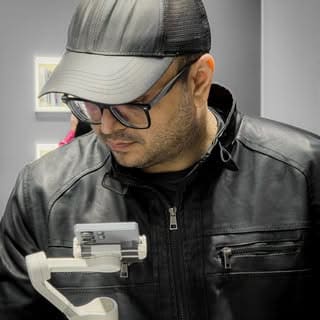
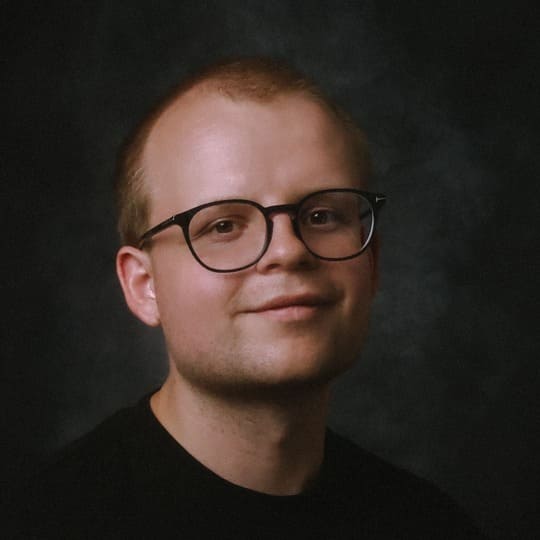
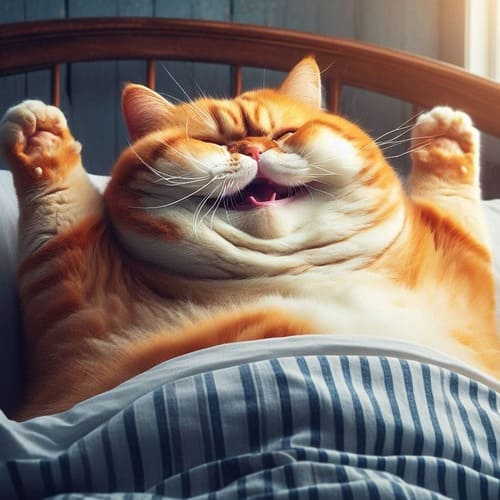
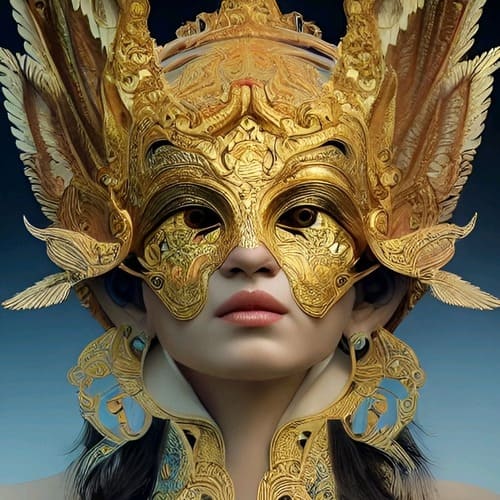
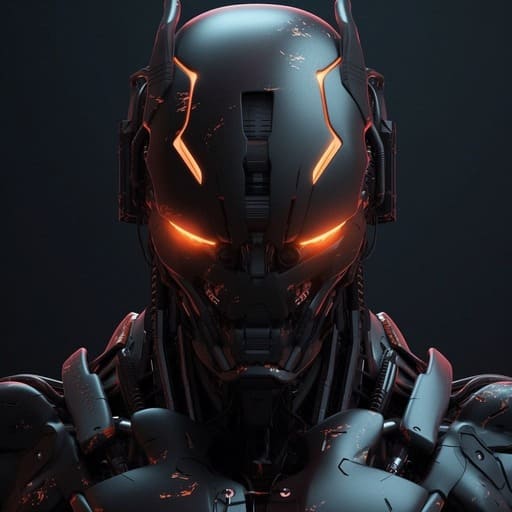

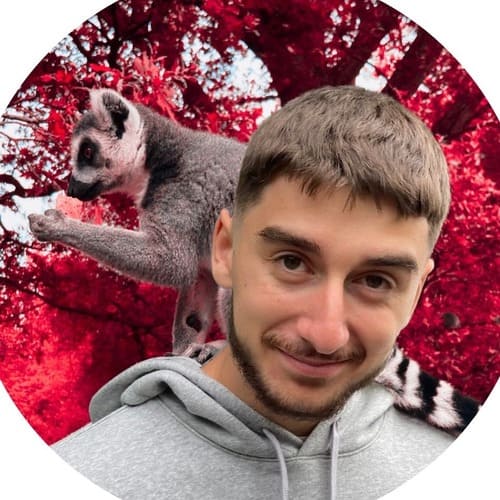
1. Wan-Style Image to Video in One Simple Workflow
Turn any portrait, AI influencer image, product shot, or character reference into a polished Wan-style AI video without model setup, API tools, or editing software. APOB AI makes the image-to-video process creator-friendly: upload your image, write a motion prompt, choose duration and quality, then generate a short-form video ready for TikTok, Instagram Reels, YouTube Shorts, UGC ads, and brand content. It is built for creators who want fast, realistic motion without wasting time on complicated technical settings.
2. Stable AI Influencer Motion with Consistent Identity
APOB AI helps keep your AI character recognizable while adding natural motion, soft facial expressions, camera zooms, head turns, and social-ready movement. Instead of producing random animated clips, the workflow is designed for AI influencer video generation, avatar videos, product demos, and character-led ads where identity consistency matters. This is especially useful when you want to create multiple videos from the same digital persona while keeping the face, style, outfit, and visual branding aligned.
3. Built for UGC Ads, Product Videos, and Viral Social Clips
A strong AI video should not just move; it should feel usable. APOB AI helps creators turn static images into ad-ready videos with clear movement, clean composition, and short-form pacing. Use it to create UGC-style product ads, AI avatar intros, influencer-style review clips, lifestyle product demos, and scroll-stopping social media videos. With free daily credits and a simple browser workflow, APOB AI gives marketers and creators a faster way to test video ideas before investing in expensive production.
1: Short-Form Creators Turning One Image into Viral Video Clips
Short-form creators need fresh motion ideas every day, but filming new content for TikTok, Instagram Reels, and YouTube Shorts can quickly become exhausting. With APOB AI’s Wan-style image to video AI workflow, creators can upload one portrait, AI influencer image, or character reference and turn it into multiple social-ready clips with natural head movement, soft camera motion, and expressive facial animation. This makes it easier to test hooks, refresh content angles, and build a consistent AI influencer video generator workflow without reshooting. As short-video clipping becomes a bigger brand and creator strategy, fast AI video generation helps creators stay visible while reducing production pressure. (Short video clipping investment, 2026)
2: E-Commerce Brands Creating Product Demo Videos from Static Assets
E-commerce teams often have strong product photos but not enough video assets for ads, landing pages, and social campaigns. APOB AI helps brands turn static product images, model shots, or lifestyle visuals into Wan-style AI product videos with clean camera movement, realistic lighting, and short-form pacing. Instead of paying for new studio shoots every time a campaign changes, marketers can create product demos, UGC-style ads, and AI influencer product videos from existing visuals. This fits the broader shift toward AI-assisted, personalized advertising, where brands need more creative variations for different audiences, platforms, and shopping moments. (AI powered Ad strategy, 2026)
3: AI Avatar and Virtual Presenter Videos for Business Content
Businesses can use APOB AI to create Wan-style AI character animation for explainers, brand intros, training snippets, product walkthroughs, and promotional videos. Upload a portrait or AI avatar, add a clear motion prompt, and generate a polished video with natural expressions, gentle camera motion, and a more human on-screen presence. This is useful for teams that want business-friendly avatar videos without hiring presenters, renting studios, or editing frame by frame. As AI marketing suites increasingly combine content creation, ad optimization, and video production, APOB AI gives creators a simpler way to turn still avatars into usable video assets. (AI marketing, 2026)
No Credit Card Required
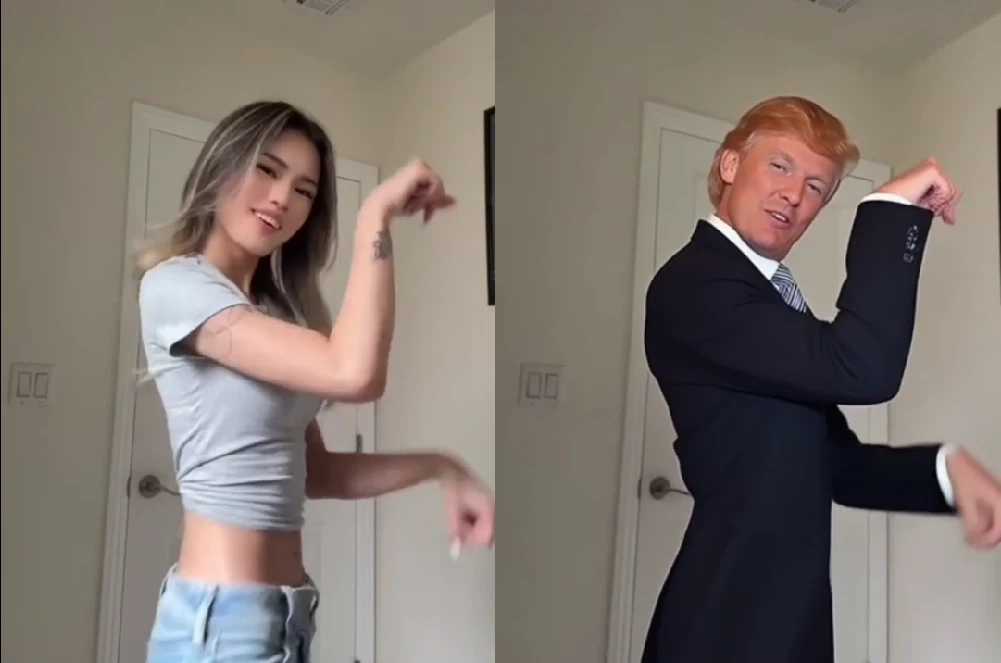
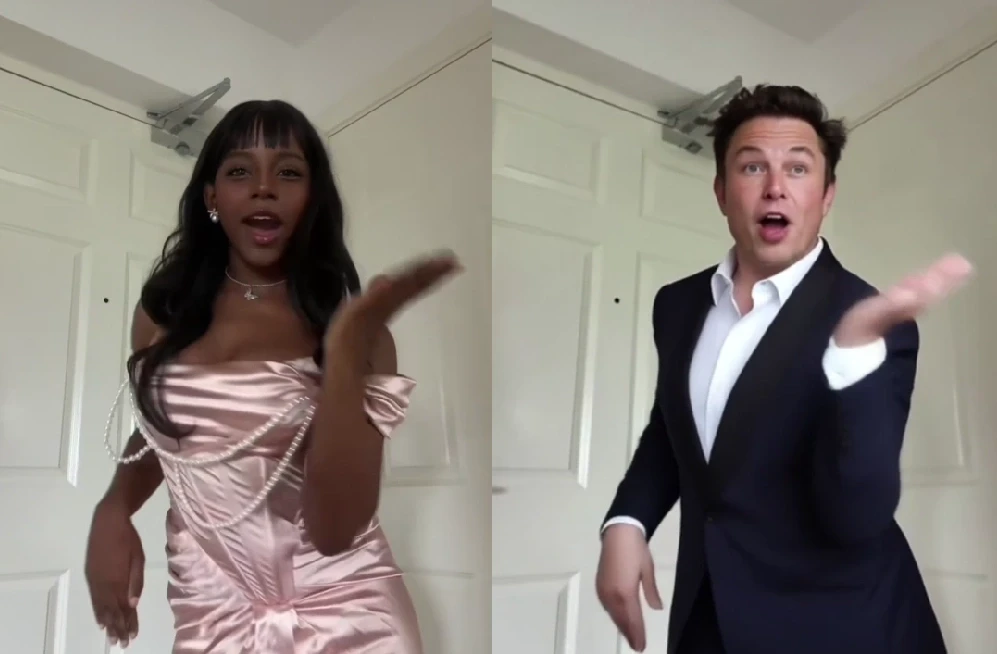



1: Faster Wan-Style Image to Video Creation
APOB AI makes Wan-style AI video creation much easier for creators who do not want to deal with model setup, API access, or complex editing tools. You can upload a portrait, AI influencer image, product shot, or character reference, write a short motion prompt, and generate an image-to-video AI result in a simple browser workflow. This is ideal for TikTok, Instagram Reels, YouTube Shorts, UGC ads, product demos, and AI avatar videos where speed matters.
2: Stronger Character Consistency for AI Influencer Videos
For AI influencer video generator workflows, consistency is everything. APOB AI helps preserve the character’s face, outfit, hairstyle, body shape, and overall visual identity while adding natural motion, facial expressions, and camera movement. This makes it useful for creators who want multiple videos from the same virtual model, AI avatar, or branded digital persona without every clip looking disconnected.
3: Built for Commercial Social Video Output
APOB AI is not just for making experimental AI clips. It is designed for creators, e-commerce brands, and marketers who need usable video assets. You can create short-form product demos, UGC-style ads, AI character animation clips, avatar intros, and social media videos with a polished look. The workflow is especially helpful for testing hooks, refreshing creative assets, and producing more video variations without expensive shoots.
1. Results Still Depend on Image and Prompt Quality
Like most Wan-style AI video generator workflows, the final result depends heavily on the quality of your reference image and prompt. A clear portrait, clean lighting, visible facial details, and a specific motion description usually create better results. If the image is blurry, heavily cropped, or the prompt is too vague, you may need to regenerate or adjust the prompt to get a more natural video.
Q1: What is a Wan-style AI video generator?
A Wan-style AI video generator turns a still image, portrait, product photo, or AI character reference into a moving video with realistic motion, facial expression, and camera movement.
Q2: Is Wan 2.7 officially available now?
There is no reliable public confirmation that Wan 2.7 is officially available yet. This page focuses on creating Wan-style AI videos with APOB AI using image-to-video and AI character animation workflows.
Q3: What’s the difference between Wan 2.7, Wan 2.6, and Wan 2.2?
Wan 2.7 is the latest model with the highest video quality, improved motion consistency, and better prompt understanding. Wan 2.6 offers a balanced performance with good quality and faster generation speed, making it suitable for general use. Wan 2.2 is an earlier version with more basic visual quality and weaker temporal stability, typically used for simpler or experimental video generation.
Q4: What APOB AI feature should I use for Wan-style videos?
Use APOB AI’s Image to Video feature. It is the best starting point for turning portraits, product images, AI influencers, and digital characters into moving videos.
Q5: What kind of images work best?
Clear, high-resolution images work best. Use a sharp portrait, product shot, AI influencer image, or character reference with good lighting and visible facial or object details.
Q6: Can I use this for AI influencer videos?
Yes. APOB AI is useful for AI influencer video generator workflows because it helps turn static influencer portraits into social-ready videos with motion, expression, and camera movement.
Q7: Can I make UGC-style ads with Wan-style AI videos?
Yes. You can create UGC-style product videos, avatar intros, testimonial-style clips, and short-form ad creatives for TikTok, Instagram Reels, YouTube Shorts, and paid social campaigns.
Q8: Can I use product photos?
Yes. Product photos can be turned into AI product videos, demo clips, lifestyle visuals, and e-commerce ad creatives with the right prompt and video settings.
Q9: What should I write in the prompt?
Describe the movement, facial expression, camera direction, mood, lighting, and final use case. For example, ask for natural head movement, soft camera zoom, realistic eye contact, and social-media-ready pacing.
Q10: Does APOB AI support camera movement?
Yes. You can guide the camera style through your prompt by asking for zoom-in, push-in, handheld motion, cinematic framing, close-up shots, or smooth social video movement.
Q11: Can I make talking avatar videos?
Yes. For talking avatar content, you can combine APOB AI’s avatar, talking video, voice, or lip sync workflows depending on the type of video you want to create.
Q12: Is this good for TikTok and Reels?
Yes. Wan-style AI video generation is especially useful for short-form content because it can quickly turn one image into multiple scroll-stopping clips for TikTok, Reels, and Shorts.
Q13: Can I generate multiple versions from one image?
Yes. You can reuse the same image with different prompts, camera styles, moods, and durations to create multiple AI video variations for testing.
Q14: Will the character look the same in every video?
APOB AI is designed to support more consistent AI influencer and avatar workflows, but results still depend on image quality, prompt clarity, and generation settings.
Q15: Can I use APOB AI without editing experience?
Yes. APOB AI is built for creators who want fast AI video generation without complex editing software, model setup, or API configuration.
Q16: Is APOB AI better than using a raw AI video model?
For many creators, yes. Raw models can require technical setup, prompt tuning, or third-party workflows. APOB AI provides a simpler creator-friendly interface for practical video output.
Q17: Can I use the videos for ads?
Yes. APOB AI can help create product demos, UGC-style ads, AI influencer videos, avatar videos, and short-form promotional clips for marketing campaigns.
Q18: What if the generated video does not look right?
You can regenerate the video, adjust your prompt, improve the reference image, or change duration, quality, and motion details until the result feels more natural.
Q19: Does APOB AI offer free credits?
APOB AI may provide free daily credits for creators to test image-to-video, AI influencer, avatar, and other AI video workflows before upgrading.
Q20: Who should use Wan-style AI video creation?
Creators, marketers, e-commerce sellers, AI influencer builders, avatar video makers, social media teams, and brands that need fast, polished video content from static images can use it.


