Edit any image with APOB AI’s AI Photo Editor. Change backgrounds, refine portraits, remove distractions, enhance product visuals, and create polished social-ready photos with simple prompts.
Step 1: Sign Up and Open the Free AI Photo Editor
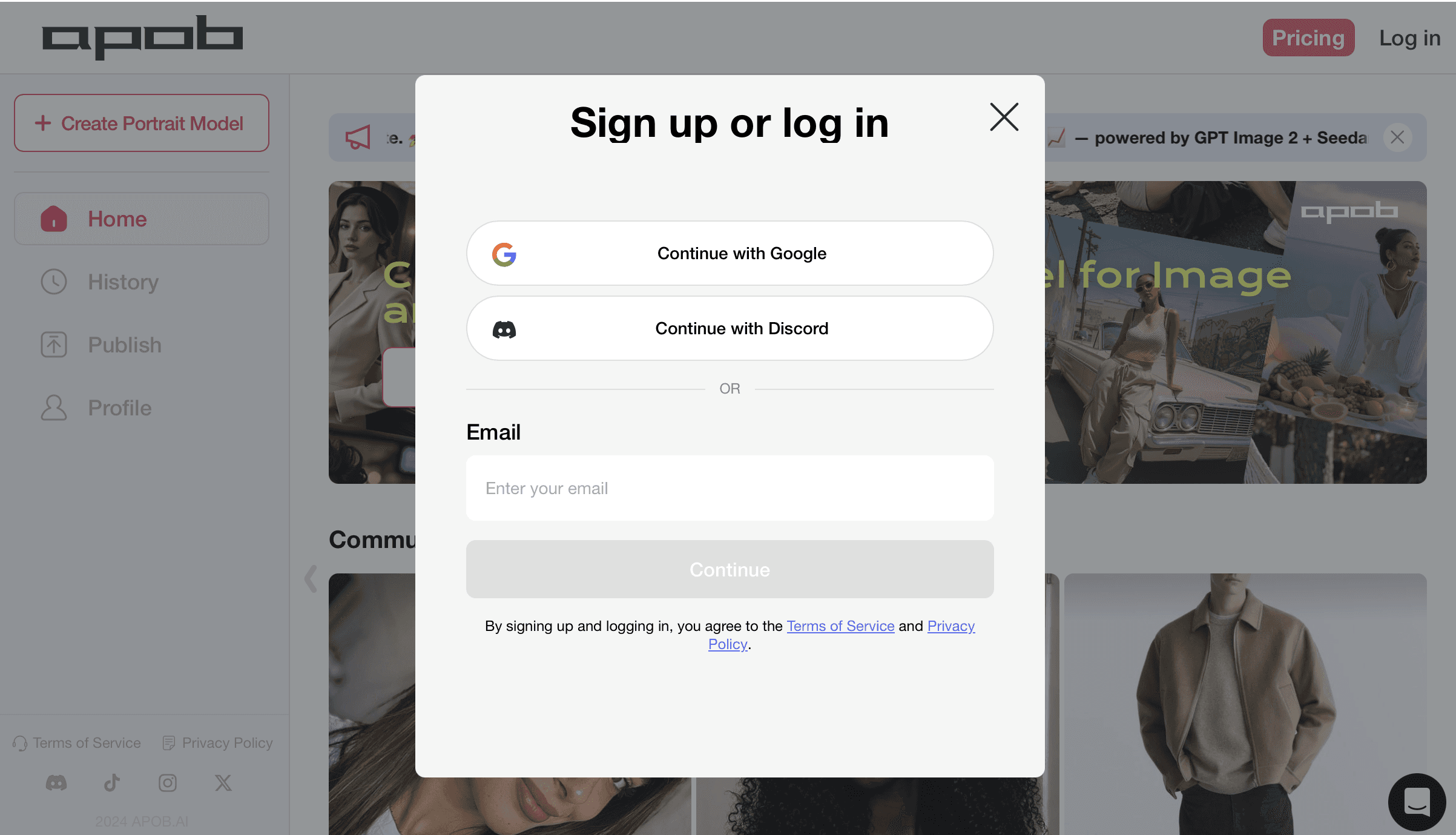
Start by logging in to APOB AI so you can access the free AI photo editor workspace and claim your daily credits. You can continue with Google, Discord, or email, then enter the creation dashboard where all photo editing tools are available. This first step gives you access to prompt-based image editing, background changes, portrait refinement, product photo cleanup, and social-ready AI visuals without needing Photoshop or advanced design skills.
Step 2: Create a Portrait Model for Consistent AI Photo Editing
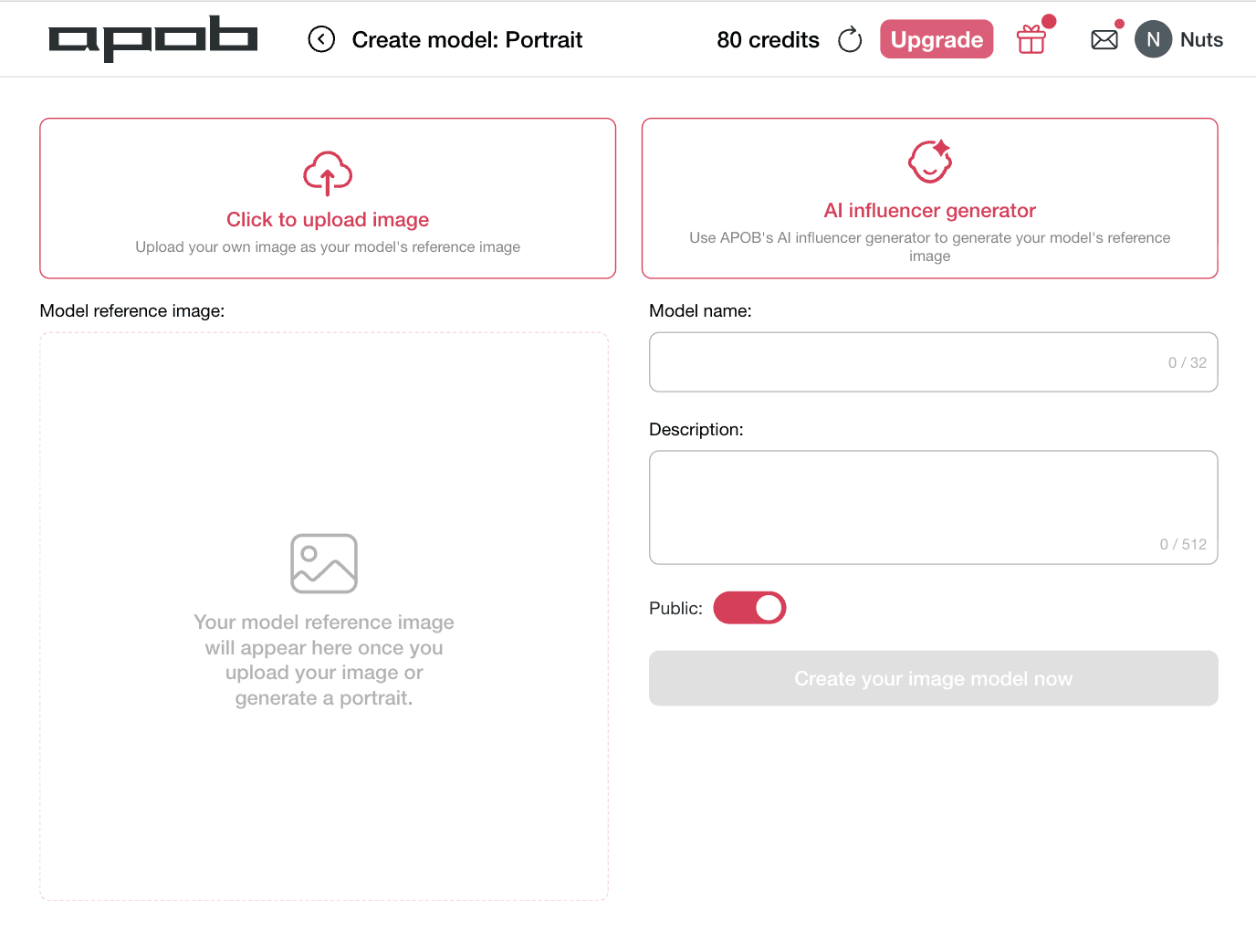
Choose Click to upload image if you already have a portrait, product model, or brand character you want to edit. If you want APOB AI to create a fresh visual identity, select AI influencer generator to generate a model reference image first. Add a clear model name and a short description so the AI photo editor can keep your portrait style, face, and visual identity consistent across future edits, social posts, product ads, and AI influencer images.
Step 3: Upload Your Base Image and Choose Chat to Edit
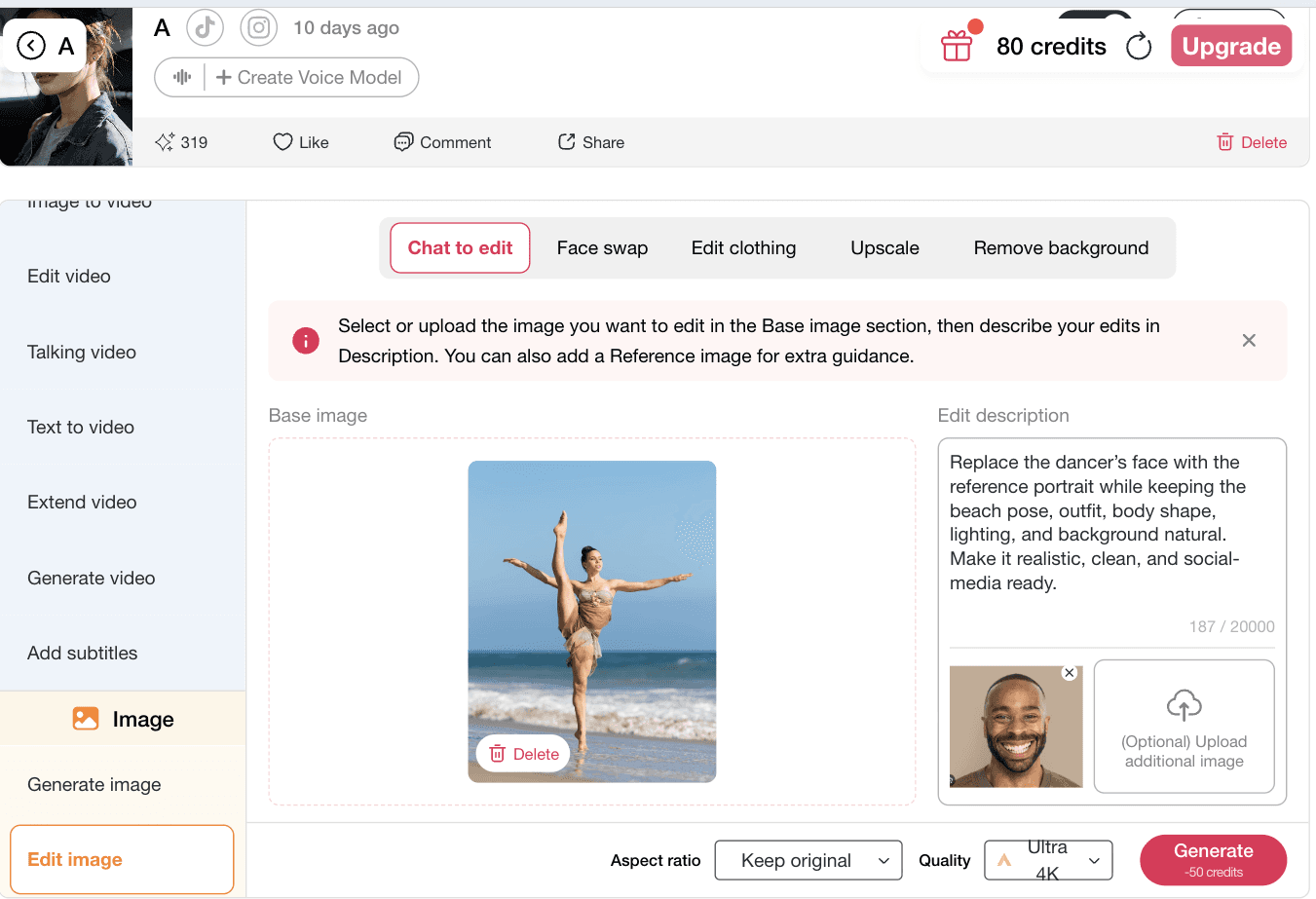
Open Edit image and select Chat to edit to start the main AI photo editor workflow. Upload the photo you want to improve in the Base image area, then use the edit description box to tell APOB AI exactly what to change. You can ask it to make the image more photorealistic, clean up the background, improve lighting, refine the pose, change the style, or prepare the photo for social media, product ads, and AI influencer content. For more accurate results, upload an optional reference image to guide the final look.

Step 4: Add Your Edit Prompt and Generate the AI Photo
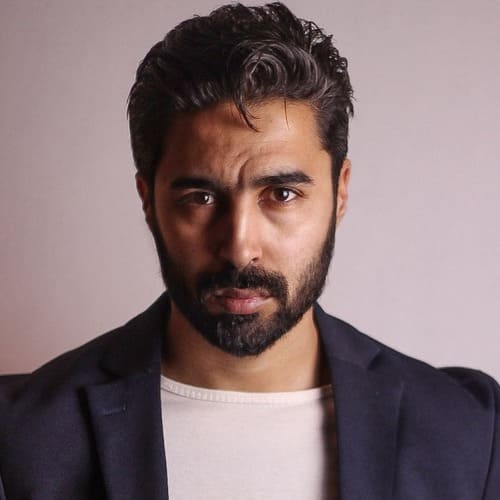
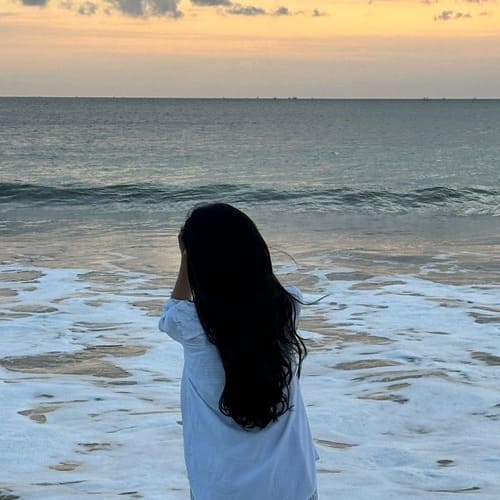
Write a clear edit prompt that tells APOB AI exactly what to change and what to preserve. For best AI photo editor results, mention the reference image, the subject, the background, the lighting, and the final use case. In this example, the prompt asks APOB AI to replace the dancer’s face with the reference portrait while keeping the beach pose, outfit, body shape, and natural lighting. Select your aspect ratio and quality, then click Generate to create a clean, realistic, social-media-ready image.
5: Review Your AI Face Swap Result and Generate Again if Needed
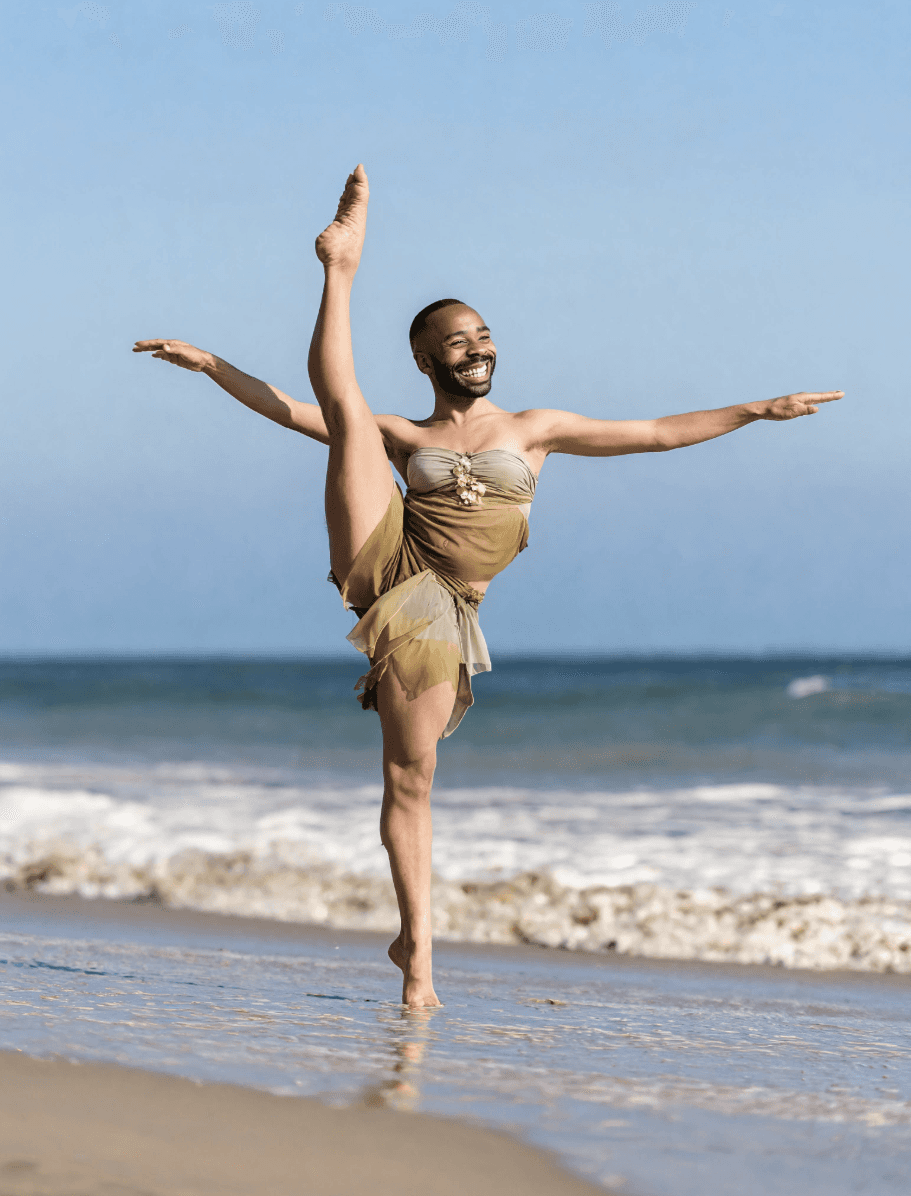
Once APOB AI finishes processing, review the final image carefully. Check whether the face replacement looks natural, the lighting matches the original scene, and the pose, outfit, body shape, and beach background still feel realistic. If the result is not exactly what you want, simply adjust your prompt, upload a clearer reference portrait, or generate again until the AI photo editor creates a cleaner, more social-media-ready image. This flexible workflow helps you refine every AI face swap photo for profile pictures, creator posts, product visuals, and high-converting ad creatives without starting from scratch.












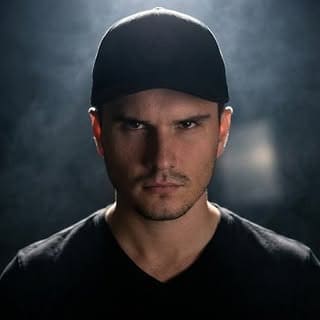
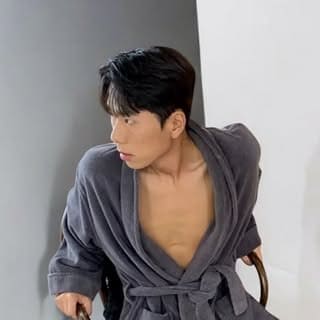
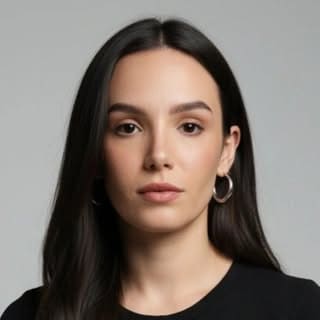
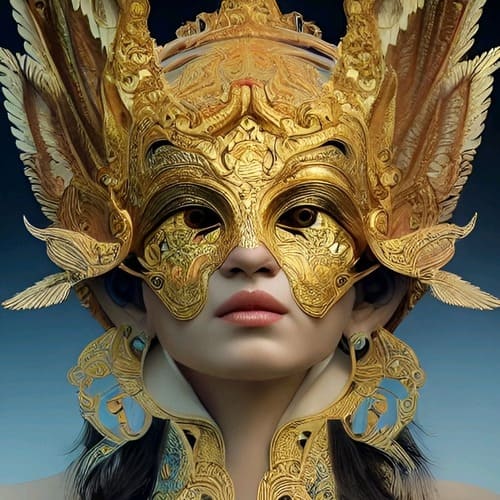
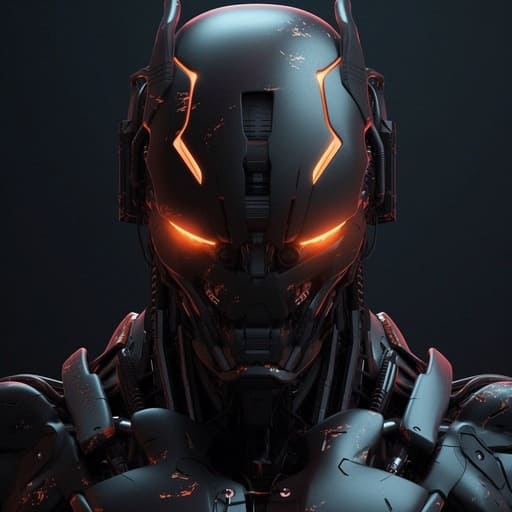

Prompt-Based AI Photo Editing
APOB AI makes advanced editing feel simple. Upload a photo, describe what you want, and let the AI photo editor handle the hard work. You can replace a face, clean up a background, improve lighting, refine details, or make an image look more realistic without Photoshop skills. This fast prompt-based workflow is ideal for creators, marketers, and AI influencer builders who need polished images quickly. It matches what users searching for free AI photo editor online want most: easy edits, fast results, and professional-looking visuals.
Built for AI Influencers and Social Content
APOB AI is more than a basic photo editor. It helps creators build consistent AI influencer visuals for Instagram, TikTok, X/Twitter, YouTube thumbnails, and UGC-style content. You can edit portraits, change backgrounds, test new looks, and keep your digital persona recognizable across every post. For creators searching for the best AI photo editor, APOB AI gives them a practical way to turn ordinary images into branded, social-ready visuals that feel polished, memorable, and ready to publish.
Product Photos and Ad Creatives Made Faster
APOB AI helps brands turn simple product photos into high-converting ad creatives. Upload a product image or lifestyle shot, then use prompts to improve lighting, clean the scene, replace backgrounds, or create premium campaign visuals. It is useful for Shopify sellers, TikTok Shop creators, Meta Ads teams, and UGC agencies that need more variations without booking new shoots. For users searching for an AI photo editor for product photos, APOB AI offers faster creative testing, lower production costs, and ad-ready visuals.
1: AI Influencer Creators Building Consistent Social Visuals
AI influencer creators need more than one beautiful image. They need a steady stream of polished, recognizable content that looks consistent across Instagram, TikTok, X/Twitter, YouTube thumbnails, and brand campaigns. APOB AI works as a creator-focused AI photo editor that helps users refine portraits, change backgrounds, improve lighting, test new looks, and keep a digital persona visually consistent. Instead of rebuilding an AI influencer from scratch every time, creators can upload a base image, describe the edit, and generate social-ready visuals in minutes. This is especially valuable as AI influencers are becoming a real creator economy category, with digital personas earning monthly income from brand partnerships, endorsements, and social content. (AI Influencer Income, 2026)
2. E-Commerce Brands Creating Product Photos and Ad Creatives Faster
E-commerce teams constantly need new product visuals for Shopify, Amazon, TikTok Shop, Meta Ads, and landing pages. APOB AI helps sellers use an AI photo editor online to clean up product shots, replace backgrounds, improve lighting, create lifestyle scenes, and prepare high-quality ad creatives without booking another studio shoot. A single product image can become multiple campaign-ready versions: clean catalog photo, influencer-style visual, lifestyle scene, or social ad thumbnail. This matters because major platforms are already pushing AI-assisted ad creation, from product visuals to animated creative formats. APOB AI gives smaller teams a faster way to keep up with that creative testing speed. (Meta AI Ads, 2026)
3: Social Media Creators Turning Ordinary Photos Into Scroll-Stopping Content
Social creators need images that look polished instantly. With APOB AI’s free AI photo editor, users can upload a portrait, travel photo, product shot, or lifestyle image and quickly refine it for social media. They can remove distractions, change the mood, improve realism, clean up the background, or create a more cinematic style with simple prompts. This fits what audiences like to click: before-and-after edits, cleaner portraits, AI-enhanced profile images, and high-quality visual posts. As AI photo editing becomes a mainstream feature in consumer products, creators who publish better-looking visuals faster will have a stronger chance of standing out in crowded feeds. (AI Photo Editing, 2026)
Olivia Mercer
I cleaned a product background and removed a distracting reflection without rebuilding the whole photo. The final image was ready for a product page after one quick check.
Tariq Benali
A simple object-removal prompt cleared a cluttered table behind the subject while leaving the lighting believable.
Mei Tanaka
I fixed the color balance on a set of social images and kept the skin tones natural. It saved me from opening several separate editing tools.
Lucas Pereira
For a portrait retouch, I could soften a small distraction and brighten the scene without changing the person’s features.
Amina Khalil
I used the editor to create cleaner lifestyle product assets for a launch. Background cleanup and a lighting adjustment made the original photo feel much more polished.
Jonas Lind
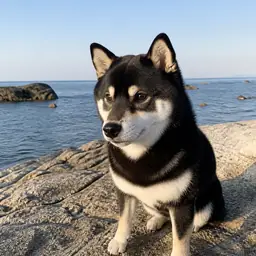
The quick edit controls were useful for a pet photo that needed a calmer room behind it. I got a usable social post without losing the fine detail.
Sofia Mendez
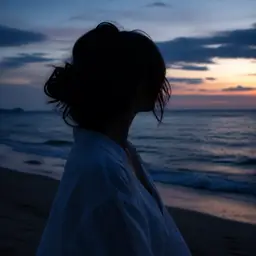
I tested a few background and light variations for a profile image, and the one I chose still felt like the original photo.

Idris Kamara
Small local changes followed my instructions well, especially when I needed to remove one accessory without shifting the rest of the image.
Camille Dufour
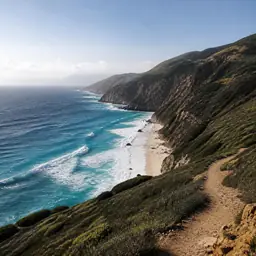
I prepared several product and social crops from one bright still life, and the colors stayed consistent as I refined each version.
1: Fast AI Photo Editing Without Photoshop
APOB AI lets users edit photos with simple prompts instead of complex tools, layers, or manual masking. This makes it ideal for people searching for a free AI photo editor online that can quickly improve portraits, clean backgrounds, refine product images, and create social-ready visuals. Users can describe the change they want, generate a result, and keep refining until the image looks polished. The biggest advantage is speed: creators, marketers, and e-commerce teams can produce better visuals without waiting for a designer.
2: Built for AI Influencers and Social Content
Unlike a generic photo editor, APOB AI is designed for creator workflows. It helps users edit AI influencer portraits, virtual model images, UGC-style visuals, and campaign-ready social content. This is valuable for Instagram, TikTok, X/Twitter, YouTube thumbnails, and brand pages where consistent visual identity matters. Users can change backgrounds, improve lighting, test new looks, and keep a digital persona recognizable across multiple posts. For users searching for the best AI photo editor, this creator-first angle makes APOB AI more practical.
3: Strong for Product Photos and Ad Creatives
APOB AI is useful for brands that need better product photos fast. Sellers can upload a product image or lifestyle shot, then use the AI photo editor to improve lighting, remove distractions, change backgrounds, or create premium ad visuals. This helps Shopify sellers, TikTok Shop creators, Meta Ads teams, and UGC agencies test more creative variations without booking new photoshoots. The result is faster production, lower content costs, and more ad-ready visuals for campaigns.
1. Best Results Need Clear Prompts and Good Source Images
APOB AI is easy to use, but the quality of the final image still depends on the input. Blurry photos, poor lighting, extreme poses, or vague prompts can lead to less accurate results. For the best AI photo editing output, users should upload clear images, describe the desired edit specifically, and use reference images when needed. The good news is that APOB AI supports quick iteration, so users can refine the prompt and generate again.
Enjoy more features
No Credit Card Required

Answers about retouching, background swaps, object removal, enhancement, formats, and privacy.
1. What is an AI photo editor?
An AI photo editor is a tool that uses artificial intelligence to edit, enhance, or transform images automatically. APOB AI lets you edit photos with simple prompts, so you can change backgrounds, refine portraits, improve product photos, and create social-ready visuals without Photoshop skills.
2. Is APOB AI a free AI photo editor?
Yes. APOB AI offers free daily credits, so you can try AI photo editing before upgrading. It is a good option for users searching for a free AI photo editor online.
3. What can I edit with APOB AI Photo Editor?
You can edit portraits, product photos, AI influencer images, social media visuals, backgrounds, lighting, clothing style, and image details. You can also use prompts to describe specific changes.
4. Can I use APOB AI as an online AI photo editor?
Yes. APOB AI works online, so you can upload an image, enter an edit prompt, generate results, and download polished visuals directly from your browser.
5. Is APOB AI good for AI influencer photos?
Yes. APOB AI is especially useful for AI influencer creators because it helps refine portraits, change scenes, test new looks, and keep a digital persona visually consistent.
6. Can APOB AI edit product photos?
Yes. APOB AI can help improve product photos by cleaning backgrounds, enhancing lighting, refining details, and creating ad-ready product visuals for Shopify, Amazon, TikTok Shop, and Meta Ads.
7. Can I remove backgrounds with APOB AI?
Yes. APOB AI supports background editing and removal, helping you create cleaner portraits, product shots, profile images, and social media graphics.
8. Can I replace a background with AI?
Yes. You can use APOB AI to replace boring or messy backgrounds with cleaner, more professional, or more creative scenes that fit your brand or campaign.
9. Can I edit a face or portrait with APOB AI?
Yes. APOB AI can help refine portrait images, improve visual quality, adjust style, and create more polished AI influencer or creator photos.
10. Is APOB AI easier than Photoshop?
For many creators, yes. APOB AI is designed for fast prompt-based editing, so you do not need layers, masks, brushes, or advanced retouching skills.
11. What is the best AI photo editor for creators?
The best AI photo editor for creators should be fast, easy to use, and useful for social content. APOB AI is strong for AI influencer images, UGC visuals, product ads, and image-to-video workflows.
12. Can I use prompts to edit photos?
Yes. APOB AI lets you describe the edit you want in natural language. For example, you can ask it to improve lighting, remove distractions, change the background, or make the photo look more realistic.
13. What kind of prompt works best?
A good prompt should mention what to change, what to keep, and the final style. Example: “Remove the messy background, keep the subject natural, improve lighting, and make the image look clean and professional.”
14. Can I upload a reference image?
Yes. APOB AI allows you to add a reference image for extra guidance, which helps the AI understand the style, face, pose, background, or visual direction you want.
15. Can I create social media images with APOB AI?
Yes. APOB AI is useful for Instagram posts, TikTok thumbnails, YouTube Shorts covers, X/Twitter visuals, profile images, and campaign graphics.
16. Can APOB AI make ad creatives?
Yes. Marketers can use APOB AI to create polished ad visuals, product images, UGC-style graphics, influencer-style content, and campaign-ready creative variations.
17. Can I turn edited photos into videos?
Yes. APOB AI supports broader creator workflows, including image-to-video, talking video, AI influencer video, and product ad video generation.
18. Is APOB AI good for e-commerce sellers?
Yes. E-commerce sellers can use APOB AI to improve product photos, create lifestyle visuals, test different backgrounds, and prepare images for ads and online stores.
19. Do I need design experience to use APOB AI?
No. APOB AI is built for creators, marketers, and business owners who want fast results without professional editing experience.
20. Why choose APOB AI Photo Editor?
Choose APOB AI if you want an AI photo editor that goes beyond basic retouching. It helps you edit portraits, product photos, AI influencer images, ad creatives, and social visuals, then continue into AI video workflows when needed.


