Make Image Transparent with AI
Make image transparent with AI in seconds. Remove backgrounds, create clean transparent PNGs, and edit product photos, avatars, and ads online.
How to Make an Image Transparent with AI: A Step-by-Step Creator Guide
1: Sign Up and Open APOB AI
Start by signing up or logging in to APOB AI. You can continue with Google, Discord, or your email address, then enter the creative workspace where you can use the AI transparent image maker. This step gives you access to the tools needed to make image transparent, remove backgrounds, create clean transparent PNG files, and prepare product photos, avatars, logos, or social media graphics for ads, thumbnails, e-commerce pages, and AI video projects.

2: Upload or Create Your Base Image
Choose the image you want to turn into a transparent PNG. You can click Upload Image to add your own product photo, portrait, avatar, logo, or social media asset, or use AI Influencer Generator to create a fresh AI portrait first. For the best result, upload a clear image with the main subject fully visible. Once the image is ready, APOB AI can help you remove the background, make image transparent, and prepare a clean cutout for ads, thumbnails, product pages, AI videos, and branded content.

3: Select Remove Background
Open Edit Image and choose Remove Background. Upload or select the image you want to edit, then let APOB AI detect the main subject and remove the background automatically. This is the key step for turning a normal photo into a clean transparent PNG. It works especially well for portraits, product shots, AI avatars, profile images, ad creatives, and social media assets that need a sharp cutout without manual masking.

4: Review and Download the Transparent PNG
After APOB AI removes the background, preview the final cutout carefully. Check the hair edges, face outline, shoulders, product borders, or any fine details that matter for your design. If the result looks clean, download it as a transparent PNG and use it instantly for ads, thumbnails, product pages, profile photos, AI avatars, social posts, or video creatives. If the cutout is not perfect, simply regenerate or upload a clearer image to make image transparent again with a sharper result.

Trusted by Thousands of Pro Influencers to Dominate Social Media.
Emir.
21k Followers

Subhan Qureshi
26k Followers
ELITE MINDSET
23k Followers

Ajay Sharma
30k Followers

Mr Shishir
5k Followers
edrian.exe
604k Followers

aprendeconvalerio
1.39M Followers

gabzer.mp4
591k Followers

Hasan Toor
413k Followers

Tulsi Soni
153k Followers
TuTecnoMundo
3.08M Subscribers

YORD
2.79M Subscribers

SinnerSam
325k Subscribers
malik.makhlouff
1.2M Followers
Riscaane
215k Followers
setups_ai
950k Followers



Jhonier Gomez
137k Subscribers
David Dato
70k Subscribers

Pro Secret
22k Subscribers

rulomart
2.4M Followers
xabatz
99K Followers
reels_drgn
55K Followers
cristinakerk.studio
156K Followers
websconia_ia
23k Followers
felippetek
216k Followers
cr_webq
15k Followers

moddy.a.m
385k Followers

mpminds
1.2M Followers
ainusantara
551k Followers
vin.ai93
209K Followers
pampisman
957k Followers

eloiljf
296k Followers


Why Choose APOB AI to Make Images Transparent
Clean Transparent PNGs in Seconds
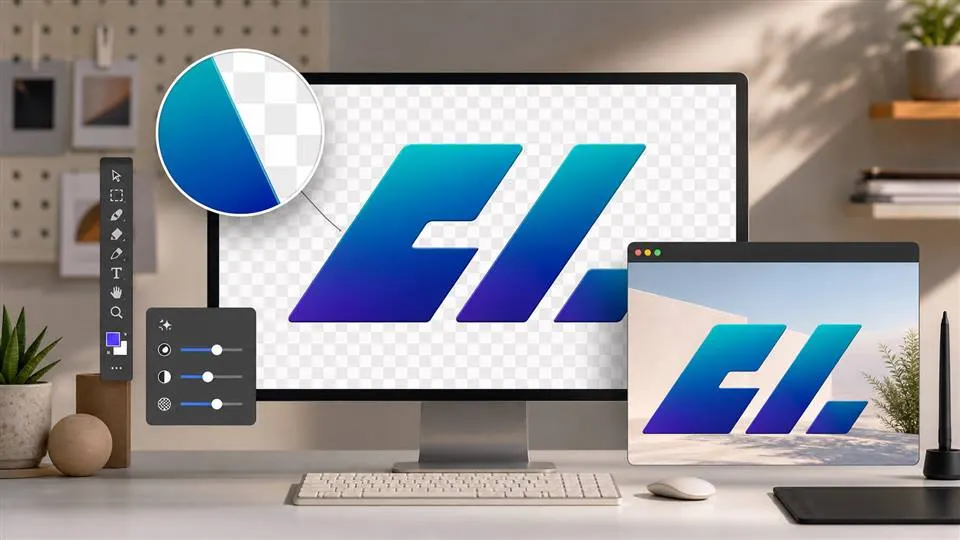
Turn portraits, product photos, logos, and social graphics into clean transparent PNG files without manual masking. APOB AI helps you make image transparent quickly, keeping the main subject sharp while removing distracting backgrounds. Use the finished cutout for ads, thumbnails, e-commerce listings, profile images, and branded visuals.
Built for Product Photos and Ad Creatives
APOB AI is more than a simple transparent image maker. It helps creators prepare clean cutouts for Shopify products, Amazon-style listings, Meta ads, YouTube thumbnails, TikTok covers, and AI product videos. Remove the background once, then reuse the transparent image across multiple high-converting marketing assets.
Continue Editing After Background Removal
After you remove the background, keep creating inside APOB AI. Use your transparent PNG as a base for new backgrounds, AI portraits, product videos, ad visuals, avatar content, or social media posts. This makes the workflow faster for creators who need finished assets, not just a background remover.
Use Case of AI Images Transparent Maker
What AI Images Transparent Maker can be used for?
Use Case of E-Commerce Product Photos
Online sellers need product images that look clean, consistent, and ready for every sales channel. With APOB AI, merchants can make image transparent in seconds, remove distracting backgrounds, and turn product shots into polished transparent PNG assets for Shopify, Amazon, TikTok Shop, and paid ads. Instead of reshooting every product, sellers can create reusable cutouts for banners, product videos, carousel ads, thumbnails, and seasonal campaigns. This makes APOB AI a practical transparent image maker for brands that need faster creative testing and cleaner product presentation. (Amazon AI Ads, 2026)
Use Case of Short-Form Social Creatives
Short-form content moves fast, and creators need reusable visual assets that can be dropped into TikTok, Instagram Reels, YouTube Shorts, and ad clips without slowing production. APOB AI helps creators remove backgrounds and export transparent PNG cutouts of people, products, pets, logos, or props. These clean assets can be layered into hooks, captions, thumbnails, reaction graphics, and meme-style layouts. For creators building daily content pipelines, using an AI background remover is a faster way to turn one image into multiple scroll-stopping visuals. (Short-video Growth, 2026)
Use Case of Small Business Ad Design
Small businesses often need professional-looking visuals but do not always have designers, photographers, or editing teams. APOB AI makes image transparent free-style workflows easier by letting teams upload a photo, remove the background, and create a clean transparent PNG for ads, landing pages, social posts, WhatsApp promotions, and product announcements. The result feels sharper than a raw phone photo and more flexible than a static background image. For small brands using AI to scale marketing, transparent cutouts help every asset look more intentional and conversion-ready. (Meta SMB AI, 2026)
Reviews on APOB AI Make Image Transparent
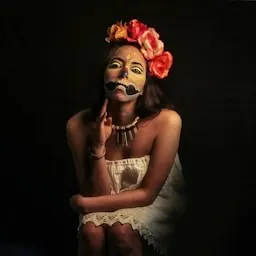
I found that Make Image Transparent cuts out product photos cleanly and keeps the edges around hair and fabric surprisingly natural.
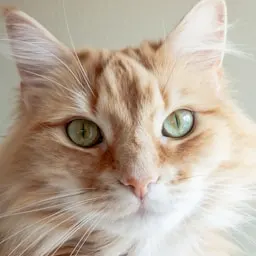
The shelter portrait became a perfect transparent sticker, with every ear and whisker still readable.
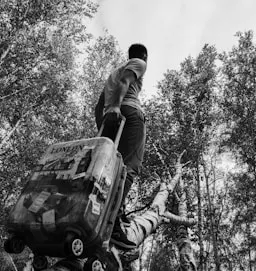
I can remove a busy background in seconds and drop the subject into any banner without extra cleanup.
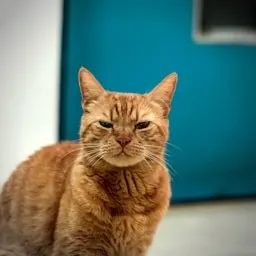
The little face stayed crisp after the background disappeared, and the sticker version looks adorable in chats.
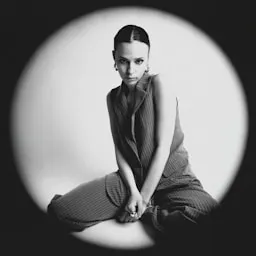
The tool saves me from manually tracing objects when I need clean cutouts for weekly promo graphics.
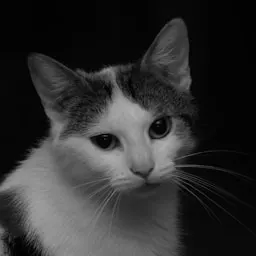
The fur edge looks soft instead of jagged, so the transparent portrait still feels natural.

I find that it is excellent for building transparent product images that stay sharp on light and dark layouts.
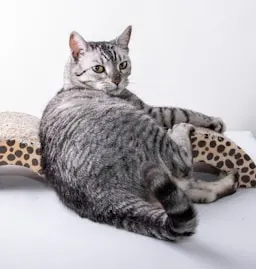
The portrait now works on dark and light cards alike, because the transparent edges are so smooth.

I can prepare a whole set of isolated products for a launch page in one sitting with this workflow.
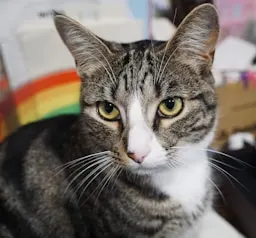
I love how Sprinkles’ close-up became a fun transparent badge that we now reuse across our stream overlays.
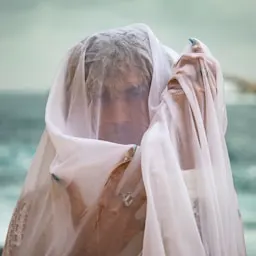
The separation around hair, glasses, and small accessories is much better than I expected from an automatic tool.
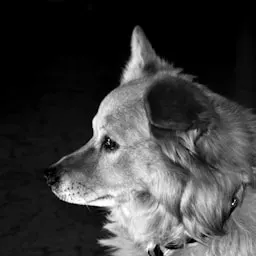
The ears and collar stayed cleanly separated, so the final cutout looks ready for a real sticker sheet.

It makes creative compositing feel effortless when I need to test several backgrounds for the same subject.

The playful pose was isolated cleanly and looks fantastic in our adoption campaign graphics.
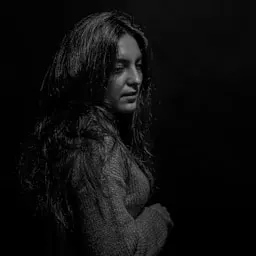
I find that the transparent exports are immediately useful for banners, product mockups, and layered video scenes.
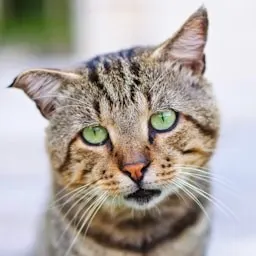
The face and paws stayed intact after removal, with no distracting white fringe around the silhouette.
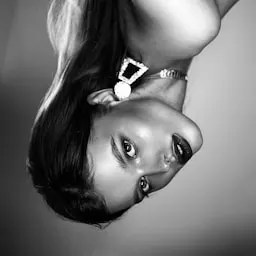
I can turn ordinary photos into reusable design assets without spending ten minutes on every edge.
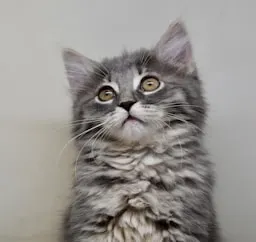
The portrait dropped perfectly into our new layout, and the transparent result still feels like a real photo.

I use the transparent-background workflow to remove backgrounds and clean up subject edges during early concept work. It gives me a practical cutout ready for layout work that I can evaluate before moving into the final production pass.

The transparent-background workflow is useful for testing how to remove backgrounds and clean up subject edges without committing to one direction too early. I still review the fine details before delivery.
For client previews, the transparent-background workflow gives me a practical cutout ready for layout work. That makes feedback more specific before I invest time in final polish.

I get the most consistent results from the transparent-background workflow when the reference and prompt are clear. That makes it reliable enough to remove backgrounds and clean up subject edges in routine work.


Pros and cons of AI Images Transparent Maker
Pros
Fast Transparent PNG Creation
APOB AI helps users make image transparent in seconds without Photoshop, manual masking, or design experience. Upload a portrait, product photo, logo, or social graphic, remove the background, and get a clean transparent PNG ready for ads, thumbnails, product pages, and AI video projects.
Better for Marketing Assets
Unlike a basic background remover, APOB AI fits directly into a creator workflow. After background removal, the transparent image can be reused for e-commerce banners, TikTok covers, Meta ads, YouTube thumbnails, AI product videos, avatar content, and branded social posts.
Easy for Non-Designers
The workflow is simple enough for creators, sellers, marketers, and small businesses. Users do not need layers, selection tools, or editing software. APOB AI works like a transparent image maker that turns everyday images into polished visual assets with fewer steps.
Cons
Best Results Need Clear Subject Edges
AI background removal works best when the subject is sharp, well-lit, and not heavily blended into the background. Very messy hair, low-resolution images, motion blur, or similar foreground/background colors may require regeneration or a clearer upload for the cleanest transparent PNG.
Make Image Transparent with AI
No Credit Card Required
Discover more blogs about Make Image Transparent with AI



FAQs about AI Images Transparent Maker
Answers about background removal, transparent PNG output, clean edges, formats, quality, and privacy.
What does it mean to make an image transparent with AI?
It means using AI to remove the background from a photo and turn the main subject into a clean transparent PNG. A background remover deletes the background. A transparent image maker gives you a usable transparent PNG for design and marketing.
How do I make an image transparent with APOB AI?
Upload your image, choose the background removal tool, let APOB AI process it, then download the result as a transparent PNG.
Can I make an image transparent for free?
APOB AI offers creator-friendly access with free daily credits, so you can test transparent image making before upgrading.
Which file format preserves transparency and image quality?
Use PNG if you want a transparent background. PNG keeps the background invisible for design, ads, and product visuals. APOB AI aims to keep the subject sharp, but starting with a clear, high-quality image gives the best result.
Can I use transparent product images for e-commerce and ads?
Yes. APOB AI can remove product photo backgrounds and create clean cutouts for Shopify, Amazon, ads, and social media. Yes. Transparent product cutouts are useful for product cards, storefront banners, comparison images, and ad creatives.
Which source images work best, including portraits and detailed hair?
Yes. You can make portrait images transparent and use them for profile photos, AI avatars, thumbnails, stickers, or branded content. APOB AI can preserve many fine details, but complex hair, blur, or dark backgrounds may need regeneration for a cleaner edge.
Can I remove the background from a logo?
Yes, if the logo is clear enough. APOB AI can help create a transparent logo image for websites, pitch decks, and marketing assets.
Can I continue editing after removing the background?
Yes. You can use the transparent cutout for new designs, ads, AI product videos, avatar content, or social media visuals.
What should I do if the transparent result is imperfect?
Try regenerating, uploading a clearer image, or choosing a photo with better lighting and stronger subject-background separation.