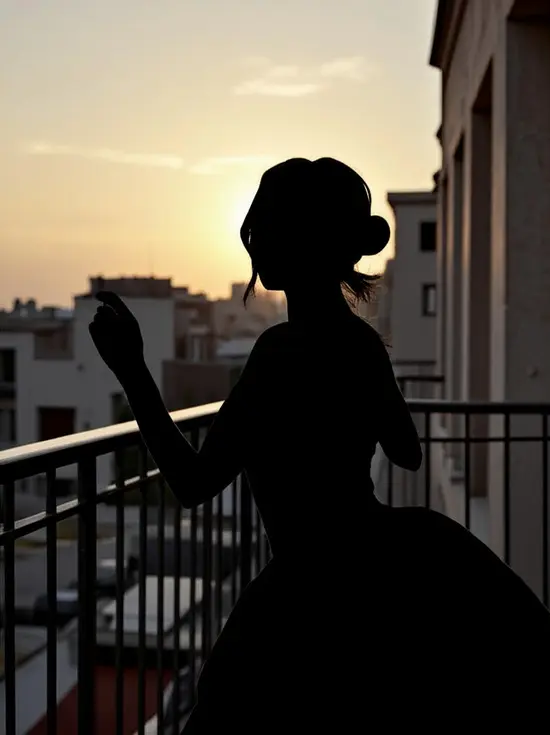
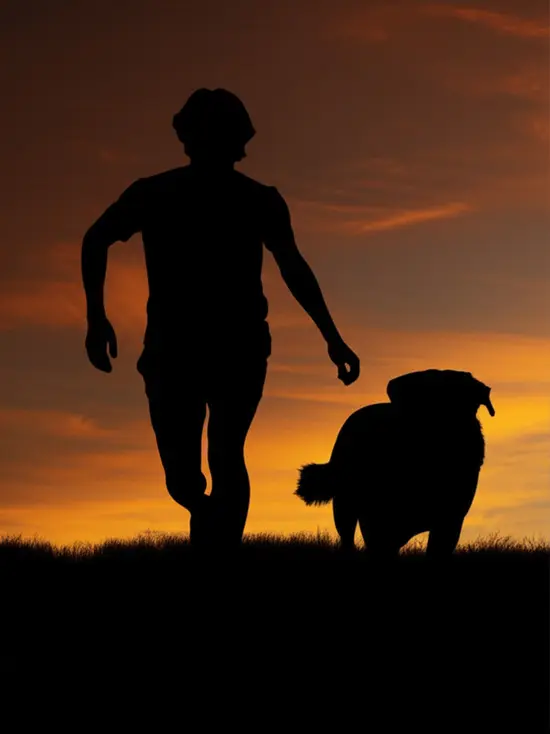
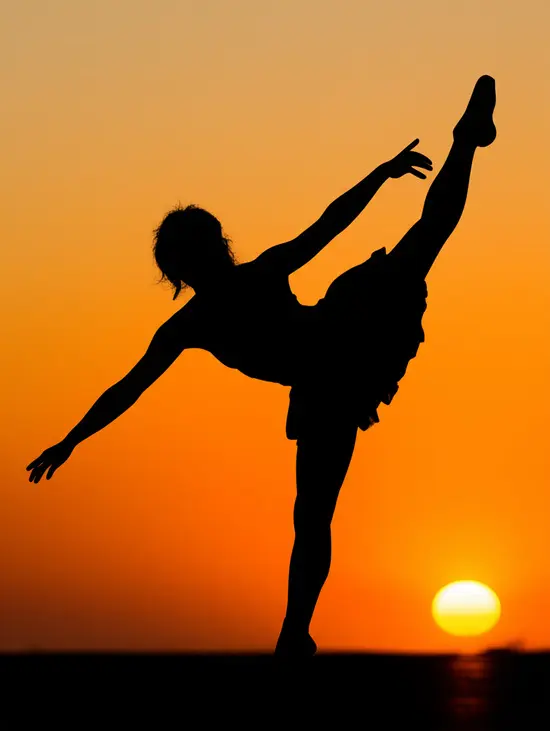
AI-Powered Simplicity
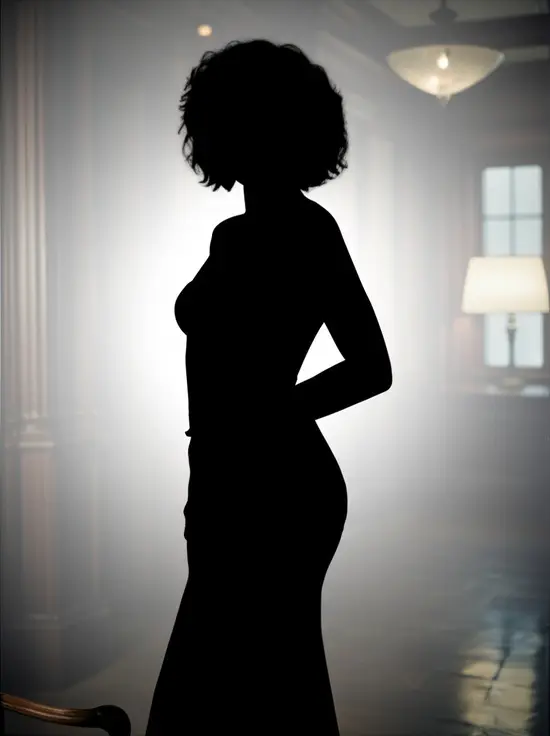
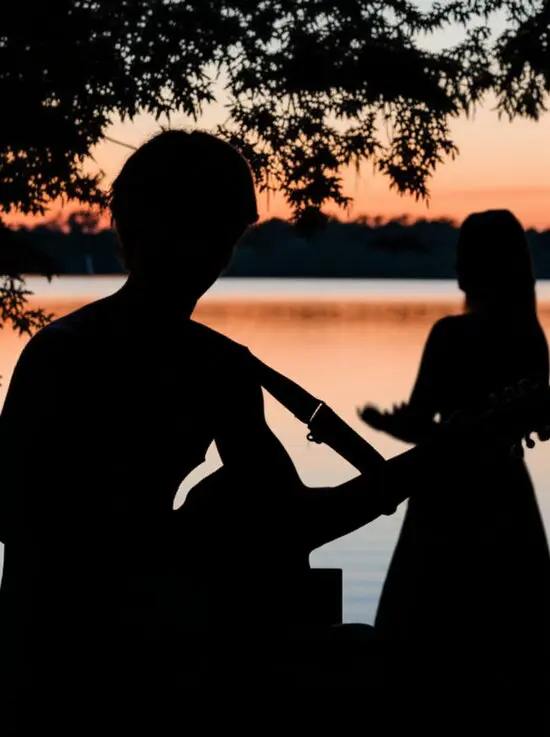
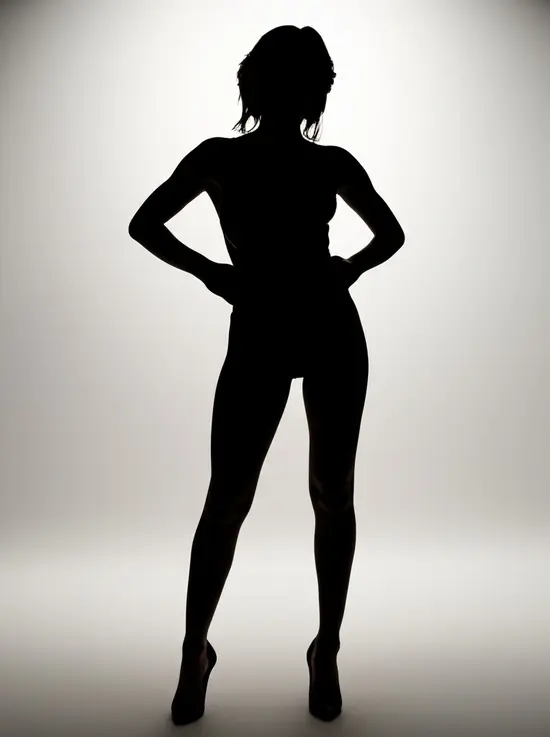
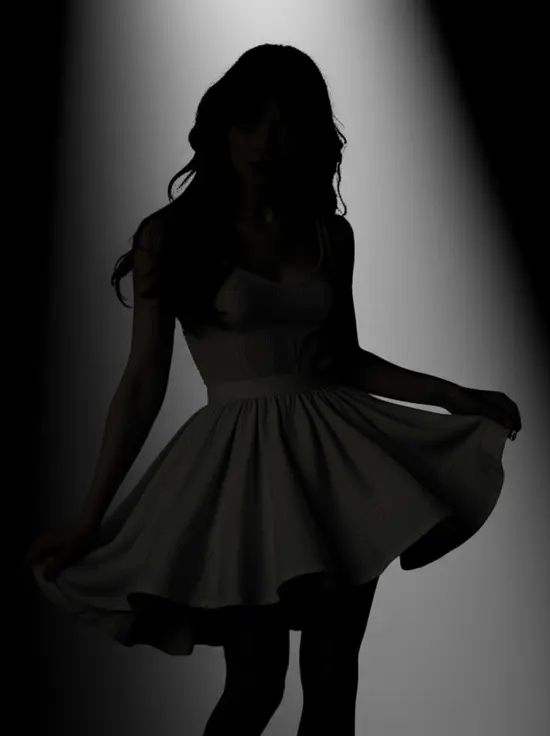
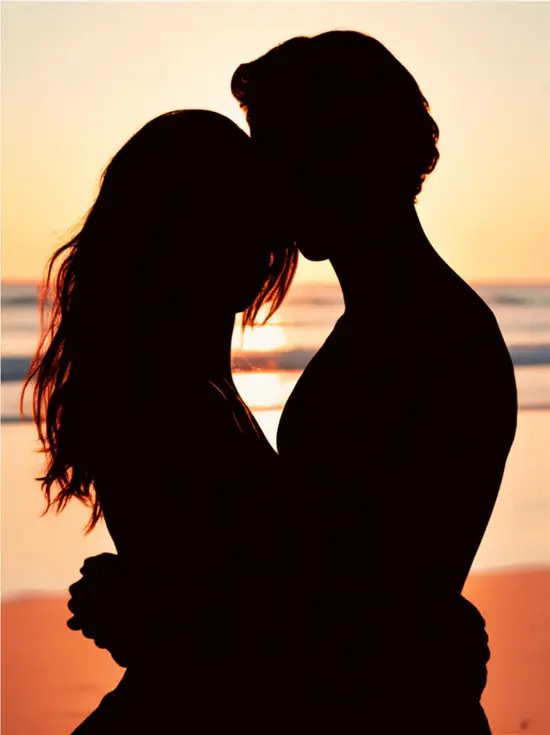
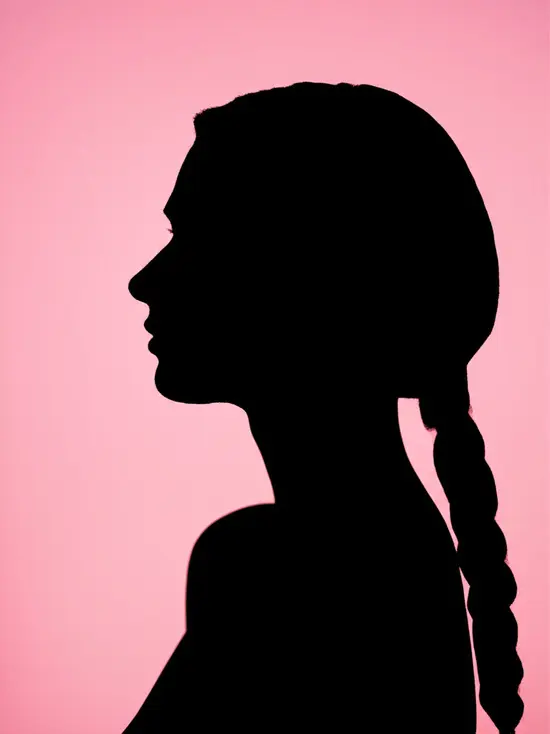
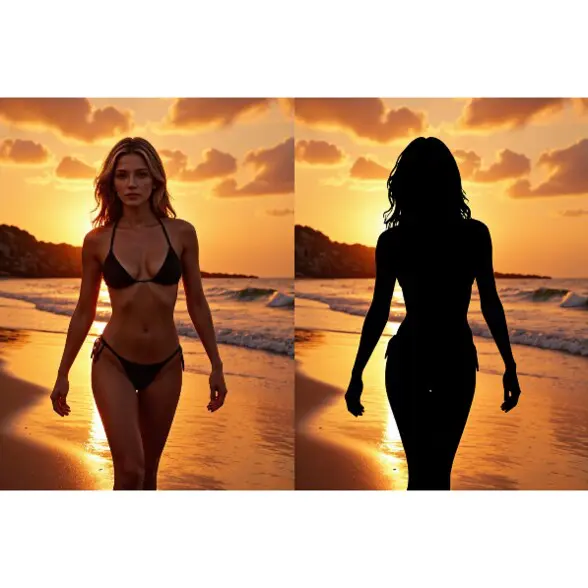
No need to master complex tools. APOB AI automatically detects the subject and creates your silhouette image in seconds.
Versatile Styles for Every Need
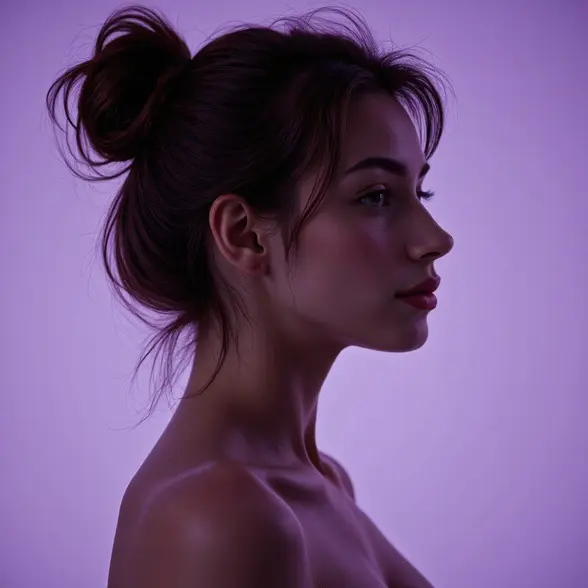
From black and white silhouettes to dreamy gradient edges and soft glows, choose the exact aesthetic you need for personal or professional use.
Daily Free Credits
Get 80 free credits every day! That means you can generate 4 silhouette photos daily—completely free.
Artistic and Creative Projects
With an online silhouette maker, digital artists and content creators can quickly make different shapes for concept art and design. This helps them create many design ideas in a short time. For example, APOB AI’s tools let creators easily make and adjust images and avatars for many creative uses [1].
Educational Tools
Teachers and students can use silhouettes to make clear, simple visual aids for classes and learning materials. Silhouettes work well to explain ideas and can also help students improve their thinking skills. With APOB AI, they can even create unique characters and assets for stories that fit into educational projects [2].
Graphic Design and Branding
Designers can turn photos into simple, clean graphics for logos and marketing. Silhouettes are strong and easy-to-remember symbols that share a clear message with just a simple image. Marketing and brand managers use APOB AI to make special images and avatars that build a stronger online presence for their brands [3].
No Credit Card Required
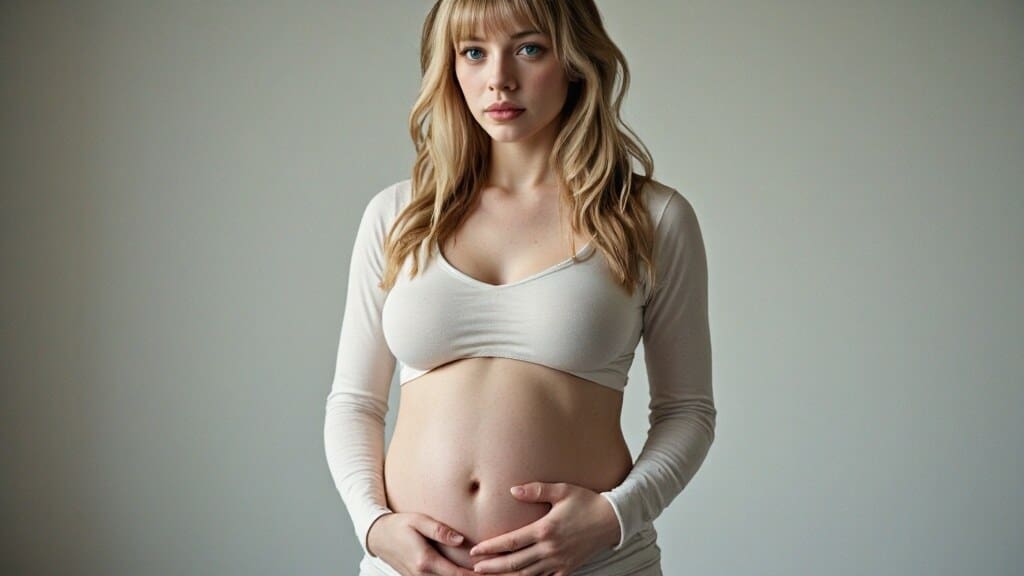
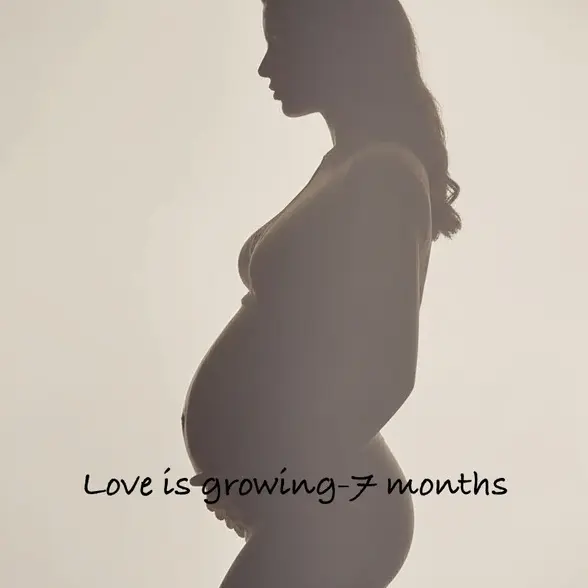
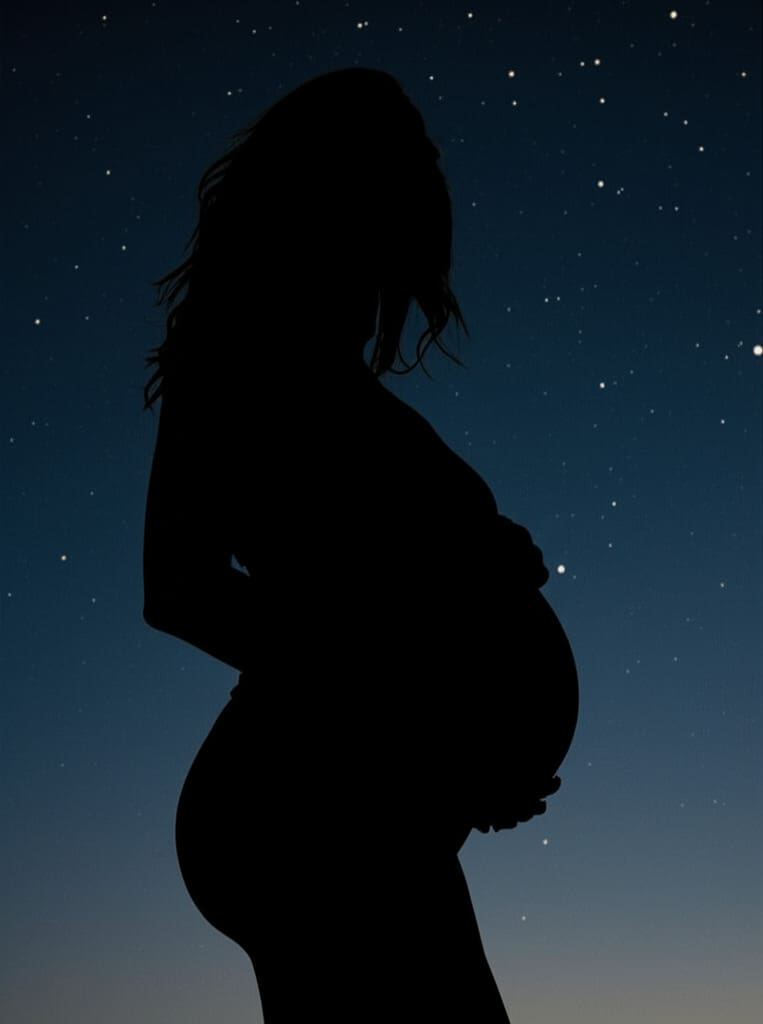
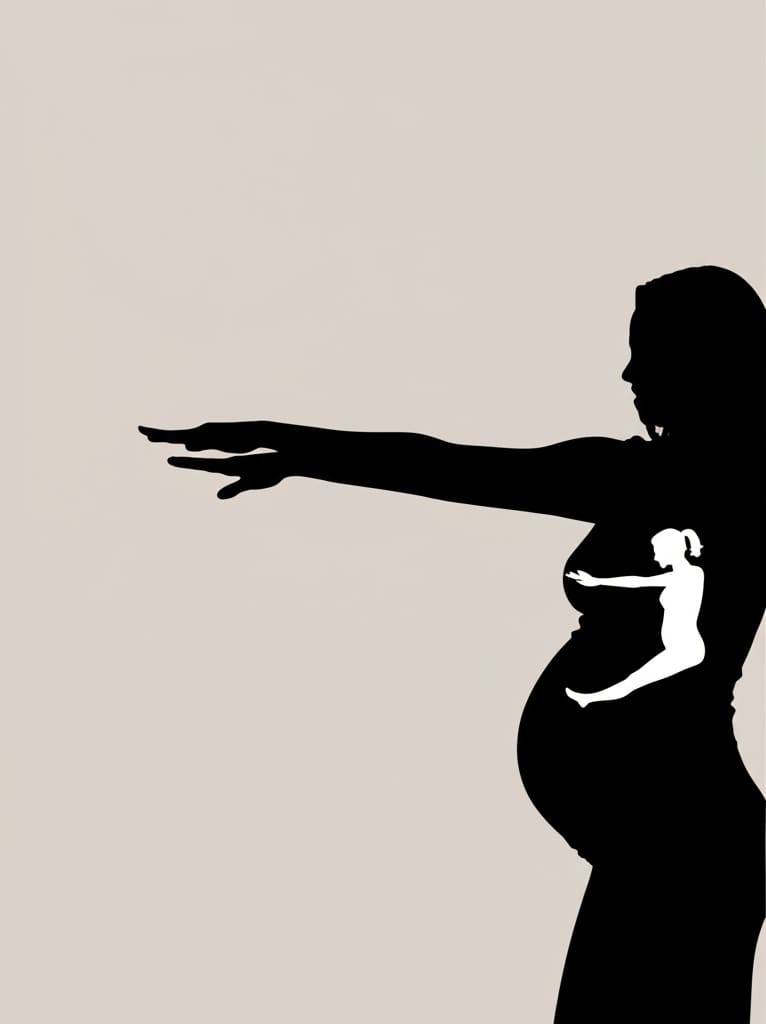
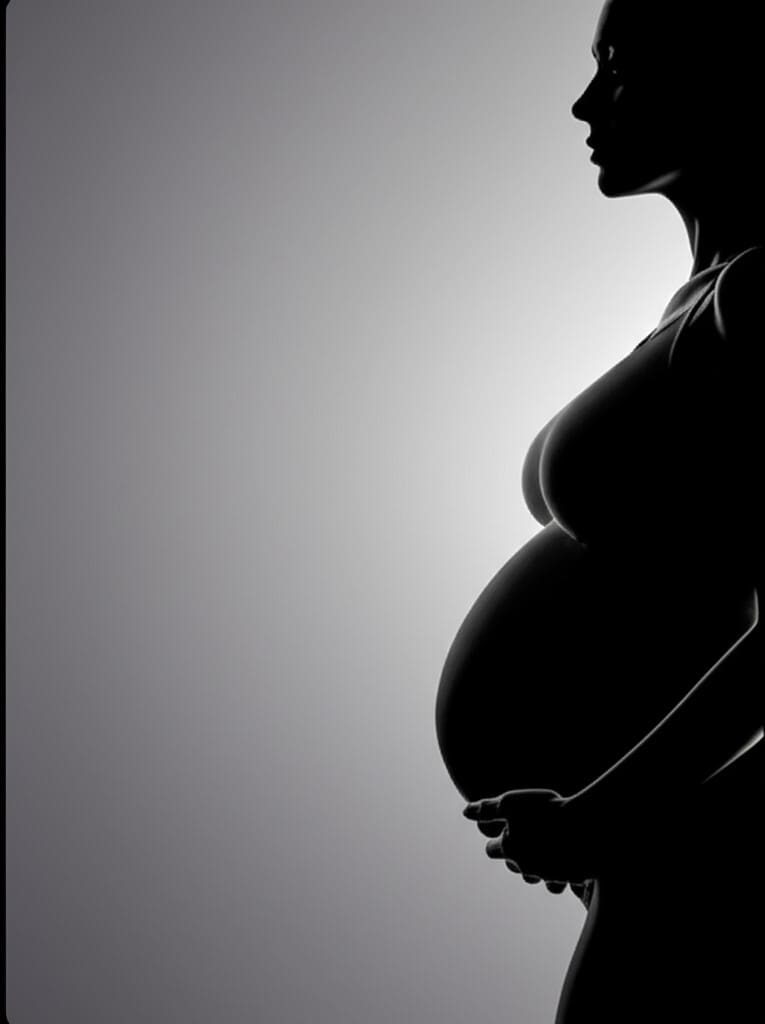
There’s something undeniably magical about a pregnant woman silhouette—the graceful curve, the sense of life within, and the quiet strength it represents. Whether you’re a designer, a mom-to-be, or someone planning a baby shower, silhouette-style visuals have become a heartfelt way to express the beauty of pregnancy.
But what if you could create one easily, without Photoshop or paid stock images?
Thanks to tools like APOB AI, you can now generate high-quality, customizable pregnant woman silhouettes in just minutes—completely free! Let’s explore how to do it, where you can use them, and how to make your designs stand out.
How to Create a Pregnant Woman Silhouette with APOB AI (Step-by-Step)
There are three different situations:
1st: If You Have a Real Pregnancy Photo:
Log in to the APOB AI website.
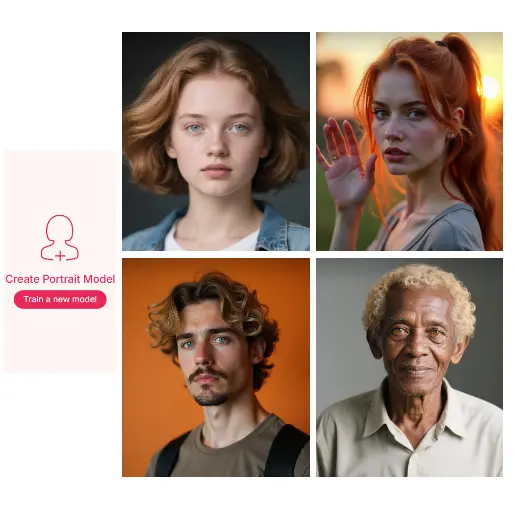
Click on “Create Portrait Model” and upload your photo.
Once uploaded, go to the “Chat to Edit” feature.
Type a simple prompt like: “Turn the woman into a silhouette with soft lighting and a clean background.”
The AI will automatically transform your real photo into a beautiful pregnant woman silhouette with custom styling and background changes.
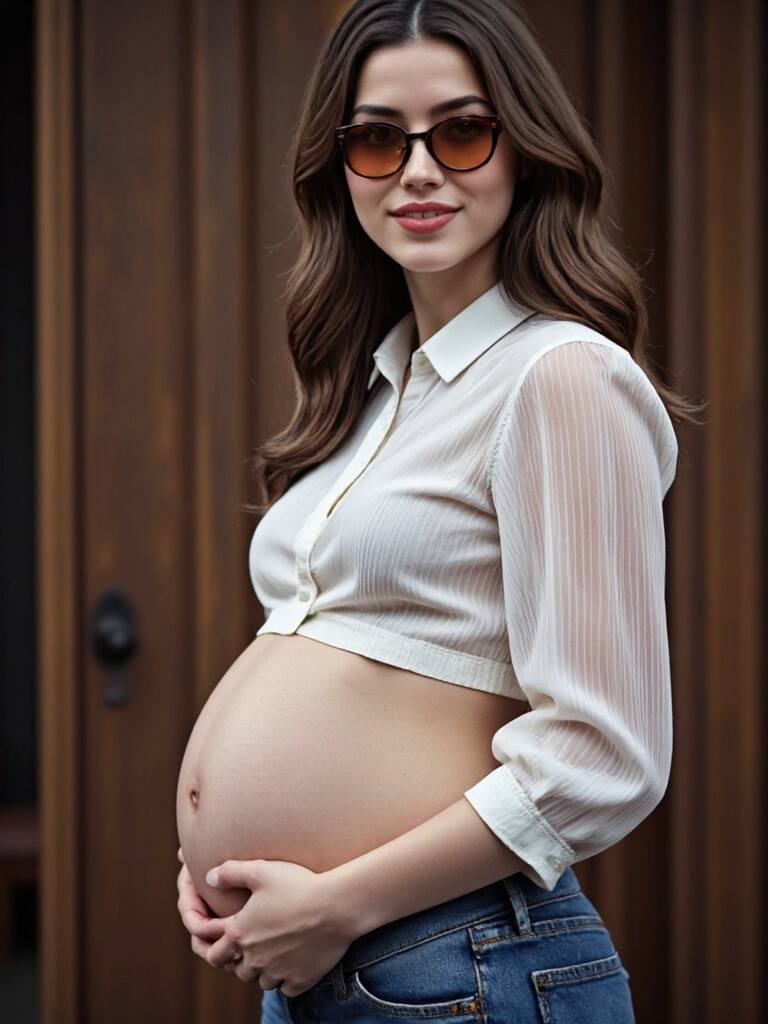
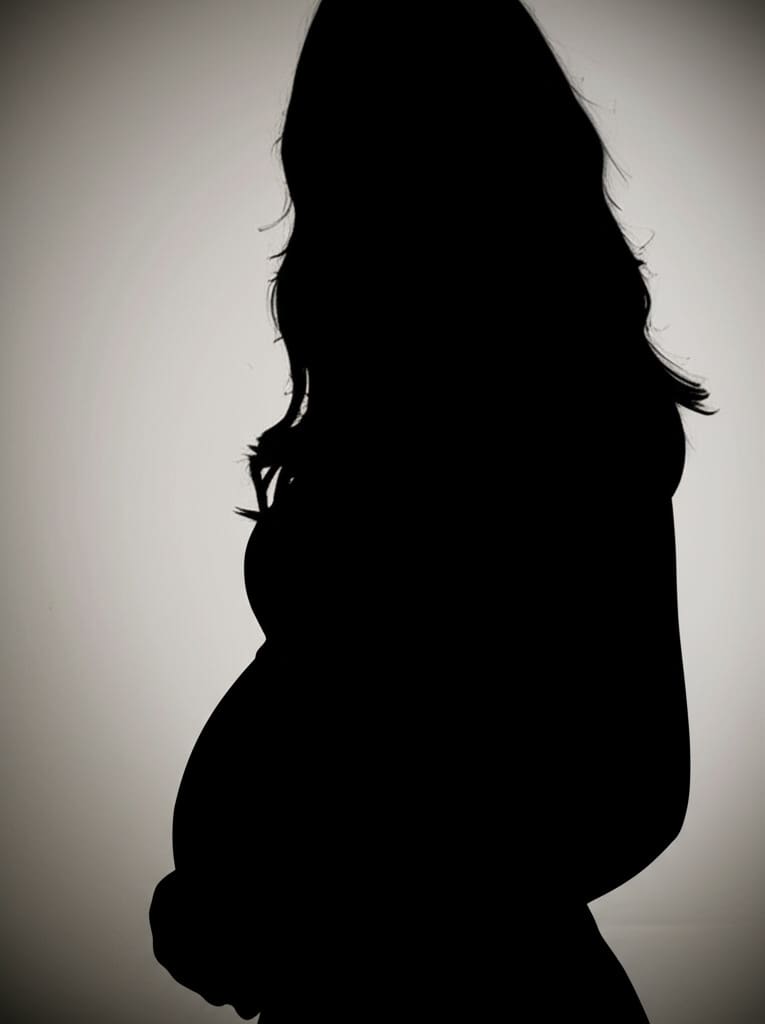
2nd: If You're Not Pregnant But Want to See Yourself as a Maternity Silhouette (Just for Fun):
Upload a regular photo of yourself under “Create Portrait Model.”
Head to the “Build Your Own” or “Expert” section.
Enter a prompt like: “Make me look like a pregnant woman standing in profile, soft artistic style.”
Once you see yourself transformed, go to “Chat to Edit”.
Input a follow-up prompt to turn that AI-generated pregnant version of you into a silhouette.
Perfect for entertainment, social content, or personalized projects!
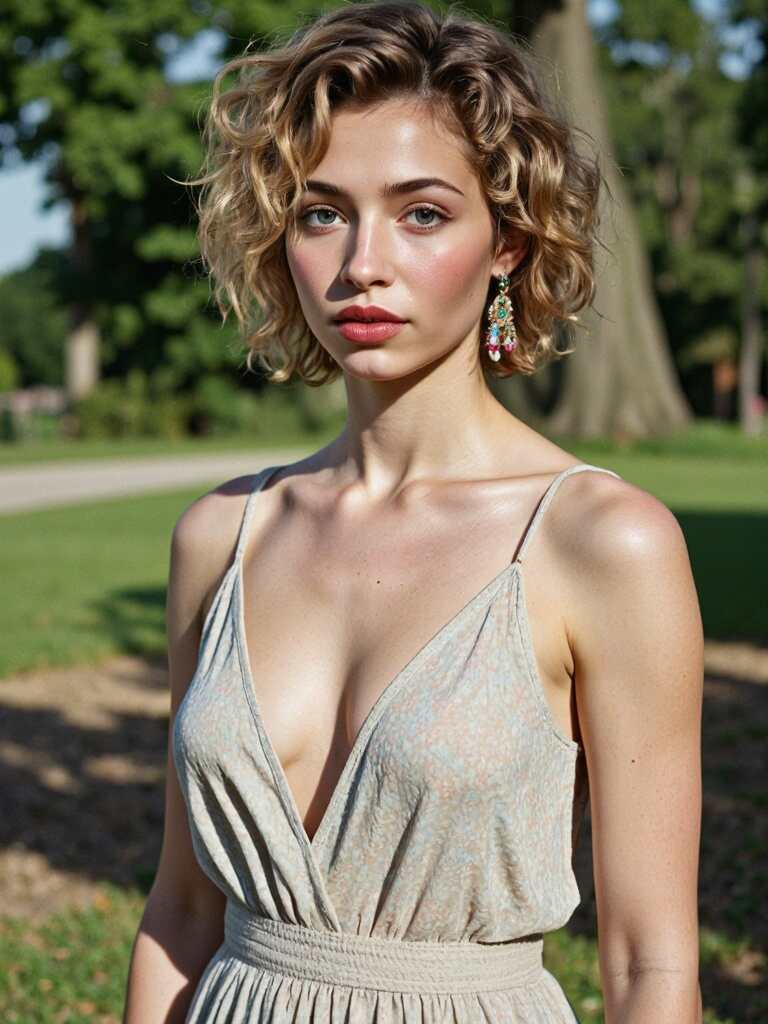
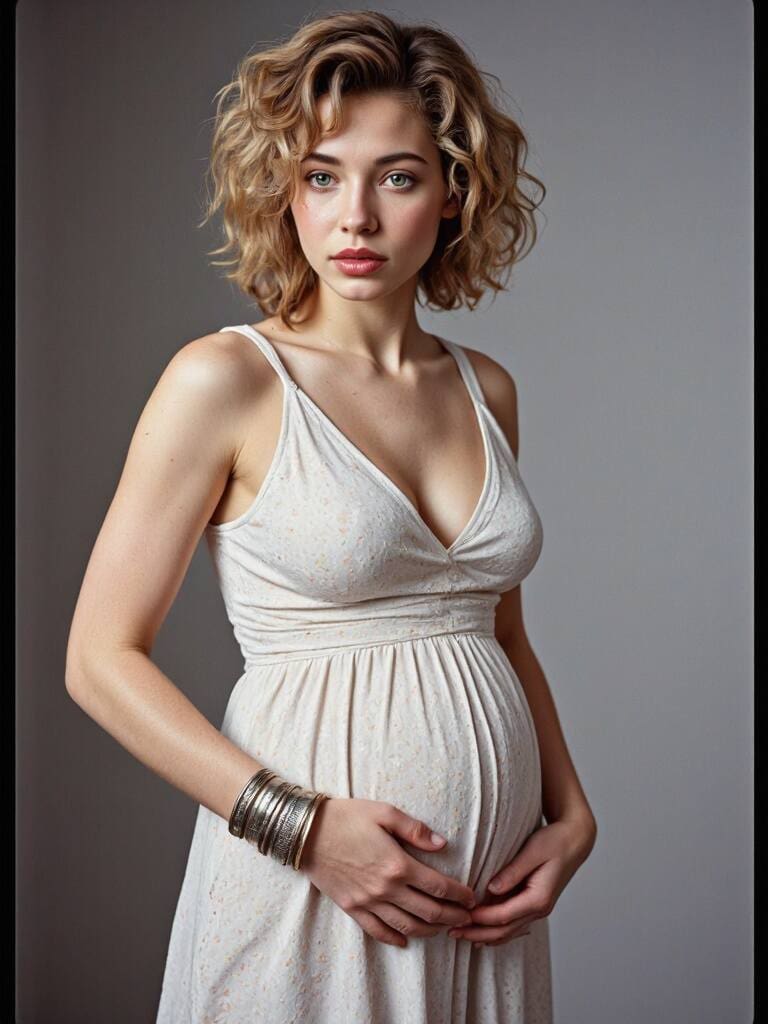
3rd: If You Want to Generate AI Pregnant Woman Silhouette Images from Scratch (for Commercial or Educational Use):
Start by clicking “Create Portrait Model.”
Instead of uploading a real photo, choose to customize your AI model completely.You can define age, nationality, skin tone, hair style, and more.
After building the character, go to “Build Your Own” or “Expert.”
Enter prompts like: “Pregnant woman standing in profile, soft expression, wearing a maternity dress, natural lighting.”
Once generated, go to “Chat to Edit” and ask the AI to convert it into a silhouette version.
This is great for creating marketing visuals, health campaign posters, educational materials, or even eBooks.
No matter your purpose—personal memories, creative fun, or professional needs—APOB AI gives you a powerful, intuitive way to transform ordinary images into meaningful pregnant woman silhouette art.
Where Free Meets Fabulous: APOB AI
Enter APOB AI, a creative powerhouse that helps users generate unique AI-generated images based on text prompts. No drawing skills? No problem.
Here’s why APOB AI is perfect for creating a pregnant silhouette:
✅ 100% free to use with optional daily rewards
✅ Simple prompt-based interface
✅ Multiple styles like minimalist, romantic, cartoon, or realistic
✅ Download in high-resolution formats (PNG, JPG)
Gone are the days of scouring the internet for overused, expensive stock images. APOB AI gives you creative control.
Why Are Pregnant Woman Silhouettes So Popular?
From Pinterest boards to maternity t-shirts, pregnant silhouettes are everywhere. They evoke elegance, emotion, and anticipation—all in a simple outline. Some popular uses include:
Maternity photo edits
Social media announcements
Custom baby shower invitations
Nursery wall art
Pregnancy journals and scrapbooks
Digital clipart for Etsy shops or websites
Using a pregnant woman silhouette makes it easy to honor motherhood while keeping things tasteful and artistic.
Real-Life Scenarios: How to Use Your Silhouettes
Still wondering where your beautiful new art fits in? Let’s bring it to life with a few real-world ideas:
1. Instagram Pregnancy Announcements
Post a custom silhouette with a caption like “Coming soon…” or “Baby loading…” It’s elegant, mysterious, and way more memorable than a stock photo.
2. Custom Baby Shower Invitations
Use your silhouette image in Canva or Photoshop to design a charming invite. Combine it with floral elements, pastel backgrounds, and modern fonts for that boutique look.
3. Digital Pregnancy Journal
Every week, document your journey with a different pregnant silhouette—AI-generated to match your mood or trimester. It’s creative, personal, and makes for a touching keepsake.
4. Merch & Gifts
Print your design on tote bags, mugs, or T-shirts. A silhouette on a “Mom-to-Be” shirt? Instant hit.
Tips to Make Your Silhouette Designs Stand Out
Want to add flair to your designs? Here are some creative tips:
Play with contrast: A bright background can highlight the silhouette better.
Use textured fills: Replace solid black with floral patterns or galaxy gradients.
Combine with typography: Add a name, date, or inspiring quote like “A new adventure begins.”
Frame the figure: Surround the silhouette with delicate vines, stars, or moons for a magical effect.
Don’t forget, silhouette designs can also be repurposed as pregnant woman clipart for planners, calendars, or websites!
Conclusion: Turn Moments into Art
Pregnancy is a journey filled with emotion and anticipation. A pregnant woman silhouette captures all of that in a single elegant image—and with tools like APOB AI, you don’t need to be an artist to make one.
Whether you’re planning a surprise, building a brand, or simply cherishing your own memories, this is your sign to create something beautiful, meaningful, and totally unique.
👉 Try APOB AI today and transform your motherhood moments into digital masterpieces—100% free.
FAQ About Pregnant Woman Silhouettes
Q1: Is it really free to generate pregnant woman silhouettes with APOB AI?
A1: Yes! APOB AI offers free image generation. After logging in to the official website, you can get 80 points every day. Usually, it only costs 20 points to generate 4 high-quality pictures.
Q2: Can I use my silhouettes commercially?
A2: Most images can be used for personal and commercial purposes. Just check the specific licensing or terms of use on the site.
Q3: How do I edit my silhouette after generating it?
A3: You can use our “Chat to Edit” feature to adjust colors, crop, or add text.
Q4: Will uploading my personal photo to APOB AI compromise my privacy?
A4: APOB AI respects and prioritizes user privacy. By default, portrait models are set to public, but you can easily switch your AI model to private before generating any images. This ensures your content remains visible only to you. If you have any concerns or questions, feel free to reach out to our customer support at any time—we’re here to help!
Read More
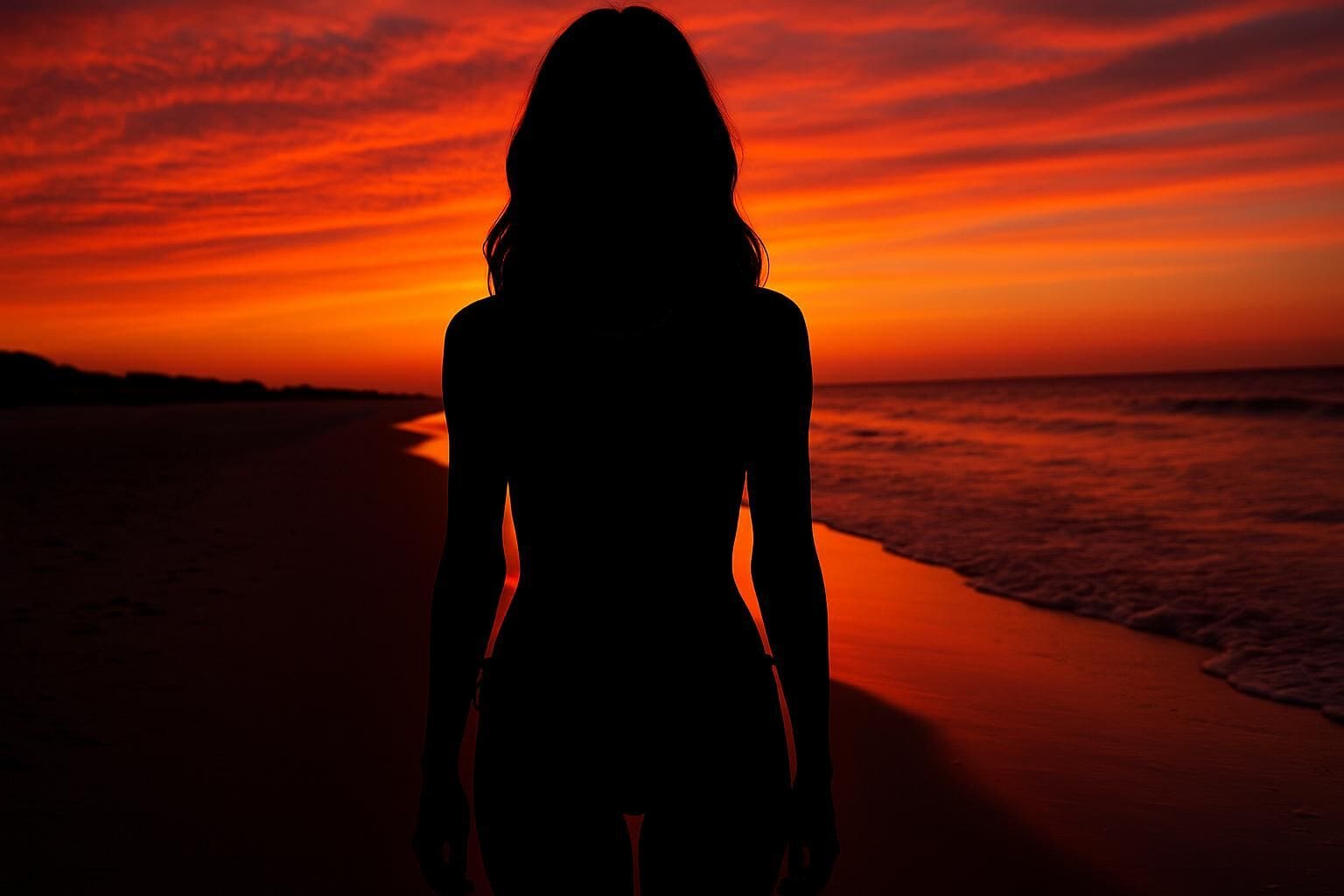
Silhouette photos are timeless. Whether you're capturing a magical moment, designing a profile picture, or creating a heartfelt gift, a well-made silhouette photo can speak volumes without saying a word. These mysterious, minimalist images highlight shape and emotion in a way that colored, detailed photos often don’t.
If you've been wondering how to make a silhouette from a photo or where to find an easy tool to turn a photo into silhouette art, you're in luck. In this guide, we’ll show you how to create a stunning silhouette photo absolutely free using APOB AI—an easy-to-use online tool that transforms ordinary pictures into visual poetry with just a few clicks.
What Is a Silhouette Photo?
A silhouette photo is an image where the subject appears as a solid dark shape, typically set against a lighter background. This stark contrast creates a powerful, dramatic effect that emphasizes form and outline rather than facial features or clothing.
These photos often highlight side profiles, couples holding hands, pets in motion, or individuals standing against a sunset. With increasing popularity on social media, people are actively looking for ways to turn photos into silhouettes or create silhouette images that are both aesthetic and meaningful.
Step-by-Step: How to Make a Silhouette from a Photo Using APOB AI
You don’t need any graphic design skills. Just follow these five simple steps:
Visit the APOB AI Silhouette Generator
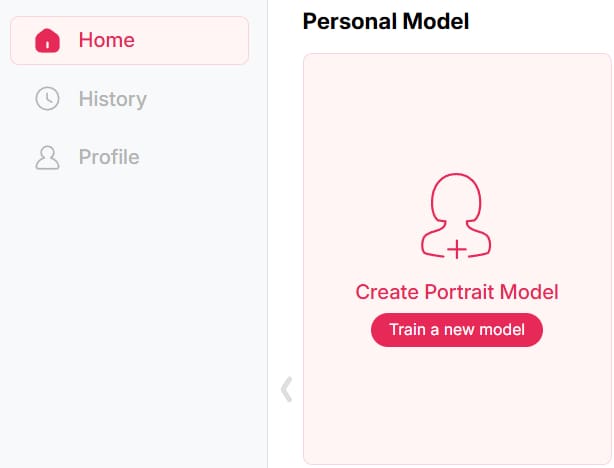
Sign up on APOB AI and get 80 credits. Then, click on “Create Portrait Model.”
Upload Your Photo
Choose a clear image—ideally one with a side profile, standing pose, or clean background. Photos with strong contrast between subject and background work best.
Chat to edit
Enter a prompt to generate your perfect silhouette—customize the background and style. Choose from Classic Black, Gradient Edge, Soft Glow, or Sunset Blend to give your silhouette photo a unique touch.
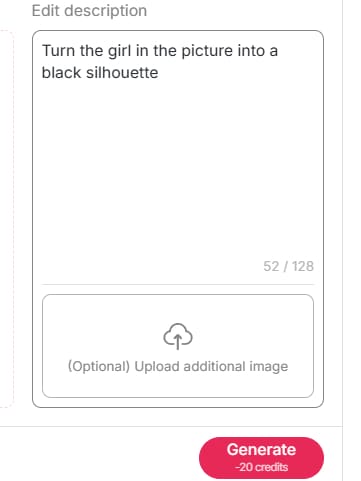
Click “Generate”
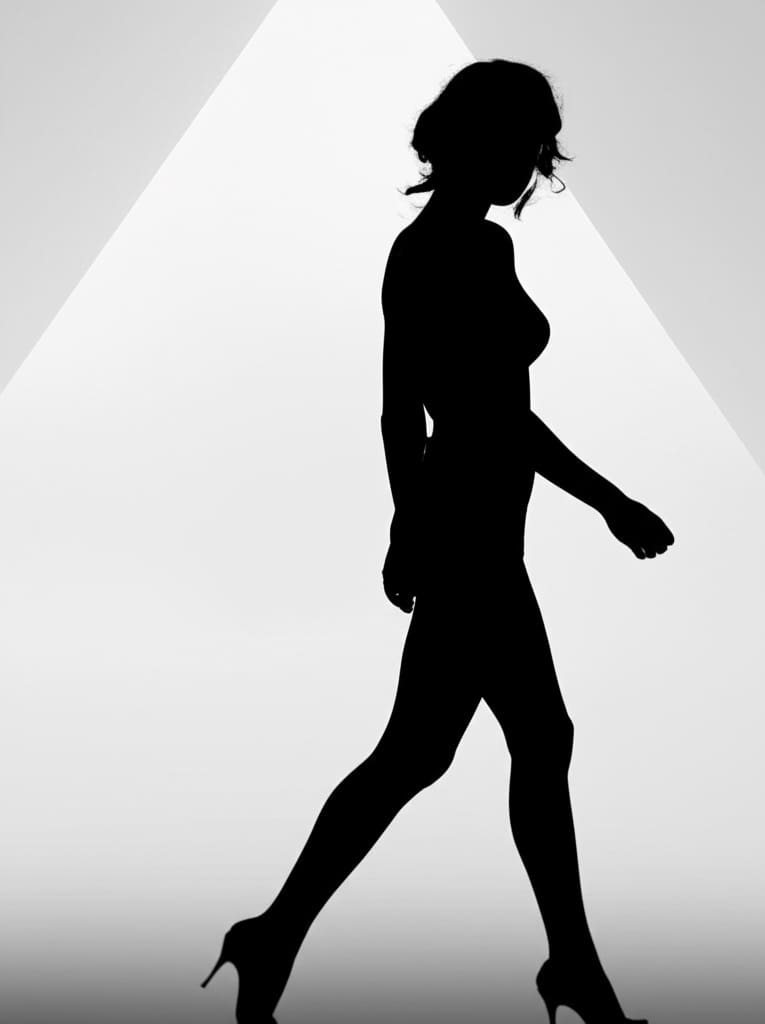
Let the AI work its magic! In just a few seconds, you’ll see a beautifully rendered silhouette version of your original pictures.
Download Your Image
Satisfied with the result? Click “Download” and save your new silhouette photo to your device.
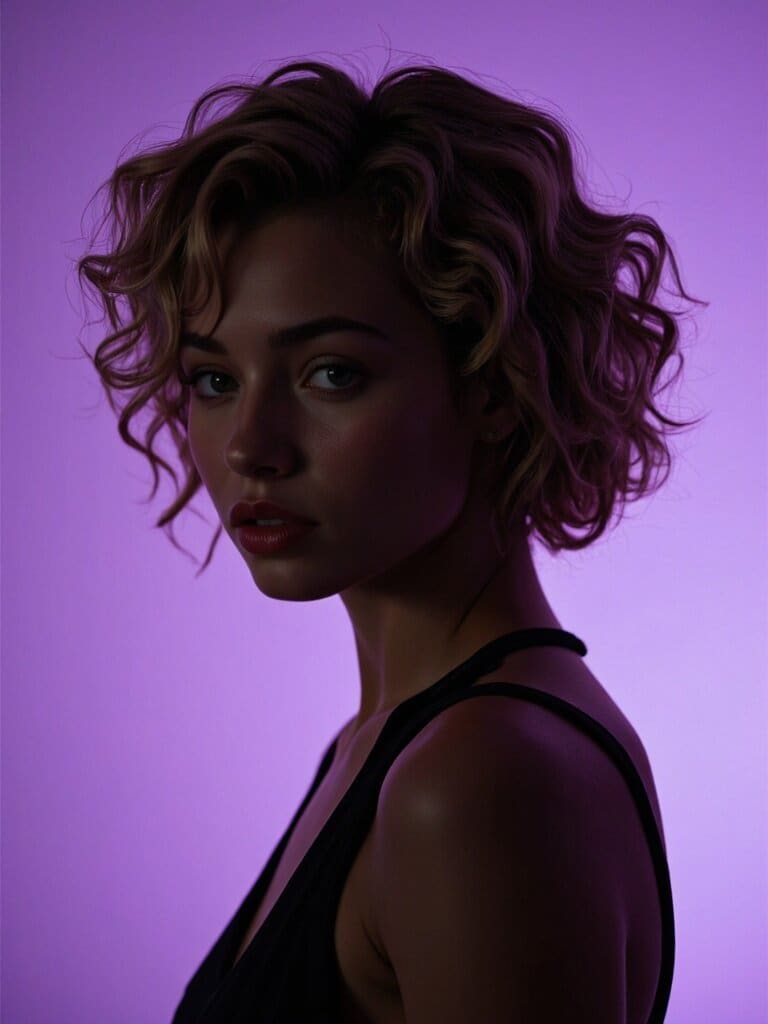
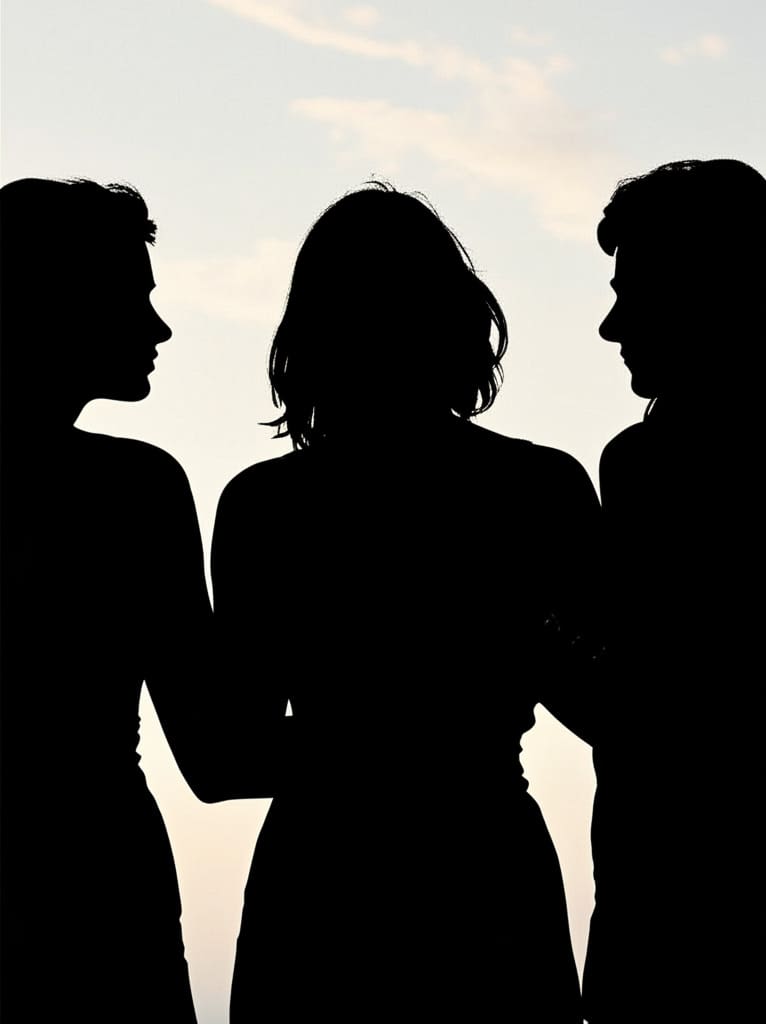
Tip:If you don’t want to upload your own photo, you can fully customize an AI model with ease.
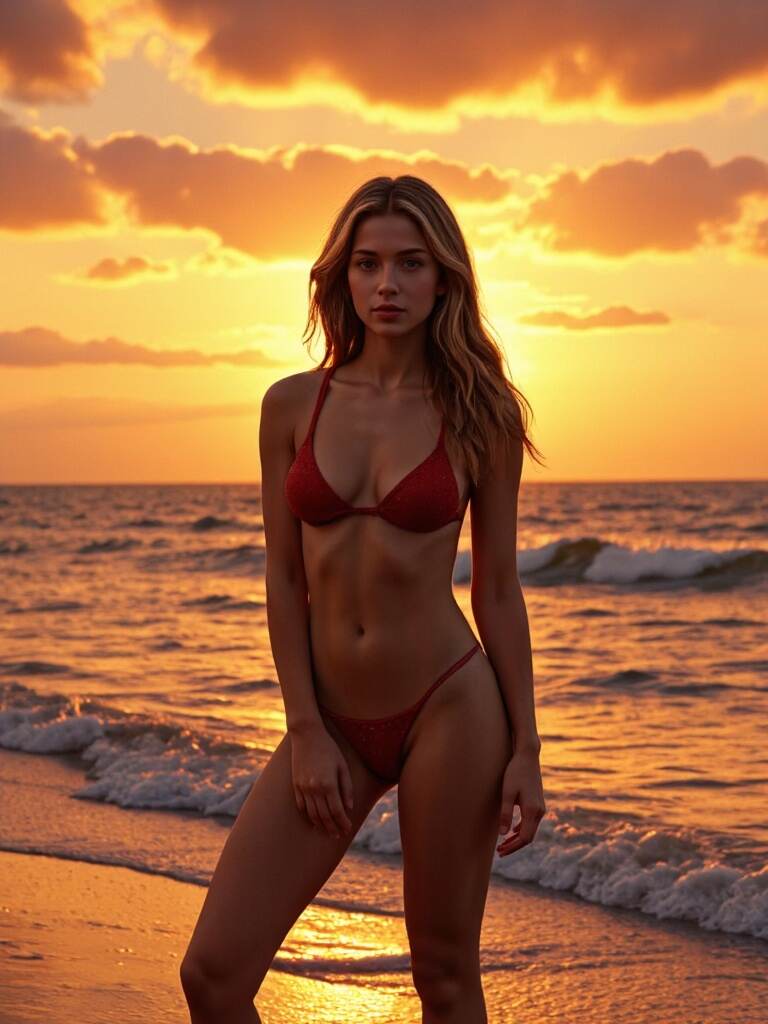
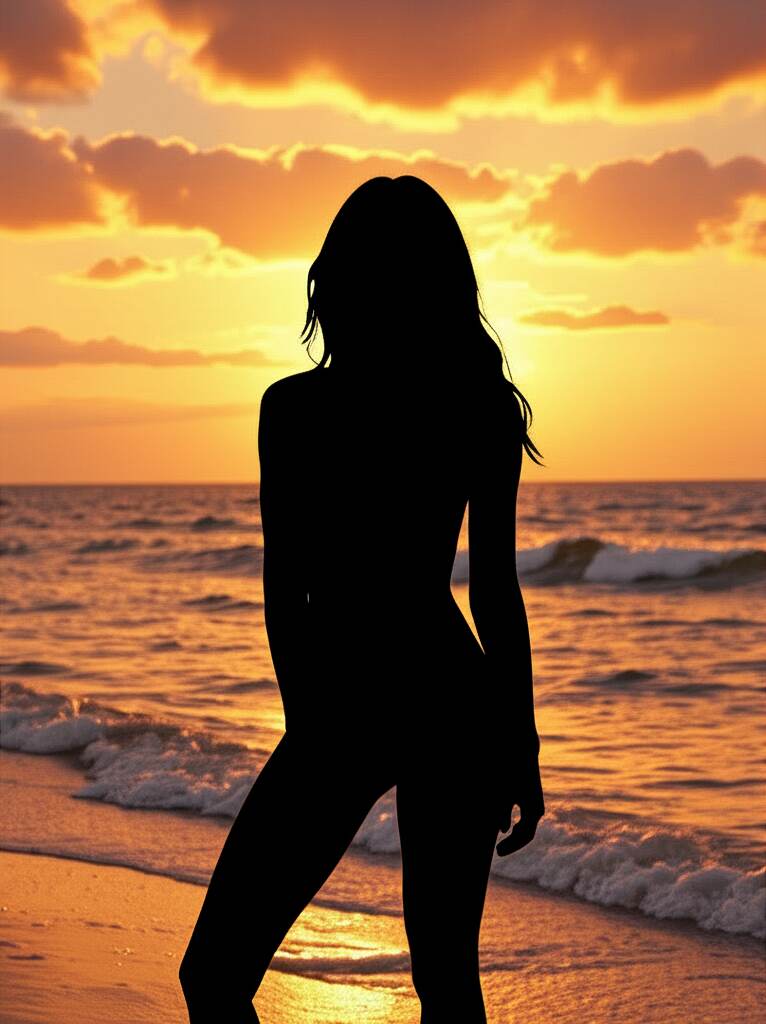
Before and After: See the Difference
Imagine your plain selfie turned into a striking silhouette image that looks like it came out of an art studio. The difference is stunning. APOB AI enhances edges, simplifies noise, and ensures that the silhouette captures the most expressive part of your photo—your shape, your moment, your emotion.
Many users even print their silhouette results as wall art, frame them as gifts, or share them online as stylish profile pictures.
Creative Uses for Silhouette Photos
Silhouette photos aren't just visually appealing—they’re incredibly versatile. Here are some fun and meaningful ways to use them:
Social media avatars – Make your profile stand out with mystery and elegance.
Gifts for loved ones – A couple's silhouette makes a romantic anniversary or Valentine’s gift.
Home decor – Frame your family’s silhouettes in a gallery wall.
Event designs – Use them in wedding invites, baby showers, or graduation cards.
Merchandise – Print on t-shirts, mugs, or custom keychains.
No matter how you use it, a well-made silhouette photo always adds a touch of class.
Final Thoughts
You don’t need to be a designer or spend money on fancy apps to create eye-catching silhouette images. With APOB AI, you can effortlessly turn a photo into a silhouette and express something truly personal. Whether it’s for art, memory, or fun, this tool brings your images to life in a whole new light.
So why wait? Try it today and see your memories in silhouette!
👉 Start creating your silhouette image with APOB AI now!
FAQs
Q1: Can I create a silhouette photo from a group picture?
A1: Yes! Just make sure your subjects are not overlapping too much. APOB AI works best with clear outlines.
Q2: Is APOB AI really free to use?
A2: Absolutely. You can claim 80 free credits daily on APOB AI, which lets you generate 4 silhouette photos—or up to 16 high-quality images in other styles!
Q3: What type of picture gives the best silhouette result?
A3: Photos with clean backgrounds, side profiles, or high contrast between subject and background yield the best results.
Q4: Can I use the silhouette photo commercially?
A4: Yes! Once downloaded, you’re free to use the silhouette for personal or commercial purposes. Just make sure you have the rights to the original image.
Read More
Free and Accessible
No cost to start; claim free credits every day.
Fast and Accurate
AI instantly detects subjects and applies silhouette effects.
Fully Customizable
Edit style, pose, background, and even add text.
High Output Quality
Produces ready-to-use images for social sharing or print.
Requires Internet Access
APOB AI is an online tool.
Credit-Based System
Advanced features and bulk creation may require purchasing additional credits.
What is a silhouette?
A silhouette is a solid, usually black, outline of a person, object, or scene with no interior detail, often used for dramatic or artistic effect.
How to make a silhouette?
You can make a silhouette using an AI tool like APOB AI. Simply upload your photo, choose a style, and let the AI do the rest.
How to convert a picture into Silhouette?
Upload your image to the APOB AI Silhouette Maker, then select a preset or use prompts to transform it into a silhouette.
How do I make a black and white silhouette?
Click Chat to Edit, upload your image, and simply type a prompt like “turn the photo to a black and white silhouette.” The AI will instantly adjust the colors for you. It works just like a black and white silhouette maker, but with more control and flexibility to fine-tune the result to your liking.
Can I customize the silhouette color?
Yes, you can customize the silhouette color using the Chat to Edit feature. Once your silhouette is generated with the silhouette generator, simply adjust the color to match your style or project needs.
Can I use silhouettes for professional and commercial projects?
Yes! Silhouettes made with APOB AI can be used for professional branding, social media, product design, and other commercial purposes.


