


















Sora 2 shut down? Don't let that stop your content. Generate Sora-quality videos instantly with this top alternative.
1. Animal Videos
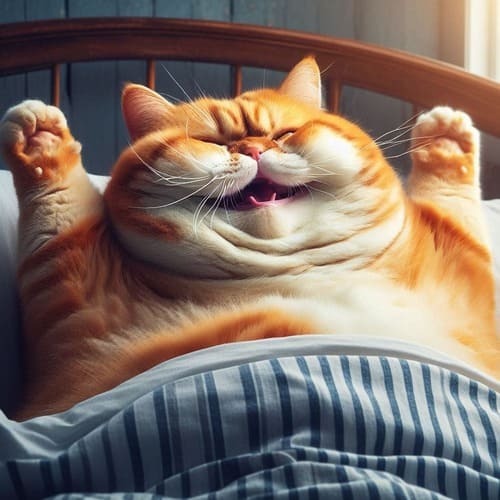
AI videos starring cats, dogs, and other animals have gained a lot of likes on TikTok and other short video platforms. Viral hits like the love story of an orange cat or various animal diving clips are prime examples. Recently, short clips featuring playful dog dramas, like dogs “slapping” each other, have spread like wildfire. Because real animal actors are rare, videos with animals as main characters have high viewer appeal.
2. Whimsical / Funny Videos
Jumping into sticky jelly beds, choosing zodiac-specific shelters in a post-apocalyptic world, or extreme cliff-jumping stunts — these quirky AI videos attract viewers online thanks to curiosity and surprise. Their unusual and playful nature keeps audiences watching until the end.
3. Short Story Dramas
In today’s era of fragmented information, short dramas are highly addictive. AI-generated short dramas have quietly emerged, letting creators produce fully realized stories without actors or studios. With minimal cost, you can create narratives ranging from Cinderella-style romances to revenge plots. Even if the storylines are familiar, audiences still love them.
1. Build a Custom Digital Twin for Your Sora 2 Alternative Videos
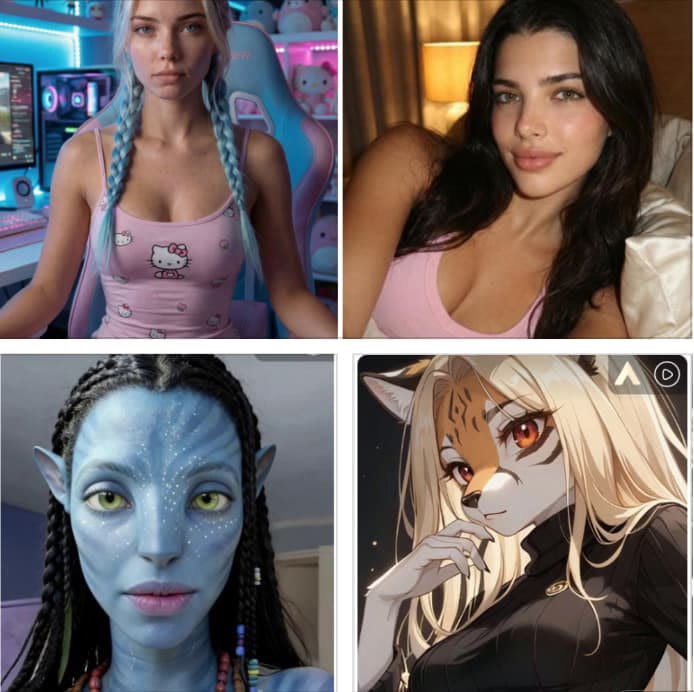
Click the button, log in, and claim your free 80 daily credits. Head to “Create Portrait Model” and choose either to upload your own photo or click “AI Influencer Generator.” You can then select gender, age, nationality, hairstyle, hair colour, eye colour, face shape, skin tone, and more. Prefer not to set anything? Just click “Generate,” and the random-mode will create an AI human for you. Each generate uses 10 credits, and you can repeat unlimited times to find the perfect character.
2. Generate Cinematic Videos with the Best Sora 2 Alternative
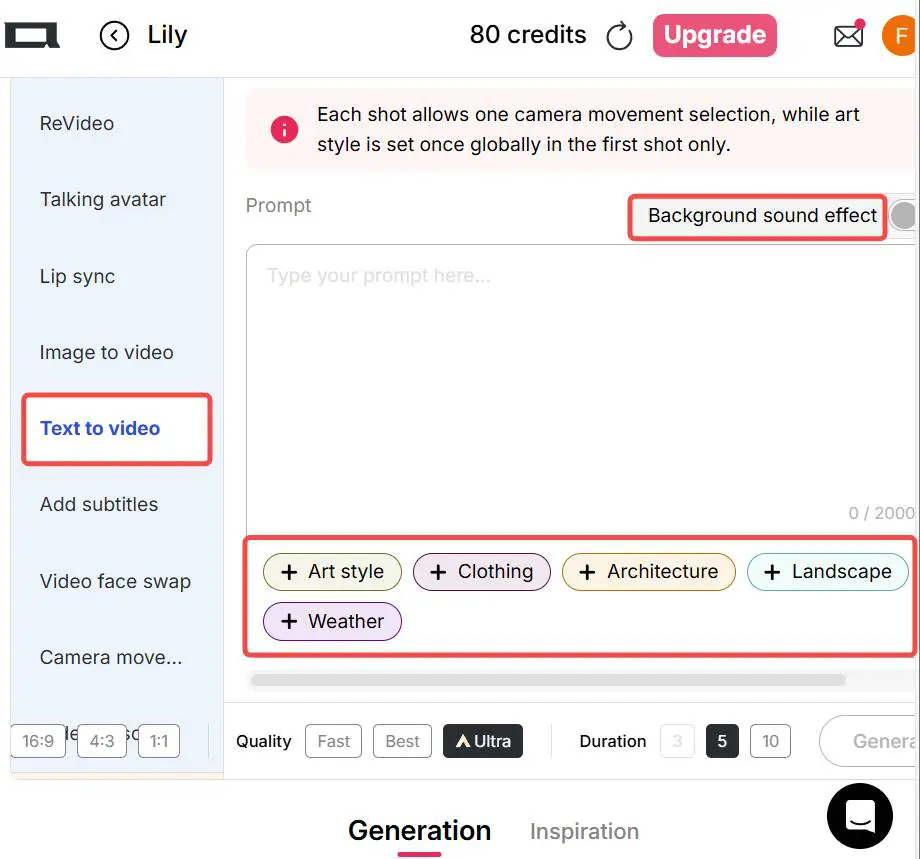
In the “Video” tab of APOB, go to “Text to Video.” Enter a description (up to 2,000 characters) and set the video’s dimensions (9:16, 16:9, 3:4, 4:3, 1:1) and quality mode (Fast, Best, Ultra). For cinematic results, we recommend Ultra mode. To refine the scene, you can choose from Art Style, Clothing, Architecture, Landscape, Weather options. Use “Add Shot” to include next scenes and build a continuous video. Background sound effects are supported, too.
3. Generate Image First, Then Create Your Sora-Level Video
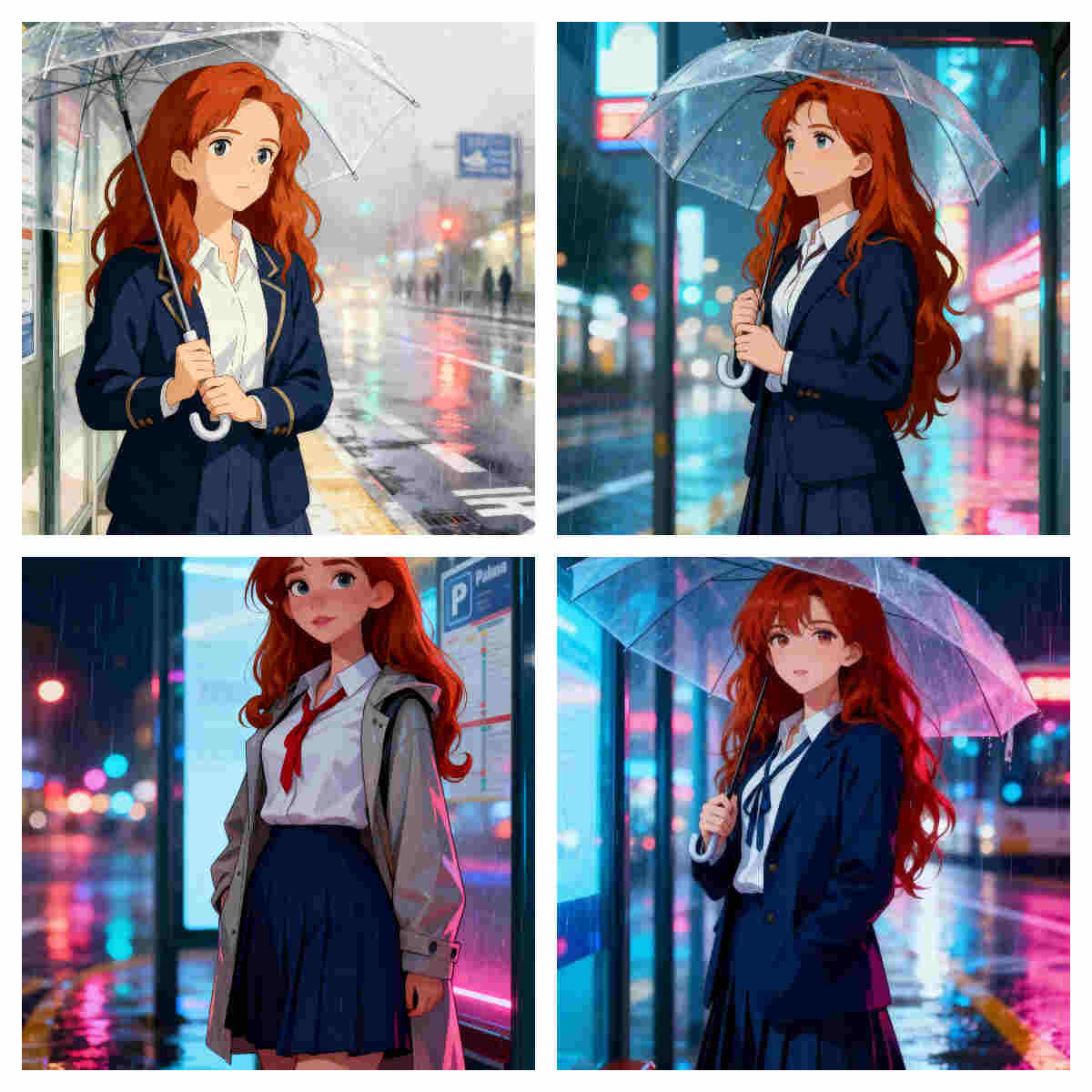
Instead of direct video generation, you can first create foundational images for better control. In “Expert” mode enter a detailed prompt (Ultra 4K yields best image quality). Alternatively use “Build Your Own” or “Complete Set” templates—e.g., for an anime girl waiting at a rainy bus stop you might select Ghibli, Cute Comic, Manga or Anime style, etc.
Tip: If you’re not happy with the image, use “Chat to Edit” to tweak clothing colour, background or expressions before turning it into video.
4. Generate Cinematic AI Videos Faster Than Sora
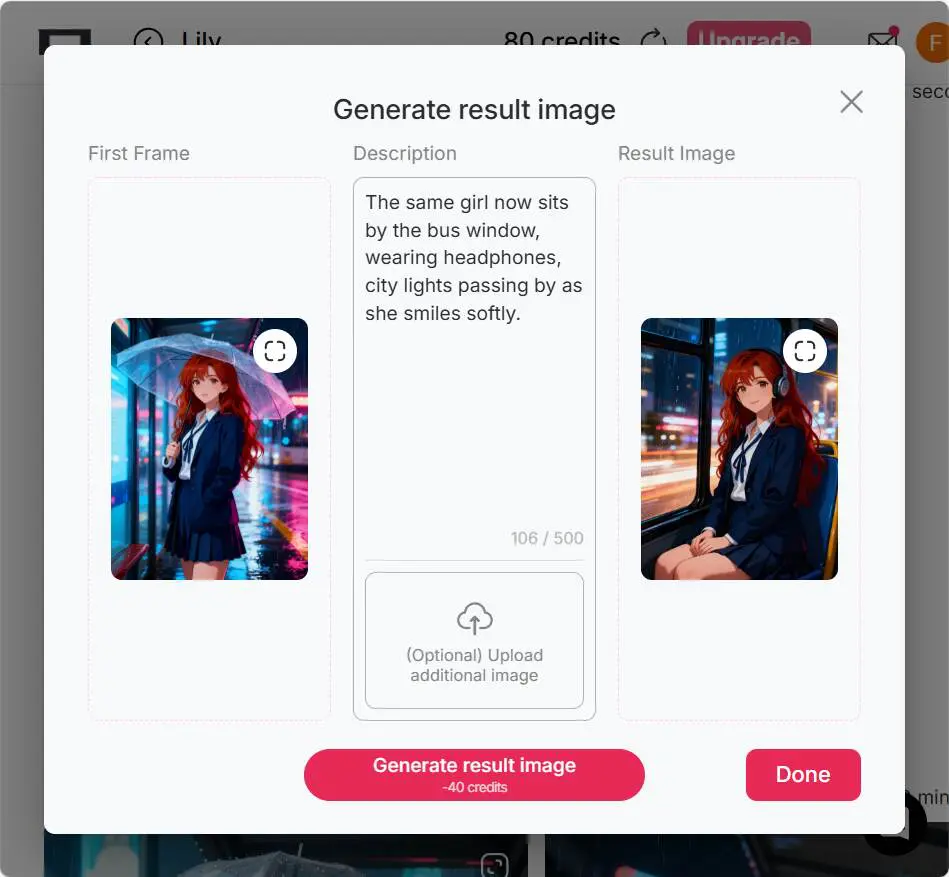
Once you have favourite image(s) as first and last frames, click “Generate Video.” Choose Ultra or Ultra S, then use “Generate last frame from first frame” (optional upload additional image) to ensure smooth motion continuity. After describing the full scene, you’ll get an AI video with camera movement and background sound.
To add voice, use “Talking Avatar” or “Lip Sync” -> choose AI voice gender, age (Young, Middle-aged, Old), select from 13 languages, input your script or type your idea and let the AI generate it. Subtitles are fully supported if needed.
5. Better Than Sora: Advanced Video Swapping Tools
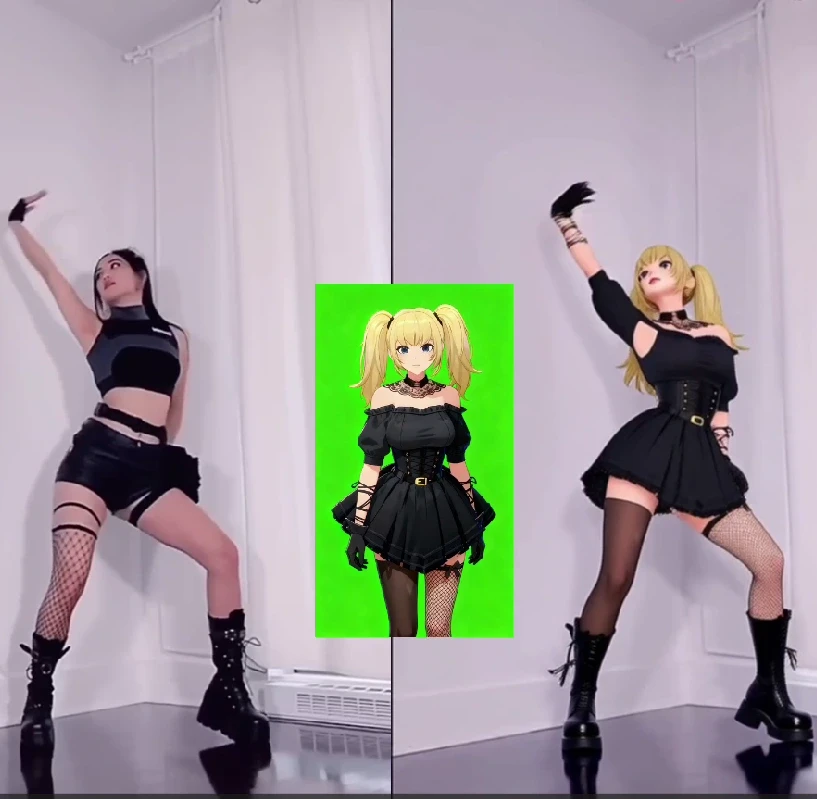
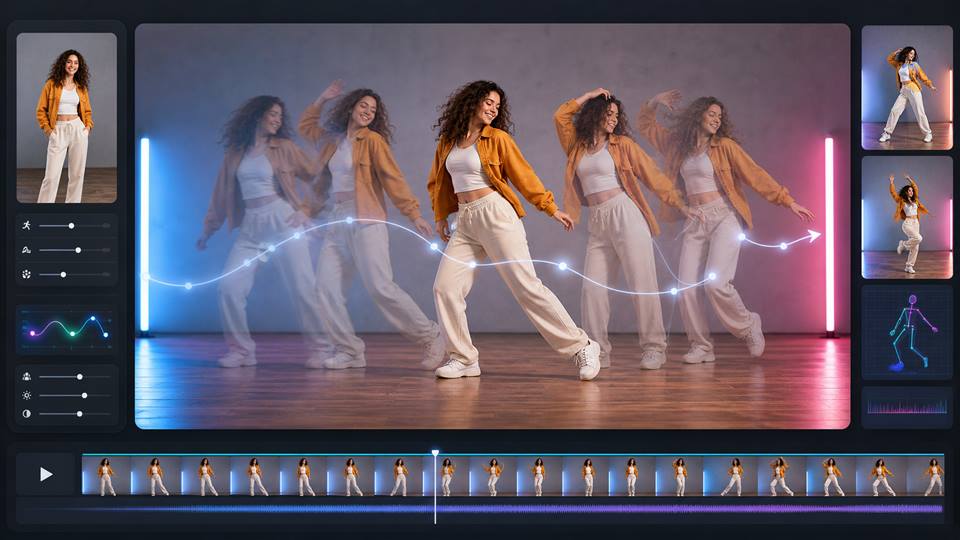
Already have a video? In the “Video” tab find ReVideo. Upload your original video (under 30 seconds now, 5 minutes soon) and a reference image (or use your AI model if none). Click “Generate,” and the reference image’s person replaces the character in the video—motion and background stay unchanged. Perfect for AI dance videos, fight scenes and more.
6. ReStyle,ReShot and ReProduct
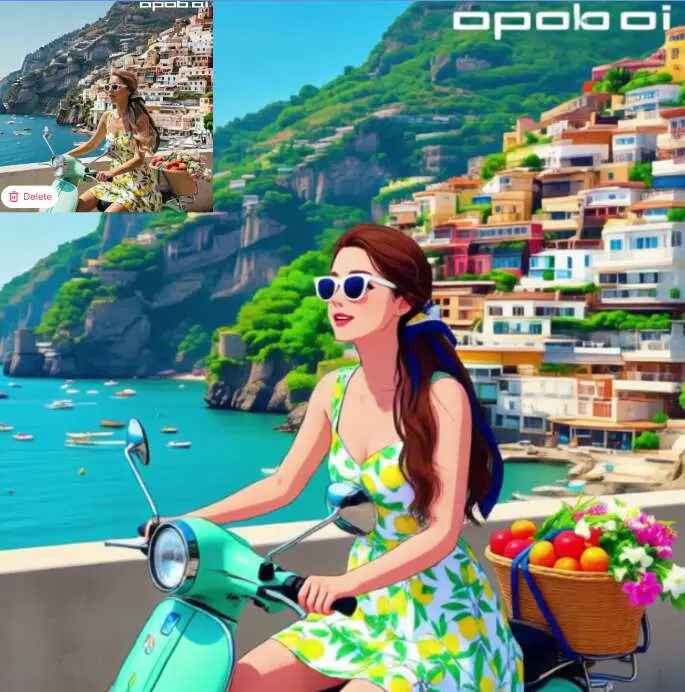
Besides ReCharacter, you can use ReStyle to completely change a video’s style — for example, turning a realistic video into an anime one. It’s not just the character that changes, the background transforms too, and there are nearly 30 styles to choose from.
ReShot lets you change the camera angles of your original video, while ReProduct allows you to swap AI influencers’ products in the video. Using ReCharacter with ReProduct, you can quickly create multiple promotional videos with different models and products. So many creative possibilities are waiting for you to explore!
Comprehensive AI Video Capabilities
As the leading Sora 2 alternative, APOB AI offers full video generation capabilities, combining text-to-video, image-to-video, and character locking. You don't need cameras, actors, or large crews—just your idea and our tool. Achieve Sora-level cinematic production instantly with fewer resources and zero wait times.
First & Last Frame Support for Cinematic Flow
Match the cinematic quality of Sora 2 using our advanced First & Last frame input. This ensures smoother transitions and perfect character consistency throughout the sequence. It elevates your videos from basic AI clips to breathtaking storytelling-style motion, giving you absolute control over your narrative.
Ideal for All Creators
Whether you’re a social creator posting daily, a marketer building campaigns, or an independent filmmaker exploring new ideas, we adapt to your workflow. From TikTok-ready reels to concept shorts, you get creative freedom, ease of use, and professional quality results.
Real User Testimonial: Create "Incredibly Smooth" Multi-Shot AI Videos in One Platform
Watch this hands-on user testimonial. After 6 months of daily use, see why top creators @ProSecret2128 say APOB AI delivers "incredibly smooth and lifelike" videos with perfect lip-sync.
Shared by user @ProSecret2128
'I've been using this tool for the last 6 months, and it keeps updating its features while outperforming all the expensive AI tools out there. The image character is flawlessly swapped with the video character, mirroring every movement. Even the lip sync looks incredibly realistic.'
1. Ultra Creation Modes
Sora 2 offers high-end modes such as Ultra and Ultra S for rich detail, smooth motion, and cinematic finishes.
2. Realistic Audio-Visual Sync
Sora 2 features synchronized audio, realistic motion physics and strong controllability for premium video quality.
3. Versatile Input Options
Upload images, text prompts, or short videos; insert cameos; customize style and camera movement for maximum flexibility.
1. Access & Cost Limitations
Free access may be limited in duration or quality; higher modes require more credits or subscription—may not suit casual users.
No Credit Card Required

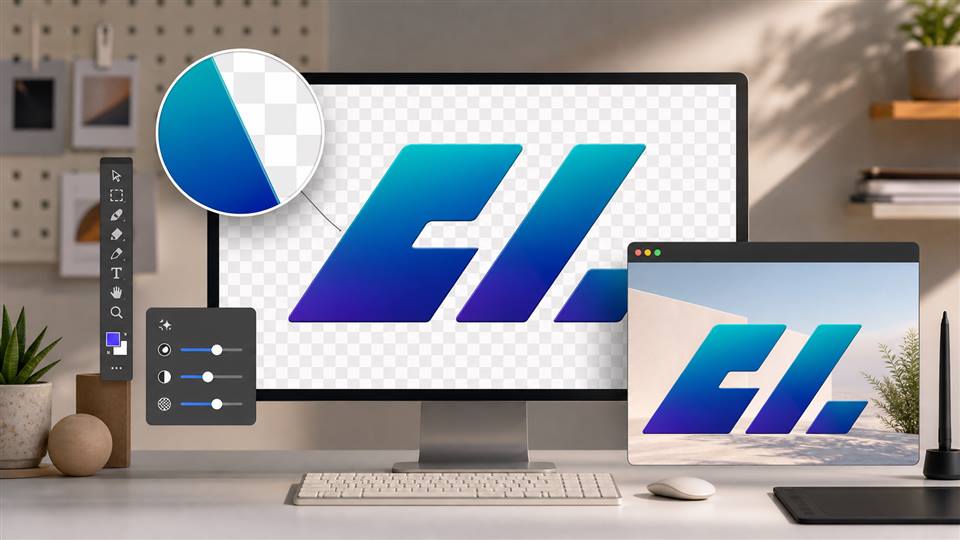
Answers about Sora 2 video generation, prompts, quality, length, free trials, and credits.
What is Sora 2?
Sora 2 is OpenAI’s next-generation video-and-audio AI model capable of creating high-quality realistic videos from text, images and videos, with synchronized sound and advanced physics.
Is Sora 2 free to use?
Yes, certain platforms provide free trial access to Sora 2. Currently, APOB AI offers a free plan that gives you 80 credits every day. These credits are enough to generate a short 3-second video in “Best” mode—perfect for testing the quality and exploring different visual styles. If you’d like to try the “Ultra” mode for higher-quality output or create longer videos, you can either save your daily credits over time or upgrade to a paid plan for more flexibility and faster creation.
Is commercial use allowed?
Yes, commercial use is allowed. You can use the images or videos generated on APOB AI for purposes such as advertising, social media promotion, or brand engagement. However, please make sure to review and comply with any additional regulations or platform-specific guidelines related to your intended use.
What types of input media does Sora 2 accept for reference?
Sora 2 accepts text prompts, images (portraits, photos, illustrations) and short videos as references.
Can I use my own videos and images as references for generating new videos?
Yes—upload your images or short clips and use them as reference inputs to guide APOB’s generation process.
If I want to transform my video into a different style, what styles can I choose from?
In the Revideo tab, there’s a ReStyle feature. With just a click, you can transform your video into styles like Steampunk, Marble Sculpture, Japanese Anime, Pencil Sketch, Pixel Art, Watercolor Drawing, Comic Book, 3D Chibi, LEGO, Van Gogh, and many more — nearly 30 styles in total.


