Create cinematic text-to-video and image-to-video clips with APOB AI. Match Runway Gen-4.5-style creative goals and, for certain product, UGC, character, or campaign workflows, achieve results that can be even more useful for the final deliverable.
What Is Runway Gen-4.5?
Runway Gen-4.5 is an AI video generation model designed for high-fidelity motion, precise prompt following, and cinematic visual control. Runway’s official guidance describes support for Text to Video and Image to Video, with detailed instructions for subject movement, camera choreography, scene composition, timing, and atmospheric changes.
For creators, that means a prompt can describe not only what a scene looks like, but how it unfolds over time: where the camera moves, how a subject acts, what appears in each phase, and how the lighting or environment changes.
APOB AI is an independent Runway Gen-4.5 alternative. It is not affiliated with or endorsed by Runway, but it gives creators a practical way to pursue comparable visual impact through text-to-video, image-to-video, presets, shot planning, and adjacent creator tools in one workspace.

Runway Gen-4.5 for AI Video Generation and Creative Production

Runway Gen-4.5 is useful when a brief depends on motion quality, prompt adherence, temporal consistency, and controlled camera behavior. It can support cinematic concepts, character scenes, product demonstrations, fashion visuals, branded storytelling, social hooks, and previsualization for larger productions.
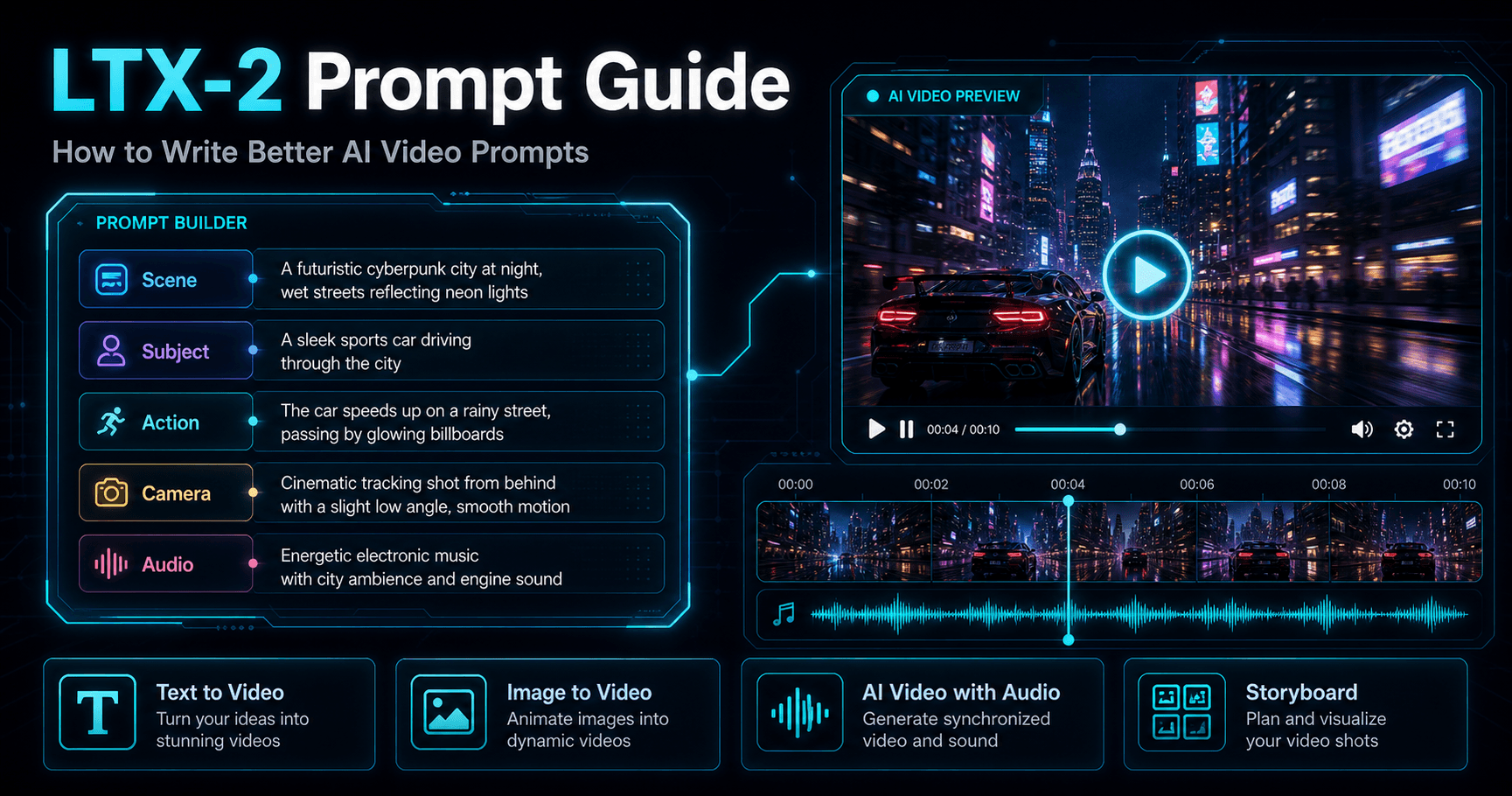
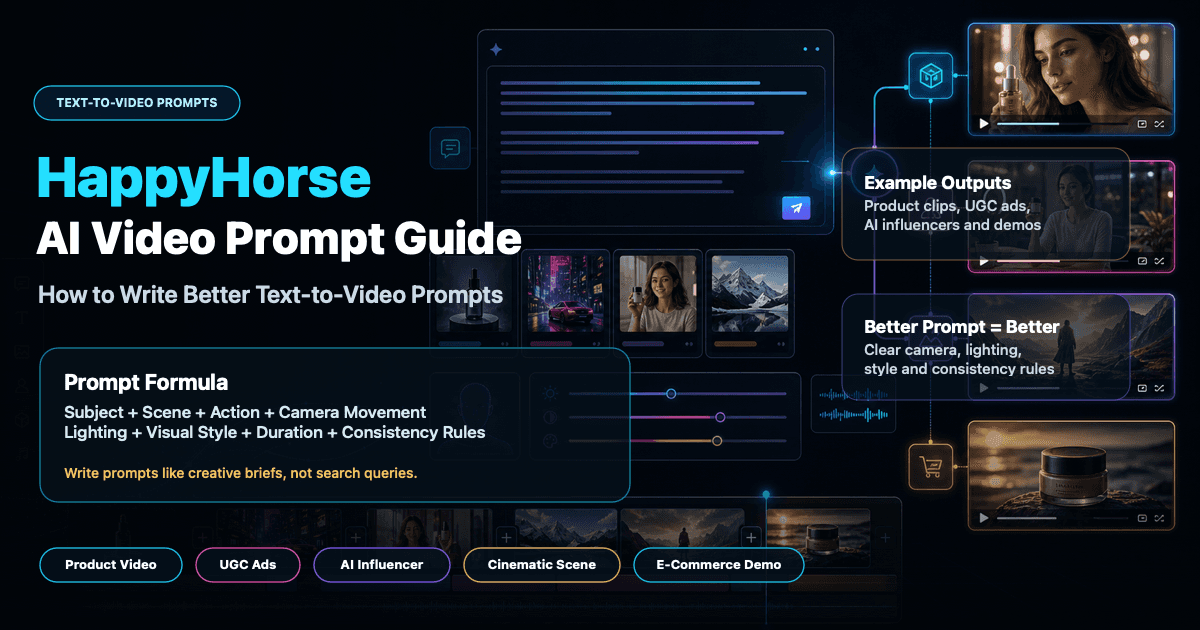
A strong workflow starts with one coherent shot. Describe the subject, visible action, setting, camera movement, pace, lighting, and style in chronological order. For Image to Video, the source image defines composition and identity, while the prompt should focus on motion, camera work, and temporal progression.
On APOB AI, creators can turn the same production logic into a more connected workflow: set the format and duration, apply camera or style presets, build multiple shots, generate variations, and continue into editing, audio, talking-video, or social-ready output without rebuilding the project across several apps.
Why Use a Runway Gen-4.5 Alternative on APOB AI?

Step 1: Sign In and Open the Text to Video Workspace
Sign in to APOB AI so your generated clips, prompt versions, and campaign drafts stay saved in one workspace. Open Text to video from the video creation menu. This is the starting point for a Runway Gen-4.5 alternative workflow built from a written scene. If you already have a strong reference frame, you can also begin from Image to video and focus the prompt on motion and camera behavior.


Step 2: Describe the Scene and Configure the Output
Write one clear shot in chronological order. Include the subject, visible action, environment, camera movement, timing, lighting, and visual style. Then choose the aspect ratio, duration, resolution, and quality that fit the destination channel. A 9:16 frame works well for TikTok, Reels, and Shorts, while 16:9 suits landscape campaigns and cinematic concepts. Add presets for art style, camera movement, clothing, architecture, or landscape when they strengthen the brief.
Step 3: Generate, Review, Refine, and Reuse the Final Video
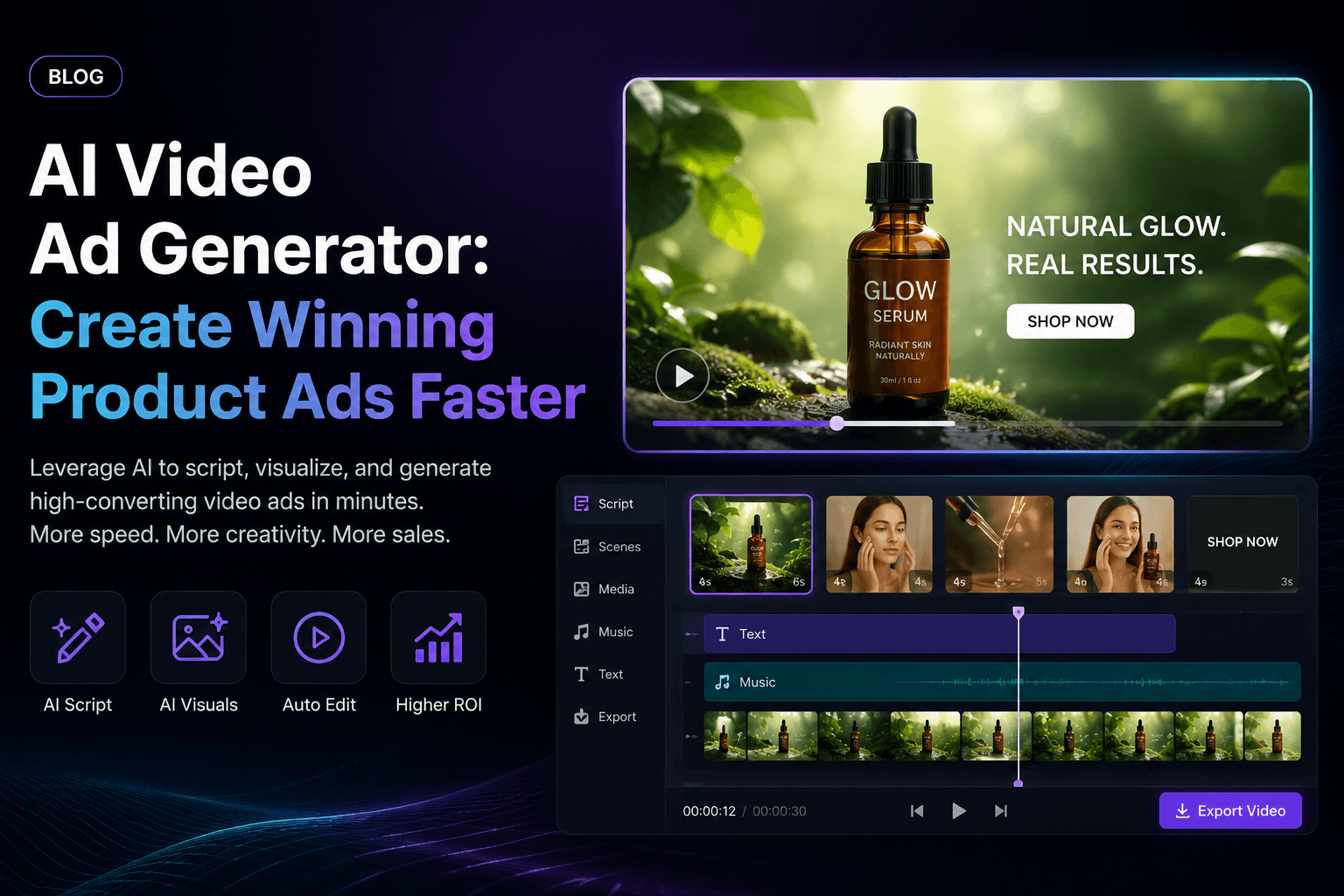
Click Generate and review the result as a complete shot. Check whether the main action happens in the intended order, the camera movement supports the subject, the product or character remains recognizable, and the framing works for the selected channel. The skincare example uses a product-holding moment followed by a close-up application shot. If a detail is missing, adjust one prompt instruction or setting at a time and generate a new version.
Keep the strongest generation and continue building the deliverable. Refine the prompt, add another shot, extend the video, add subtitles or audio, move into a talking-video workflow, or prepare alternate aspect ratios for a campaign. Reuse the same character description, product reference, lighting direction, and camera language across versions to improve continuity. This connected workflow is where APOB AI can be more practical than a single generation step alone.

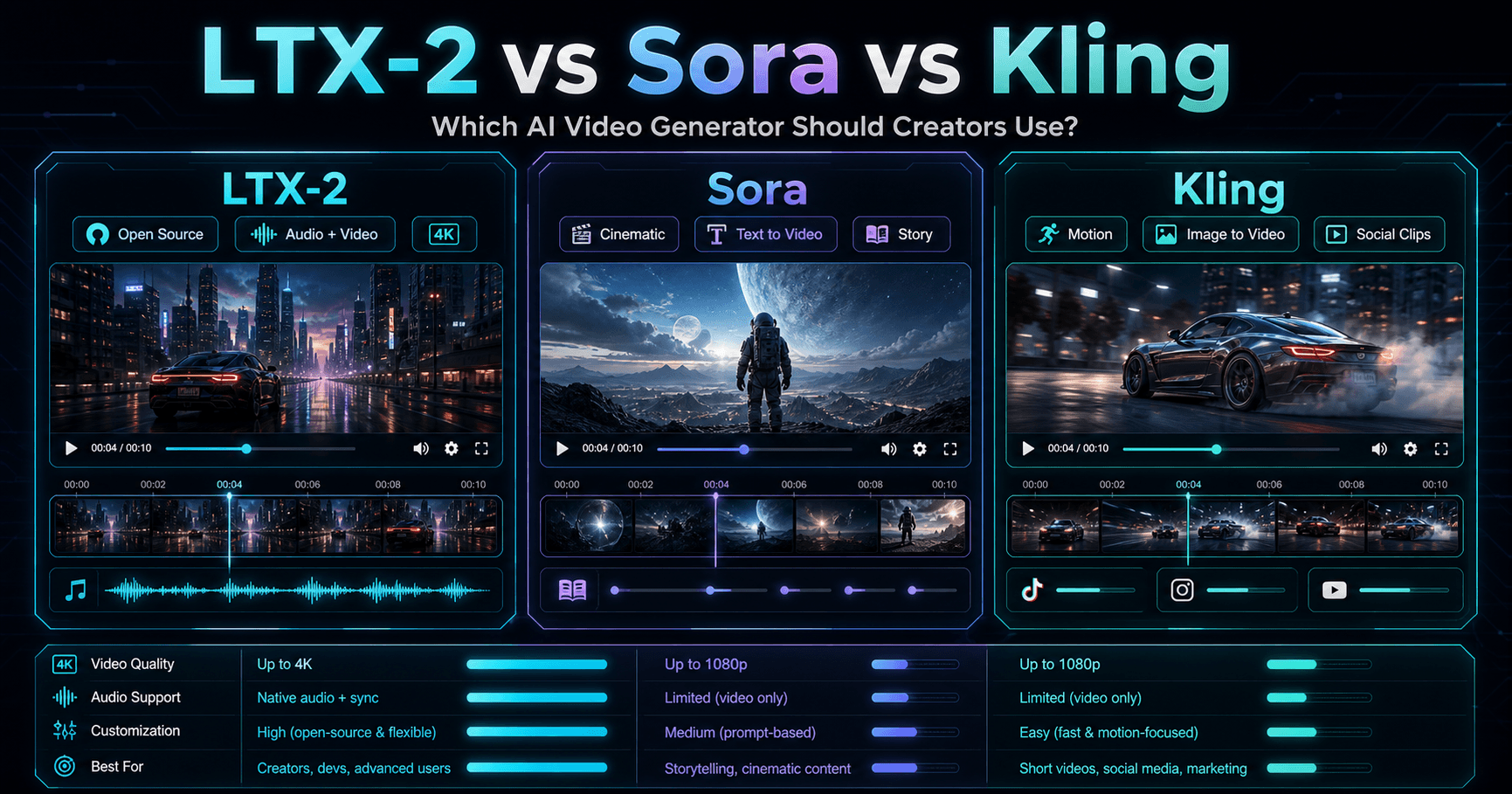
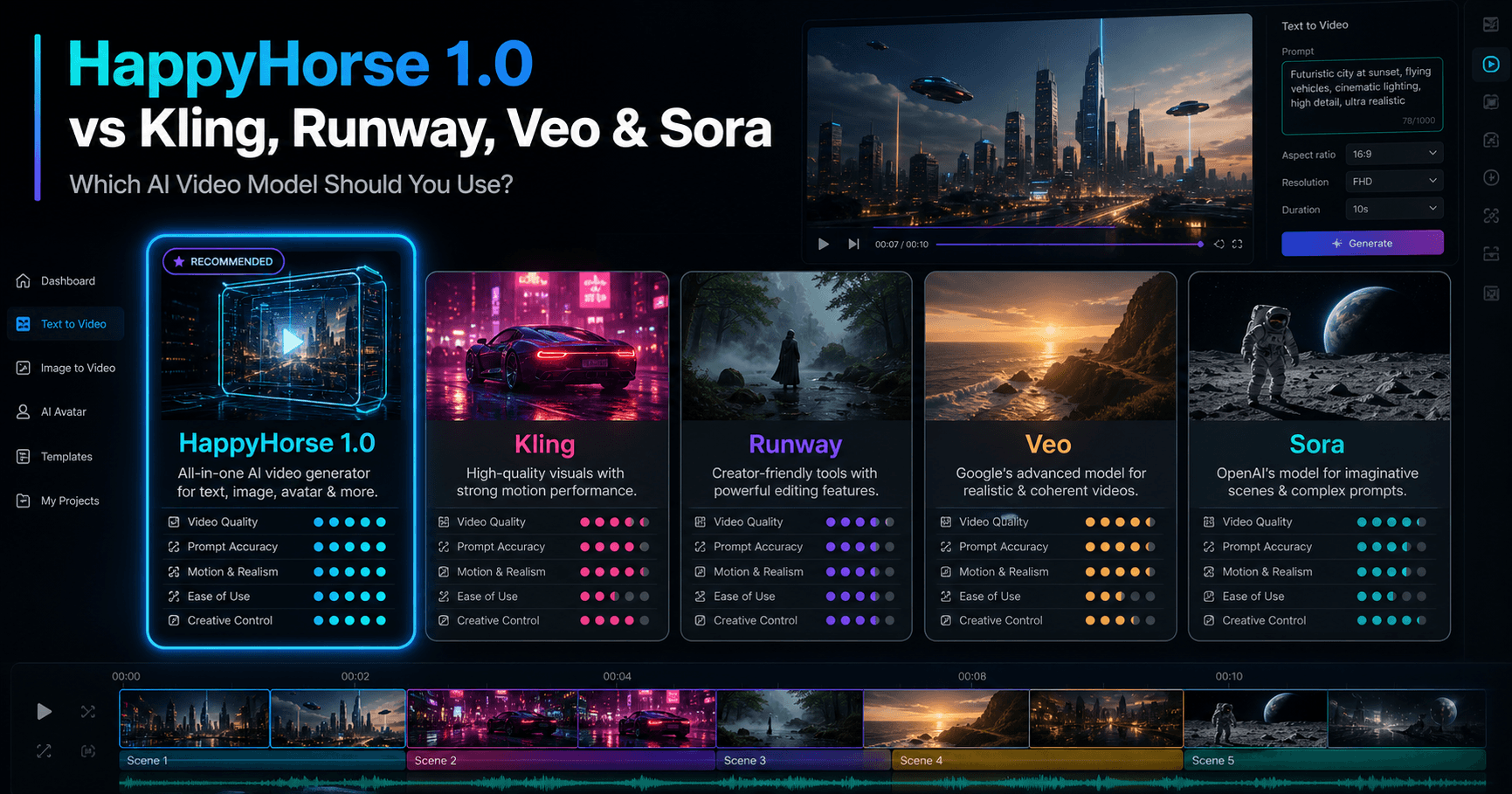
Runway Gen-4.5 vs Kling 3.0 vs Veo 3.1 Feature Comparison
Feature | Runway Gen-4.5 | Kling 3.0 | Veo 3.1 |
|---|---|---|---|
Main Focus | Cinematic motion quality, prompt adherence, temporal consistency, and precise creative control. | Longer audiovisual generation with flexible storyboard control and semantic instruction following. | Realism, physics, prompt adherence, native audio, and filmmaking-oriented creative controls. |
Generation Inputs | Officially supports Text to Video and Image to Video. | Supports text- and image-led video creation with storyboard-oriented workflows. | Supports text and image inputs, reference ingredients, style references, and first-and-last-frame workflows. |
Motion and Camera Control | Strong for detailed camera choreography, sequenced actions, scene composition, and subtle atmospheric changes in one prompt. | Designed for precise semantic response and flexible storyboard control across longer sequences. | Includes camera controls, object motion controls, scene extension, outpainting, and object insertion. |
Duration and Output | Runway currently documents 2–10 second generations at 720p, with 24 or 25 fps options. | Kling’s official 3.0 guide describes generation up to 15 seconds with native audiovisual output. | Google documents professional 1080p and 4K output, with native dialogue, ambience, and sound effects. |
Best For | Cinematic shots, complex motion, commercial concepts, character action, and tightly directed visual sequences. | Story-led clips, longer sequences, audiovisual scenes, and storyboard-driven content. | Filmmaking, realistic physics, synchronized audio, reference-led scenes, and high-resolution output. |
APOB AI Alternative Workflow | APOB AI does not provide the Runway model itself. It offers an independent creator workflow that can be more practical for product videos, UGC, character content, multi-shot campaigns, and projects that need generation plus adjacent editing tools in one place. | Use APOB when integrated presets, creator formats, talking-video tools, or campaign iteration matter more than selecting one specific model provider. | Use APOB when a streamlined prompt-to-publish workflow is more important than Veo-specific native audio or 4K model output. |
Capabilities can change. Sources: Runway Gen-4.5 guide, Kling 3.0 guide, and Google DeepMind Veo.

















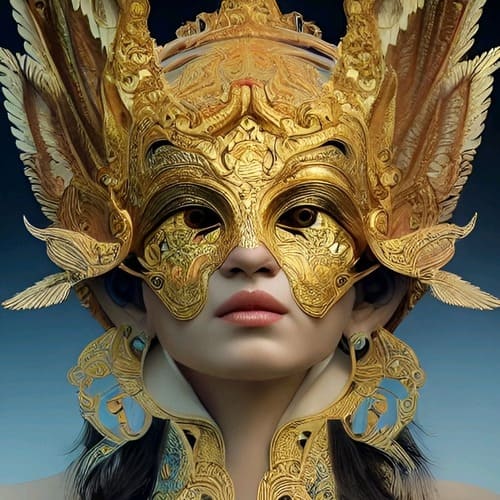
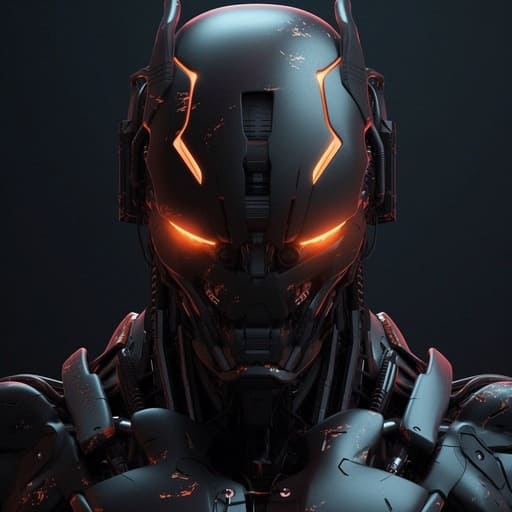


Text-to-video and image-to-video creation
Start from a complete written scene or anchor composition and identity with an image. Use direct prompt language to describe the subject, action, environment, lighting, timing, camera behavior, and visual style.
Prompt and camera direction
Plan close-ups, pans, tracking shots, zooms, orbit moves, product reveals, and sequenced actions with detailed prompts and creator-friendly presets. Clear shot direction helps keep the result aligned with the campaign brief.
Connected creator workflow
Continue from generation into multi-shot building, aspect-ratio variations, audio options, talking video, subtitles, editing, extension, and social-ready output. This makes APOB AI useful when the final deliverable needs more than one isolated clip.
Product Demonstrations and Performance Ads
Show a product in hand, demonstrate texture or application, and build close-up sequences for ecommerce, beauty, wellness, and consumer campaigns. Generate several creative directions without reshooting every variation.
UGC, AI Character, and Social Content
Create vertical creator clips, social hooks, lifestyle moments, talking-character concepts, and short brand stories for TikTok, Reels, and Shorts. Use direct camera language and believable micro-actions to keep each shot focused.
Cinematic Concepts and Storyboards
Explore atmosphere, camera choreography, character blocking, and visual pacing before a full production. Runway’s official research describes Gen-4.5 as handling detailed camera and sequenced instructions; APOB AI offers an independent route for prototyping the same creative intentions in a creator-focused workspace.

Ines Carvalho
I use the Runway Gen-4.5 alternative workflow to test cinematic scenes and camera movement during early concept work. It gives me a reviewable video concept without a full shoot that I can evaluate before moving into the final production pass.
Pavel Horak
The Runway Gen-4.5 alternative workflow is useful for testing how to test cinematic scenes and camera movement without committing to one direction too early. I still review the fine details before delivery.
Lina Farouk
For client previews, the Runway Gen-4.5 alternative workflow gives me a reviewable video concept without a full shoot. That makes feedback more specific before I invest time in final polish.
Ethan Miller
I get the most consistent results from the Runway Gen-4.5 alternative workflow when the reference and prompt are clear. That makes it reliable enough to test cinematic scenes and camera movement in routine work.
Tessa Morgan
I tested a vertical fashion shot, and the subject stayed composed while the camera moved around her. The clip needed only a small speed adjustment.
Youssef Amari
The motion followed my reference more closely when I described one clear action at a time. That made the second render noticeably cleaner.

Hana Suzuki
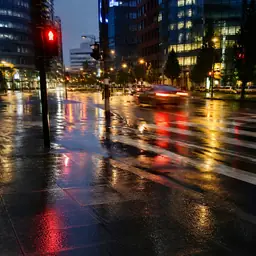
A night-city scene kept the reflections and overall color mood stable through the shot. The background felt lively without pulling focus from the subject.
Mateus Rocha
I could revise the scene direction without losing the original character look. That made it practical for comparing two creative options with a client.
Elina Volkova
The fast street sequence had believable motion blur instead of a smeared look. I trimmed the opening, but the rest was usable as generated.
One Connected Creator Workspace
Move from text or image input to shots, camera direction, audio options, talking video, editing, and social-ready formats without rebuilding the workflow across multiple apps.
Practical Controls for Campaign Work
Choose formats, duration, quality, presets, and shot structure around real product, UGC, character, ad, and creator deliverables.
Flexible Generation and Iteration
Start from text or an image, refine one prompt element or setting at a time, and generate variations until the clip better fits the brief.
It Is Not Runway Gen-4.5
APOB AI is an independent alternative, not an official Runway integration. Model behavior, controls, output characteristics, pricing, and API availability differ.
Complex Scenes May Need Multiple Attempts
Long action chains, hands, physical interactions, object permanence, and exact continuity can still require simpler prompts, stronger references, or several generations.
Higher-Quality or Longer Output Can Use More Credits
Credit use and available quality options vary by mode and plan. Review the live settings before generating a production batch.
Enjoy more features
No Credit Card Required

Answers about text-to-video, image-to-video, prompts, camera movement, quality, credits, commercial use, and how APOB compares.
What is Runway Gen-4.5?
Runway Gen-4.5 is Runway's AI video generation model for text-to-video and image-to-video creation. Runway describes it as focusing on motion quality, prompt adherence, visual fidelity, and the execution of complex sequenced instructions.
What is the APOB AI Runway Gen-4.5 alternative?
APOB AI is an independent creator platform that offers text-to-video and image-to-video workflows for people seeking a practical Runway Gen-4.5 alternative. It combines prompts, presets, camera direction, shot building, and additional creator tools in one workspace.
Is APOB AI affiliated with Runway?
No. APOB AI is an independent product and is not affiliated with, endorsed by, or an official provider of Runway or Runway Gen-4.5.
Can APOB AI create results similar to or better than Runway Gen-4.5?
APOB AI can pursue a comparable level of visual impact for many creator use cases. A result may be more useful or look better for a specific brief when APOB's presets, character workflow, shot planning, format controls, or creator tools align more closely with the final campaign. Results still depend on the prompt, source image, settings, and subject complexity.
Does this Runway Gen-4.5 alternative support text to video?
Yes. Start with a written scene description and include the subject, action, setting, camera behavior, lighting, timing, and visual style you want to see.
Does APOB AI support image to video?
Yes. You can begin from an image and describe how the subject, camera, and environment should move. A clear first frame often helps stabilize composition and visual identity.
What makes a good AI video prompt?
Use direct language and describe one coherent shot at a time. Include the subject, visible action, environment, camera movement, pace, lighting, and style. For image-to-video, focus primarily on motion and camera behavior.
Can I control camera movement?
APOB AI includes camera-movement options and prompt-based direction. You can plan zooms, pans, tracking behavior, close-ups, and other shot choices, subject to the controls available in the selected generation mode.
Which aspect ratios can I use?
The interface provides multiple formats for common publishing destinations. Choose vertical for short-form social video, landscape for cinematic or website content, or a square and portrait format when the selected mode supports it.
How long can my generated video be?
Available durations depend on the selected APOB generation mode and current product settings. Review the duration menu before generating and split a longer idea into multiple shots when needed.
Can I create product videos and advertisements?
Yes. APOB AI is well suited to product demonstrations, skincare and beauty clips, ecommerce visuals, UGC-style advertisements, social hooks, and campaign variations.
Can I create UGC-style creator videos?
Yes. Describe the creator, product, environment, speaking or demonstration action, camera framing, and platform format. Use short, believable actions and iterate on one shot at a time.
Can I keep a character consistent across clips?
A strong reference image, stable character description, and consistent visual settings can improve continuity. For multi-shot work, reuse the same reference and avoid changing too many identity details at once.
Can I add audio or turn the result into a talking video?
APOB AI includes adjacent audio and talking-video workflows. Availability and controls can vary by mode, so check the current interface for native audio, voice, lip-sync, and editing options.
What resolution and quality options are available?
Resolution and quality controls vary by generation mode. The current interface displays the available choices before generation, allowing you to balance output quality, speed, and credit use.
Can I try APOB AI for free?
APOB AI may provide trial or daily credits depending on the current plan and promotion. Sign in and review the live pricing or credit panel for the latest allowance before generating.
How long does AI video generation take?
Processing time varies with the selected model, duration, quality, demand, and prompt complexity. Shorter clips and faster modes usually finish sooner than higher-quality or longer generations.
Can I download the generated video?
Completed generations can be reviewed and downloaded when the selected workflow and plan support export. Check the controls shown with the finished result.
Can I use APOB AI videos commercially?
Commercial use depends on the current APOB AI terms, your plan, and the rights you hold to prompts, uploads, likenesses, music, and other source material. Review the latest terms before publishing paid work.
How can I improve an AI video that looks wrong?
Simplify the shot, remove conflicting instructions, describe motion in chronological order, use a stronger reference image, and change one setting at a time. Complex physics, hands, object permanence, and multi-action scenes may require several iterations.


