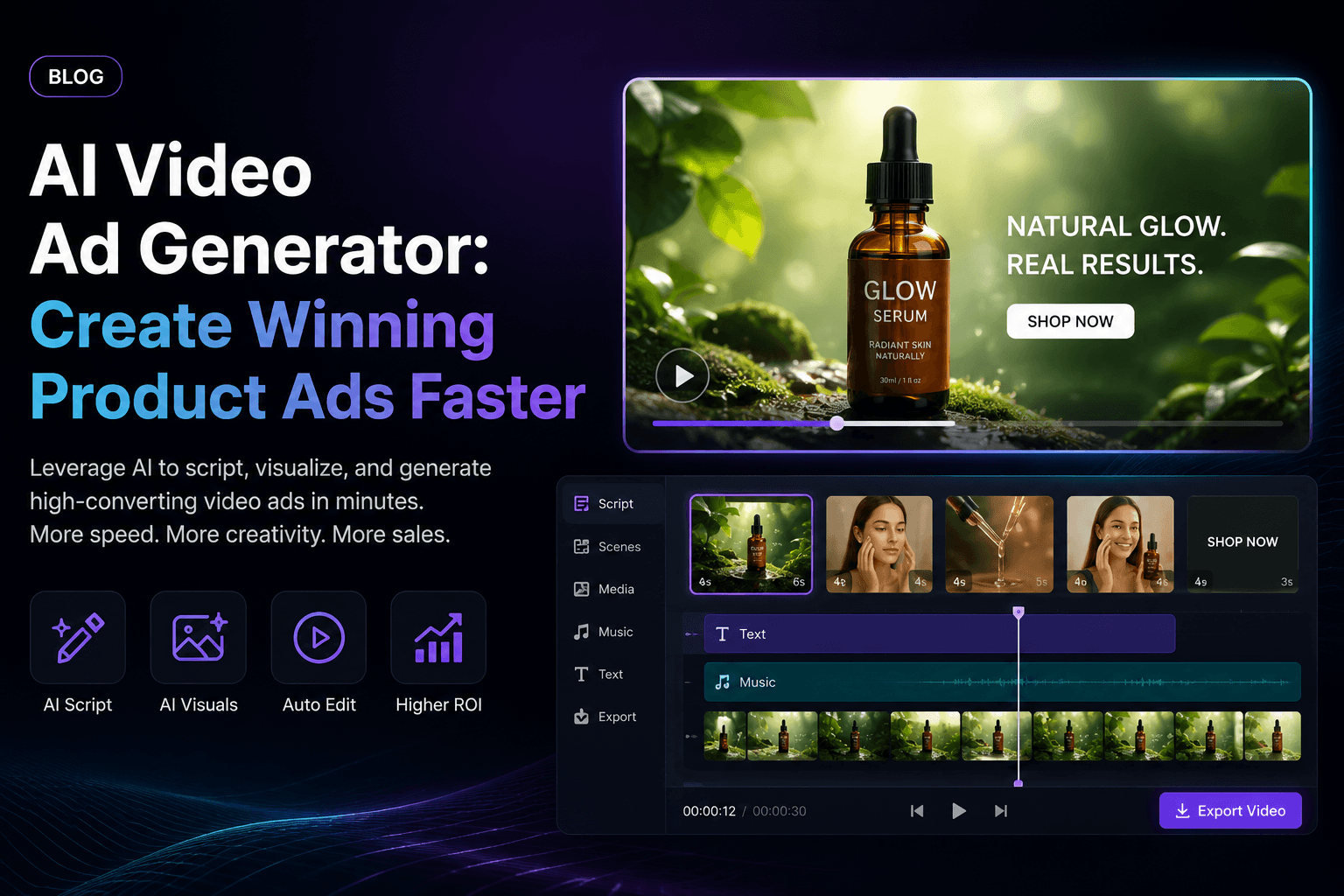
Most product ads fail before the viewer understands what is being sold. The hook is too slow, the product is not clear, the presenter feels generic, or the video looks like every other ad in the feed.
That is why more brands are turning to an AI video ad generator. The goal is not just to make one video faster. The real advantage is creating more product ad variations, testing more hooks, and finding the creative angle that actually converts.
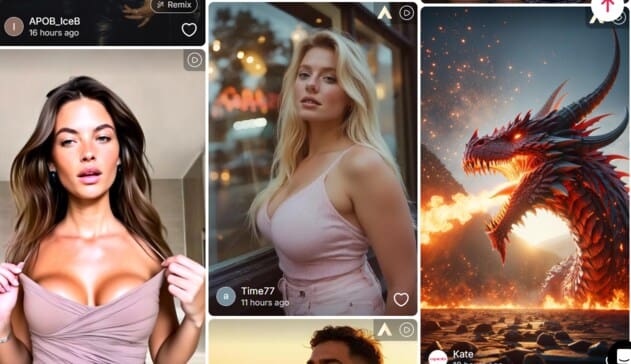
With APOB AI, brands can create UGC-style video ads, product demos, AI influencer clips, talking product videos, and short-form ad variations without filming every version from scratch.
Create Your First AI Video Ad with APOB AI
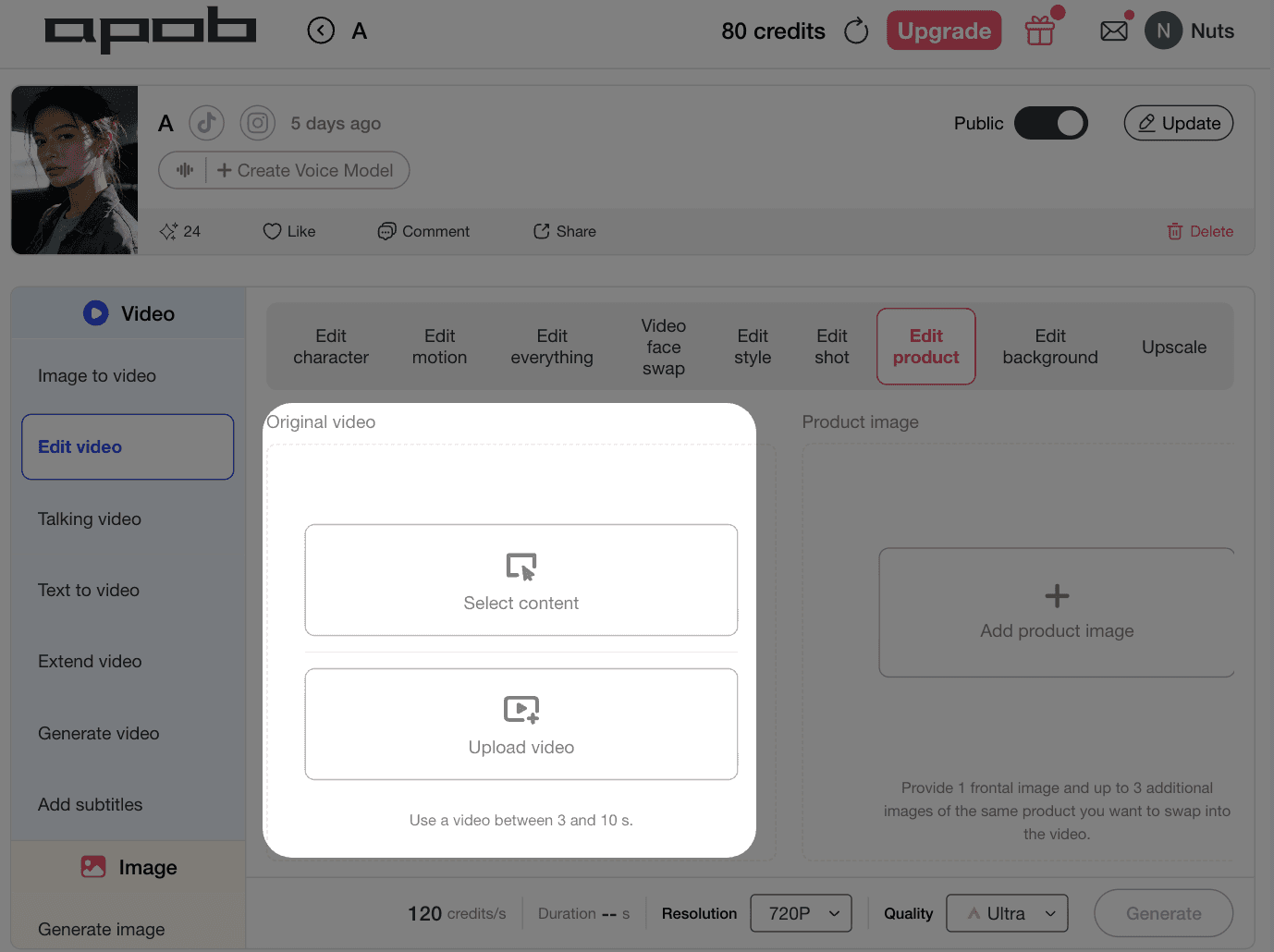
How to Create a Product Ad with APOB AI
Step 1: Start with One Clear Product Angle
Before generating the video, decide what the ad should prove.
For example:
This product solves a daily problem.
This product saves time.
This product creates a visible result.
This product feels premium.
This product is easier than the old solution.
A good AI video ad starts with one selling angle, not five.
Step 2: Choose a Short-Form Ad Format
APOB AI works best when you build the video around a clear ad structure.
Strong formats include:
Problem-solution ad
Product demo ad
AI influencer product review
UGC-style reaction video
Before-and-after style clip
TikTok or Reels hook video
Retargeting reminder ad
This helps the AI video feel like a real ad, not just a random generated clip.
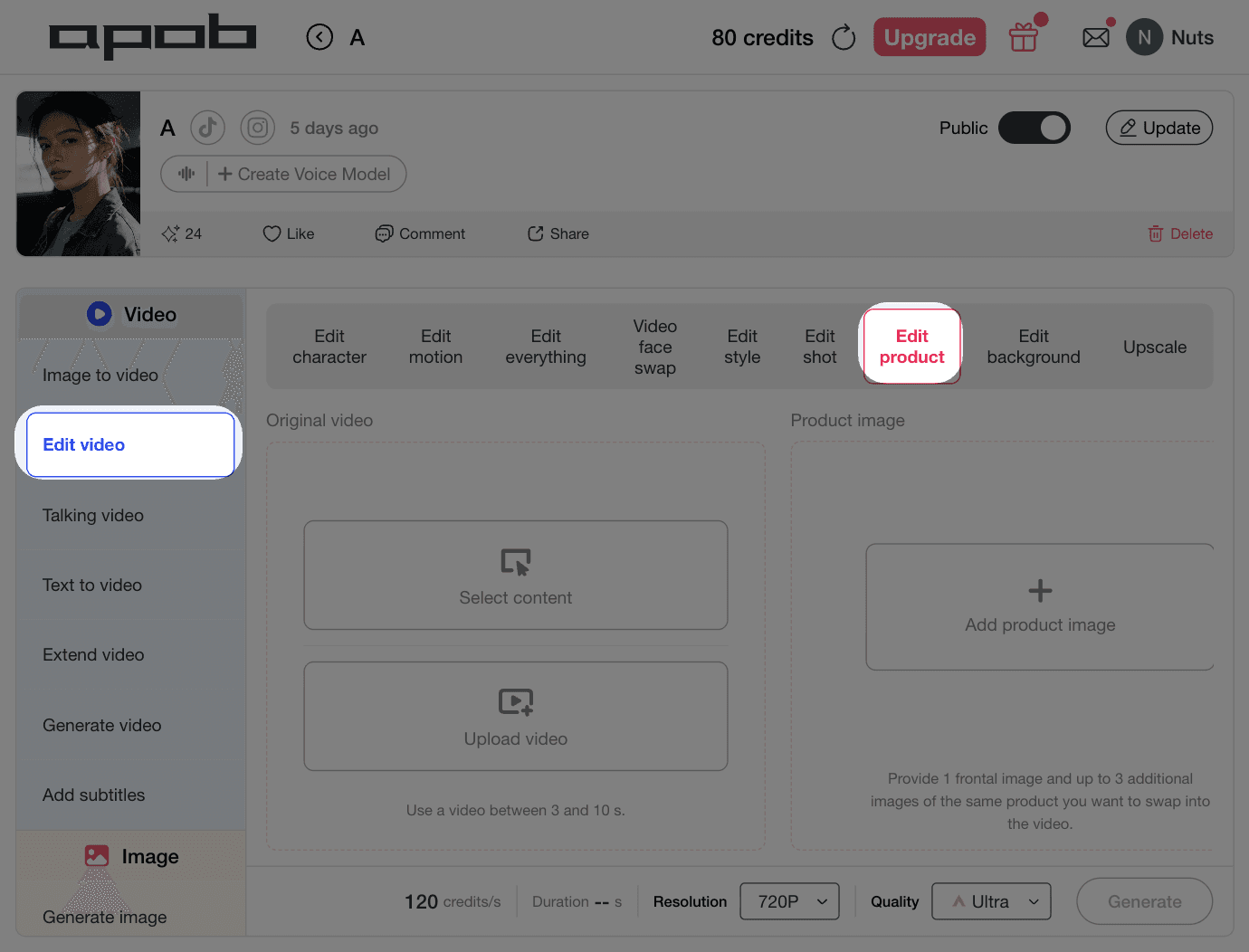
Step 3: Add Your Product Image or Creative Asset
Upload your product image, model image, or existing video asset. APOB AI can help turn static product visuals into video-ready ad scenes.
This is especially useful for e-commerce brands with many SKUs. Instead of reshooting every item, you can create multiple product video ads from existing assets.
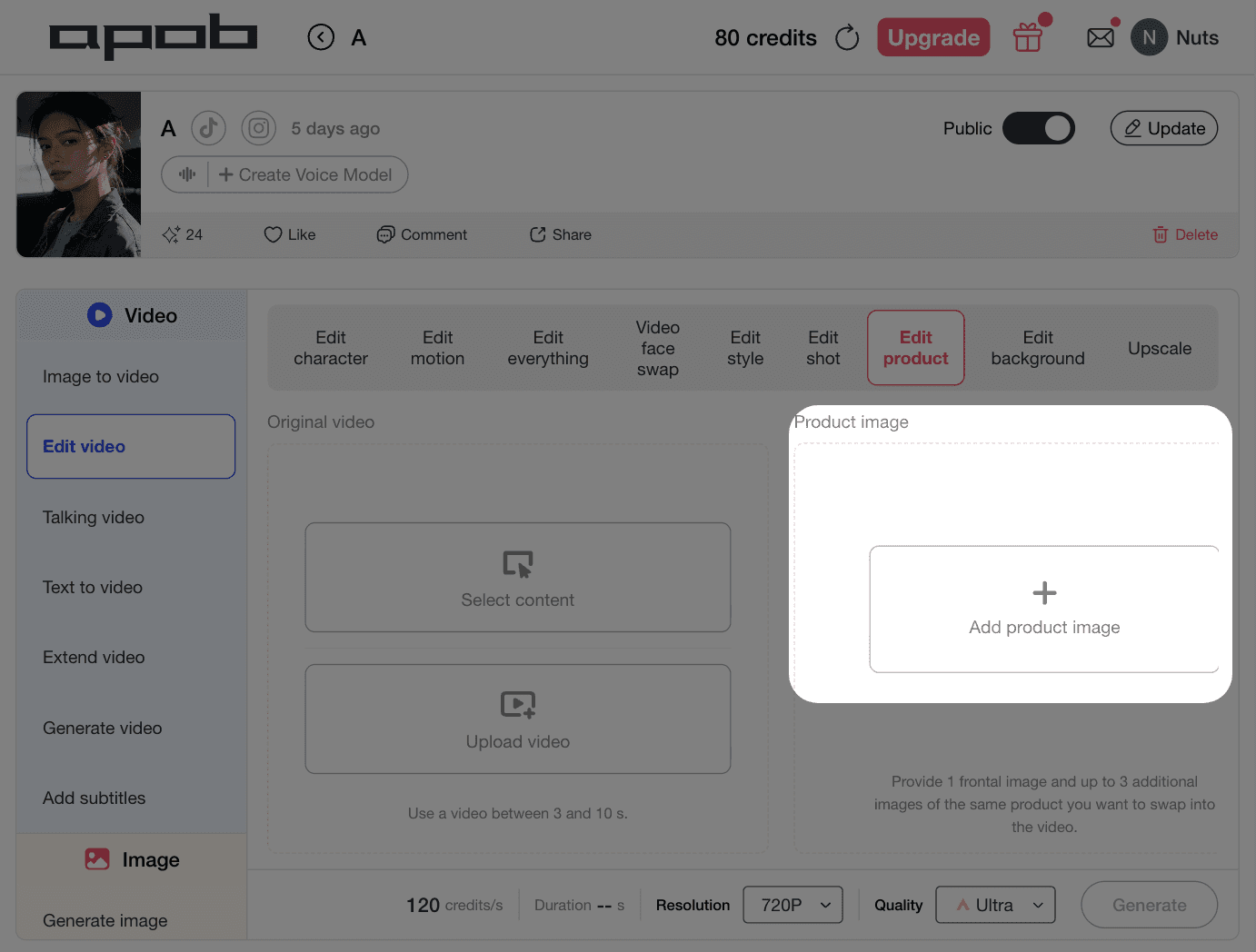
Step 4: Use an AI Presenter or AI Influencer
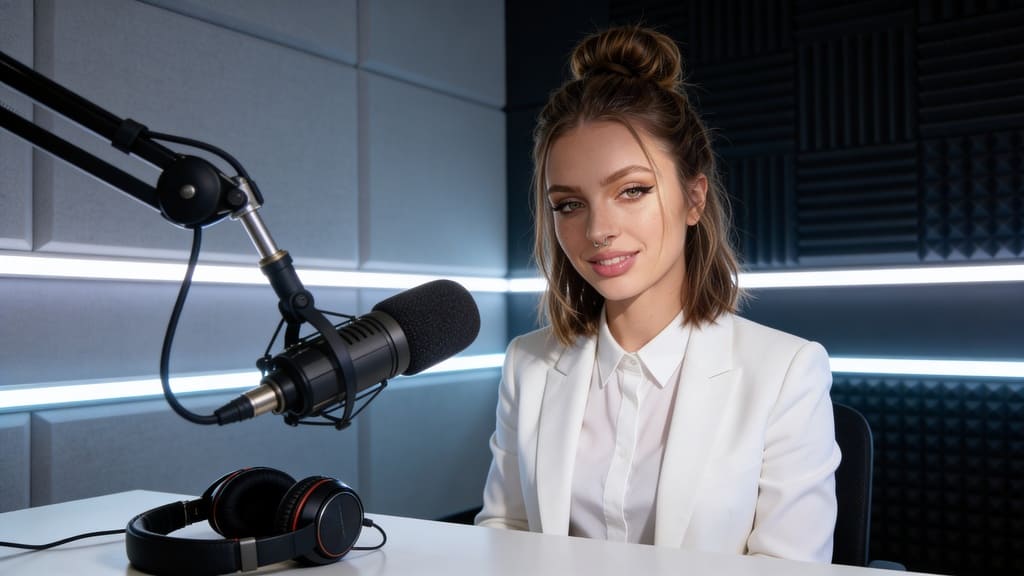
One of APOB AI’s biggest advantages is repeatable presenter content. You can create an AI influencer or virtual spokesperson, then use the same persona across multiple ad videos.
This gives your campaigns a more consistent visual identity. Instead of every ad looking disconnected, your product videos can feel like they belong to the same brand.
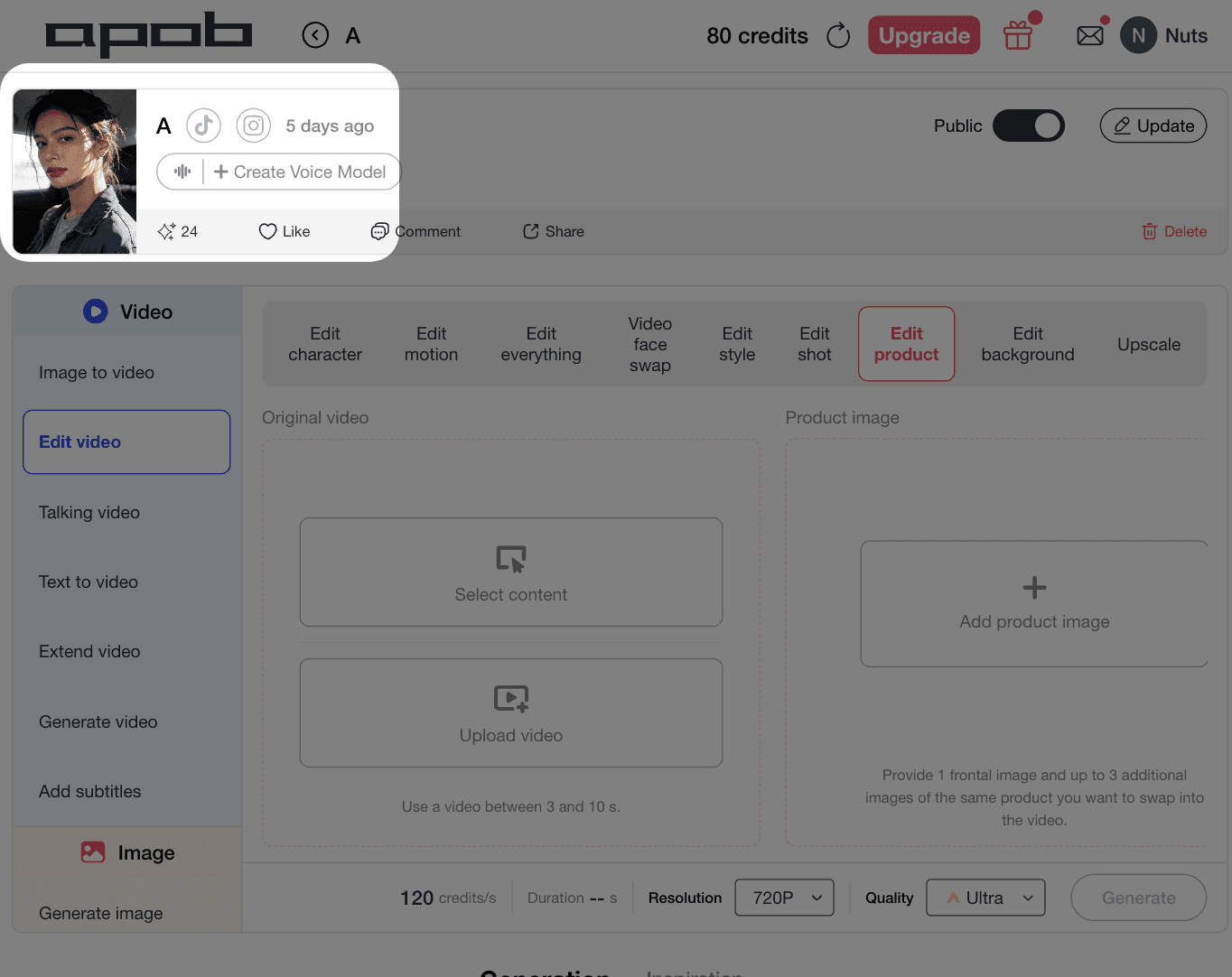
Step 5: Generate Multiple Hook Variations
Do not stop at one version. Generate several openings.
Example hooks:
“I didn’t expect this product to work this fast.”
“If your ads are not converting, watch this.”
“This is the easiest way to show your product in video.”
“Here’s what makes this product different.”
“Stop using static product photos for every campaign.”
The winning hook usually decides the winning ad.
Create Your First AI Video Ad with APOB AI
Why APOB AI Works Well for Video Ads
APOB AI is useful because it combines product visuals, AI presenters, video editing, and short-form ad creation into one workflow.
A normal AI video maker may help you create a clip. APOB AI helps you create campaign-ready ad variations.
That difference matters.
For performance marketing, you need more than one polished video. You need different hooks, different presenters, different product angles, and different platform versions. APOB AI makes that easier by helping you create more testable creative without starting from zero every time.
Why Brands Need More Ad Variations
Ad fatigue is one of the biggest problems in paid social. Even a good ad can stop performing once the audience has seen it too many times.
An AI video ad generator helps solve this by making it easier to refresh:
Opening hooks
Product benefits
Presenter styles
Background scenes
CTA lines
Captions
Video formats
Product angles
Instead of waiting for a new production cycle, brands can quickly test new creative directions.
Best Product Ad Ideas to Create with APOB AI
1. Problem-Solution Product Ad
Show the customer pain point first, then introduce the product as the simple fix.
2. AI Influencer Product Review
Use a consistent virtual presenter to explain the product in a creator-style format.
3. Product Demo Video
Show how the product looks, moves, works, or fits into daily life.
4. UGC-Style Reaction Ad
Make the video feel casual, direct, and native to TikTok, Reels, or Shorts.
5. Retargeting Video
Create a short reminder for users who already visited the product page but did not buy.
6. Catalog Variation Ad
Use the same ad structure across multiple products, colors, bundles, or seasonal offers.
What Makes a Good AI Generated Ad Video?
A good AI generated ad video should feel clear within the first three seconds.
It should show:
What the product is
Who it is for
Why it matters
What result it creates
What the viewer should do next
If the video looks impressive but the product message is unclear, it will not perform well.
That is why APOB AI is useful for marketers. It helps turn creative assets into ad-ready video formats built around product clarity, social pacing, and fast testing.
Conclusion
The best AI video ad generator is not just a tool for making one video. It is a way to build a faster creative testing system.
With APOB AI, brands can create product video ads, UGC-style clips, AI influencer videos, product demos, and ad variations without filming every version manually.
For ecommerce teams and performance marketers, this means faster testing, fresher creative, and more chances to find the ad angle that actually converts.
FAQs
Q1: What is an AI video ad generator?
An AI video ad generator helps create video ads from product images, scripts, prompts, or existing assets. It can produce product demos, UGC-style ads, AI presenter videos, and social ad variations.
Q2: Can an AI video ad generator help with creative testing?
Yes. An AI video ad generator helps you create multiple versions of the same ad idea, so you can test different hooks, product angles, presenters, captions, and CTAs faster before scaling the winning creative.
Q3: Can APOB AI create UGC-style video ads?
Yes. APOB AI can help create creator-style product videos, AI influencer reviews, product demos, and short-form ads for social platforms.
Q4: What products work best for AI video ads?
Beauty, fashion, fitness, apps, gadgets, home products, digital products, and ecommerce items with clear visual benefits usually work well.
Q5: Can I make multiple ad variations with APOB AI?
Yes. You can test different hooks, presenters, product angles, captions, and CTA lines to find the strongest ad creative.
Q6: Are AI generated ad videos good for paid social?
Yes, especially for TikTok, Instagram Reels, YouTube Shorts, Meta ads, and e-commerce retargeting campaigns.
Q7: What is the difference between an AI video ad generator and an AI video ad maker?
They are very similar. An AI video ad generator usually focuses on automatically creating ad videos from prompts, product images, or scripts, while an AI video ad maker may also include editing tools, templates, captions, and brand controls.
Q8: Can I create AI video ads without filming anything?
Yes. With APOB AI, you can start from product images, AI presenters, existing clips, or written ad concepts, then generate short-form video ads without a full production shoot.
Q9: How do I make AI video ads look less generic?
Use a specific product angle, natural creator-style wording, clear visual proof, real customer pain points, and platform-native pacing. Avoid vague prompts like “make a great ad.”
Q10: What is the best structure for a short AI video ad?
A strong structure is: hook, problem, product solution, quick proof or demo, benefit, and CTA. Keep the first three seconds highly visual.
Q11: Can APOB AI help create product video ads from images?
Yes. APOB AI can help turn product images and creative assets into product video ads, UGC-style clips, and short-form social variations.
Q12: Is an AI video ad generator useful for small businesses?
Yes. Small businesses can create more ad variations without hiring a full video team, making it easier to test hooks, products, and offers with lower production cost.
Q13: Can I use AI video ads for Shopify products?
Yes. AI video ads work well for Shopify product pages, TikTok ads, Meta campaigns, retargeting ads, and seasonal product promotions.
Q14: What kind of hook should I test first?
Start with a direct problem hook, such as “Still struggling with…” or a result hook, such as “Here’s what changed after…” These are easy to understand and fast to test.
Q15: How often should I refresh AI video ads?
Refresh your video ads whenever performance drops, frequency rises, or engagement starts to decline. Many brands test new hooks or variations weekly.
Q16: Can AI video ads include an AI influencer?
Yes. APOB AI can help create ads with AI influencers or virtual presenters, giving your brand a consistent spokesperson across multiple campaigns.
Q17: Are AI generated ad videos suitable for retargeting?
Yes. Retargeting ads can be short and direct. Use AI video ads to remind viewers of product benefits, limited-time offers, reviews, or abandoned cart reasons.
Q18: What is the biggest mistake in AI video ad creation?
The biggest mistake is creating a video that looks visually interesting but does not clearly sell the product. Every ad should have one clear message and CTA.
Q19: Can I make different versions for TikTok, Reels, and Shorts?
Yes. APOB AI can help create short-form ad variations for different platforms by adjusting hook style, pacing, format, captions, and CTA.
Q20: What should I prepare before using an AI video ad generator?
Prepare product images, one clear selling point, target audience details, a short offer, and a few hook ideas. This makes the generated video more focused and conversion-ready.
Create Your First AI Video Ad with APOB AI
Reference:
Butts, T. (2025) ‘Nearly 90% of Advertisers will Use Gen AI to Build Video Ads, According to IAB’, TV Tech, 15 July. Available at: https://www.tvtechnology.com/news/nearly-90-percent-of-advertisers-will-use-gen-ai-to-build-video-ads-according-to-iab(Accessed: 10 June 2026).
Weatherbed, J. (2025) ‘Amazon is about to be flooded with AI-generated video ads’, The Verge, 11 June. Available at: https://www.theverge.com/news/685160/amazon-ads-ai-video-generator-us-launch-availability(Accessed: 10 June 2026).
Weatherbed, J. (2026) ‘Get ready for the AI ad-pocalypse’, The Verge, 24 January. Available at: https://www.theverge.com/report/866775/ai-generated-ads-slop-human-creativity(Accessed: 10 June 2026).

Be the first to like this.










No credit card needed


