Seedance 2.0 Mini is a low-cost AI video generator for prompt tests, simple shots, b-roll, and product close-ups before switching to Seedance 2.0 for final scenes.
What Is Seedance 2.0 Mini?
Choose Seedance 2.0 if you are generating the first version of a scene, setting character positions, creating multi-person shots, handling complex action, or producing final commercial-level content. It is the safer choice when accuracy, composition, and motion quality matter more than saving credits.
Choose Seedance 2.0 Mini if you want to test visual style prompts, create simple b-roll, generate empty scenes, make product close-ups, or produce low-complexity single-person clips. A practical workflow is to use Seedance 2.0 for the key scene or keyframe, then use Seedance 2.0 Mini for cheaper follow-up shots, simple close-ups, and variation testing.

Seedance 2.0 Mini: A Low-Cost AI Video Generator for Fast Drafts
When Should You Use Seedance 2.0 Mini?
Step 1: Sign Up to Start Your Seedance 2.0 Mini Workflow
Create an APOB AI account or log in before using the Seedance 2.0 Mini alternative workflow. After signing in, you can access APOB AI’s AI video generator tools, including Seedance Text to Video and Seedance Image to Video. This lets you create avatar videos, product demos, social ads, and short-form marketing content from text prompts or reference images. If you want a lower-cost way to test ideas before making final Seedance 2.0-style videos, start here and prepare your account first.

Step 2: Create a Reference Avatar for Seedance Image to Video
Open the AI influencer generator and create a realistic avatar for your Seedance 2.0 Mini video workflow. Choose the avatar’s age, country, body type, eye color, hairstyle, and custom prompt details. In this example, the prompt creates an adult Japanese female avatar for avatar videos and short-form marketing content. Once the image is generated, you can use it as a reference image for Seedance Image to Video, then continue with Seedance Text to Video, edit character, edit motion, or edit everything to refine the final AI video.
Prompts: Ultra-realistic adult Japanese female avatar, 25 years old, natural oval face, clear warm brown eyes, smooth realistic skin texture, soft straight dark brown hair with light layers, subtle natural makeup, gentle confident smile, slim elegant build, wearing a clean minimalist cream blouse and light beige blazer, modern Tokyo lifestyle creator vibe, head-and-shoulders portrait, soft daylight, shallow depth of field, high-end commercial portrait photography, realistic facial details, original fictional character, no celebrity likeness, no brand logo, no text, no watermark.
Step 3: Generate a 10-Second Seedance Text to Video Clip
Use Seedance Text to Video in APOB AI to turn your prompt into a short-form marketing video. Write a clear scene with the avatar, action, location, lighting, camera movement, and style. For a Seedance 2.0 Mini alternative workflow, keep the first test simple: one adult avatar, one location, natural motion, and a 10-second duration. This is useful for avatar videos, social ads, product demos, and fast content drafts before making longer or more complex AI videos.
Prompts: A 10-second cinematic AI video of a realistic adult Japanese female avatar standing on a modern Tokyo street at golden hour. She smiles gently, turns slightly toward the camera, and walks forward with natural movement. Soft city lights, shallow depth of field, realistic skin texture, smooth hair motion, elegant cream blouse and light beige blazer, handheld camera feel, subtle push-in camera movement, premium lifestyle marketing video style, no brand logos, no text, no watermark.


Step 4: Set Duration, Quality, and Video Format
Choose the right settings before generation. For short-form marketing content, a 9:16 aspect ratio works well for TikTok, Reels, Shorts, and mobile ads. Select 10 seconds to create a focused Seedance 2.0 Mini-style test clip, then choose FHD and Ultra quality for a cleaner result. APOB AI also supports Image to Video, Edit video, Talking video, Text to video, Extend video, Generate video, and Add subtitles, so you can continue refining the avatar video after the first draft.
Seedance 2.0 Mini is a cost-efficient version of Seedance 2.0, launched on June 16, 2026 for creators who need fast, affordable AI video generation. Compared with the full Seedance 2.0 model, Seedance 2.0 Mini is designed for lower-credit workflows, making it useful for prompt testing, simple short clips, product close-ups, empty scenes, and lightweight marketing videos.
The key point is not that Seedance 2.0 Mini replaces Seedance 2.0. It works best as a budget-friendly production tool inside the Seedance video workflow. For first-time scene setup, character positioning, complex action, multi-person shots, or frequent shot changes, Seedance 2.0 is still the stronger choice. For testing styles, generating simple b-roll, creating single-person clips, or extending shots from a strong Seedance 2.0 keyframe, Seedance 2.0 Mini can help save credits while keeping production moving.


Seedance 2.5, Seedance 2.0, and Seedance 2.0 Mini represent three different layers of AI video production. Seedance 2.5 is positioned as the next flagship model, aiming for longer single-shot generation, stronger reference support, and more professional video workflows. Seedance 2.0 is the full-power workhorse for high-quality AI video generation, especially when scenes include complex movement, character consistency, or cinematic structure. Seedance 2.0 Mini is the lightweight option for faster, cheaper testing and simple production tasks.
Compared with tools like Kling and Runway, the Seedance family is especially strong for creators who want a structured production pipeline instead of only one-off video generation. Kling is often discussed for expressive motion and cinematic clips, while Runway is popular for creative video editing and consistent visual scenes. Seedance 2.0 Mini’s advantage is different: it gives creators a lower-cost way to test prompts, generate simple scenes, and produce volume content before switching to Seedance 2.0 or Seedance 2.5-level workflows for final output.
Seedance 2.0 vs 2.0 Mini Feature Comparison
Feature | Seedance 2.0 | Seedance 2.0 Mini |
|---|---|---|
Launch Date | February 2026 | June 16, 2026 |
Positioning | Full-power main model | Cost-efficient lightweight model |
Best For | Final scenes, complex movement, multi-person shots, character positioning | Prompt tests, simple shots, b-roll, product close-ups, low-cost drafts |
Credit Cost | Higher credit usage | Less than half the credit cost per second compared with 2.0 VIP |
Scene Complexity | Better for fighting scenes, frequent cuts, multi-shot storytelling | Better for simple single-person clips and low-complexity scenes |
Character Consistency | Stronger for first-generation character and scene setup | Better when using existing Seedance 2.0 keyframes as references |
Recommended Workflow | Use when quality and accuracy matter most | Use when saving credits matters most |
When to Avoid | Not ideal for low-budget testing if many retries are needed | Not ideal for complex action, difficult composition, or final hero shots |





















Low-Cost Seedance 2.0 Mini Alternative for Fast AI Video Tests
APOB AI works as a practical Seedance 2.0 Mini alternative for creators who want to test AI video ideas before spending more credits on final scenes. Use it to generate quick drafts, simple shots, product close-ups, b-roll, and short-form marketing content with a cleaner, faster AI video generator workflow.
Create Avatar Videos with Seedance Text to Video and Seedance Image to Video
With Seedance Text to Video and Seedance Image to Video in APOB AI, you can turn prompts or reference images into realistic avatar videos. This is useful for social ads, creator-style videos, product demos, and mobile-first content where one consistent AI avatar needs to appear across different scenes.
Refine Short-Form Marketing Content in One APOB AI Workflow
APOB AI supports Edit video, Talking video, Extend video, Generate video, and Add subtitles, so you can keep improving your Seedance 2.0 Mini-style draft after the first generation. Adjust the video, extend useful shots, add subtitles, and prepare short-form marketing content for TikTok, Reels, Shorts, and paid ads.
Create Product Demo Videos with a Seedance 2.0 Mini Alternative
APOB AI can be used as a Seedance 2.0 Mini alternative for quick product demo videos, especially when you want to test simple shots before making a final version. Use Seedance Text to Video for a clean product scene, or Seedance Image to Video when you already have a product image or avatar reference. After the first draft, you can use Edit video, Extend video, Generate video, and Add subtitles to make the demo clearer for landing pages, ads, and short-form marketing content. This use case matches the industry trend toward AI-generated product videos, as Amazon Ads has expanded AI video tools for sellers. (Amazon is about to be flooded with AI-generated video ads, 2026)
Produce Social Ads for TikTok, Reels, and Shorts
Use APOB AI’s Seedance Text to Video and Seedance Image to Video workflow to create mobile-first social ads in a 9:16 format. A Seedance 2.0 Mini-style workflow is useful for testing hooks, visual angles, avatar videos, lifestyle scenes, and short-form marketing content before spending more time on polished final videos. You can generate a 10-second draft, refine it with Edit video, extend strong shots with Extend video, and add subtitles for better social performance. This fits the broader move toward AI-assisted ad creation, with Meta expanding AI video ad tools for Facebook and Instagram. (Meta is bringing AI-edited video ads to Facebook and Instagram, 2026)
Create Avatar Videos for Brand and Creator Content
APOB AI can help turn a reference avatar into realistic avatar videos for creator-style content, brand explainers, and short-form marketing videos. Start with an avatar image, then use Seedance Image to Video or Seedance Text to Video to create a simple scene with natural motion, realistic lighting, and a clear camera direction. After generation, use Talking video for voice-style avatar content, Add subtitles for accessibility, and Extend video when a shot needs more time. This supports the growing demand for AI video tools that help creators and teams make polished clips faster. (Google has a new tool just for making AI videos, 2026)

Maya Chen
I used a portrait to test a subtle head turn and camera push-in. The short clip was enough to judge whether the image could support a talking-video concept.

CarlFacelesss
Keeping one focal action in the prompt produced a much cleaner result than asking for several movements at once.
Jordan Lee
For a social teaser, I compared three motion variations and chose the one with the simplest timing. It needed very little trimming afterward.

Avery Brooks
The Mini workflow is useful when I need a fast motion test, not a finished film. I check identity and edge details before moving on.
1: Seedance 2.0 Mini Alternative for Lower-Cost AI Video Testing
APOB AI is useful as a Seedance 2.0 Mini alternative when you want to test AI video ideas before committing to a final scene. You can use Seedance Text to Video for simple prompts, Seedance Image to Video for reference-based clips, and 10-second drafts for product demos, avatar videos, social ads, and short-form marketing content.
2: Flexible Workflow for Avatar Videos and Social Ads
APOB AI supports Seedance Text to Video, Seedance Image to Video, Edit video, Talking video, Extend video, Generate video, and Add subtitles. This makes it easier to create avatar videos, social ads, and short-form marketing content in one workflow instead of switching between multiple tools for generation, editing, subtitles, and extensions.
3: Better for Fast Drafts, Simple Shots, and Marketing Variations
For creators who need quick testing, APOB AI can help generate Seedance 2.0 Mini-style drafts for simple shots, b-roll, product demos, and short-form marketing content. You can test different prompts, avatar scenes, camera movements, aspect ratios, and video lengths before producing a more polished final AI video.
Complex Scenes May Still Need Stronger Final Generation
A Seedance 2.0 Mini alternative workflow is best for lightweight AI video drafts, not every advanced production need. If your project requires complex motion, multiple characters, detailed action scenes, or highly polished final commercial videos, you may need more prompt testing, stronger reference images, or a higher-quality final generation workflow.
No Credit Card Required

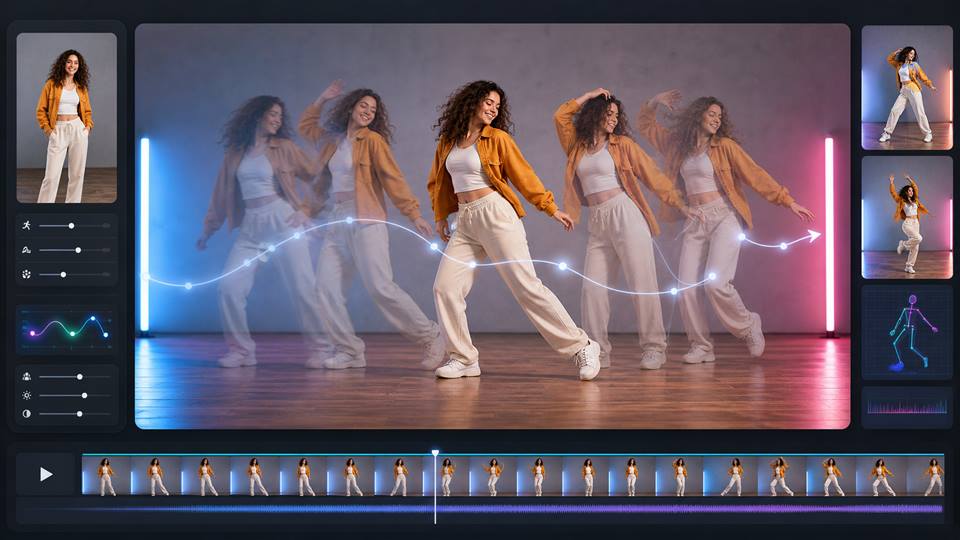
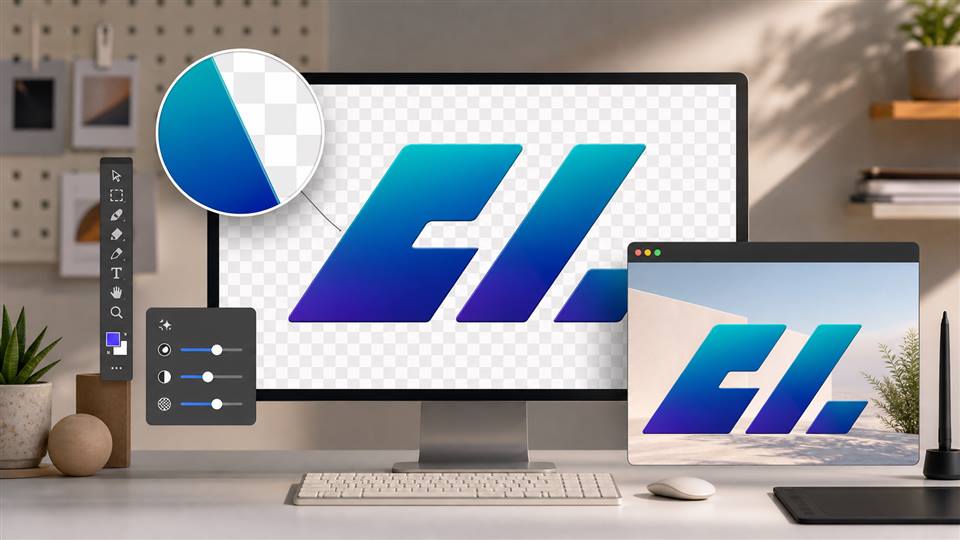
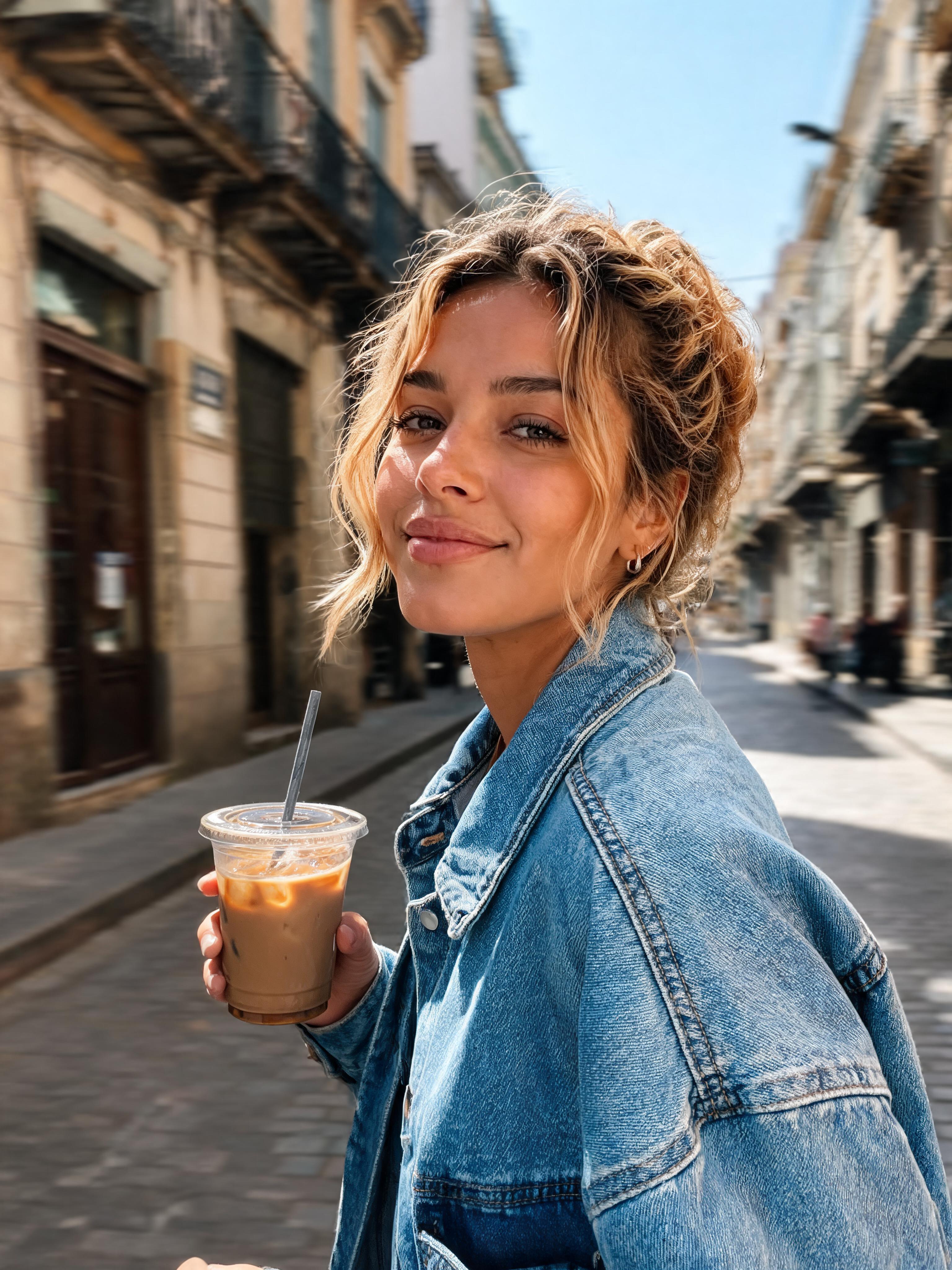


Answers about clip length, resolution, motion, prompts, credits, and commercial use.
What is Seedance 2.0 Mini?
Seedance 2.0 Mini is a lower-cost version of Seedance 2.0 designed for fast AI video testing, simple shots, b-roll, product close-ups, and lightweight short-form marketing content.
What is a Seedance 2.0 Mini alternative?
A Seedance 2.0 Mini alternative is an AI video generator workflow that helps creators make similar low-cost drafts, test prompts, create avatar videos, and produce short-form marketing content without relying only on Seedance 2.0 Mini.
Can APOB AI be used as a Seedance 2.0 Mini alternative?
Yes. APOB AI can work as a Seedance 2.0 Mini alternative for creators who need Seedance Text to Video, Seedance Image to Video, avatar videos, product demos, social ads, and fast AI video drafts.
Does APOB AI support Seedance Text to Video?
Yes. APOB AI supports Seedance Text to Video, so you can turn a written prompt into an AI video with a clear subject, scene, camera movement, lighting, and duration.
Does APOB AI support Seedance Image to Video?
Yes. APOB AI supports Seedance Image to Video, which lets you use a reference image or avatar image to create realistic AI videos with more consistent characters and visual style.
Can I create avatar videos with APOB AI?
Yes. You can create an avatar image first, then use Seedance Image to Video or Seedance Text to Video to generate avatar videos for social ads, product demos, explainers, and short-form marketing content.
Can I create product demos with APOB AI?
Yes. APOB AI can help create product demos by using Seedance Text to Video for prompt-based scenes or Seedance Image to Video when you already have a product image, avatar, or visual reference.
Can I create social ads with APOB AI?
Yes. APOB AI is useful for creating social ads in 9:16 format for TikTok, Reels, Shorts, and mobile-first campaigns. You can generate short AI video drafts, edit them, extend useful shots, and add subtitles.
What APOB AI video tools can I use after generation?
After creating a video, you can use APOB AI tools such as Edit video, Talking video, Extend video, Generate video, and Add subtitles to refine avatar videos, product demos, and short-form marketing content.
Does APOB AI have Edit product?
No. APOB AI does not need to be described as having Edit product here. For this page, focus on real APOB AI functions such as Seedance Text to Video, Seedance Image to Video, Edit video, Talking video, Extend video, Generate video, and Add subtitles.
When should I use a Seedance 2.0 Mini-style workflow?
Use a Seedance 2.0 Mini-style workflow when you want to test prompts, create simple shots, make b-roll, generate product close-ups, or create short-form marketing content before spending more time on a final AI video.
Is Seedance 2.0 Mini good for complex scenes?
Seedance 2.0 Mini is better for simple AI video drafts than complex scenes. If your video needs multiple characters, fast action, difficult camera movement, or final commercial polish, you may need stronger references or a higher-quality final workflow.
What duration works best for Seedance Text to Video?
For short-form marketing content, 10 seconds is a practical starting point. It is long enough to test motion, avatar performance, camera movement, and scene quality without making the first AI video draft too expensive or complex.
What aspect ratio should I use for social ads?
For TikTok, Reels, Shorts, and mobile social ads, 9:16 is usually the best aspect ratio. It keeps the AI video vertical and ready for short-form marketing content.
Can I use APOB AI for b-roll videos?
Yes. APOB AI can be used to create b-roll videos with Seedance Text to Video or Seedance Image to Video. Simple scenes, product close-ups, lifestyle shots, and background clips are good use cases.
Can I extend a video in APOB AI?
Yes. APOB AI includes Extend video, which can help lengthen useful shots after your first AI video draft. This is helpful when a product demo, avatar video, or social ad needs more time.
Can I add subtitles to APOB AI videos?
Yes. APOB AI includes Add subtitles, which is useful for short-form marketing content, social ads, talking videos, avatar videos, and mobile-first videos where many viewers watch without sound.
Can I make talking avatar videos with APOB AI?
Yes. APOB AI supports Talking video, so you can create talking avatar videos for explainers, product demos, creator-style content, and social ads.
How do I make a better Seedance Text to Video prompt?
A strong Seedance Text to Video prompt should include the subject, action, location, lighting, camera movement, duration, aspect ratio, and style. For avatar videos, also describe facial expression, clothing, motion, and background.
What is the best APOB AI workflow for Seedance 2.0 Mini-style content?
A practical workflow is to create an avatar or reference image first, generate a 10-second Seedance Text to Video or Seedance Image to Video draft, then use Edit video, Extend video, Talking video, Generate video, or Add subtitles to finish the short-form marketing content.


