AI Video Generator From Text Free: What You Can Realistically Expect
A free AI video generator from text can turn a written prompt into a short clip, animation, avatar video, or visual concept. The promise is exciting, but free tools usually come with limits: credits, watermarks, short duration, queue time, lower resolution, or restricted commercial use. The best results come from knowing those limits before you start.
Video matters because audiences expect motion. Wyzowl’s video marketing research continues to show strong business use of video, and social platforms reward short visual formats. That does not mean every prompt becomes a perfect clip. Text-to-video still needs direction.
Text-to-Video vs Image-to-Video vs Avatar Video
Text-to-video starts with words. Image-to-video animates a still image. Avatar video uses a presenter or character. Talking-avatar video focuses on speech and lip sync. If you want control over a specific person, product, or character, image-to-video may be easier than pure text-to-video.
How to Use APOB AI for Better Video Concepts
APOB AI can help you create video-ready visuals, portraits, avatars, and image-to-video assets. Start by writing a prompt that describes the subject, action, camera movement, style, and duration. Keep the motion simple for the first generation.
Write one clear video idea.
Choose vertical, square, or horizontal format based on the platform.
Describe the subject and action in one sentence.
Add camera direction, such as slow push-in or gentle pan.
Generate a short clip and review motion quality.
Regenerate with fewer moving parts if the result breaks.
Prompts for Free Text-to-Video AI
A fashion model walking through a bright studio, slow camera push, clean editorial lighting.
A product bottle on a marble counter, soft light, water droplets, smooth rotating camera.
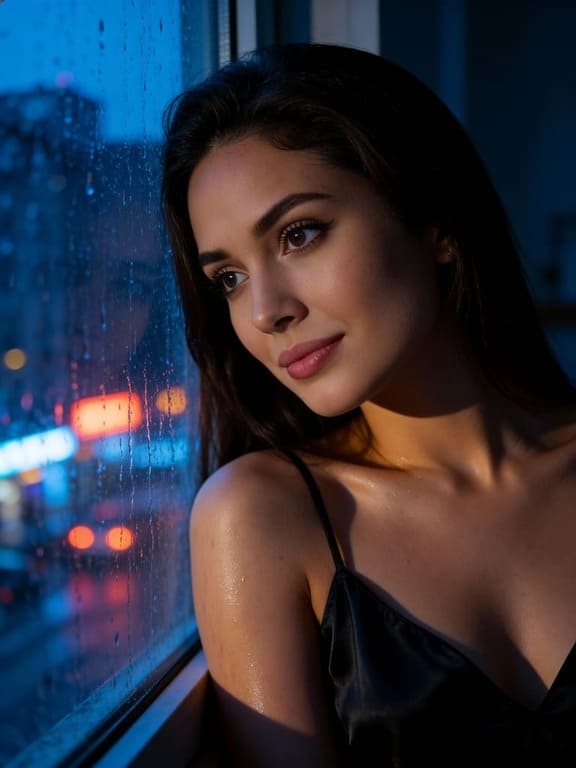
A futuristic city street at night, neon reflections, gentle rain, cinematic mood.
A cozy desk setup for a productivity video, morning light, subtle camera movement.
An AI influencer waving at the camera in a modern apartment, realistic motion.
A skincare product reveal with pastel background, slow pan, premium commercial style.
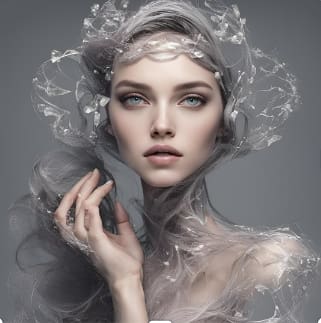
A fantasy portrait coming alive, subtle hair movement, glowing background, elegant tone.
A before-and-after creative transformation, split screen, clean motion, no text.
A travel-style beach scene, soft waves, golden hour, smooth handheld camera feel.
A talking-avatar intro scene, friendly presenter, simple background, natural expression.
How to Avoid Bad AI Video Results
Keep your prompt focused. Too many characters, fast action, complex hands, or multiple camera moves can create warped motion. Start with a short clip and one main movement. If the face, hands, or background drift, simplify the action.
FAQs
Is there a free AI video generator from text?
Yes, many tools offer free credits or limited free plans, but limits vary by platform.
Can I make videos without a watermark?
Some tools allow watermark-free exports only on paid plans, so check the current terms before publishing.
What is better: text-to-video or image-to-video?
Text-to-video is good for ideas. Image-to-video is better when you need a specific face, product, or character.
How long should an AI video prompt be?
One clear paragraph is usually enough: subject, action, camera, style, and mood.
Can APOB AI help create AI videos?
Yes. APOB AI can support image-to-video, avatar, and creative visual workflows depending on the feature you use.
Can I use AI videos commercially?
Check each tool’s license and plan terms before using AI-generated videos for ads, clients, or paid content.
What Free Plans Usually Limit
Free AI video tools are useful for testing, but they rarely give unlimited high-resolution output. You may run into watermarks, short clip lengths, low daily credits, slower queues, or restrictions on commercial use. Read the plan details before using a clip in an ad, client project, or paid campaign.
Need | Best Tool Type | What to Check |
|---|---|---|
Fast social clip | Text-to-video | Aspect ratio, watermark, duration |
Specific person or product | Image-to-video | Face stability, product shape, motion quality |
Presenter video | Talking avatar | Lip sync, voice, commercial rights |
How to Write a Strong Video Prompt
A strong prompt uses plain direction: subject, action, setting, camera, mood, and style. Instead of “make a cool video,” write “a skincare bottle on a marble counter, slow rotating camera, soft morning light, premium beauty commercial style.” The clearer the scene, the less the model has to guess.
Best First Projects for Beginners
Start with short, low-risk clips: a product reveal, creator intro, quote animation, AI portrait movement, simple background loop, or social media hook. These projects teach you how the tool handles motion without wasting credits on complex scenes.
Once you understand the tool’s strengths, move into harder ideas such as character movement, storytelling scenes, or multi-shot sequences. Good AI video creation is iterative. The second prompt is usually better than the first because you know what failed.
Publishing Checklist
Before posting, watch the clip at normal speed and paused. Check faces, fingers, text, logos, product shapes, and background movement. If the video will be used on social media, test the crop on a phone. A clip can look fine on a desktop preview and still feel cramped once it appears in a vertical feed.
Keep a small prompt log as you test. Write down what worked, what broke, and which tool settings produced the cleanest movement. This turns random experiments into a repeatable video workflow.
For a model-specific benchmark, use the MiniMax H3 video test plan to check 2K detail, stereo audio, motion transfer, and export quality with matched inputs.
References
HeyGen (2026) Best Free AI Video Generators. Available at: https://www.heygen.com/blog/free-ai-video-generators (Accessed: 22 May 2026).
Wyzowl (2026) Video Marketing Statistics 2026. Available at: https://wyzowl.com/video-marketing-statistics/ (Accessed: 22 May 2026).
APOB AI (2026) Runway AI Video Generation Free. Available at: https://apob.ai/runway-ai-video-generation-free/ (Accessed: 22 May 2026).
APOB AI (2026) Image to Video AI. Available at: https://apob.ai/image-to-video-ai/ (Accessed: 22 May 2026).
Seedance (2026) Best Free Text to Video AI. Available at: https://www.seedance.tv/blog/best-free-text-to-video-ai-2026 (Accessed: 22 May 2026).

Be the first to like this.





No credit card needed


