
Instantly transform your images into high-quality wan 2.6 level videos. Create captivating content in minutes.
What Is Wan 2.6?
Wan 2.6 is a newer AI video generation model direction in the Wan family, built for creators who want stronger text-to-video and image-to-video results with better motion, cleaner visual quality, and more stable scene generation. It is designed for short-form marketing videos, cinematic clips, avatar videos, social media content, product demos, and creative storytelling.
Compared with earlier Wan models, Wan 2.6 should be positioned around improved prompt following, smoother camera movement, better subject consistency, and more usable image-to-video output. For users who want practical AI video creation, the value is simple: turn a prompt or reference image into a polished video without needing a complex local workflow.

Wan 2.6 for Text-to-Video and Image-to-Video Creation
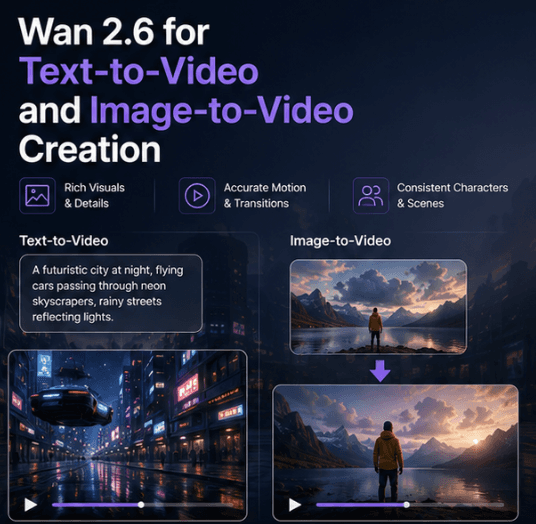
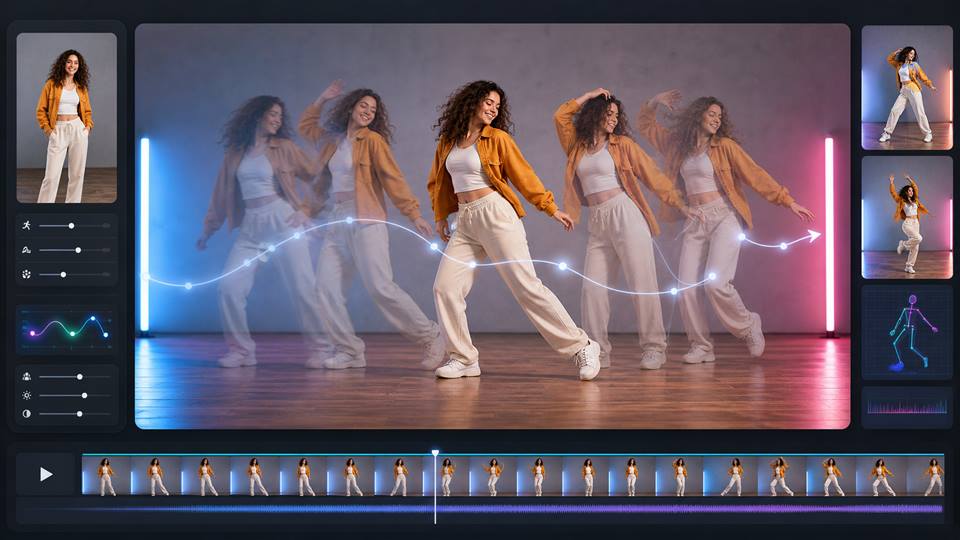
Wan 2.6 is useful when creators want to generate videos from either text prompts or reference images. Text-to-video works well for scenes, ads, cinematic concepts, social media clips, and story ideas. Image-to-video is better when you already have a product image, AI influencer photo, avatar, fashion shot, or campaign visual and want to animate it into a short video.
This makes Wan 2.6 especially relevant for creators who need controlled visual content: product demos, AI influencer reels, lifestyle videos, cinematic transitions, avatar content, and social ads. Instead of generating random motion, the goal is to keep the subject recognizable while adding natural camera movement, lighting, background motion, and scene atmosphere.
When Should You Use a Wan 2.6 Alternative?
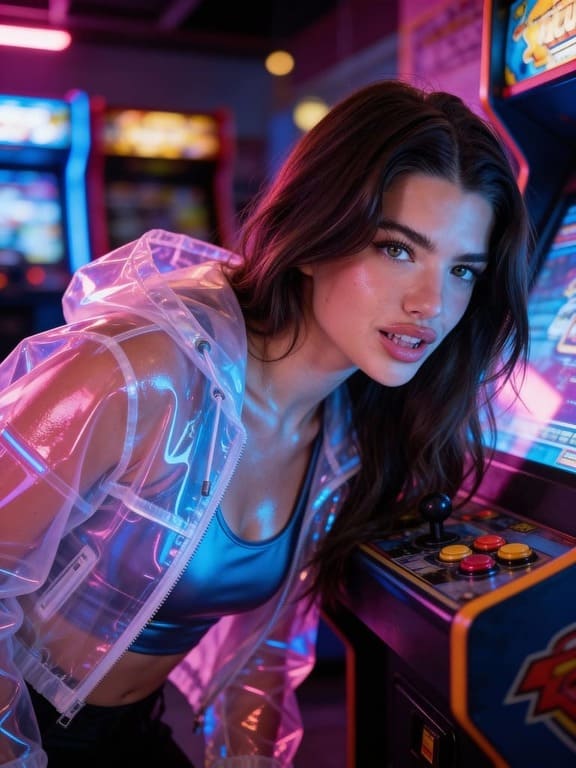
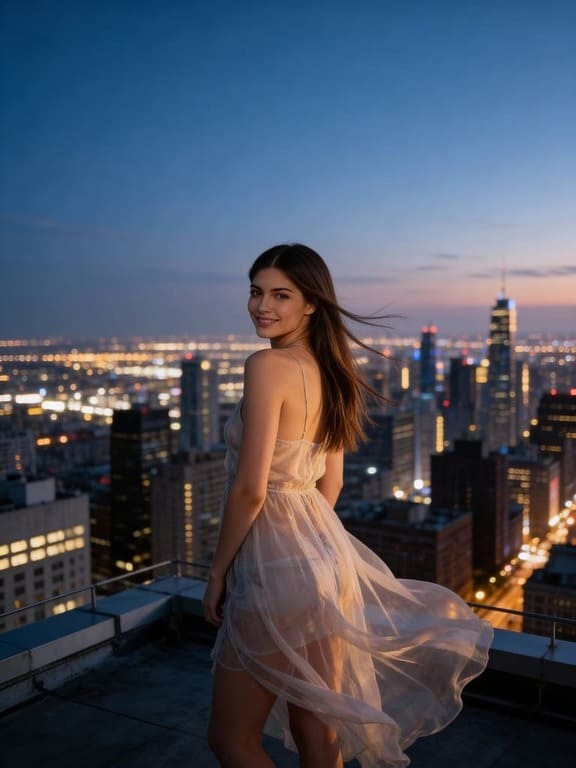
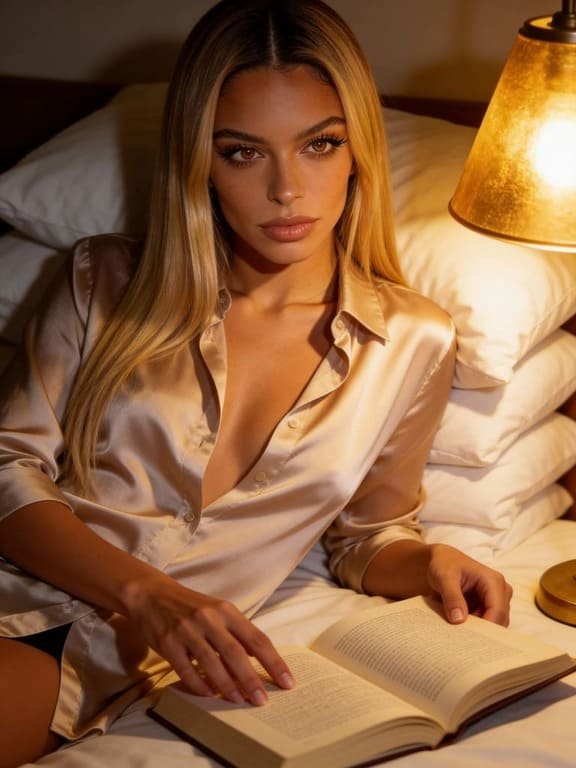
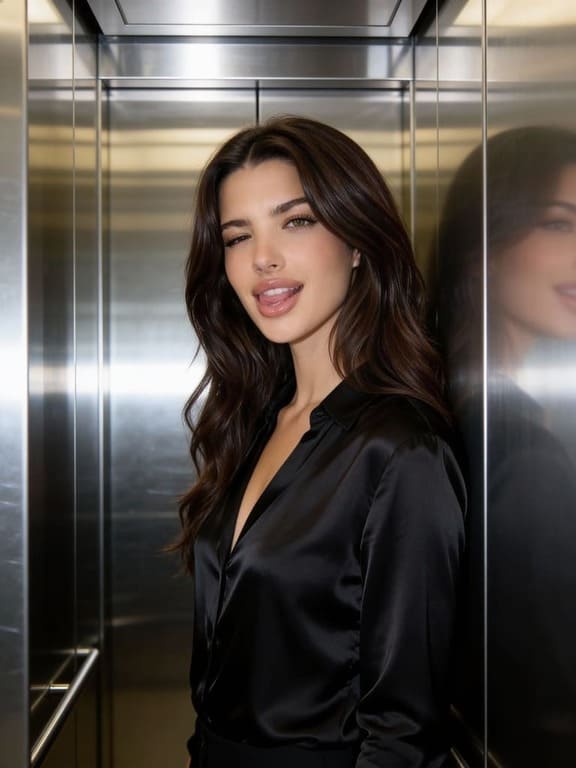
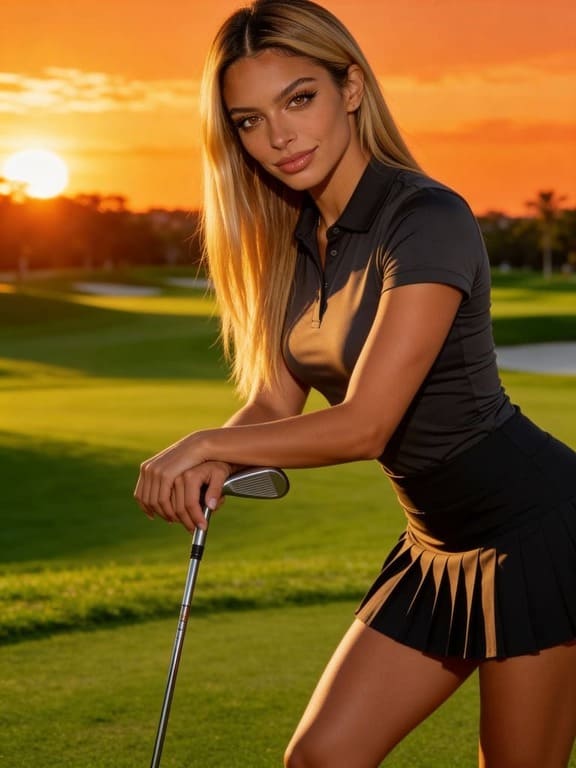
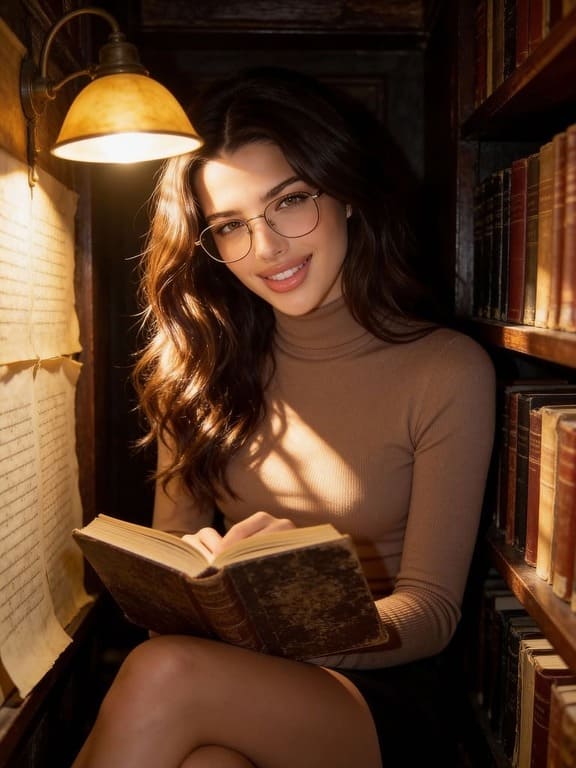
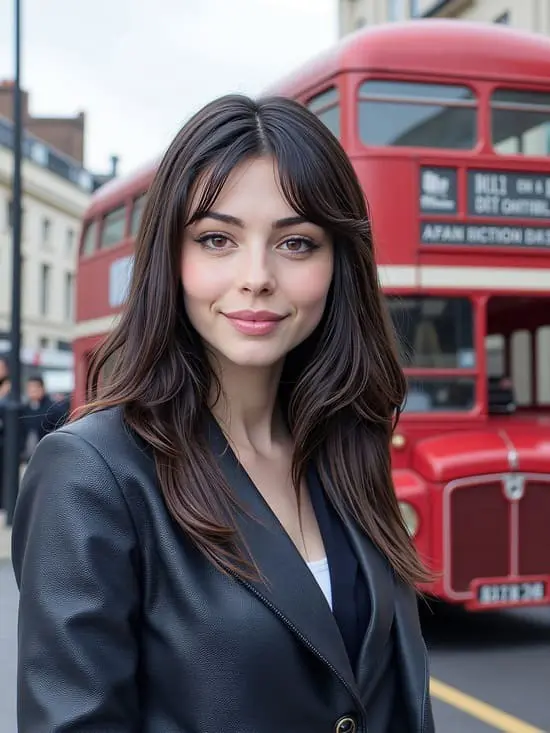
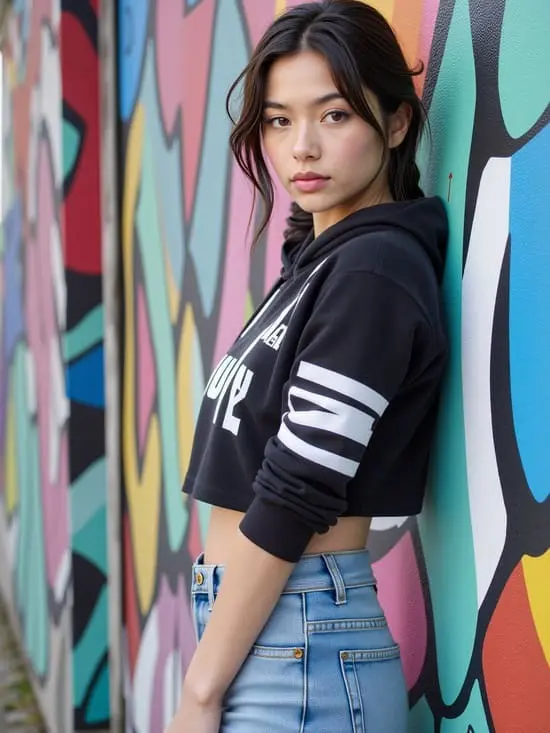
Step 1: Sign up for a free account.
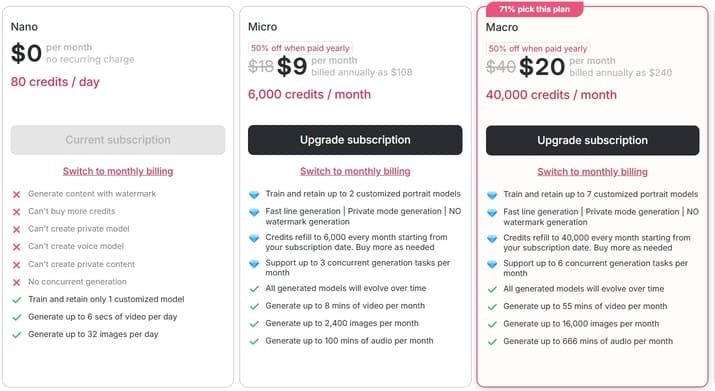
Get started by creating your free APOB AI account. As the premier free alternative to Wan 2.6, we welcome new creators with 80 free credits every single day. Simply sign up with your email to unlock a professional-grade virtual studio and start your AI video journey without any upfront costs.

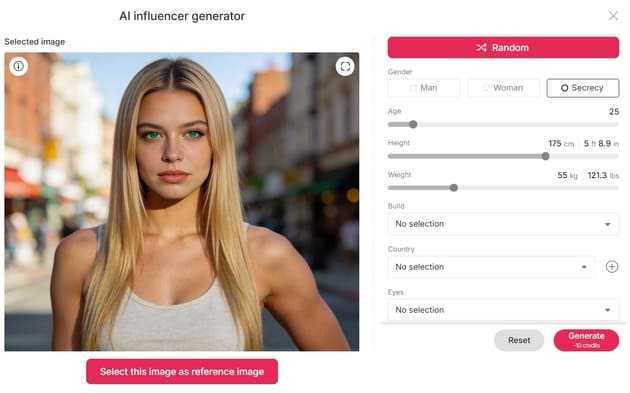
Step 2: Upload a Photo or Generate a Base for Wan 2.6 Quality
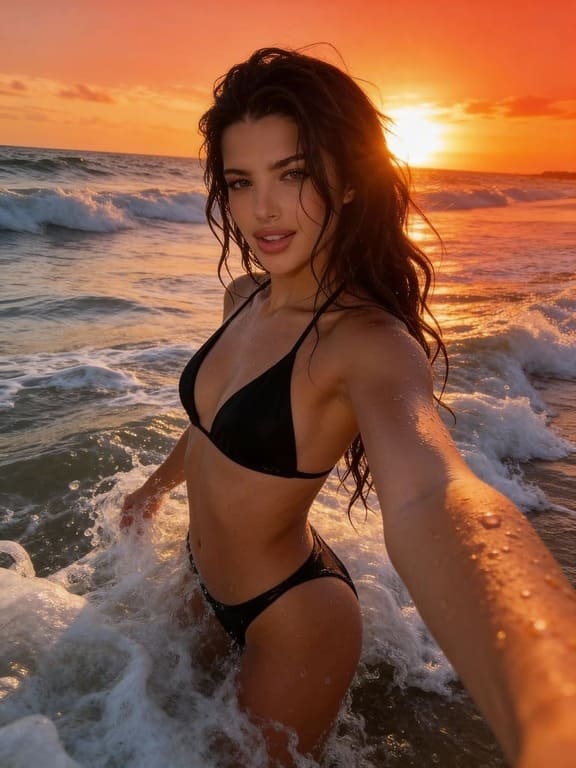
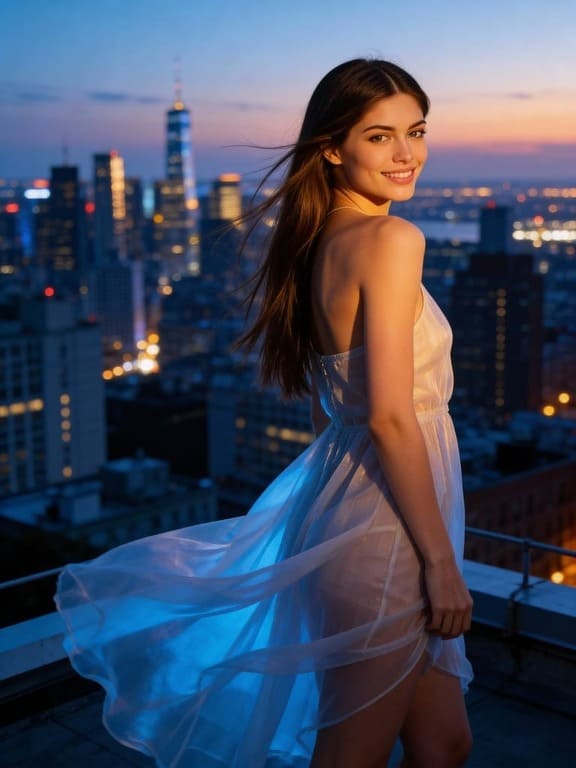
Begin your project by providing a visual base. You can Upload a high-quality photo of yourself to use our Face Swap features, or use our AI Influencer tool to generate a brand-new, consistent AI portrait. This ensures your video maintains a stable and professional appearance, overcoming the flickering issues often found in other generators. For AI specialists, this ‘Expert’ mode allows you to design customized prompts and negative prompts, offering greater control and flexibility.
Step 3: Navigate to "Text to Video" for Wan 2.6 Cinematic Rendering
Once your character is ready, head over to the 'Text to Video' dashboard. Our intuitive interface is designed for speed and simplicity. Here, you can choose from various animation styles and cinematic settings that rival the output of Wan 2.6, all within a few clicks
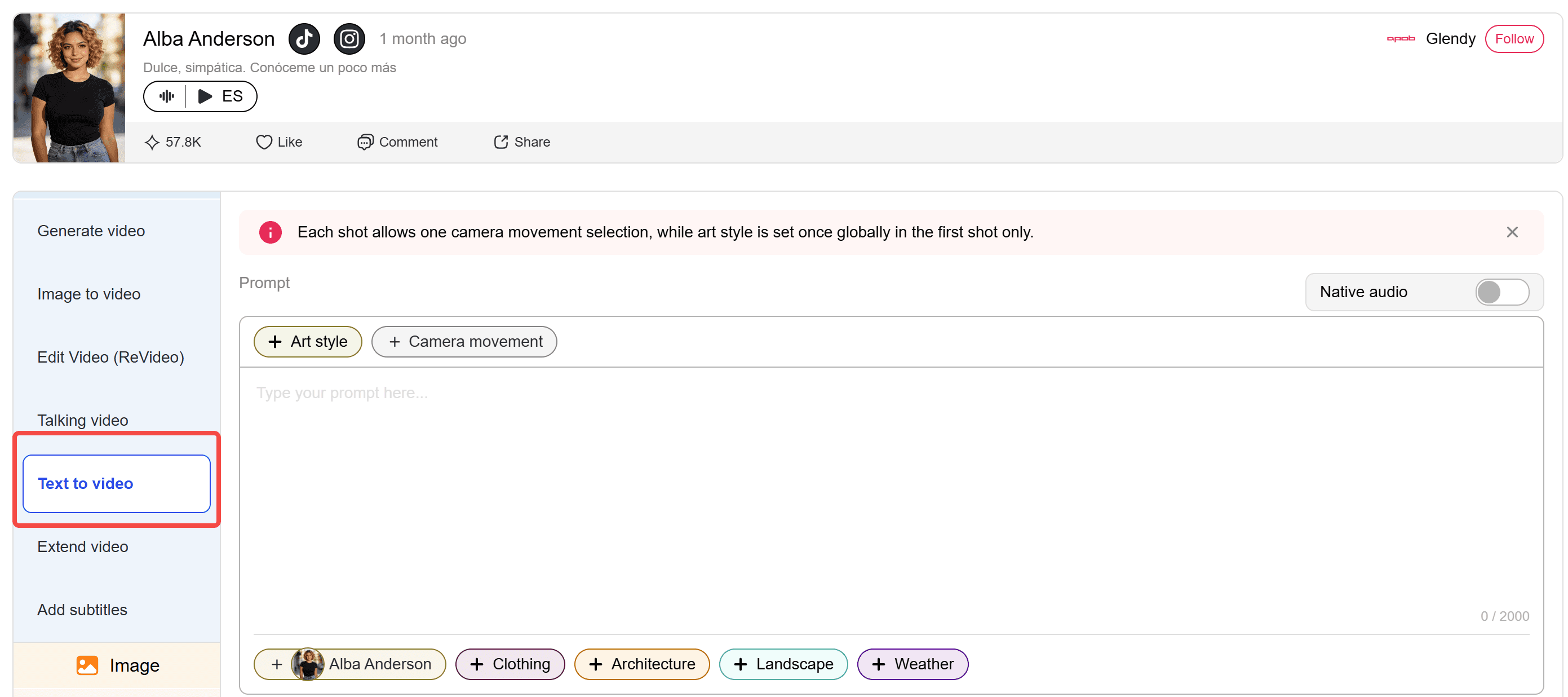
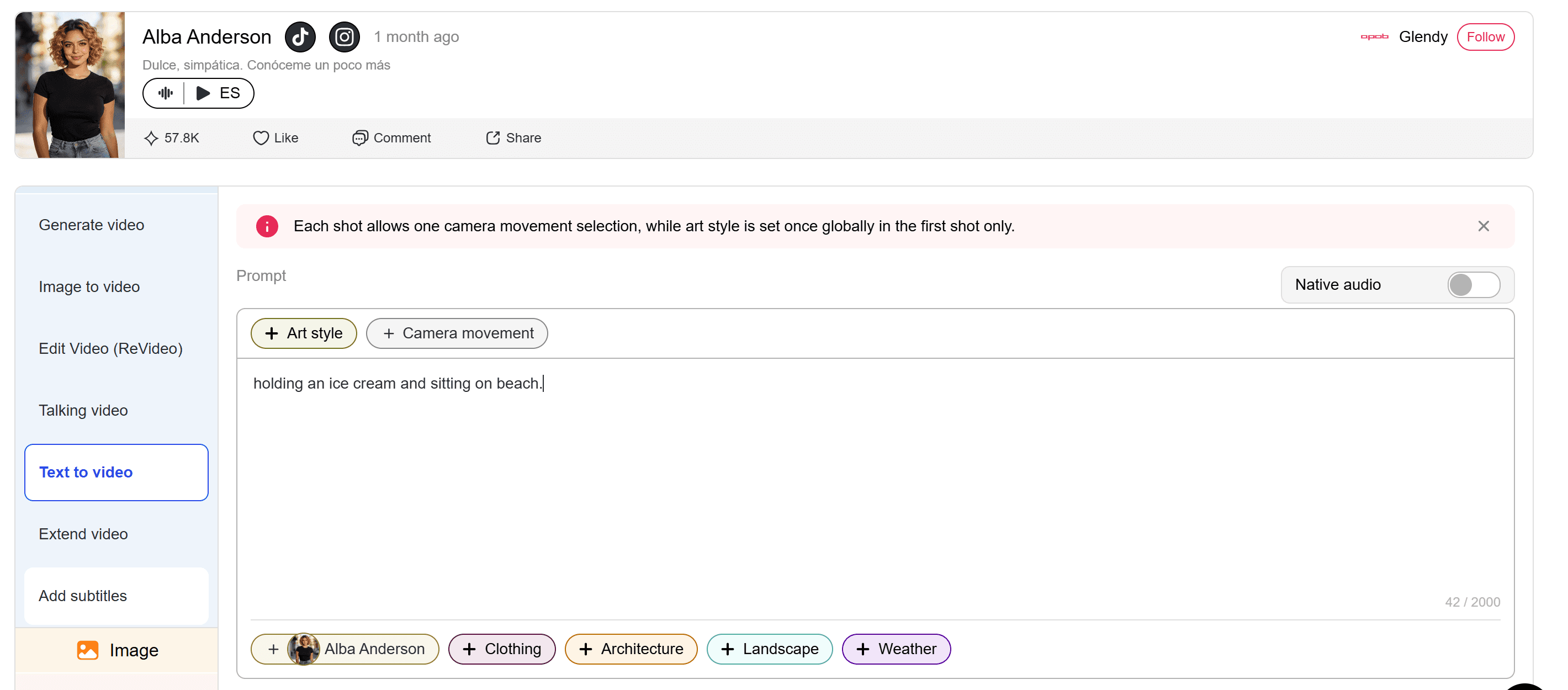
Step 4: Describe Your Idea to Trigger Wan 2.6 Multi-Shot Storytelling
Describe the action you want to see. Enter a detailed prompt outlining the movement, lighting, and environment. For example, 'A professional influencer walking through a futuristic city, cinematic lighting, 4k.' Our advanced AI interprets your text to create fluid, realistic motion that brings your static concepts to life.
Step 5: Export and download your Wan 2.6 level video
Click 'Generate' and watch the magic happen. APOB AI processes your request in the cloud, delivering a high-definition video in seconds. Best of all, you can complete this entire workflow using your daily free credits, making it the most cost-effective way to produce professional content without a Wan 2.6 subscription.
Wan 2.2 vs Wan 2.6 Feature Comparison
Data Point | Wan 2.2 | Wan 2.6 |
|---|---|---|
Main Focus | Open-source AI video generation model for text-to-video and image-to-video workflows | Newer Wan model direction focused on stronger visual quality, motion control, and creator-ready video generation |
Best For | Prompt testing, open-source workflows, image-to-video experiments, research, and flexible local generation | Product videos, AI influencer clips, social ads, cinematic scenes, avatar videos, and polished short-form content |
Text-to-Video | Yes, suitable for generating scenes from written prompts | Yes, positioned for better prompt following and more coherent scene output |
Image-to-Video | Yes, useful for animating reference images | Yes, stronger fit for product images, character references, and AI influencer visuals |
Motion Quality | Good for open-source generation, but may need retries for complex motion | Better suited for smoother movement, cleaner camera motion, and more natural subject animation |
Character Consistency | Useful but can require careful prompting and reference control | Better for keeping people, avatars, and products recognizable across short clips |
Creative Control | Strong for users comfortable with model settings and open workflows | Better for creators who want practical video output with less manual tuning |
Ideal User | Developers, researchers, technical creators, and open-source video users | Marketers, creators, brands, AI influencer builders, and short-form video teams |
Workflow Difficulty | More technical if used through local or open-source setups | Easier to position as an online AI video workflow for fast generation |
Unmatched AI Influencer Realism
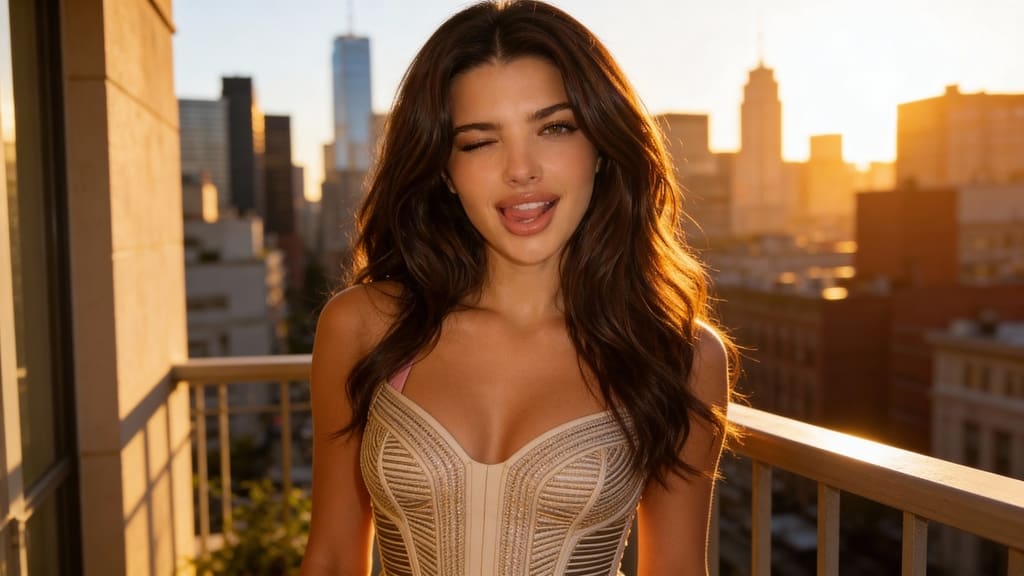
APOB AI excels in creating lifelike AI influencers with exceptional expressions and movements, surpassing the often robotic animations of generic image-to-video tools. This ensures your content is not just animated, but truly engaging and believable.
Superior Cost-Effectiveness
Achieve broadcast-quality video content featuring custom AI influencers at a significantly lower cost than traditional video production or other advanced I2V platforms. APOB AI provides high-end results without the premium price tag, making professional-grade content accessible.
Consistent Character Generation
Unlike many tools that struggle with character consistency across multiple videos, APOB AI offers robust features to maintain your AI influencer's look and persona, crucial for building a strong brand identity and narrative across various campaigns.
AI Influencer Content Creation
Generate consistent AI-driven characters for social media, marketing campaigns, and digital storytelling. The global AI influencer market is projected to reach $15 billion by 2025 (Reference: https://influencermarketinghub.com/ai-influencer-statistics/).
Dynamic Product Demonstrations
Transform static product images into engaging video demonstrations featuring AI models. Video content boosts purchase intent by 85% (Reference: https://www.wyzowl.com/video-marketing-statistics/).
Personalized Educational Content
Create customized learning modules with AI instructors animating complex concepts from images. Personalized learning can improve student engagement by up to 70% (Reference: https://www.edsurge.com/news/2021-03-09-personalized-learning-can-improve-student-engagement-by-up-to-70-percent).
Virtual Try-On Experiences
Develop interactive videos where AI influencers showcase clothing or accessories on different body types. E-commerce businesses using virtual try-on see a 20-30% reduction in returns (Reference: https://www.forbes.com/sites/forbestechcouncil/2023/07/11/the-future-of-fashion-how-ai-is-transforming-the-industry/?sh=513d28905b1c).
Wan 2.6 Not Enough? Try This Powerful Alternative Instead
Engaging video tutorial
User: Pro Secret
Meet the all-in-one FREE AI platform that’s breaking the internet. With this tool, you can instantly swap yourself or any AI model into any video. You can create uncensored, ultra-realistic, and animated videos using nothing but a single image.
1. Exceptional AI Influencer Realism
Generates lifelike expressions and movements for highly engaging content.
2. Cost-Efficient Production
Significantly reduces expenses compared to traditional video production or other high-end I2V tools, offering 80 daily free credits.
3. High Customization & Consistency
Extensive control over character appearance, voice, and emotion, with robust features to maintain character consistency across multiple videos.
1. Credit-Based System
While generous free credits are provided, advanced features and high-volume generation require credit purchases or paid subscriptions.
2. Learning Curve for Advanced Prompts
Achieving highly specific or complex outcomes may require some experimentation with prompt engineering.
3. Initial Setup for Custom Model
Creating a fully personalized AI influencer from scratch requires a few initial steps to define the character's traits and appearance..
No Credit Card Required

Answers about free access, video quality, credits, formats, privacy, and commercial licensing.
Is APOB AI truly a free alternative to Wan 2.6?
Yes, APOB AI offers a free membership with 80 daily credits, allowing you to extensively use its image-to-video and AI influencer generation features without any initial cost, making it a highly accessible alternative.
How does APOB AI ensure the realism of its AI influencers?
APOB AI employs proprietary algorithms trained on vast datasets of human motion and expression, generating highly nuanced and natural movements, facial expressions, and lip-syncing for lifelike AI influencers.
Can I use APOB AI for commercial projects?
Absolutely. APOB AI is designed for both individual creators and large enterprises. Its efficient workflow and high-quality output are perfect for commercial advertising, marketing campaigns, and educational content. Paid plans offer additional benefits for high-volume commercial use.
How does APOB AI compare to other image-to-video tools in terms of cost?
APOB AI is significantly more cost-effective, especially with its 80 daily free credits. It provides high-quality results often associated with more expensive platforms, allowing users to create professional content without the substantial investment required by alternatives.
What kind of customization options are available for AI influencers?
APOB AI offers extensive customization, allowing users to define various aspects of their AI influencers, including appearance, voice, emotional tone, gestures, and even wardrobe. This ensures the generated AI influencers perfectly align with your specific content requirements.
How does APOB AI handle data privacy for user-uploaded content?
APOB AI prioritizes data privacy and security. All user-uploaded images and generated video content are processed and stored with strict adherence to industry-standard encryption and privacy protocols, ensuring your data remains confidential and secure.


