With the Sora web and app experience discontinued, create cinematic text-to-video and image-to-video clips with APOB AI. It is an independent Sora 2 Pro alternative for product, UGC, character, beauty, and campaign workflows—able to target comparable visual effects and, for some prompts and model choices, produce sharper or more production-ready source images.
What Is Sora 2 Pro?
Sora 2 Pro was OpenAI’s higher-quality Sora 2 video model for richly detailed clips generated from text or images with synchronized audio. Its original web and app experience has since been discontinued, and OpenAI identifies the model as legacy or deprecated.
For creators, the underlying production logic is still useful: describe the subject, visible action, environment, camera movement, timing, lighting, and audio in one coherent shot. A strong source image can anchor composition and identity while the prompt focuses on motion and temporal progression.
APOB AI is an independent Sora 2 Pro alternative. It is not affiliated with or endorsed by OpenAI, but it provides an active workflow for pursuing comparable text-to-video and image-to-video creative goals inside one creator workspace.
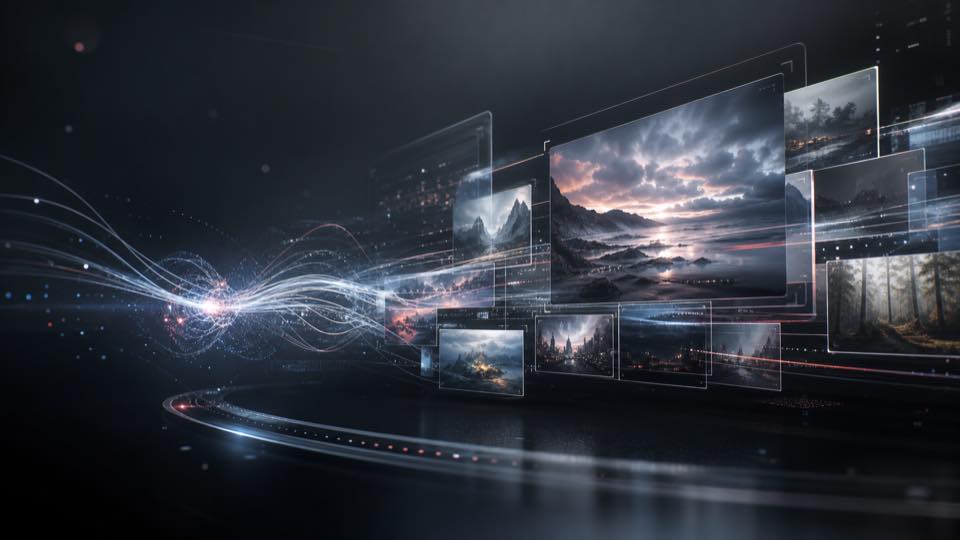
Sora 2 Pro for AI Video Generation and Creative Production

Sora 2 Pro-style production is useful for beauty routines, product demonstrations, UGC ads, cinematic social clips, character scenes, campaign concepts, and short-form storytelling where motion, framing, and continuity matter.
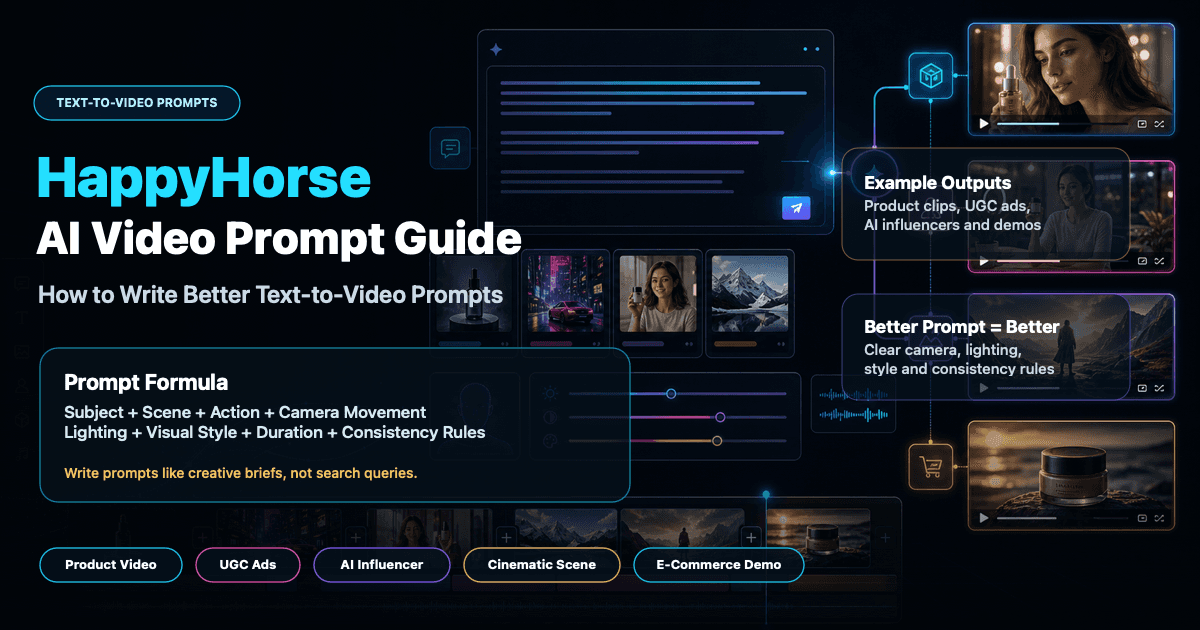
A practical workflow starts with one clear shot. Define the subject and setting, write the visible actions in order, specify camera behavior and lighting, and choose the aspect ratio, duration, resolution, and quality for the destination. For Image to Video, keep the source frame responsible for appearance and composition while the prompt directs movement.
On APOB AI, the same logic can continue beyond generation: create or refine source images, apply camera and style controls, build multiple shots, generate variations, and move into editing, voice, talking-video, subtitles, extension, or social-ready output without rebuilding the project across separate apps.
Why Use a Sora 2 Pro Alternative on APOB AI?

Step 1: Open Text to Video and add the 10-second makeup prompt
Open APOB AI, choose Text to video, and select the character or model you want to keep consistent. Paste this prompt: “A stylish young adult woman sits in front of an elegant vanity mirror, gently applying makeup. She picks up a soft makeup brush, applies blush to her cheeks, then carefully adds lipstick while looking into the mirror. Warm morning sunlight streams through the window, illuminating the cosmetics arranged neatly on the vanity table. Natural facial expressions, graceful hand movements, realistic mirror reflection, soft cinematic lighting, shallow depth of field, 10-second continuous shot, no cuts, no distortion.” Set 9:16, 10 seconds, and FHD for the vertical example shown.


Step 2: Choose Ultra or UltraS and generate
Open the Quality menu and choose the option that matches the brief. Ultra is a practical quality-first starting point; UltraS may be useful when the live workflow offers it and the extra credit cost is justified. Review the current credit estimate, keep one camera movement for the shot, and click Generate. Availability, processing time, and credit use can change by model and account.
Step 3: Review the final frames and refine one issue at a time
Watch the full 10-second result, then inspect the opening and ending frames. Check that the same woman remains recognizable, the brush and lipstick actions happen in order, fingers and lips stay natural, the mirror matches the subject, and the warm window light remains coherent. If one detail is weak, revise only that instruction or one setting before generating another version. APOB AI can target the same polished beauty-video effect and, with some image workflows or model choices, may create a sharper or more production-ready source image for the final deliverable.

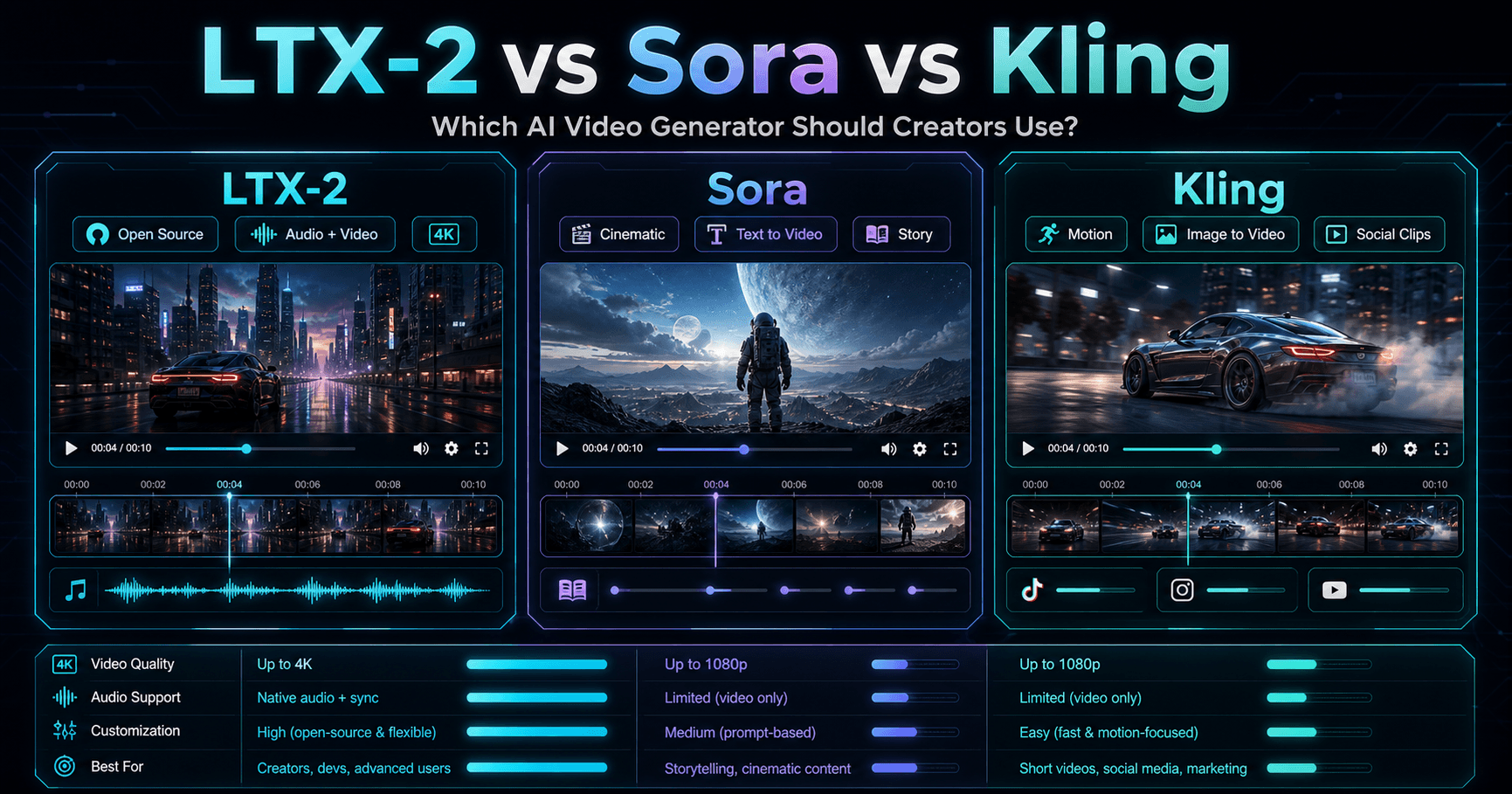
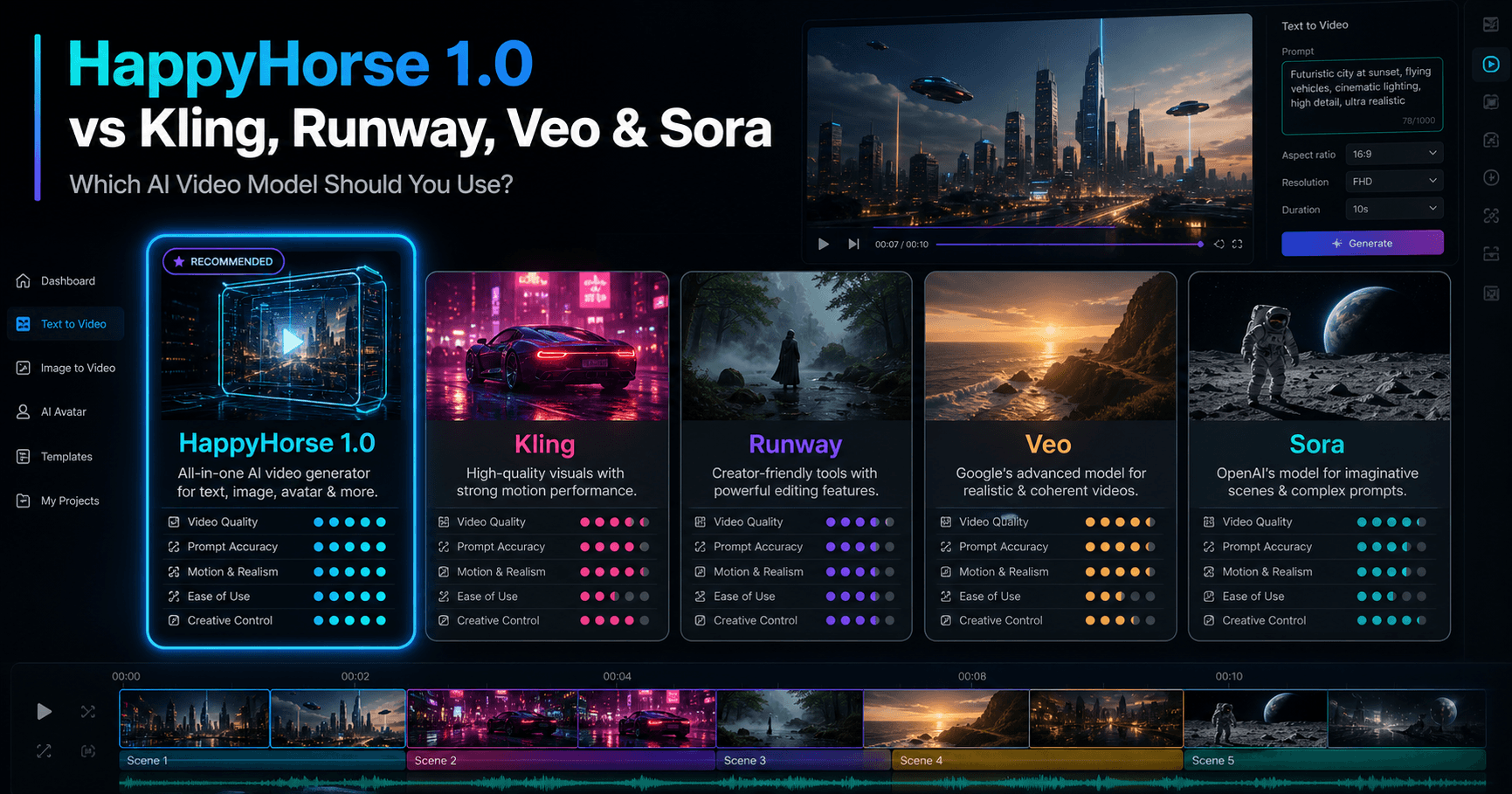
Sora 2 Pro vs APOB AI vs Runway Gen-4.5 Feature Comparison
Feature | Sora 2 Pro | APOB AI | Runway Gen-4.5 |
|---|---|---|---|
Current status (July 29, 2026) | Legacy/deprecated model; Sora web and app discontinued; API shutdown announced for September 24, 2026 | Active independent creator platform | Active on paid Runway plans |
Primary inputs | Text or image | Text, images, characters, and workflow-specific source media | Text or image for Gen-4.5 |
Core strength | Richly detailed video with synchronized audio | Connected creator workflow for images, video, characters, products, UGC, editing, and reuse | Motion quality, prompt adherence, visual fidelity, and camera choreography |
Resolution reference | Official model page listed outputs up to 1080×1920 or 1920×1080 | Depends on the selected model and quality mode; this guide shows FHD | Official Gen-4.5 guide lists 720p |
Audio workflow | Synchronized audio generation | Workflow-dependent native-audio options plus complementary voice, talking-video, and editing tools | Audio tools are available in the wider Runway workspace; Gen-4.5 generation guidance focuses on video |
Best fit | Teams maintaining a legacy Sora API workflow before retirement | Creators and marketers who want an active alternative with images, character control, product/UGC workflows, and social formats | Filmmakers and teams prioritizing Gen-4.5 motion and prompt control |
An active alternative after the Sora product shutdown
OpenAI’s current discontinuation notice says the Sora web and app experience ended on April 26, 2026 and the Sora API will be discontinued on September 24, 2026. APOB AI provides an independent creator workspace for people who still want cinematic text-to-video and image-to-video production without depending on the retired Sora product.
Comparable creative goals without pretending to be the same model
OpenAI describes Sora 2 Pro as a legacy, advanced media model that generated richly detailed video from text or images with synchronized audio. APOB AI targets many of the same visual goals through its own models, controls, image tools, and creator workflows.
Text-to-video and image-to-video creation
Start from a written scene or anchor composition, identity, clothing, and product detail with an image. Describe the subject, visible action, environment, camera behavior, timing, lighting, and exclusions in direct chronological language.
10-second shots with creator-friendly output controls
The example workflow uses 9:16, 10 seconds, FHD, and Ultra quality. Available aspect ratios, durations, resolutions, and quality modes depend on the selected workflow, but the controls make it easy to prepare vertical or landscape deliverables.
Character, product, and campaign consistency
Use a model or reference image, repeat stable identity details, and change one scene variable at a time. This is useful for beauty routines, UGC-style ads, product demonstrations, virtual creators, and campaign variations.
Source images that can be better suited to the final brief
APOB AI combines image creation and video workflows. For some prompts, references, and model choices, a sharper or more creator-ready source image can make the final animation more useful than a single-model result. This is a qualified workflow advantage, not a guarantee of universal superiority.
Generation, editing, voice, and reuse in one place
Continue from the generated shot into complementary image, video editing, talking-video, voice, subtitle, or reuse workflows as available, instead of rebuilding every asset in a separate tool.
Beauty, product demonstrations, and performance ads
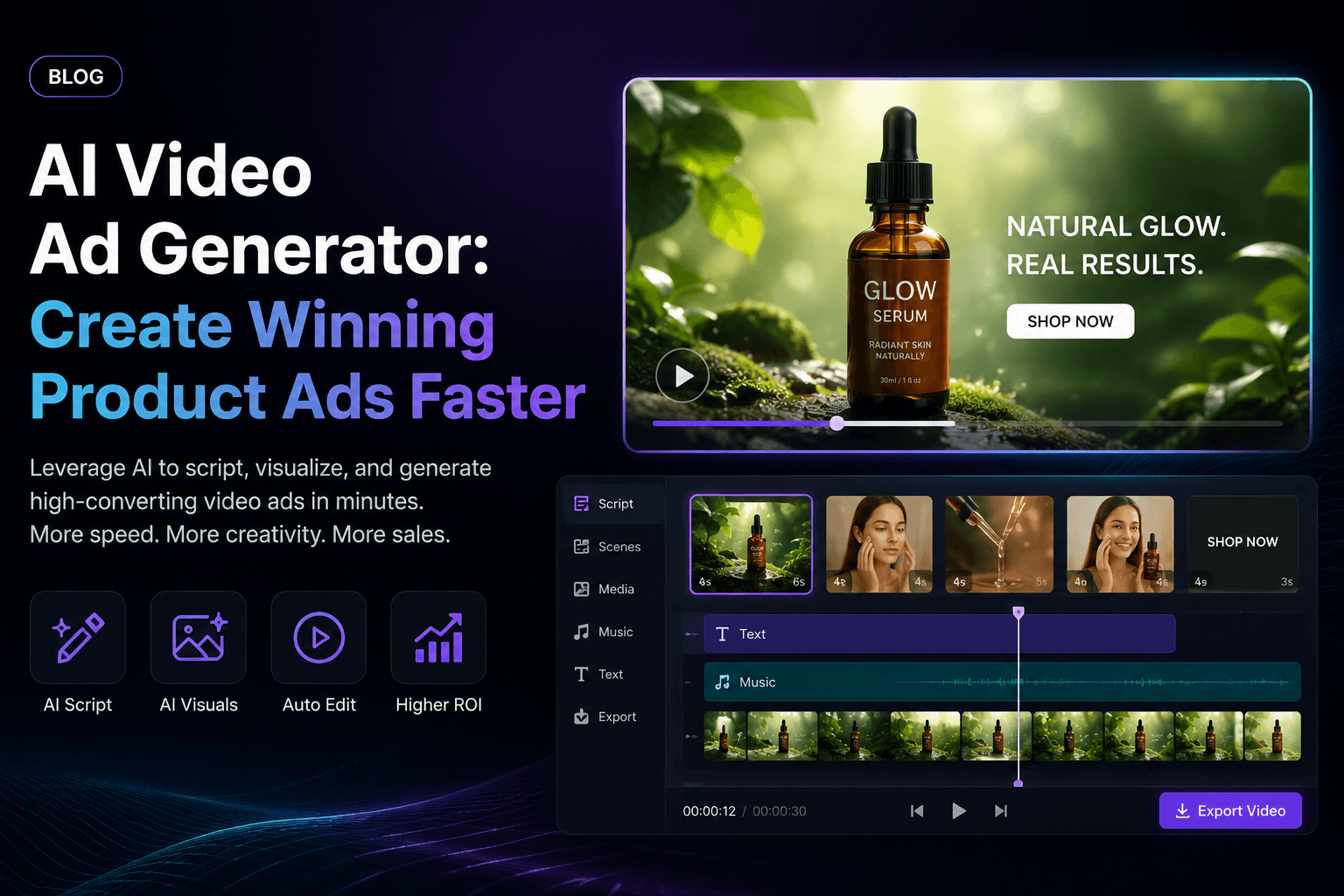
Show texture, application, packaging, and a clear before-to-after action in short controllable shots. Amazon Ads reported expanding AI video tools that can turn product images and existing footage into campaign-ready creative, which reflects the growing demand for fast product-video variation.
TikTok, Reels, Shorts, and UGC-style creator content
Generate 9:16 hooks, creator scenes, lifestyle demonstrations, and multiple visual directions from text or reference images. TikTok for Business introduced Symphony tools that transform images, text, and products into TikTok-style clips, showing how image-to-video and prompt-led production are becoming standard social workflows.
Brand films, story concepts, and previsualization
Test a location, character, camera path, lighting, and atmosphere as short shots before committing to a larger production. Retail Dive covered the Toys“R”Us Sora brand film, an early example of generative video being used for brand storytelling rather than only social snippets.
Character-consistent campaign variations
Keep one model, avatar, or spokesperson recognizable while changing outfits, backgrounds, products, camera angles, or regional formats. Use consented source media and preserve identity details in every prompt.
Responsible synthetic advertising
Create original fictional characters, disclose AI use when required, and never imitate a real person without permission. AP reported new AI-ad labeling requirements in South Korea, a reminder that platform rules and local laws can affect how synthetic promotional content must be published.

Sienna Blake
I animated a product still with a slow push-in for a launch teaser. The restrained motion looked far more believable than the dramatic camera prompt I tried first, and the product shape stayed recognizable.
Youssef Mansour
For a short story concept, I generated the character image before planning the shots. Using that reference across scenes improved continuity and gave the editor something coherent to work with.
Akari Fujimoto
I needed a four-second transition clip between two sections of an ad. Describing one camera move and one subject action produced a clean result without the extra motion that usually makes AI video feel unstable.
Bruno Costa
The useful part is not just text-to-video. I can prepare the source image, test motion, add narration, and check lip sync in the same broader workflow when the concept needs a speaking character.
Nadine Keller
I made a vertical fashion clip from a portrait and kept the background movement subtle. The fabric edges needed review, but the second generation was good enough for our internal campaign pitch.
Thiago Ribeiro
A client wanted to see a cinematic version of a storyboard frame. APOB gave us a moving proof of concept quickly, and we could discuss pacing and camera direction before committing to production.
Maeve OConnell
Long prompts made my first clip messy. Splitting the scene into a clear subject, action, and camera instruction produced a more controlled result and made it easier to identify what to change.

Arjun Malhotra
I used the video workflow for a faceless travel teaser built from a landscape image. The slow parallax effect preserved the scene better than asking for lots of moving objects.
Selam Tesfaye
The platform works well when I need several creative steps around one video idea. I can shape the image, generate motion, and prepare social versions without treating each stage as a separate project.
Available creator workflow after the Sora app shutdown
APOB AI gives creators a current place to generate and refine visual content while Sora’s web and app experience is no longer available.
One workspace for source images and final video
Create or refine the source frame, animate it, generate from text, and continue into character, product, voice, talking-video, subtitle, or editing workflows as available.
Practical control over format and quality
Aspect ratio, duration, resolution, quality, camera movement, model references, and chronological prompts make the workflow easy to adapt for beauty, products, UGC, and campaign concepts.
Some workflows can produce a more useful final asset
The ability to choose an image workflow, reference, and video path can yield sharper source imagery or a more deliverable-ready result for a specific brief. Results still vary by input and generation.
It is not Sora 2 Pro
APOB AI is an independent alternative, not an OpenAI product or official Sora integration. Models, controls, audio behavior, output characteristics, pricing, availability, and API options differ.
Comparable or better-suited results are not guaranteed
Visual quality is subjective. A result that is stronger for a product, UGC, or character workflow may not outperform Sora 2 Pro or another model on every cinematic prompt.
Complex motion may require several attempts
Hands, lipstick contact, mirror reflections, multiple people, exact text, object permanence, and long action chains can still need stronger references, simpler prompts, or repeated generations.
Higher modes can use more credits
Ultra, UltraS, longer durations, premium models, or repeated iterations may increase credit use. Review the live estimate before generating a production batch.
No Credit Card Required
Answers about Sora 2 Pro, APOB AI, 10-second prompts, Ultra quality, character consistency, image and video generation, credits, commercial use, disclosure, and limitations.
Q1: What is Sora 2 Pro?
Sora 2 Pro was OpenAI’s higher-quality Sora 2 video model for richly detailed clips from text or images with synchronized audio. OpenAI now labels the model legacy or deprecated, and the Sora web and app experience was discontinued on April 26, 2026.
Q2: Is APOB AI an official Sora 2 Pro provider?
No. APOB AI is an independent creator platform and is not affiliated with, endorsed by, or an official provider of OpenAI or Sora 2 Pro.
Q3: Why is APOB AI described as a Sora 2 Pro alternative?
APOB AI supports overlapping creator goals such as text-to-video, image-to-video, character-focused generation, camera direction, quality controls, source-image creation, editing, and social-ready output in one workspace.
Q4: Can APOB AI create effects similar to Sora 2 Pro?
Yes. APOB AI can target comparable creative outcomes such as cinematic motion, product shots, character scenes, beauty close-ups, stylized clips, and image-led animation. Exact results differ by model, prompt, source, settings, and generation.
Q5: Can APOB AI generate better images than Sora 2 Pro?
In some workflows, APOB AI’s image tools and model choices can produce sharper or more production-ready source images before animation. Quality is subjective and input-dependent, so APOB AI does not guarantee that every result will be better.
Q6: Can I create a 10-second text-to-video clip?
Yes, when the selected APOB AI mode offers a 10-second duration. The walkthrough on this page uses a 10-second vertical beauty scene with one continuous action sequence.
Q7: What prompt should I use for the vanity makeup example?
Describe the woman, vanity, sequence of makeup actions, mirror, warm morning light, camera behavior, and exclusions. Keep the actions chronological and request one continuous 10-second shot with no cuts or distortion.
Q8: Can I animate an existing image instead of starting from text?
Yes. Use Image to video when a reference image should anchor the face, clothing, product, composition, or visual style while the prompt focuses on motion, camera movement, and timing.
Q9: How do I preserve a character’s identity?
Use a clear reference, keep the identity description stable, explicitly preserve the face, hair, skin tone, body proportions, clothing, and expression, and avoid changing too many scene variables at once.
Q10: How do I improve hands, lipstick motion, and mirror reflections?
Keep the hand action simple, describe which hand holds the tool, specify the order of actions, request a realistic reflection that matches the subject, and regenerate after changing only the weakest instruction.
Q11: What is the difference between Ultra and UltraS?
They are quality choices shown in the APOB AI interface. Availability, speed, credit cost, and output behavior can change by workflow, so compare the live menu and use the option that fits the brief and budget.
Q12: Which aspect ratio should I choose?
Use 9:16 for TikTok, Reels, and Shorts, 16:9 for landscape campaigns and cinematic concepts, and other available formats when they better match the destination platform.
Q13: Does APOB AI support FHD output?
The walkthrough shows FHD selected. Available resolution depends on the current workflow, model, quality mode, and plan, so confirm the live settings before generating a production batch.
Q14: How should I describe camera movement?
Choose one clear camera idea per shot, such as a slow dolly-in, gentle pan, locked close-up, or smooth side track. Avoid combining contradictory movements in a short clip.
Q15: Can APOB AI create product videos and UGC-style ads?
Yes. APOB AI can support product demonstrations, beauty routines, UGC-style ads, creator hooks, ecommerce variations, avatar content, and cinematic campaign concepts.
Q16: Does APOB AI generate synchronized audio?
Audio availability depends on the chosen workflow and current product settings. APOB AI also provides complementary voice, talking-video, lip-sync, and editing tools, but it should not be assumed to reproduce Sora 2 Pro’s native-audio behavior exactly.
Q17: Can I download and commercially use the result?
Export and commercial-use rights depend on the selected workflow, your plan, APOB AI’s current terms, and your rights to uploaded people, brands, music, footage, and other source material. Review the current terms before paid publication.
Q18: Can I try APOB AI for free?
APOB AI may provide trial or daily credits depending on the current offer. Sign in and check the live credit display and pricing details before generating.
Q19: Should AI-generated ads be disclosed?
Follow the rules of the destination platform and the laws that apply to your audience. Do not impersonate real people without consent, and label synthetic content when required.
Q20: What are the limitations of this Sora 2 Pro alternative workflow?
APOB AI and Sora 2 Pro are different products. Complex multi-person motion, exact text, hands, reflections, object permanence, long action chains, synchronized sound, and perfect continuity can still require stronger references, simpler prompts, or several attempts.


