Create stunning covers effortlessly with an AI book cover generator—just enter a prompt and get professional results instantly.
Enjoy more features
AI LinkdIn photo
AI image merger
Turn picture to drawing
AI Photo Editor
Text to image
person generator
make image transparent
seedream 5.0
1. Emily Carter
"At first, I was just using APOB AI to generate professional resume photos. But later, I discovered it could also create images with text, including AI-generated book covers. I was honestly surprised by how versatile it is. Being able to create a complete cover page so easily really exceeded my expectations!"
2. Daniel Brooks
"I'm a web novel writer, and I used to pay designers to create my book covers, which could get expensive. Now, I can do it myself with AI and save some money. I've tried several AI tools, but what stands out about APOB is the ability to customize the character model on the cover. That makes it much easier to match the visuals with the characters in my stories. As a writer, I’m really satisfied with this feature."
3. Sophia Nguyen
"I'm a student, and I needed to design a poster for a school event. With APOB, I was able to create it really quickly. The best part is—it’s actually free! That made a huge difference for me since I didn’t have any budget. Super helpful and easy to use."

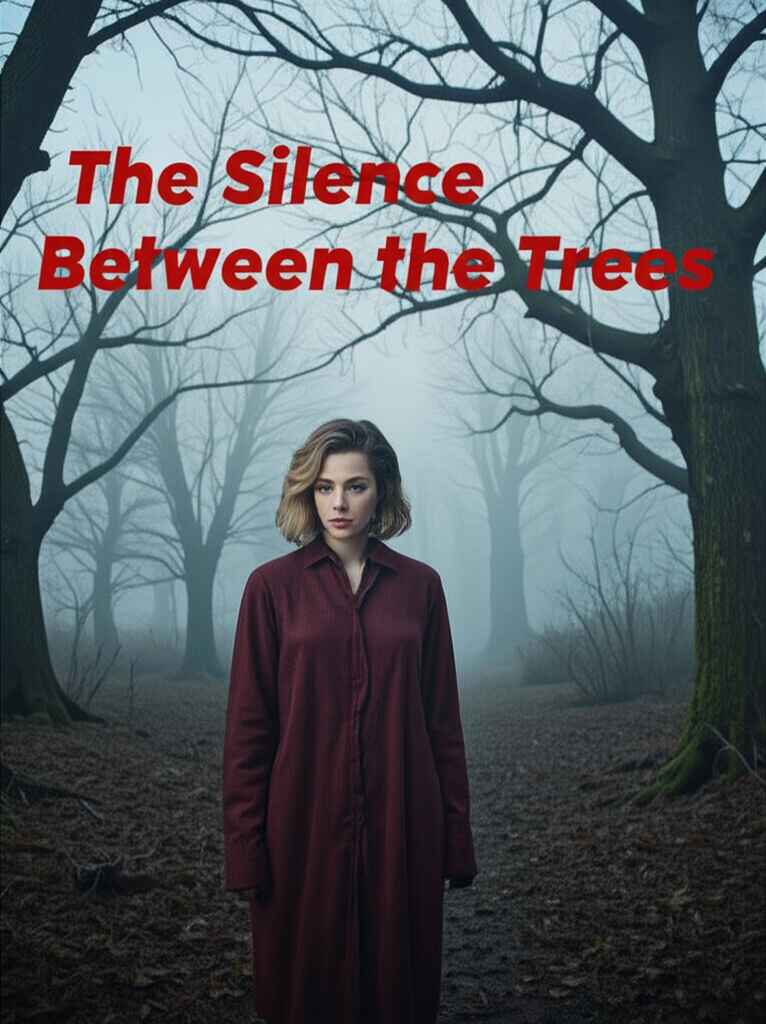

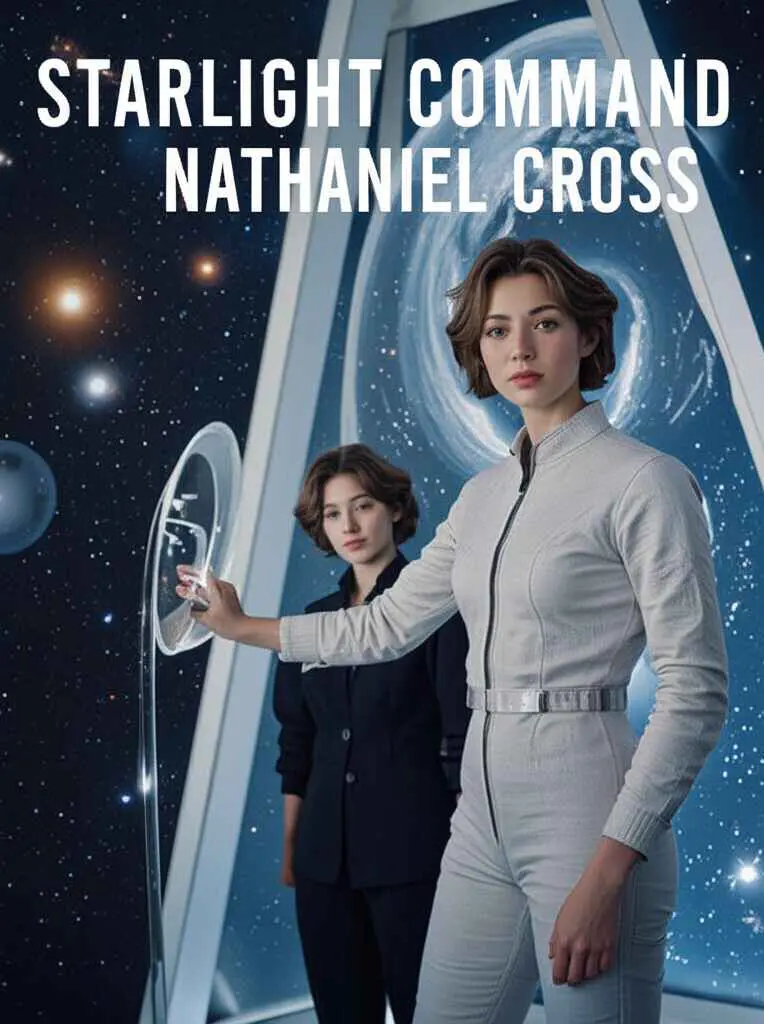





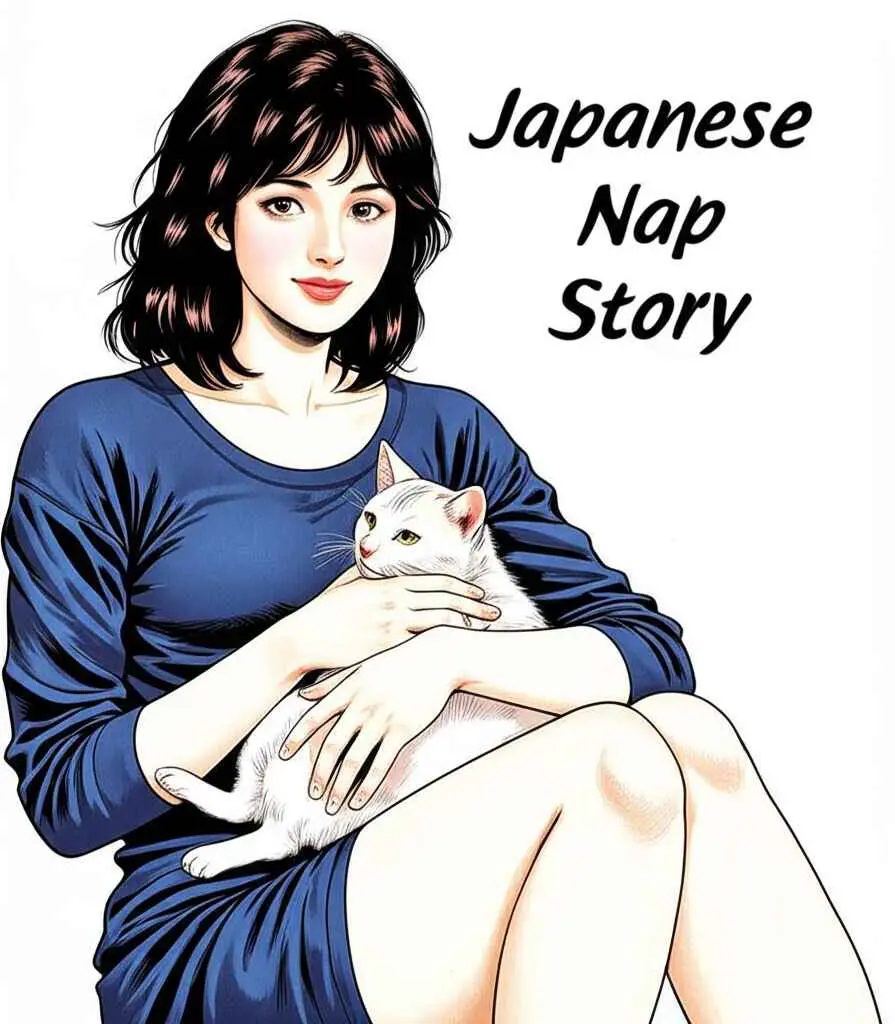
How to Use APOB AI Book Cover Generator?
Click the button below to log in to APOB AI and claim your 80 free credits.
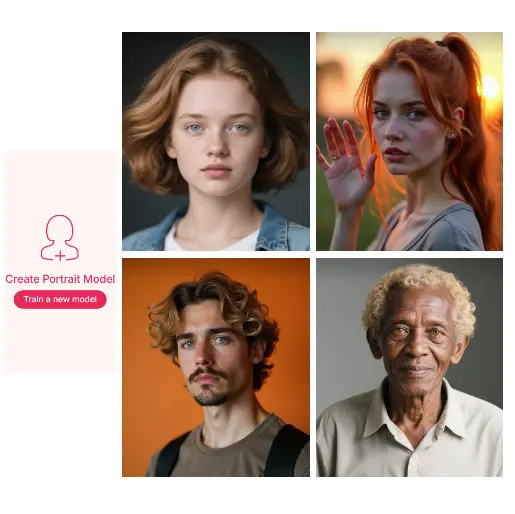
Then, click Create Portrait Model to upload a photo or design a character for your book cover from scratch. Customize features like age, gender, ethnicity, skin tone, hairstyle, and more.
This model becomes the face of your book and adds a personal, creative touch to your cover.
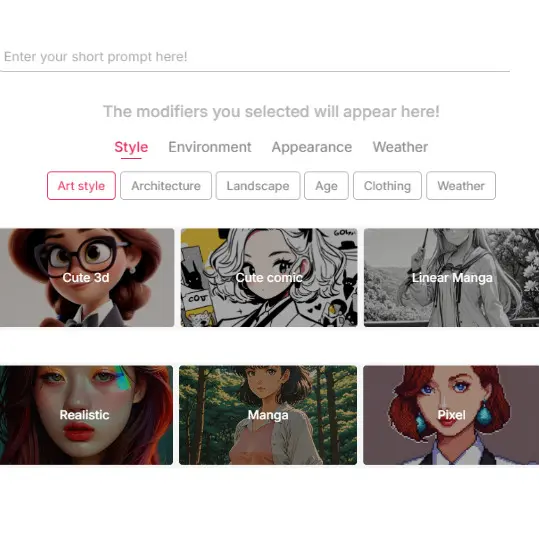
Choose Styles and Templates That Fit Your Theme
Based on your book’s theme, select from a wide range of styles—from anime to realistic to surreal. APOB AI offers rich pre-set templates categorized into Build Your Own or Complete Set.
You can also enter a short prompt to fine-tune the output. Each generation costs 20 credits and gives you four book cover options to choose from.
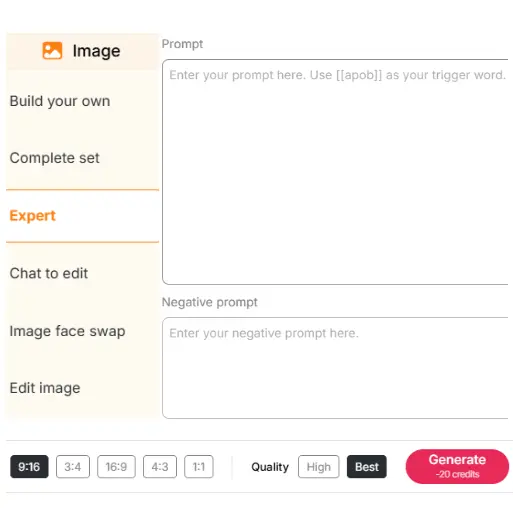
Use Expert Mode for Full Creative Control
If you want total control over your book cover layout, switch to Expert mode. Here, you can input up to 1024 characters (about 180 words) for prompts and up to 512 characters (about 100 words) for negative prompts.
This mode lets you express your most detailed design vision and generates four high-quality images per use at just 20 credits.
Edit Covers with Chat-to-Edit
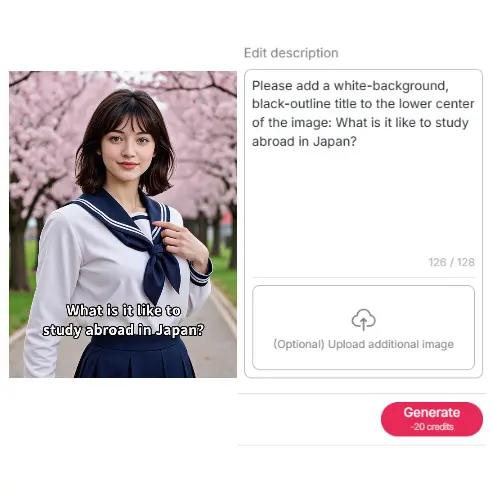
Need to tweak the AI-generated design? Use the Chat to Edit feature to adjust cover elements with text commands.
You can add your book title, author name, and reposition or recolor the text. Define font style, size, and layout freely to create a polished and fully customized final book cover ready for publishing.
Tailored for Every Genre
Whether you’re writing a fantasy epic, a romantic novel, or a non-fiction memoir, APOB AI cover page generator adapts seamlessly to your theme. It offers stylistic flexibility and genre-specific designs that truly resonate with your readers.
Beginner-Friendly, Professional Results
No design experience? No problem. This AI cover page tool provides intuitive templates that help you create professional-quality book covers with ease—no learning curve required.
Community and Inspiration
Join a vibrant community of authors and designers using the AI cover page generator. Share your work, get feedback, and find inspiration in our gallery and Discord channel.
Independent Author Prototyping
Self-published authors can quickly make different cover ideas to test with readers before choosing a final design. This speeds up brainstorming and audience feedback. With creator-friendly AI tools, they can produce polished covers that fit their genre, supporting the visual demands of modern self-publishing [1].
Publisher Concept Ideation
Publishing companies can use an AI Book Cover Generator to speed up the early design stage. By entering key themes or keywords from a book, the AI creates several visual ideas. These give design teams a solid starting point, making the creative process smoother and faster [2].
Designer Inspiration
Graphic designers can use an AI Book Cover Generator to push past creative blocks. Instead of starting from nothing, they can generate fresh prompts and explore new styles or layouts. This sparks inspiration and helps them discover design options they might not think of on their own [3].

Olivia Hart
I used APOB AI to test three cover directions before sending a brief to my designer. It helped me see which mood actually matched the book instead of guessing from a blank page.

Marcus Flynn
The character model option helped my protagonist look consistent across several cover concepts. I still refined the final art, but APOB AI made the first round feel much less intimidating.

Priya Malhotra
For a student anthology, I needed quick cover mockups that did not look thrown together. The results gave our editors something visual and specific to react to.

Ethan Blake
Expert mode let me describe the mood, typography space, and central figure in one pass. A few versions had that epic shelf-ready feeling I was hoping for.

Clara Benson
I liked seeing soft, dramatic, and illustrated cover options side by side. It made the tone of my novella clearer, and honestly gave me a little confidence boost.

Daniel Mercer
Chat-to-edit was useful for adjusting color and title placement without starting over. It is a strong way to explore cover ideas before spending money on production.

Maya Nolan
The covers made it easier to pitch visual directions for a reading challenge page. I used the best one as a mood reference, not a final shortcut.
Adrian Cole
I used it for rough compositions and then refined manually. APOB AI is good when you need to show a client several directions quickly.
Sofia Laurent
It helped me make a polished event booklet cover without a design budget. The final mockup looked more thoughtful than anything I could have assembled alone.
Easy to Use
No design expertise is required. The interface is clean, speedy, and intuitive to learn, even for new users.
Highly Customizable
You control every aspect of the design, from character pictures to font alignment and color schemes.
Cost-Effective
Create pro covers at a small fraction of the cost of paying a designer, with a free plan to test it.
Requires Prompt Precision
You must create detailed, well-written prompts to achieve optimal results, particularly in Expert mode.
May Need Minor Adjustments
There are auto-generated layouts that might need to be adjusted, especially if you're having a highly specific visual look in mind.
No Credit Card Required

Answers about cover styles, genres, title text, print formats, commercial rights, and credits.
How does the AI book cover generator work?
You enter a prompt or select templates and styles. The AI then interprets your input to generate a high-quality, visually compelling book cover image.
Is the AI book cover generator free to use?
Yes! You get 80 free credits upon signing up, allowing you to generate multiple book cover designs without paying.
How many book covers can I generate for free?
With 80 free credits and 20 credits per generation, you can create up to 16 images (4 images per generation).
What types of book covers can I create?
You can create covers for ebooks, audiobooks, and print books, in styles ranging from anime to realistic to surreal.
Do I need design experience to use the generator?
Not at all. APOB AI is built for users of all skill levels with intuitive tools and easy-to-follow steps.
Can I use the generated book cover for commercial purposes?
Yes, all book covers generated via APOB AI can be used commercially, including publishing, marketing, and distribution.


