
















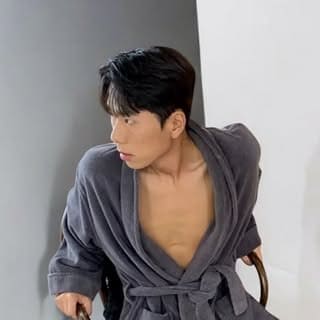




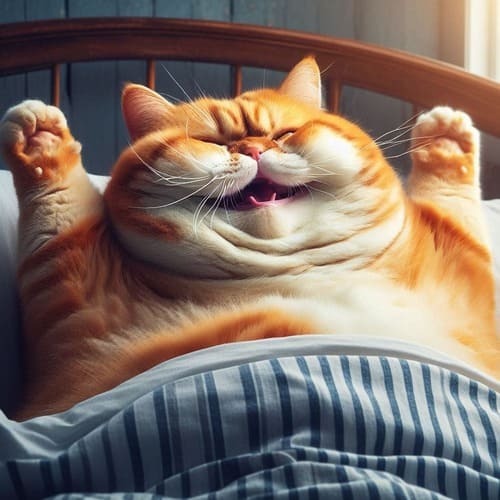
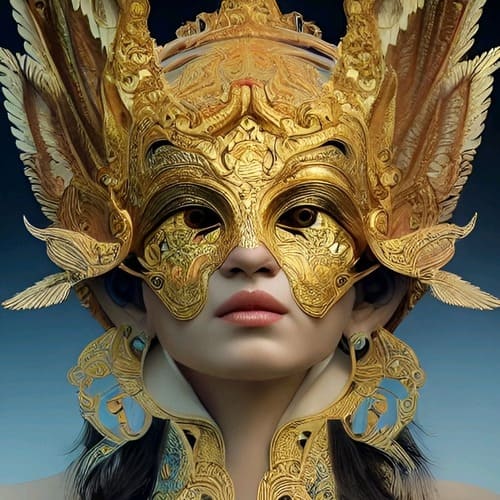


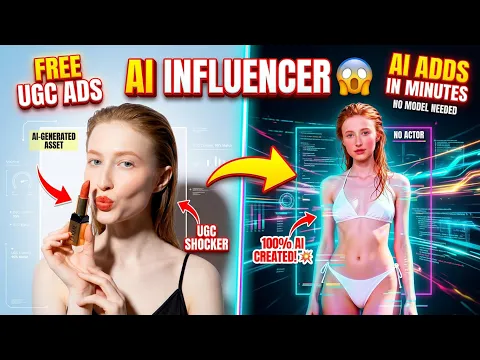
Use APOB AI's AI UGC video generator for free! Create stunning images and videos with ease! Don't forget to read the guide below!
Stiff, Robotic Video Movements
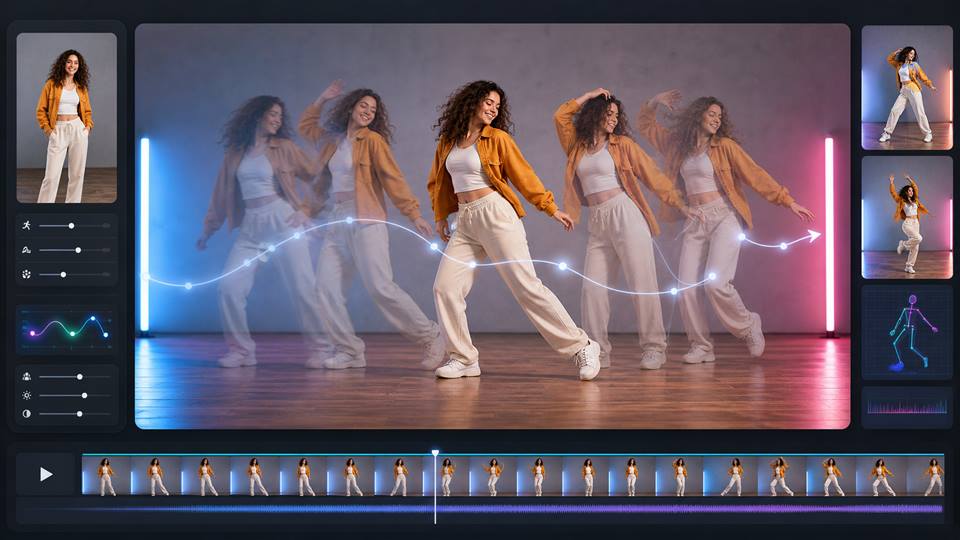
The Struggle: Your AI video looks stiff, glitchy, and completely unnatural. Trying to describe a complex action using fancy, complicated words just confuses the AI, resulting in awkward, robotic animations. The Fix: Stop overcomplicating prompts—keep them dead simple. Upload a start and end image to firmly guide the AI's motion. Or, bypass prompting entirely: upload a reference video of a real person doing the exact complex movement you want, and use "Edit Character" to seamlessly swap them out for your AI influencer. Use "Edit Background" to drop them into a new scene.
The "Plastic Doll" Look (Too Fake)
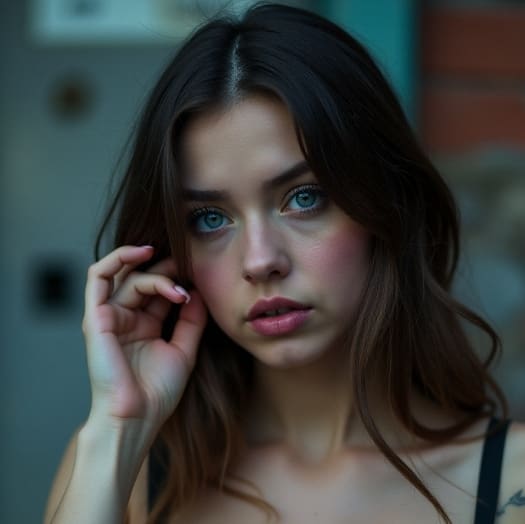
The Struggle: Your influencer looks way too perfect. The skin is overly airbrushed and flawless, making them look like a CGI video game character instead of a real, relatable human. The Fix: Your reference image is probably too polished. Use "Chat to edit" and literally tell the AI to "add natural skin texture," "add pores," or "give a natural, relaxed smile" to humanize them. If you don't want to tweak it yourself, just browse the Apob AI Templates and use one of the highly-rated, ultra-realistic community portrait models that already look perfectly natural.
You're a Marketer, Not a "Prompt Engineer"
The Struggle: Figuring out complex AI tools and node setups just to make your AI model smile or change her jacket color takes hours. The steep tech curve completely kills your creative momentum. The Fix: "Chat-to-edit." No complex coding or paragraphs of prompts. If you want her wearing red lipstick, you literally just type "add red lipstick" to edit the image. Spend your time actually marketing, not fighting the software.
Step 1: Sign up to get free membership of our ai ugc video generator
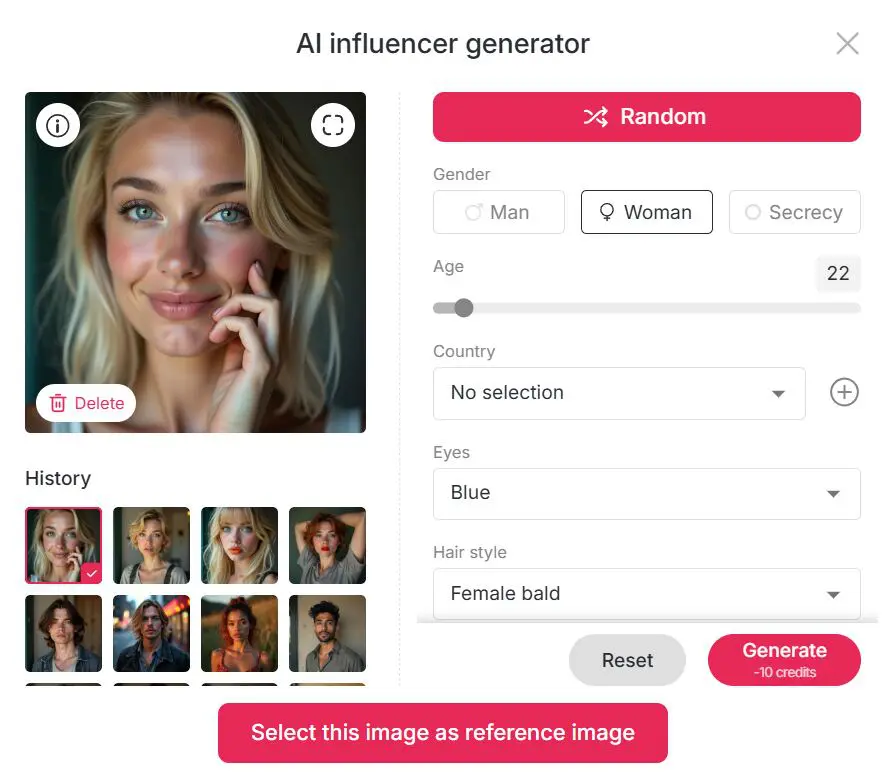
Customize an AI influencer for AI ugc content
With one simple click, you can create a persona that is fitting for your brand or audience to a T. Not in the mood for customization? Click on “Random” and get instant unique digital personality.
To quicken the process, you can even browse through our large template library. Select from styles such as Realistic, Anime, Manga, Cute 3D, Pixel, and more. Fashion influencer, fantasy character, or lifestyle influencer—this AI UGC video creator offers you limitless possibilities—within your browser.
Step 2: Pick a Style and Set the Scene with ai ugc video generator
Now that your influencer is ready, time to dress them up and stick them into a nice visual environment. APOB AI has trendy backgrounds and outfits according to the current trends—beaches, cyperpunk cityscapes, enchanted forests, and much more.
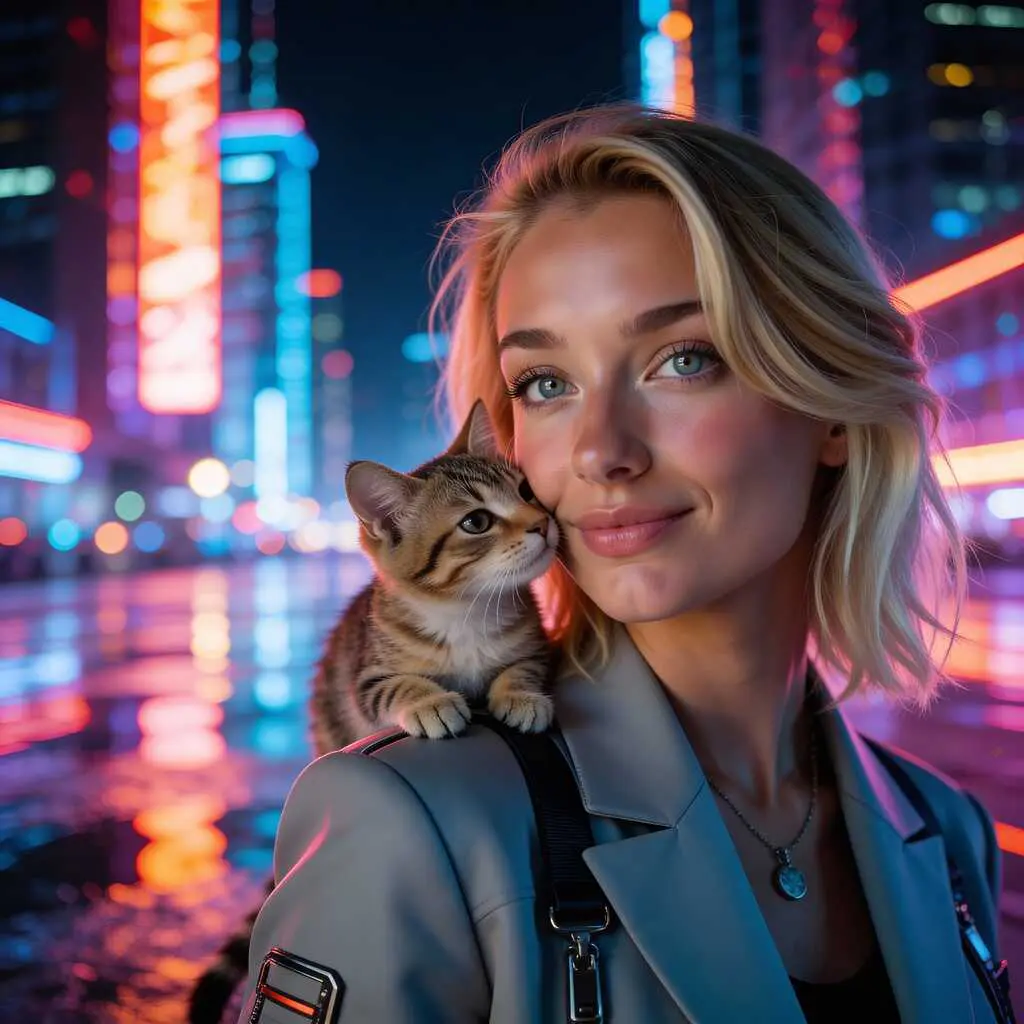
Switch to Expert Mode or Chat To Edit to enter prompts or upload a reference image to create your ideal scene.Want your character standing in a glowing city with a cat perched on their shoulder? Just write it, and the AI creates it in an instant. It’s intelligent, quick, and great for designers and non-designers alike.
Step 3: Generate AI UGC Videos
Now it’s time to animate! With the Image to Video or Text to Video tools, you can bring your influencer to life.
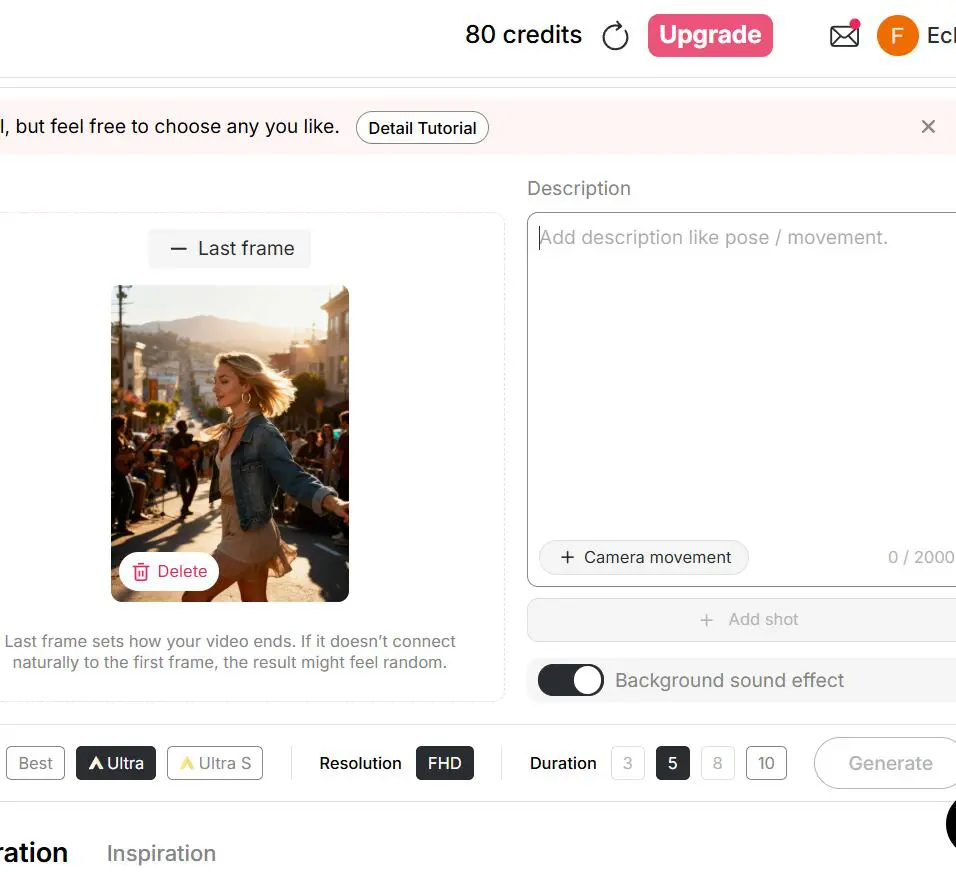
Simply choose an AI influencer image you like, enter a prompt (up to 2,000 characters) to describe the actions, select a camera movement, and add background sound effects with one click.To make character movements more seamless, you can use Chat to Edit to generate a smooth ending frame, or use Add Shot to input a new prompt and create the next scene—perfect for producing continuous, story-style videos.
In short, there’s a wide range of powerful AI features waiting for you to explore. If you prefer creating videos using text only, you can also use Text to Video—just enter the pose, movement, or any other elements you want to include, and let AI do the rest.
Step 4: Add Voice to Your AI Character for your ugc video
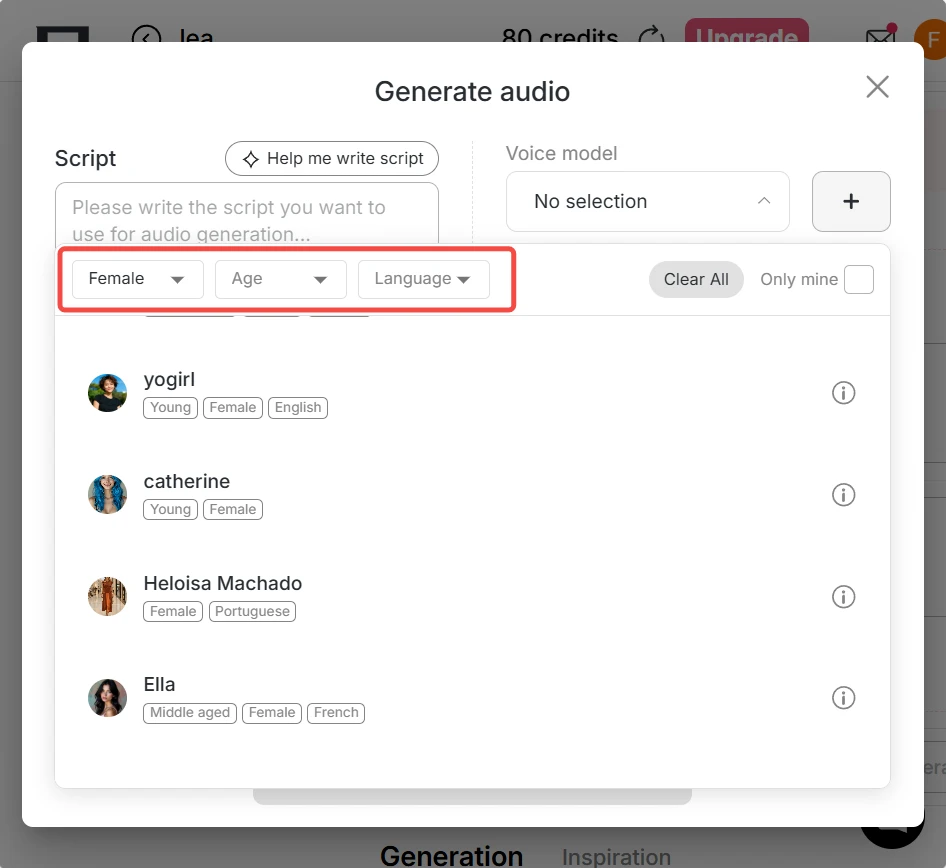
Once your video is generated, you can bring it to life with APOB AI’s Talking Avatar and Lip Sync tools. Customize a unique voice for your AI influencer by simply inputting your script, then choosing from 13 languages and a wide range of voice styles. Your AI character will speak, express emotions, and lip-sync in a realistic way.
No face revealed. No real voice needed. With just a great idea, you can still create viral-quality videos effortlessly.
Quickly Replicate Viral UGC Videos with AI
To keep up with trending content on TikTok and other short-video platforms, you no longer need complex filming setups. With APOB’s Revideo feature, simply upload an original video and a reference image (if none is provided, an AI model image generated by the AI Influencer Generator will be used by default).
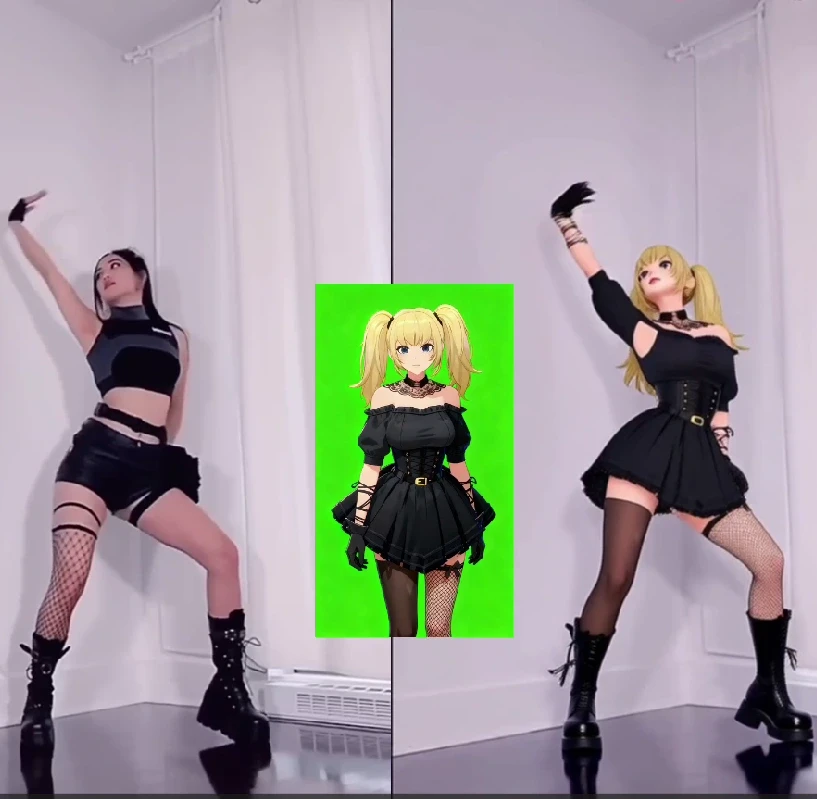
Using ReCharacter, the reference image replaces the person in the original video while preserving the original movements and background, allowing you to recreate the video quickly and efficiently. If you’d like to change the background, you can also use ReBackground. This workflow is especially well suited for producing all kinds of viral dance videos.
Transform Video Styles with AI ugc video generator
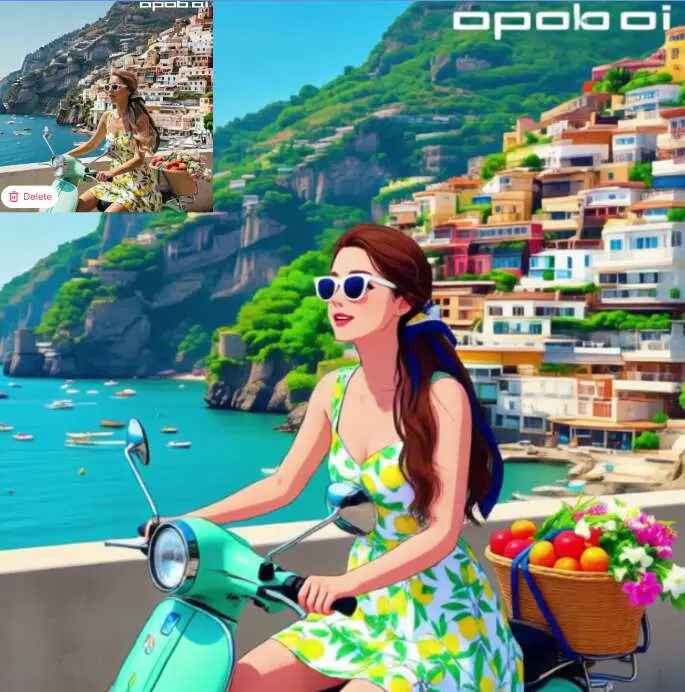
If you want to create anime-style videos, one option is to first generate an anime character image and then animate it using Image to Video. But if you already have a video you like, there’s an even faster way. Simply upload your video and use APOB’s ReStyle feature to transform it with one click—turning a realistic video into an anime-style one instantly. It’s not just the character that changes; the entire background is restyled as well.
You can choose from nearly 30 different styles, including Steampunk, Marble Sculpture, Japanese Anime, Pencil Sketch, Pixel Art, Watercolor Drawing, Comic Book, 3D Chibi, LEGO, Van Gogh-inspired looks, and many more.
Make Custom, Unique Influencers
Other tools offer you generic avatars, but APOB AI allows you to create rich, personality-driven characters that fit your specific brand or niche.
Instant, Free, and Easy
With 80 free daily credits, you can make a couple of images or brief videos each day—no credit card required, and no editing skills needed.
One-Stop Shop, No Extra Tools Needed
From video animation and character designing to face swapping and voice creation—APOB AI does it all. It is equipped with everything you may require to create high-quality UGC videos.
For E-commerce
Small and medium enterprises do not usually have sufficient budgets to produce a large quantity of such impactful content. An AI UGC Video Generator comes in with the rescue by producing videos indistinguishable from original customer testimonials, product reviews, or unboxing. This enables a brand to establish social proof and credibility at a fraction of the expense of normal video production or logistical effort of gathering videos from actual customers. By creating rapidly multiple versions of such videos, a company can try out a number of different messages and imagery to determine what works best with their target market, which leads to greater conversion rates and more credibility for the brand [1].
For Social Media Marketers
A/B testing quickly is indispensable in digital marketing to maximize the performance of an ad. Using a UGC Video Generator with AI, marketers and agencies can produce a tremendous number of advertisement versions in a fraction of the time it would take to shoot them. This allows them to produce a number of tests at once, and based on these, be able to instantly determine the optimal creativity for a campaign. This capability not only saves money and time on production but also constructs more efficient and better-educated advertising campaigns by facilitating ongoing optimisation.
For Content Creators
For solo content creators on Instagram, YouTube, and TikTok, it may be difficult to obtain a continuous flow of new and interesting content. An AI UGC Video Generator allows them to produce new formats with minimal effort. A travel vlogger, for example, can utilize the generator to produce an AI-driven “review” of a destination, incorporating an identifiable voice and point of view into their stream. They can also employ it to create a series of “reaction” videos for their own content or even create a virtual spokesperson for their brand. Such technology enables the creators to test and try their content strategy, engage with the public, and eventually create new sources of sponsorships and revenues.
Professional Review: How to Generate 4K Realistic UGC Ads with APOB AI
The video is a test video shared by @ProSecret2128 highlights how brands and creators can leverage these AI avatars to generate high-quality User-Generated Content (UGC) ads and promotional videos for social media platforms.
Shared by user: @ProSecret2128
'You can place your AI influencer into any viral video and easily create UGC ads. With APOB AI,you can create professional-looking ads, Instagram reels, and brand promotions without hiring models, renting studios, or spending a lot of money on production.'

Marisa Vega
APOB AI helped us turn a product script into several UGC-style video directions before booking real creators. It made the hook, avatar, voice, and scene easier to compare in one place.

Kenji Fujimoto
I used it to test an anime-style UGC character for short ads. The image, motion, and voice workflow kept the character consistent enough for a first campaign draft.

Clara Mendes
For ad testing, the speed matters. I could make three creator-style clips, change the opening line, and see which version felt more natural before spending budget.

Marcus West
The tool is useful when a brand needs more video ideas than a small team can film in a week. APOB AI gave us quick UGC drafts that still felt specific to the product.

Zuri Hayes
I liked using the AI influencer and video tools together. It helped us build a believable creator persona, then test scenes, outfits, and talking points without starting from scratch.

Owen Hart
For product demos, APOB AI gave us a faster way to preview creator angles. We still review every claim carefully, but the video drafts make planning much smoother.

Amina Brooks
The UGC generator helped a client understand what kind of creator style fit their offer. Friendly, polished, or energetic could all be tested before final production.
Leo Donovan
I used it for rough social edits where we needed a talking avatar and simple motion. The output gave me enough structure to build a better final cut.
Yusuf Rahman
As a small brand, I cannot film new UGC every day. APOB AI helps me try concepts, scripts, and creator looks quickly, which makes content planning less intimidating.
Ultra-Customizable Influencers
Make every aspect of your AI avatar customizable for ultimate brand fit and uniqueness.
Quick Video Production
Get high-quality videos up in mere minutes. Perfect for busy content creators who require frequent, rapid production.
No Camera Time Required
You stay behind the scenes while your AI avatar acts on screen—perfect for introverted content creators or brand representatives.
Platform-Ready Exports
Export vertically-oriented videos ready for TikTok, Instagram Reels, YouTube Shorts, and more.
Free Plan Provides Daily Limit
You receive 80 free credits daily, but if you are making long or recurring videos, you may have to upgrade.
Enjoy more features
AI Product Video GeneratorFree AI Ad Video GeneratorVibe Marketing with AIAI Avatar Video MakerAI TikTok Video GeneratorAI TikTok Influencer GeneratorLip Sync AIImage to Video AIFree AI Money GeneratorAI Viral Video GeneratorAI Meme GeneratorAI Subtitle GeneratorFaceless MarketingAI Spokesperson GeneratorAI Reel Generator
No Credit Card Required


Answers about UGC ad videos, AI avatars, scripts, formats, commercial rights, and credits.
Who should use an AI UGC video generator?
Marketers, content producers, influencers, and small business owners who want high-quality social videos in a hurry are perfect for using AI UGC video creators. You may not like being on camera or have a need to create on a mass scale; these options are a fast, innovative, and cost-effective answer.
Is APOB.AI’s AI UGC video generator maker free?
Yes! APOB AI provides 80 free credits daily—enough for some photos or short videos. No payment to begin with.
Is APOB AI available on mobile?
Yes, APOB AI is accessible via mobile browsers.
Can I create TikTok videos without being on camera?
Absolutely! APOB AI lets your AI influencer take center stage, so you never need to appear on screen.
How long does it take to generate a video?
Most videos are ready in just a few minutes, depending on script length and quality settings.


