Create scroll-stopping vertical videos for TikTok, Instagram Reels, and YouTube Shorts with a consistent AI influencer, expressive motion, creator-style framing, and prompt-controlled storytelling.
Give viewers an immediate reason to keep watching through a reaction, reveal, question, transformation, or visible conflict.
Step 1: Sign up or log in to APOB AI
Open APOB AI and sign up or log in with Google, Discord, or email. Enter the creator workspace, then decide whether the short video will promote a product, tell a quick story, teach one idea, or test a trend.
Keep the brief focused: define the audience, platform, first-second hook, one core action, and the response you want from viewers.


Use a consistent AI influencer across episodes so the channel or campaign develops a recognizable identity.
Step 2: Create a consistent AI influencer
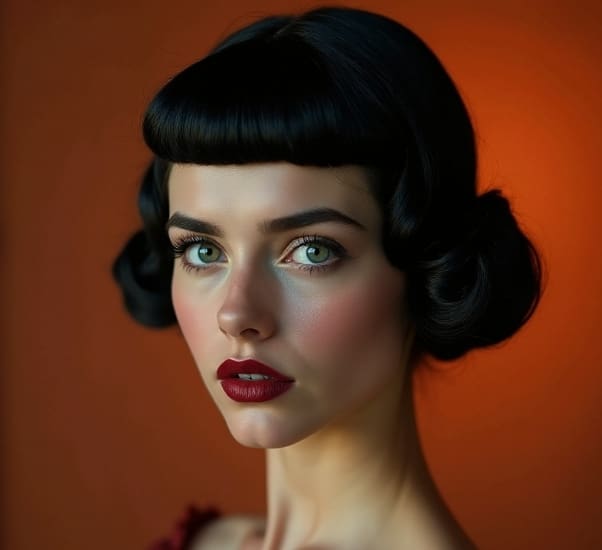
Open AI Influencer Generator, choose the basic appearance, and use Bespoke Details to describe the person you want. Generate a clear reference portrait so the same creator identity can carry across a recurring series.
Prompt:
A beautiful adult female AI influencer with a naturally symmetrical face, soft oval facial shape, defined cheekbones, a refined jawline, large almond-shaped hazel eyes, long curled eyelashes, naturally full eyebrows, a small straight nose, soft full lips, subtle dimples, smooth luminous skin, realistic skin texture, gentle confident smile, elegant and approachable appearance, balanced facial proportions, photorealistic beauty portrait, soft studio lighting, high detail, consistent facial identity.
Describe the expression, body movement, camera behavior, pacing, lighting, and loop ending in one controlled prompt.
Step 3: Generate the viral-ready short video
Select the influencer, open Video > Text to Video, choose a vertical 9:16 frame, and paste a prompt that specifies the hook, expression, gesture, camera motion, pacing, lighting, subtitle-safe space, and loop ending. Generate the clip, then review face consistency, hands, movement, framing, and the first second before publishing.
Prompt:
Create a 7-second vertical 9:16 TikTok-style UGC video featuring the selected adult female AI influencer with a consistent face and identity.
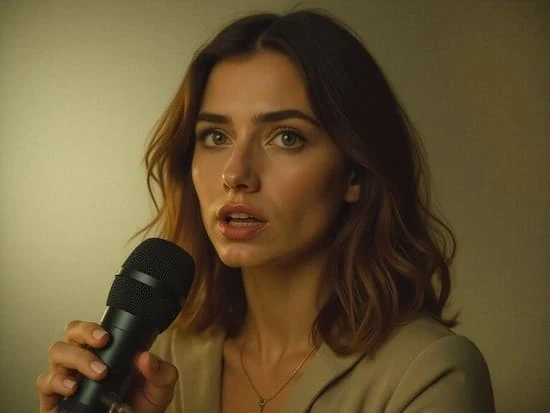
Start with an attention-grabbing close-up. She looks directly into the camera with a surprised expression, quickly leans closer, raises one finger as if revealing a secret, then gives a confident smile. Use natural facial micro-expressions, subtle hair movement, realistic hand gestures, slight handheld phone-camera motion, a fast camera push-in during the first second, bright natural lighting, authentic creator-style framing, energetic pacing, photorealistic skin texture, and a seamless loop ending.
Make it feel spontaneous, relatable, and filmed on a smartphone rather than in a studio. Keep the subject centered and leave space at the bottom for subtitles. No visible text, no logos, no face distortion, and no sudden identity changes.
If the first version is not right, shorten the action, simplify the camera move, adjust the opening expression, or regenerate with one controlled change at a time. You can continue with Talking Avatar, Lip Sync, Add Subtitles, Edit Video, or Image to Video when the concept needs speech, captions, timing changes, or a different visual starting point.

Test meaningful variations and use TikTok, Instagram, or YouTube analytics to learn what holds attention.
Open with a reason to keep watching
Design the first second around one visible change, surprising reaction, unresolved question, or clear promise instead of a slow introduction.
Keep a recurring AI creator recognizable
Start from a consistent portrait and reuse the same identity, styling logic, and creator voice across episodes, product stories, and campaign variations.
Direct motion and camera behavior in plain language
Describe the expression, gesture, subject movement, camera push, handheld feel, pace, lighting, and ending so the model has a focused performance brief.
Frame for mobile-first viewing
Use vertical composition, keep the subject visually clear, and leave safe space for subtitles and platform interface elements.
Test meaningful variations without reshooting
Change one high-impact element at a time—such as the hook, opening frame, reaction, benefit, or call to action—so results are easier to compare.
Continue from generation to publishing prep
Move from AI influencer creation to video, speech, lip sync, subtitles, and focused edits without rebuilding the concept in separate tools.
Reuse a consistent identity, visual language, and creator voice across short-form episodes and campaigns.
Use a virtual presenter for stories, tutorials, product demos, and recurring faceless content.
Specify the hook, expression, gesture, camera behavior, pace, lighting, and ending in one focused brief.
Compose in 9:16, keep the subject clear, and reserve safe space for subtitles and interface overlays.
Choose the input that best matches the concept and the level of visual control you need.
Create controlled variations of the opening frame, reaction, benefit, or call to action.
Use permitted assets, contribute meaningful creative direction, and follow current platform and advertising rules.
The first second feels slow
Begin on the reaction or transformation, remove introductions, and use one immediate camera move instead of waiting for the subject to act.
The face changes during motion
Use a clear reference portrait, ask for subtle natural movement, keep the subject centered, and avoid several complex gestures in one short clip.
The video feels too polished to be UGC
Ask for smartphone framing, slight handheld motion, bright natural light, conversational eye contact, and spontaneous micro-expressions.
Subtitles cover important details
Leave clean space at the bottom of the 9:16 frame and preview the clip with the destination platform’s interface before publishing.
TikTok hook and reaction concepts
Create a compact vertical story with an immediate facial reaction, one clear reveal, creator-style camera movement, and a loop-friendly ending. Test the opening before adding more actions.
TikTok’s Symphony suite brings text, image, product, avatar, and video workflows together for advertisers and creators. Read TikTok’s official Symphony overview.
Instagram Reels concept tests
Build multiple openings around the same message, then compare a surprise reaction, direct-to-camera secret, visible transformation, or problem-first version.
Meta introduced Trial Reels so eligible creators can show a Reel to non-followers first and review early performance before wider sharing. See Meta’s official announcement.
YouTube Shorts series
Turn one repeatable idea into a recognizable series: a recurring AI host, consistent first frame, clear topic promise, subtitle-safe layout, and a concise payoff.
YouTube’s current Shorts guidance covers eligible square and vertical uploads up to three minutes. Review YouTube’s official guidance.
Creator-style product demonstrations
Use an AI influencer to introduce one product benefit, demonstrate one action, and close with a truthful next step. Keep claims specific, supportable, and easy to understand without sound.
Faceless explainers and educational clips
Build a virtual presenter for tutorials, quick definitions, list-based explainers, or niche commentary when you do not want to appear on camera yourself.
Recurring character channels
Develop a stable fictional host with a recognizable face, tone, wardrobe logic, and point of view, then vary the situations while keeping the identity and format familiar.
Meta’s 2026 original-content update emphasizes meaningful creator contribution and says low-value duplication may be deprioritized. Read Meta’s original-content guidance.
Faster concept iteration
Generate and compare hook, expression, pacing, and framing ideas without scheduling a new shoot for every variation.
Reusable creator identity
A consistent AI influencer can make a channel, campaign, or short-form series easier to recognize.
Multiple starting points
Work from text, a selected AI influencer, or a strong reference image depending on the concept and desired control.
Connected finishing tools
Continue with speech, lip sync, subtitles, image-to-video, or focused video edits in the same creation environment.
Virality is never guaranteed
A generator can speed up production and testing, but views still depend on the idea, audience fit, timing, retention, originality, and distribution.
Generated motion still needs review
Hands, facial identity, object contact, text, lip movement, and fast camera changes can introduce artifacts that require another generation or edit.
Rights and disclosure remain your responsibility
Use assets and likenesses you are allowed to transform, avoid deceptive impersonation, and follow current AI-labeling, advertising, music, and sponsorship rules.
Platform finishing may still be needed
Check subtitle placement, audio levels, safe areas, cover frames, compression, captions, hashtags, and calls to action in the destination platform before publishing.
Enjoy more features
No Credit Card Required
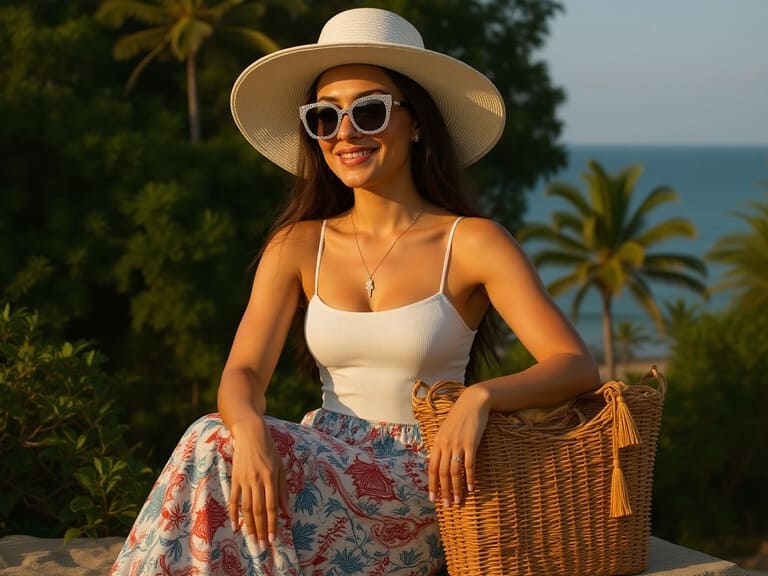
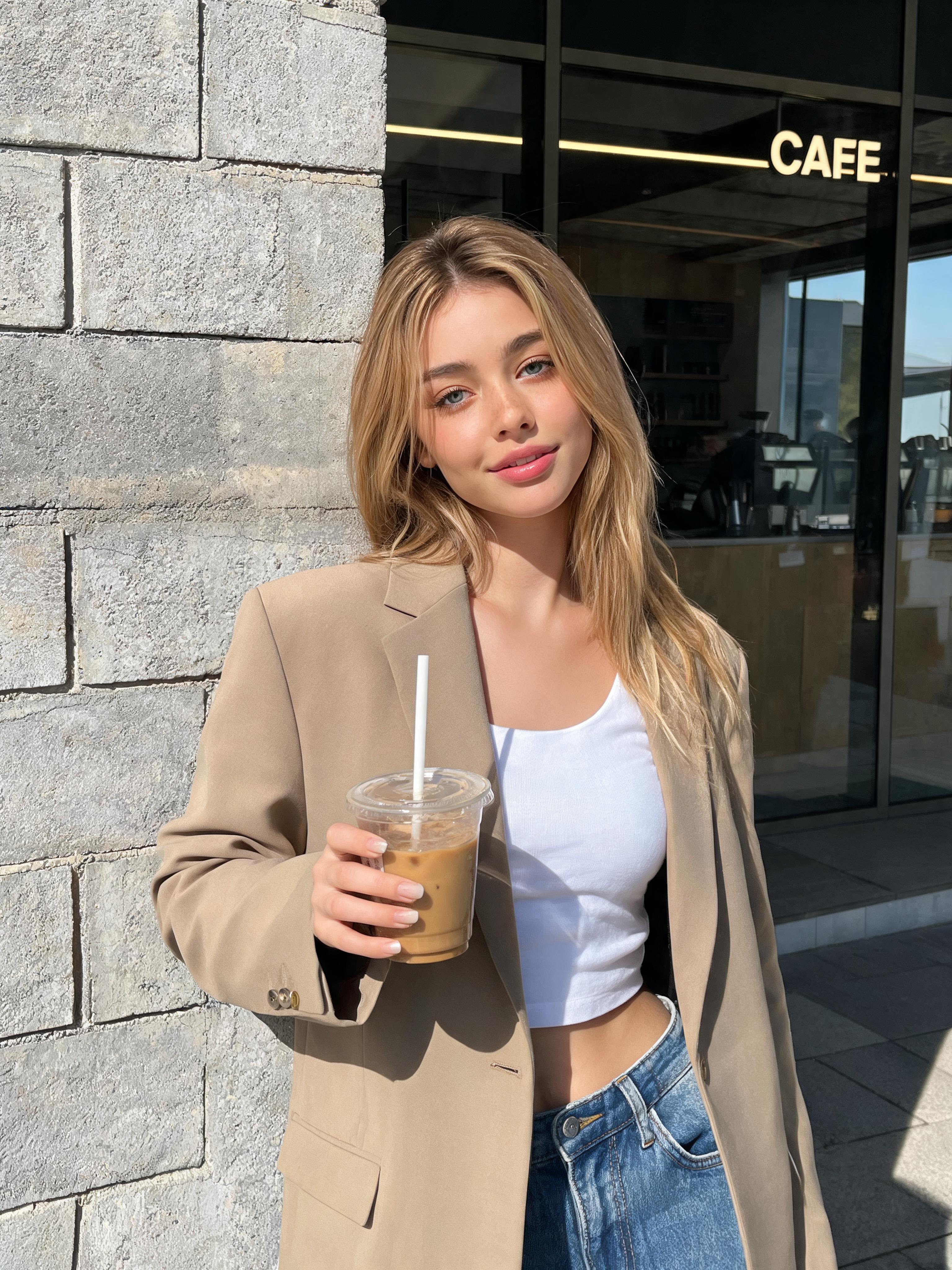
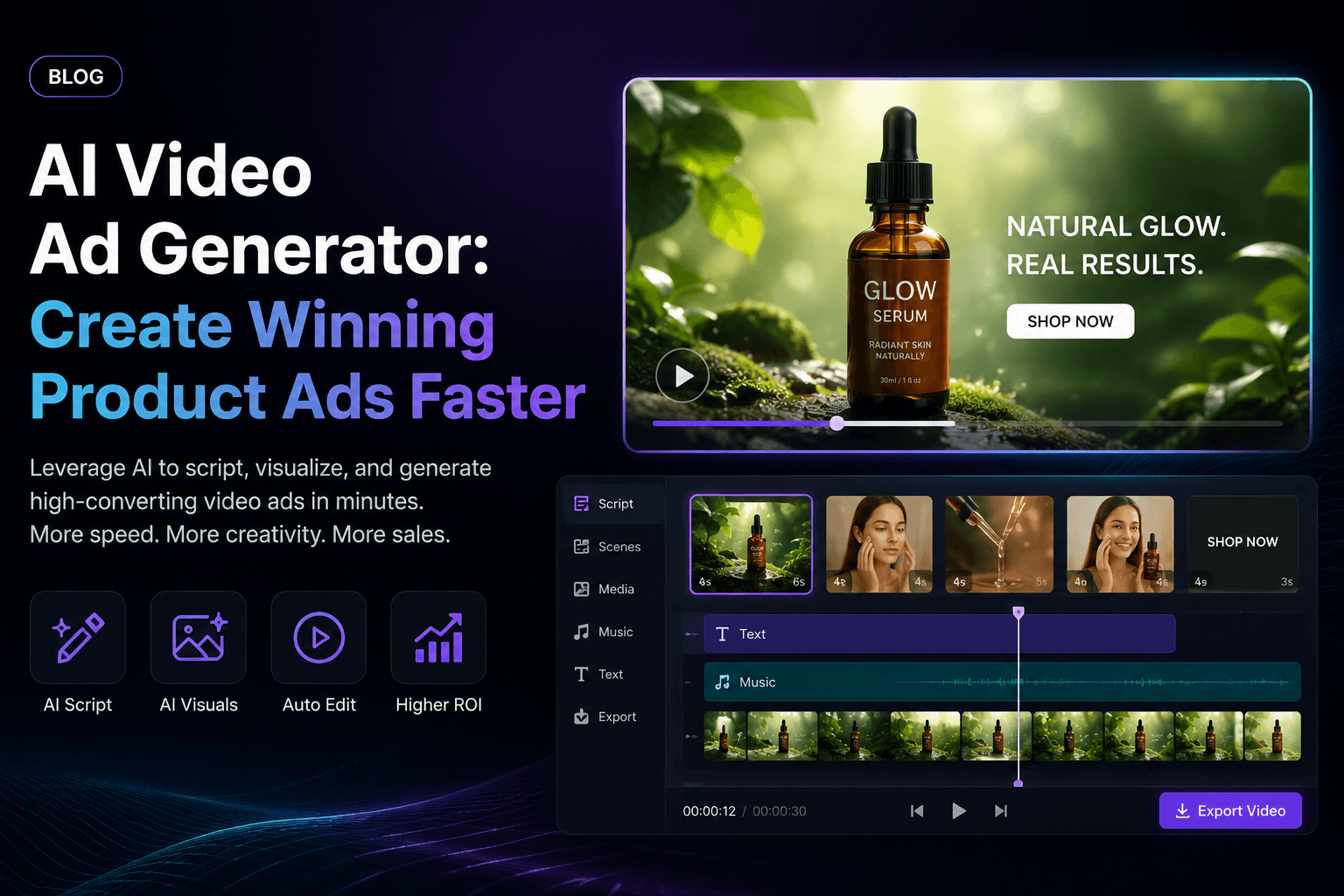
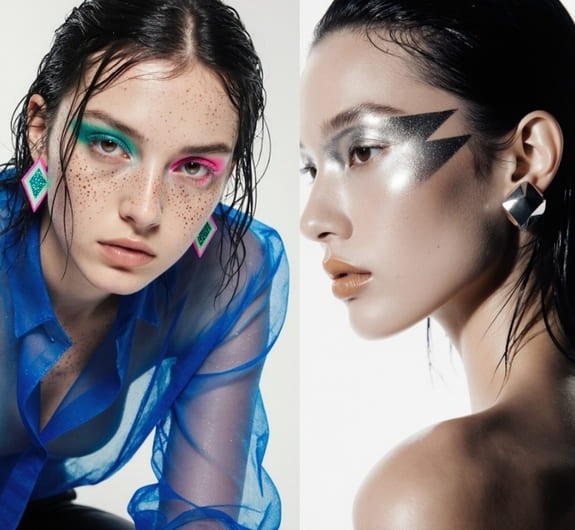
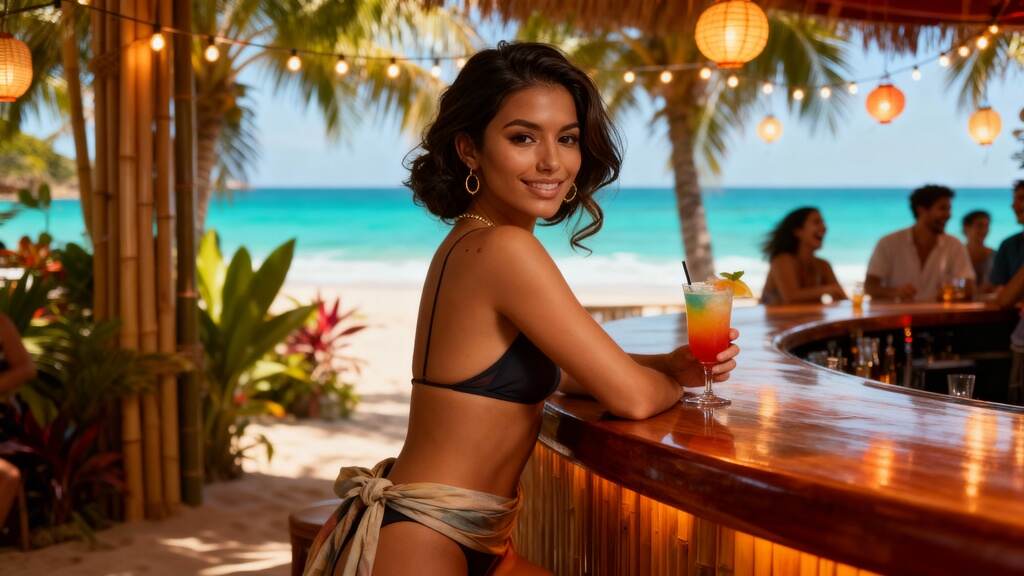
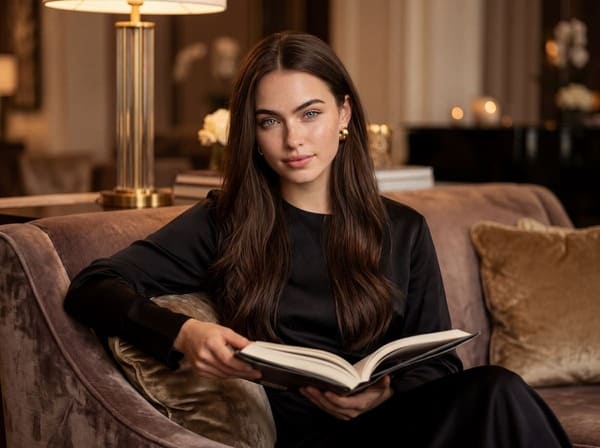
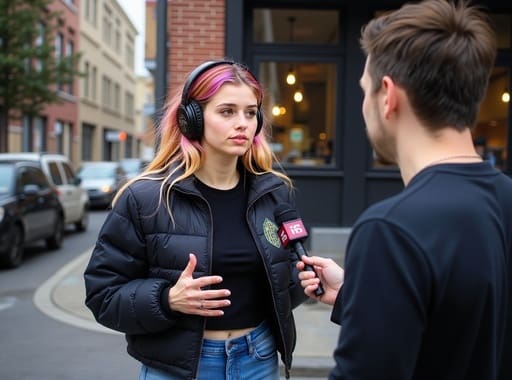

Practical answers about hooks, AI influencers, text-to-video, image-to-video, speech, subtitles, platform formats, rights, and disclosure.
What is an AI viral video generator?
An AI viral video generator helps creators produce short-form videos designed to capture attention on TikTok, Instagram Reels, and YouTube Shorts. It can assist with visual generation, animation, characters, voice, lip sync, and subtitles, but audience response ultimately determines whether a video becomes viral.
Can APOB AI guarantee that my video will go viral?
No. Virality depends on the idea, hook, timing, audience fit, retention, originality, distribution, and platform response. APOB AI helps you create and test viral-ready videos faster, but it cannot promise a specific number of views or shares.
Which APOB AI feature should I use first?
Create or select a consistent AI influencer, then use Text to Video for the guided workflow shown above. Image to Video is useful when you already have a strong source image, while Talking Avatar or Lip Sync can add speech afterward.
Can I turn a photo into a viral-ready video?
Yes. Choose Image to Video, upload or select a clear image, and describe the subject’s movement, expression, pacing, and camera behavior. A focused action usually produces more controlled motion.
Can I create a video from text only?
Yes. Text to Video lets you describe the subject, action, framing, camera movement, pace, lighting, and ending without starting from a source clip.
Can I use the same AI influencer in multiple videos?
Yes. A reusable character can make a channel, campaign, or recurring series easier for viewers to recognize.
Can my AI influencer talk?
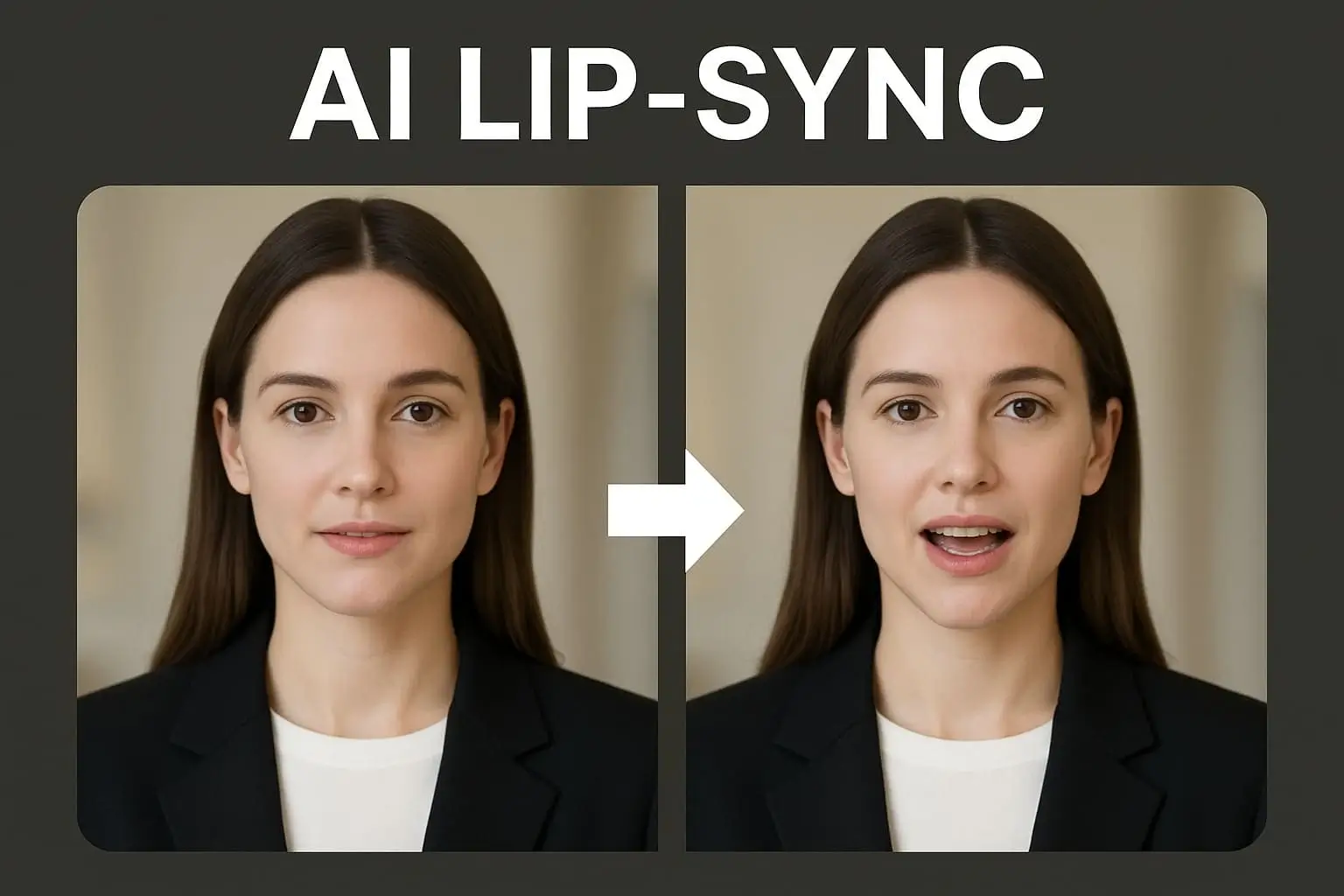
Yes. Use Talking Avatar to turn a virtual creator into a presenter, or use Lip Sync when you want the mouth movement synchronized with selected audio.
What is the difference between Talking Avatar and Lip Sync?
Talking Avatar is suited to creating a speaking presenter from a character and script. Lip Sync is useful when you already have audio and want the character’s mouth movement synchronized with it.
Can I add subtitles to my AI video?
Yes. Add subtitles so the message stays understandable during muted viewing, then check spelling, timing, line breaks, and safe placement before publishing.
What aspect ratio should I use for short-form social video?
Use 9:16 for most TikTok, Instagram Reels, and YouTube Shorts content. Keep faces, products, subtitles, and calls to action away from interface-heavy edges.
Can I use APOB AI to make TikTok videos?
Yes. Create vertical AI influencer stories, reactions, talking clips, product demonstrations, or faceless videos, then follow TikTok’s current AI-labeling, advertising, music, and community rules.
Can I make Instagram Reels with APOB AI?
Yes. APOB AI can create vertical scenes, animated creators, talking videos, and subtitle-ready clips for Reels.
Can I create YouTube Shorts with APOB AI?
Yes. Produce original vertical videos in APOB AI and upload them as Shorts, subject to YouTube’s current format, rights, and policy requirements.
Can I create UGC-style product videos?
Yes. A consistent AI influencer can present product benefits, routines, demonstrations, and creator-style promotional concepts. Keep claims truthful and disclose sponsorship or AI generation when required.
Can I create videos without showing my face?
Yes. Build a virtual presenter and produce character-led content without appearing on camera yourself.
Do I need video-editing experience?
No advanced editing experience is required to begin, but good results still depend on a clear hook, simple composition, readable captions, and careful review.
How can I improve the opening of my short video?
Start with one immediate reason to keep watching: a surprising claim, visible transformation, unresolved question, relatable problem, or strong emotional reaction. Remove slow introductions.
How many versions of a video should I create?
Start with a manageable set of variations that changes one meaningful element, such as the hook, opening image, expression, or call to action, then compare results in the destination platform’s analytics.
Can I upload any image, audio, or video as a reference?
Only use assets you created, licensed, or have permission to transform. Avoid unauthorized use of copyrighted footage, music, logos, private individuals, public figures, or another person’s likeness.
Do I need to disclose that a video was made with AI?
Disclosure rules depend on the platform, location, content type, and whether the video is an advertisement or realistic synthetic media. Use applicable AI labels and sponsorship disclosures, and review current rules before publishing.


