Turn a text prompt and a consistent AI character into a vertical Instagram Reel with cinematic motion, audio options, camera controls, and export-ready 9:16 settings.
Step 1: Write the Reel prompt in Text to video
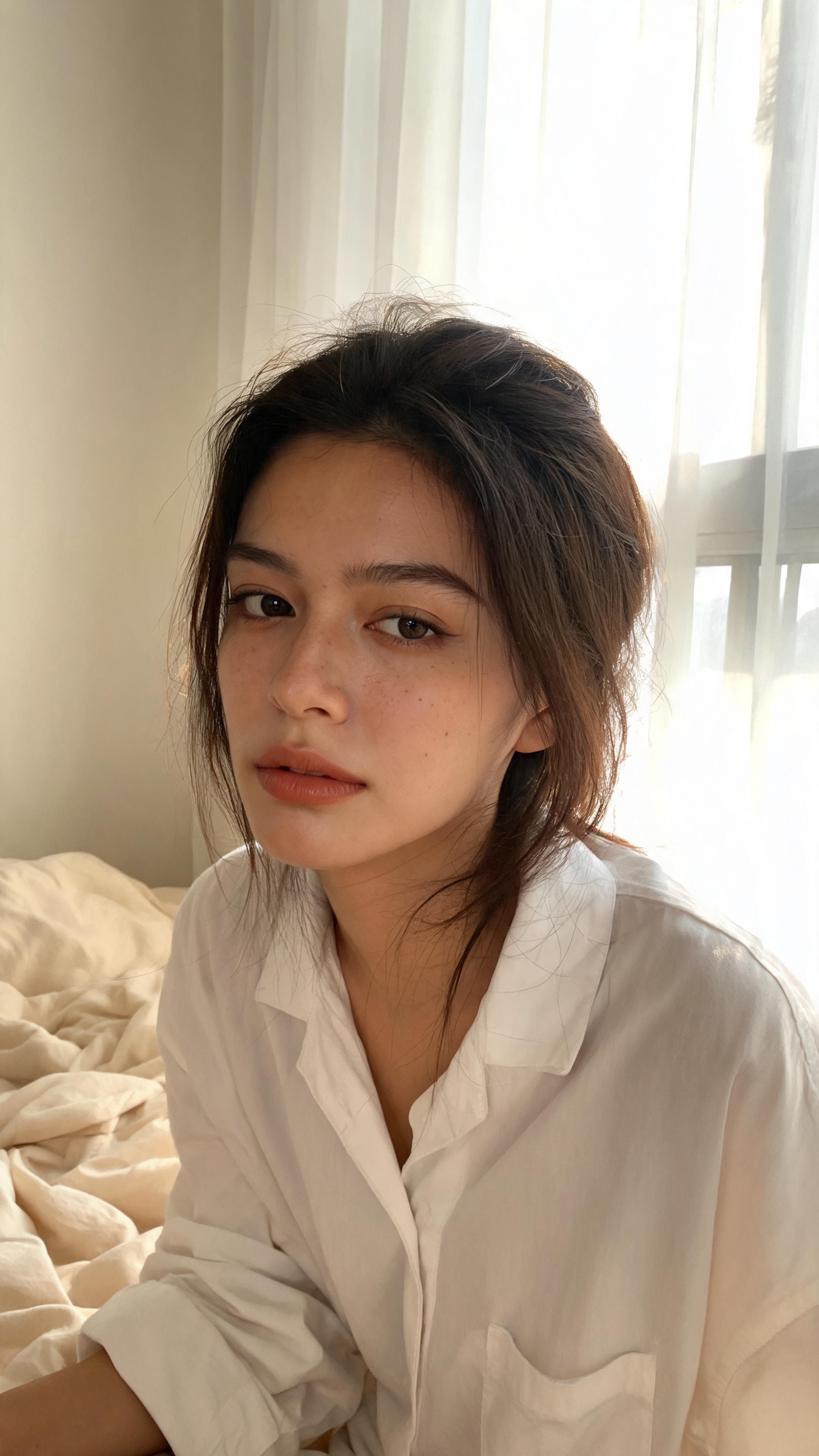
Open Image → Text to video, select or reference your AI character, and describe the first-second hook, action, camera behavior, visual style, ending, and loop. In the example, the subject falls through glowing sunset clouds before the camera moves into slow motion.
Prompt: Create a 10-second vertical 9:16 Instagram Reel. Start immediately with a dramatic close-up of the subject falling through enormous golden sunset clouds at high speed. Strong wind pushes the hair and clothing backward, with realistic physics and intense camera shake. At 3 seconds, speed-ramp into dreamy weightless slow motion as the camera performs a smooth 180-degree orbit around the subject. Cinematic luxury-fashion-film lighting, glowing clouds, strong depth and parallax, highly photorealistic skin and fabric details. End with the subject calmly looking into the camera while drifting into a luminous cloud bank, then create a seamless loop back to the opening frame. Preserve the subject’s face, identity, outfit and body proportions. No text, logos, watermark, extra limbs, distorted hands or flickering.


Step 2: Set the Instagram Reel format
Choose 9:16, 10s, FHD, and the quality setting that fits your plan; this example uses Ultra. Turn on native audio or add a voice model only when supported and needed. Each shot accepts one camera-movement selection, while the art style is set in the first shot. Click Generate.
Step 3: Review, export, and finish the Reel
Check the opening hook, face and outfit consistency, hair and clothing physics, hands, camera orbit, flicker, and last-frame loop. Regenerate if details drift, then export the clip. Add accurate captions, licensed or trending audio, cover art, and any required AI disclosure inside Instagram before publishing.

Go from prompt to vertical video in one workflow
Describe the Reel, set 9:16 and the target duration, choose resolution and quality, and generate without building the first cut from separate image, motion, and camera tools.
Build around a reusable AI character
Select or reference a consistent APOB AI character, then tell the model to preserve the face, identity, outfit, and proportions across creator, fashion, product, and storytelling concepts.
Direct the hook, camera, pace, and ending
Specify a first-second action, speed ramp, orbit, push-in, handheld shake, slow motion, visual style, and loop so the generated clip follows a clearer short-form structure.
Use audio options when the model supports them
The workspace includes native-audio and voice-model controls. You can also export the visual and finish licensed music, captions, and platform-native effects in Instagram.
Explore more concepts without a physical shoot
Generate variations of locations, styling, motion, and campaign ideas from a prompt. Every output still needs review; the tool can help create Reel-ready options but cannot guarantee reach or virality.
Fashion, beauty, fitness, and lifestyle storytelling
Turn a creator or AI character into cinematic outfit reveals, beauty routines, training moments, destination clips, and visual transformations. A Meta-commissioned IPSOS study in India reported strong Reels engagement across beauty, fashion, lifestyle, fitness, comedy, sports, and travel, showing why these categories are useful starting points for short-form concepts.
Product launches and social-commerce creatives
Generate product demonstrations, unboxings, lifestyle scenes, creator-style testimonials, and offer reveals. The same India study reported that Reels played a meaningful role in product discovery and purchase influence, so clear product context and accurate claims matter.
Shareable reveals and seamless story loops
Create a surprising opening, transformation, destination reveal, or looping visual designed to invite replays and shares. Meta said in September 2025 that Reels were reshared more than 4.5 billion times per day across Meta platforms.
Educational tips and process explainers
Use short shots to demonstrate a step, summarize an idea, or visualize an otherwise expensive scene. Instagram’s Reels editing and insights tools include watch-time information that can help creators identify where viewers stay or leave, making it practical to test tighter hooks and pacing.
Original episodic creator series
Reuse one AI character across recurring themes, locations, and visual formats while keeping each clip distinct. Meta reported that in the United States, 75% of Instagram recommendations were coming from original posts in Q4 2025, reinforcing the value of developing original concepts instead of reposting copies.
Fast concept-to-video workflow
Turn an idea into a vertical short-form clip without planning a physical location, camera, or first edit.
Reusable character-driven content
Develop recurring creator and campaign concepts around the same selected AI character.
Clear short-form controls
Set aspect ratio, duration, resolution, quality, camera behavior, visual style, and audio options in one workspace.
Useful for creative testing
Generate different hooks, settings, pacing, and endings before choosing a direction for the final post.
Motion and identity can drift
Fast action, hands, hair, fabric, occlusion, and long camera paths can introduce flicker or change small character details.
Generation does not guarantee performance
Reach still depends on the concept, audience, timing, caption, sound, retention, and Instagram distribution.
Platform finishing is still important
Captions, licensed music, cover selection, safe zones, links, and disclosure may need to be completed inside Instagram.
Credits and processing time vary
Higher quality, longer duration, audio, and different models can change generation cost and speed.
No Credit Card Required
Answers about 9:16 video, prompts, consistent AI characters, camera controls, audio, looping, export, and responsible publishing.
Q1: What is an AI Instagram Reels generator?
A1: An AI Instagram Reels generator turns a written concept into a short vertical video. In APOB AI, you can describe the subject, action, camera movement, visual style, audio direction, duration, and ending before generating a Reel-ready clip.
Q2: How does APOB AI create an Instagram Reel?
A2: Open Image, choose Text to video, select or reference your AI character, and write a shot description. Set a 9:16 aspect ratio, duration, resolution, and quality, then generate and review the result before exporting.
Q3: Can APOB AI generate vertical 9:16 videos?
A3: Yes. The Text to video workspace includes a 9:16 aspect-ratio option designed for vertical short-form video. Check the exported dimensions before uploading to Instagram.
Q4: Can I create a 10-second Instagram Reel?
A4: Yes. The workflow shown on this page uses a 10-second duration. Available durations and generation costs can vary by model and quality setting, so use the current in-app controls as the source of truth.
Q5: Can I create a Reel from a text prompt?
A5: Yes. Describe what happens in the opening second, the subject’s action, camera behavior, lighting, environment, pacing, and final frame. Specific prompts give the model clearer visual direction.
Q6: Can I keep the same AI character across Reels?
A6: You can select or reference an APOB AI character and explicitly ask the model to preserve the face, identity, outfit, and body proportions. Generative video can still drift, so compare every result closely.
Q7: Can the Reel include native audio or an AI voice?
A7: The workspace displays native-audio and voice-model controls. Availability depends on the selected model and current product settings. You can also finish licensed music, captions, and voice in Instagram or your editing workflow.
Q8: What should I include in an Instagram Reel prompt?
A8: Include the subject, setting, action, first-frame hook, camera movement, pacing, lighting, visual style, ending, and any preservation rules. Add negative instructions for unwanted text, logos, flicker, anatomy errors, or extra objects.
Q9: How do I create a stronger opening hook?
A9: Start with visible movement, an unusual close-up, a clear transformation, a surprising reveal, or an immediate product benefit. Make the first action understandable without requiring a long setup.
Q10: Can I control the camera movement?
A10: Yes. APOB AI offers camera-movement presets, and the prompt can describe an orbit, push-in, pull-back, tracking move, handheld shake, or slow-motion transition. The current interface allows one camera-movement selection per shot.
Q11: What resolution and quality should I choose?
A11: The example uses FHD and Ultra quality. Choose the setting that fits your plan, speed, and credit budget, then inspect skin, hair, hands, fabric, edges, and motion at full size.
Q12: Can I generate a seamless looping Reel?
A12: You can ask the final frame to transition back toward the opening composition. A prompt can improve loop continuity, but you may still need to trim the exported clip precisely in an editor.
Q13: Can I add captions and trending music?
A13: Generate the visual clip first, then add accurate captions and music you are licensed to use. For a current Instagram trend or audio track, finish those elements inside Instagram because availability and licensing can change.
Q14: Can I create product or UGC-style Reels?
A14: Yes. Describe a product demonstration, creator testimonial, unboxing, lifestyle scene, before-and-after reveal, or call-to-action shot. Keep factual product claims accurate and review labels, packaging, and hand interactions.
Q15: Can I reuse the video on TikTok or YouTube Shorts?
A15: A vertical 9:16 export can be adapted for other short-form platforms. Review each platform’s current duration, music, disclosure, safe-zone, and caption requirements before posting.
Q16: Is the AI Instagram Reels generator free?
A16: You can open the APOB AI app to review the credits on your account and the current generation cost. Costs can vary by model, duration, resolution, and quality.
Q17: Can I use AI-generated Reels commercially?
A17: Commercial use depends on your rights to the prompt, source images, character, music, voice, trademarks, and generated result, as well as the current APOB AI terms. Review all assets and claims before publishing.
Q18: Do I need to disclose that a Reel was made with AI?
A18: Follow Instagram’s current labeling tools, local law, advertising rules, and brand policies. Disclosure is especially important when realistic people, endorsements, news-like scenes, or synthetic audio could mislead viewers.
Q19: Why does an AI video flicker or change the character?
A19: Fast motion, occlusion, complex hands, flowing fabric, changing light, and long camera paths can reduce consistency. Simplify the action, strengthen preservation instructions, or split the idea into shorter shots.
Q20: How can I improve the generated Reel?
A20: Use one clear idea, front-load the hook, specify timing, limit competing camera moves, describe the final frame, and review anatomy and identity. Regenerate weak sections, then add captions, sound, cover art, and a concise caption before publishing.


