Create product demos, AI avatar ads, and short-form campaign videos with the best AI video generator for marketing.
Step 1: Open Your AI Video Marketing Workspace
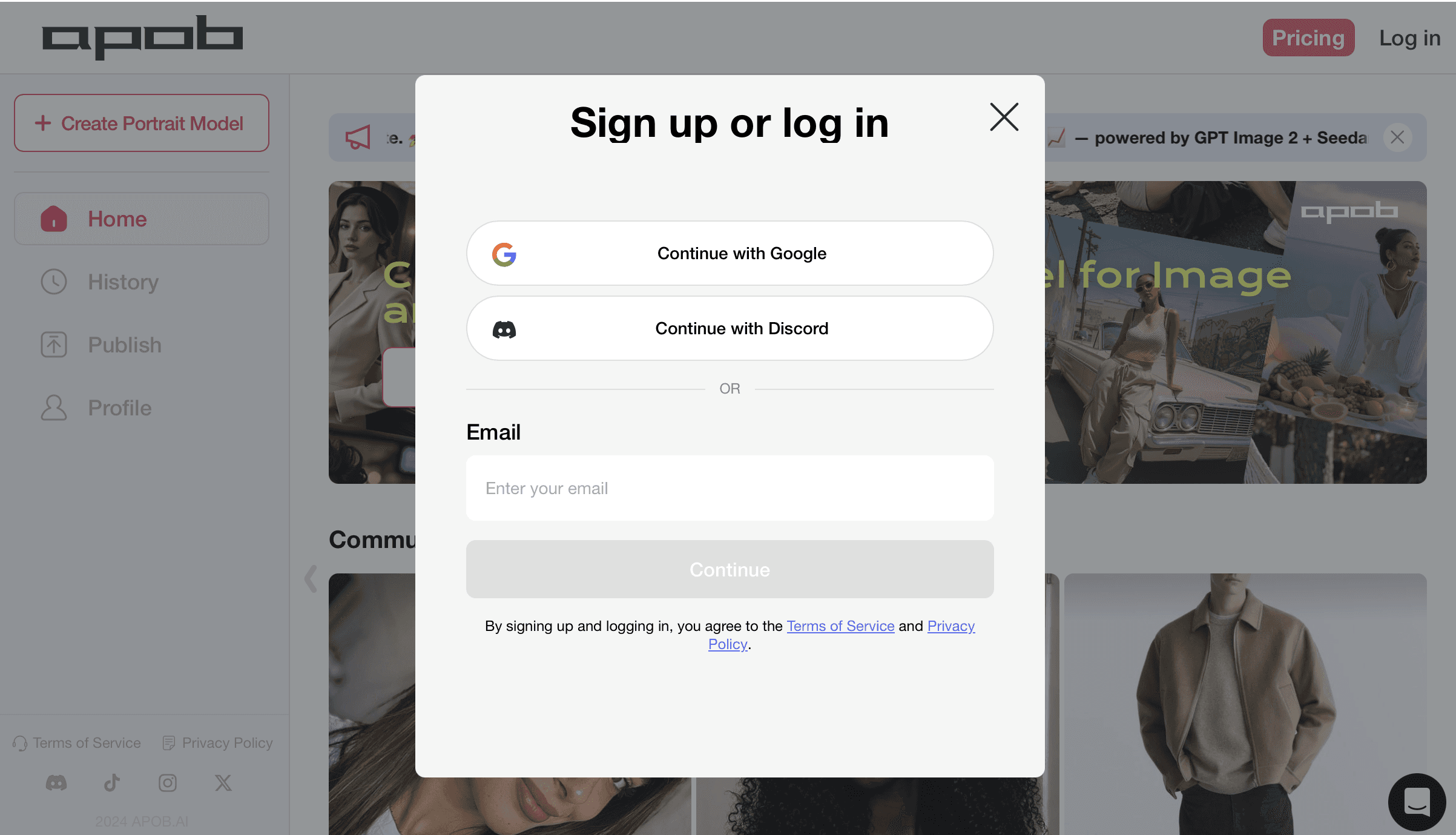
Start by signing in so your brand assets, AI avatar images, product references, campaign drafts, and generated videos stay connected in one workspace. This is useful when you are testing the best AI video generator for marketing across product demos, social ads, influencer-style clips, and short-form content.
Keeping everything in one account also makes version comparison easier. You can return to an earlier AI video for marketing draft, reuse an avatar, upload a different product image, or continue editing the same campaign without losing track of files.
Step 2: Create an AI Avatar for Marketing Videos
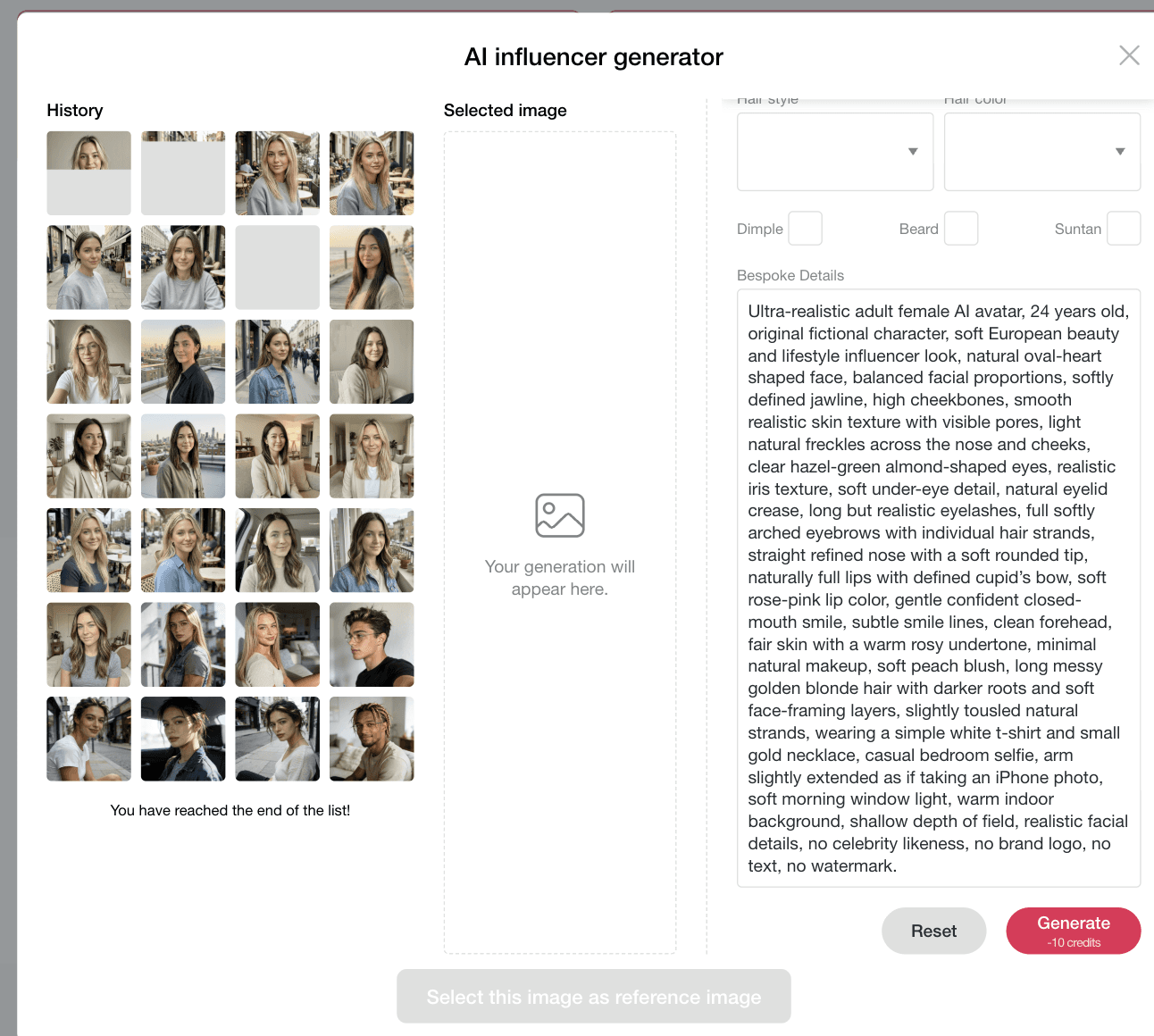
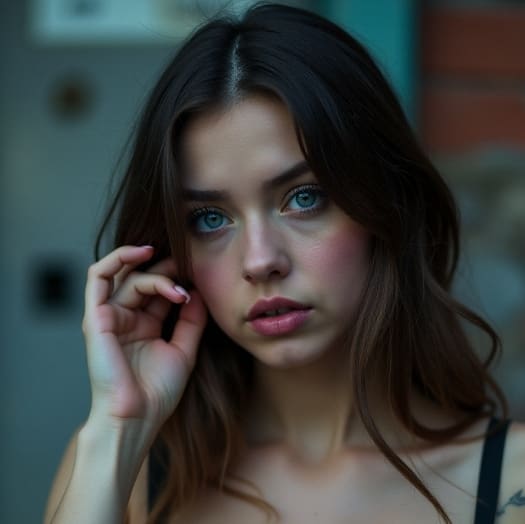
Create a realistic AI avatar before making the marketing video. A consistent avatar helps your AI video generator for marketing keep the same face, hairstyle, outfit, and creator style across product demos, social media ads, UGC-style clips, and AI avatars for video and image marketing.
Prompt: Ultra-realistic adult female AI avatar, 24 years old, original fictional character, soft European beauty and lifestyle influencer look, natural oval-heart shaped face, balanced facial proportions, softly defined jawline, high cheekbones, smooth realistic skin texture with visible pores, light natural freckles across the nose and cheeks, clear hazel-green almond-shaped eyes, realistic iris texture, soft under-eye detail, natural eyelid crease, long but realistic eyelashes, full softly arched eyebrows with individual hair strands, straight refined nose with a soft rounded tip, naturally full lips with defined cupid's bow, soft rose-pink lip color, gentle confident closed-mouth smile, subtle smile lines, clean forehead, fair skin with a warm rosy undertone, minimal natural makeup, soft peach blush, long messy golden blonde hair with darker roots and soft face-framing layers, slightly tousled natural strands, wearing a simple white t-shirt and small gold necklace, casual bedroom selfie, arm slightly extended as if taking an iPhone photo, soft morning window light, warm indoor background, shallow depth of field, realistic facial details, no celebrity likeness, no brand logo, no text, no watermark.
Step 3: Generate a Product Marketing Video
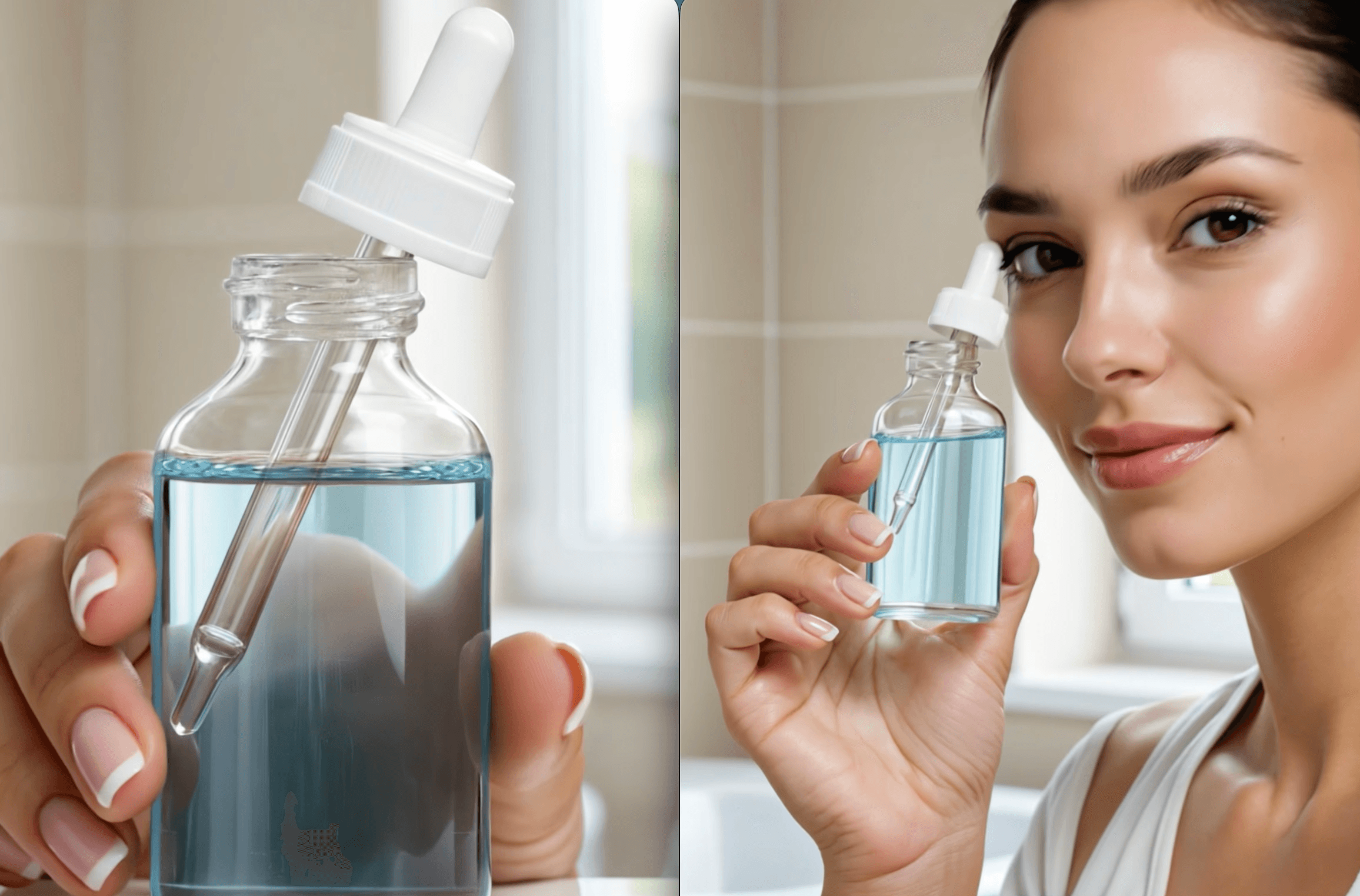
Use Image to video when you want a product reference to stay consistent in the final clip. Upload the serum bottle image, then describe the video shots clearly so the tool understands product placement, hand movement, lighting, scene style, duration, and camera direction.
Prompt: Create a natural 10-second cinematic product video for a premium facial serum bottle featuring an AI avatar presenter.
Use the serum bottle as the exact product reference. Keep the bottle shape, dropper cap, label area, color, glass material, logo area, and packaging proportions consistent in every shot. Do not change the product design. Keep the AI avatar's face, hairstyle, outfit, skin tone, and body proportions consistent throughout the video.
Shot 1, 2 seconds: Medium shot of a realistic female AI avatar standing near a bright bathroom window, holding the serum bottle gently in one hand. Soft morning sunlight, clean beige and white skincare setting, calm natural expression, slow camera push-in.
Shot 2, 3 seconds: Close-up shot of the avatar holding the serum bottle toward the camera. The product is centered and clearly visible, with soft reflections on the glass bottle and dropper cap. Keep the label area readable and the hand natural.
Shot 3, 3 seconds: Lifestyle skincare scene. The avatar applies one small drop of serum onto the back of her hand or holds the dropper above her palm, then smiles naturally at the camera. Smooth hand movement, realistic skin texture, soft neutral background.
Shot 4, 2 seconds: Final hero shot of the avatar holding the serum bottle beside her face, with elegant lighting, soft glow on the glass, clean luxury skincare ad style, premium calm mood.
Style: realistic commercial beauty ad, natural light, soft beige and white color palette, clean composition, smooth motion, premium skincare aesthetic, realistic hands, natural facial expression, no distorted product, no wrong text, no extra logos, no watermark.

Step 4: Review, Edit, and Reuse Your Marketing Video
After the AI video for marketing is generated, review the final result carefully. If the product shape, label area, avatar face, motion, lighting, or shot timing does not match your campaign goal, regenerate or edit the video instead of starting from scratch.
You can continue refining the result with edit product, edit character, edit motion, and edit everything. These AI video editing tools for content marketing are useful when you need to adjust a serum bottle, keep an AI avatar consistent, smooth a hand gesture, update the scene style, or make multiple ad variations for product marketing and social media marketing.
AI Video Marketing Features for Product and Social Campaigns
Best for Product Ads and Short-Form Campaigns
This workflow is built for creators and marketers who need AI video creation tools for marketing, not just a generic video maker. Use it for product close-ups, influencer-style demos, launch teasers, beauty ads, educational clips, and social video variations.
Faster Than Rebuilding Every Clip Manually
Instead of reshooting the same product ad, use AI for video marketing to generate and edit multiple versions from the same avatar and product reference. This helps small teams test hooks, scenes, ratios, and styles while keeping campaign production lightweight.
Designed for Visual Consistency
For product marketing, consistency matters. The workflow helps preserve product details, avatar identity, lighting direction, and ad composition so your clips look connected across paid ads, landing pages, email campaigns, and social media marketing.


















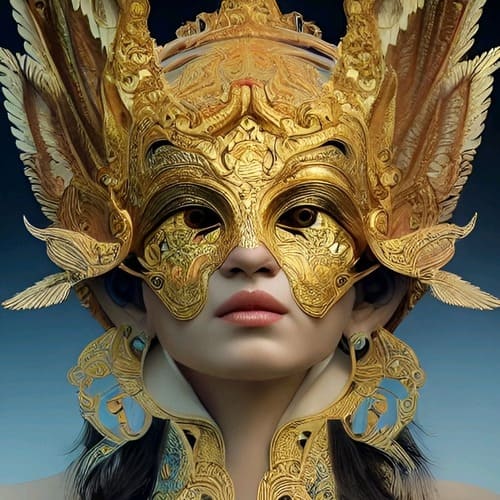
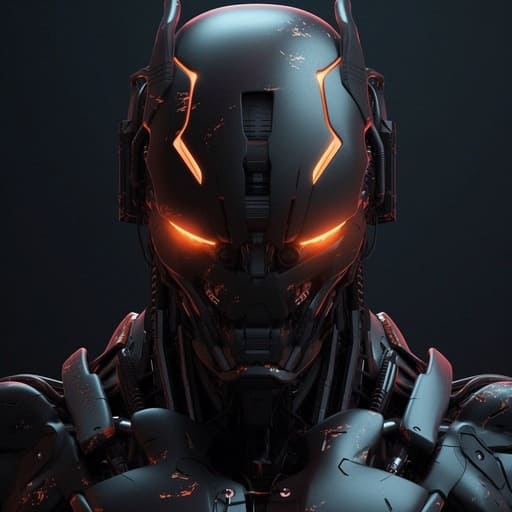


Create Product Marketing Videos From References
Use an AI video generator for marketing to turn a product image into a polished product demo, skincare ad, app promo, fashion clip, or social media visual. Product references help keep the item recognizable while you test new scenes, camera angles, and campaign concepts faster.
Build Consistent AI Avatars for Campaigns
AI avatars for video and image marketing help brands create repeatable presenters without scheduling shoots for every new campaign. Keep the same face, outfit direction, tone, and creator style across product demos, short-form ads, tutorials, and UGC-style marketing videos.
Edit Product, Character, Motion, and Scene Details
Good AI video editing tools for content marketing should let you improve the clip after generation. Refine the product, avatar, motion, and overall scene so each version fits a different channel, audience, offer, or creative testing angle.
Product Demo Videos for Paid Ads
Create AI product videos that show a serum bottle, app screen, fashion item, food product, or lifestyle object in a clear marketing scene. This is useful for teams searching for the best AI video generator for product marketing because it supports reference-based visuals and repeatable ad variations. Reference: Wyzowl Video Marketing Statistics.
AI Avatar UGC-Style Social Videos
Generate short avatar-led clips for TikTok, Instagram Reels, YouTube Shorts, and social media marketing campaigns. AI avatars for video and image marketing can help brands test creator-style concepts before investing in a full shoot. Reference: TikTok Symphony Creative AI Suite.
Campaign Variations for Content Marketing Teams
Use AI video generation tools for marketing to create multiple versions of the same product story: one for awareness, one for retargeting, one for product education, and one for social proof. This helps content teams move faster while keeping creative direction consistent. Reference: IAB Digital Video Ad Spend & Strategy Report.

Rowan Pierce
I turned a campaign brief into several product video directions in one afternoon. It made our creative review much more focused.

Amira Caldwell
The tool helps me test different hooks for paid social before we commit to a full shoot. We found a stronger opening much faster.

Mateo Laurent
I can turn one product idea into landscape, square, and vertical concepts without losing the main message. That is a big help for launch week.

Juniper Hayes
The AI-generated scenes gave our team a clear starting point for a UGC-style ad. We spent more time improving the story and less time explaining it.

Ellis Monroe
I used it to make a short product demo from a few notes and reference images. The first draft was polished enough for our client to react to.

Maeve Sinclair
It is easy to compare several creative angles for the same offer. That makes our ad testing feel deliberate instead of guesswork.
Rohan Mehta
The workflow helped us repurpose one campaign concept into social clips and a landing-page video while keeping the brand tone consistent.

Celeste Warren
I can visualize a campaign before production starts, which gives our copy and design teams something concrete to refine together.

Adrian Blake
I find that the product stays at the center of the generated scenes, so the final concept still feels like an advertisement rather than a generic AI demo.

Livia Santos
I created a set of short videos for a seasonal promotion and adjusted the message for different audiences without rebuilding every scene.

Tomas Ibarra
The fast previews make it much easier to explore visual hooks. We approved a creative direction in a single review instead of several rounds.

Freya Collins
I used the tool for a creator-style product introduction, and the pacing felt natural enough to share as a strong campaign prototype.

Damon Fields
It helps our small marketing team produce useful video variations without adding another production bottleneck to the launch schedule.

Inez Harper
I can turn rough campaign notes into a storyboard-like video direction and show stakeholders how the offer could land on screen.

Marlon Reyes
The ability to test scene order and calls to action early has improved our creative decisions. We know what to refine before filming.
Skye Bennett
I made a product explainer and a short retargeting cut from the same idea. The workflow gave the campaign much more flexibility.
Nia Holloway
The generated concepts are quick to iterate, especially when a client changes the audience or offer. I can adapt the visual story without starting over.

Callum Price
It gives us a practical first pass for ads, demos, and social content. Our team can focus on the message while the video direction takes shape.
Faster Creative Testing
AI video for marketing makes it easier to test product angles, avatar presenters, hooks, and social media ad styles without rebuilding every clip manually. Teams can move from idea to draft faster.
Stronger Product and Avatar Consistency
Reference images and detailed prompts help keep products, faces, outfits, and scenes more consistent across videos. That matters for product demos, branded content, and AI video generation for social media marketing.
Useful Editing After Generation
With edit product, edit character, edit motion, and edit everything, marketers can improve a generated video instead of accepting the first output. This makes the workflow more practical for real campaign production.
Detailed Prompts Still Matter
Even the best AI video generator for marketing needs clear direction. Product design, avatar identity, camera movement, timing, and negative prompts should be written carefully, especially when you need consistent product shots or realistic hands.
Enjoy more features
No Credit Card Required

Answers for creators and teams comparing AI video creation tools for marketing.
What is AI video for marketing?
AI video for marketing means using AI tools to create product demos, social ads, AI avatar videos, explainer clips, and campaign visuals from prompts, images, or reference assets.
What is the best AI video generator for marketing?
The best AI video generator for marketing should support product references, avatar consistency, realistic motion, short-form formats, and editing features that help you improve product, character, motion, and scene details.
Can I create product marketing videos from images?
Yes. You can use a product reference image to create product marketing videos, including skincare demos, app promos, fashion clips, food ads, and ecommerce product explainers.
Can AI video generation tools for marketing keep products consistent?
A strong prompt and a clear product reference can help preserve bottle shape, packaging proportions, color, glass material, and label placement across shots.
Can I use an AI avatar in a marketing video?
Yes. AI avatars for video and image marketing can present products, introduce a brand message, appear in UGC-style videos, or act as a repeatable campaign spokesperson.
What should I write in an AI video marketing prompt?
Describe the product, avatar, shot order, duration, camera movement, lighting, background, brand mood, and negative constraints such as no extra logos, no distorted product, and no watermark.
Is AI video useful for social media marketing?
Yes. AI video generation for social media marketing works well for short-form clips, product hooks, creator-style demos, launch teasers, and multiple ad variations for TikTok, Instagram, YouTube Shorts, and paid social.
Can I edit the generated marketing video?
Yes. You can refine the result with edit product, edit character, edit motion, and edit everything, depending on what needs to change in the final clip.
What is the difference between AI video creation and AI video editing?
AI video creation tools for marketing help generate a new clip from prompts or references. AI video editing tools for content marketing help refine an existing clip by adjusting product, character, motion, or scene details.
Can I make product demo videos without filming?
Yes. AI for video marketing can create product demo concepts from reference images and text prompts, which is useful for early creative testing, campaign drafts, and fast social content.
How long should an AI marketing video be?
Short-form marketing videos often work well at 5 to 15 seconds for ads, product demos, and social posts. Longer clips can be useful for explainers or product education.
Can I make multiple ad versions with AI?
Yes. AI video generation tools for marketing are useful for testing different hooks, backgrounds, avatar expressions, product angles, and visual styles while keeping the same campaign idea.
Can AI video help small marketing teams?
Yes. Small teams can use AI video for marketing to reduce shoot planning, speed up draft creation, test ideas faster, and make more visual content with fewer production resources.
Can AI video replace a professional shoot?
It can replace some draft, testing, social, and concept workflows, but high-budget brand campaigns may still require production teams, legal review, talent approval, and post-production polish.
How do I make AI product videos look realistic?
Use real product references, natural lighting, simple camera movement, realistic hand actions, consistent materials, and clear negative prompts that prevent distorted packaging, wrong text, or extra logos.
Can I use AI video for ecommerce marketing?
Yes. Ecommerce teams can create product explainers, ad creatives, lifestyle scenes, launch clips, and product comparison videos with an AI video generator for marketing.
What aspect ratio is best for AI marketing videos?
Use 9:16 for TikTok, Reels, and Shorts, 1:1 for feed placements, and 16:9 for YouTube, landing pages, product demos, and presentation-style videos.
Can I make an AI influencer product video?
Yes. Create an AI avatar image first, then use it in a product video prompt so the avatar can hold, present, or apply the product in a realistic campaign scene.
What are common problems in AI video marketing?
Common issues include inconsistent product details, unnatural hands, changing faces, unclear labels, over-polished skin, and motion glitches. Detailed prompts and editing tools help reduce these problems.
How do I choose AI video tools for marketing?
Choose tools that support reference images, product consistency, avatar generation, short-form output, editing controls, and workflow speed. These features matter more than generic video generation alone.


