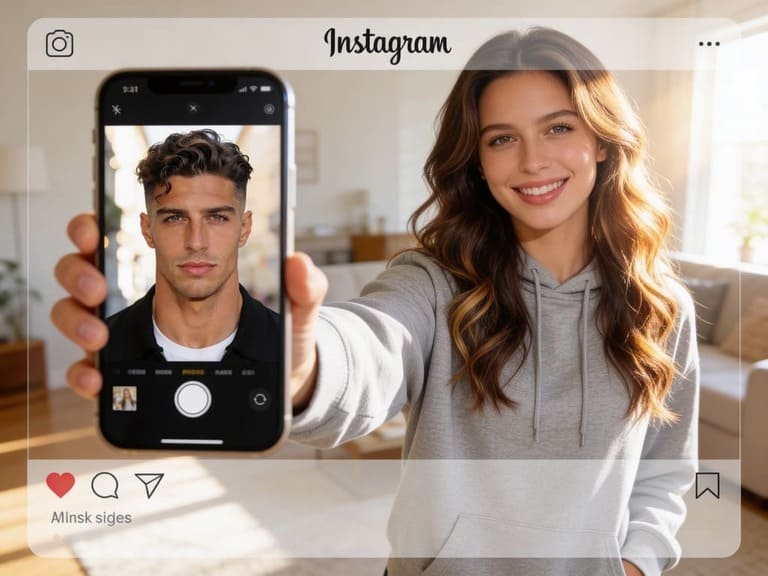
What would I look like as the opposite gender?
It's a fun, innocent question that usually starts with a quick search for an Instagram gender swap filter. Whether you want to prank a friend, try out a new character design, or just satisfy your curiosity, the urge is real. But here is the problem: most basic filters give you a generic, cookie-cutter face that looks nothing like the real you.
You don't want a random AI face; you want an alternate version of yourself. In this guide, we'll show you a better AI workflow that changes your presentation and style while keeping your unique facial identity intact. (And a quick friendly reminder before we start: gender-swapping is all about having fun, but always make sure you have permission before running someone else's face through an AI!)
Try Gender swap Filter with AI
What to Aim For
A good gender swap filter result should preserve:
Face shape
Eye spacing
Expression
Lighting
Skin texture
Overall identity
It can change hair, styling, clothing, makeup, facial hair, and presentation.
How APOB AI Can Help
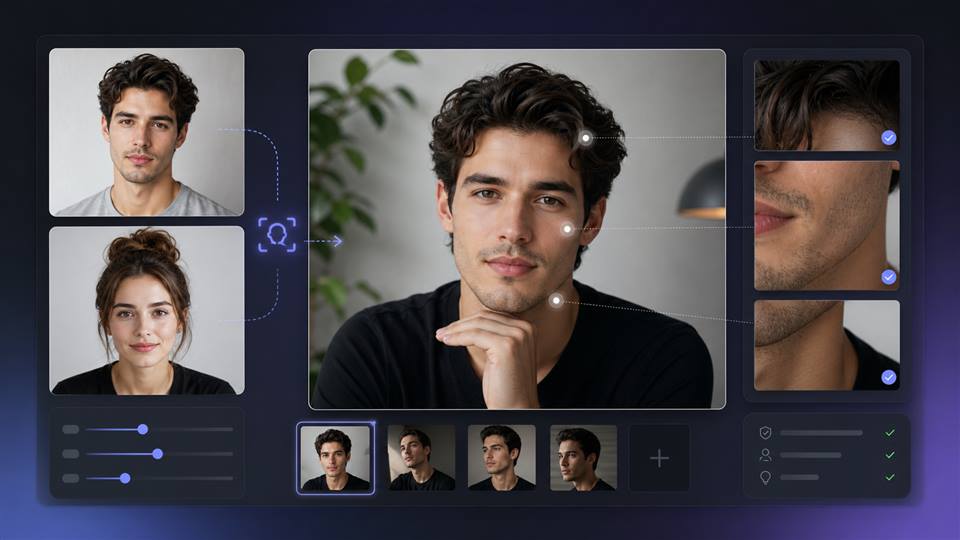
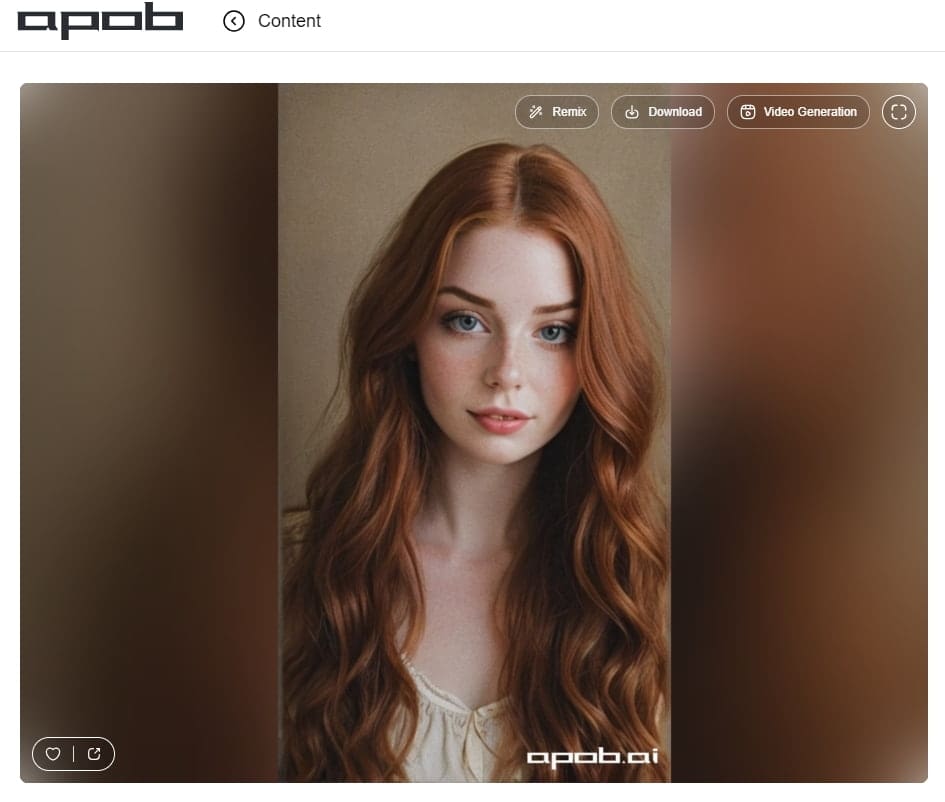
APOB AI Face Swapper and character workflows can help users create a gender-swapped avatar or short video. Instead of treating instagram gender swap filter as a disposable effect, use it to make a polished profile variation.
Workflow:
Upload a clear selfie.
Choose a style direction.
Ask for identity preservation.
Generate still options first.
Animate the best image only if the face remains stable.
Post with context so viewers understand it is AI.
Prompt Direction
"Create an alternate gender presentation of this person, preserve facial identity, realistic portrait lighting, natural expression, modern Instagram profile photo style."
"Animate this gender-swapped portrait with natural blink, slight smile, soft camera push, stable face, no distortion."
This turns the instagram gender swap filter idea into something more useful than "try this filter." It becomes a guide to identity-safe avatar creation.
Instagram Gender Swap Filter Results That Still Look Like You
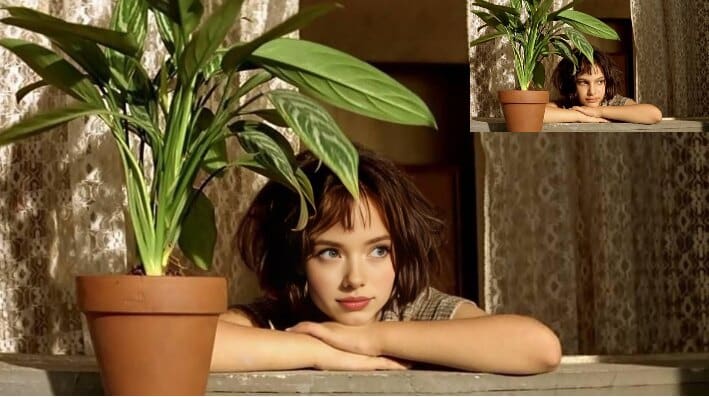
The best gender swap result preserves identity while changing presentation. The face shape, expression, and lighting should still feel connected to the original image. Hair, clothing, makeup, facial hair, and styling can change, but the person should not become unrecognizable.
If you use APOB AI for this, start with a clear selfie and ask for identity preservation. Do not combine too many changes at once. A clean portrait variation usually looks better than a dramatic transformation with unstable details.
Instagram Gender Swap Filter Photo Tips
Use a front-facing photo with natural light. Avoid sunglasses, heavy blur, extreme angles, or hair covering the face. The clearer the input, the easier it is for AI to preserve identity while changing style.
Make a Gender Swap Photo or Short Video Respectfully
Gender swap edits can be playful, but context matters. Use your own image or an image you have permission to edit. Avoid mocking someone's appearance or presenting an AI edit as real.
For video, keep the motion subtle. A blink, smile, or slight camera push is enough for an Instagram story or reel. If the face changes during motion, return to the still image and simplify the animation.
When to Use an AI Gender Swap as an Avatar
A gender-swapped avatar can work for character design, roleplay, storytelling, or creative profile experiments. Keep the result clearly framed as AI-generated when it could confuse viewers.
Instagram Gender Swap Filter Ideas Beyond a One-Time Joke
A gender swap image can be part of a character experiment, fashion concept, profile variation, or storytelling post. It does not have to be a one-off gag. If the result is strong, you can build a short series around alternate versions, style changes, or fictional characters.
APOB AI gives you more control than a quick filter because you can refine the still image, then decide whether to animate it. For Instagram, subtle motion usually works better than a dramatic transformation.
Instagram Gender Swap Filter Posting Tips
Add context in the caption if the image could confuse viewers. A simple note that the image is AI-generated keeps the tone transparent and reduces the risk of misunderstanding.
Instagram Gender Swap Filter Mistakes to Avoid
Do not judge the result only at full size. Instagram viewers often see profile images, story previews, and reel covers at small sizes. If the face becomes unclear when small, simplify the crop or reduce background detail.
Also avoid changing identity, age impression, fashion style, and background all at once. One or two changes can feel intentional. Too many changes can make the image look like a different person instead of an alternate presentation of the same person.
Instagram Gender Swap Filter as a Character Design Tool
A gender swap image can also help with character design. You can explore alternate styling, fashion direction, or a fictional version of yourself without treating the result as a permanent identity statement. This makes the format useful for creators who want profile variations, story characters, or playful campaign visuals.
Keep the strongest result as a reference image if you plan to create more posts in the same style.
FAQs
What is an instagram gender swap filter?
An instagram gender swap filter changes a face to show an alternate gender presentation, often for social posts or profile content.
Can APOB AI make a gender swap image?
APOB AI Face Swapper and AI character workflows can help create gender-swapped portraits or character variations.
Can I make a gender swap video?
Yes. Generate a still image first, then use image-to-video if the face remains consistent.
Is gender swap AI safe?
It can be safe when used with consent, transparency, and respectful intent.
What photo should I use?
Use a clear front-facing selfie with natural lighting and no heavy obstructions.
How do I make a gender swap image respectful?
Use your own image or one you have permission to edit, keep the result clearly framed as AI, and avoid mocking or misrepresenting someone's identity.
References
APOB AI (2026) AI Face Swapper. Available at: https://apob.ai/ai-face-swapper/ (Accessed: 12 May 2026).
APOB AI (2026) Try image to video AI for free. Available at: https://apob.ai/image-to-video-ai/ (Accessed: 12 May 2026).
Snap (2026) Snapchat Lenses. Available at: https://www.snapchat.com/lens (Accessed: 12 May 2026).
TikTok (2025) Introducing AI Alive. Available at: https://newsroom.tiktok.com/introducing-tiktok-ai-alive?lang=en (Accessed: 12 May 2026).

Be the first to like this.








No credit card needed


