Create AI memes from text, images, avatars, product photos, and short video ideas. Use APOB AI to make image memes, video memes, talking avatar memes, and social-ready meme content.
Step 1: Choose an AI character or visual starting point
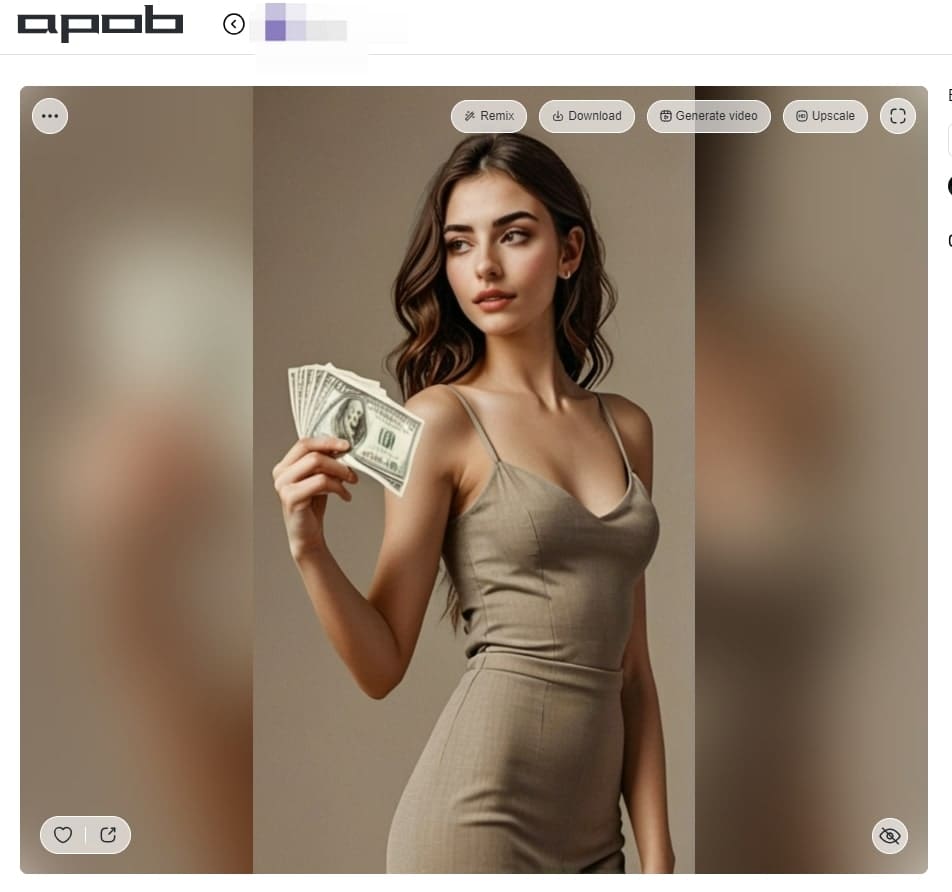
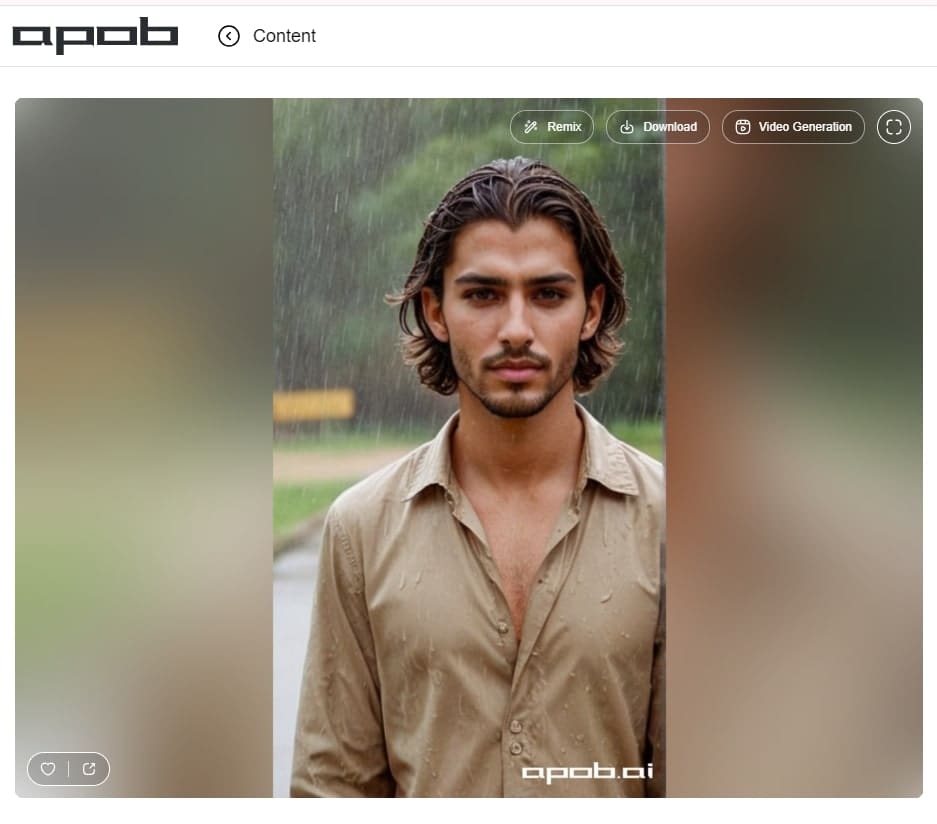
Start from an existing AI model, portrait, product image, or character concept. In APOB AI, open a model workspace and choose whether your meme should begin as an image, video, talking avatar, or image-to-video idea.
Example: A TikTok Shop seller wants a funny reaction meme about checking sales after posting a product video.


Step 2: Select the right meme creation mode
For a static meme, choose image generation. For motion-first content, use image-to-video or text-to-video. For jokes that need delivery, use talking video or lip sync.
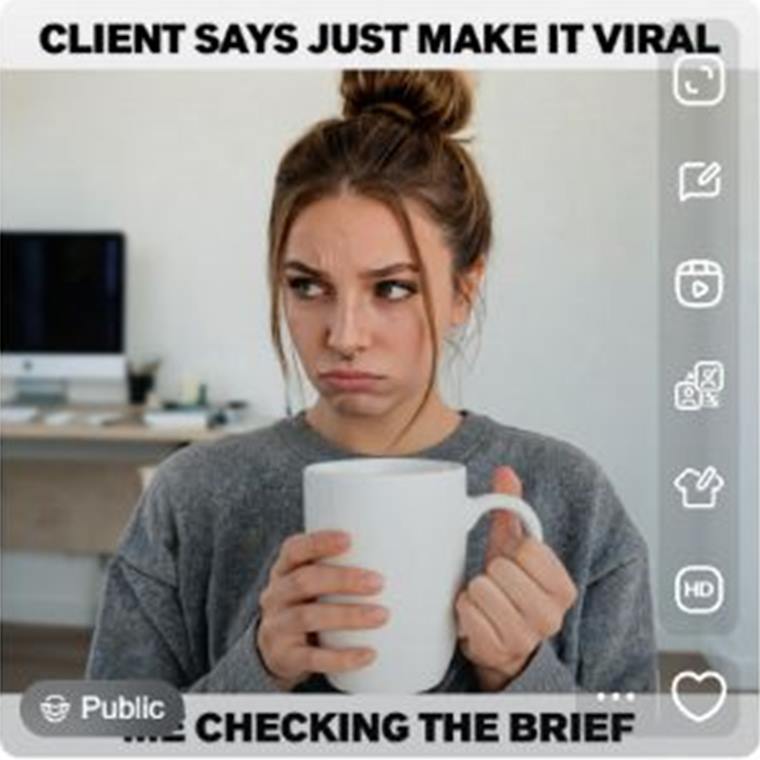
Example: A creator chooses Generate image for a reaction meme, then describes an AI ecommerce creator staring at a product dashboard after a meme post suddenly gets sales.
Step 3: Write a meme prompt with caption space in mind
Describe the reaction, visual style, audience, and where the caption should go. Do not ask AI to render long text inside the image. Leave clean space for a readable caption overlay.
Example prompt: Create a funny reaction meme image: an AI ecommerce creator staring at a product dashboard after a meme post suddenly gets sales. Use expressive facial reaction, clean social media style, and leave empty space at the top for a short caption.

Step 4: Set format, quality, and generation options
Choose quantity, aspect ratio, and quality before generating. For TikTok, Reels, and Shorts, use vertical formats such as 9:16. For X, Discord, and community posts, square or horizontal formats may work better depending on the layout.
Example: A social media manager chooses 9:16 for a short-form meme and keeps the caption area clear for mobile viewing.
A strong AI meme usually has four parts: a clear setup, a recognizable emotion, a short punchline, and a format that fits the platform. For image memes, the caption needs to be readable at a glance. For video memes, the motion should support the joke instead of distracting from it. For talking avatar memes, the voice or lip sync should deliver the punchline naturally.
Start with a clear joke, not a random template.
Step 1: Choose the output. Use a static meme when the caption carries the joke, image-to-video when timing matters, or a talking avatar when delivery matters. Example: a creator turns an "checking analytics again" idea into a short deadpan reaction clip.
Step 2: Define the subject. In APOB AI, start from an AI character, portrait, product image, or avatar so the meme has a consistent face or product focus. Example: a TikTok Shop seller uses the same product photo across several shopping-reaction memes.
Step 3: Generate with room for text. Ask for a clean background, one readable expression, and empty space at the top or bottom for captions. Example: an AI office avatar staring at a dashboard with space above the face for the punchline.
Step 4: Review before export. Check whether the joke is readable on mobile, whether the face or product is clear, and whether the format fits TikTok, Reels, Shorts, X, or Instagram.
The best format depends on how the joke lands. A text-led joke works best as a square or vertical image meme. A reaction joke needs a clear facial expression. A timing-based joke usually works better as a short image-to-video clip. A character joke can become a talking avatar or lip sync meme when the punchline depends on voice and delivery.
For example, a marketer can make a static "campaign report day" meme for LinkedIn, an ecommerce seller can create a product reaction meme for TikTok Shop, and a faceless creator can use the same AI character across a weekly meme series. This gives visitors a practical decision point before they reach prompts, pros and cons, and FAQs.
Meme workflow beyond public templates
APOB AI is useful when a meme needs more than a static template. You can build memes around AI characters, talking avatars, product visuals, face-based reactions, image-to-video scenes, and social-ready video formats.
Reusable characters and product context
Creators can keep a recurring AI character, ecommerce seller persona, or brand mascot across multiple memes instead of starting from a different stock image every time.
Static, video, and avatar outputs in one direction
A meme idea can become a captioned image, a short video meme, a talking avatar joke, or a product reaction concept depending on the platform and campaign goal.
Recurring character reaction memes
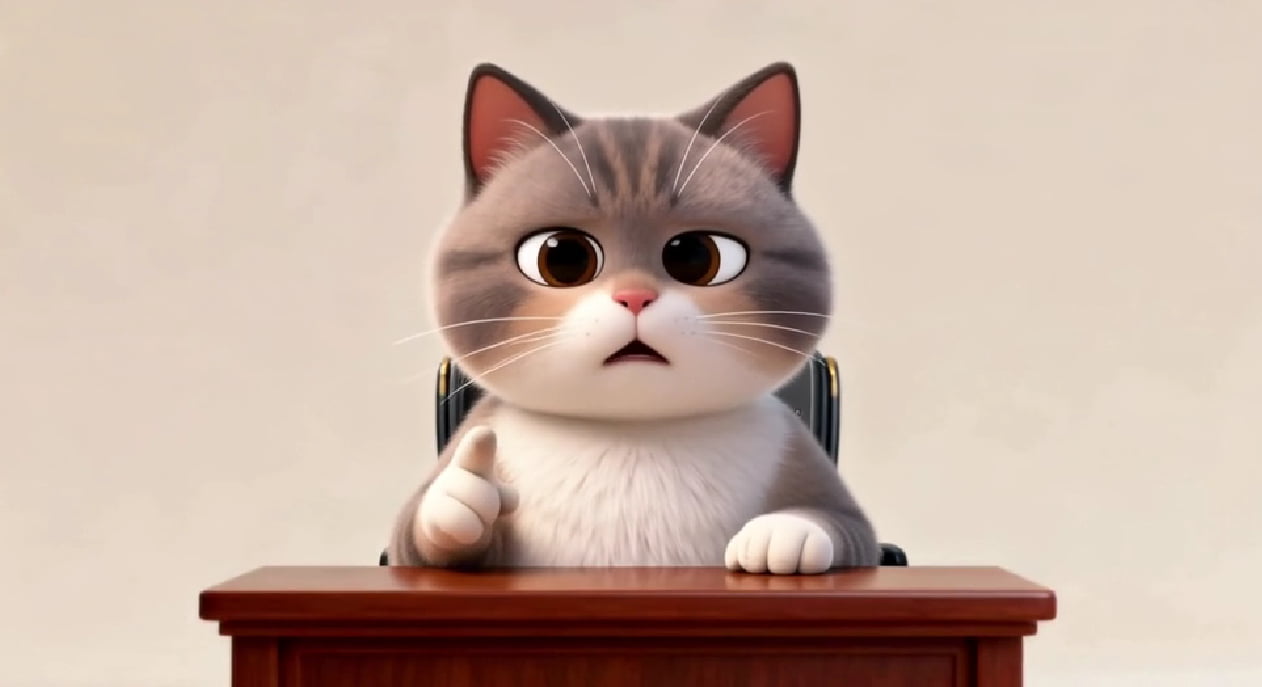
Create a recognizable AI character or brand avatar that reacts to trends, comments, product launches, or niche jokes. This works well for creator accounts that need consistent visual personality without filming every post.
Ecommerce product memes
Turn a product photo into a buying-moment meme, such as me pretending I do not need this or the cart after one scroll. Keep the product clear so the joke still supports the offer.
Talking avatar memes
Use a talking avatar when the joke depends on delivery, voice, facial expression, or timing. This is useful for parody scripts, creator reaction posts, and short skits.
Short video meme ads
Test lightweight meme-style ad concepts before turning them into polished paid creatives. A small team can compare hooks, captions, and reactions without organizing a shoot.
Faceless creator meme content
Create social posts without filming yourself by using AI portraits, avatars, product images, and short video scenes. This helps creators keep a posting rhythm while protecting personal privacy.
Ava Mitchell
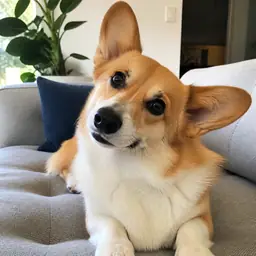
I made a reaction meme from a dog photo in under a minute. The caption placement looked right on the first try, which almost never happens in my phone editor.

Leo Vargas
The templates are easy to adjust without making every meme look identical. I changed the crop and wording, and it still felt like my own joke.
Priyanka Mehta
I used it for a product-launch joke in our team chat. It was polished enough to share, but not so polished that it stopped feeling like a meme.

Ben Carter
Starting from a blank image was simpler than I expected. The suggested caption gave me a direction, and I rewrote it in my own voice.
Yara Saleh
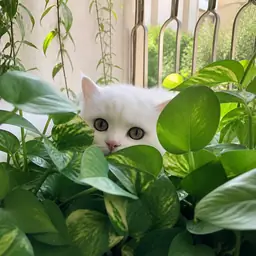
My cat photos finally became something fun instead of sitting in my camera roll. I made three versions and sent the least sensible one to my friends.

Felix Wong
The text stayed readable after I switched to a vertical format. That saved me from rebuilding the same joke for stories.
Chloe Martin
I do not have design experience, but the spacing and type size were already sensible. I only changed the punchline and downloaded it.
Andre Silva
I generated a few reaction variations for a community post, and they were different enough to test without feeling random.
Mina Hassan
Batching several captions around the same image helped me find one that actually landed. The whole process felt quick and low-pressure.
Fast meme ideation
AI can generate multiple joke angles quickly, which helps creators react while a trend is still active.
Original visuals
Instead of relying only on public templates, users can create AI characters, product scenes, and custom reaction visuals.
Better fit for video platforms
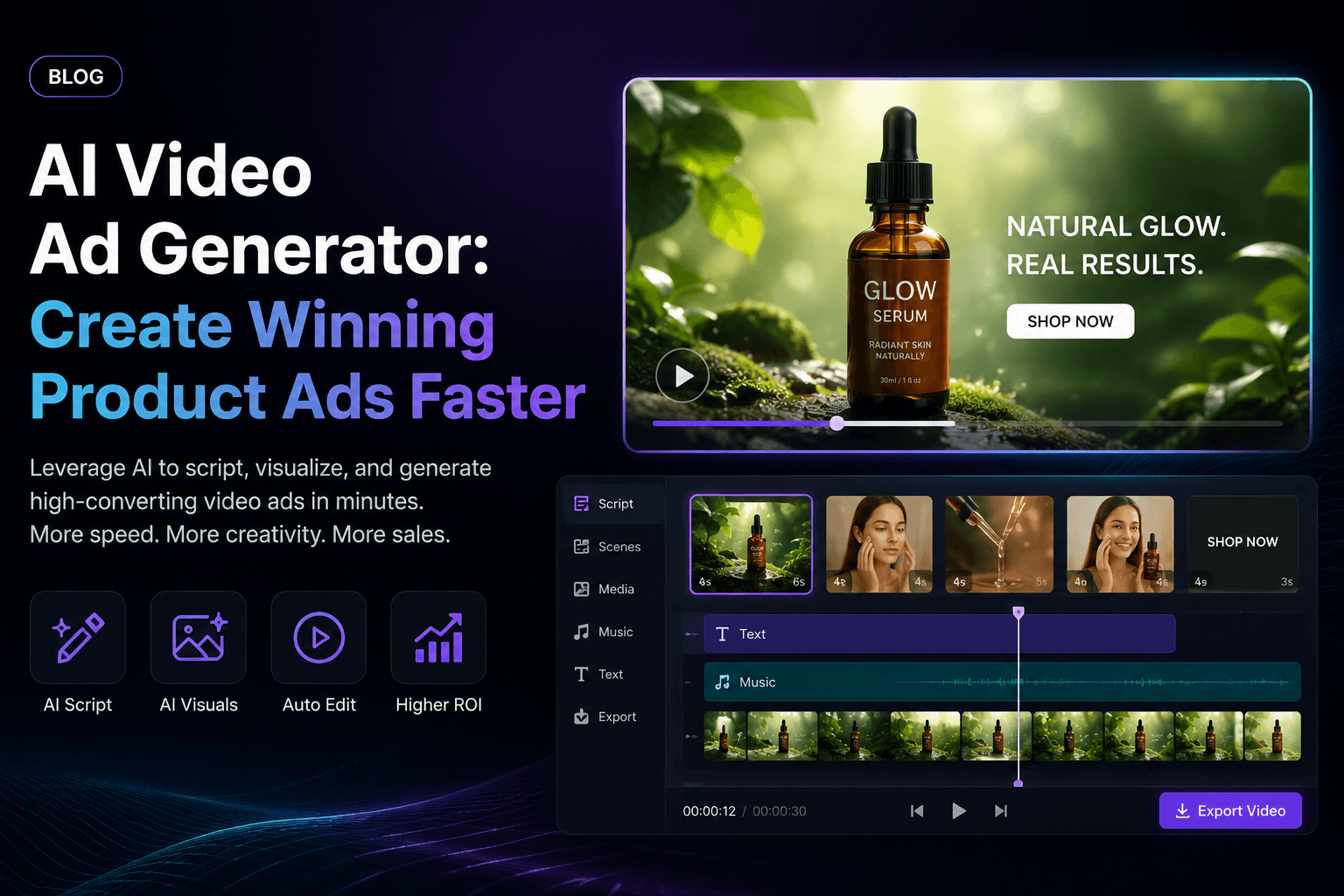
APOB AI video, image-to-video, avatar, and lip sync workflows make it easier to create short video memes.
Useful for creative testing
Brands can test meme concepts before turning them into polished ads or creator briefs.
Humor still needs human editing
AI can suggest ideas, but a human should decide whether the joke is funny, clear, and appropriate for the audience.
Trend timing matters
A meme can become outdated quickly, so publish while the context is still fresh.
Some outputs need caption editing
For readability, captions may need to be added or adjusted after the AI visual is generated.
Legal review may be needed
Commercial memes using copyrighted images, public figures, music, logos, or recognizable brands can create risk.
Enjoy more features
No Credit Card Required


Answers about image memes, video memes, captions, credits, commercial use, privacy, consent, and platform compatibility.
What is an AI meme generator?
An AI meme generator helps create meme ideas, captions, images, or short video concepts from prompts, uploaded images, or character-based inputs. In APOB AI, the meme can start from an AI character, portrait, product image, avatar, or video workflow.
Can I use APOB AI as an AI meme video generator?
Yes. APOB AI supports video-related creative workflows such as AI videos, image-to-video content, talking avatars, and lip sync videos, so you can build short meme clips instead of only static caption images.
Can I create an AI meme from text?
Yes. Start with a situation, caption, audience, or joke idea. APOB AI can help turn that prompt into a visual reaction, character scene, product meme, or video-ready concept.
Can I create an AI meme from an image?
Yes. You can start with a product photo, AI portrait, avatar, or uploaded image and build a meme around that visual. This is useful when the joke depends on a specific object, outfit, expression, or product detail.
Can I create an AI meme from a product photo?
Yes. Ecommerce sellers can turn product photos into reaction memes, buying-moment jokes, TikTok Shop concepts, or lightweight product video ideas. Make sure the product is clearly visible and that the caption area stays readable.
Is APOB AI a free AI meme generator?
APOB AI may use plans or credits depending on the selected workflow, quantity, quality, and output type. Check the current pricing and credit estimate inside APOB AI before generating.
Does APOB AI offer free no sign-up meme generation?
Do not assume no-sign-up access. APOB AI account requirements can change by workflow, plan, and campaign, so check the current product flow before publishing this claim.
Can I make GIF-style memes?
You can create short, loop-friendly meme concepts with image-to-video or short video workflows, then export based on the formats supported by the current APOB AI product flow.
Can I make talking avatar memes?
Yes. Talking avatar memes work well when the punchline depends on voice, facial expression, timing, or delivery. Use a short script and keep the joke clear in the first few seconds.
Can I make AI voice memes?
APOB AI supports voice-related workflows in the broader product context, such as talking avatar audio and lip sync. Use original scripts and avoid impersonating real people without permission.
Can I add captions after generating the meme visual?
Yes. This is often the best workflow because captions added after generation are usually more readable than AI-rendered text inside the image or video frame.
What aspect ratio should I use for AI video memes?
Use 9:16 for TikTok, Instagram Reels, and YouTube Shorts. Use 1:1 or horizontal formats for X, Discord, community posts, blog embeds, or website content.
Do I need to spend credits to generate memes?
Some APOB AI workflows use credits depending on mode, quantity, quality, and duration. Review the credit estimate before clicking Generate, especially when creating multiple images or video variations.
Can I use AI memes for commercial content?
Yes, if you have the rights to the visuals, audio, characters, captions, and uploaded materials. For brand or paid content, original AI visuals are usually safer than copyrighted public meme templates.
Can I use copyrighted meme templates?
Be careful. Common meme templates may still involve copyrighted images, celebrity likenesses, TV stills, movie scenes, or recognizable people. For commercial content, use original visuals or licensed assets.
Will my meme have a watermark?
Watermark and export options depend on APOB AI current plans, settings, and output type. Check the export screen before using a meme in paid or client-facing content.
Can I post AI memes on TikTok, Instagram, YouTube Shorts, X, or Discord?
Yes, if the exported format fits the platform and the content follows that platform rules. Review each platform synthetic media, copyright, advertising, and community guidelines before publishing.
How do I make AI memes funnier?
Use a specific audience problem, one clear emotion, a short caption, and a visual reaction that explains the joke quickly. Avoid broad prompts such as make it funny without a scene or audience.
Can I reuse the same AI character in multiple memes?
Yes. A recurring AI character, avatar, or product persona can make meme content more recognizable across posts and campaigns. Keep the visual identity, tone, and caption style consistent.
How is APOB AI different from a template meme maker?
Template meme makers are useful for quick edits. APOB AI is better suited for original AI characters, product-based memes, image-to-video memes, talking avatar memes, lip sync workflows, and repeatable social assets.


