Create stunning pixel art ai images and videos with just one click using APOB AI. Try our Pixel Art Generator for free.
If you are a game developer, pixel artist, or visual story creator, you need a tool that is precise and versatile. Here is why APOB AI is the ultimate AI pixel art generator on the market:
Flexible, Multi-level Architecture
From the abstractive "Complete Set" for rapid POC to the modular "BYO" mode for discrete control, up to the absolute precision of "Expert" mode, APOB AI scales to your production needs.
Dynamic Pixel Art AI Animation
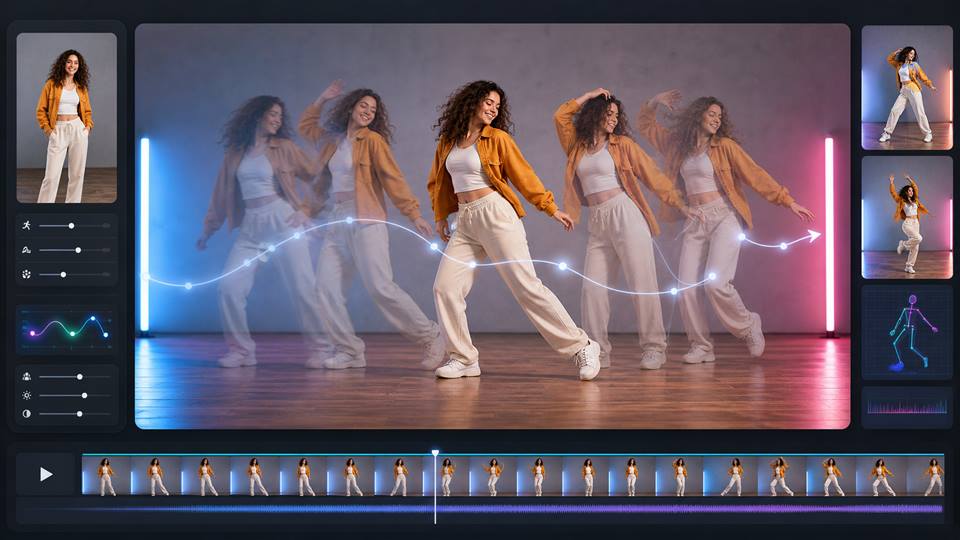
Effortlessly transform static pixel images into fluent videos with temporal consistency anchoring optimized for pixel grids. Create Lip Sync Talking Avatars and batch face swaps.
POPULAR
Precise Color Palette Control
If you are ever unsatisfied with the generation results or need technical guidance, our dedicated support team is ready to help. We offer a transparent refund policy for dissatisfied users, making your investment entirely risk-free.
Pro-Grade Pixel Art AI Pipeline
Targeted background removal with hard-edge recognition optimization for clean Alpha channels. Lossless pixel-level upscaling to fit modern high-definition displays without blurring.
Custom Pixel Art AI Models
Train and retain private Portrait Models to deep-stamp character features. Utilize a vast ecosystem of optimized community consistency models for perfect sprite sheets.
Commercial Privacy
Advanced plans include Private mode generation, NO watermark generation, concurrent tasks, and a high-leverage credit model for cost control.
1. Retro Arcade Hero
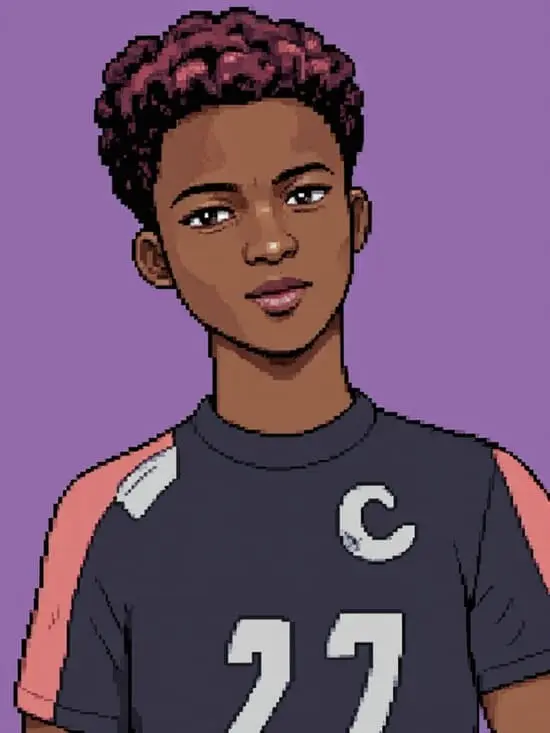
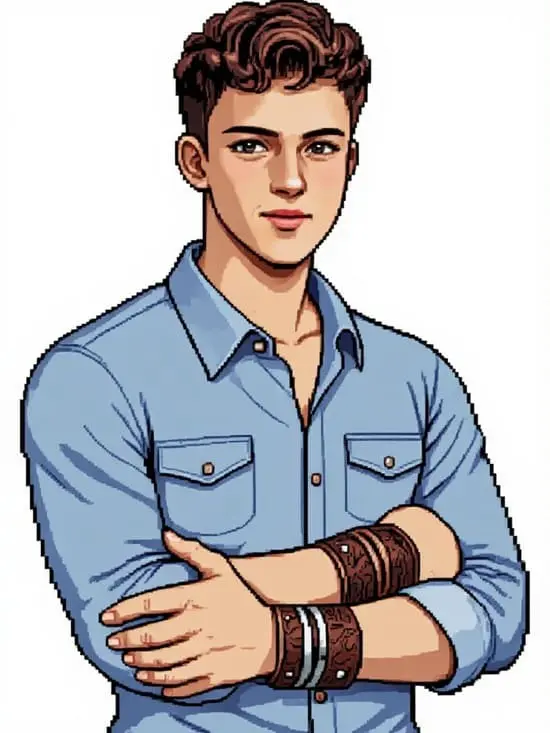
A pixel art portrait of a heroic young man with a confident expression, standing against a simple arcade-style background, bold colors, 16-bit retro game style, clean pixel grid, classic 90s video game aesthetic
2. Classic RPG Adventurer
A pixel art character of a fantasy adventurer with a determined face, wearing armor and a cloak, medieval RPG setting, detailed sprite design, top-tier retro pixel style, 32-bit game aesthetic
3. Fantasy Elf Girl
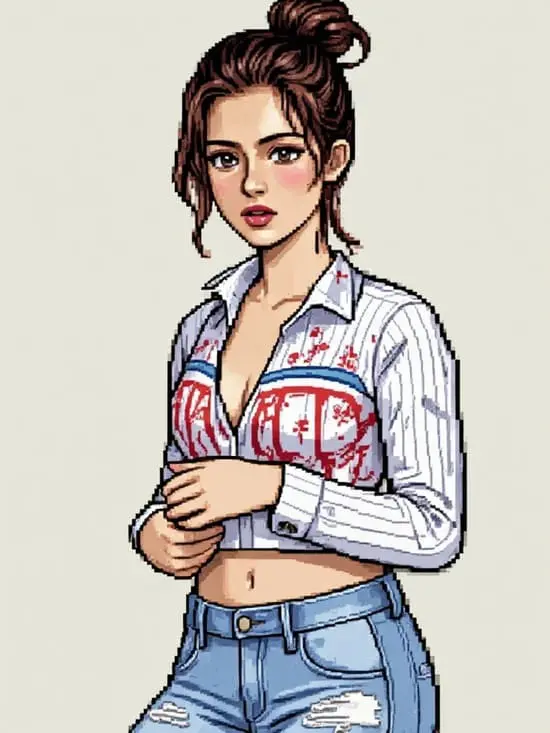
A pixel art portrait of a beautiful elf girl with long hair and a calm expression, forest background, soft magical lighting, classic JRPG pixel style, vibrant but balanced colors
4. 8-bit Simple Portrait
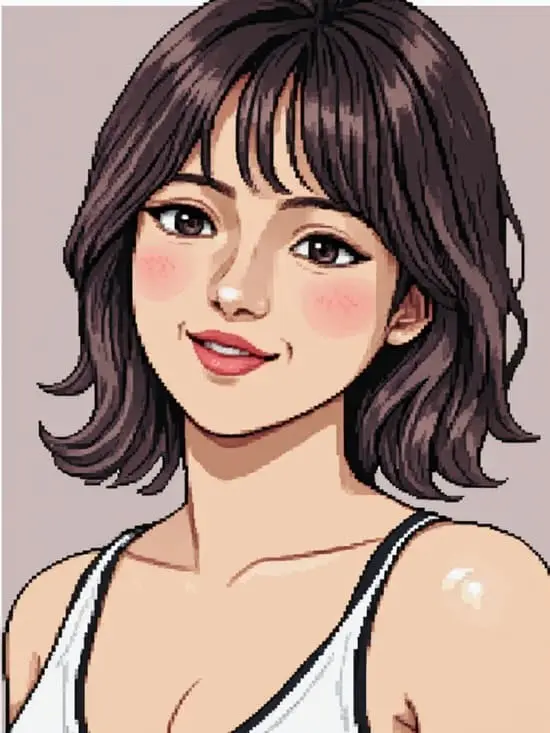
A minimal pixel art portrait of a smiling character, very limited color palette, 8-bit style, simple geometric pixel shapes, nostalgic early video game aesthetic
5. Sci-Fi Pixel Pilot
A pixel art portrait of a futuristic space pilot with a serious expression, spaceship cockpit background, neon accents, retro sci-fi pixel style, detailed 16-bit shading
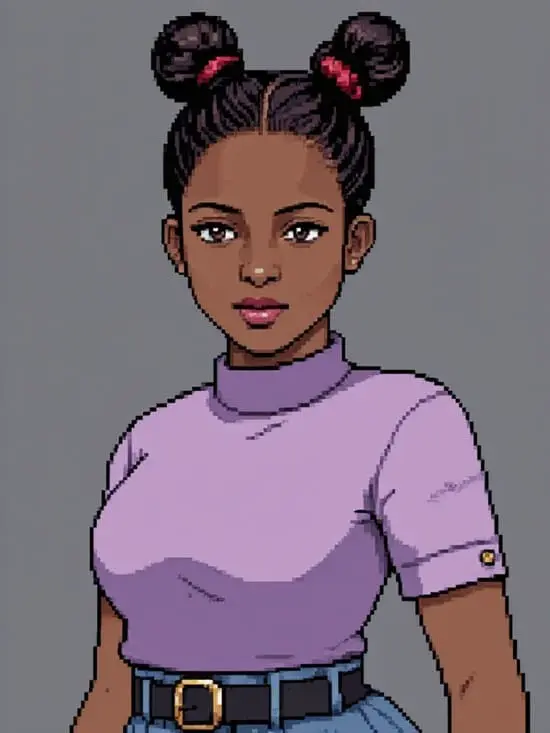
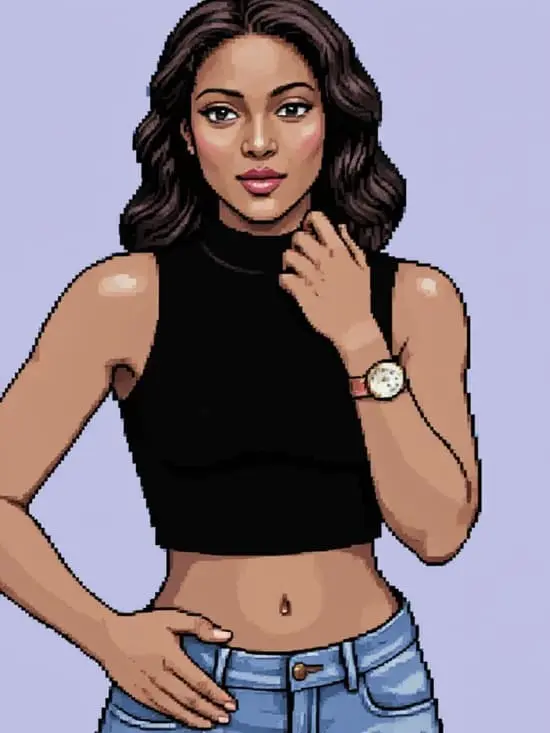
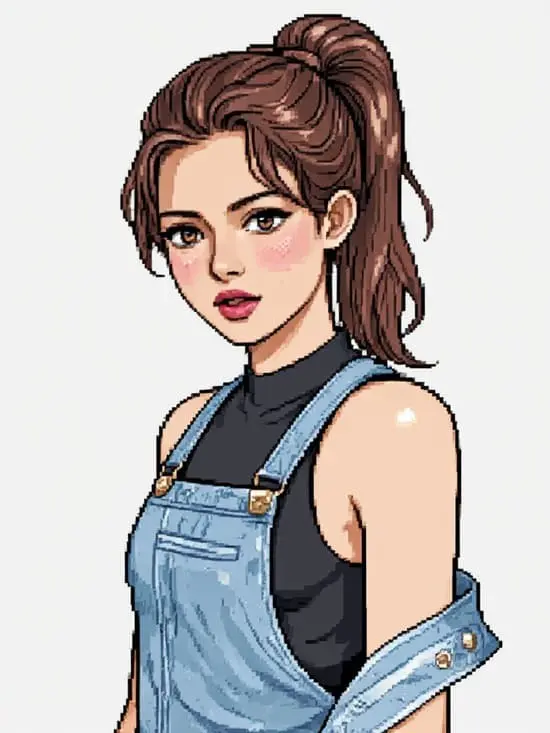
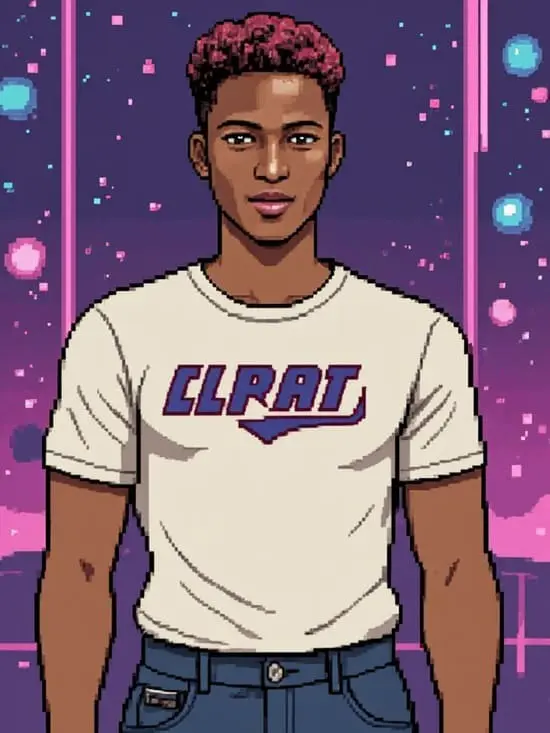
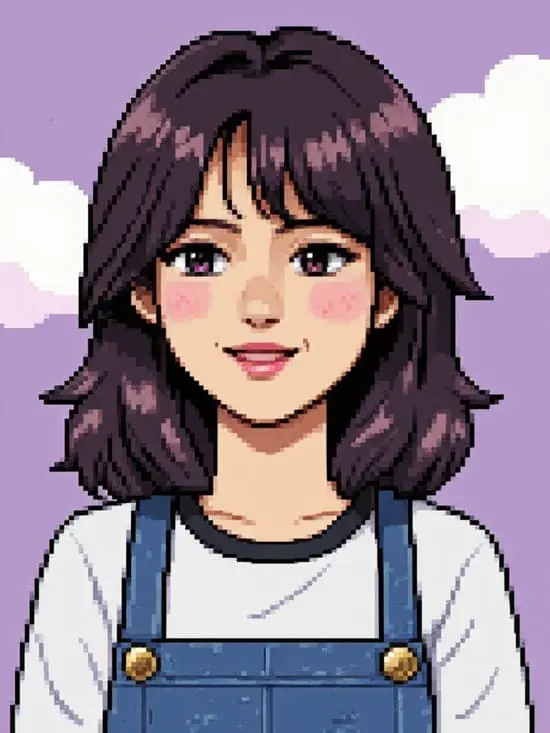
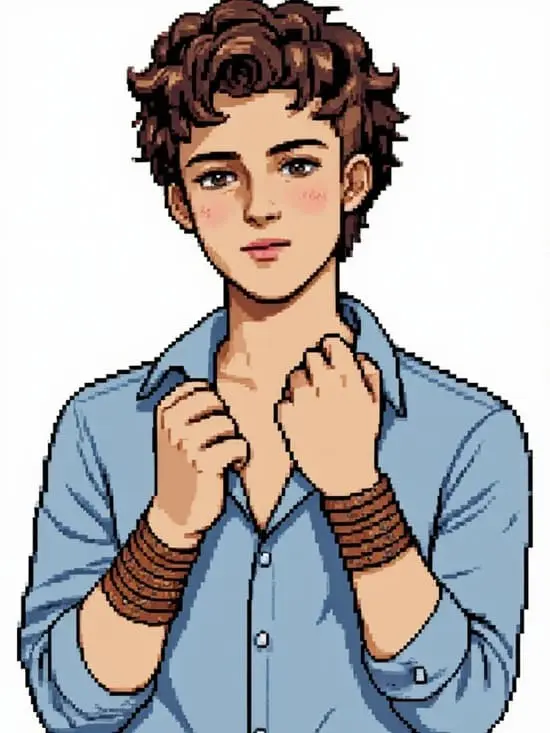
1. Sign Up for Free Membership of our pixel art ai generator
Click the button below.
Sign up for a free membership to get 80 free credits every day, or log in if you already have an account.
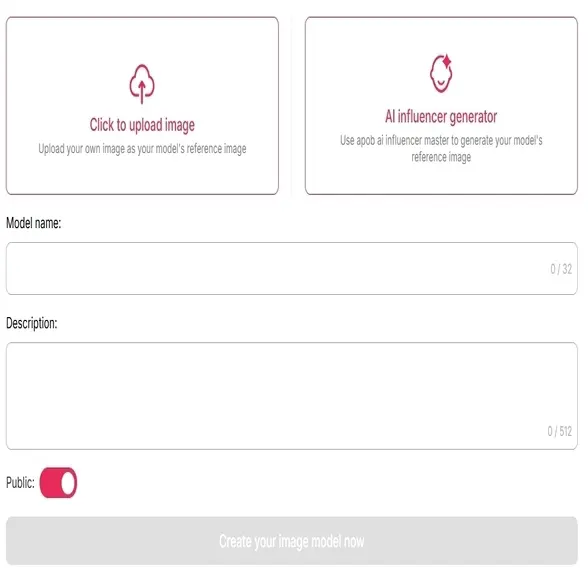
Step 2: Create an AI Model as a Reference for Your Pixel Art Generator
You have two options:
Option 1: Upload a Photo – Use a personal image as your base.
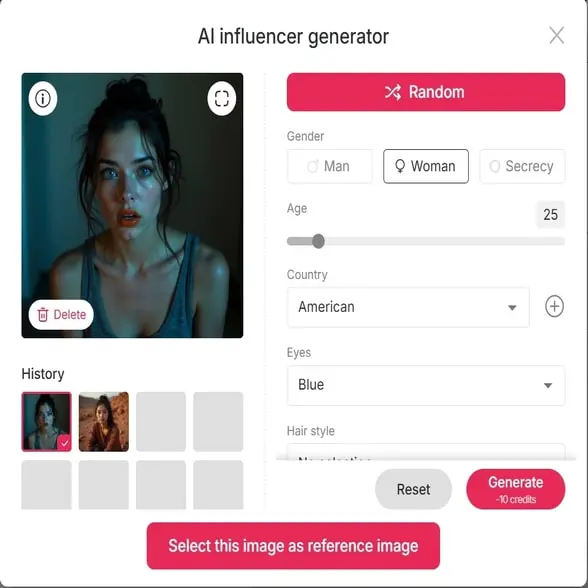
Option 2: Generate from Scratch – Use the AI Influencer Generator to create a custom character. Personalize features like:
Gender
Age
Country
Eye Color
Hairstyle
Step 3: Select the Pixel Art Style
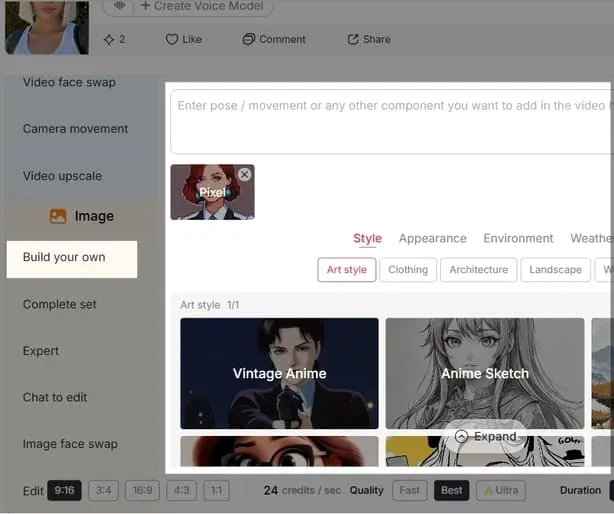
Go to ‘Complete Set’ > ‘Trending’ and choose the ‘Pixel’ style.
Click ‘Generate’ to start.
Want more control? Switch to Build Your Own Mode or Expert Mode and enter a custom prompt.
Example: “Generate a pixel art portrait of my AI influencer in 8-bit video game style.”
Step 4: Generate & Download Your Pixel Art
Click Generate and wait a few seconds.
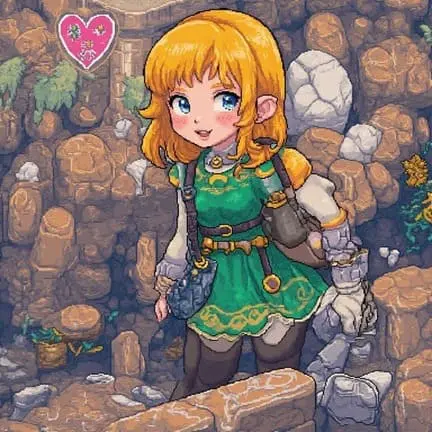
Download your unique pixel art image.
You can use it for social media avatars, faceless YouTube channels, indie games, and more. Want your pixel character to move or talk? Use APOB’s Image to Video or Talking Avatar features.
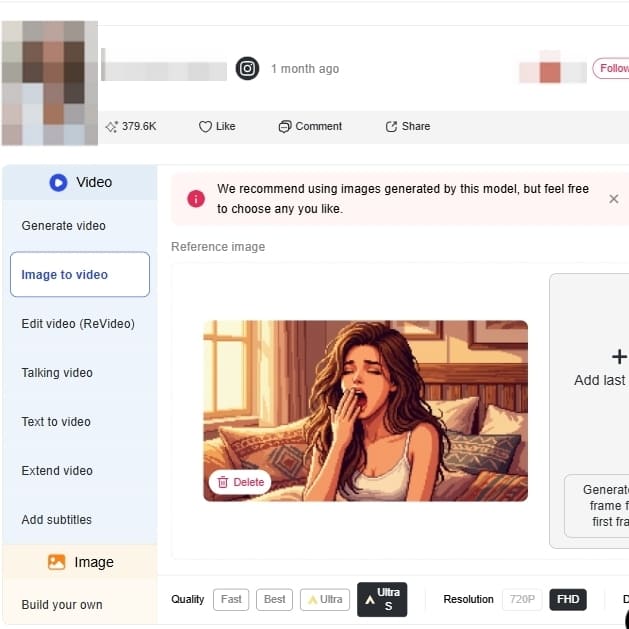
Step 5: Turn pixel art ai images into videos
First, you need to upload your own static pixel art to the dashboard or create a brand new one using the platform's generation modes. Next, select the image and click on the "Image to Video" (or Generate Video) feature. In the animation settings, you can customize the movement by adding camera motions like zooming or panning, inputting specific action prompts (such as "wind blowing through hair"). Finally, set your desired aspect ratio and rendering quality, then hit generate. If you feel like this process is difficult, you can also use our 'text to video' feature to animate your pixel art character.
No Design Skills Needed
Just type what you imagine. APOB turns your vision into pixel-perfect art—no drawing skills required.
Pixel AI Trained for Style
Our AI model is trained on thousands of pixel designs, so your results look consistent, rich in detail, and ready for real use.generator.
Built for Creators, Devs & Artists
Whether you need sprites, backgrounds, thumbnails, or assets for NFTs, APOB AI saves hours of work with just a few clicks.
Video Game Asset Creation
These are employed by developers, especially those who work within the indie sector, to speedily create characters, props, and environment tiles. This is a massive timesaver and effort in setting up an overall visual look so they can experiment with ideas and create uniform assets without any issues (PixelLab, 2024).
Branding
Brands and individuals can generate fresh, retro-style content to differentiate themselves online. The app can be used to convert selfies into avatars, create custom emojis, or generate unique promo images to help with campaigns embracing a retro look (Canva, 2024).
Merchandise Design
Designers and artists can take pictures or type ideas and convert them into pixel art for art projects. This can range from making digital photos look stylized for portfolios, design patterns for crafts such as knitting, or design printable pixel art for products like stickers and t-shirts.
1. Lightning-Fast Asset Creation
Instantly generate game-ready art—ideal for prototypes, jam games, or batch asset production.
2. Consistent Retro Aesthetic
Maintain a unified visual style across all your designs.
3. Free & Web-Based
No downloads, no fees—just sign up and use your free daily credits.
1. Prompt Quality Affects Output
Generic prompts = generic results. Use creative and specific prompts for best outcomes.
No Credit Card Required

Answers about pixel art styles, resolution, credits, privacy, formats, and commercial use.
Is APOB’s pixel art AI generator free?
Yes! Sign up for a free account and receive 80 daily credits—no subscription required, no watermark.
Can I use AI-generated pixel art for commercial use?
Absolutely. Use your pixel art for games, NFTs, merch, videos, or social media content.
Do I need to install any software?
No. APOB AI runs directly in your browser. No downloads, no lag—just creativity.
Can ai make pixel art?
Yes. APOB AI uses advanced models to turn photos or prompts into detailed, retro-style pixel art. From 8-bit portraits to RPG sprites, it’s all possible with AI.
How to make pixel art with ai?
Here’s a quick recap:
Sign up/log in at app.apob.ai
Create or upload a model
Customize your character
Select the “Pixel” style or use Expert Mode
Click generate and download your art
The more specific your prompt, the better the pixel-perfect result!


