Create AI art from text or an authorized photo. Control style, composition, lighting, and color for posts, campaigns, character concepts, or video.
1. Open Generate Image and choose how much control you need
Verification scope: APOB's signed-in Mira Wallpaper workspace was tested on August 12, 2026. One 9:16 fantasy portrait was generated from a text prompt, and the starting route, prompt, settings, progress, and completed result were captured. This guide does not claim that downloading, image editing, or animation was tested in the same run. Interface labels and available settings may change.
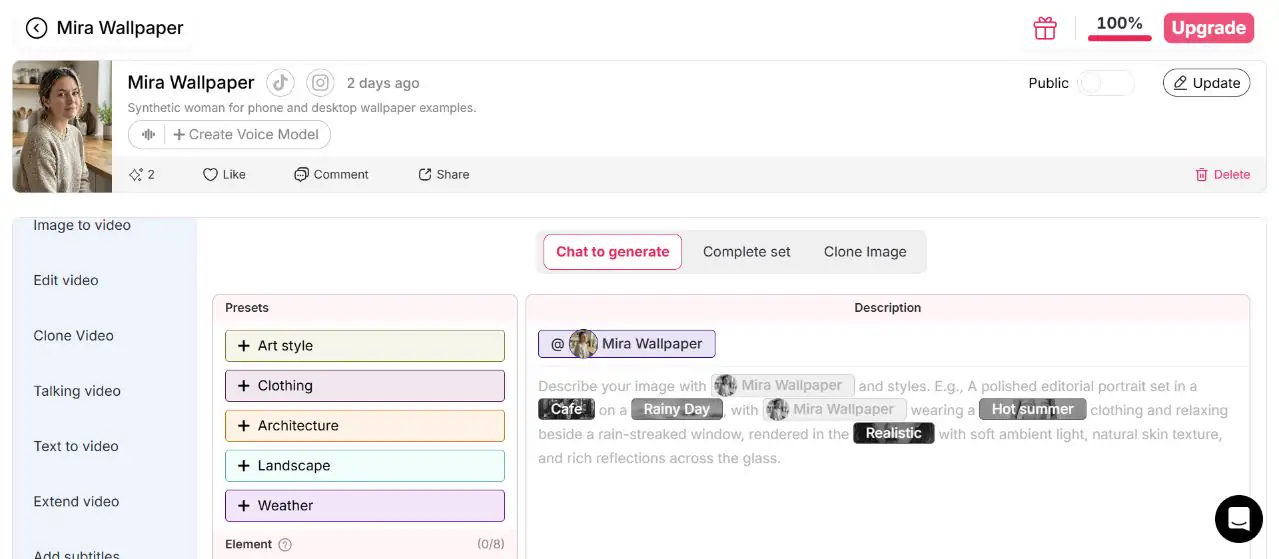
Sign in, open Image > Generate image, and choose the route that matches the task. Use Chat to generate when you want to write the prompt, combine text with the selected model, and add styles or reusable elements. Use Complete set for a themed pack, or Clone Image when you are intentionally working from a permitted image reference. For directed original artwork, Chat to generate is the clearest starting point.
Example: An indie author uses Chat to generate for a specific desert-cartographer concept. A creator who only needs a fast, themed image of an existing model can browse Complete set.
Problem and correction: Generate remains disabled if the selected model is still loading or the prompt is empty. Wait for the model to finish and add a usable description before continuing.
2. Write the art brief and add only useful references
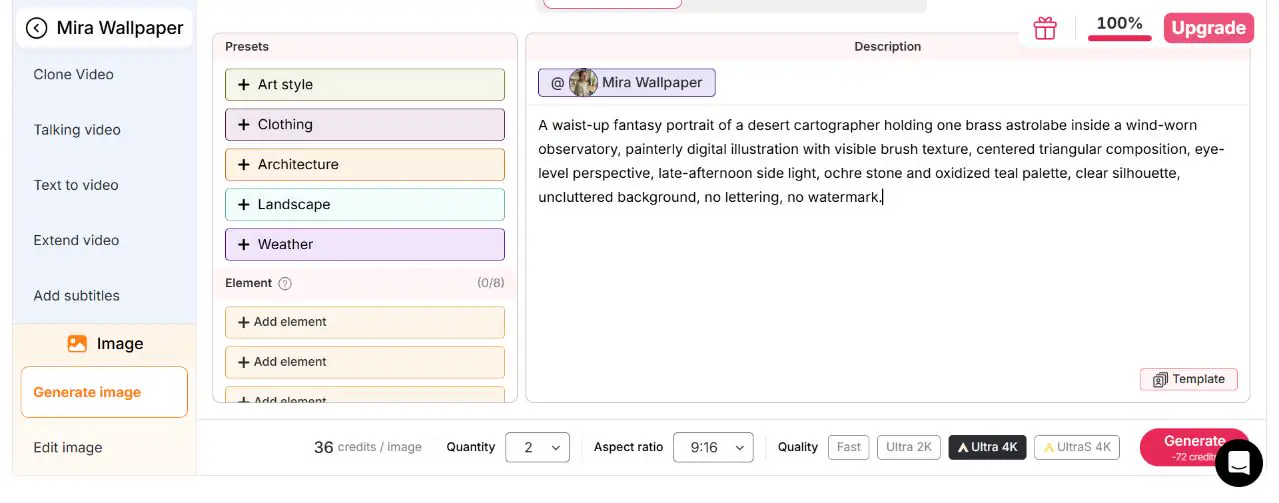
In Chat to generate, write the subject, action, environment, art medium, composition, lighting, and palette. The composer can combine plain text with the selected model, predefined styles, and reusable Elements. Elements can represent a character, product, style, background, or another saved reference. Capacity depends on quality; the inspected workspace displayed 0/8, so always follow the live slot count rather than assuming a fixed limit.
Example: "Waist-up portrait of a desert cartographer holding a brass astrolabe in a wind-worn observatory, painterly fantasy illustration, centered triangular composition, late-afternoon side light, ochre and oxidized teal palette."
Problem and correction: "Epic magical character" describes mood but not visible evidence. State the action, viewpoint, medium, and two or three dominant colors. APOB accepts long prompts, but inputs over 20,000 characters are truncated; concise visual direction is easier to review.
3. Match quality, aspect ratio, and quantity to the deliverable
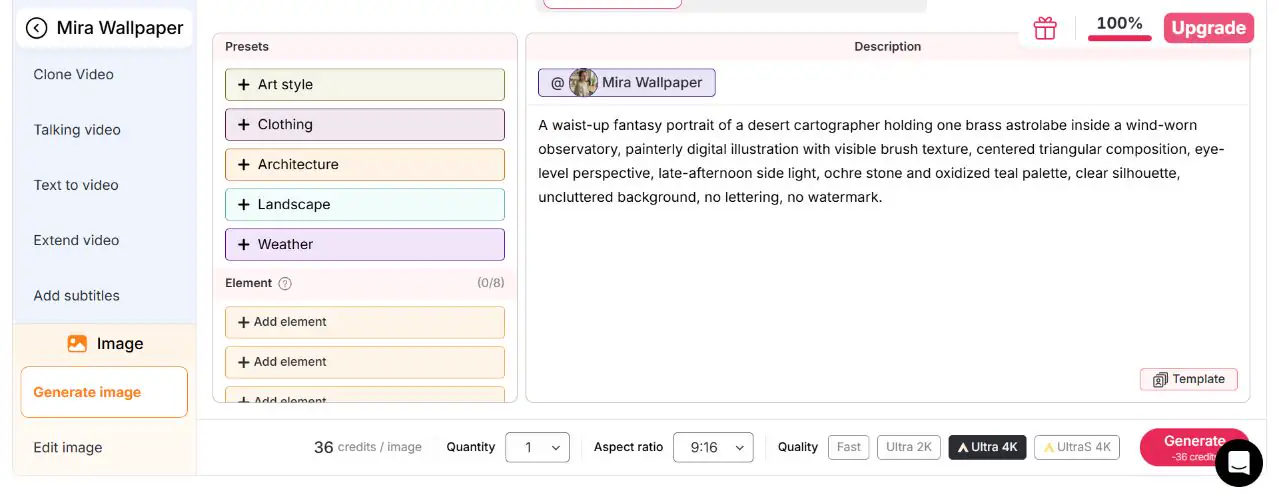
Choose Fast, Ultra 2K, Ultra 4K, or Ultra S 4K according to the options currently shown in the workspace. Available aspect ratios include 9:16, 3:4, 16:9, 4:3, and 1:1. The tested run used one 9:16 output at Ultra 4K so the full portrait and astrolabe could fit a vertical social composition.
Example: Use 9:16 for a vertical social story, 16:9 for a wide environment concept, or 1:1 for a square campaign post. Keep the focal subject and key prop away from crop-sensitive edges.
Problem and correction: Changing the aspect ratio applies only to the next generation; it does not reframe an existing result. Decide the format before requesting a new variation.
4. Generate the image and monitor its progress
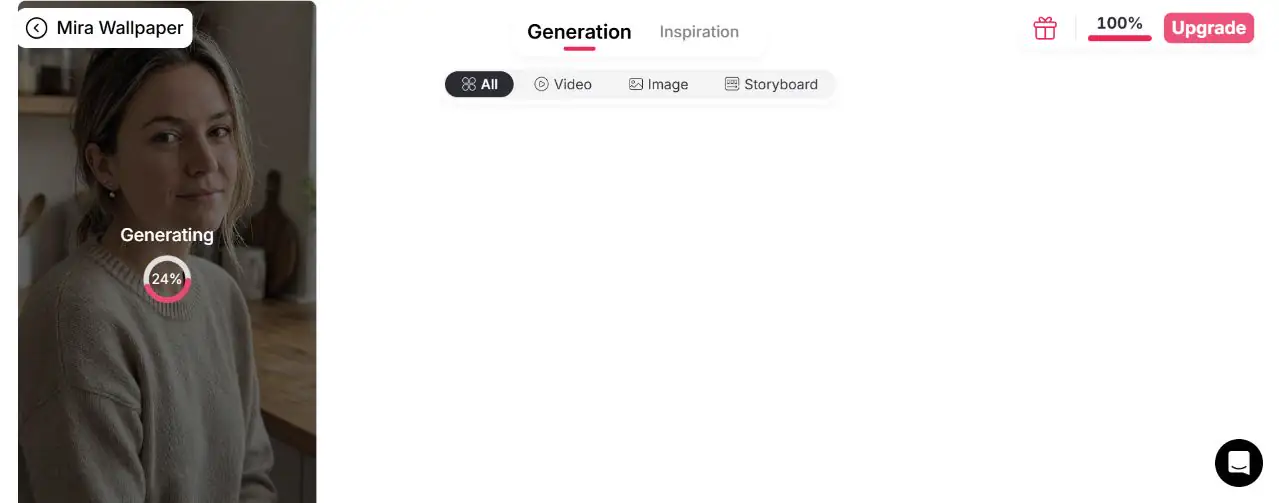
Review the settings shown beside Generate, then submit the job. The tested run moved from the composer to the Generation feed and displayed a visible progress state before completion. Avoid changing the brief while the current result is still processing; wait until you can compare the output with the exact prompt.
Example: For the cartographer portrait, keep the exact prompt nearby so you can later check the astrolabe, waist-up framing, late-afternoon light, and ochre-teal palette rather than judging only the overall mood.
Problem and correction: Do not submit the same job repeatedly because the progress view looks quiet. Check the Generation feed first, then wait for the current item to finish.
5. Review the completed artwork against the prompt
When the job finishes, inspect the subject, hands, key prop, crop, palette, lighting, unwanted lettering, and overall prompt adherence. The tested result preserved the waist-up portrait, brass astrolabe, painterly treatment, warm side light, and ochre-teal environment. It interpreted the character more realistically than the brief's stronger fantasy wording, which is the kind of difference a creator should notice before reuse.
Example: If the cartographer, prop, and lighting work but the setting feels too ordinary, keep those approved elements and revise only the environment phrase to "astronomical observatory with a subtle celestial mural."
Problem and correction: A polished portrait can still miss the creative brief. Write down the single most important mismatch before generating another version; changing several variables at once makes the comparison less useful.

Expert AI Art Generator Prompts
Fantasy character portrait
User type: Indie author
Purpose: Story announcement portrait
Copy-ready prompt: "Waist-up portrait of an older desert cartographer holding one brass astrolabe inside a wind-worn observatory, painterly fantasy illustration with visible brush texture, centered triangular composition, eye-level perspective, late-afternoon side light, ochre stone and oxidized teal palette, clear silhouette, uncluttered background, no lettering, no watermark."
Expected output: A readable single-character portrait with one narrative prop.
Customize: Change the profession and signature object.
Exclude: Extra fingers, duplicated props, illegible symbols.
Editorial fashion artwork
User type: Fashion marketer
Purpose: Campaign concept with layout space
Copy-ready prompt: "Full-length model in a sculptural cobalt coat standing in a white gallery corridor, cut-paper editorial collage with subtle fiber texture, low eye-level perspective, subject on the left third, long geometric shadow, crisp side lighting, cobalt, white, and vermilion palette, generous negative space on the right, no logo, no text."
Expected output: A graphic fashion composition ready for separate typography.
Customize: Replace the coat color and gallery material.
Exclude: Busy crowd, cropped feet, generated lettering.
Realistic cinematic portrait
User type: Social creator
Purpose: Dramatic but believable profile visual
Copy-ready prompt: "Realistic cinematic waist-up portrait of a night-shift radio host beside an analog mixing desk, quiet studio environment, three-quarter view at eye level, shallow background depth, soft monitor glow from the left and warm practical light behind, natural skin texture, charcoal, amber, and muted green palette, calm focused expression, no text, no brand marks."
Expected output: A grounded portrait with motivated lighting and a clear occupation.
Customize: Change the profession and practical light source.
Exclude: Plastic skin, distorted headphones, extra controls.
Illustrated ecommerce campaign
User type: Ecommerce seller
Purpose: Product-led seasonal visual
Copy-ready prompt: "Editorial gouache illustration of a ceramic table lamp on a walnut sideboard in a compact reading corner, lamp as the single focal object, three-quarter product view, balanced asymmetrical composition, warm evening pool of light, terracotta, walnut, and cream palette, visible paper grain, accurate simple silhouette, blank wall area for later copy, no logo, no text."
Expected output: A warm product concept with usable layout space.
Customize: Change the product, surface, and three-color palette.
Exclude: Warped product shape, extra lamps, embedded words.
Book-cover concept without generated text
User type: Publisher or author
Purpose: Explore visual hierarchy before professional cover design
Copy-ready prompt: "Vertical book-cover concept showing a lone archivist at the base of an immense circular library door, surreal ink-and-watercolor illustration, figure small in the lower center, strong upward perspective, misty rim light from the doorway, indigo, tarnished gold, and parchment palette, large quiet area at the top for title placement, no letters, no typography, no watermark."
Expected output: A vertical concept with a strong focal scale and reserved title area.
Customize: Replace the landmark and palette.
Exclude: Generated title, multiple figures, cluttered top area.
AI influencer post
User type: Virtual creator team
Purpose: Repeatable illustrated social series
Copy-ready prompt: "Illustrated social portrait of a fictional city columnist with short black curls, red square-frame glasses, and a cobalt coat, writing in a tram-stop notebook during light rain, contemporary ink-and-gouache style, medium three-quarter shot, eye-level perspective, soft overcast light with red sign reflections, cobalt, brick red, and cool gray palette, one person only, no readable signs."
Expected output: A recognizable persona scene with stable visual anchors.
Customize: Change only the weekly location or activity.
Exclude: Different glasses, changed hair length, extra people in foreground.
Stylized personal portrait
User type: Creator using their own authorized photo
Purpose: Transform a portrait without losing key facial cues
Copy-ready prompt: "Transform the authorized reference portrait into a graphic-novel panel, preserve the subject's face shape, hairstyle, and head angle, medium close-up in a lantern market, bold ink contours with two-tone shadow blocks, eye-level perspective, warm lantern key light, burgundy and cyan palette, simplified background, no text, no additional people."
Expected output: A stylized portrait that retains the reference's main identity cues.
Customize: Change the setting and limited palette.
Exclude: Altered face shape, obstructed eyes, photorealistic finish.
Social media series
User type: Content strategist
Purpose: Four related seasonal posts
Copy-ready prompt: "Single fictional urban gardener on a rooftop at early spring sunrise, risograph-style illustration with two ink layers and visible registration texture, waist-up composition, subject on right third holding one seed tray, soft backlight, forest green, coral, and pale sky palette, clean left-side space for later caption design, no lettering, no watermark."
Expected output: A simple, repeatable visual template for a series.
Customize: Keep the character and medium; change the season and object.
Exclude: Extra tools, crowded skyline, embedded caption.
Environment concept art
User type: Game designer
Purpose: Establish traversal and scale
Copy-ready prompt: "Flooded underground library with a narrow stone path leading from the foreground to a luminous archive tower in the distance, cinematic environment concept art, wide eye-level perspective, clear foreground-midground-background separation, cool volumetric light through ceiling cracks, deep teal, slate, and pale gold palette, one small human figure for scale, no interface, no text."
Expected output: A readable level concept with a clear route and focal landmark.
Customize: Change the path, landmark, and hazard.
Exclude: Multiple focal towers, top-down view, illegible signage.
Artwork intended for later animation
User type: Short-form video creator
Purpose: Produce a stable still for subtle motion
Copy-ready prompt: "Vertical 9:16 portrait of a fictional violinist standing beneath a station clock at blue hour, elegant digital painting with restrained detail, full figure centered with clear space around arms and instrument, eye-level camera, soft cool ambient light and one warm platform lamp, navy, silver, and amber palette, coat hem and loose hair visible for gentle motion, no crowd, no text."
Expected output: A clean, motion-ready subject with separable hair, clothing, and background elements.
Customize: Change the performer and one motion-friendly detail.
Exclude: Overlapping limbs, cropped instrument, complex crowd movement.
Separate the subject, setting, and treatment
Visible controls such as Art style, Clothing, Architecture, Landscape, Weather, and Element support the Description field. This helps creators make distinct decisions instead of packing every idea into one contradictory prompt.
Start from the constraint that matters
Open concepts begin in Generate image; identity-sensitive work begins with an authorized reference route. Quantity, Aspect ratio, and Quality remain visible before generation, so creators can match the output setup to the final placement.
Continue after the still is approved
Edit image, Chat to generate, Complete set, and Image to video are visible as related routes. A stable brief covering subject, medium, composition, lighting, and palette gives each iteration a measurable target. It cannot guarantee visual consistency, but it makes drift easier to detect before the asset moves into a campaign or animation workflow.
Use only photos you are allowed to submit
Upload your own work or material for which you have the necessary permissions. APOB's Terms of Service require the rights and authorizations needed for submitted content.
Obtain consent for a recognizable person
Do not use someone's face, persona, or private image without explicit, verifiable consent covering the intended context, especially advertising or sensitive topics.
Describe visual qualities instead of copying a living artist
Instead of requesting a living artist's exact style, specify medium, line quality, brush treatment, period, composition, lighting, and palette. This gives clearer direction while reducing avoidable similarity concerns.
Treat copyright ownership as jurisdiction-specific
Do not assume a prompt alone creates copyright. The US Copyright Office says protection requires sufficient human-authored expressive elements; prompts alone are not enough, while human selection, arrangement, or modification may matter. Source: US Copyright Office
Review trademarks and recognizable fictional characters
Do not imply sponsorship or produce a lookalike campaign around protected logos, packaging, characters, or trade dress without authorization. Add approved brand assets later through a controlled design process.
Check current commercial-use terms
Commercial use depends on current APOB terms, the plan, source material, third-party rights, and applicable law. Review the current terms; this page does not provide a legal guarantee.
Disclose realistic AI-generated media where required
YouTube requires disclosure for meaningfully altered or synthetic realistic content. Source: YouTube TikTok requires labels for realistic AI-generated images, audio, or video. Source: TikTok Meta may apply "AI info" labels through detected signals or user disclosure. Source: Meta
Never use realistic art to deceive or impersonate
Do not fabricate endorsements, evidence, news events, medical claims, or a person's actions. Artistic intent does not remove the need to prevent foreseeable confusion.
Review privacy before uploading sensitive material
Reference images may contain identity, location, workplace, or family information. Read APOB's Privacy Policy and avoid uploading unnecessary sensitive material.
Indie author: fantasy character portrait for a story announcement
Task and input: Introduce a desert-fantasy protagonist using a text prompt with no real person's likeness.
Constraint and direction: Keep one brass astrolabe legible at mobile size; use a waist-up crop, painterly medium, ochre-and-teal palette, and side light.
Result and workflow: Generate alternatives, check hands and prop geometry, and keep open space for separately typeset title copy.
Next action: Use the approved concept in the specialist character workflow or animate a restrained camera move with image-to-video AI.
Skincare marketer: portrait transformed into editorial campaign art
Task and input: Adapt an authorized product campaign image into seasonal editorial art.
Constraint and direction: Preserve product color and scale; use cut-paper collage, a three-quarter pose, coral-and-sage layers, and uncluttered space for later copy.
Result and workflow: Compare likeness, product placement, and hands in the permitted photo workflow; add approved typography afterward.
Next action: Produce channel crops or subtle motion. US digital video ad spend surpassed $80 billion in 2026, supporting a visual system that can extend from static to motion placements. Source: IAB
AI influencer creator: consistent illustrated persona for a social series
Task and input: Build weekly "city notes" from an approved fictional subject, fixed wardrobe cues, and a reusable palette.
Constraint and direction: Keep hair, red glasses, cobalt coat, and ink-and-gouache medium stable; vary only location and action. This improves recognition without promising perfect consistency.
Result and workflow: Review identity checkpoints after each generation and use the AI influencer generator when identity development becomes the primary task.
Next action: Adapt selected posts for vertical motion. IAB projected US creator ad spend at $44 billion in 2026 and reported that three in four surveyed brands were using or planning to use AI for creator-marketing tasks. Source: IAB
Personal creator: authorized photo becomes artwork, then video
Task and input: Transform the creator's sharp, authorized travel photo into a graphic-novel scene.
Constraint and direction: Preserve key facial cues while simplifying the market; use bold ink, two-tone shadows, warm lantern light, and a burgundy-and-cyan palette.
Result and workflow: Review prompt adherence and facial landmarks at full size, then refine the background separately.
Next action: Open Image to video and begin with subtle environmental motion.
Game designer: environment concept for team discussion
Task and input: Visualize a flooded library before 3D blockout using foreground, path, focal landmark, scale reference, and material cues.
Constraint and direction: Show one navigable route and one archive tower; use cool volumetric light and a small figure for scale.
Result and workflow: Compare broad compositions, refine the strongest perspective, and treat the image as discussion material rather than production-ready level design.
Next action: Annotate gameplay requirements outside the generator.
Faster visual exploration: Compare composition, palette, lighting, or medium before investing in a final production direction.
Accessible prototyping: Communicate a visual concept before a formal design phase, with appropriate review and disclosure.
Broader workflow reuse: Continue an approved still into image editing, identity-led content, or image-to-video work.
Anatomy and text can fail: Hands, facial details, symbols, and lettering may require another iteration.
Style and identity can drift: Fixed references and identity cues reduce variation but cannot guarantee consistency.
Prompt clarity affects control: Vague or contradictory instructions leave important decisions unresolved.
Human review remains necessary: Check accuracy, brand fit, consent, similarity, and misleading implications.
Iteration takes additional attempts: Shortlist the direction before increasing quantity or quality.
No Credit Card Required
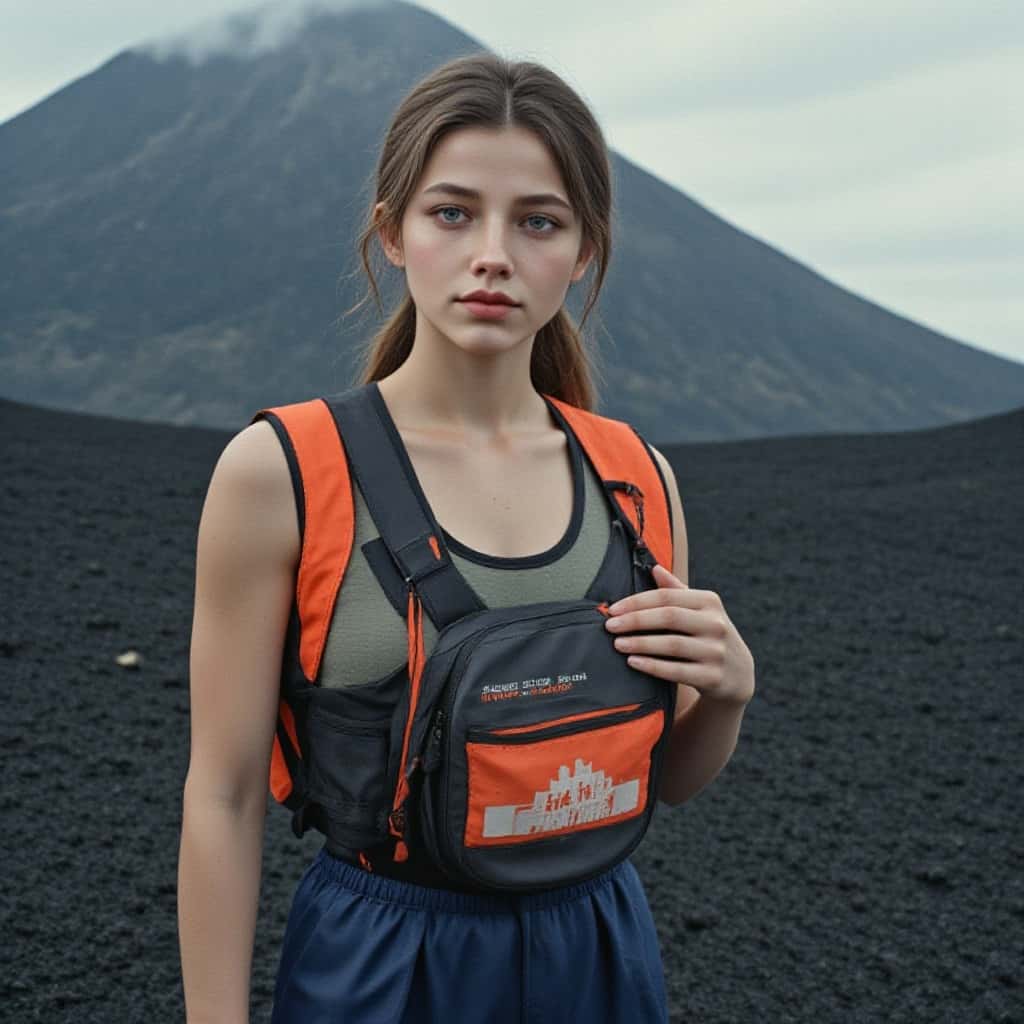
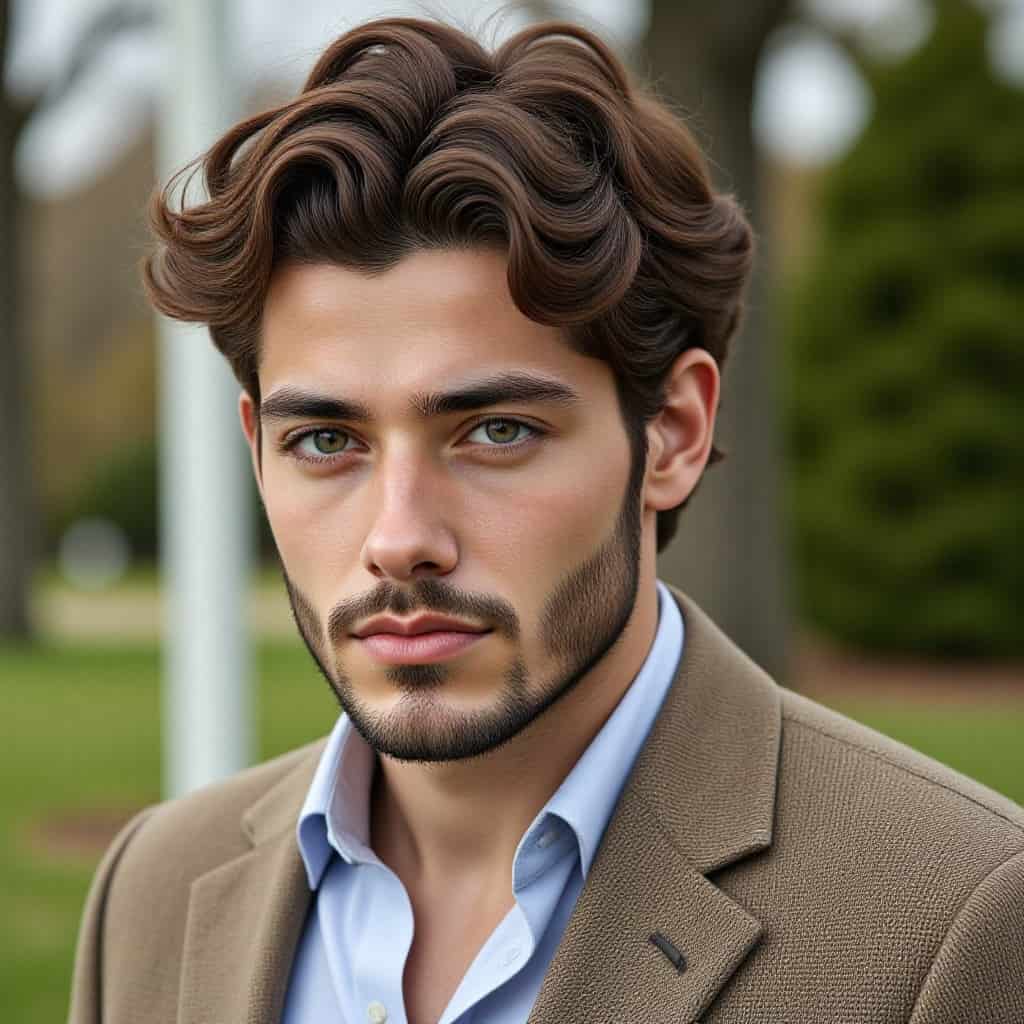

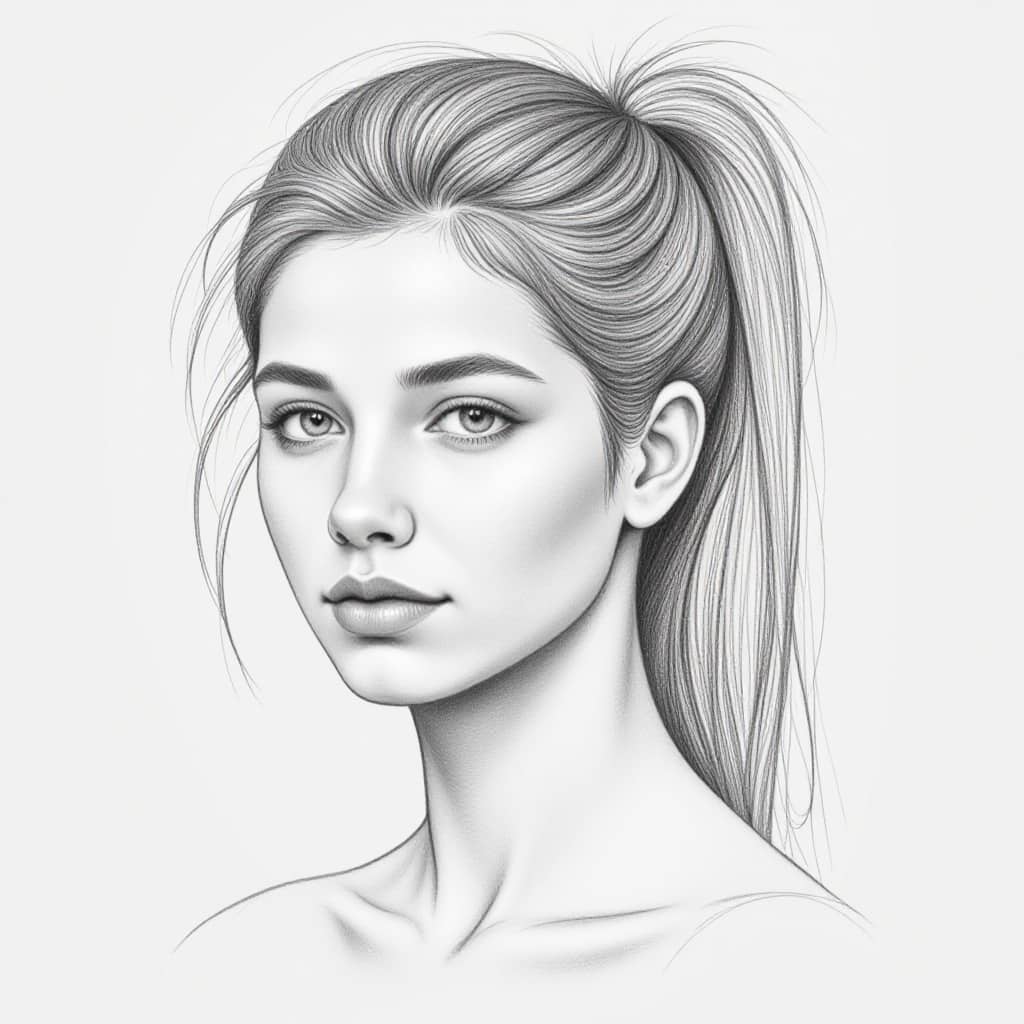
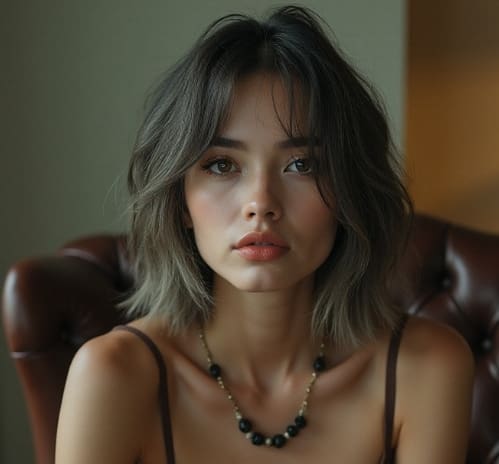
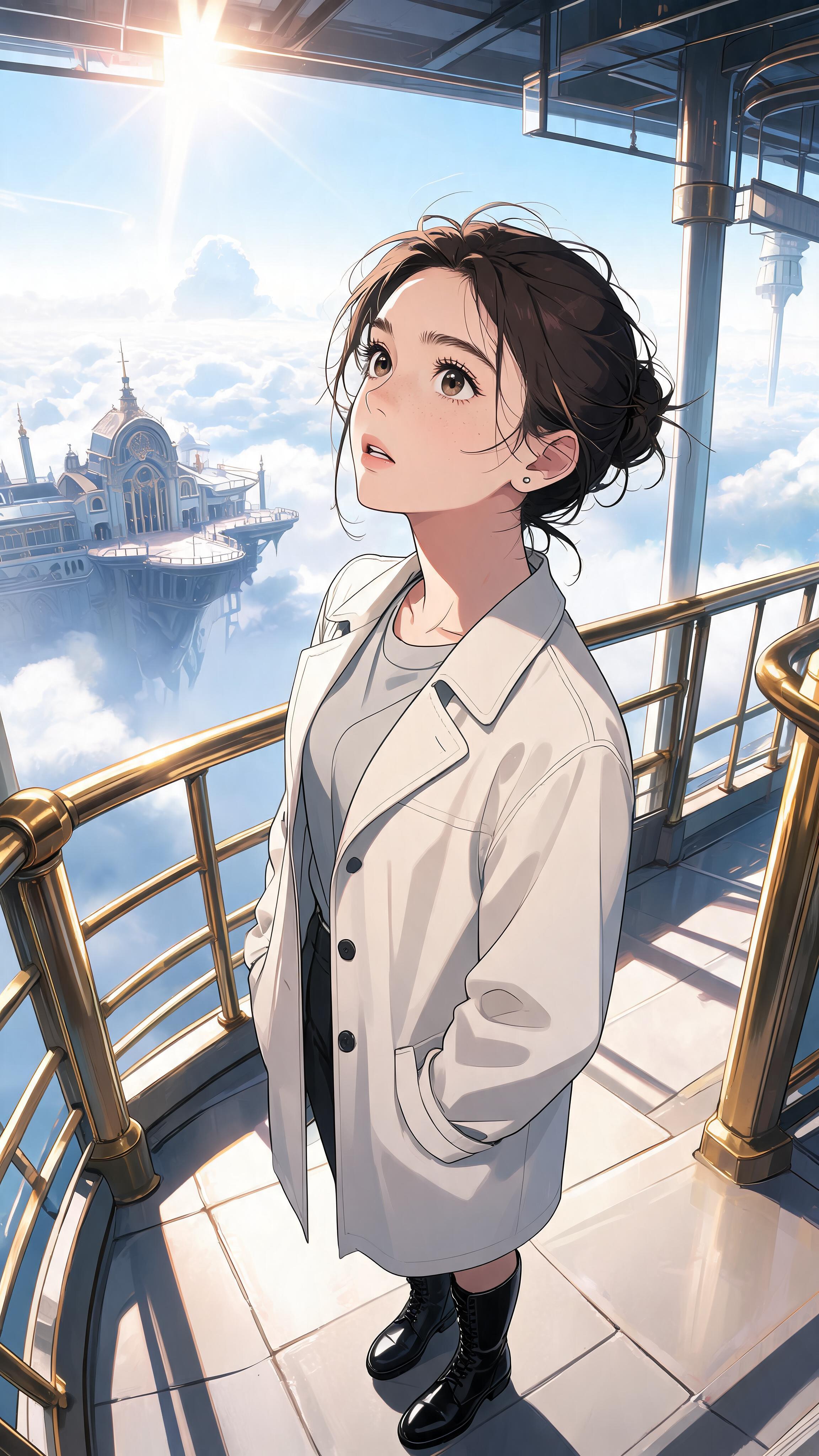
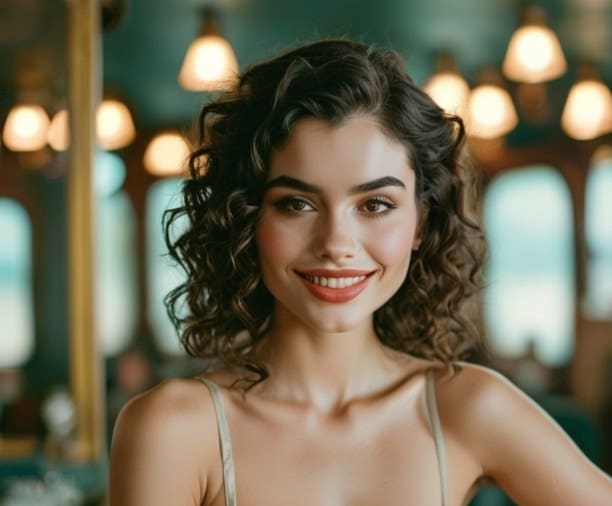
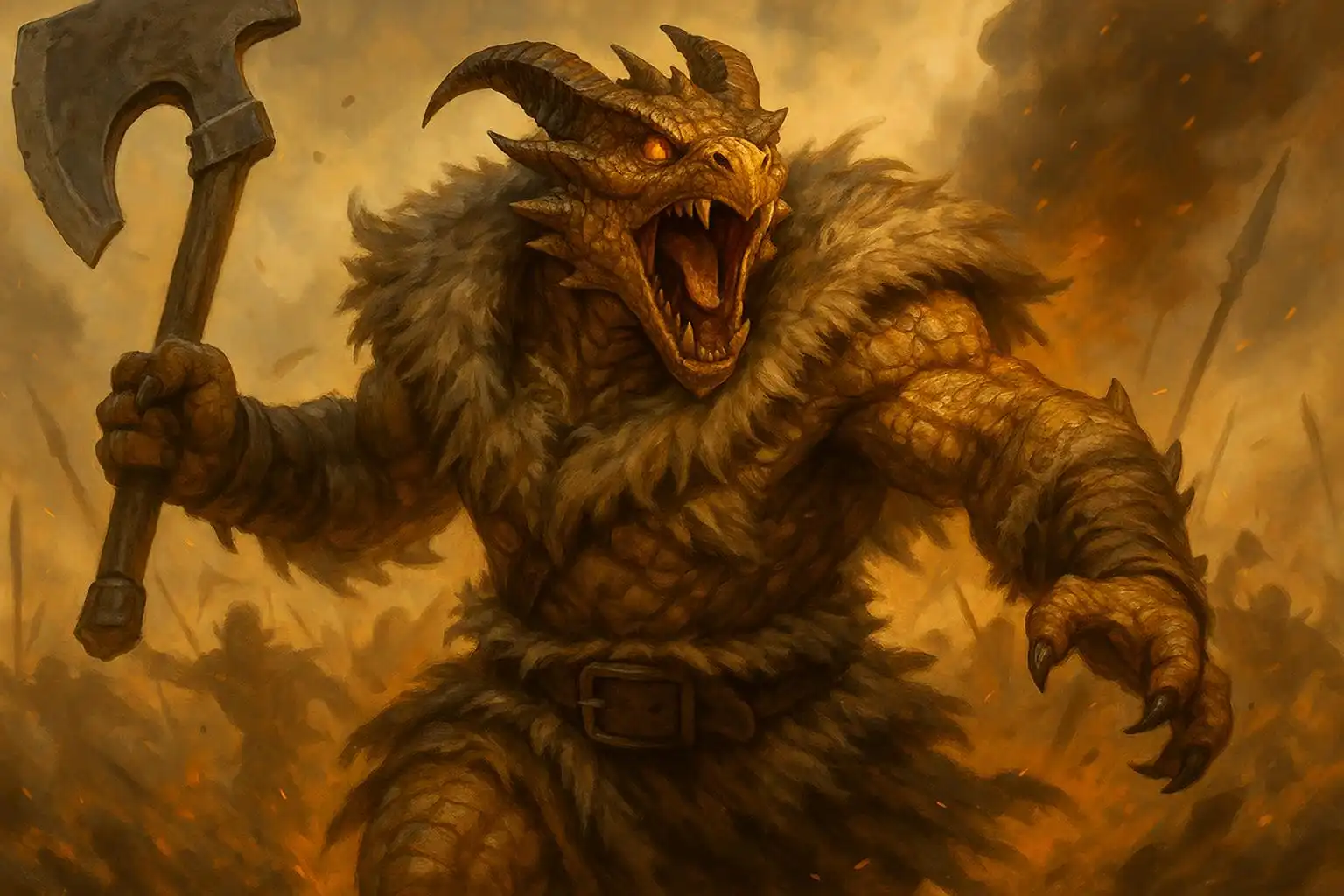
Answers about prompts, photos, styles, aspect ratios, privacy, rights, troubleshooting, and animation.
What is an AI art generator?
It is an online AI art generator that creates or transforms digital artwork from a text prompt, an authorized reference image, or both. The user directs the subject, medium, composition, light, palette, and intended use.
Can I generate art from text with APOB AI?
Yes. Open Image > Generate image > Chat to generate, write the scene, add a selected model, styles, or reusable elements if needed, choose the output settings, and press Generate. You must be signed in to start a generation.
Can I turn a photo into AI art?
Yes. Open Edit Image > Chat to edit, add the authorized photo as the Base image with Select content or Upload image, and describe the style change in Edit description. One additional reference image can be attached for extra visual guidance.
Do I need art or design experience?
No formal training is required. Basic choices about focal subject, medium, composition, light, palette, and destination improve control.
What makes a good AI art prompt?
A useful prompt describes visible decisions in this order: subject, action, environment, medium, composition, lighting, and color. Add exclusions for likely failures such as unwanted text or duplicated props.
What is the difference between Chat to generate and Complete set?
Chat to generate is the free-form composer for text, a selected model, styles, and elements. Complete set uses ready-made themed prompt packs and is faster when you do not want to write a detailed prompt.
Which aspect ratios can I choose?
Generate Image currently offers 9:16, 3:4, 16:9, 4:3, and 1:1. Use 9:16 or 3:4 for tall compositions, 16:9 or 4:3 for landscape work, and 1:1 for square posts.
How many images can I generate at once?
The inspected workspace allowed one or two images for the selected quality mode. Availability can differ by mode, so use the live Quantity control instead of assuming a fixed batch size.
Can I create realistic artwork?
Yes. Specify camera position, crop, motivated lighting, material detail, and natural texture. A realistic appearance is not proof that a depicted event or person is authentic.
Can I create fantasy artwork?
Yes. Select one focal event and limited environmental details. "A ranger opening a luminous map on a frozen bridge" is easier to direct than a list of unrelated magical objects.
Can I create a recurring character?
Reuse an authorized reference, fixed identity cues, signature clothing, and the same art brief. Exact consistency is not guaranteed. For identity-first work, use the AI character generator or AI influencer generator.
Can I animate generated artwork?
Yes. Approve the still first, then use the separate Image to video workflow with restrained subject or camera motion. See the image-to-video guide.
What should I do if the Generate button is disabled?
For Generate Image, make sure a model has finished loading and the prompt is not empty. In Chat to edit, add both a Base image and an edit description. The button also remains unavailable while required media is still uploading.
What happens if a generation fails?
Check the Generation feed and notifications, then retry only after the current job is clearly marked as failed. Report repeated failures with the model name, settings, and approximate time so support can investigate the correct run.
Can I use generated art commercially?
Review current APOB Terms, plan conditions, input rights, third-party marks or likenesses, and applicable law. High-risk uses may require legal advice.
Who owns AI-generated artwork?
Ownership depends on platform terms, source material, applicable law, and human authorship. In the US, prompts alone generally do not establish copyright in purely AI-generated material.
Are uploaded reference photos private?
Private models and private content are currently paid-plan features. Do not assume an upload is private by default; review the selected visibility controls, plan terms, and Privacy Policy before uploading sensitive images.
Which image formats are supported?
The current media guidance describes image uploads as typically PNG or JPG up to 10 MB, while noting that exact validation happens in the app. Check the live upload control before preparing a batch. Export formats were not independently verified in this session.
Why do hands, faces, or text sometimes look incorrect?
Small, hidden, overlapping, or ambiguous details are harder to render. Simplify hand actions, keep faces visible, add essential text later, and inspect alternatives at full size.


