What Is an AI Portrait Generator?
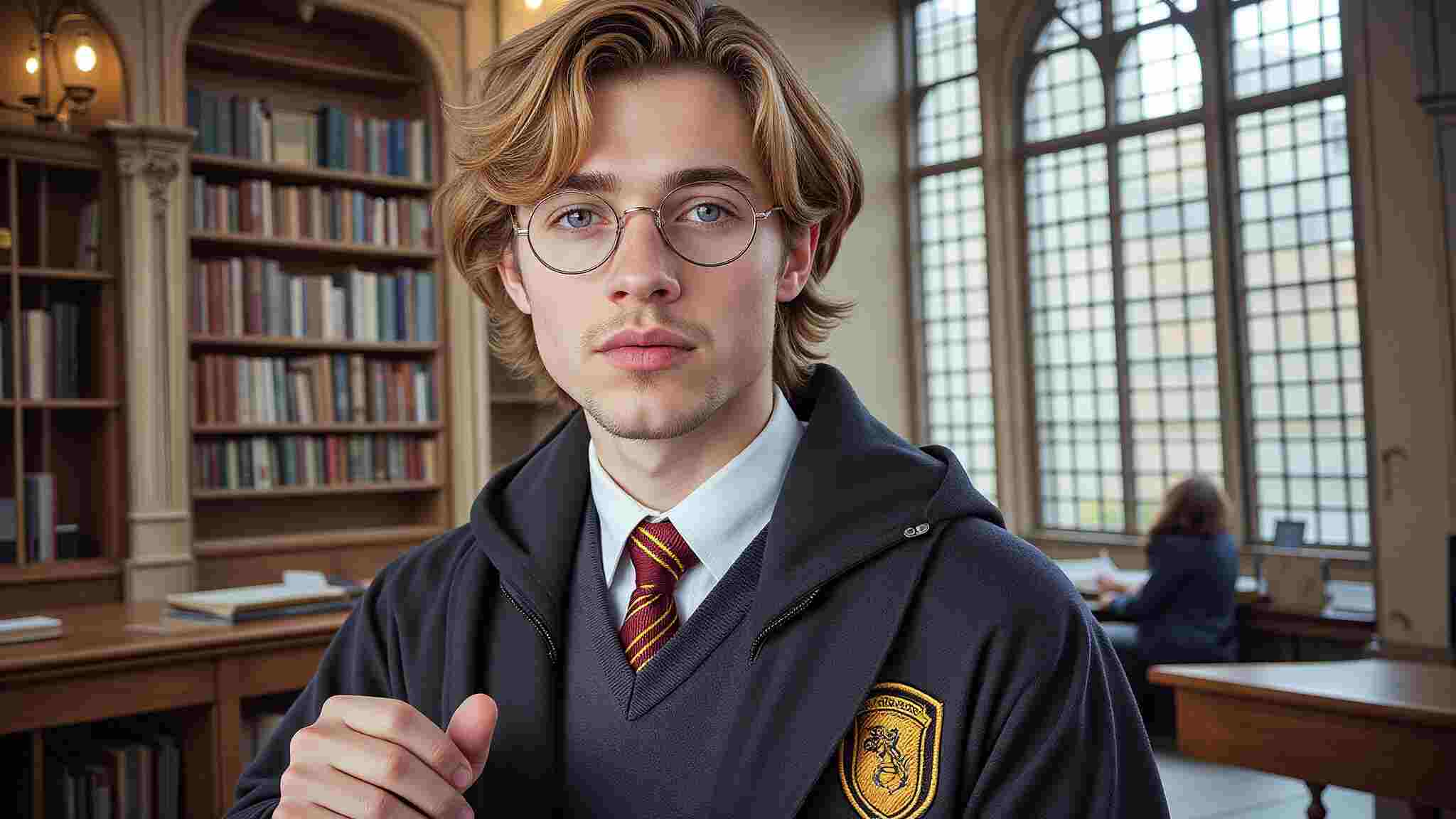
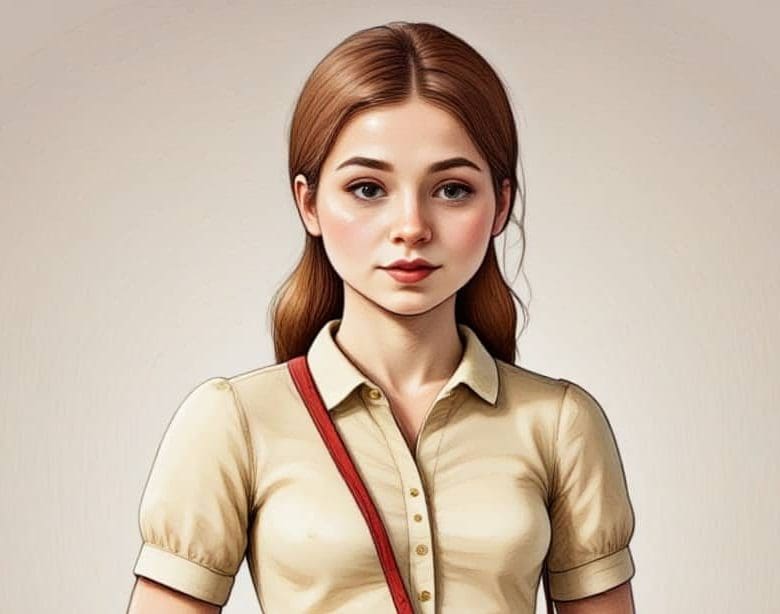
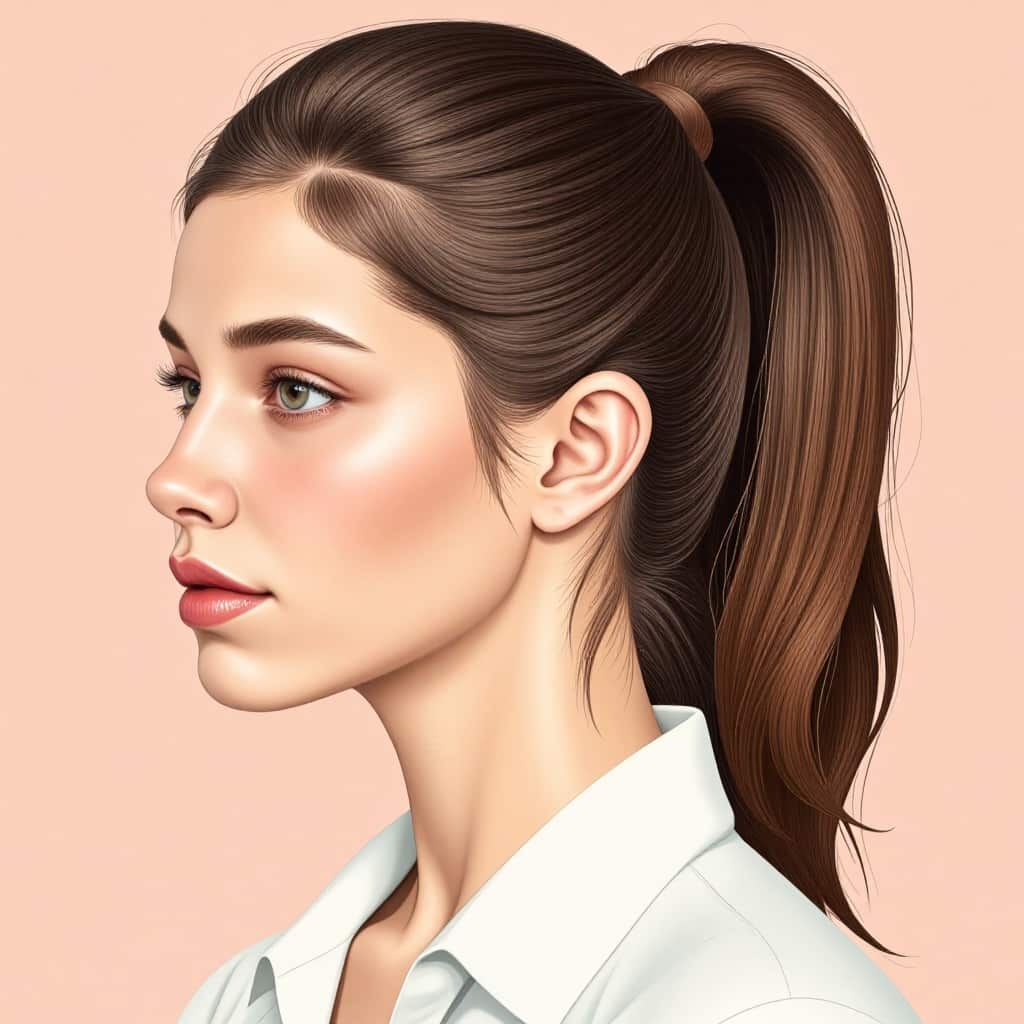
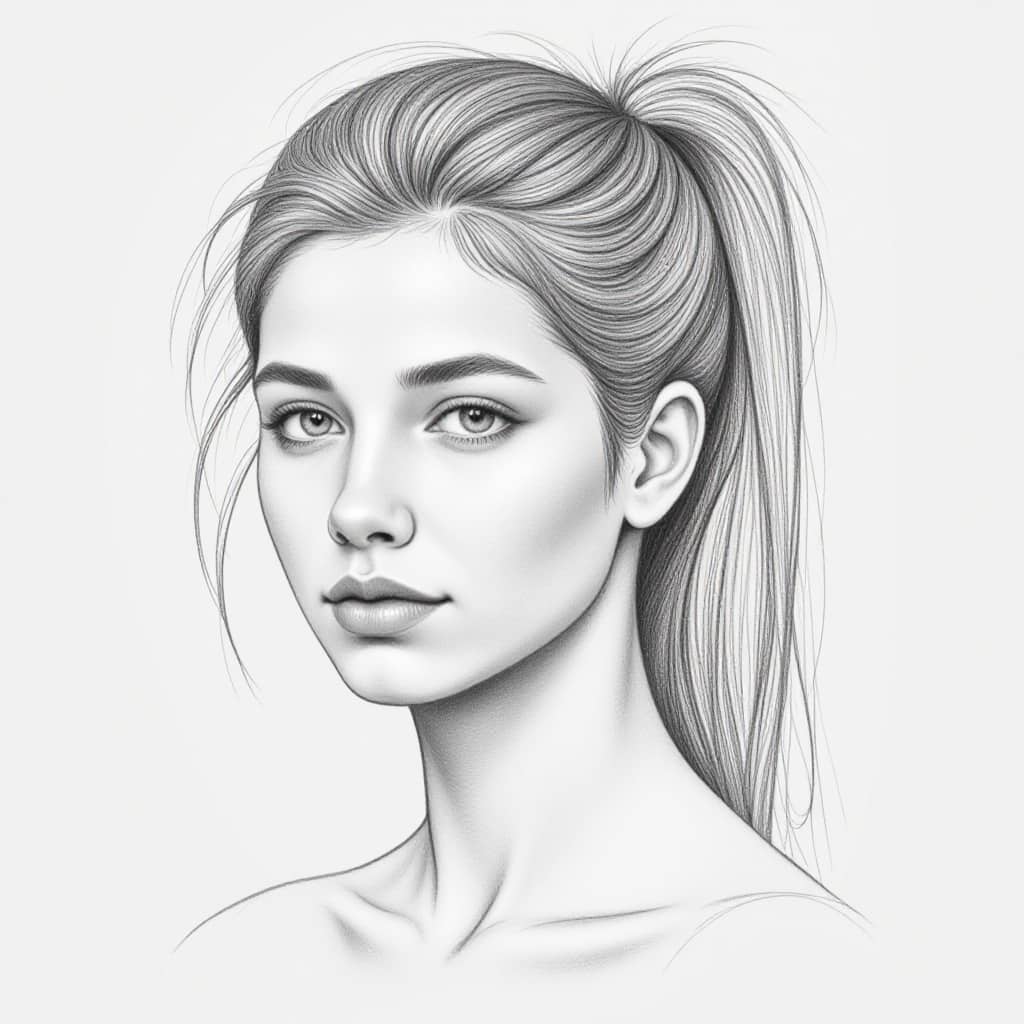
An AI portrait generator turns a prompt or photo into a polished digital portrait. Some tools create artistic portraits from text. Others transform selfies into realistic profile images, avatars, creator portraits, or professional headshots. The best results still feel like a real person with a clear style, not a plastic face produced by a filter.
AI portrait generators are popular because people need visual identity everywhere: LinkedIn, Instagram, YouTube, dating apps, portfolio pages, game profiles, brand bios, and virtual influencer accounts. DataReportal reports that billions of people use social platforms worldwide, which means a strong profile image is no longer a small detail. It is often the first impression.
How to Create an AI Portrait from a Photo with APOB AI
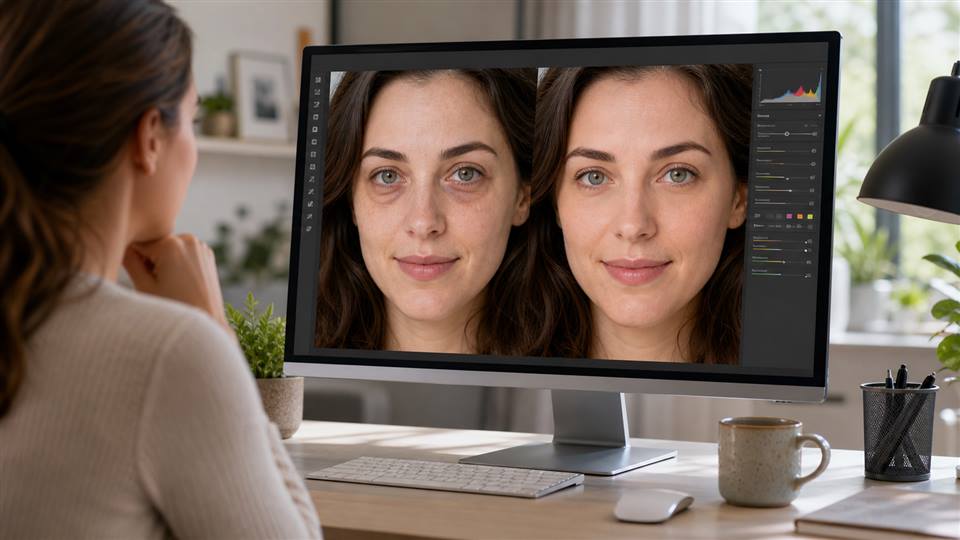
Creating an AI portrait from a photo works best when the process starts with a clear visual reference. The goal is not simply to generate a random stylized image, but to preserve the person’s recognizable facial features while improving the lighting, style, background, and overall presentation.
With APOB AI, the workflow is relatively straightforward.
1. Choose a Clear Reference Photo and upload it
Start by selecting a photo where the face is easy to recognize. A front-facing or slightly angled selfie usually works better than a heavily filtered, blurry, or low-light image. The eyes, face shape, hairstyle, and skin tone should be visible.
For best results, avoid photos with:
strong face distortion
heavy sunglasses
extreme shadows
multiple people in the frame
low resolution
exaggerated beauty filters
A clean reference photo gives the AI more stable identity information to work with.
2. Select the Portrait Style
Next, choose the style of portrait you want to create. Different use cases require different visual tones.
For example:
A LinkedIn or resume portrait should look clean, professional, and realistic.
A social media profile portrait can feel more expressive and approachable.
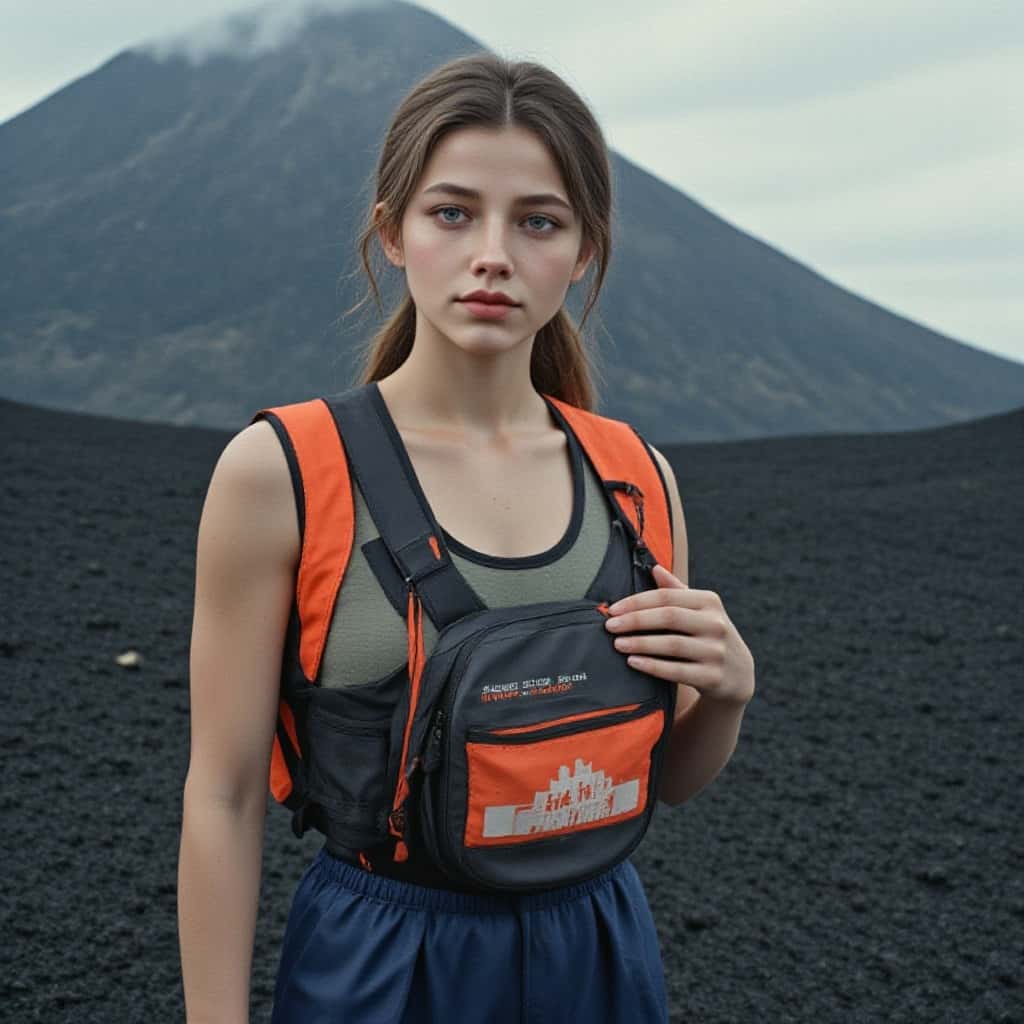
A creator profile image may benefit from stronger lighting, contrast, and personality.
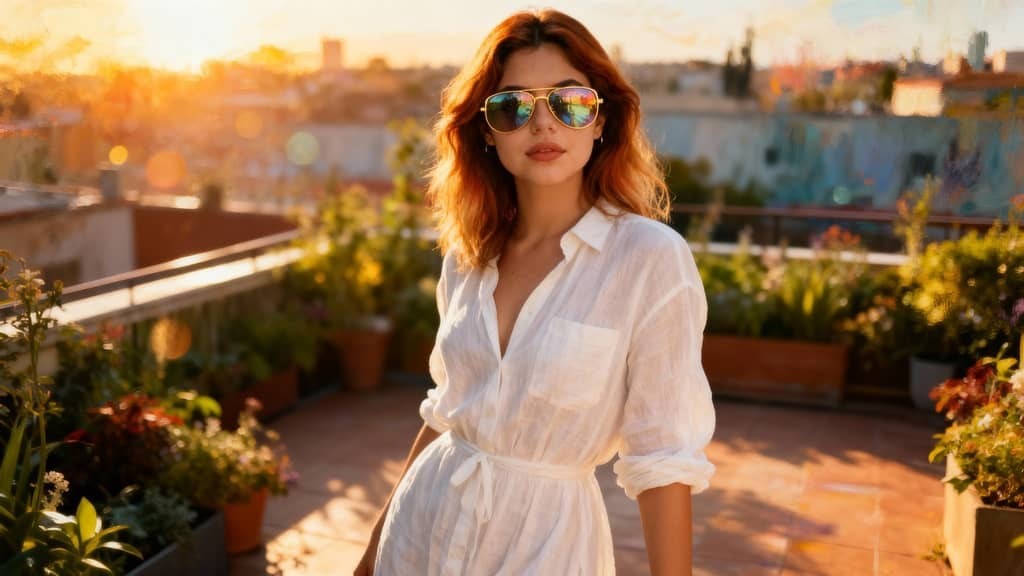
A cinematic portrait can use dramatic shadows, background depth, and film-style composition.
The key is to match the portrait style to the platform where it will be used. A portrait designed for a business profile should not look like a fantasy character image, while a TikTok creator portrait does not need to feel overly corporate.
3. Write a Specific Prompt
A good prompt makes the portrait more controllable. Instead of writing something vague like “make a beautiful portrait,” describe the camera style, lighting, expression, and background.
Example prompt:
For a creator profile, the prompt could be slightly more expressive:
4. Generate Several Variations
One of the advantages of AI portrait generation is iteration. Instead of expecting the first result to be perfect, generate several versions and compare them.
Look for:
whether the face still looks like the original person
whether the skin texture looks realistic
whether the eyes and mouth are natural
whether the lighting fits the intended use
whether the background supports the portrait rather than distracting from it
For professional use, choose the version that feels most trustworthy. For social media, choose the version that feels most memorable and expressive.
5. Refine the Result
If the first version feels too artificial, adjust the prompt. Add instructions such as:
If the identity changes too much, add:
Small prompt changes can make a large difference in how natural the portrait feels.
6. Use the Portrait Across Your Content Workflow
Once the portrait looks stable, it can be used in several ways. A creator might use it as a profile photo, a YouTube thumbnail image, a podcast cover, a LinkedIn headshot, or a visual identity reference for future AI video content.
This is where an AI portrait becomes more than a single image. It can become the starting point for a broader creator workflow: profile branding, AI influencer concepts, talking avatar videos, or image-to-video scenes.
The best results usually come from treating the AI portrait as a visual foundation. Start with a clear photo, generate a realistic portrait, refine it until the identity feels stable, and then use that portrait consistently across your content.
Prompts for AI Portrait Generators
Realistic professional AI portrait, soft studio light, neutral background, natural skin texture.
Cinematic creator portrait, warm side light, confident expression, modern outfit.
Editorial fashion portrait, clean composition, subtle makeup, magazine-style lighting.
AI avatar portrait for a tech founder, minimal background, approachable expression.
Fantasy character portrait, silver details, dramatic but realistic lighting.
LinkedIn-style AI headshot, business casual, clean gray background, relaxed smile.
Social media profile portrait, colorful background, friendly expression, crisp face detail.
Anime-inspired AI portrait, expressive eyes, soft pastel background, safe character design.
Virtual influencer portrait, consistent hairstyle, fashionable outfit, lifestyle setting.
Black-and-white artistic portrait, strong contrast, natural face shape, elegant mood.
Quality Checks Before You Publish
Look closely at the eyes, teeth, hairline, hands, earrings, glasses, and background edges. If the portrait changes your identity too much, it may be fine for fiction but not for a professional profile. If skin looks waxy or the eyes look glassy, regenerate with simpler lighting and more realistic texture.
FAQs
What is the best AI portrait generator?
The best tool depends on your goal. APOB AI is useful for portraits, AI headshots, avatars, and creator visuals.
Can I make an AI portrait from a photo?
Yes. Uploading a clear photo usually helps the tool preserve likeness and create a more realistic result.
Are AI portraits good for LinkedIn?
They can be, as long as the image looks natural, professional, and recognizable.
Can I use AI portraits commercially?
Check the tool's current terms before using images in ads, merchandise, or client work.
Why does my AI portrait not look like me?
The source photo may be unclear, the prompt may be too stylized, or the model may have changed your facial structure.
How do I make AI portraits look less fake?
Use realistic lighting, natural skin texture, simple backgrounds, and avoid excessive beauty effects.
Choosing the Right Portrait Style
Before generating, decide what the portrait must do. A founder portrait should build trust. A creator portrait should be recognizable at small size. A fantasy portrait should communicate world and character. A dating profile photo should feel natural, not over-produced. The style is not decoration; it is the message.
For professional use, keep clothing, background, and facial expression close to real life. For content creation, you can push lighting, color, and background further. For fictional avatars, consistency matters more than realism.
Best Source Photo Checklist
Use a clear face with both eyes visible.
Avoid sunglasses, heavy filters, and extreme shadows.
Use recent photos if the portrait represents you professionally.
Choose simple backgrounds so the face is easier to understand.
Generate several versions and compare them at profile-picture size.
If the portrait will be used for work, do not choose the most glamorous result by default. Choose the one that looks like someone a client, recruiter, or viewer can trust.
Use Cases Worth Testing
For a personal brand, generate one clean professional portrait, one warmer lifestyle portrait, and one more creative version. For a creator brand, test a consistent avatar and a few mood variations. For a business, create portraits that match the same background and lighting so the team page feels unified.
If you are creating fictional characters, keep a small reference sheet with the best face, outfit, and palette. This helps you build a consistent visual identity across posts instead of starting over every time.
A final useful test is to place the portrait where it will actually appear. Check it as a tiny profile icon, a website bio image, a square social post, and a cropped banner. A portrait that works in all those places is usually stronger than one that only looks impressive at full size.
References
Adobe (2026) AI portrait generator. Available at: https://www.adobe.com/products/firefly/features/ai-portrait-generator.html (Accessed: 22 May 2026).
Fotor (2026) AI Portrait Generator. Available at: https://www.fotor.com/features/ai-portrait-generator/ (Accessed: 22 May 2026).
Pixelcut (2026) AI Portrait Generator. Available at: https://www.pixelcut.ai/ai-image-generator/portraits (Accessed: 22 May 2026).
APOB AI (2026) Free AI Portrait Generator. Available at: https://apob.ai/free-ai-portrait-generator/ (Accessed: 22 May 2026).
DataReportal (2026) Digital 2026: Global Overview Report. Available at: https://datareportal.com/reports/digital-2026-global-overview-report (Accessed: 22 May 2026).

Be the first to like this.








No credit card needed


