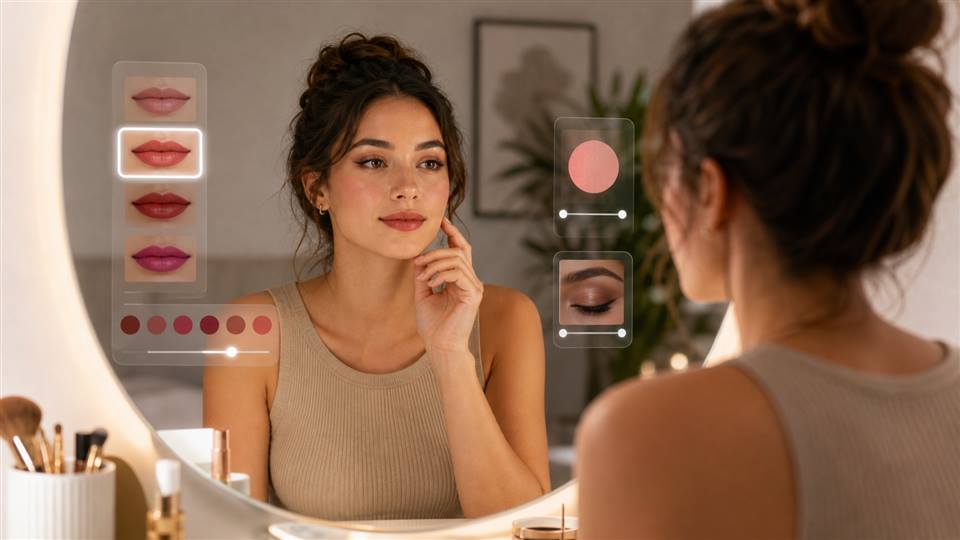
AI Makeup Is Better as a Look Planner Than a Beauty Mask
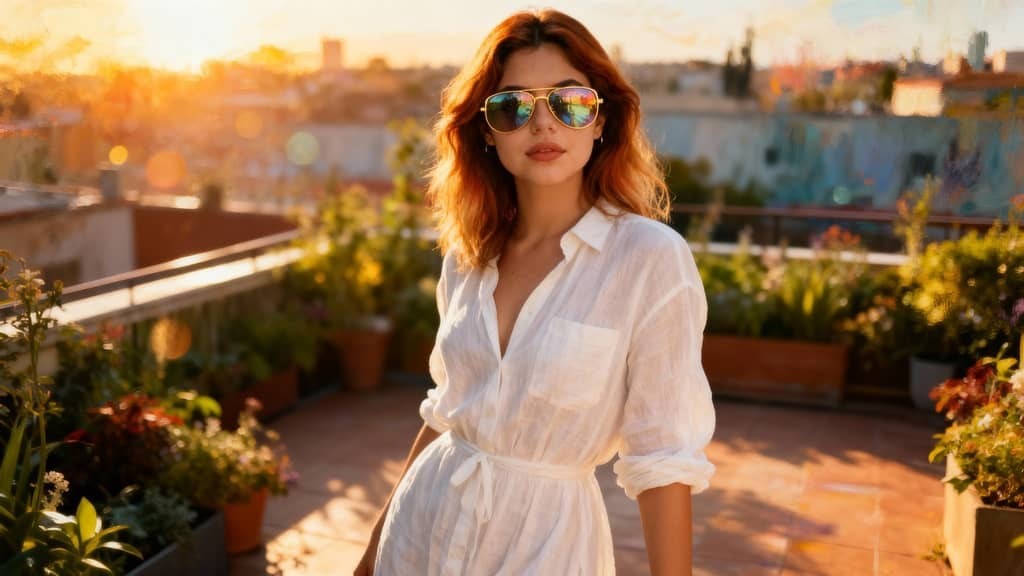
The best AI makeup result does not look like a sticker placed on a face. It looks like the face, lighting, outfit, and makeup were planned together. A soft glam portrait, a bold editorial look, and a clean professional headshot all need different skin finish, eye shape, lip color, and camera mood.
Beauty try-on tools are strongest when you need shade preview. APOB AI is more useful when you want a complete visual concept: an AI influencer portrait, a campaign moodboard, a fashion image, or a short beauty video where makeup, wardrobe, and background all match.
Where Virtual Makeup Try On Stops Short
A virtual makeup try on can show whether red lipstick or brown liner might suit a face. It rarely solves the whole image. The outfit might clash, the lighting may flatten the skin, or the background may make the look feel cheap. That is why creators should treat AI makeup as part of styling, not a final layer.
How to Keep AI Makeup Human
Keep skin texture visible.
Match lip shine to the scene lighting.
Avoid eye makeup that ignores eye shape.
Use blush and contour softly unless the style is editorial.
Let the outfit and background support the beauty look.
How to Use APOB AI for AI Makeup Concepts
Use APOB to create the full beauty scene. Start with a portrait or AI model, define the makeup style, then add wardrobe and background details in the same direction. If the still image works, turn it into a subtle video with a blink, slight head turn, or soft camera push.
Choose a beauty direction: natural, bridal, K-pop, cyber, retro, editorial, or soft glam.
Create or upload the face you want to style.
Describe makeup, outfit, lighting, and mood together.
Generate several versions and reject anything with plastic skin.
Animate only the strongest still portrait.
AI Makeup Prompts for Better Portraits
Natural soft glam makeup, peach blush, glossy nude lips, warm skin, clean studio portrait.
Editorial AI makeup, sculpted cheekbones, sharp liner, wet-look skin, fashion lighting.
Virtual makeup try on style, brown smoky eye, natural lashes, realistic skin texture.
AI makeup generator portrait, cool silver eyeshadow, black outfit, soft rim light.
No-makeup makeup look, visible skin texture, soft brows, natural lips, daylight portrait.
K-pop inspired makeup, pink eyeshadow, gradient lips, dewy skin, pastel wardrobe.
Bridal makeup concept, luminous base, soft brown eyes, elegant white outfit.
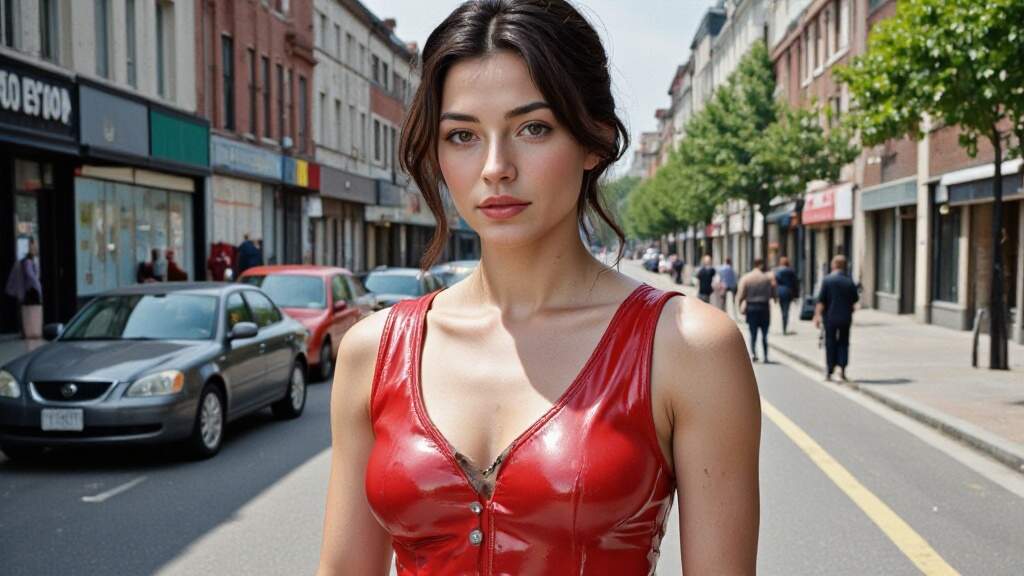
Bold red lip beauty shot, classic winged liner, matte skin, vintage light.
Cyber beauty portrait, metallic liner, glossy lips, neon blue background.
Makeup filter online concept, subtle retouch, natural eyes, no over-smoothed face.
What to Check Before You Use the Image
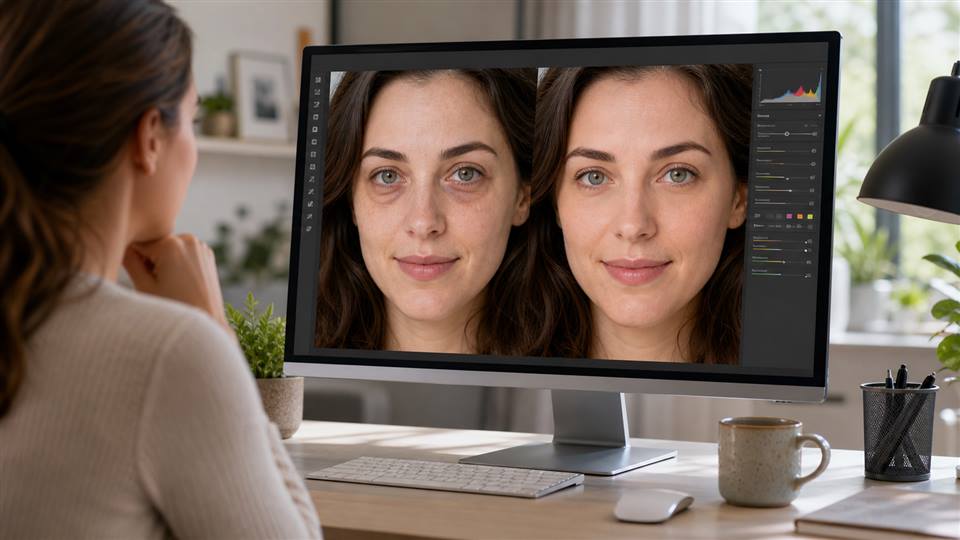
Zoom in on the eyes, lips, teeth, skin texture, and hairline. If the makeup does not follow facial structure, reduce the effect. If the face looks too perfect, add natural texture back into the prompt. For brand content, a believable image is more persuasive than an over-polished one.
Judge the Look in the Context Where You Will Use It
A lipstick shade that looks striking in a close-up may be too strong for a passport-style headshot. A smoky eye that looks good in a night scene may look heavy in daylight. Virtual makeup is useful because it lets you compare these contexts before you buy products, book a shoot, or generate a final portrait.
Look at the whole face instead of isolating one feature. Blush affects how bright the eyes feel. Lip color changes how teeth and skin undertones appear. Eyeliner can lift the face, but too much contrast can make a realistic portrait feel like a filter.
Natural Beauty Checks
The skin still has texture.
The makeup follows the face shape.
The lip line does not float outside the mouth.
The eyes stay sharp but not glassy.
The overall mood matches the outfit and lighting.
Use the Preview as a Creative Brief
If you plan to use the image for a profile, campaign, or creator avatar, save the best result and write down what worked: soft rose lip, warm blush, clean eyeliner, satin skin, daylight studio. Those notes are more useful than a vague request for a pretty look.
For APOB AI portraits, this brief helps keep the result consistent. Instead of asking for a generic beauty image, you can direct the system toward a specific makeup style that fits the face, brand, and final placement.
A Small Lookbook Beats One Perfect Image
Instead of choosing one final look immediately, build a small lookbook: everyday clean makeup, soft glam, editorial color, and camera-ready portrait. This gives you options for different posts, pages, or campaigns without making every image feel identical.
A lookbook also helps you spot what is genuinely flattering. If the same lip tone works across several lighting setups, it is probably a useful direction. If a style only works in one dramatic image, treat it as a creative option rather than your default.
FAQs
What is AI makeup?
AI makeup uses artificial intelligence to preview, generate, or design makeup looks on portraits and virtual models.
Can APOB AI work as an AI makeup tool?
APOB can create makeup-inspired portraits and beauty scenes, though it is not a retail shade-matching AR try-on app.
What makes AI makeup look realistic?
Natural skin texture, matching light, balanced color, and makeup that follows the face shape.
Can I use AI makeup for an AI influencer?
Yes. It is useful for building consistent beauty looks across AI influencer portraits and videos.
What should I avoid?
Avoid plastic skin, mismatched lipstick shine, distorted eyelashes, and makeup that floats over the face.
Can AI makeup help before a photoshoot?
Yes. It can give makeup artists, stylists, and creators a clearer visual direction.
References
Wyzowl (2026) Video Marketing Statistics 2026. Available at: https://wyzowl.com/video-marketing-statistics/ (Accessed: 15 May 2026).
DataReportal (2026) Digital 2026: The United States of America. Available at: https://datareportal.com/reports/digital-2026-united-states-of-america (Accessed: 15 May 2026).
L'Oreal (2025) ModiFace and virtual try-on technology. Available at: https://www.loreal.com/ (Accessed: 15 May 2026).
Perfect Corp (2026) YouCam Makeup. Available at: https://www.perfectcorp.com/consumer/apps/ymk (Accessed: 15 May 2026).
APOB AI (2026) AI Clothes Changer. Available at: https://apob.ai/ai-clothes-changer/ (Accessed: 15 May 2026).

Be the first to like this.









No credit card needed


