Transform any photo into a beautiful silhouette image using APOB AI for free.
Professional Prompts for Minimalist Logo Outlines
To create a clean, vector-style logo, the key is to emphasize "geometric precision" and "high contrast" to the AI. You can try entering a prompt like "A minimalist vector icon of a camera, flat black shape on a pure white background, geometric precision with clean lines." This specific description helps APOB AI accurately strip away noise and lock onto the core silhouette, generating a minimalist icon that is ready for commercial design or social media watermarking.
Heartfelt Prompts for Pregnancy Silhouettes
Capturing the artistic beauty of pregnancy curves relies heavily on how you describe the lighting. For the most touching results, we recommend using "A side-profile silhouette of a pregnant woman holding her belly, dramatic golden hour rim light, ethereal atmosphere with a focus on the pregnancy curve" as your base prompt. By emphasizing "golden hour" or "rim light," the AI will automatically enhance the graceful arc of the belly, creating a warm, cinematic art piece perfect for cherished memories.
Trendy Prompts for Personal Digital Art & Wall Prints
If you are looking for a more modern social media avatar or decorative wall art, try adding stylized color commands to your prompts. For example, enter "A striking silhouette of a person, intense neon magenta and blue backlighting, cyberpunk atmosphere with a futuristic city background." By using these cyberpunk or retro-inspired prompts, you can instantly transform a simple silhouette into a high-tension visual masterpiece, perfect for personal profile covers or unique digital art collections.
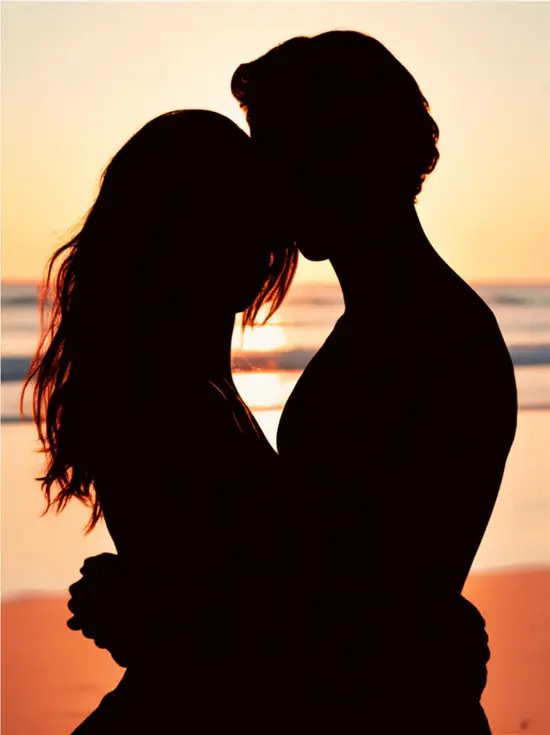
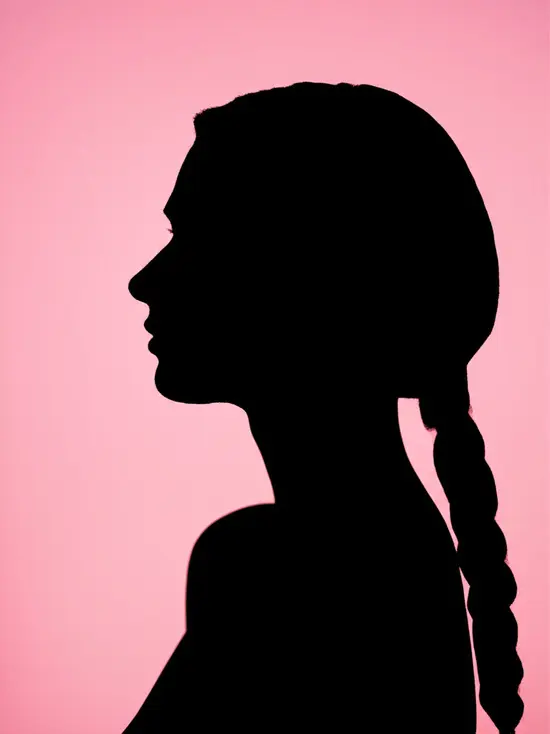
How to Use APOB AI Silhouette Maker?
Click the button below to access APOB AI. Sign up for free and instantly receive 80 credits. Then click on “Create Portrait Model” to get started. You can either upload your own image (JPEG or PNG) or customize an AI model from scratch if you prefer not to use a personal photo.
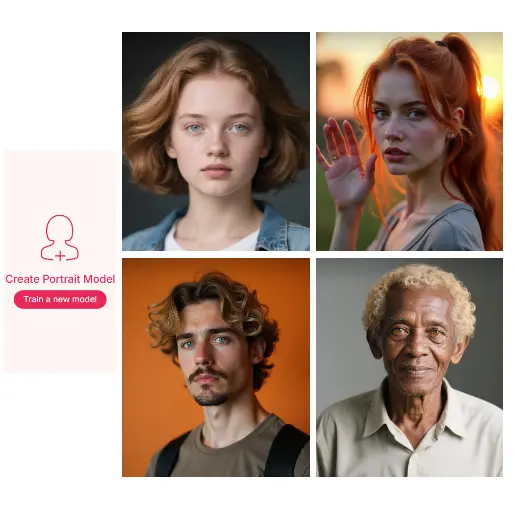
Choose from a Complete Set of Presets
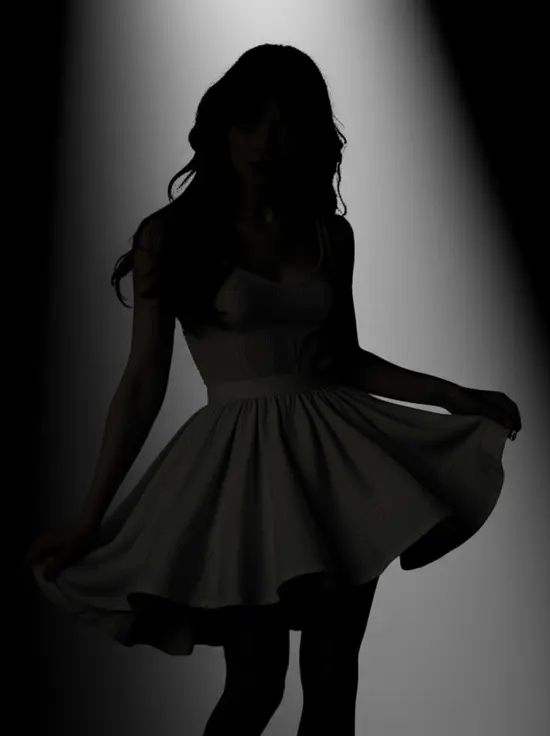
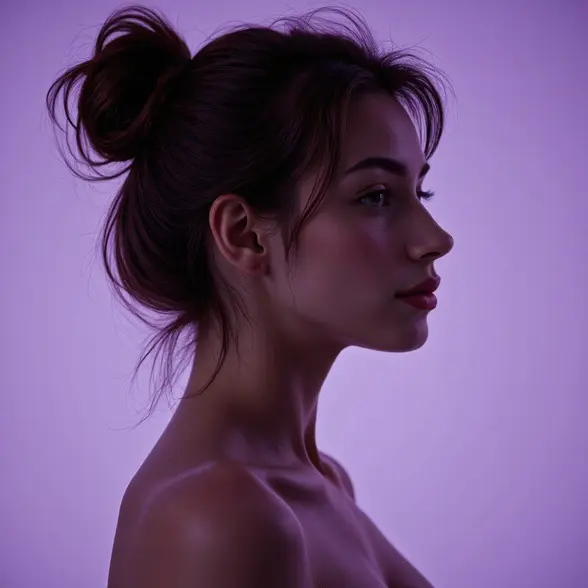
Once your image is uploaded, explore APOB AI’s diverse range of pre-designed templates in the Complete Set. We recommend the Vintage Silhouette filter—it beautifully highlights facial features while preserving an air of mystery with a soft, moody glow. These filters offer a variety of creative styles that work perfectly for silhouette images.
Edit with Prompts Using AI Silhouette Maker
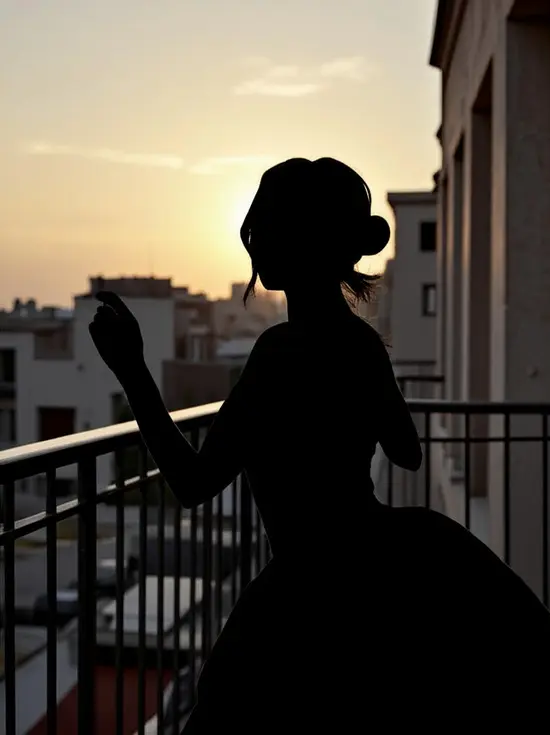
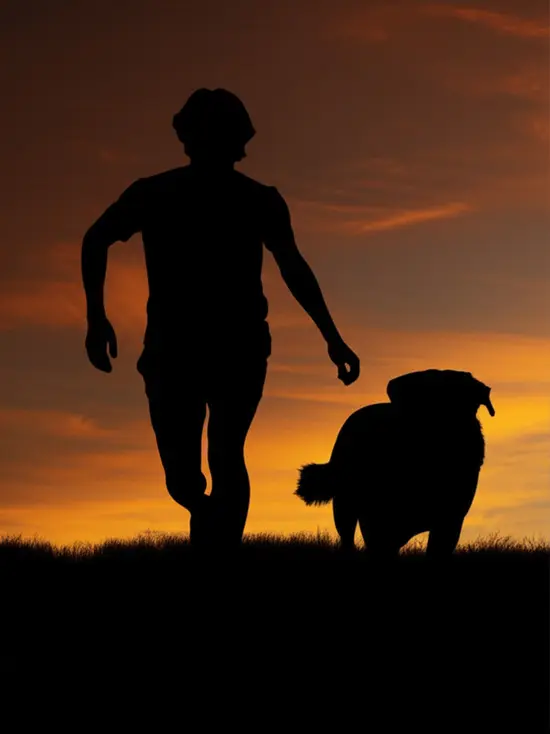
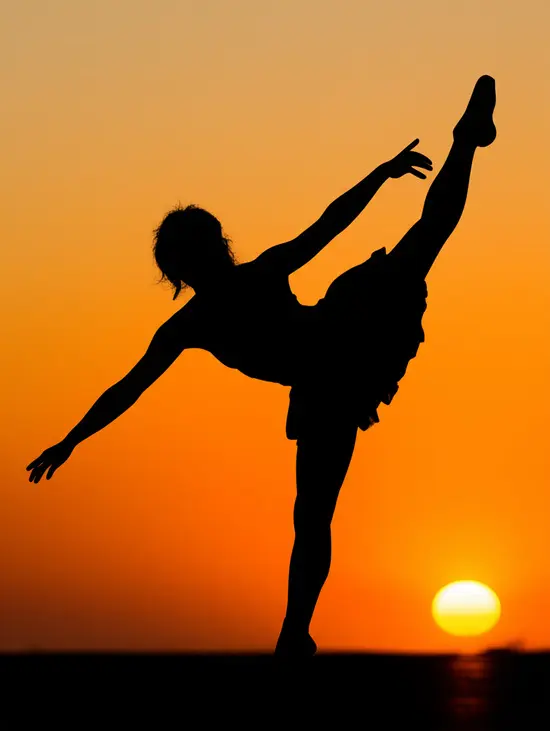
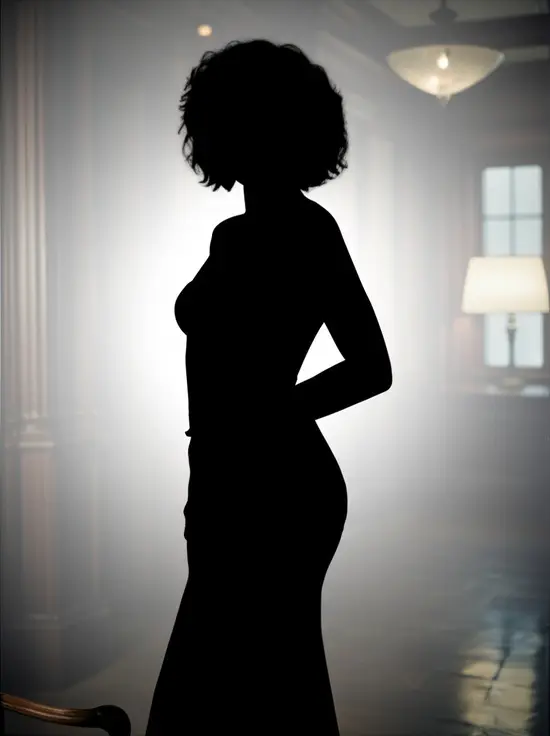
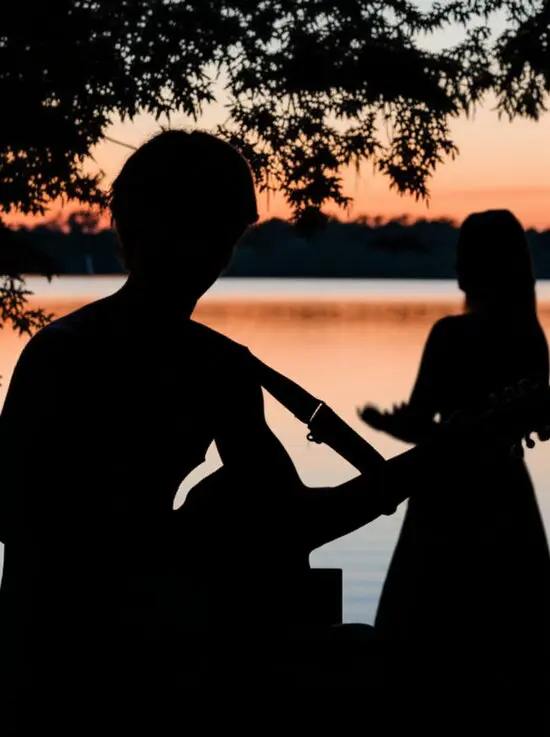
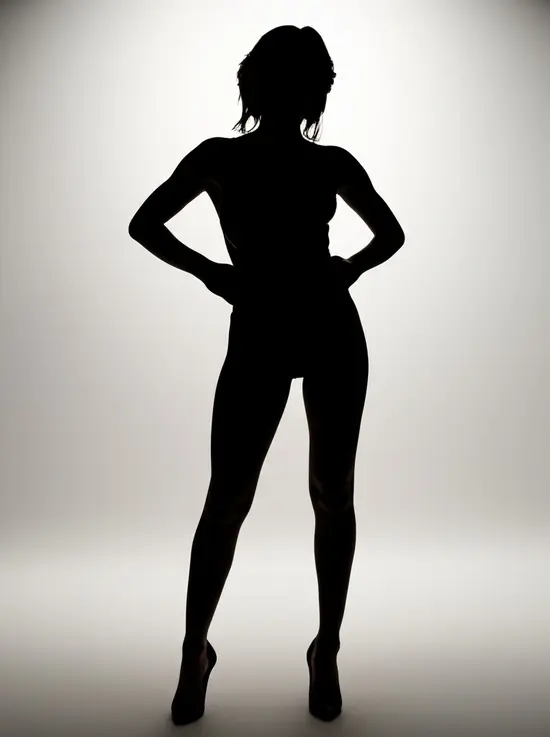
Want to fine-tune your silhouette? Use the Chat to Edit feature. Simply enter a prompt like “classic black silhouette with sunset background” to generate the exact style you envision. Not happy with the pose? APOB AI lets you adjust body positions and expressions before creating your silhouette. Best part? Each use costs just 20 credits and generates 4 high-quality images instantly.
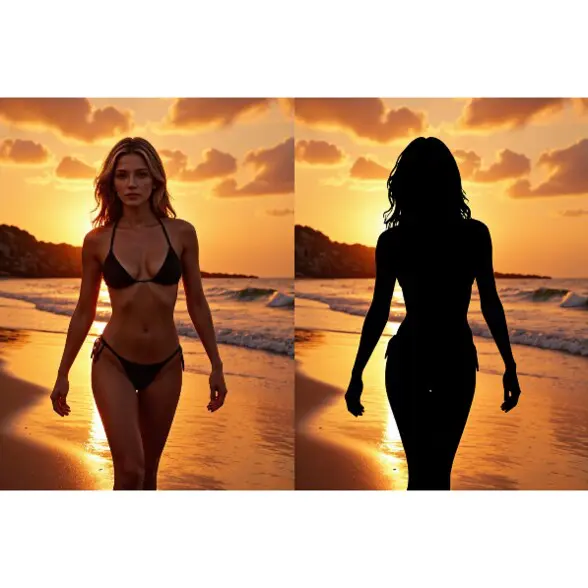
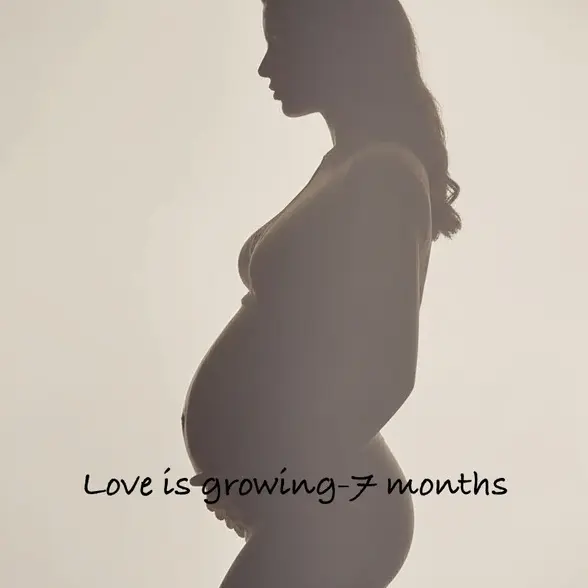
Personalize the Background and Add Meaningful Text
With Chat to Edit, you can also customize the background—choose a romantic sunset, dreamy forest, or even a baby-themed background for maternity shots. Add heartfelt messages or stylish text overlays to make your silhouette photo truly memorable, whether it’s a couple portrait, pet memory, or family moment.
AI-Powered Simplicity
No need to master complex tools. APOB AI automatically detects the subject and creates your silhouette image in seconds.
Versatile Styles for Every Need
From black and white silhouettes to dreamy gradient edges and soft glows, choose the exact aesthetic you need for personal or professional use.
Daily Free Credits
Get 80 free credits every day! That means you can generate 4 silhouette photos daily—completely free.
Artistic and Creative Projects
With an online silhouette maker, digital artists and content creators can quickly make different shapes for concept art and design. This helps them create many design ideas in a short time. For example, APOB AI’s tools let creators easily make and adjust images and avatars for many creative uses [1].
Educational Tools
Teachers and students can use silhouettes to make clear, simple visual aids for classes and learning materials. Silhouettes work well to explain ideas and can also help students improve their thinking skills. With APOB AI, they can even create unique characters and assets for stories that fit into educational projects [2].
Graphic Design and Branding
Designers can turn photos into simple, clean graphics for logos and marketing. Silhouettes are strong and easy-to-remember symbols that share a clear message with just a simple image. Marketing and brand managers use APOB AI to make special images and avatars that build a stronger online presence for their brands [3].
Emily Stone
I turned a family photo into a clean silhouette for a framed gift. The edges were surprisingly tidy, and I only had to make tiny adjustments afterward.

Julian Brooks
The silhouette maker gave me fast black-and-white shapes for logo exploration. It is useful when I want to test recognition before thinking about color.

Aisha Turner
I used it for couple silhouettes on signage concepts. The result felt elegant and personal without exposing every detail of the original photo.

Mateo King
For profile and poster studies, APOB AI helped me strip portraits down to the strongest outline. It is a quick way to judge pose and composition.

Nora Patel
I needed a simple product silhouette for packaging mockups. The tool gave me clean options that made the layout look much more finished.
Vincent Hale
The maker is handy for turning busy images into graphic shapes. I used the output as a base layer for a bold event poster.
Lily Morgan
I made a pet silhouette for a custom ornament listing. It kept the shape recognizable and saved me from tracing by hand.
Caleb Frost
The silhouette result looked good as a profile icon and as a story sticker. Simple, fast, and easy to reuse.
Hannah Reyes
I used it with students to show how outline and negative space change a design. APOB AI made the lesson feel practical right away.
Free and Accessible
No cost to start; claim free credits every day.
Fast and Accurate
AI instantly detects subjects and applies silhouette effects.
Fully Customizable
Edit style, pose, background, and even add text.
High Output Quality
Produces ready-to-use images for social sharing or print.
Requires Internet Access
APOB AI is an online tool.
Credit-Based System
Advanced features and bulk creation may require purchasing additional credits.
No Credit Card Required

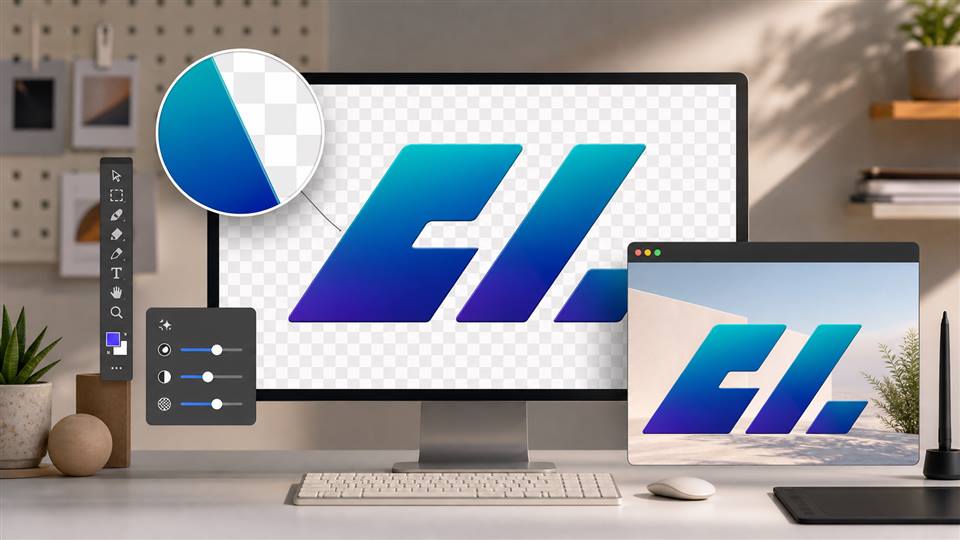
Answers about converting photos to silhouettes, backgrounds, export formats, transparency, and commercial use.
What is a silhouette?
A silhouette is a solid, usually black, outline of a person, object, or scene with no interior detail, often used for dramatic or artistic effect.
How to make a silhouette?
You can make a silhouette using an AI tool like APOB AI. Simply upload your photo, choose a style, and let the AI do the rest.
How to convert a picture into Silhouette?
Upload your image to the APOB AI Silhouette Maker, then select a preset or use prompts to transform it into a silhouette.
How do I make a black and white silhouette?
Click Chat to Edit, upload your image, and simply type a prompt like “turn the photo to a black and white silhouette.” The AI will instantly adjust the colors for you. It works just like a black and white silhouette maker, but with more control and flexibility to fine-tune the result to your liking.
Can I customize the silhouette color?
Yes, you can customize the silhouette color using the Chat to Edit feature. Once your silhouette is generated with the silhouette generator, simply adjust the color to match your style or project needs.
Can I use silhouettes for professional and commercial projects?
Yes! Silhouettes made with APOB AI can be used for professional branding, social media, product design, and other commercial purposes.


