Use a Free AI Headshot Generator to turn your selfie into a polished LinkedIn-ready portrait instantly.
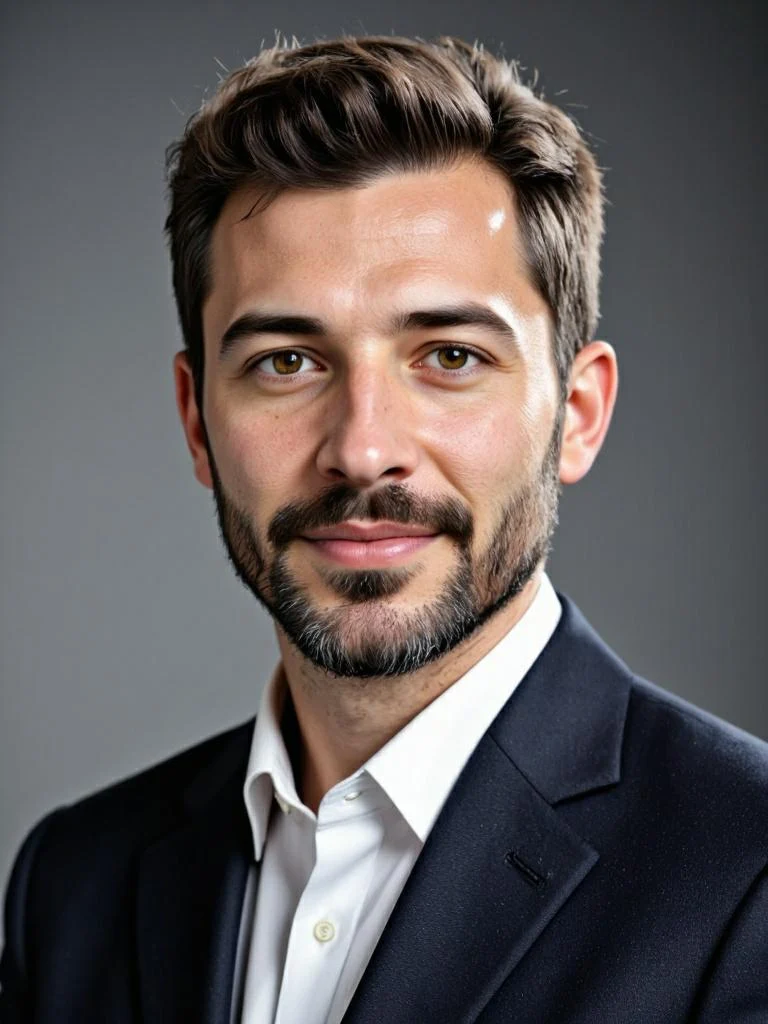
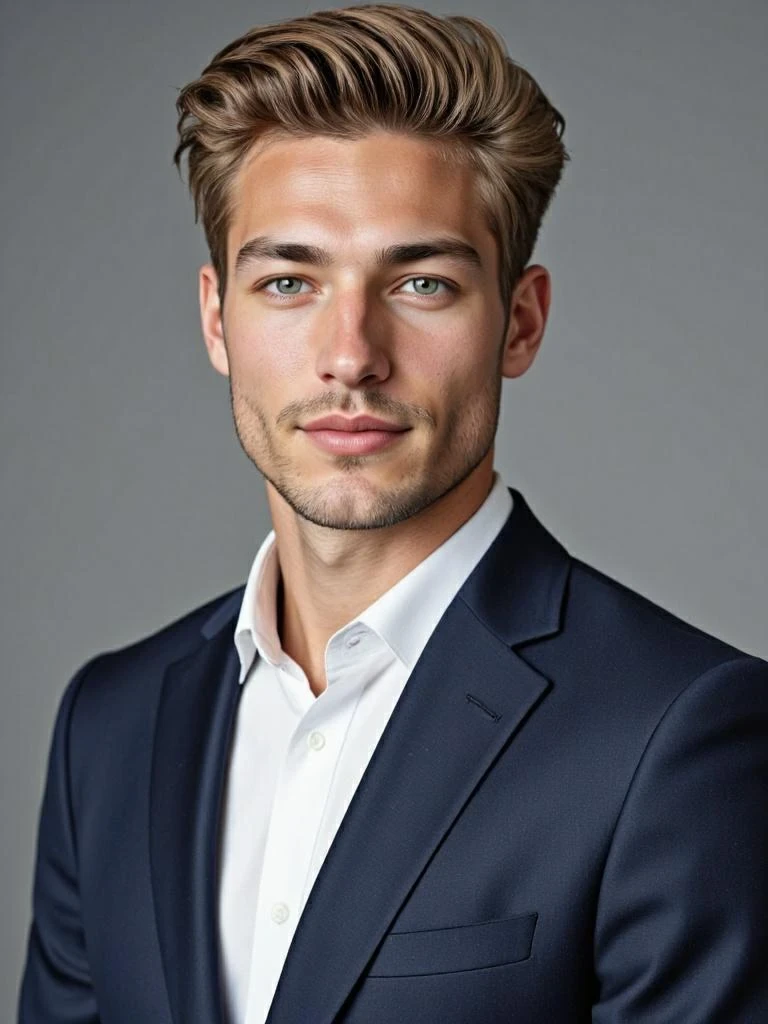
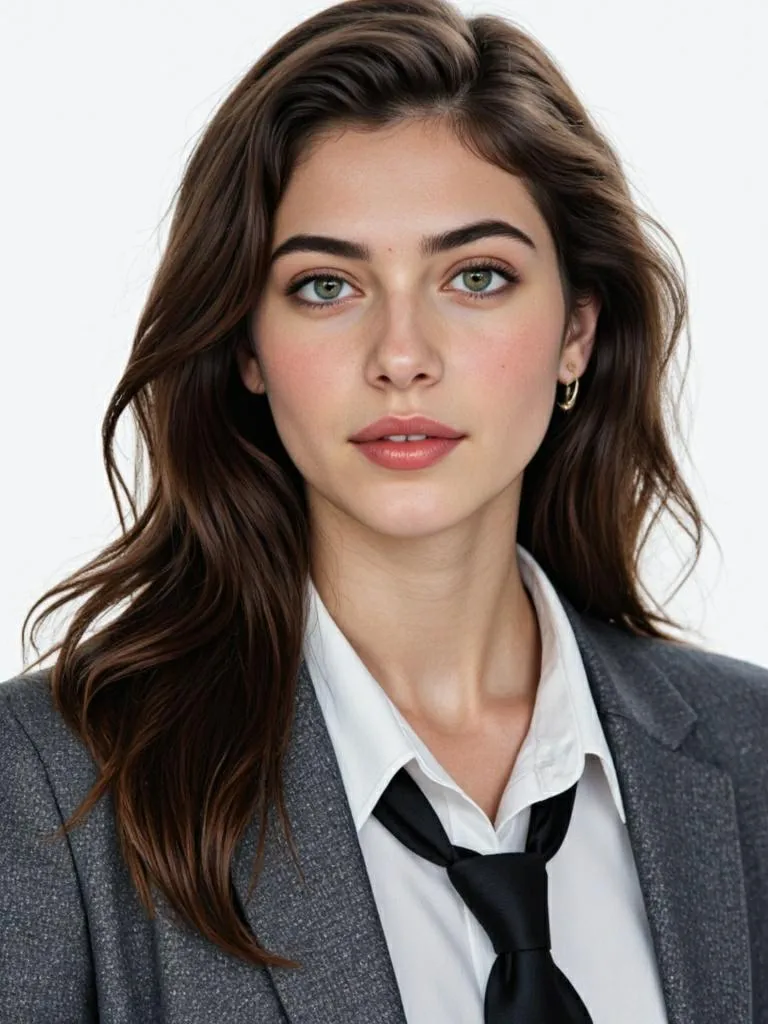
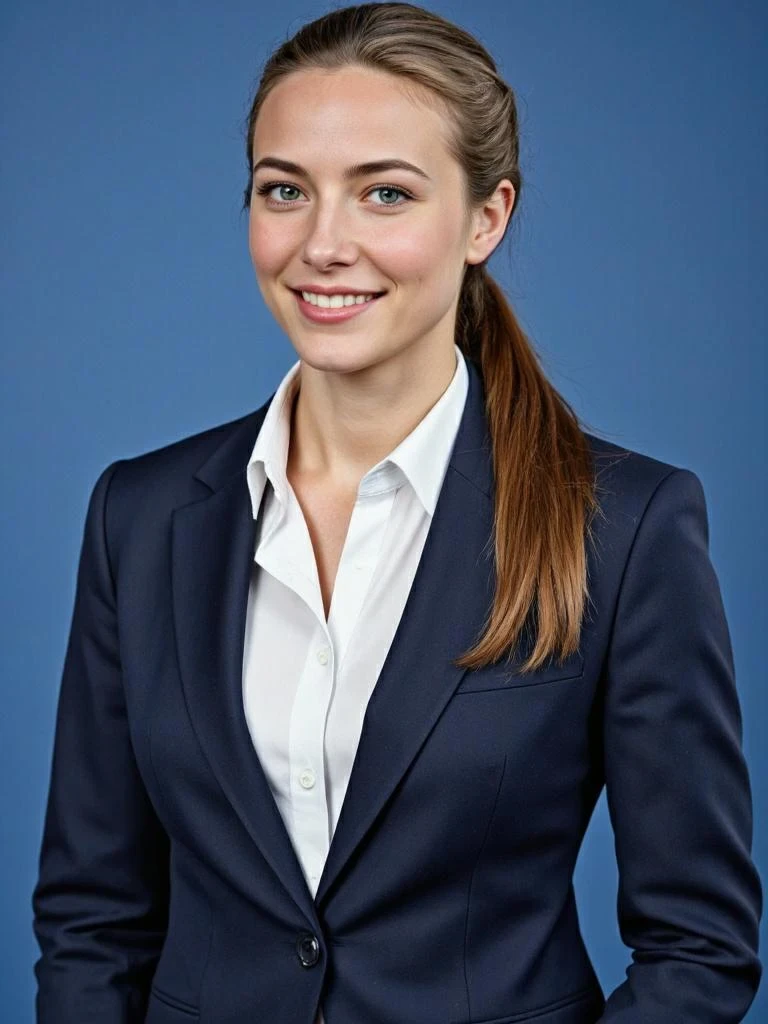
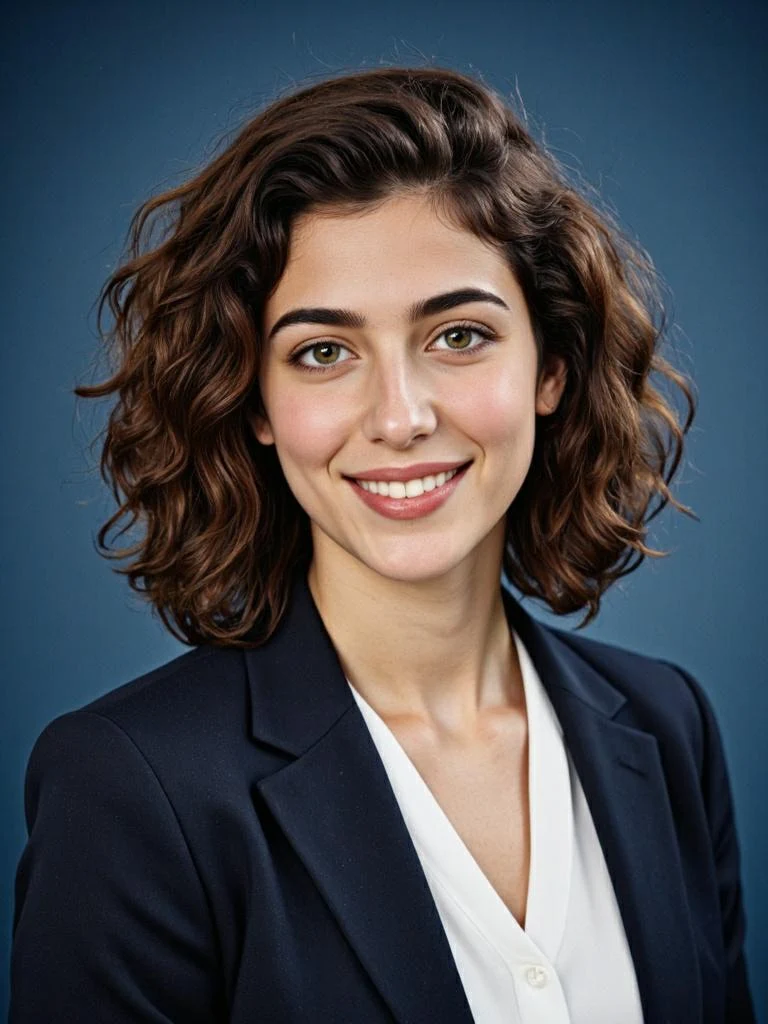
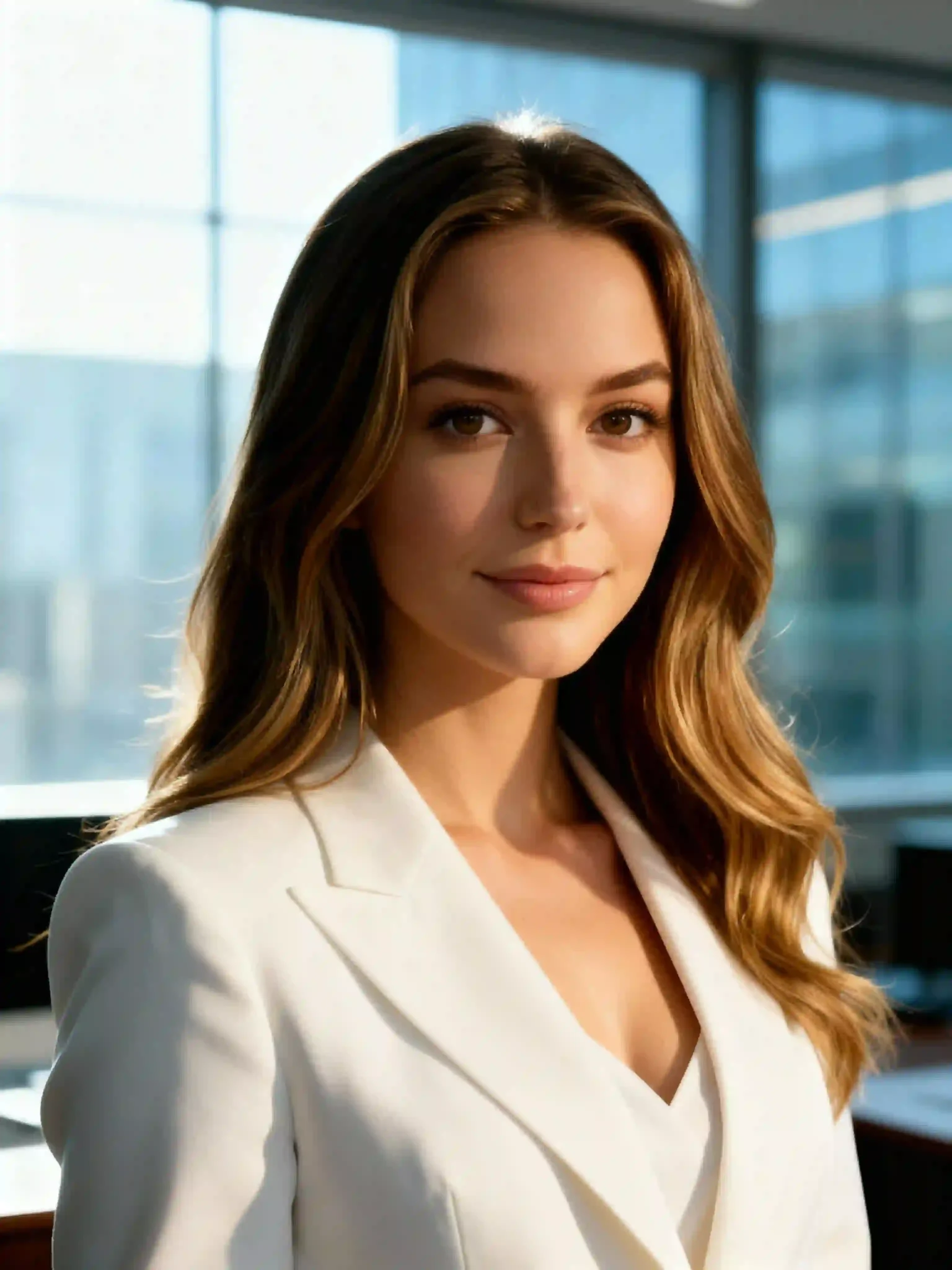
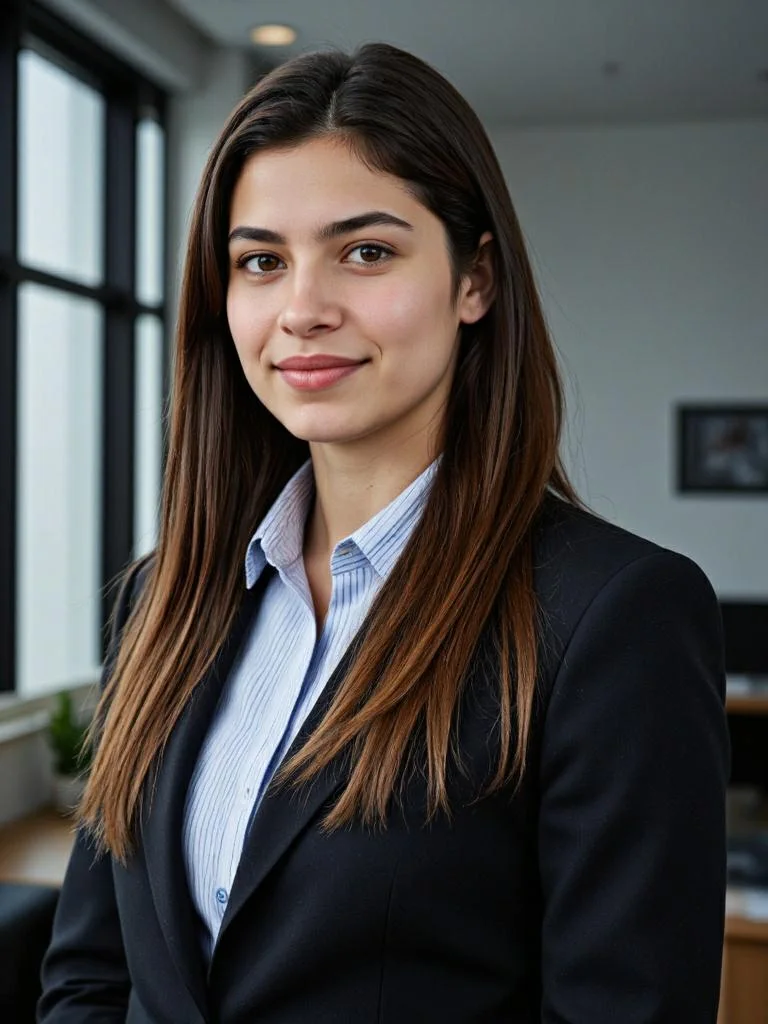
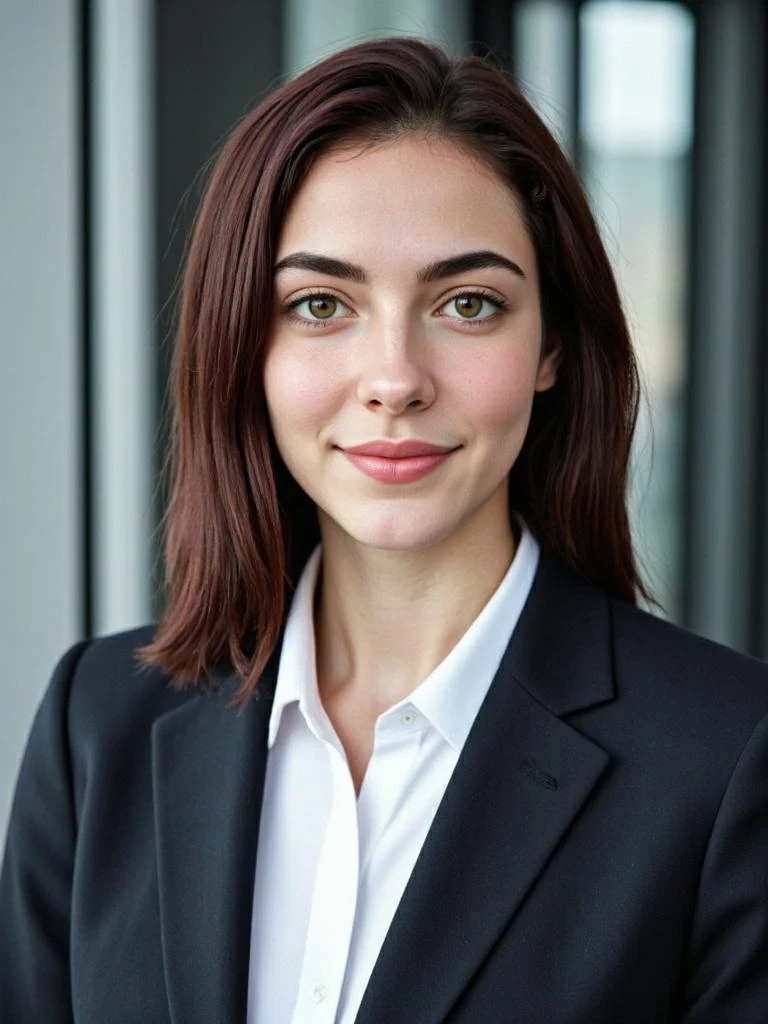
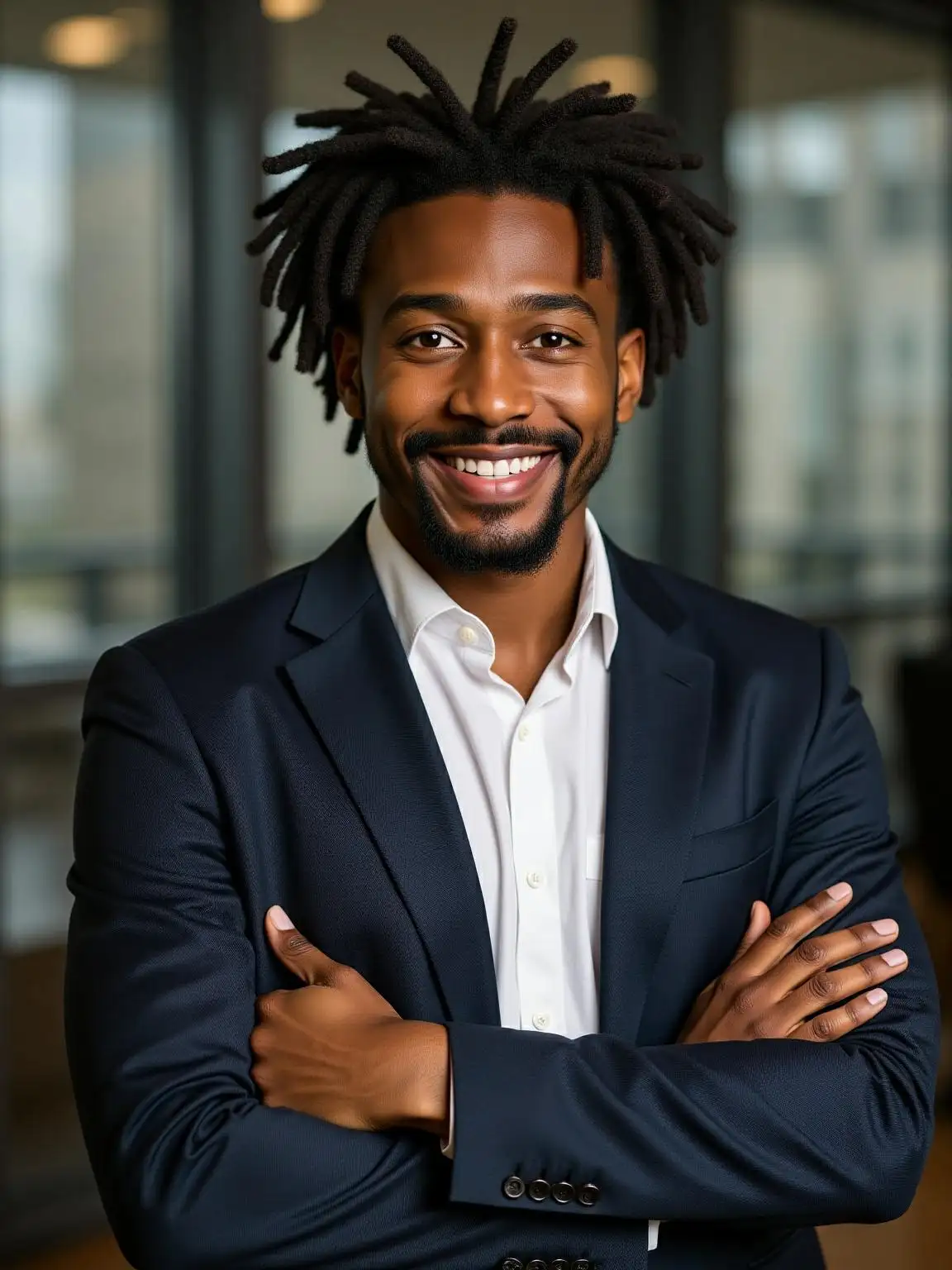
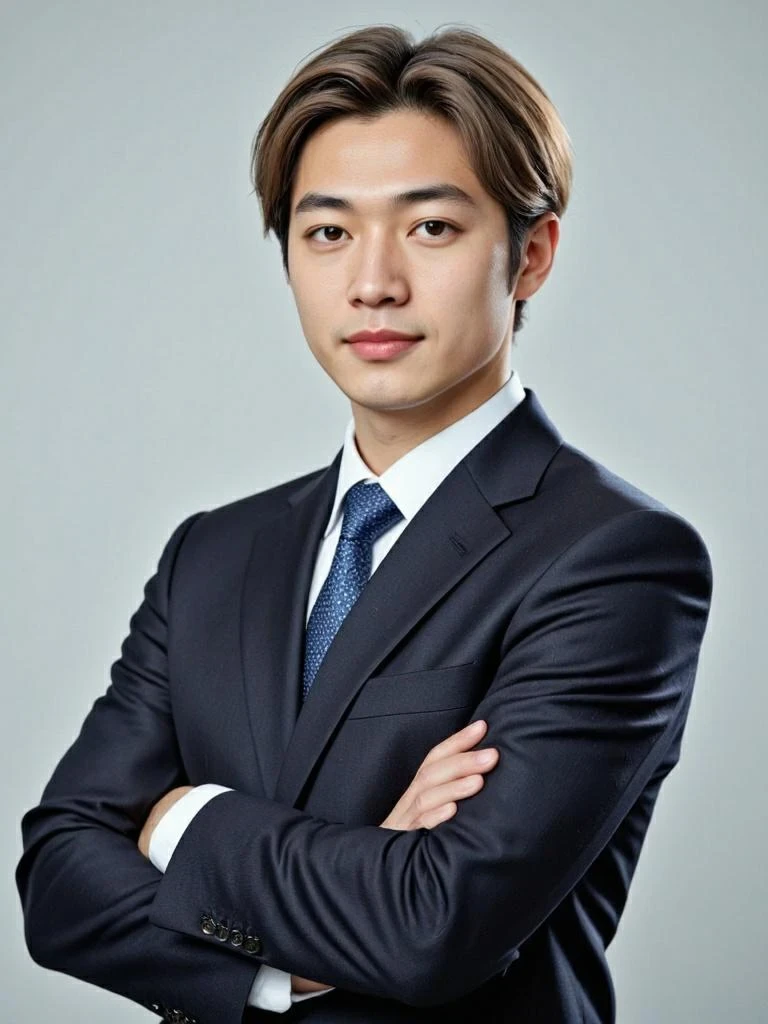
Upload Your Photo to Create AI Headshots
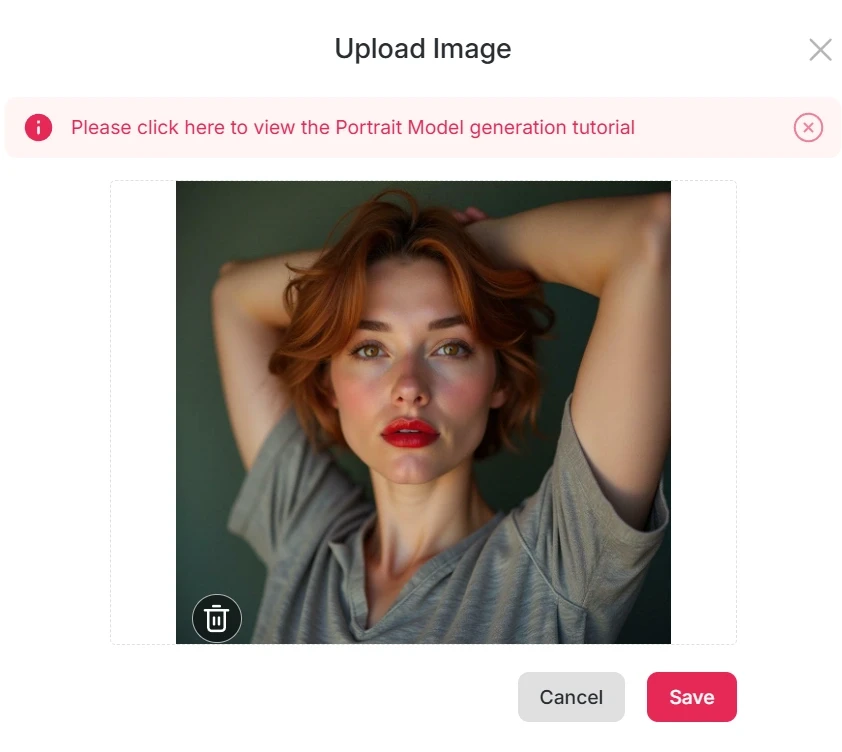
Start by signing in to APOB with the button below. Once logged in, claim your 80 free daily credits —enough to create multiple headshots each day.
Select create portrait model and upload a clear photo where your facial features are visible. APOB values your privacy, so you can turn off the default public mode if you prefer a private setting. Within seconds, you’ll be ready to generate your first AI headshot.
Explore the Best Free AI Headshot Generator
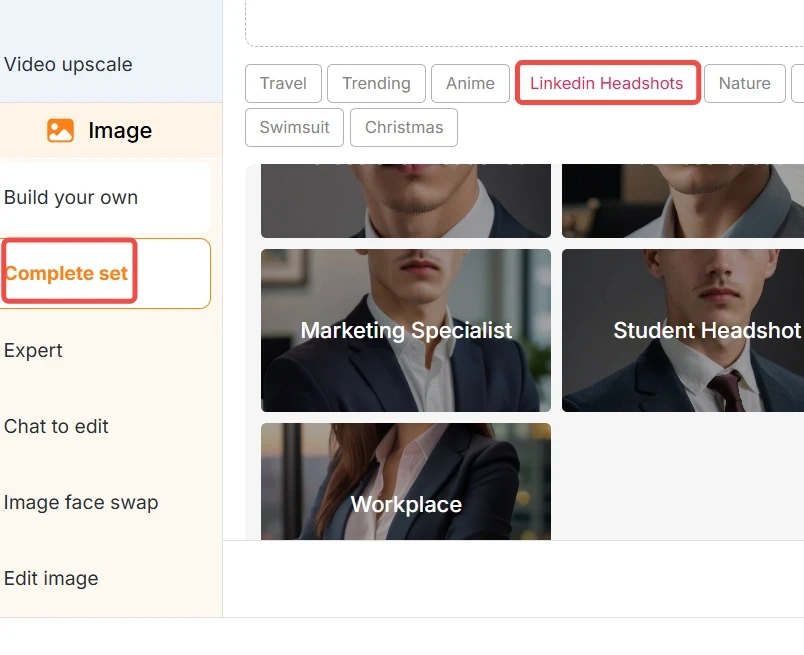
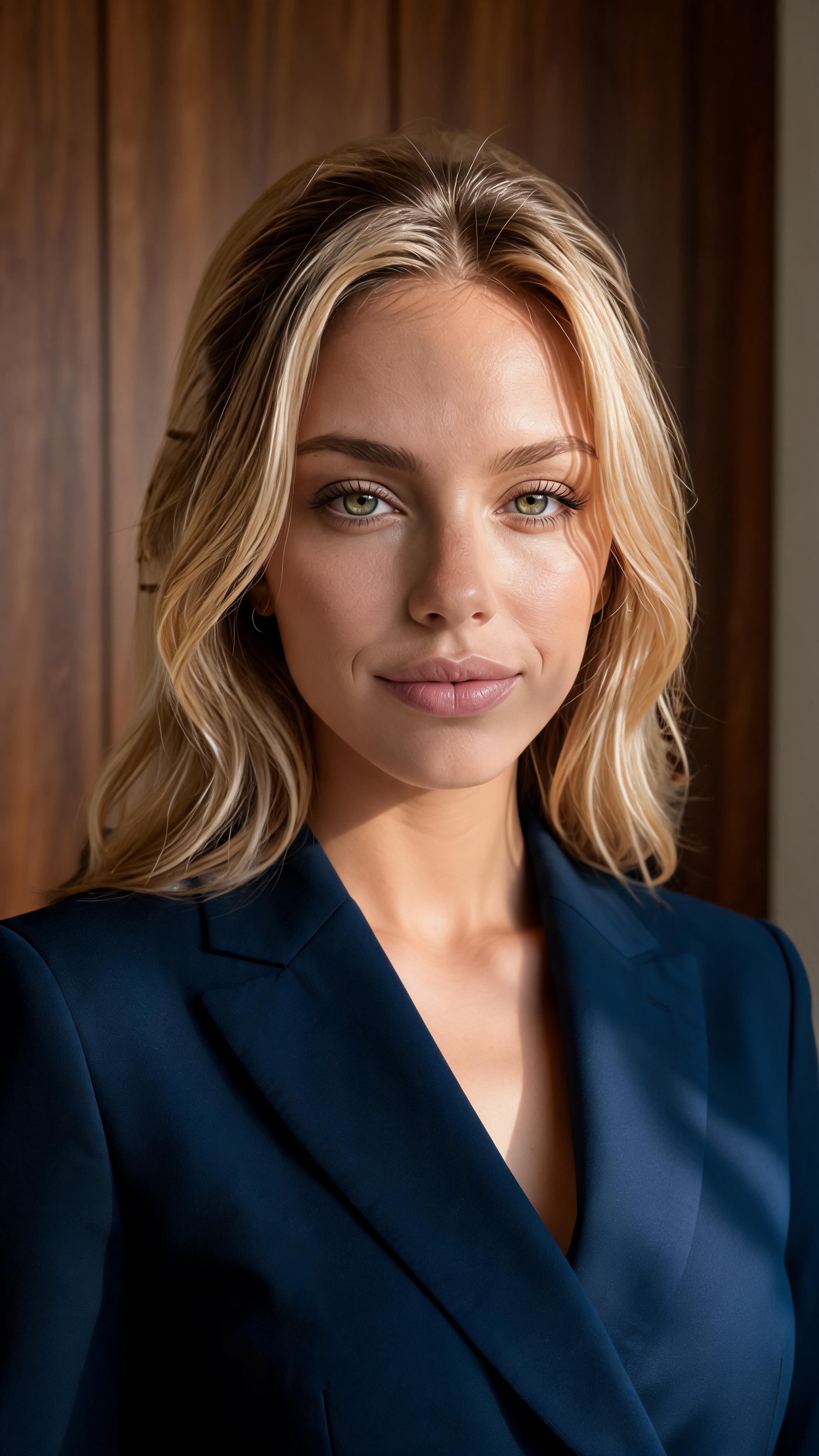
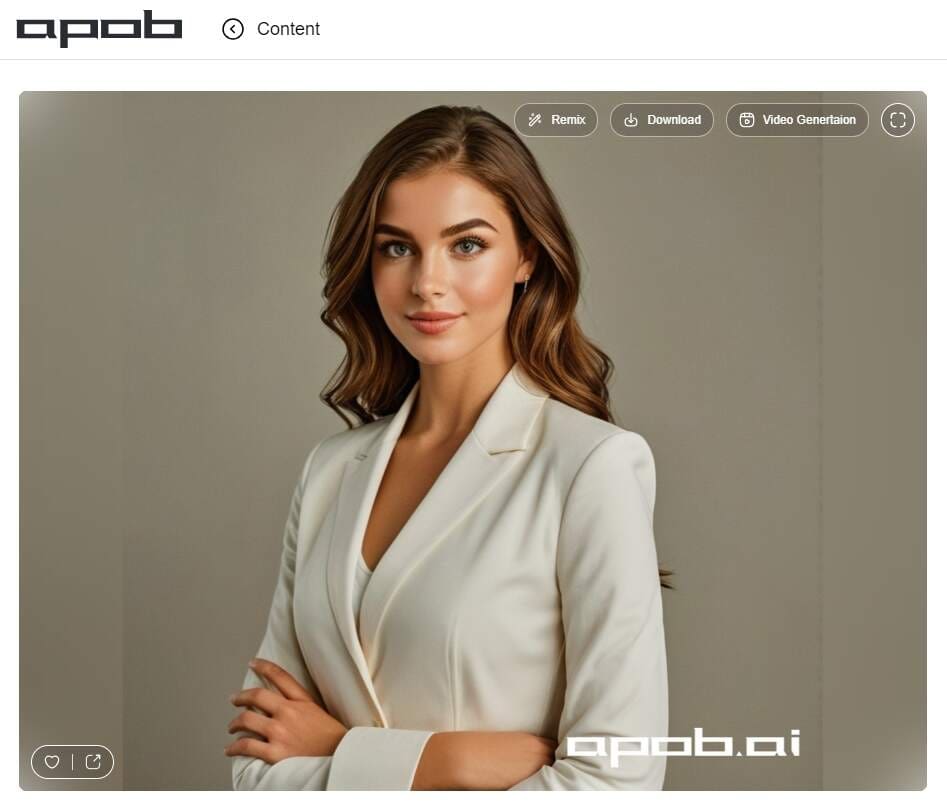
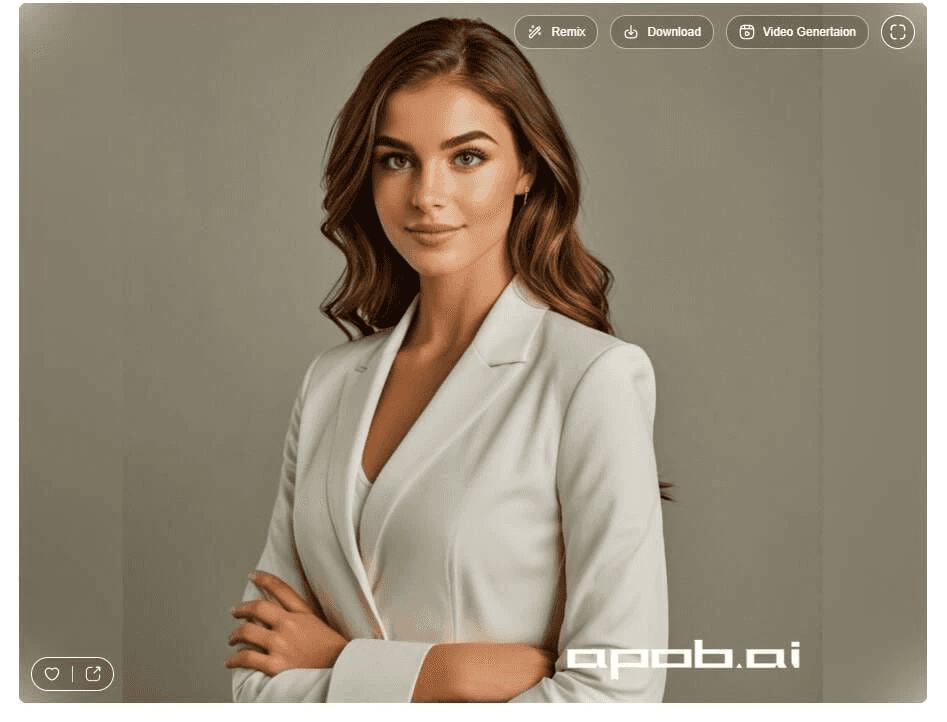
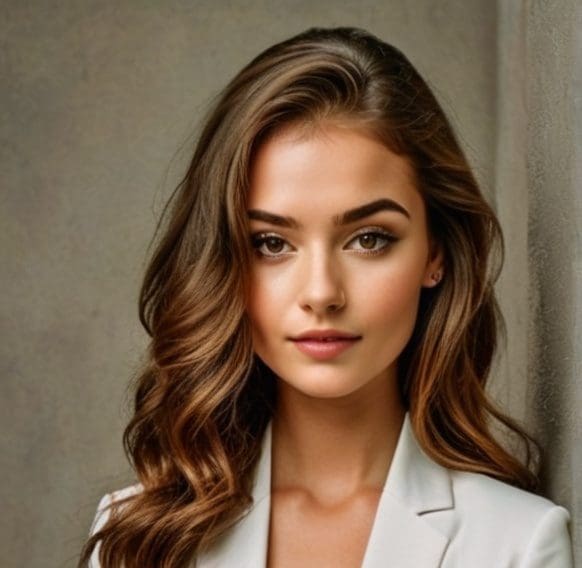
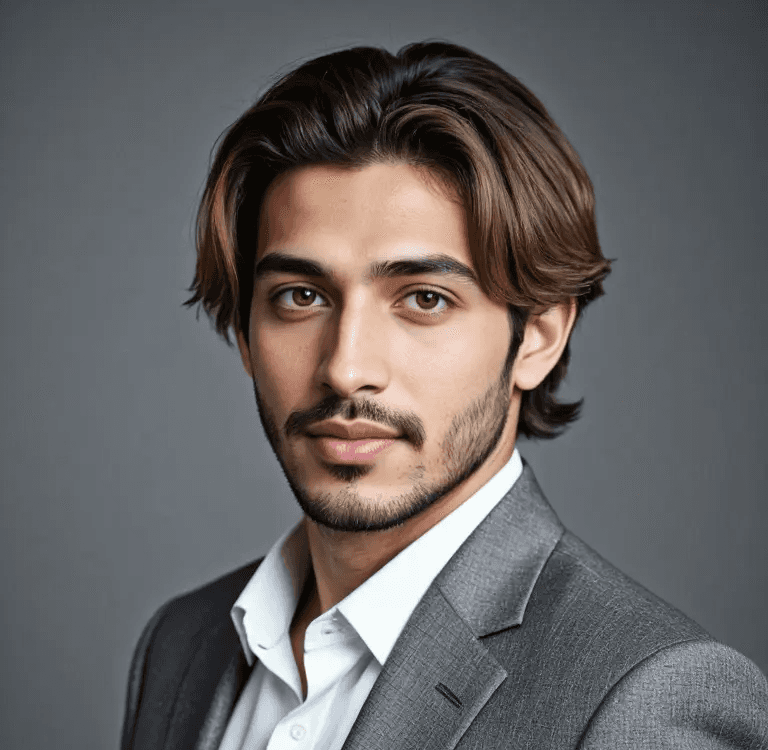
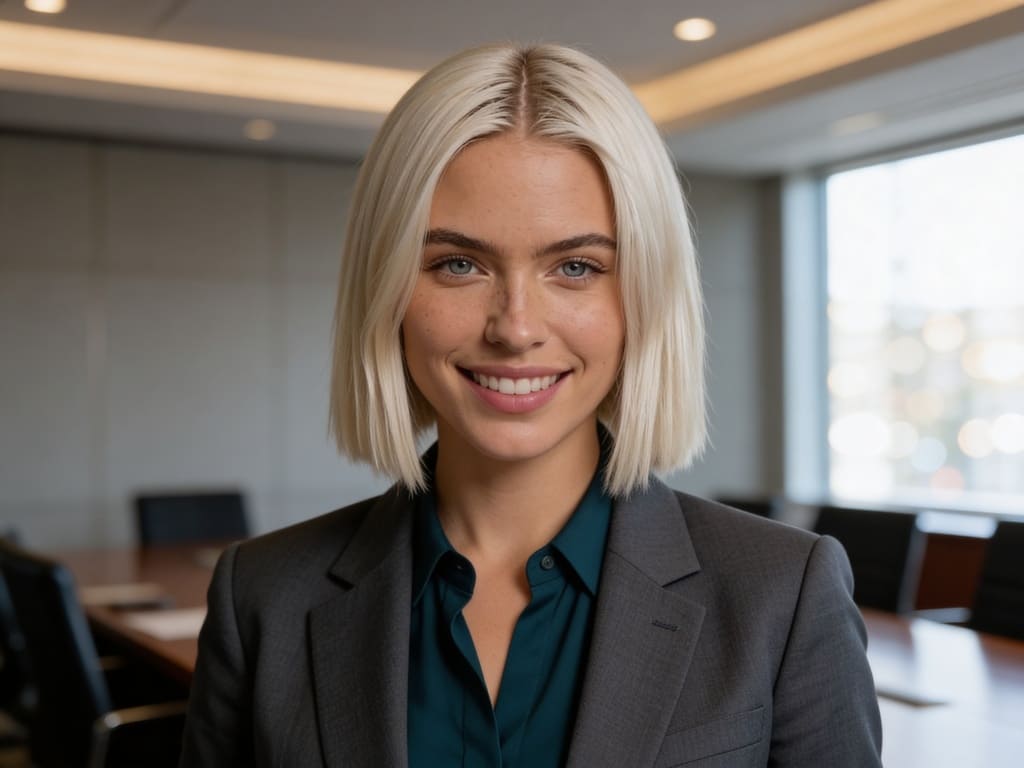
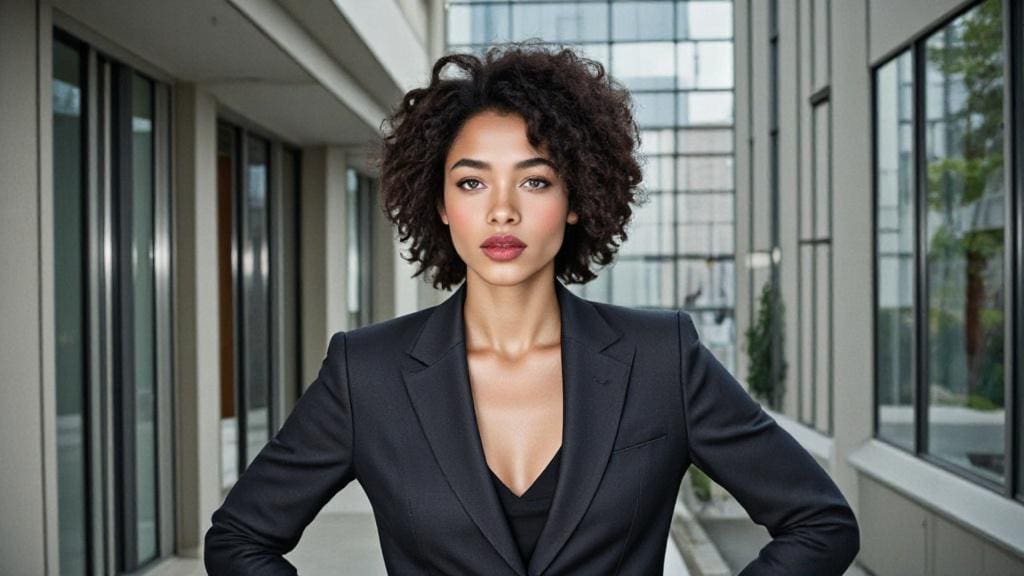
On the left-hand panel of the interface, find the Image > Complete Set option. Here you’ll discover a wide range of templates, including LinkedIn headshot categories such as Business Casual, Solid Color, Workplace, and even profession-specific outfits like salesperson, finance, lawyer, marketing specialist, or teacher. If you don’t have special preferences, simply choose the Professional Headshot option.
You can also select photo ratios like 9:16, 3:4, 16:9, 4:3, or 1:1. For a clean, serious headshot, we recommend the Best mode (20 credits to generate 4 images). For a warmer, more approachable look, try Ultra or Ultra 4K mode. Click Generate and watch your professional image appear.
Refine AI Headshot Using Chat to Edit
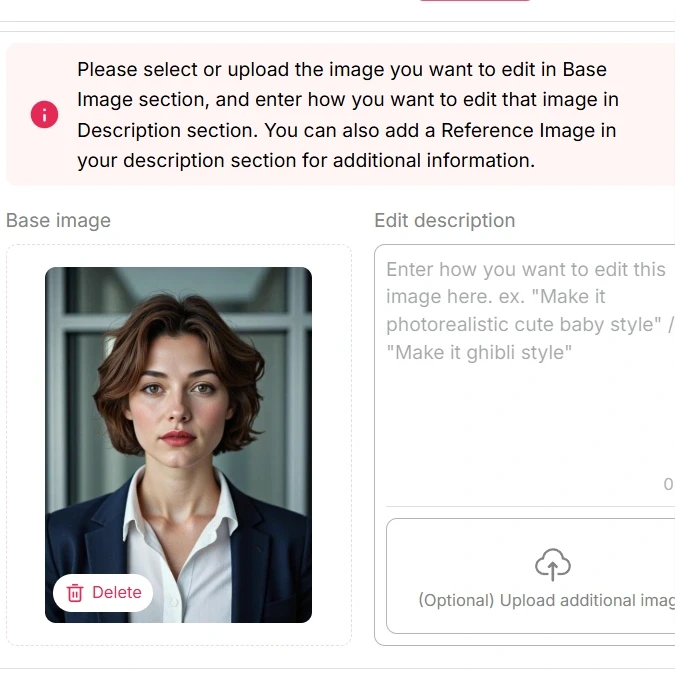
Not satisfied with the first result? No worries—APOB makes editing simple. You can either click Regenerate or use the Chat to Edit feature.
Upload your headshot, type in a prompt describing your desired change, and let AI handle the rest. You can alter the background, adjust outfit colors, switch hairstyles, change makeup, or even tweak facial expressions. For more accuracy, upload a reference photo to help the AI create a similar look.
Generate Professional AI Headshots
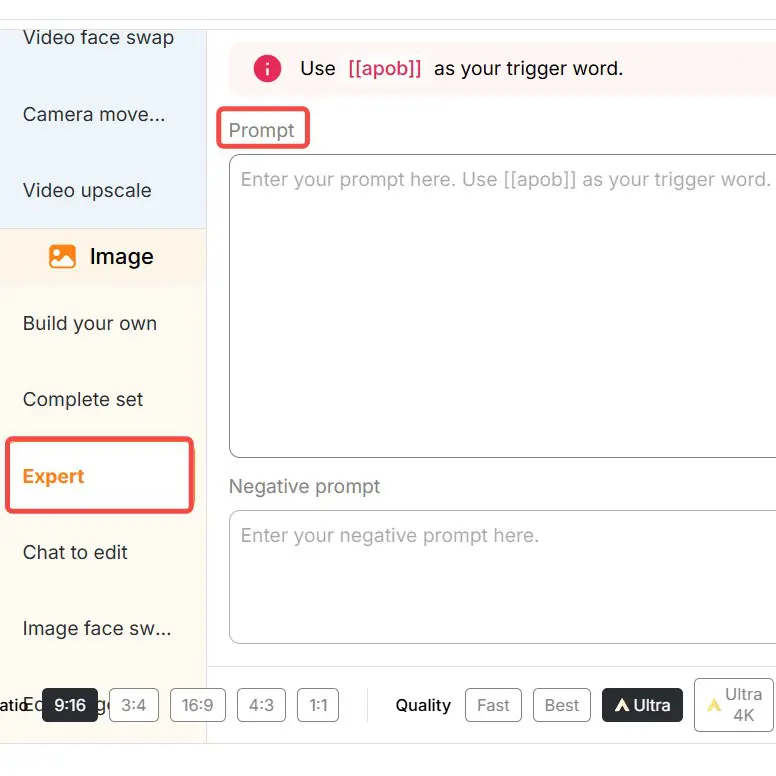
If templates aren’t enough and you want a unique setting, try Expert Mode . Simply input a prompt (up to 1024 characters, around 200 words recommended) to design custom professional photos. You can also add a negative prompt to exclude unwanted details.
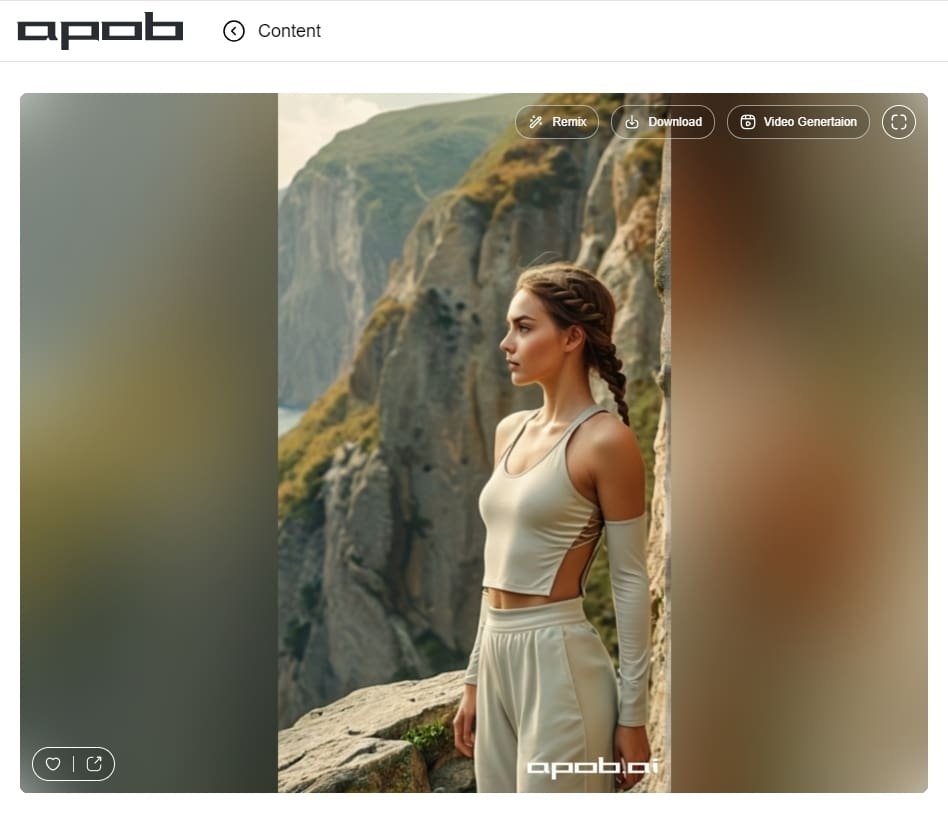
Whether you need a lifestyle portrait, a full-body professional shot, or a creative scene, Expert Mode gives you full creative freedom to build your perfect AI-generated headshot.
Professional Quality Without Studio Costs
Skip expensive photo shoots. APOB delivers studio-quality portraits instantly, saving you both money and time. Whether for LinkedIn, resumes, or business profiles, you’ll always look sharp and professional.
Tailored Styles for Every Career
Different industries demand different looks. APOB adapts your headshot for finance, healthcare, marketing, law, or education, ensuring you always project the right image for your audience.
Privacy and Flexibility
Your photos remain private—you control visibility. Plus, you can create diverse styles and settings, from classic corporate to approachable lifestyle shots, all while keeping your data secure.
Linkedin Profile Photos
Make your LinkedIn stand out with a clean, professional headshot. AI photos increase visibility, attract recruiters, and create a strong first impression that can open career doors [1].
Business Websites and Resumes
Use AI headshots for company sites, resumes, or portfolios. Build a consistent team look without paying for studio shoots, making your business appear more professional and trustworthy online.
Social Media Profiles
Upgrade your Facebook, Instagram, or profile picture with polished AI portraits. Show a confident, friendly image that connects with your audience and keeps your personal brand consistent across platforms.
Olivia Carter
I uploaded a clear selfie and tested a business-casual headshot for LinkedIn, comparing backgrounds until one still looked like me.
Daniel Kim
I needed a professional photo before a conference and had no time for a studio. A neutral background gave me a solid speaker-page option.

Amara Johnson
My photo had good lighting but a distracting room behind me. I tested a cleaner background while keeping my expression natural.

Lucas Meyer
Our team needed consistent headshots for a proposal deck. One background and crop made us look far more coordinated than our old photos.

Priya Shah
I compared a formal headshot with a warmer startup-style portrait. Side by side, it was easy to pick one credible but not too corporate.
Rachel Greenberg
The options showed how crop, background, and clothing changed the first impression. I still reviewed the final image carefully before use.
Mateo Silva
I wanted a current profile photo that kept my approachable feel. A well-lit, front-facing selfie gave the most consistent results.

Grace Liu
I made a simple headshot for applications and a department bio. The background swap was easy, and restrained styling fit an academic page.
Noah Bennett
My webcam photo looked flat. APOB AI gave me a cleaner headshot with balanced lighting, close to how colleagues see me on calls.
Fast and Convenient
Get polished headshots in seconds, available anytime, anywhere.
Versatile Styles
Choose from LinkedIn templates or design your own with prompts.
AI-Powered Precision
Advanced algorithms optimize lighting, posture, and framing.
Dependent on Input Photo
Poor-quality selfies may lead to unsatisfactory results.
Credits Limitation
Free users have daily credit limits; premium plans offer more.
No Credit Card Required


Answers about professional headshots, backgrounds, attire, free credits, quality, and commercial use.
How does APOB AI create a professional headshot?
Upload an image you are authorized to use, choose a professional style, and generate several options. APOB AI can adjust the background, clothing, lighting, and presentation while keeping the subject recognizable.
What kind of photo works best for an AI headshot?
Use a clear, well-lit photo with the face unobstructed and in focus. Avoid heavy filters, sunglasses, extreme angles, strong shadows, low resolution, or other people in the frame.
Is the AI headshot generator free to try?
APOB AI provides free daily credits for testing the generator. The number of headshots you can create depends on the selected quality, generation mode, quantity, and current credit cost.
How can I make an AI headshot look more realistic?
Use a high-quality source photo, select a style appropriate for your industry, and keep edits specific. Check facial features, hairline, teeth, glasses, clothing edges, lighting, and background before downloading.
What can I do if I do not like the result?
Regenerate to explore a different variation, adjust the source image or style, or use Chat to Edit for a targeted change. Make one change at a time so it is easier to compare results.
Are my photos private, and can I use the headshots commercially?
Only upload photos you own or have permission to use. Data handling and commercial rights depend on APOB AI's current Privacy Policy, plan, and Terms of Service, which you should review before uploading or publishing.


