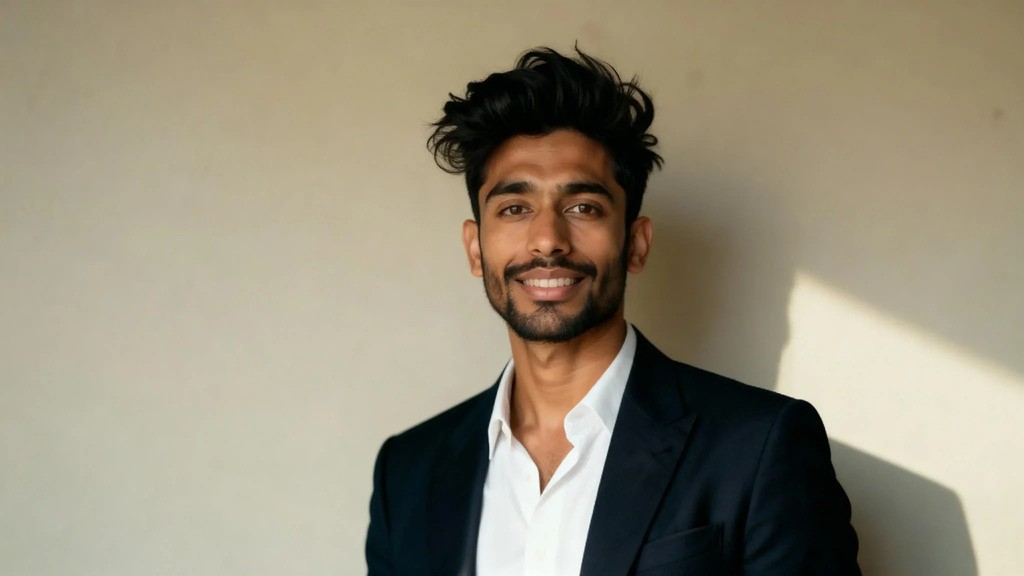
Introduction: The Power of a Professional AI Headshot
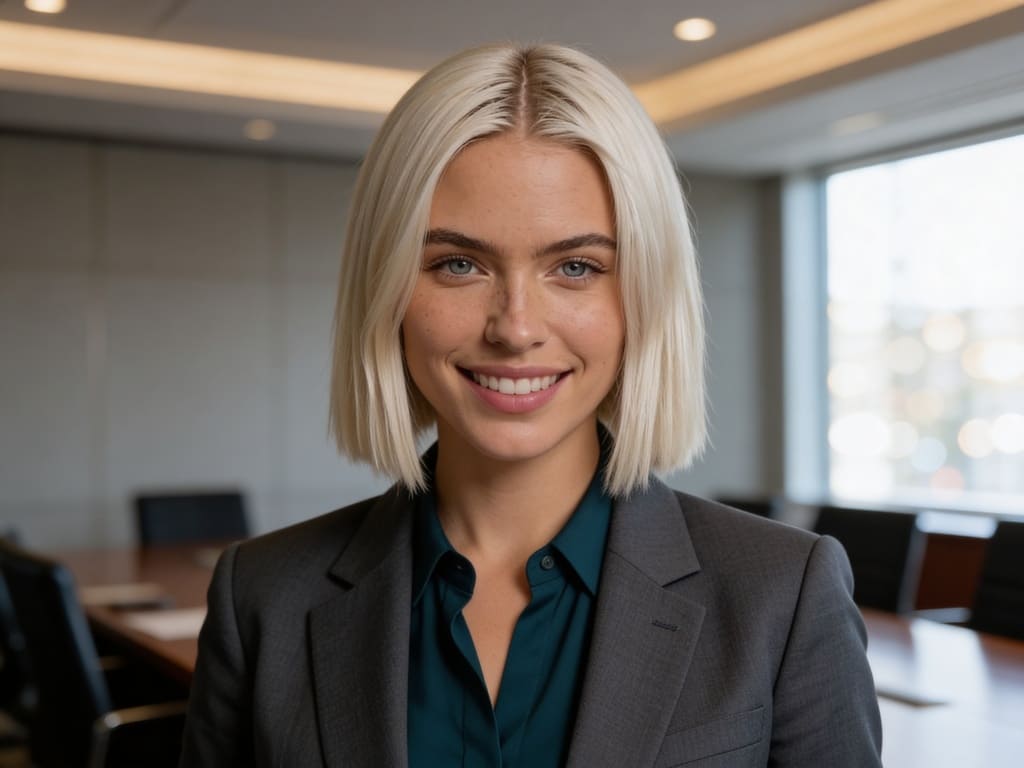
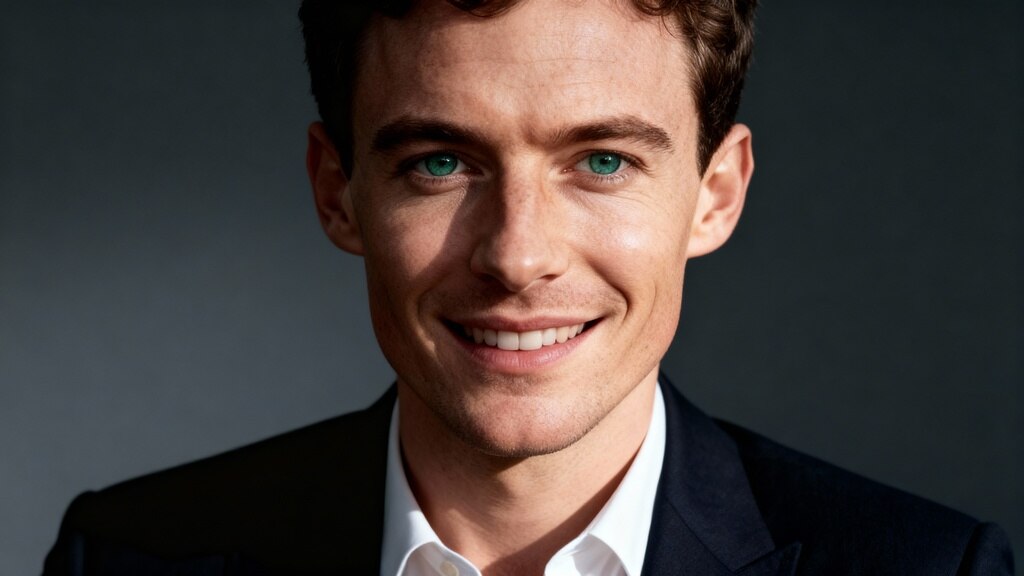
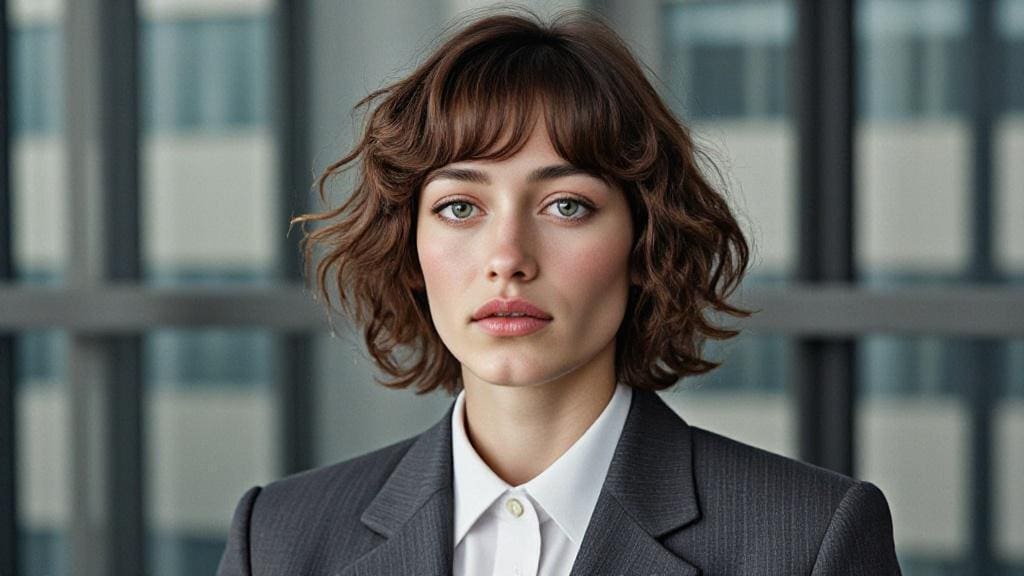
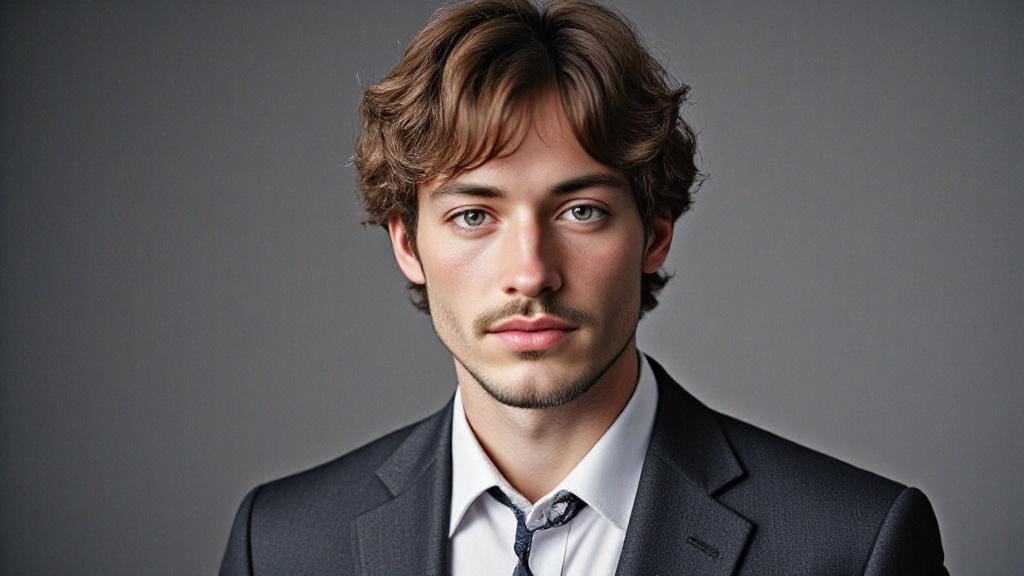
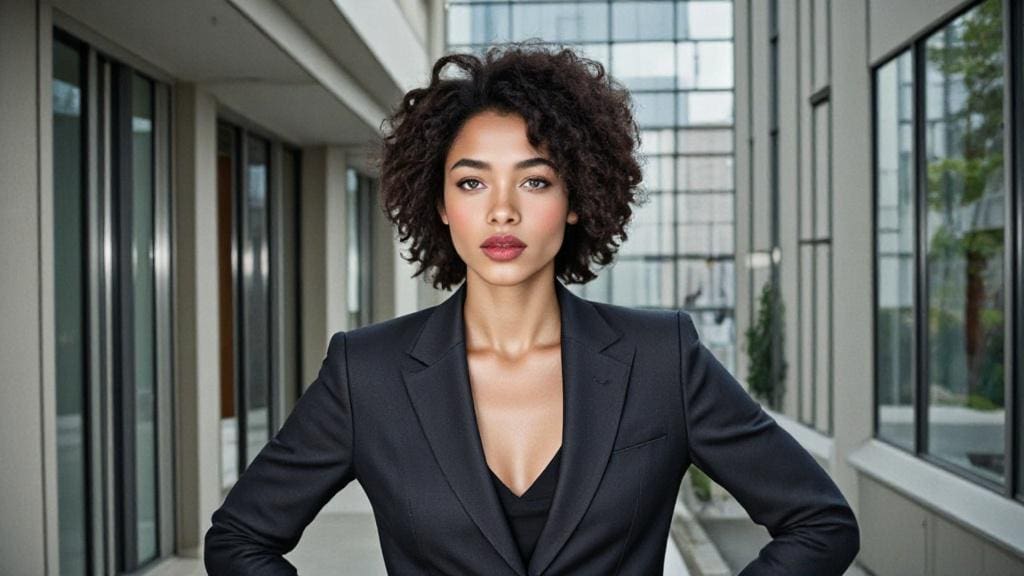
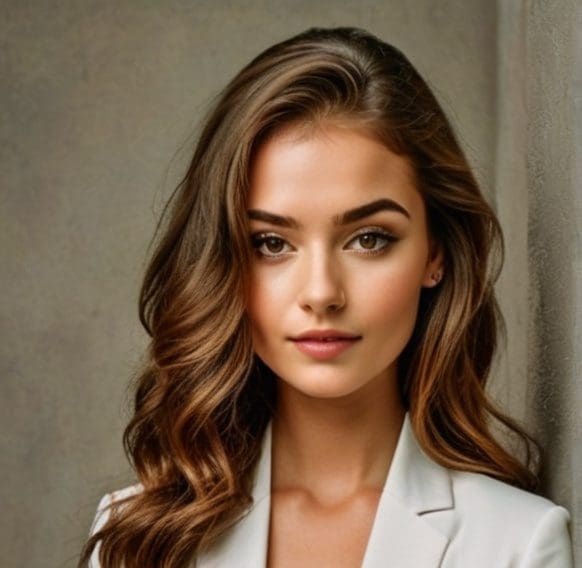
In today's competitive digital landscape, a compelling professional headshot is no longer a luxury but a necessity. Whether for LinkedIn, resumes, corporate websites, or personal branding, a high-quality portrait significantly impacts first impressions. However, the traditional route of hiring professional photographers can be costly and time-consuming. This is where a free AI headshot generator like APOB revolutionizes the process, offering studio-quality results from the comfort of your home, without the need for expensive equipment or extensive photo shoots. APOB AI empowers users to create polished, professional headshots that stand out, ensuring your online profile reflects the professionalism you embody. This comprehensive guide will walk you through the step-by-step process of using APOB AI, explore its powerful features, provide practical tips, and answer frequently asked questions to help you elevate your professional image effortlessly.
How to Use Free AI Headshot Generator?
APOB AI makes generating your own polished, professional headshot incredibly straightforward and cost-effective, utilizing daily free credits to access its advanced features. Follow these steps to create your ideal portrait:
Log in / Access APOB AI
Begin by logging into the APOB AI platform. Upon signing in, you are automatically credited with 80 free points each day. These points are your gateway to exploring the service and generating high-quality images without any initial financial commitment. This generous daily allowance allows you to experiment with different styles and settings, ensuring you find the perfect headshot.
Click “Create Portrait Model”
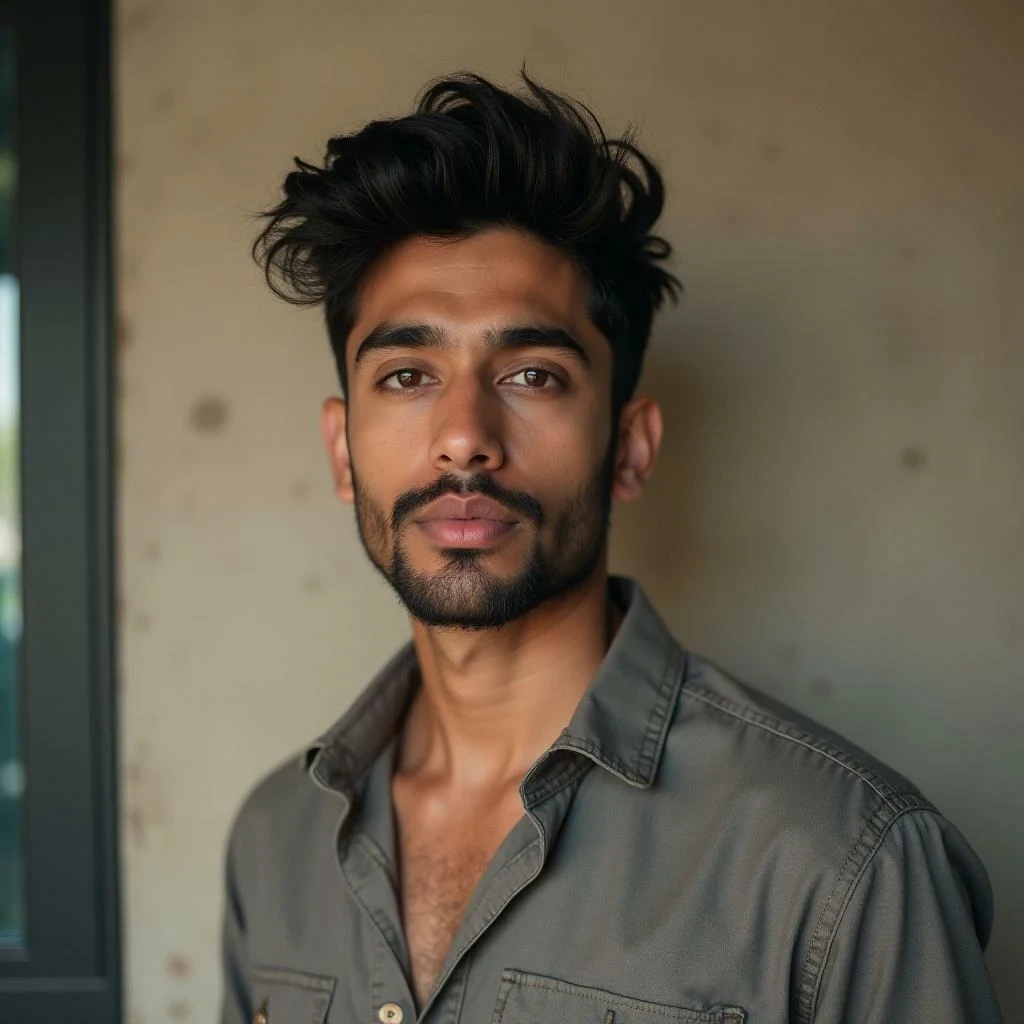
Once logged in, locate and click the “Create Portrait Model” button. This action initiates the core process: building an AI model based on a photo you provide. This personalized model is crucial as it allows APOB AI to generate a wide array of headshot styles while maintaining your unique facial features and likeness.
Upload a Clear Photo
The quality of your final headshot heavily depends on the input image. Upload a photo that clearly displays your facial features. Ideal characteristics for this base photo include a frontal view, good lighting (avoiding harsh shadows), and an uncluttered background. A high-resolution image with clear focus on your face will yield the best results. Once your portrait model is successfully created from this base image, APOB AI can generate numerous professional styles tailored to your specifications.
Choose a Template via “Complete Set”
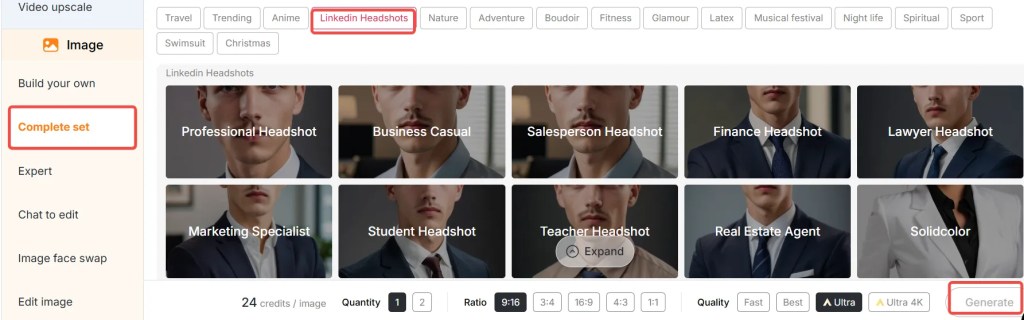
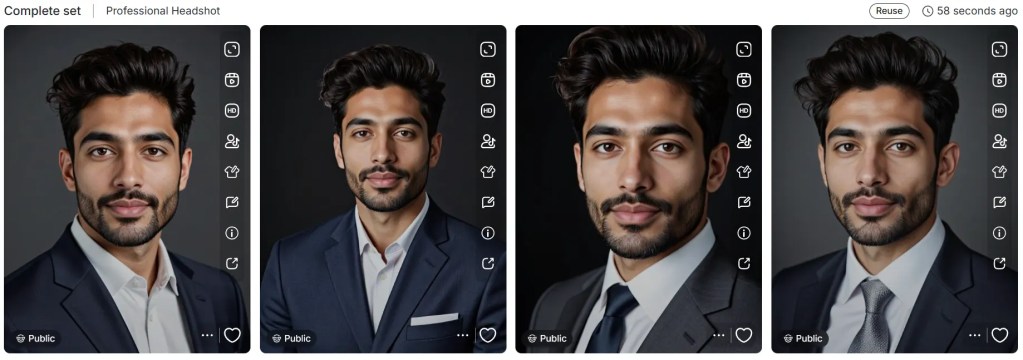
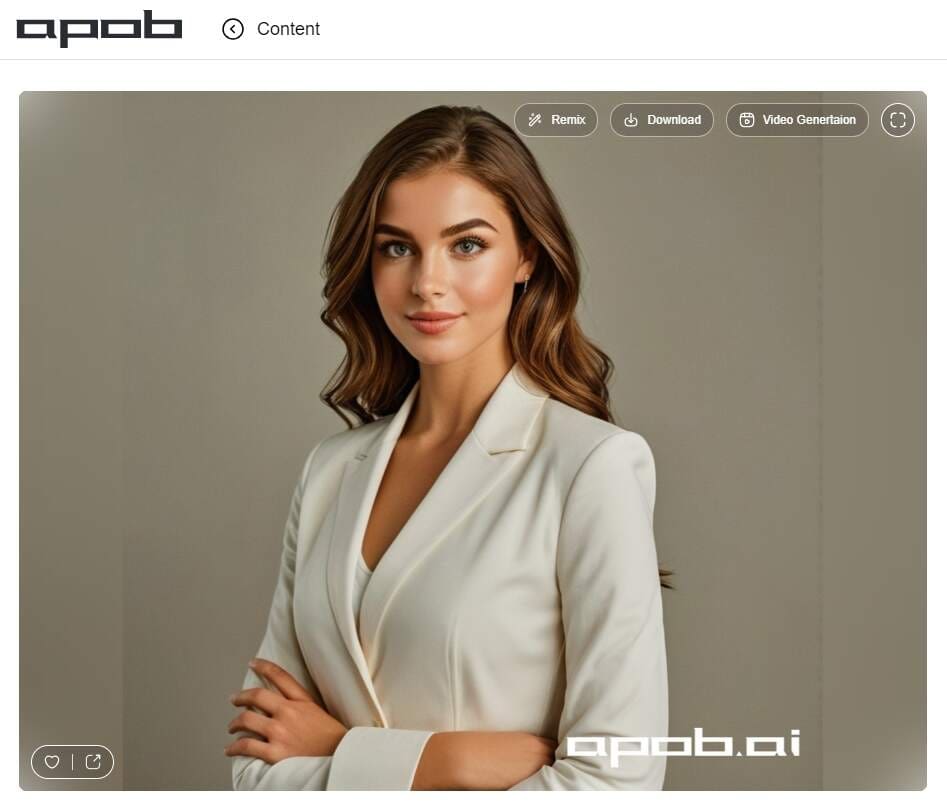
On the left-hand side of the interface, you will find a tab labeled “Complete Set.” Navigate to this section and select “LinkedIn Headshots.” This category offers a curated selection of 11 professional templates, many of which feature formal attire suitable for various industries and professional roles. For a quick and polished look, simply click on the first template, typically labeled “Professional Headshot,” to apply a ready-made, high-quality style to your AI model.
Adjust Size & Quality Mode, Then Generate
Before finalizing your headshot, you have the flexibility to customize several parameters:
Choose your image size: APOB AI provides various aspect ratios to suit different platforms, including 9:16, 16:9, 3:4, 4:3, and 1:1. Select the dimension that best fits your intended use.
Pick your generation mode: APOB AI offers four distinct generation modes, each balancing speed, quality, and point consumption:
Fast: Utilizes approximately 10 points to generate 4 images, ideal for rapid prototyping.
Best: Consumes around 20 points for 4 images, offering a good balance of quality and quantity.
Ultra: Generates 1 high-quality image for 24 points, perfect for detailed results.
Ultra 4K: The premium option, using 46 points for 1 ultra high-resolution image, delivering unparalleled clarity and detail.
Once your settings are configured, click Generate and let APOB AI work its magic, transforming your input into a professional headshot.
Use “Chat to Edit” if Needed
If the initial generation doesn't perfectly match your vision, APOB AI's innovative “Chat to Edit” feature allows for fine-tuning. You can input natural language prompts to modify specific elements of your headshot. For example, you might request: “change suit color to navy blue,” “make background plain white,” or “adjust facial expression to a slight smile.” This interactive editing capability ensures your final headshot is exactly as you envisioned.
Best Practices for Optimal Results with APOB AI
To maximize the potential of APOB AI and achieve truly outstanding professional headshots, consider these expert tips and best practices:
High-Quality Source Photo: Always start with the clearest, well-lit, and high-resolution photo of yourself. Avoid blurry images, harsh shadows, or photos with busy backgrounds, as these can negatively impact the AI's ability to generate a realistic model.
Consistent Facial Expression: For a professional look, choose a source photo where you have a neutral or subtly smiling expression. This provides a versatile base for the AI to apply different styles without distorting your natural features.
Experiment with Templates: Don't settle for the first template you try. Explore the 11 different templates within the “LinkedIn Headshots” category. Each offers a unique aesthetic, and one might perfectly capture the professional image you desire.
Utilize “Chat to Edit” Effectively: The “Chat to Edit” feature is powerful. Be specific and concise with your prompts. Instead of “make it better,” try “soften the lighting on the left side of the face” or “change the background to a blurred modern office setting.”
Understand Generation Modes: Choose your generation mode wisely based on your needs. Use “Fast” for initial explorations, “Best” for a good balance, and “Ultra” or “Ultra 4K” when you need the absolute highest quality for final selections.
Review and Refine: After generation, critically review the results. Look for naturalness in facial features, consistency in lighting, and overall professional appeal. Don't hesitate to use your daily free points to generate multiple options and refine them.
Consider Your Industry: Tailor your headshot to your profession. A creative industry might allow for a slightly more relaxed look, while a corporate role might demand a more traditional, formal portrait. APOB AI's versatility supports both.
Prompt Example Ideas for Refining Your AI Headshot
Leveraging APOB AI's “Chat to Edit” feature with effective prompts can significantly enhance your headshot. Here are specific examples to help you refine or alter your AI-generated portrait:
“Make the suit charcoal gray instead of black, background a soft gradient light grey.”
“Adjust expression: add a gentle smile, relaxed eyes.”
“Change background to blurred office setting.”
“Frame: crop tighter, show from chest up.”
“Lighting: soft, natural window light; reduce shadow on left side of face.”
“Add a subtle professional tie, dark blue with a small pattern.”
“Change the shirt color to light blue, keep the suit dark navy.”
“Remove any stray hairs, smooth skin texture slightly.”
“Make the background a solid, professional dark green.”
“Adjust the gaze to look directly at the camera with confidence.”
These prompts are designed to help you utilize your free AI professional headshot generator more creatively, ensuring the final image perfectly aligns with your professional vision and personal brand.
Technical Specifications: How APOB AI Delivers Quality
APOB AI is engineered to provide high-quality professional headshots through a robust technical framework. Understanding these specifications highlights the platform's capabilities and commitment to user satisfaction:
Supported Formats: The platform primarily accepts common image formats like JPEG, PNG, and WEBP for source photo uploads, ensuring broad compatibility.
File Size and Resolution: While there are practical limits, APOB AI is optimized to handle high-resolution input images, which are crucial for generating detailed AI models. Output resolutions vary based on the chosen generation mode, with “Ultra 4K” delivering exceptional detail suitable for large prints or high-definition displays.
Processing Speed: Leveraging advanced cloud-based AI infrastructure, APOB AI processes images rapidly. The “Fast” mode can generate multiple images in seconds, while even the highest quality modes complete generations within minutes, significantly reducing the waiting time compared to traditional photography.
Output Quality: The AI models are trained on extensive datasets of professional portraits, enabling the generation of outputs that mimic professional studio lighting, realistic textures, and natural facial expressions. The quality modes (Fast, Best, Ultra, Ultra 4K) allow users to select the desired level of detail and realism.
Data Privacy Policy: APOB AI prioritizes user data privacy. Uploaded photos are used solely for the purpose of creating your personalized AI model and generating headshots. Strict protocols are in place to ensure that personal data and images are handled securely and are not shared with third parties without explicit consent. Users retain full ownership of their generated images.
AI Model Architecture: The core of APOB AI's functionality relies on sophisticated generative adversarial networks (GANs) and diffusion models. These advanced AI architectures are capable of understanding complex facial features, lighting conditions, and stylistic elements, allowing for highly realistic and customizable outputs.
These technical underpinnings ensure that APOB AI is not just a tool for generating images, but a powerful, secure, and efficient solution for professional headshot creation.
Why Choose APOB AI Over Alternatives?
When considering options for professional headshots, APOB AI stands out significantly against both traditional photography and other AI tools. Here’s a comparison highlighting its core advantages:
AI vs. Manual Photography: A Clear Advantage
Feature | APOB AI (AI Generator) | Manual Photography |
|---|---|---|
Cost | Free daily credits, highly affordable | Expensive (hundreds to thousands of dollars) |
Speed | Minutes for multiple options | Days to weeks (booking, shooting, editing) |
Convenience | From home, any time | Requires travel, scheduling, studio time |
Flexibility | Endless styles, expressions, backgrounds via prompts | Limited to shoot day options, costly reshoots |
Consistency | Easy to generate uniform look for teams | Challenging to maintain consistency across multiple shoots |
Privacy | Secure data handling, user owns output | Relies on photographer's data practices |
Key Advantages of APOB AI:
Cost-Effectiveness: APOB AI offers a truly accessible solution with 80 free points daily, enabling anyone to create professional headshots without financial burden. This eliminates the need to hire expensive photographers or invest in costly studio sessions.
Unmatched Speed: Time is a valuable asset. APOB AI delivers high-quality headshots in minutes, not days or weeks. This rapid turnaround is ideal for urgent needs or quick profile updates.
Exceptional Flexibility and Creativity: The platform provides unparalleled creative control. Users can experiment with diverse styles, backgrounds, expressions, and clothing options through its extensive template library and the intuitive “Chat to Edit” feature. This level of customization ensures a personalized result every time.
Consistent Branding: For individuals or teams requiring a consistent professional image across multiple platforms or for various team members, APOB AI ensures uniformity in style, lighting, and overall aesthetic, which is difficult to achieve with traditional methods.
User-Friendly Interface: Designed for ease of use, APOB AI's intuitive interface makes the process accessible even for those with no prior experience in photo editing or AI tools. The step-by-step guide and clear options simplify complex tasks.
Ownership of Output: Unlike some services, APOB AI ensures that users retain full ownership of the images they generate using their own uploaded base photos and points. This provides peace of mind and complete control over your professional assets.
By choosing APOB AI, you are opting for a modern, efficient, and highly customizable solution that empowers you to present your best professional self to the world.
Why Use APOB AI / Applications of a Free AI Headshot Generator
The utility of a free AI headshot generator like APOB AI extends across numerous personal and professional applications, making it an indispensable tool in today's digital age. Here are some key reasons and applications:
Enhanced Professional Networking: A polished headshot is crucial for platforms like LinkedIn, where it significantly influences connection requests, profile views, and professional credibility. APOB AI helps you make a strong, positive first impression.
Job Applications and Resumes: Including a professional headshot on your resume or in job applications can make you appear more approachable and professional, potentially giving you an edge in competitive markets. APOB AI provides high-quality images that convey competence.
Personal Branding: For entrepreneurs, freelancers, and thought leaders, a consistent and professional visual identity across all online platforms is vital. APOB AI allows for the creation of cohesive headshots that reinforce your personal brand.
Corporate Websites and Team Pages: Businesses can use APOB AI to generate uniform, high-quality headshots for their entire team, ensuring a consistent and professional look on their corporate website or internal communication platforms, without the logistical challenges of group photo shoots.
Speaker Profiles and Conference Materials: When submitting speaker proposals or preparing conference materials, a professional headshot is often required. APOB AI offers a quick and reliable way to obtain these images.
Social Media Presence: Beyond professional networks, a refined headshot can elevate your presence on other social media platforms, projecting a more mature and credible image.
Cost-Effective Updates: As your career evolves or your style changes, APOB AI makes it easy and affordable to update your headshot regularly, ensuring your professional image always reflects your current self without incurring recurring photography costs.
APOB AI serves as a versatile solution for anyone looking to enhance their professional image efficiently and affordably, proving that high-quality professional headshots are now accessible to everyone.
Key Advantages of APOB AI
APOB AI offers a suite of compelling advantages that position it as the leading choice for generating professional headshots:
Daily Free Points: Access 80 free points every day, allowing for continuous experimentation and generation of multiple headshot options without any financial commitment.
Studio-Quality Results: Advanced AI algorithms produce images that rival those taken in a professional studio, complete with optimal lighting, realistic textures, and refined aesthetics.
Extensive Template Library: A diverse selection of 11+ professional templates, particularly within the “LinkedIn Headshots” category, ensures you find a style that perfectly matches your professional needs and industry.
“Chat to Edit” Feature: This innovative natural language processing tool allows for precise, real-time adjustments to your generated headshots, offering unparalleled control over details like background, expression, and attire.
Multiple Generation Modes: Choose from Fast, Best, Ultra, and Ultra 4K modes to balance speed, quality, and point usage according to your specific requirements, from quick drafts to high-resolution final images.
User-Friendly Interface: Designed for simplicity and efficiency, the platform is intuitive and easy to navigate, making the process of generating a professional headshot accessible to everyone, regardless of technical skill.
Time and Cost Savings: Eliminate the need for expensive photographers, studio bookings, and lengthy editing processes. APOB AI delivers professional results quickly and affordably.
Data Privacy and Ownership: APOB AI is committed to protecting user data, ensuring that your uploaded photos are secure and that you retain full ownership rights over your generated headshots.
User Testimonials
The impact of APOB AI is best illustrated through the experiences of its users:
“I used APOB’s free AI headshot generator and got a polished image that looked like it was taken in a studio—without leaving my room. It significantly boosted my confidence for job applications.” — A satisfied job-seeker.
“The presets in LinkedIn Headshots were perfect: I clicked ‘professional headshot’ and I was really impressed by the suit style and lighting. My new profile picture has already garnered more attention.” — Marketing professional.
“Chat to Edit was a game changer. I changed background, expression, clothing color, all easily. It’s like having a personal photo editor at my fingertips.” — Freelancer.
“As a small business owner, getting professional headshots for my team used to be a logistical nightmare. With APOB AI, we achieved a consistent, high-quality look for everyone in a fraction of the time and cost. Absolutely invaluable!” — Tech Startup CEO.
“I needed an updated headshot for a conference speaker profile last minute. APOB AI delivered an incredible result within minutes, saving me from a huge headache. The quality is truly impressive.” — Academic Researcher.
These real user experiences underscore APOB AI's effectiveness and utility for anyone needing professional headshots without the traditional constraints of time, cost, or complexity.
Conclusion: Elevate Your Professional Image with APOB AI
In conclusion, utilizing a free AI headshot generator like APOB AI offers an unparalleled solution for anyone seeking to enhance their professional online presence. With its intuitive interface, generous daily free points, diverse template options, and powerful “Chat to Edit” feature, APOB AI provides complete control over the creation of your ideal professional portrait. Whether you require a striking LinkedIn photo, an updated profile picture for your resume, or a series of consistent headshots for a team, APOB AI makes the process remarkably easy, efficient, and affordable. The platform's commitment to delivering studio-quality results, coupled with its emphasis on user privacy and ownership, positions it as the definitive tool for modern professionals. Don't let the cost or inconvenience of traditional photography hold you back. Take the proactive step today: log in to APOB AI, upload a clear photo, select your preferred Professional Headshot template, generate in the mode that suits your needs, and fine-tune your image using simple prompts. Your standout professional headshot, poised to make a lasting impression, is just minutes away.
FAQs
Q1: How to do AI headshots that look real?
A1: To achieve realistic AI headshots with APOB AI, start with a high-quality, well-lit source photo that clearly shows your facial features. Choose realistic templates from the “LinkedIn Headshots” category, and use subtle, natural language prompts in “Chat to Edit” for expressions and lighting. Opting for “Best” or “Ultra” generation modes often yields more lifelike results by focusing on higher detail and fidelity.
Q2: How can I get AI-generated headshots for free?
A2: APOB AI provides 80 free points every day upon logging in. These points can be used to generate images across various modes. By utilizing the “Fast” or “Best” mode, you can create several professional headshots daily without any cost, making high-quality portraits accessible to everyone.
Q3: What kind of photos can I use to create AI-generated headshots?
A3: The most effective photos for generating AI headshots are clear, frontal or selfie-style images with good, even lighting and no harsh shadows. Ensure your full face is visible, free from obstructions like hair, sunglasses, or hats. A neutral or simple background in your source photo also helps the AI focus on your features, leading to better results.
Q4: Do I own my AI generated images?
A4: Yes, with APOB AI, you retain full ownership of the images you generate. When you use your own uploaded base photo and points to create headshots, APOB AI does not claim any rights over the final output images. This ensures you have complete control and usage rights for your professional portraits.
Q5: How does APOB AI ensure the privacy of my uploaded photos?
A5: APOB AI employs robust data privacy protocols to protect your uploaded photos. Your images are used solely for the purpose of creating your personalized AI model and generating your headshots. They are stored securely and are not shared with any third parties or used for other purposes without your explicit consent. APOB AI is committed to maintaining the confidentiality and security of your personal data.
Q6: Can I use APOB AI for team headshots to maintain a consistent look?
A6: Absolutely. APOB AI is an excellent tool for generating team headshots with a consistent professional aesthetic. Each team member can upload their individual photo, and by selecting the same template and applying similar prompts, you can achieve a unified and polished look across all team members' portraits, ideal for corporate websites, internal directories, or marketing materials.
References
[1] Goodfellow, I. J., Pouget-Abadie, J., Mirza, M., Xu, B., Warde-Farley, D., Ozair, S., Courville, A., & Bengio, Y. (2014). Generative Adversarial Nets. Advances in Neural Information Processing Systems, 27.
[2] Rombach, R., Blattmann, A., Lorenz, D., Esser, P., & Ommer, B. (2022). High-Resolution Image Synthesis with Latent Diffusion Models. Proceedings of the IEEE/CVF Conference on Computer Vision and Pattern Recognition (CVPR).
[3] LinkedIn. (n.d.). The Importance of a Professional Headshot. LinkedIn Career Advice. [Accessed February 1, 2026].
[4] Wikipedia. (n.d.). Headshot. Retrieved from https://en.wikipedia.org/wiki/Headshot
[5] APOB AI Official Website. (n.d.). Privacy Policy. Retrieved from https://apob.ai/privacy-policy
[6] Smith, J. (2023). The Impact of AI on Professional Branding. Journal of Digital Marketing, 10(2), 45-58.

Be the first to like this.






No credit card needed


