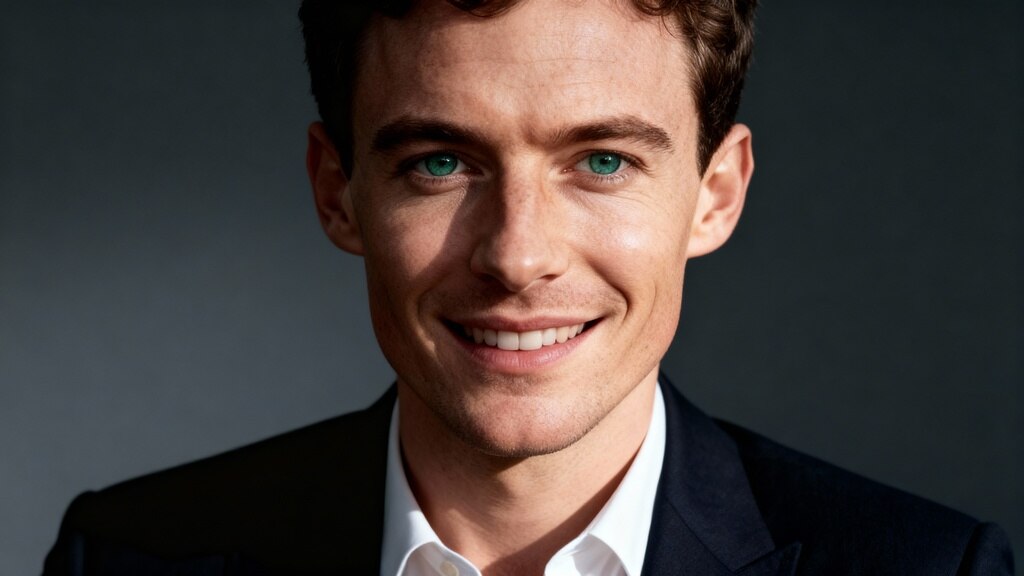
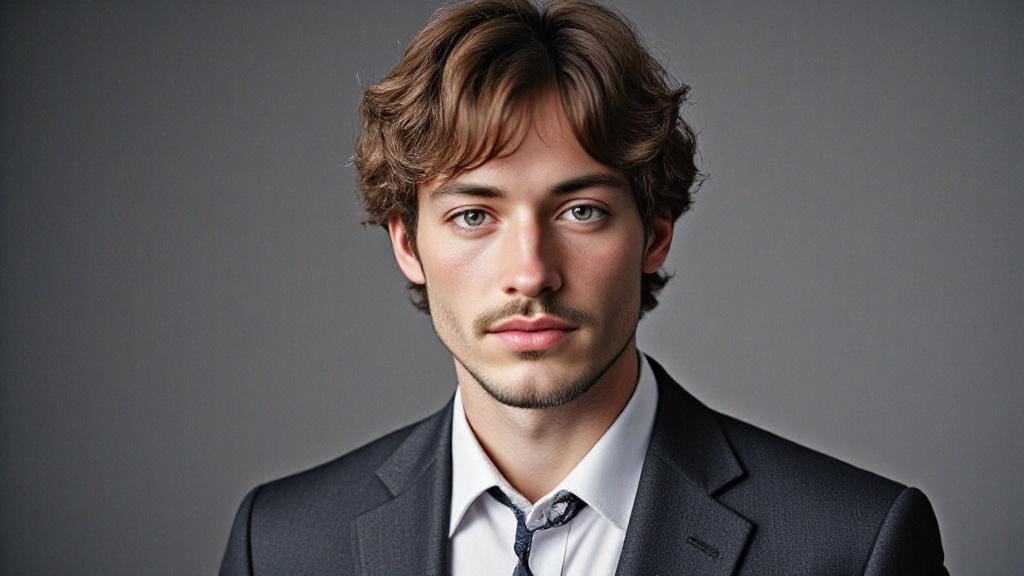
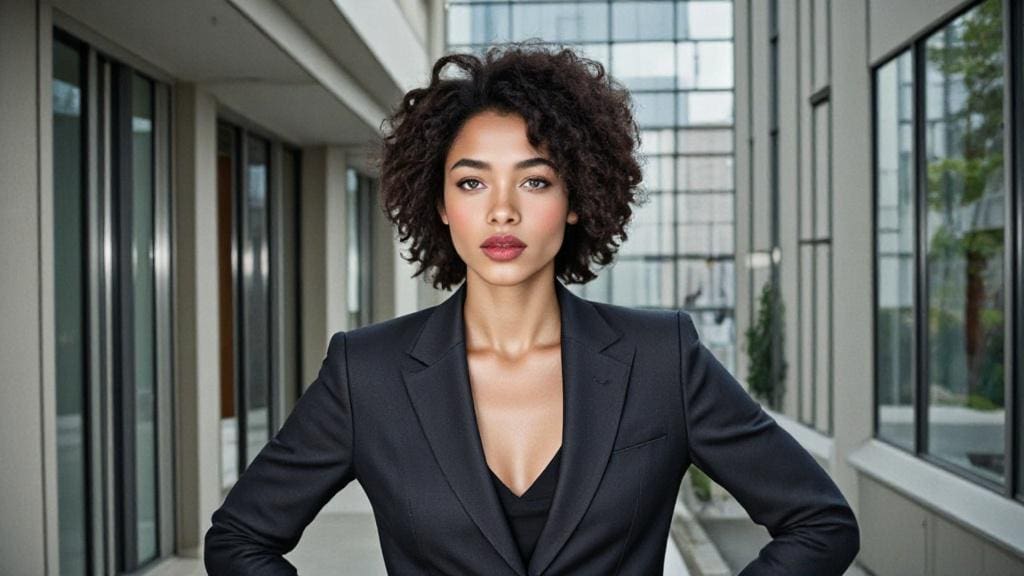
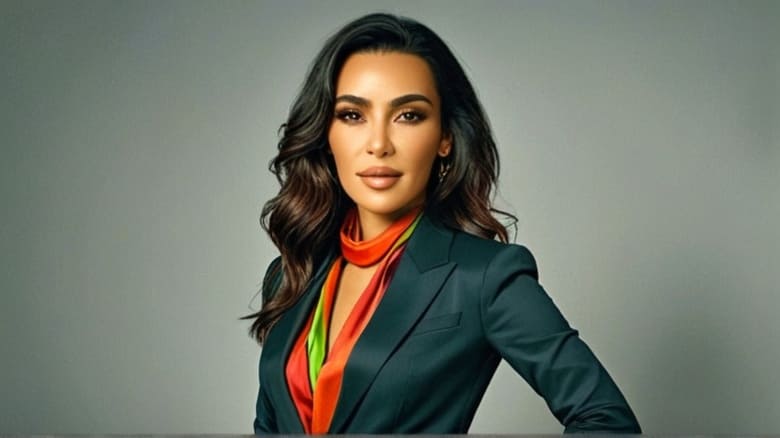
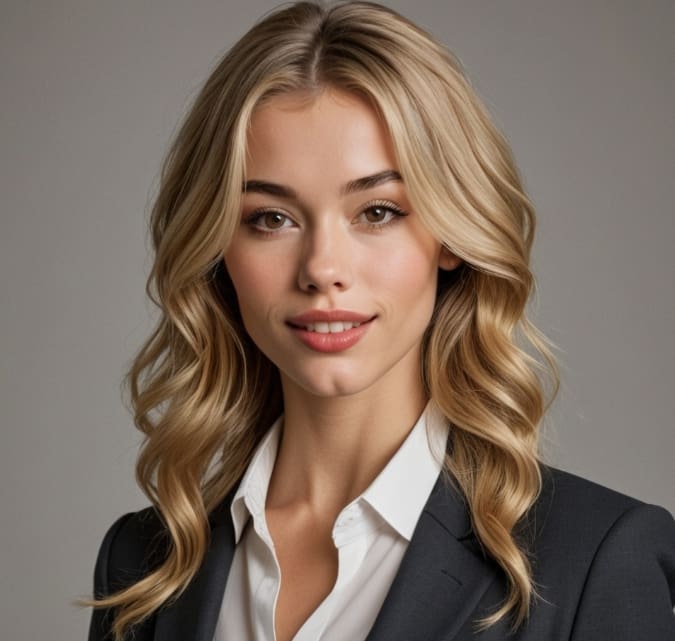
In today's competitive job market, having a professional CV photo can make a significant difference in creating a strong first impression. A well-crafted CV photo can enhance your job application and set you apart from other candidates. With advancements in AI technology, creating a professional CV photo has become easier and more accessible than ever before. This article will guide you through the process of using AI to create a high-quality CV photo, highlighting the benefits and providing practical tips to ensure your photo meets professional standards.
Do you want to be a freelancer and make money online? You can create AI influencers with APOB AI to monetize your social platform channel! Or, join the APOB Mega Affiliate Program to earn 30% commissions on the first three payments made by any paying customers you refer to app.apob.ai within the first three months! Action!
How to use make a cv photo with AI?
Step 1: Visit app.apob.ai and create your account for FREE. Once you're signed in, select "Create Portrait Model."
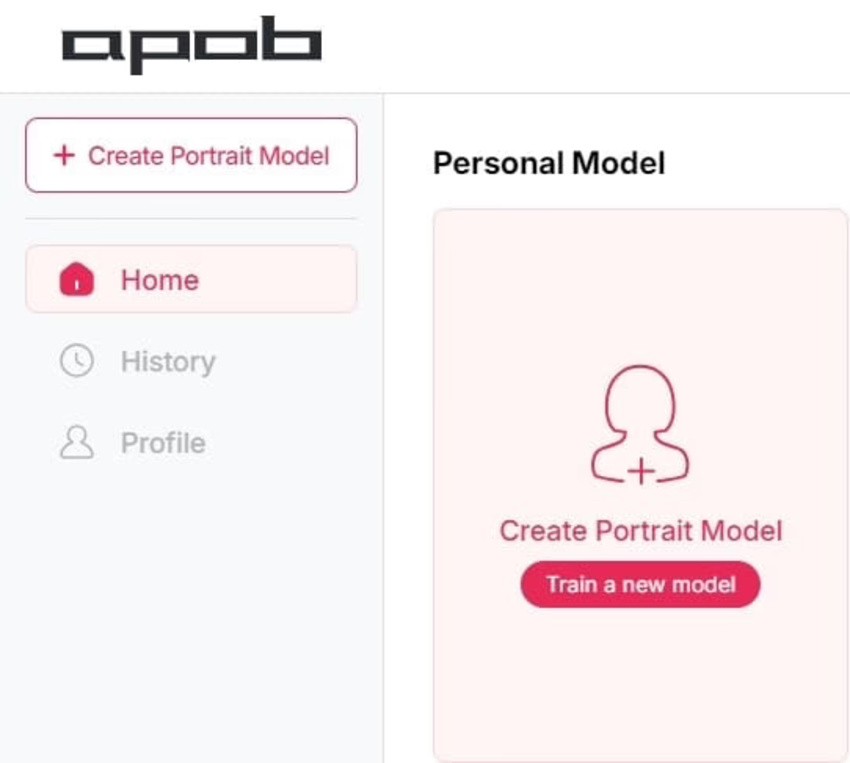
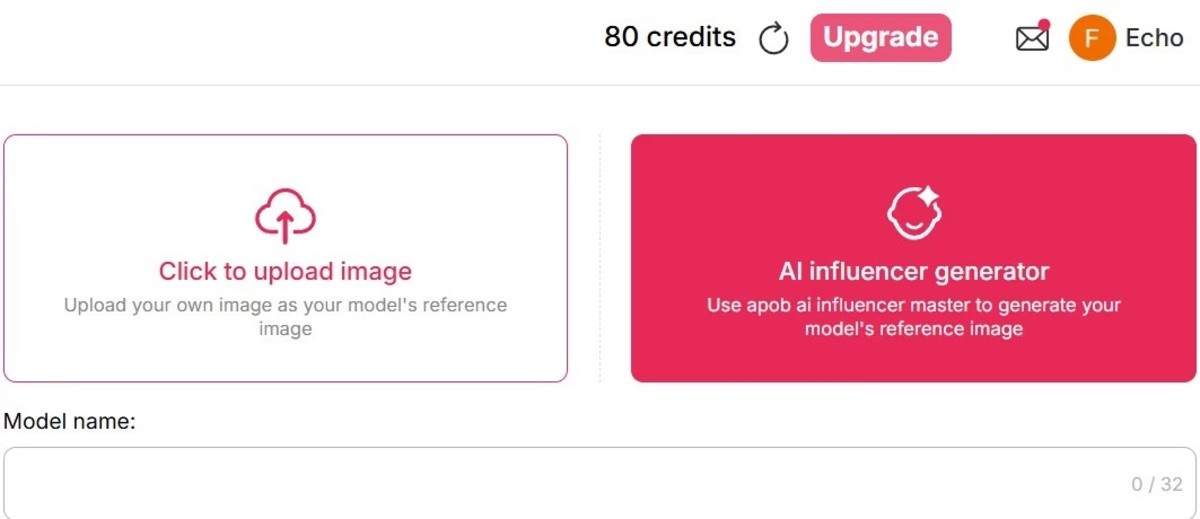
Step 2: Upload a clear photo of yourself as the reference image, then, enter a name (which doesn't have to be your real name), and you can create your own AI model.
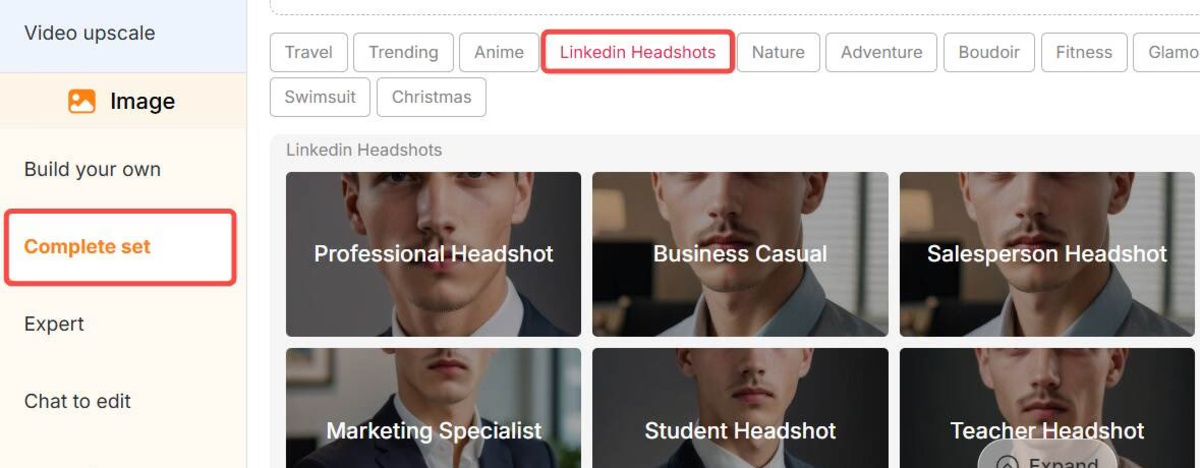
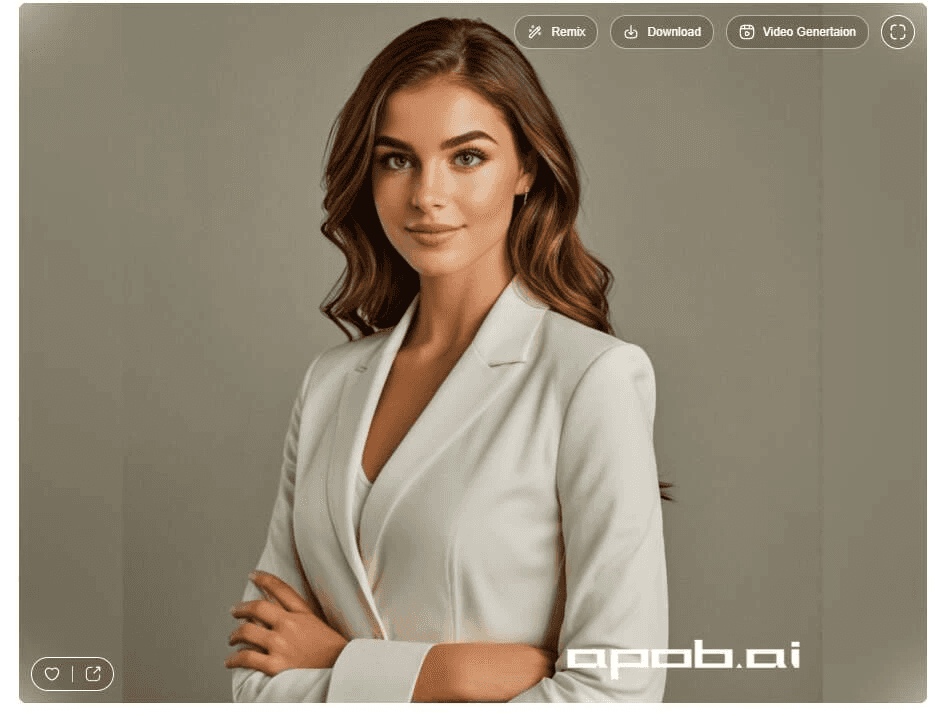
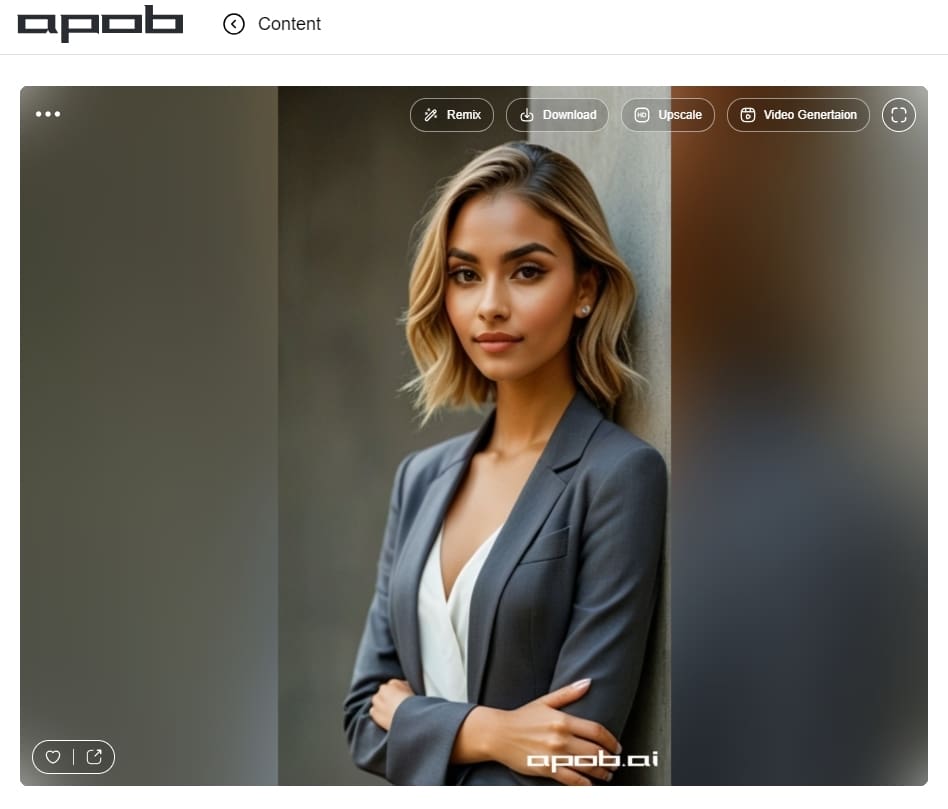
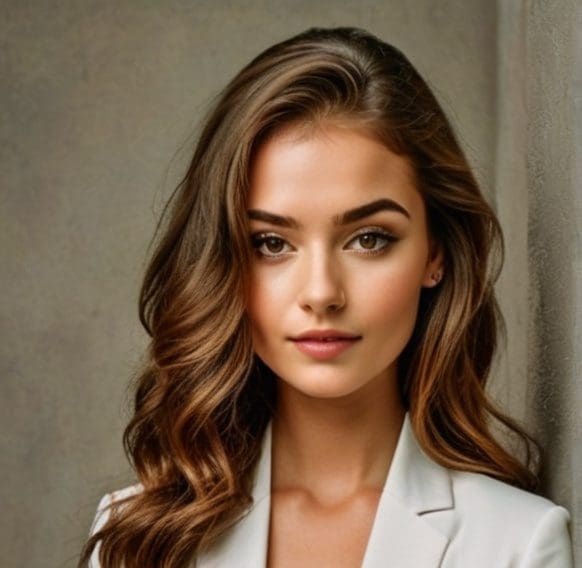
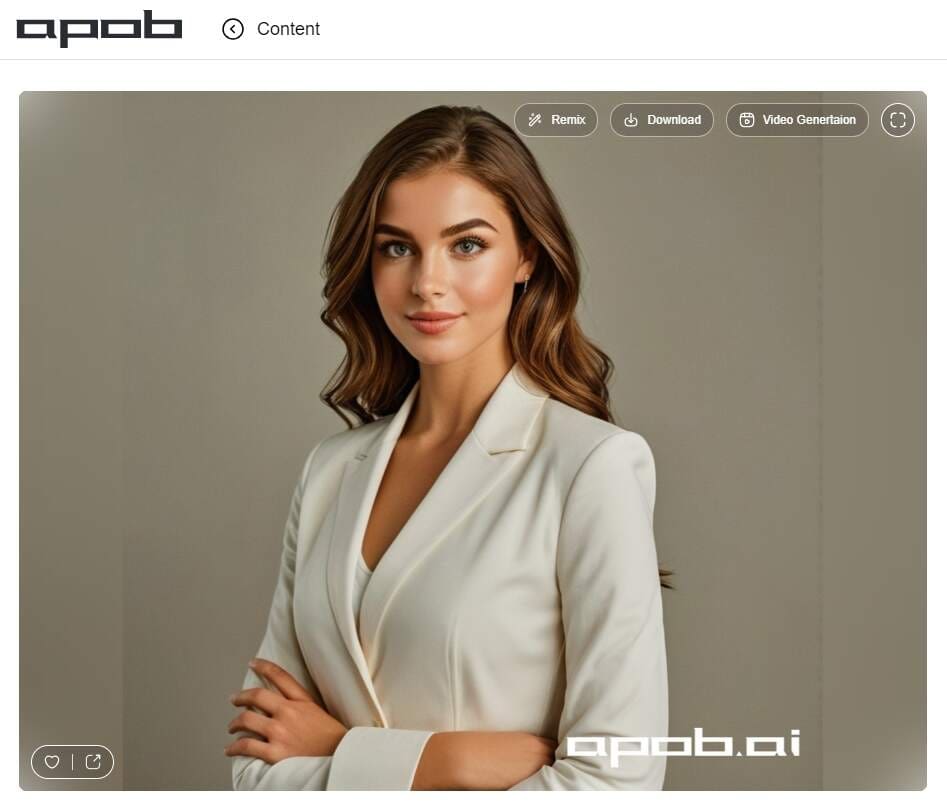
Step 3: After generating your AI Model, you can generate your CV photos. Find “Complete set“, and choose the style that suits you and the size that you want. Click on “Generate” and you will get your photo for free. Select a photo you like and download it for free.
Sign up to Get your 80 credits
Creating a professional CV photo is essential for making a strong first impression on potential employers. With the power of AI image generators, you can easily and efficiently produce a high-quality photo that enhances your job application. AI tools like APOB AI offer extensive customization options, ensuring that your CV photo is tailored to your preferences and meets professional standards.
If you’re intrigued by the possibilities of AI in professional photography, we highly recommend trying APOB AI. This innovative AI portrait generator allows you to create a personalized CV photo that perfectly matches your preferences, providing a unique and engaging experience. Give it a try and discover the potential of AI-powered photography today.
Importance of a Professional CV Photo
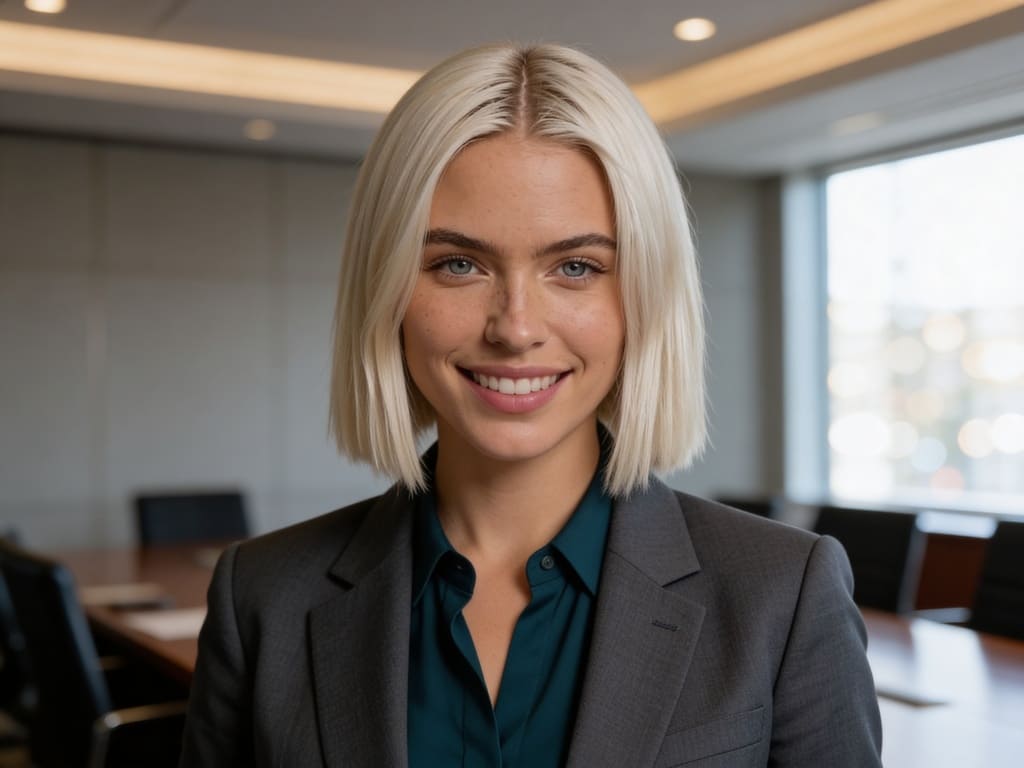
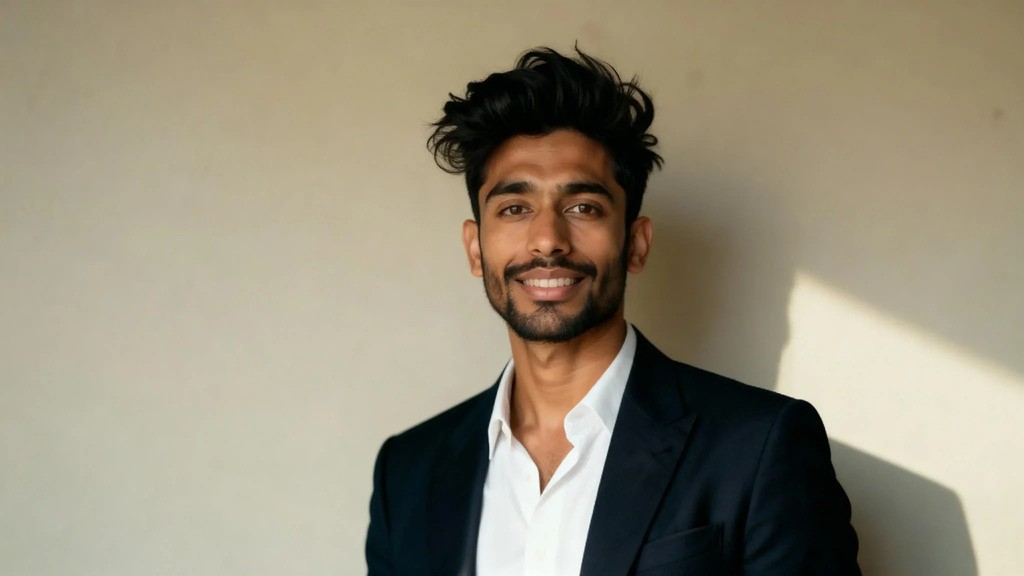
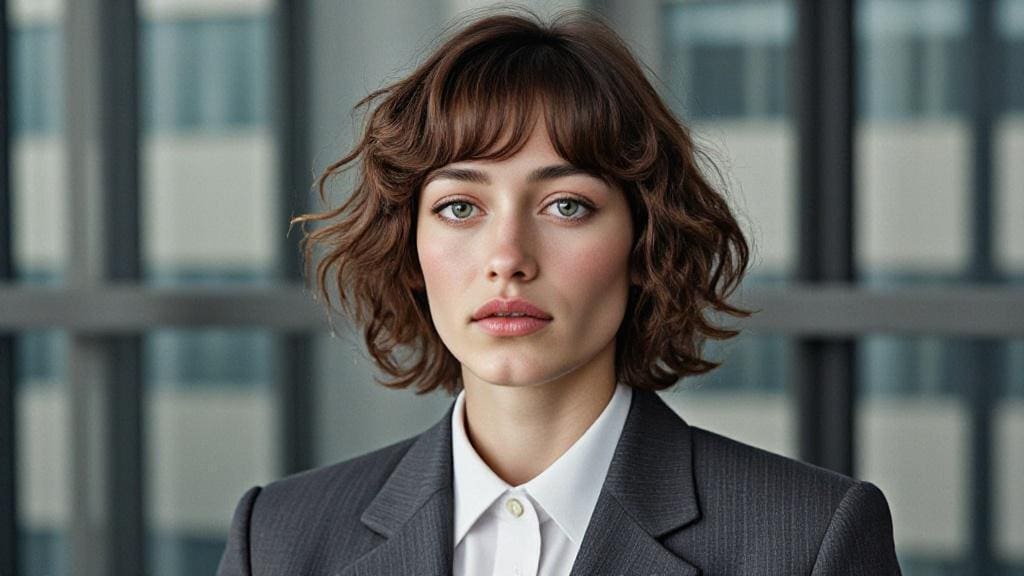
A professional CV photo plays a crucial role in making a positive first impression on potential employers. It is often the first visual element they see and can influence their perception of you as a candidate. A well-crafted photo can convey confidence, professionalism, and approachability, enhancing your overall application.
Common standards for CV photos include:
High-quality resolution: A clear, high-resolution image is essential to convey professionalism.
Neutral background: A plain, uncluttered background ensures that the focus remains on you.
Appropriate attire: Dressing in professional attire that aligns with the industry standards can create a positive impression.
Natural expression: A friendly, approachable expression can make you appear more likable and personable.
Tips for Creating a Professional AI Headshot For CV
To ensure your CV photo looks professional and polished, follow these best practices:
Attire: Dress in professional clothing that aligns with industry standards. Avoid overly casual or flashy outfits.
Background: Use a neutral, uncluttered background. AI tools can help you remove or replace backgrounds if needed.
Lighting: Ensure good lighting, preferably natural light, to avoid harsh shadows and unflattering highlights.
Expression: Aim for a friendly, approachable expression. A genuine smile can convey confidence and likability.
Avoid Over-editing: While AI tools offer numerous enhancements, avoid over-editing your photo. The goal is to look professional and natural, not overly polished or artificial.
Common Mistakes to Avoid:
Using low-resolution images that appear pixelated or blurry.
Choosing a busy or distracting background.
Wearing attire that is too casual or inappropriate for the industry.
Over-editing the photo, leading to an unnatural appearance.
Popular AI to help you create professional CV Photos
Several AI image generators are available that can help you create a professional CV photo. Here’s an overview of some popular options:
APOB AI: A comprehensive AI portrait generator that offers a wide range of customization options and high-quality outputs. It is user-friendly and ideal for creating professional CV photos.
Fotor: An online photo editing tool with AI features, Fotor offers background removal, portrait enhancement, and other tools to help create polished images.
FaceApp: Known for its advanced facial recognition technology, FaceApp can enhance facial features, adjust lighting, and provide a profess
When selecting an AI image generator, consider factors such as ease of use, customization options, and the quality of the final output.
Real-Life Examples and Success Stories
Many individuals have successfully used AI tools to create professional CV photos, enhancing their job applications and improving their chances of landing interviews.
"Using an AI image generator made it so easy to create a professional CV photo. The results were impressive, and I received positive feedback from employers." – Emily, Graphic Designer
"I was hesitant at first, but the AI tools were simple to use, and the final photo looked fantastic. It definitely helped me stand out in my job applications." – Mark, Financial Analyst
The Future of AI in Professional Photography
The future of AI in professional photography looks promising, with continuous advancements and emerging trends that will further enhance the capabilities of AI image generators.
Emerging Trends and Advancements:
Enhanced Emotional Intelligence: Future AI tools will likely feature improved emotional intelligence, allowing them to better understand and replicate human expressions.
Integration with AR and VR: The integration of augmented reality (AR) and virtual reality (VR) technologies will create more immersive and interactive photography experiences.
Greater Customization: As AI technology evolves, users can expect even more customization options, enabling them to create highly personalized and unique images.
Predictions for the Impact of AI on Professional Photo Creation:
AI will continue to democratize professional photography, making it accessible to a wider audience.
The quality and realism of AI-generated photos will improve, further blurring the lines between AI-created images and traditional photography.
AI tools will become an integral part of the professional photography process, offering new creative possibilities and efficiencies.
FAQs
1. What is an AI image generator?
An AI image generator is a tool that uses artificial intelligence to create, enhance, or modify images, including portraits and headshots.
2. How can I use AI to create a professional CV photo?
You can use APOB AI to upload a clear photo of you as reference, then choose 'Linkedin style' from our 'complete set', click on generate. Then you will get your professional CV Photo right away.
3. Are AI-generated CV photos accepted by employers?
Yes, as long as the photo meets professional standards, AI-generated CV photos are generally accepted by employers.
4. What are the benefits of using an AI image generator for my CV photo?
Benefits include convenience, ease of use, customization options, and the ability to create high-quality, professional photos without needing advanced photography skills.
5. Can I customize my CV photo with an AI image generator?
Yes, AI image generators offer various customization options, including background adjustments, lighting enhancements, and facial feature editing.
6. Is there a free AI photo editor for CV?
Yes, there are free AI photo editors for CVs. APOB AI offers a free service where you can generate up to 16 CV photos daily, divided into four groups, without any cost. It allows you to create professional headshots with ease, making it ideal for resume and LinkedIn profiles.
7. Is the uploaded photo data secure?
Yes, many AI photo editing platforms ensure that uploaded photo data is secure. For instance, APOB AI follows strict privacy policies, ensuring that your data is not shared with third parties. APOB AI does not track, measure, store, or collect face data.

Be the first to like this.





No credit card needed


