Want a fresh LinkedIn look? Make your own AI LinkedIn photo in just seconds! Don't forget to read the guide below!
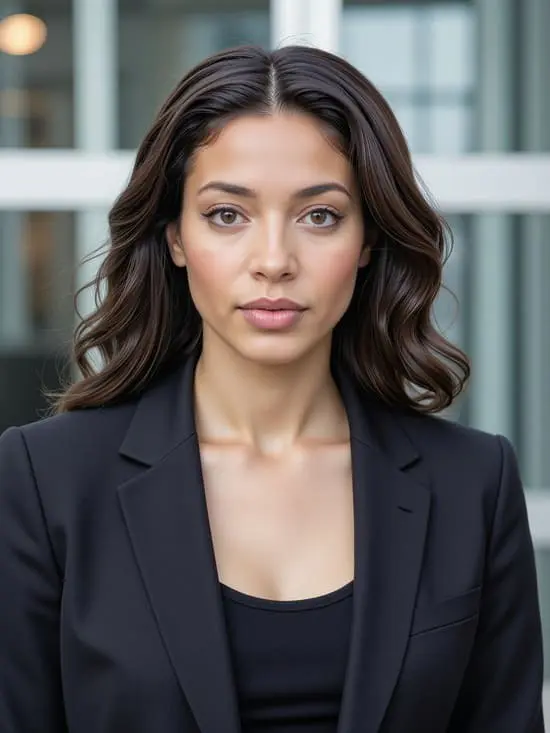
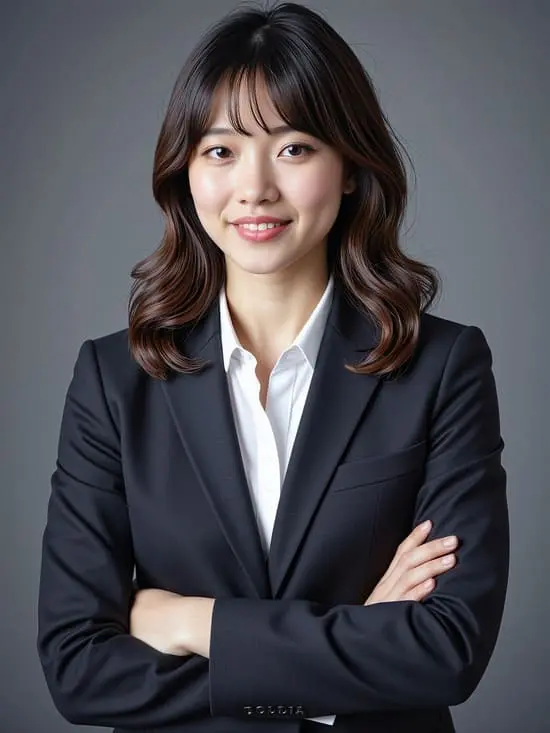
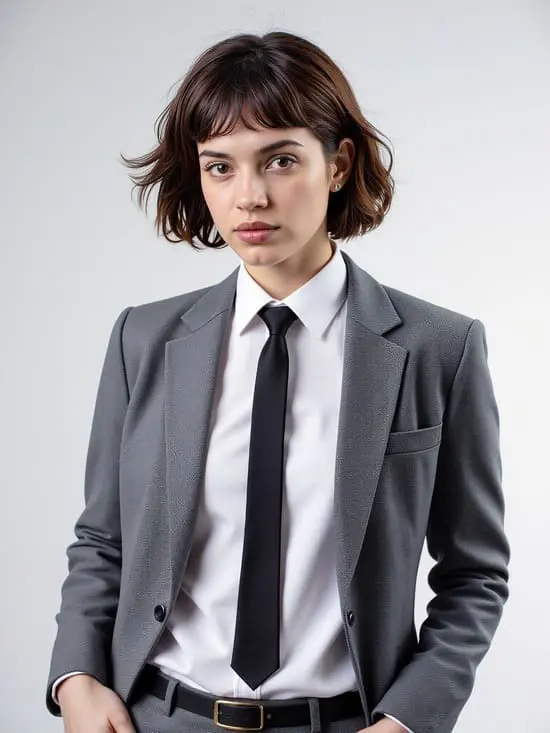
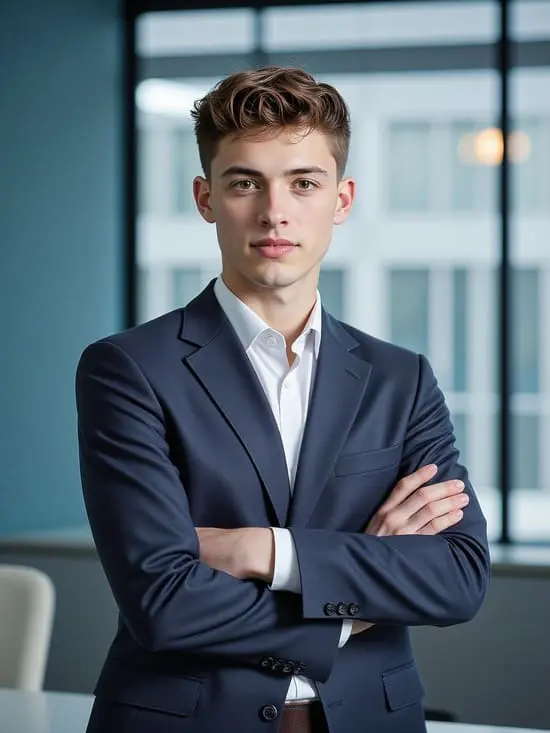
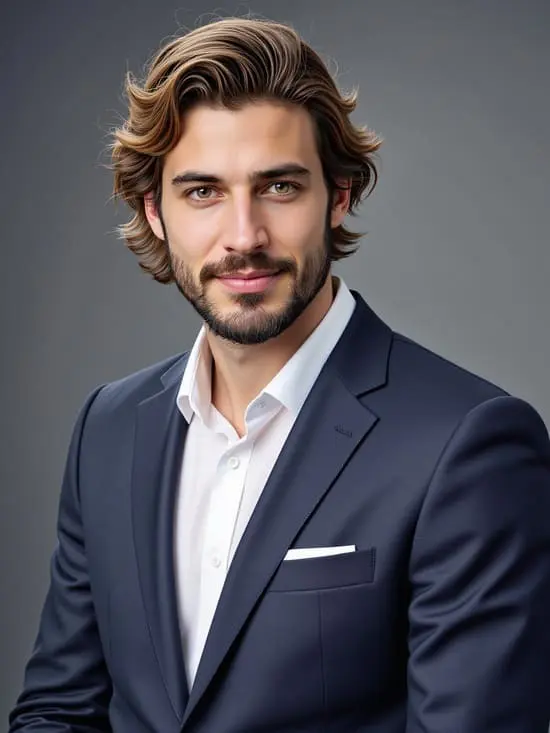
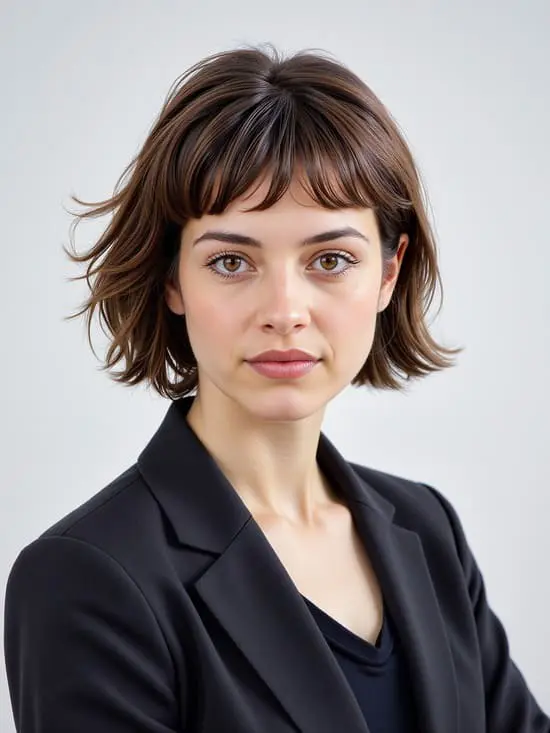
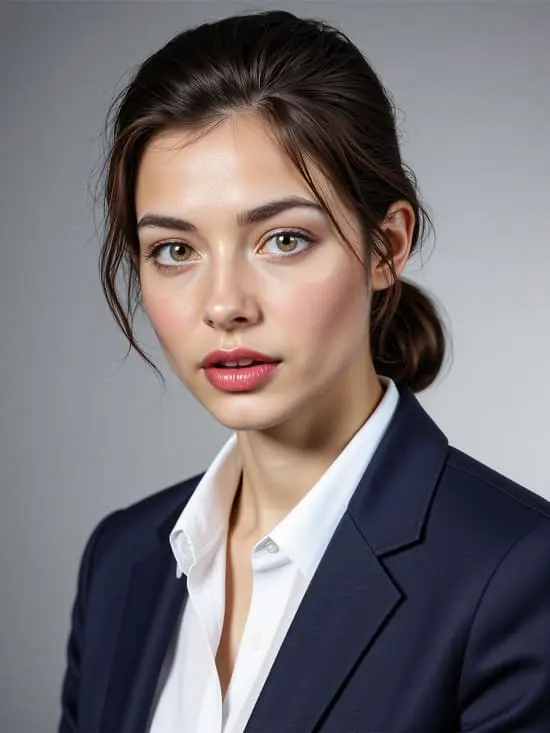
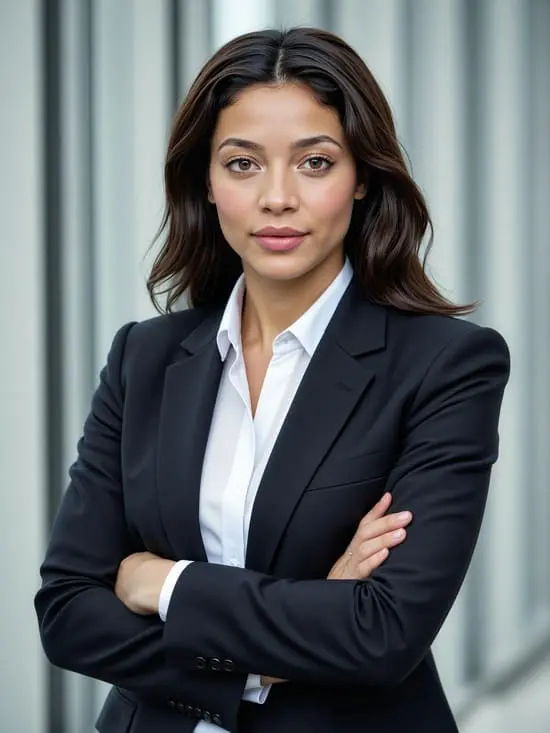
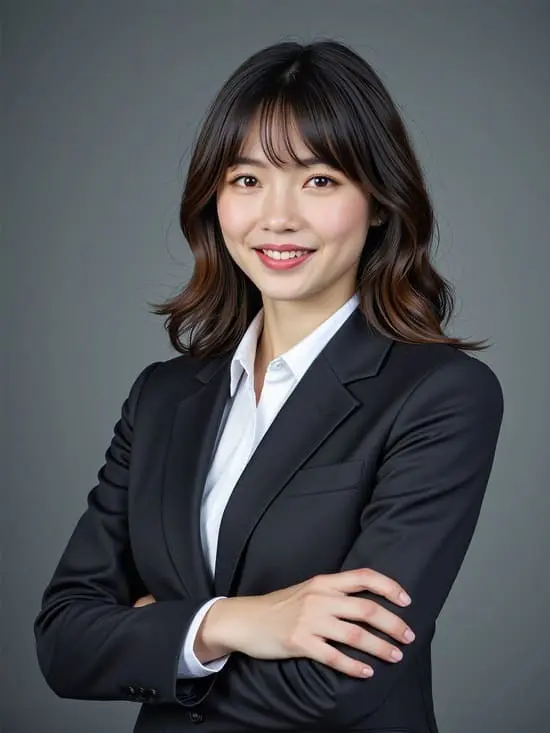
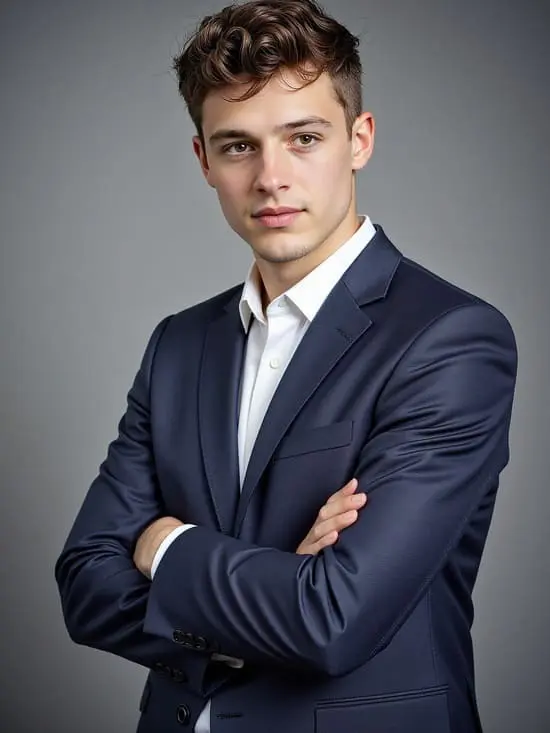
Step 1: Sign Up and Get Free Daily Credits to try free ai linkedin photo generator
Create the button below and register for a free account of our ai linkedin photo generator. Once signed up, you’ll receive 80 daily credits that can be used to generate or enhance Linkedin Images—completely free of charge.
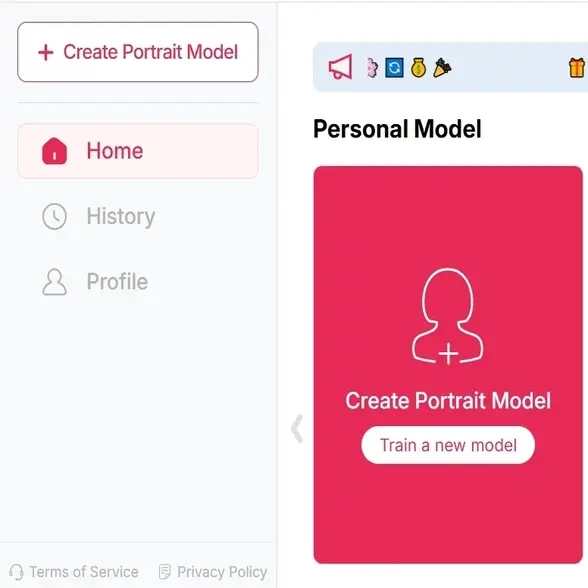
Step 2: Upload one photo as reference for your ai linkedin photo
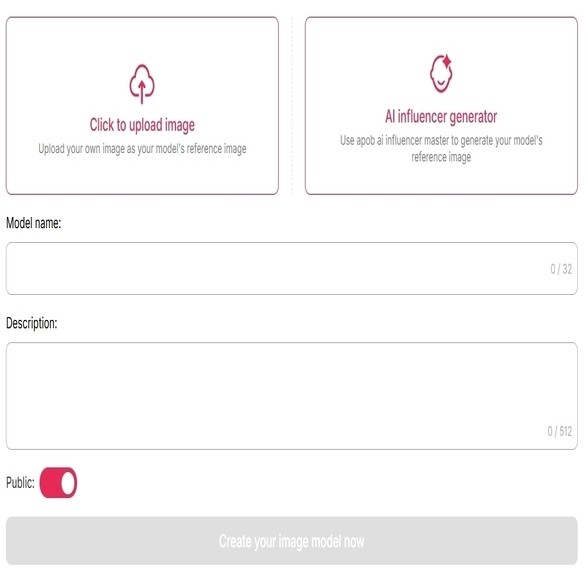
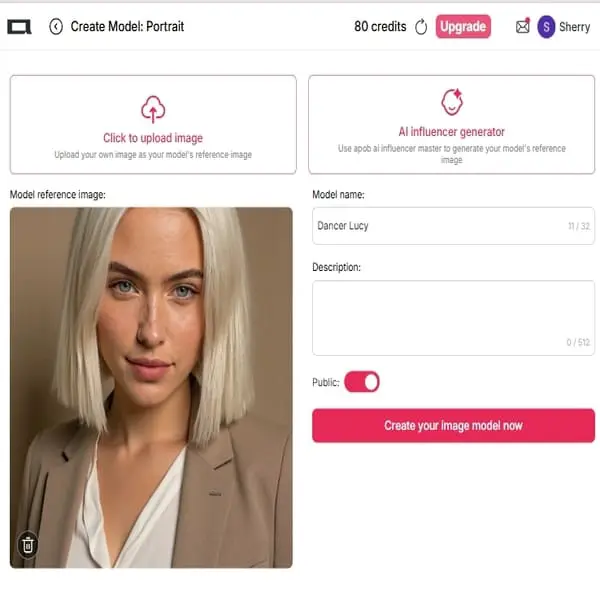
To generate a photo from an existing photo: upload one photo of the person. (Note: if you are generating a linkedin photo of yourself, choose this method). No worries about your privacy, you can set the model to 'private'.
To create a new one: Use the “Create Portrait Model” or “AI Influencer Generator” to build a custom AI-generated headshot from scratch or based on a reference photo. (Note: this is for anyone who only want to create a random profession photo)
Step 3: Choose from the AI LinkedIn Photo template library.
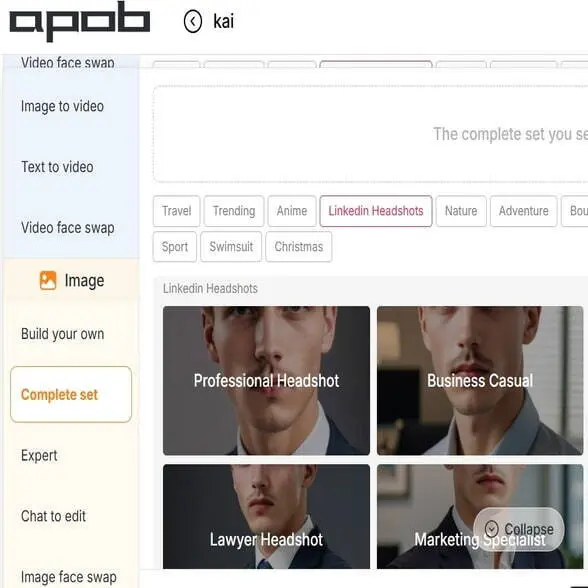
Click the ‘Complete Set’ function, then choose the ‘LinkedIn Headshots’ style. We offer more refined style options such as Salesperson Headshots, Financial Headshots, and Lawyer Headshots—you decide! Click ‘Generate’, and your photos will be ready in seconds.
Want to make adjustments? Just click ‘Chat to Edit’, type in your request, and let our AI perfect the photos for you.
Step 5: Monetize Your Skills: Become an AI-Powered Freelancer
Don't just use APOB AI—work with it! Consider jumping into Influencer Marketing or visual content creation.
Your Advantages with APOB AI:
Instant Portfolio: Quickly create diverse, professional, and high-quality visuals for clients (or for your own social media brand). This instantly makes you competitive.
AI Tool Proficiency: Experience with APOB AI demonstrates a valuable understanding of AI workflows, which is a massive asset in the current job market.
Low Barrier to Entry: You can start your freelance marketing journey immediately without needing expensive photography equipment or complex editing software.
Step 6: Join Our Affiliate Program and Get Paid!
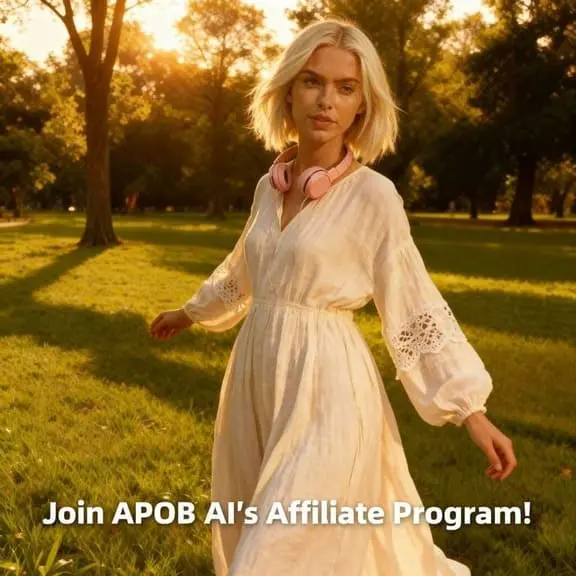
Beyond direct freelance work, we offer a direct path to cash! Sign up for the APOB AI Affiliate Program or our Ambassadors-Campaign today. Promote the tools you already love, and earn a commission for every referral. It's a risk-free way to gain marketing experience and start making money on the side.
Realistic, Studio-Quality Results
APOB AI is trained on thousands of professional headshots to deliver polished, studio-like results—without any special setup or editing skills required.
Free membership is just a click away!
Sign up now to receive a free account with 80 daily credits. No need to hire a photographer or schedule a photo shoot.
Designed for Career Impact
Our AI creates confident, approachable images tailored for job seekers, business professionals, freelancers, and remote workers looking to impress on LinkedIn.
Unified Look
An AI photo tool helps people and companies keep a consistent, professional image. Even if team members work in different places, they can all have matching headshots. This makes LinkedIn and company websites look neat and polished [1].
Job Hunt Boost
Job seekers can quickly make a clean, professional photo without paying for a photoshoot. A simple selfie can turn into a studio-style headshot, helping them stand out and catch recruiters’ attention.
Freelancer Tool
For freelancers and business owners, a professional photo builds trust. With AI, they can easily create high-quality headshots for their website, portfolio, and social media—saving both time and money while attracting new clients [2].

Nora Kim
I needed a LinkedIn photo that looked current but not overly polished. APOB AI helped me test a few backgrounds and outfits until I found one that still felt like me.

Sora Nakamura
My only decent photo was too casual. I used the LinkedIn headshot template and finally had something I felt okay putting next to applications and portfolio links.

Malik Brooks
I was surprised by how much the background changed the impression. A clean office version looked confident without feeling stiff, which is exactly what I wanted.
Rowan Hayes
I tried three professional styles before choosing a softer one. It was nice to compare options privately instead of booking a photoshoot and hoping I liked the result.

Sunny
For a team page refresh, we used APOB AI to make old profile photos feel more consistent. It saved a lot of back-and-forth about crops, lighting, and wardrobe.

Terra Miles
I did not want a fake-looking corporate portrait. Starting with a clear selfie and keeping the prompt simple gave me a LinkedIn photo that looked polished but believable.

Omar King
I needed a better profile image before applying to jobs. The first result felt too formal, but the second with a softer background was genuinely useful.

Dante Miles
We created quick LinkedIn photo options for a client workshop. Seeing different levels of formality helped everyone choose a direction without making it weird or personal.

Bailey
I recommend it to people who have good experience but outdated profile photos. A clean, recent-looking image can make the whole profile feel more cared for.
Fast and Convenient
AI headshot tools like APOB let you create polished LinkedIn photos in minutes—no need to schedule a photoshoot or wait for edits.
Free to Use
Unlike traditional photography services, APOB AI allows users to generate LinkedIn photos at no cost, making it ideal for job seekers or students.
Wide Range of Styles
You can customize everything from outfit and background to pose and lighting, ensuring your photo matches your career field and personal branding.
Boosts First Impressions
AI-generated photos enhance your natural appearance, helping you appear more confident, professional, and approachable to recruiters.
Quality Depends on Your Upload
The final result is only as good as your starting image. Low-resolution or poorly lit selfies can limit the effectiveness of the AI enhancements.
No Credit Card Required
Answers about professional LinkedIn photos, backgrounds, attire, credits, privacy, and commercial use.
Is APOB AI free to use?
Yes, APOB AI offers 80 free daily credits when you sign up for a free membership.1 You can use these credits to create or enhance a professional LinkedIn photo without paying for a photographer.
What kind of image should I upload to the AI LinkedIn photo generator?
For the best results, upload a high-resolution image with clear lighting, a neutral background, and a professional appearance. This helps the LinkedIn photo AI generate a polished and credible profile photo.
Will the ai linkedin photo generator completely change my appearance?
No. APOB AI enhances your image by improving clarity, lighting, and facial details, but it maintains your natural appearance. With its ai professional photo capabilities, you can customize edits while keeping your photo authentic and suitable for professional use.
Can I change outfits or backgrounds with this linkedin photo generator?
Absolutely. APOB AI lets you remove or replace backgrounds with clean, professional environments and offers options to adjust hairstyles, outfits, and facial features.2 It’s a flexible AI LinkedIn photo generator tailored to your personal brand.
Is this ai linkedin photo generator safe for my data?
APOB AI is designed with user privacy in mind. While specific security practices are outlined in their terms of service, the platform is trusted for professional use. We recommend reviewing their privacy policy or contacting support for more details.


