Generate a standout cool Discord profile picture with discord ai image generator. Don't miss the guide below!
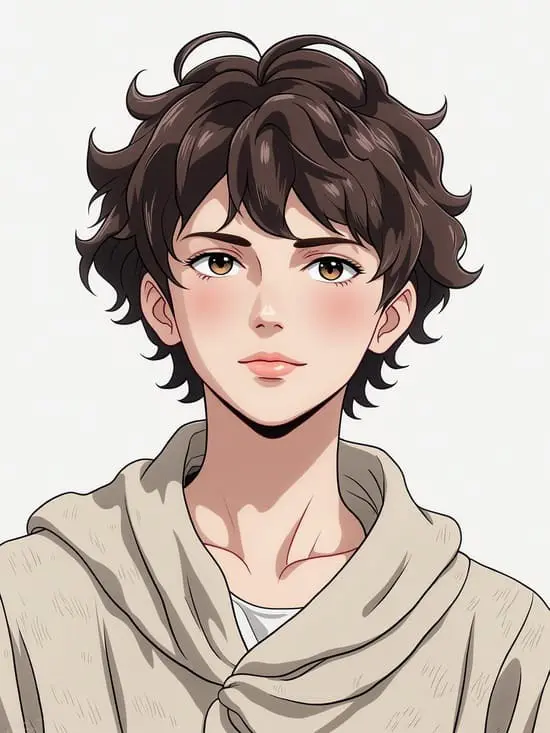
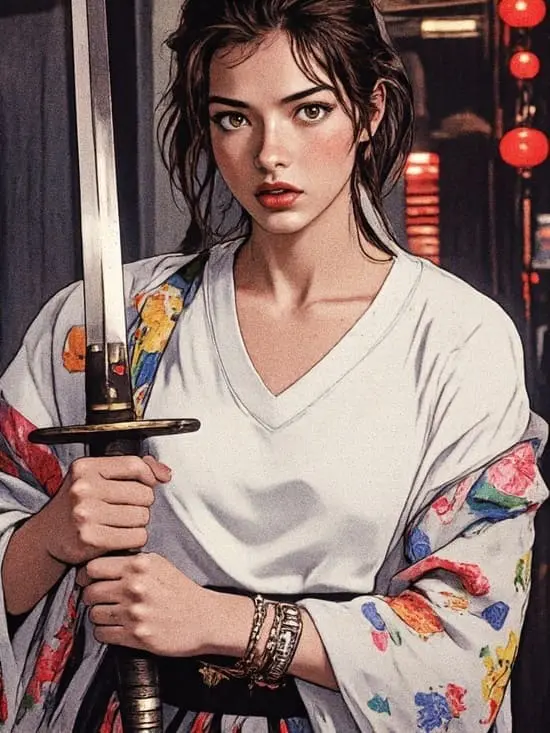
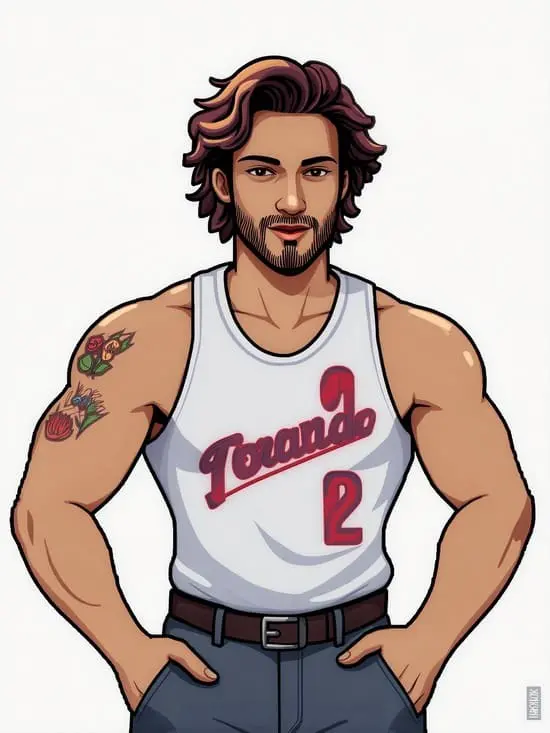
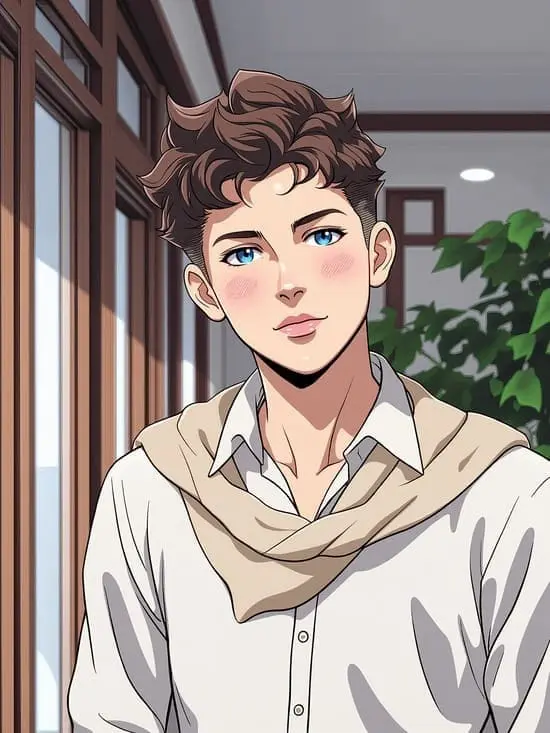
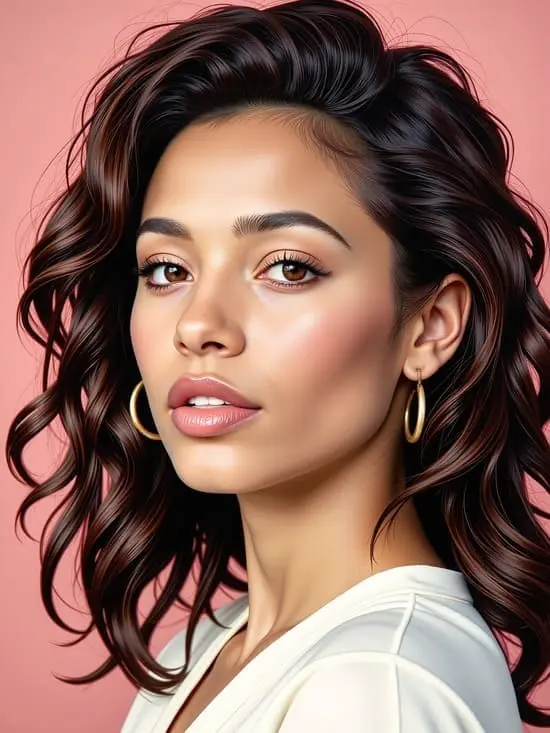
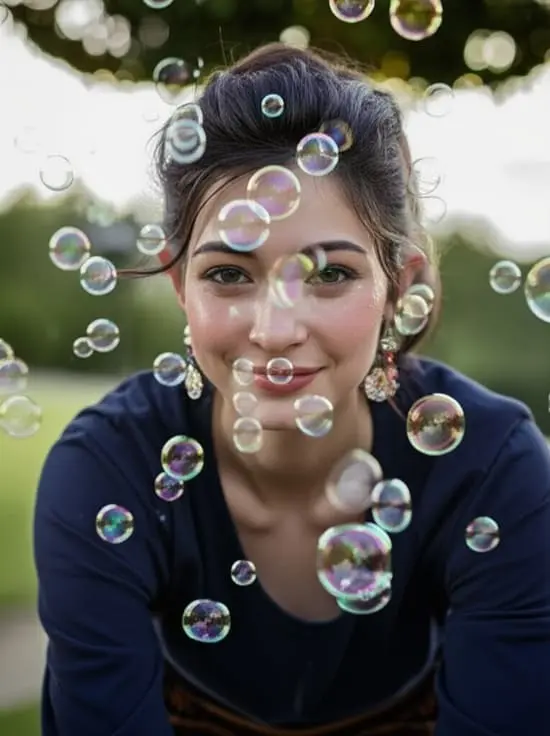
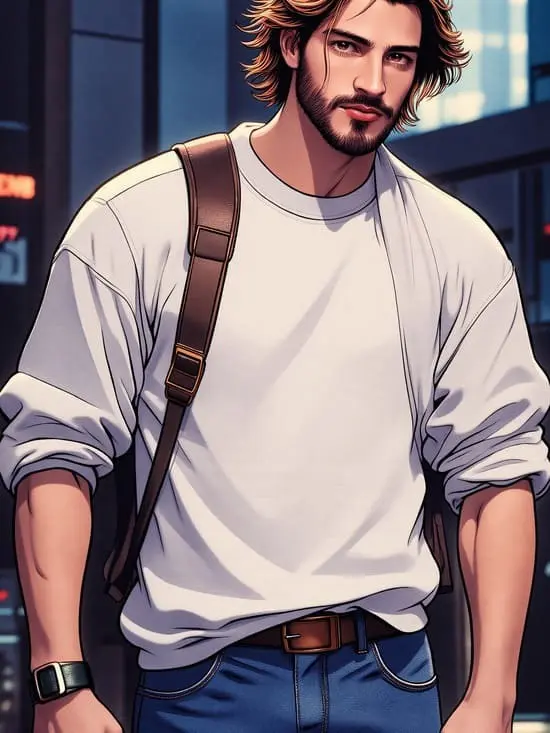
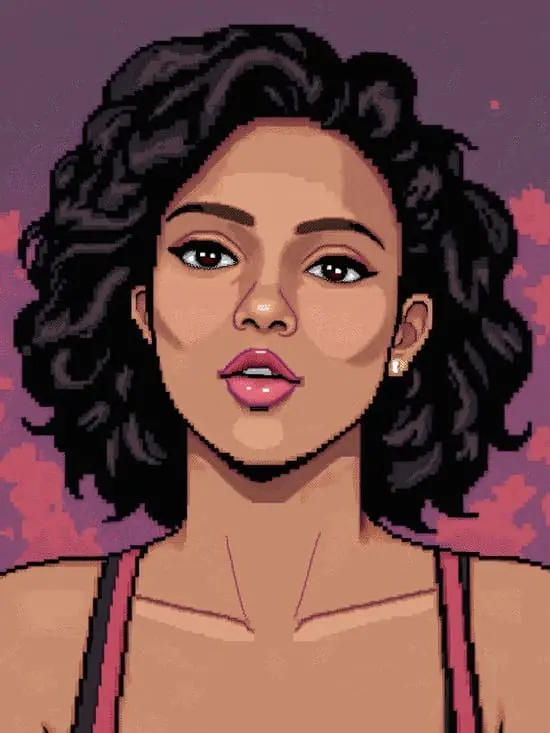
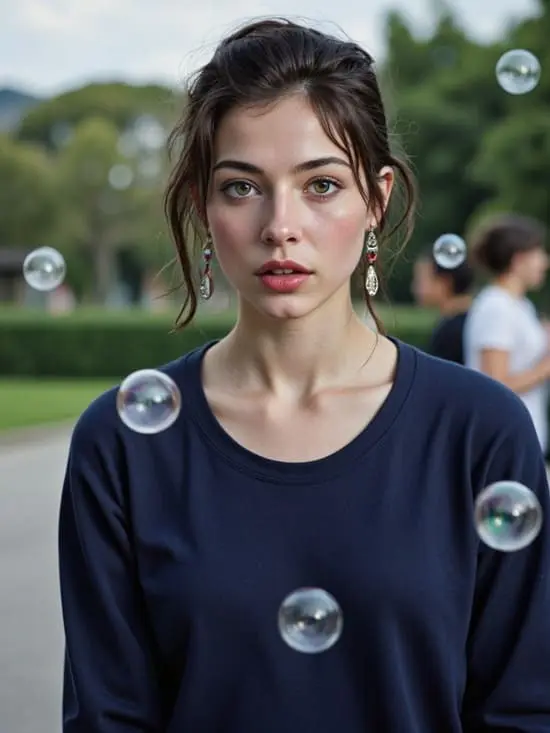
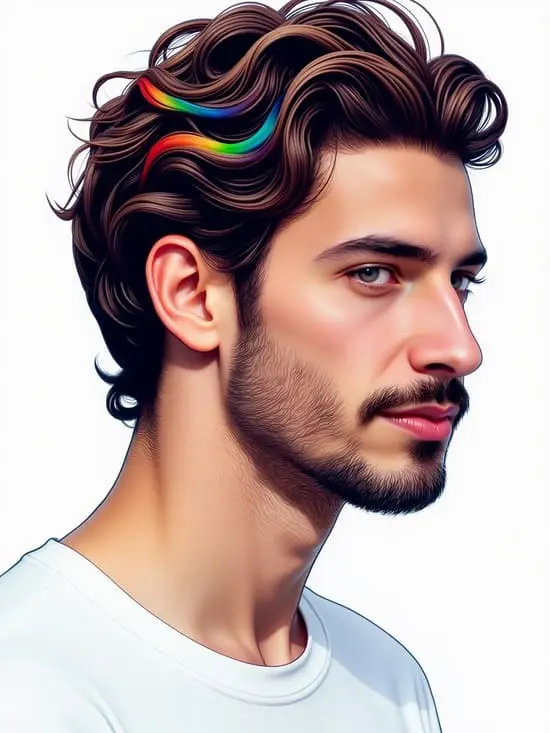
Claim Your Free Credits to Create Discord Profile Pictures
Start by visiting APOB AI and claiming your free membership through creating a free account .
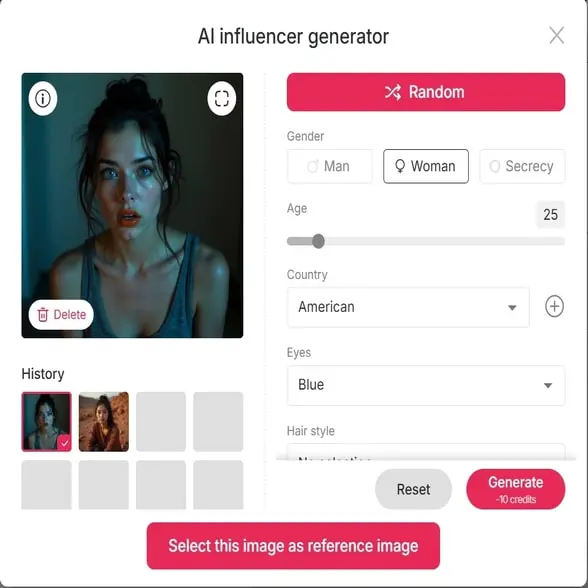
You’ll instantly receive 80 daily credits every day, which you can use to generate or edit your Discord PFP—no subscription required. nationality, eye color, hairstyle , and additional attributes.
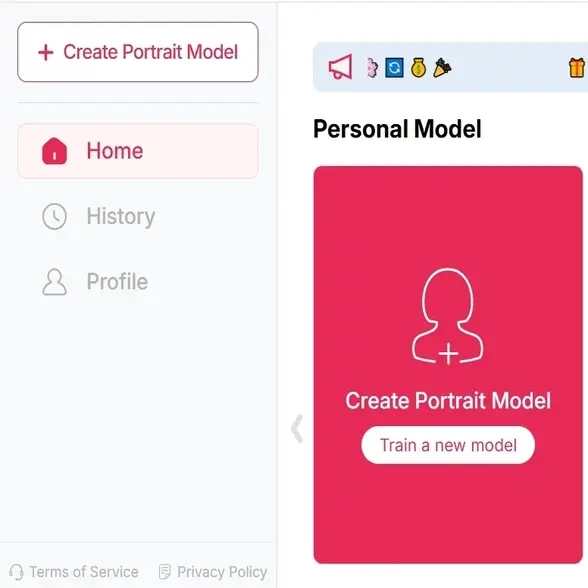
Upload Your Photo or Generate a Custom Discord Profile Picture
You can upload a clear, front-facing photo to enhance or transform it, or use our ' AI Influencer Generator ' to custom a brand-new AI model that you like.
APOB AI can be a good AI Discord photo generator that supports both real and AI-created images, perfect for updating your Discord profile.greater control and flexibility.
Choose Your Discord Profile Picture Style with APOB AI
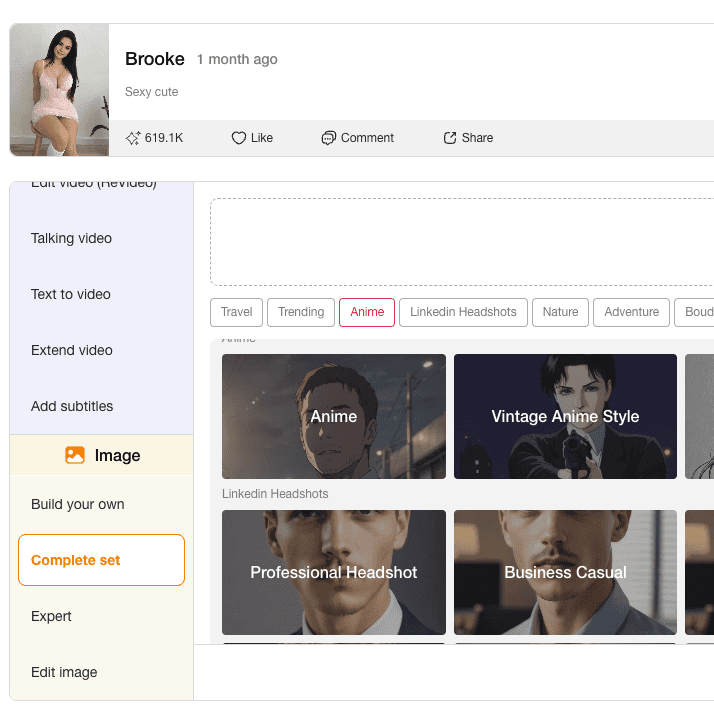
Click the “ Complete Set ” button and choose the style tailored for Discord.
APOB AI offers categories like anime, gamer, fantasy, minimalist, and professional avatars —all ideal for cool Discord profile pics that stand out in any server.
Customize Your Discord Profile Picture and Download
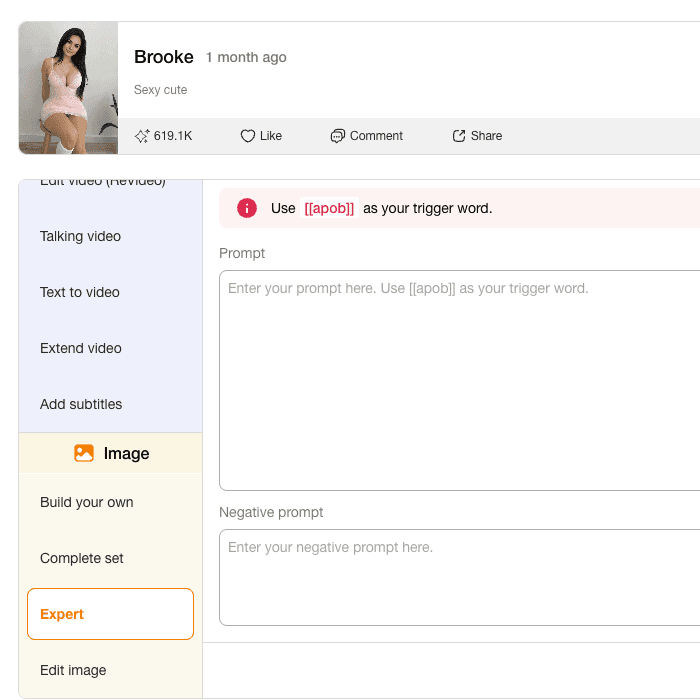
Want a different background, expression, or outfit? Click “Chat to Edit” and type your request—APOB AI will instantly refine your image.
Once satisfied, download your high-quality, custom Discord profile picture and upload it directly to your Discord profile.
Instant, AI-Generated Personalization
APOB AI allows you to create unique and expressive avatars without needing design skills. The AI understands your prompts and delivers tailor-made results that suit any Discord community or aesthetic.
Free to Use, No Experience Needed
With 80 free credits per day, you can experiment and perfect your Discord PFP without spending a dime. The beginner-friendly interface helps you create cool Discord profile pics in just a few clicks.
Versatile Style Options
Whether you want a professional look, an anime-style PFP, or a fun and edgy vibe, APOB AI has a wide range of templates made for Discord users. The flexibility makes it ideal for gamers, streamers, and social influencers alike.
AI-Driven Customization
You can control facial expressions, hair, outfit, and mood simply by typing prompts. This makes it easy to create a custom Discord profile picture that fits your exact vibe.
High-Quality Output
The AI generates crisp, high-resolution avatars that stay sharp even in Discord’s circular PFP format—ideal for cool Discord profile pics that make a statement.
Free Daily Credits
APOB AI gives you a generous free plan, allowing most users to create their perfect Discord PFP without needing to upgrade.
Limited Without Credits
Once your 80 daily credits are used, you’ll need to wait for a reset or purchase more to continue creating.
No Credit Card Required
![What’s the Best Discord PFP Size? [Image Specs You Need to Know]](https://framerusercontent.com/images/sKPC3ftLKPmKpB7WLEpohEFxw0.jpeg)
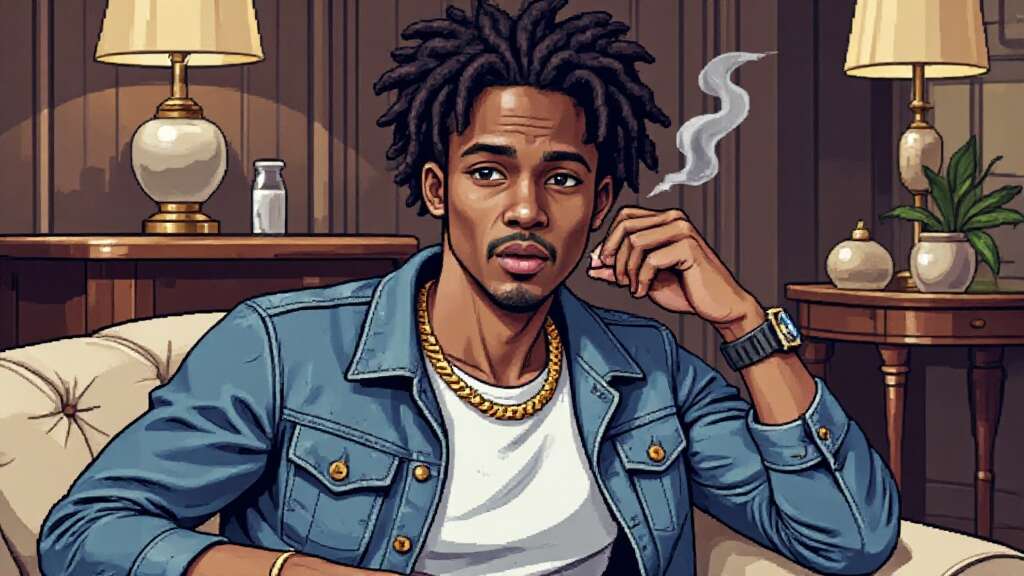
Answers about avatar styles, sizing, formats, credits, privacy, and Discord uploads.
Is APOB AI really free to use for Discord PFPs?
Yes! With a free membership, you receive 80 daily credits to generate and edit Discord profile pictures at no cost.
What makes a good Discord picture?
A good PFP is clear, centered, and visually engaging. Using a high-resolution image with good lighting helps the AI create a cool Discord profile pic that looks great across all devices.
Can I generate an anime-style or fantasy avatar?
Absolutely! APOB AI supports a variety of styles, including anime, cyberpunk, gaming aesthetics, and fantasy. Just select or describe your desired look for a truly cool Discord profile.
Will APOB AI use or store my images?
Your privacy is respected. Images are processed securely and not used for any other purpose beyond generating your requested photo.
How long does it take to generate my profile picture?
Most images are generated in under a minute. If you’re using advanced edits through “Chat to Edit,” it may take slightly longer depending on your request.
How to change profile picture (on desktop/web)
Open Discord on your desktop or browser. Click the gear icon next to your username (bottom-left) to open User Settings. Under the “My Account” section, click “Edit” (a pencil icon) next to your current avatar. Click “Change Avatar”, then select and upload a new image from your device. Adjust the crop, then click “Apply” and finally “Save Changes”.
How to change your profile picture on Discord on mobile (iOS/Android)
Open the Discord app. Tap your profile icon (bottom-right) to open User Settings. Tap on your profile picture or tap “Edit User Profile”. Tap your avatar again and choose “Change Avatar”. Select an image from your gallery or take a new photo. Adjust and crop if needed, then tap Save (checkmark in top-right).


