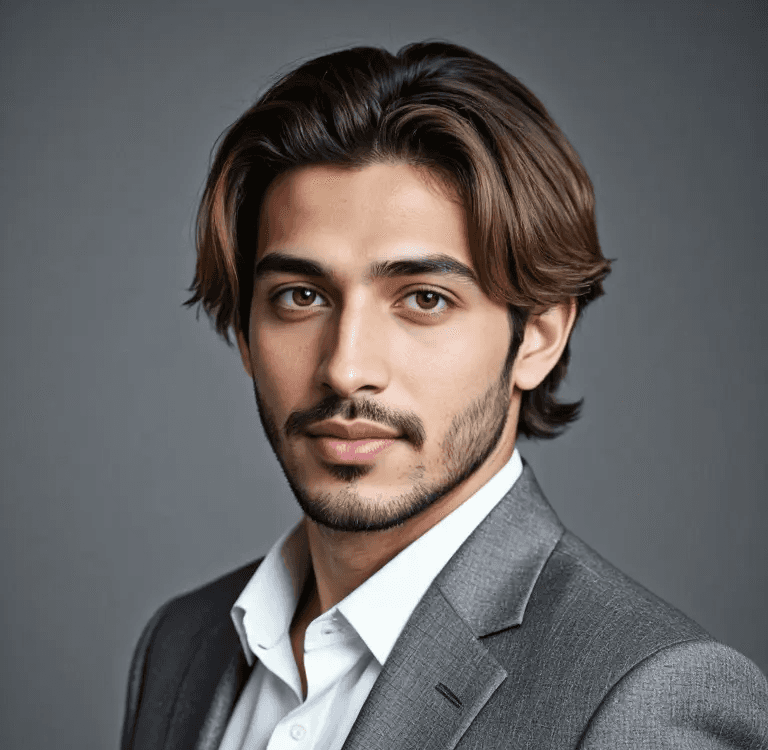
Professional Headshot Generator
Try Professional Headshot Generator For Free
Three Steps to use APOB AI Professional Headshot Generator-----Simple
Upload a clear selfie or portrait where your face is visible.
Choose a professional headshot style for LinkedIn, resumes, company bios, or social profiles.
Generate several options and download the one that looks natural, polished, and recognizable.
Importance of Professional Headshots
A professional headshot can shape how people read your profile before they read a single word. It matters for LinkedIn, resumes, company pages, speaker bios, press kits, portfolios, and personal branding. A strong headshot does not need to look expensive, but it does need to look clear, current, and appropriate for your field.
If you are job hunting, freelancing, founding a company, selling services, or representing a team, your photo should support trust. That is why many people ask: how much are professional headshots, and when is the cost worth it?
Factors Influencing the Cost of Professional Headshots
Location: Urban vs. Rural Pricing Differences
Headshot pricing changes by city. A photographer in a major business district may charge more than someone in a smaller town because studio rent, demand, and local rates are higher.
Photographer's Experience and Reputation
An experienced headshot photographer usually charges more because they know how to direct expressions, lighting, posing, and retouching. For executives, actors, and founders, this guidance can be worth the extra cost.
Studio vs. Outdoor Settings
Studio sessions offer control over lighting and background. Outdoor sessions can feel more natural but depend on weather and location. Some photographers charge extra for travel or location permits.
Duration of the Photo Shoot
A quick mini session may last 10 to 20 minutes. A full personal branding session can take one or two hours and include multiple outfits, backgrounds, and poses.
Number of Edited Photos Included in the Package
Some packages include one retouched photo. Others include five, ten, or a full gallery. Always check whether retouching, extra downloads, and commercial usage rights are included.
Average Costs of Professional Headshots
Low-End Options
Budget headshots can range from free DIY photos to low-cost mini sessions. They are useful for students, early job seekers, or anyone who needs a quick profile refresh.
Mid-Range Options
Many professional headshot sessions fall into a mid-range price where you get better lighting, direction, retouching, and several usable images. This is often the best fit for LinkedIn, business profiles, and personal websites.
High-End Options
High-end headshots can cost much more, especially for executives, actors, speakers, or founders who need a polished brand image. These sessions may include styling, makeup, multiple locations, and detailed retouching.
Budget-Friendly Alternatives
DIY Headshots
A DIY headshot can work if you have good light, a clean background, and a phone with a decent camera. Stand near a window, avoid harsh shadows, and ask someone else to take the photo rather than using a distorted close selfie.
Free AI Headshot Generator for LinkedIn
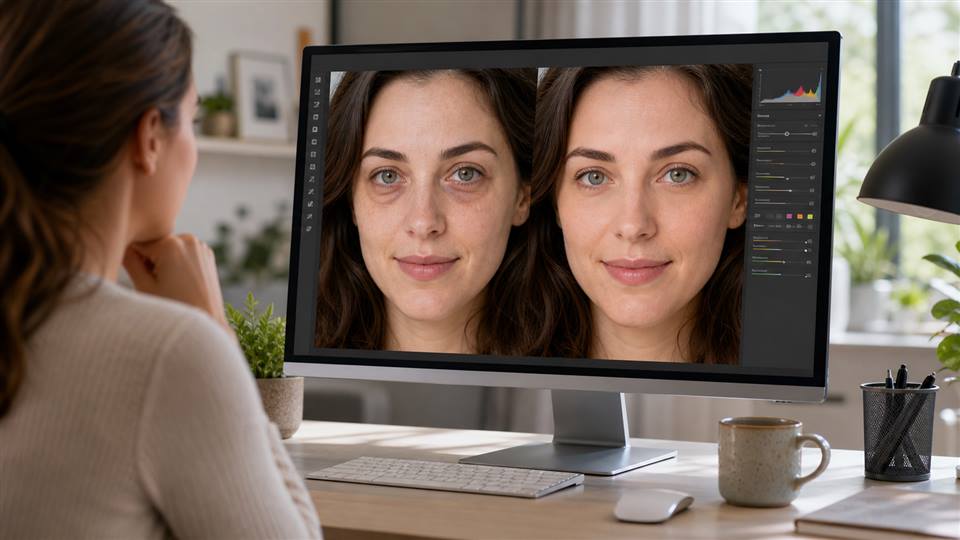
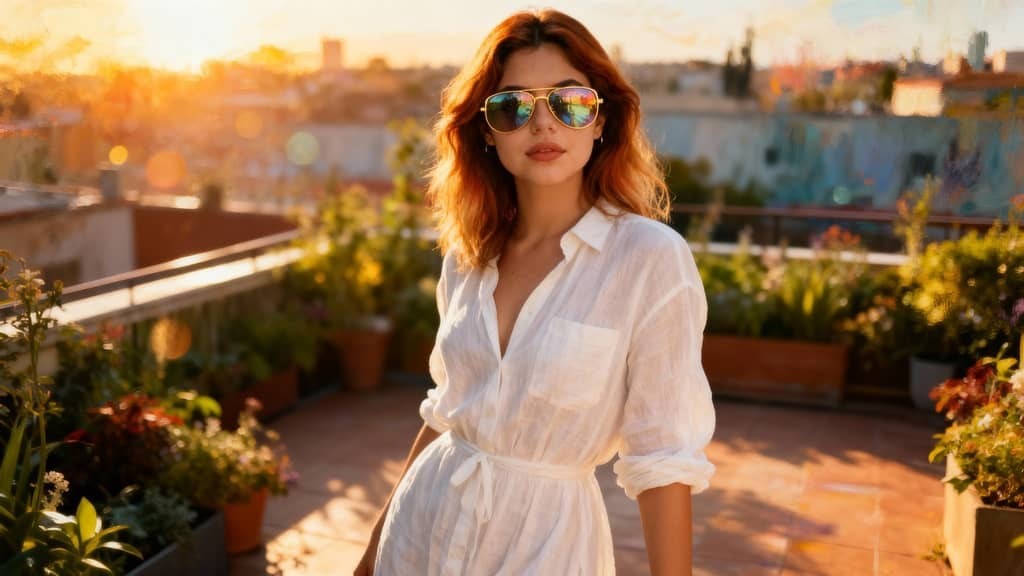
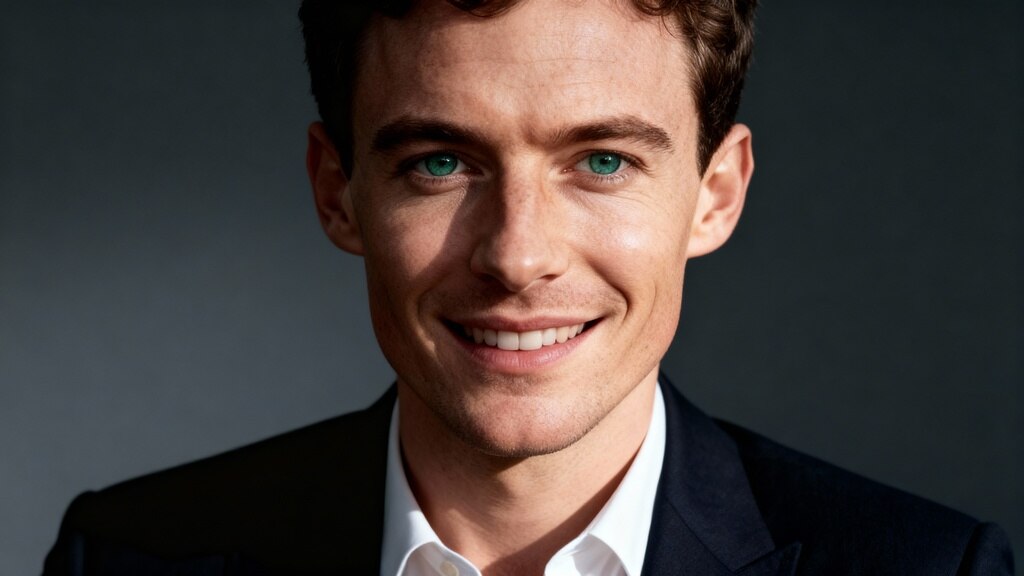
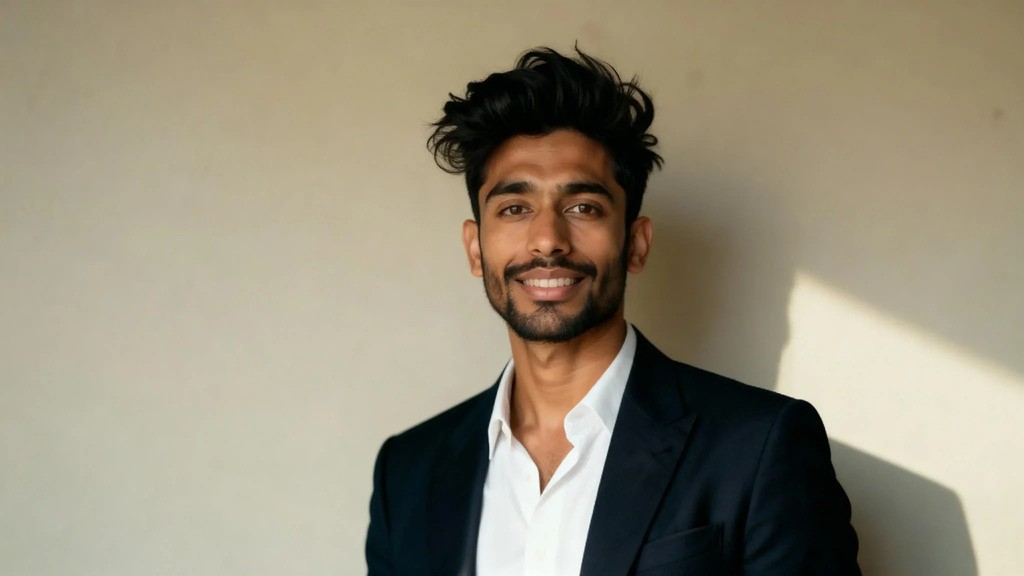
An AI headshot generator can be a practical alternative when you need a polished profile photo quickly. APOB AI can help create professional headshots for LinkedIn, resumes, and social profiles without booking a studio session.
AI is a good fit when you need speed, affordability, and multiple style options. A human photographer may still be better for executive branding, team shoots, press campaigns, or highly customized creative direction.
Value vs. Cost: Making the Right Choice
Do not choose only by price. Think about where the headshot will be used. A job seeker may need one clean LinkedIn photo. A founder may need a set of images for press, website, events, and investor decks. A corporate team may need consistency across dozens of people.
If the headshot will help you earn trust, win clients, or represent your company, paying more can make sense. If you simply need a clean online profile photo, an AI headshot may be enough.
A good rule of thumb is to match the investment to the opportunity. If the photo supports a high-stakes launch, executive profile, or client-facing brand, a full session may be worth it. If you need a fast LinkedIn refresh, start with a strong AI option.
How to Choose the Right Photographer
Researching and Vetting Potential Photographers
Review portfolios and look for people who already photograph your type of work. A great wedding photographer may not be the best headshot photographer for LinkedIn or executive portraits.
Reading Reviews and Viewing Portfolios
Look at facial expressions, lighting, retouching, and variety. The best portfolios show real people looking confident, not frozen.
Questions to Ask During Consultations
Ask what is included, how many edited photos you receive, how long delivery takes, whether reshoots are available, and what usage rights you get.
Negotiating Pricing and Understanding Contracts
Make sure you understand cancellation terms, extra retouching fees, travel costs, and commercial usage rules before booking.
Maximizing the Use of Your Headshots
Best Practices for Using Headshots on LinkedIn and Other Platforms
Use a close crop where your face is easy to see. Keep the image consistent across LinkedIn, email, company pages, and speaker bios if you want a clear personal brand.
Tips for Updating and Maintaining a Professional Image
Update your headshot when your appearance changes, your role changes, or the photo feels outdated. A current image builds trust.
Leveraging Headshots for Personal Branding and Career Advancement
A good headshot can support your resume, LinkedIn profile, portfolio, podcast bio, online course, or consulting page. Use it wherever people need to recognize you quickly.
FAQs
How much are professional headshots?
Costs vary widely by city, photographer, session length, and included edits. Budget options may be inexpensive, while premium branding sessions can cost several hundred dollars or more.
Is an AI headshot good enough for LinkedIn?
Yes, if it looks realistic, professional, and recognizably like you. Avoid outputs that over-retouch your face or change your features.
What should I wear for a professional headshot?
Wear clean clothing that fits your industry. Solid colors and simple layers usually photograph well.
Should I choose a photographer or an AI headshot generator?
Choose a photographer for highly customized branding or team sessions. Choose AI when you need a fast, affordable, professional-looking profile photo.

Be the first to like this.








No credit card needed


