Create stunning, consistent AI images with Seedream 4.5—design, edit, and transform visuals instantly.
We keep improving our image generation experience by testing and integrating the best-performing models available. Some older Seedream version pages are kept as reference guides so users can compare model capabilities, understand past updates, and find the version-related information they searched for.
Seedream 4.0
Seedream 5.0
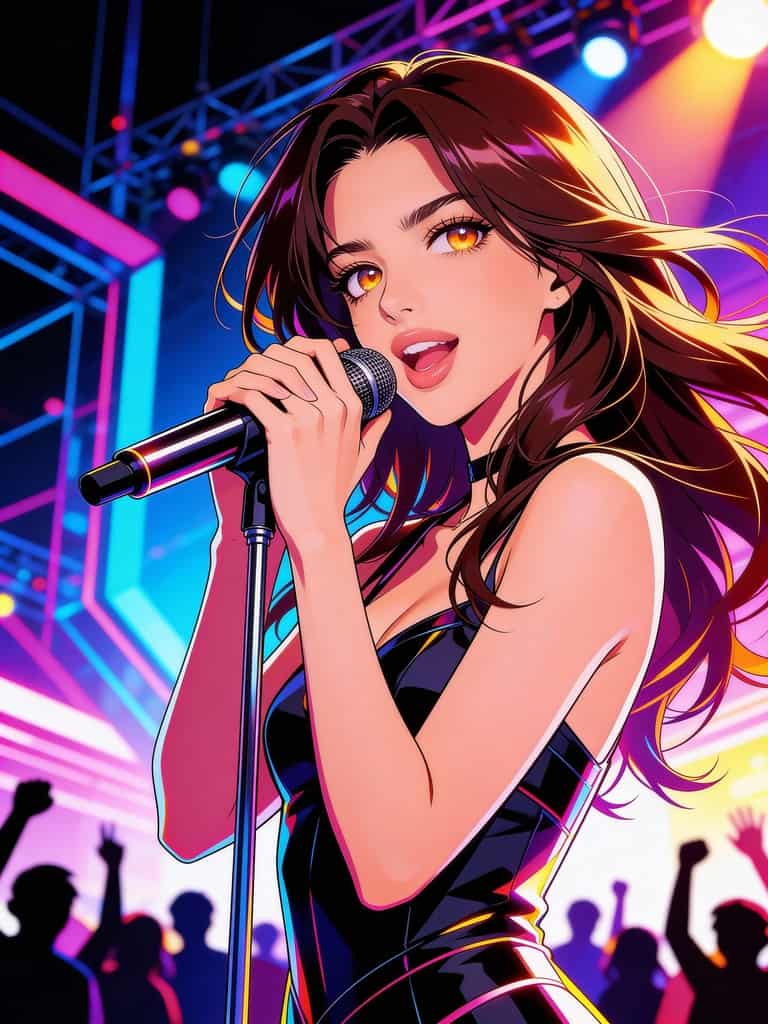
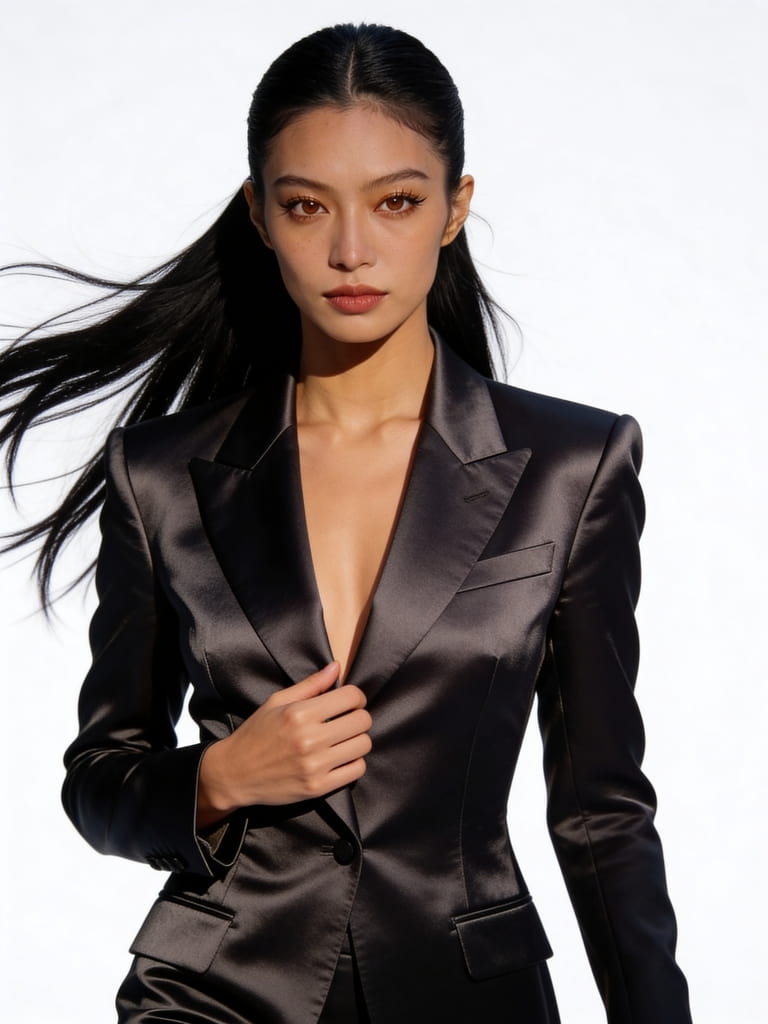
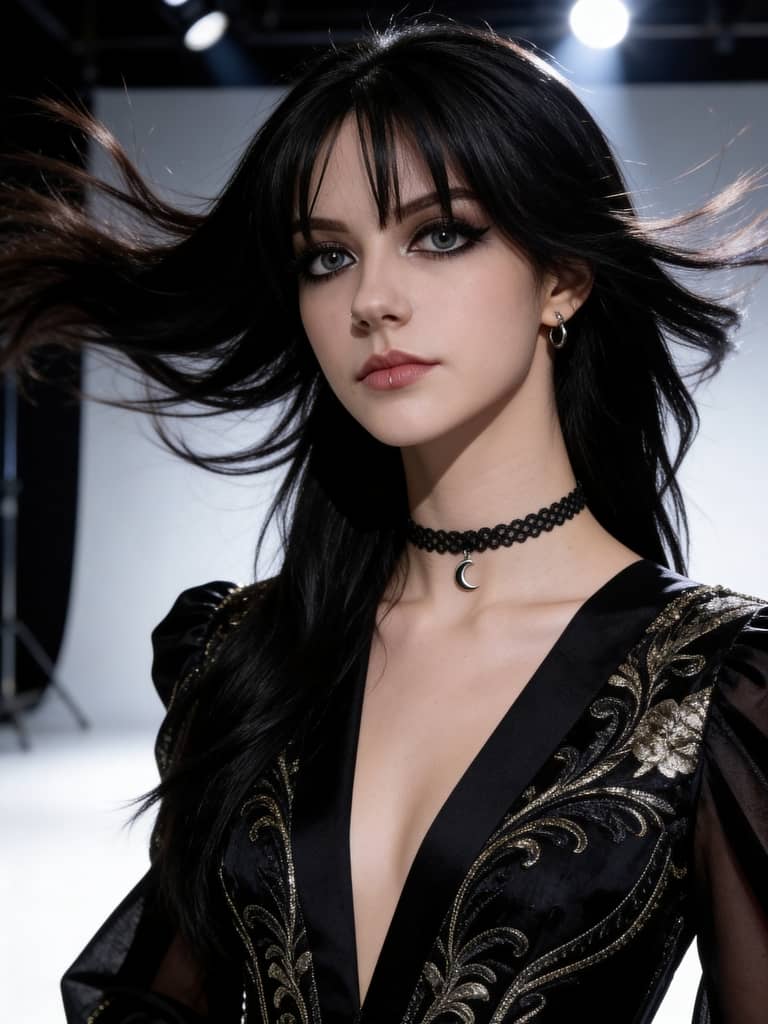
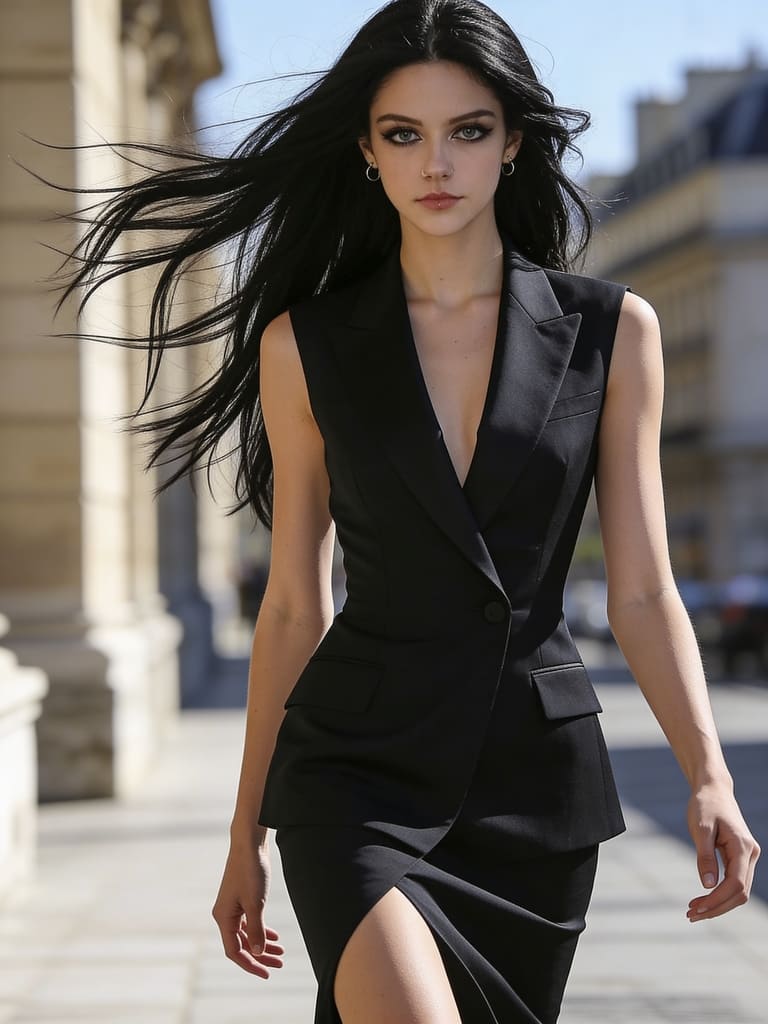
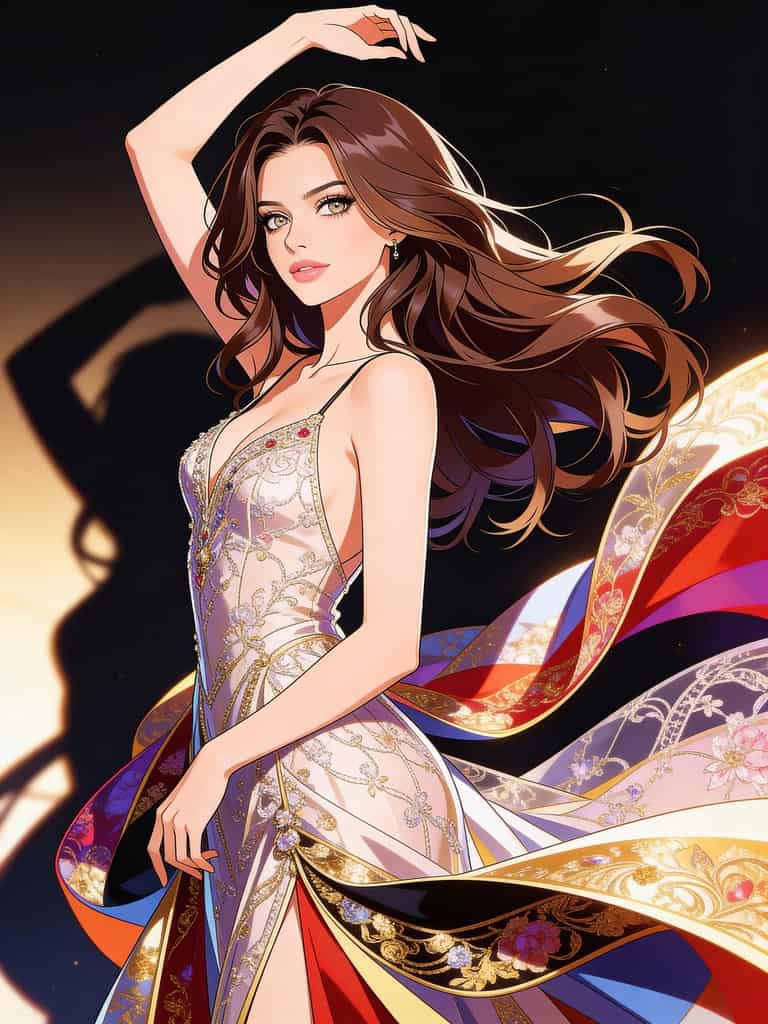
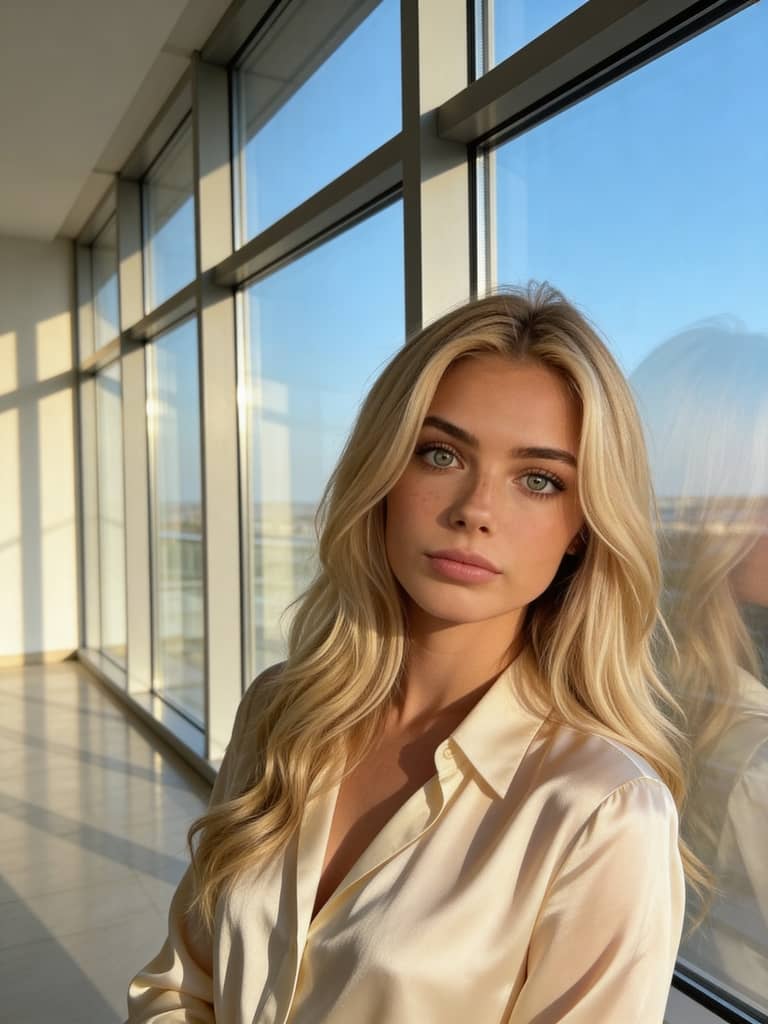
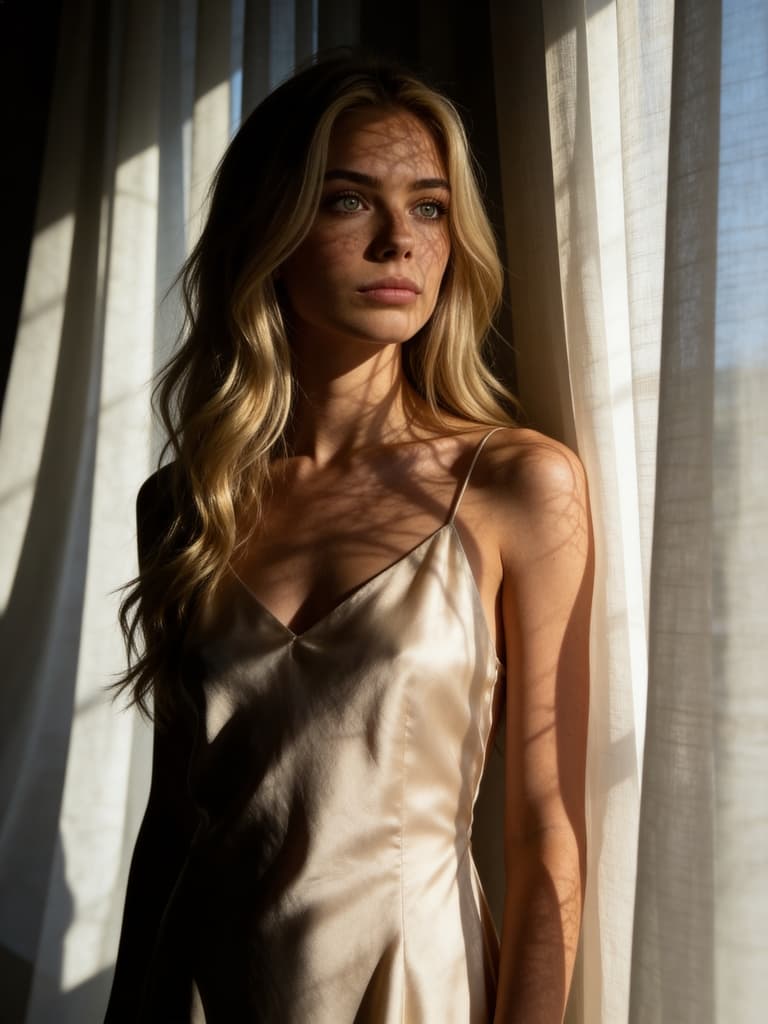
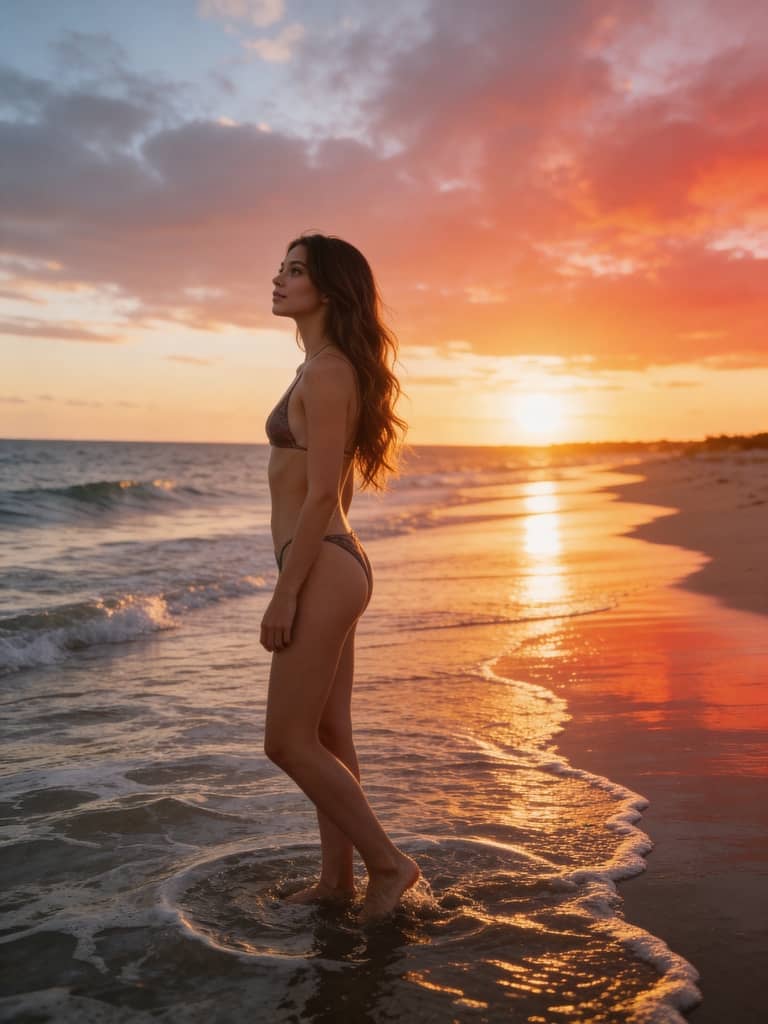
1. Create an AI Image Model & Generate Stunning Images
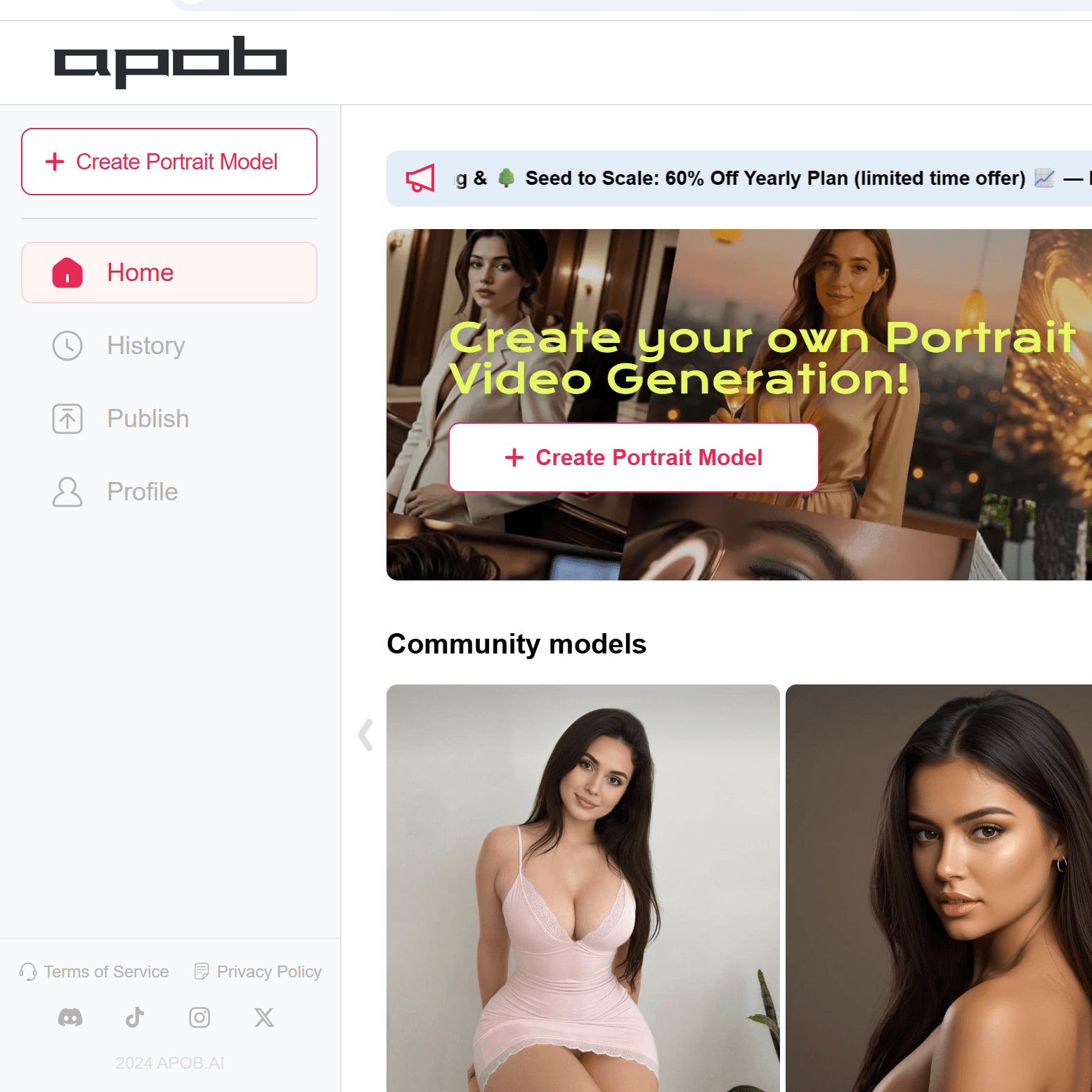
Getting started with Seedream 4.5 on APOB is simple and flexible. Click the button below to enter the platform, where the Community Model section showcases AI image models created by other users. If you find a model you like, you can instantly reuse it to generate new images with the same identity and style.
Prefer something more personal? You can create your own AI image model by clicking Create Portrait Model. Upload photos of a real person, pet, or even a stick figure, or design a fully customized digital human using the AI Influencer Generator. You can fine-tune attributes such as age, gender, nationality, height, weight, hairstyle, eye color, face shape, and skin tone to build a unique AI human.
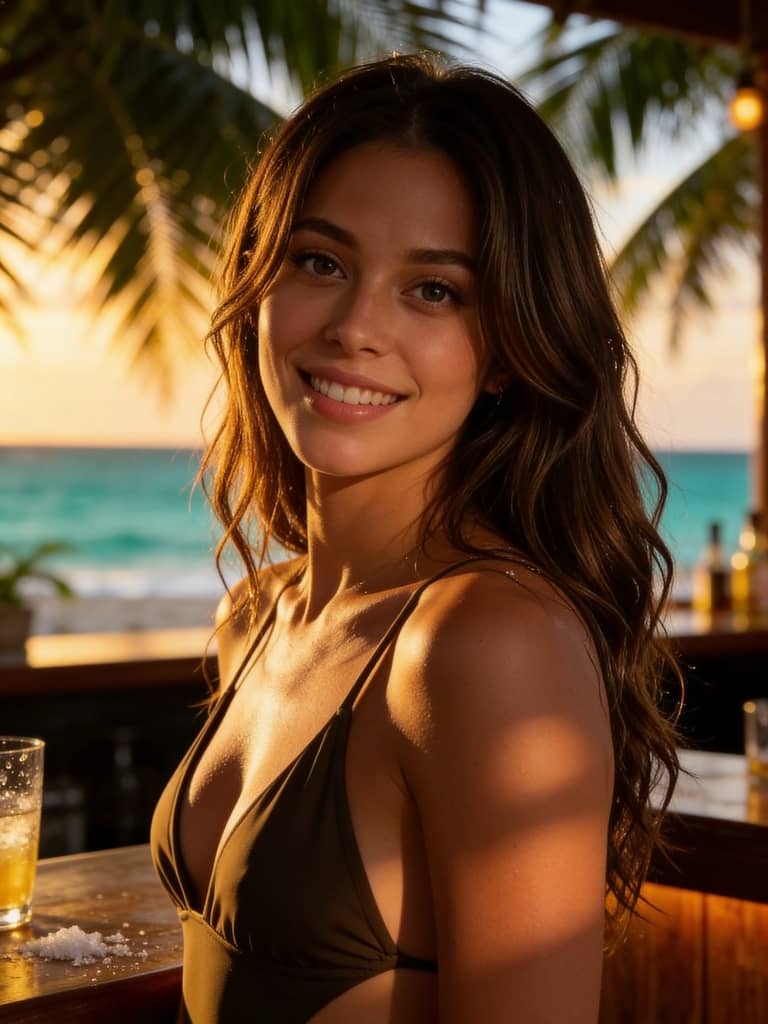
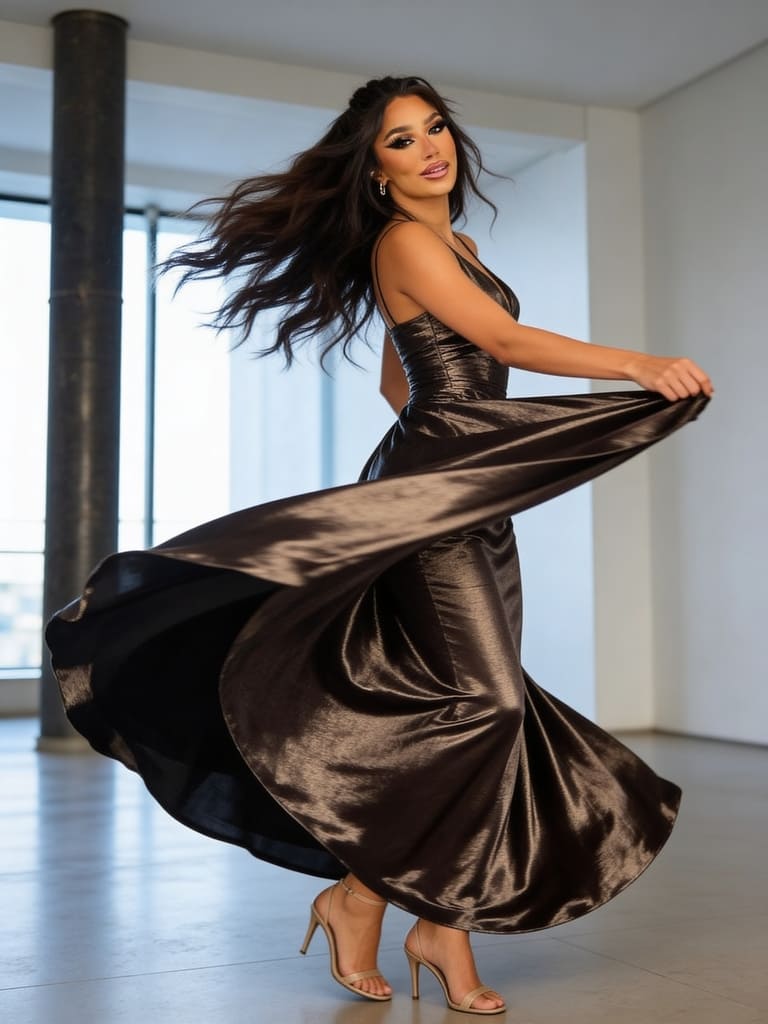
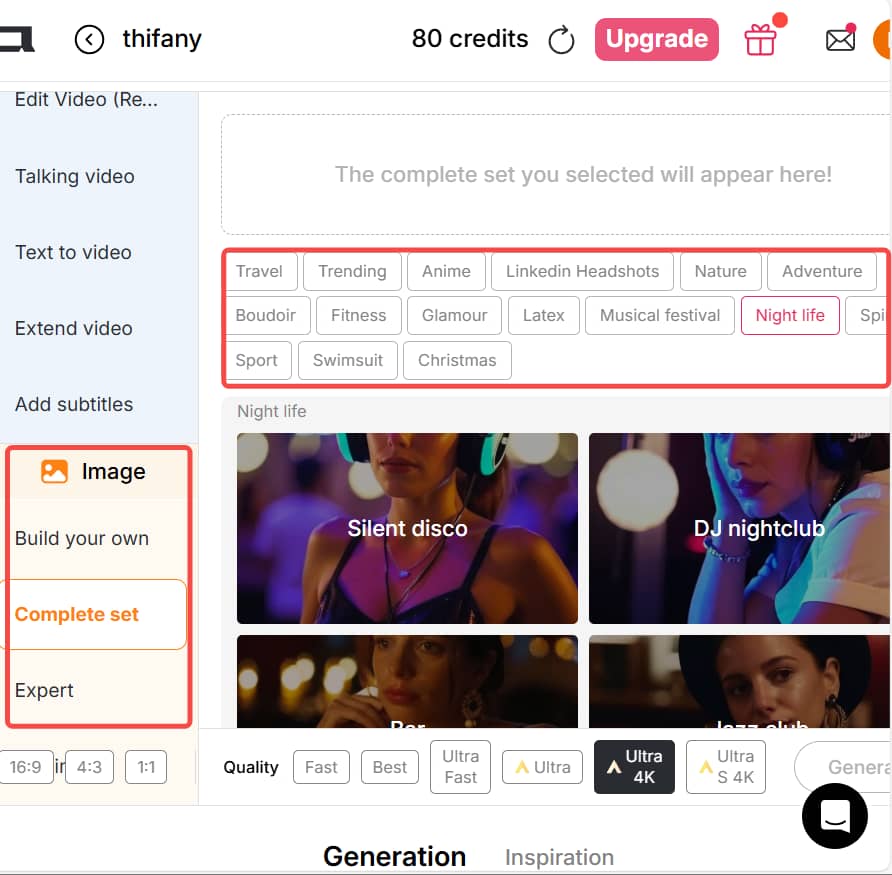
Once your AI image model is ready, Seedream 4.5 lets you generate images in three ways: choose from preset templates like Travel, Trending, LinkedIn Headshots, Fitness, Night Life, Swimsuit, or Christmas; combine predefined elements such as art style, clothing, architecture, landscape, and weather; or enter a fully custom text prompt. Multiple aspect ratios—including 9:16, 16:9, 1:1, and more—ensure perfect results for any platform.
2. Edit Images with Text Prompts or Reference Photos
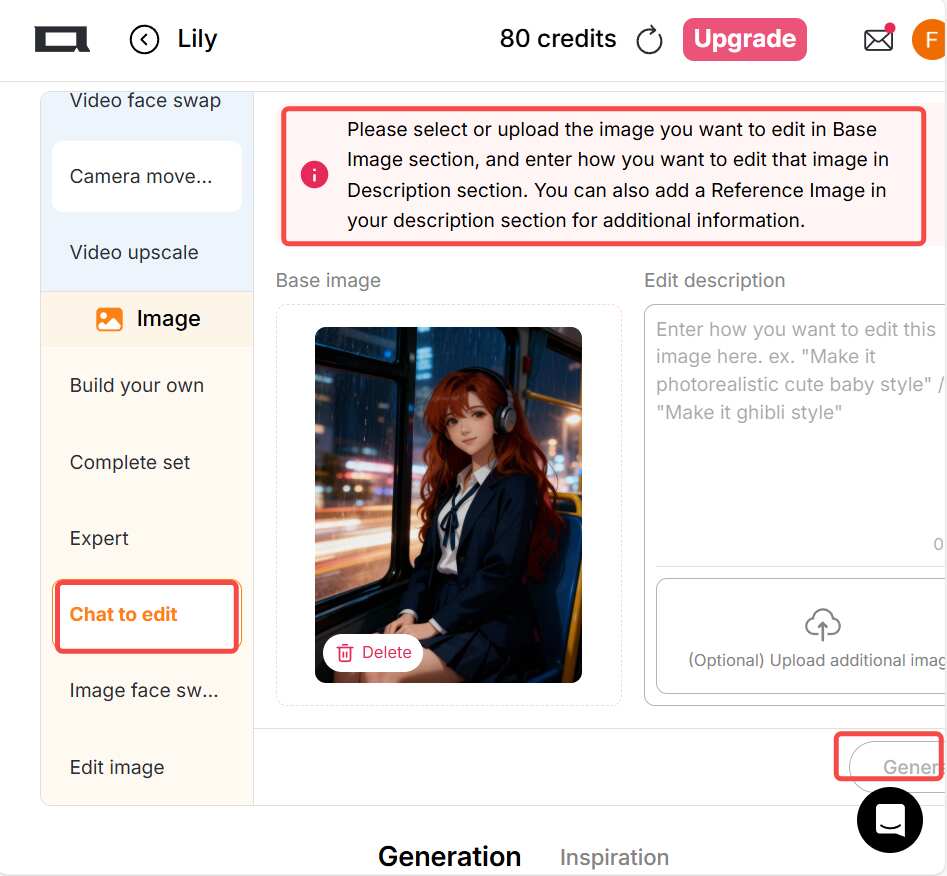
Seedream 4.5 truly shines in the Edit Image section through the powerful Chat to Edit feature. Simply select or upload an image, then describe how you want to edit it using a natural-language prompt of up to 2,000 characters. Instructions like “Make it photorealistic cute baby style” or “Make it Ghibli style” work seamlessly.
You can also upload reference images to generate new visuals in the same identity or artistic style, making it easy to keep faces, products, or aesthetics consistent across multiple images. This is especially useful for turning rough sketches into detailed illustrations, enhancing low-quality photos, or adapting existing visuals into new creative directions.
Beyond basic edits, Chat to Edit can handle complex image-text compositions. Whether you need an eye-catching marketing poster, an ad image with copy, or a brand-ready visual, Seedream 4.5 helps transform ideas into polished results in seconds—no design experience required.
3. Generate Consistent Image Series with Style Lock
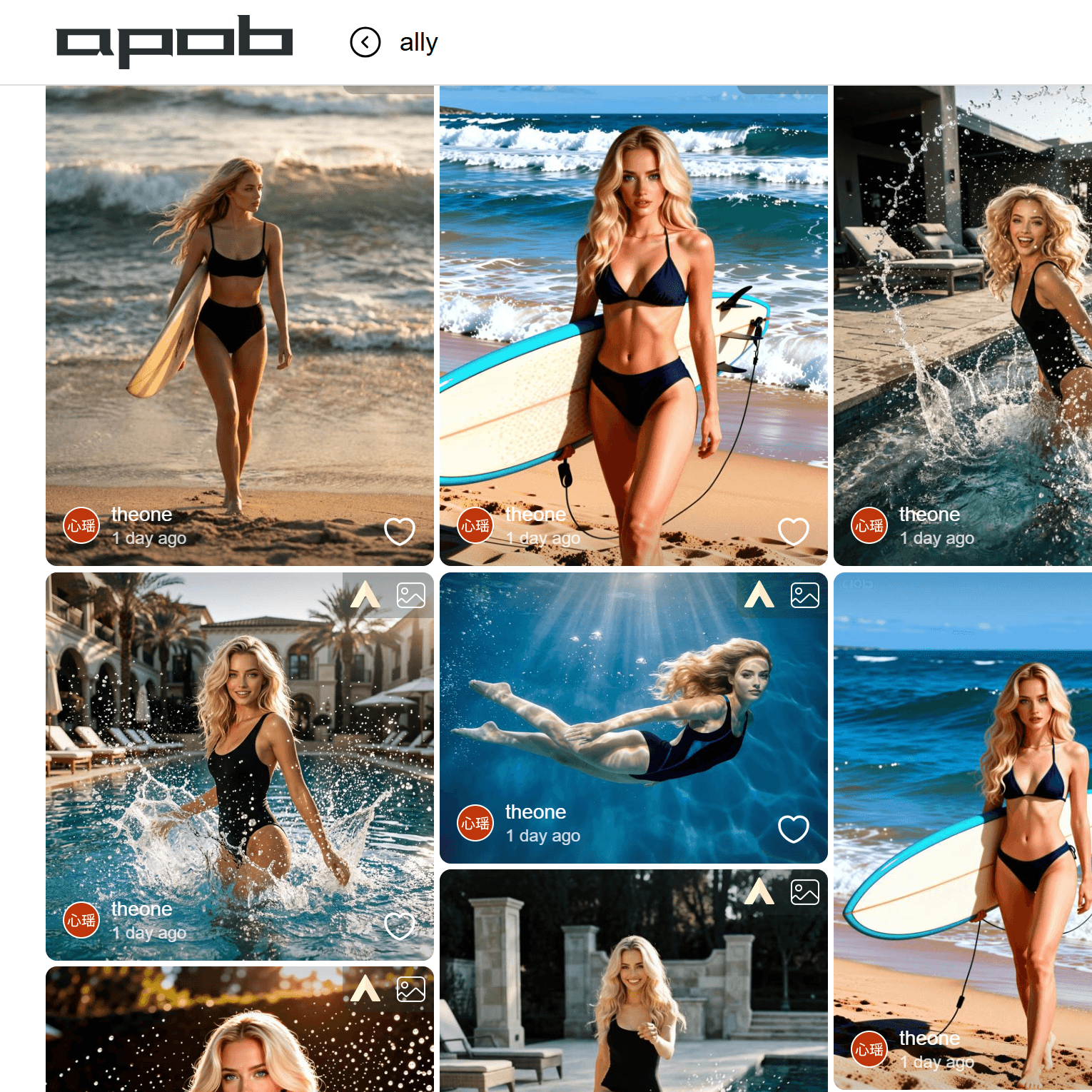
One of Seedream 4.5's most powerful features is the ability to generate multiple images with perfect consistency. After creating your initial image or model, you can generate an entire series of images that maintain the same character, style, and visual identity.
4. Transform & Upscale Your Images to Production Quality
Once you've generated and edited your images, Seedream 4.5 offers powerful transformation and upscaling tools to prepare them for professional use. This step ensures your images are ready for publication, marketing, or commercial applications.
5. Organize & Share Your Creative Work
The final step is organizing your generated content and preparing it for use across different platforms. Seedream 4.5 provides intuitive tools to manage your creative library and export in various formats.
AI Hair Color Change & Personal Appearance Editing
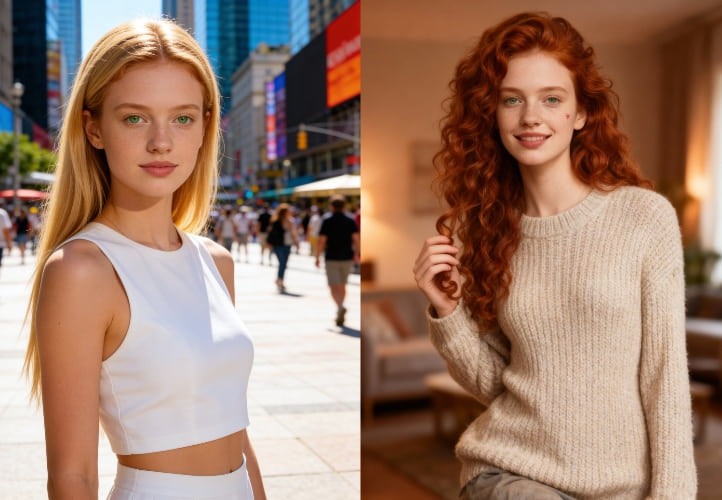
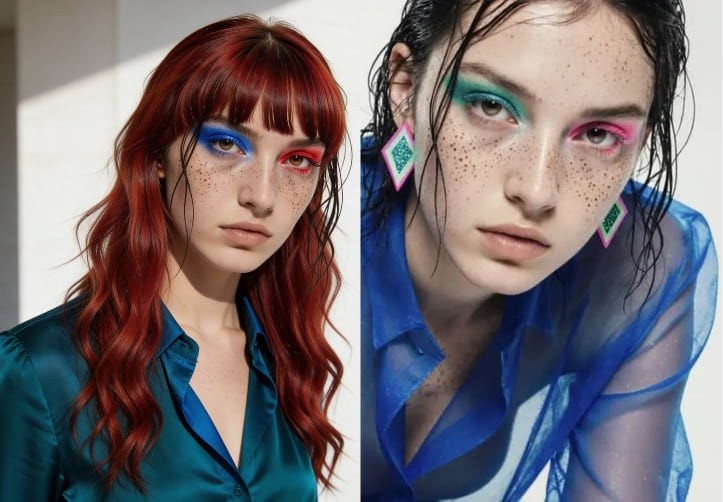
With Seedream 4.5, changing hair color or hairstyle is fast and realistic. In the Chat to Edit tab, simply upload your photo or describe the change you want. This feature is perfect for users deciding on a new haircut or hair dye before committing in real life.
Beyond hair, you can experiment with appearance transformations: preview a slimmer body shape, increased height, new makeup styles, luxury fashion outfits, or even try an AI gender change. These visual explorations help users better understand their style preferences and aesthetic goals. It’s an ideal tool for anyone curious about self-improvement, beauty planning, or creative self-expression through AI imagery.
How to Add Someone to a Picture
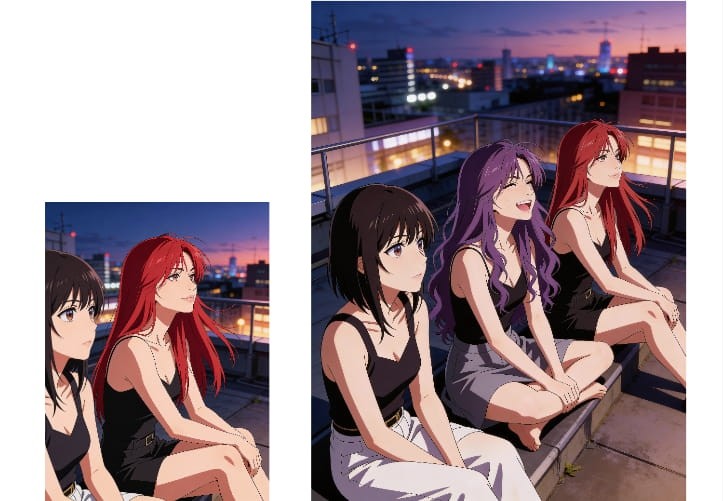
Adding a missing person to a group photo is easy with Seedream 4.5. In Chat to Edit, upload a clear solo photo of the person you want to add—make sure their facial features are sharp and visible. Then select the group image and tell the AI exactly where and how the person should appear, such as position, size, pose, or lighting conditions.
Seedream 4.5 intelligently blends facial features, skin tone, perspective, and lighting so the added person looks naturally part of the original photo. This use case is perfect for family photos, travel memories, event recaps, or social media posts where someone couldn’t be present but still deserves to be included.
Generate Images in the Same Style at Scale
If you need multiple images with the same visual style, Seedream 4.5 makes batch creation effortless. Upload an image you love, enter a prompt describing what you want to keep consistent, and let the AI generate new images with matching aesthetics.
You can specify details like color palette, lighting, composition, or subject focus to maintain uniformity across outputs. This is ideal for social media campaigns, product showcases, storytelling carousels, or branding materials. Instead of recreating prompts from scratch, you can quickly scale a single visual idea into a complete image set with consistent quality and style.
Professional-Level Image Consistency
Seedream 4.5 excels at maintaining identity, style, and detail across multiple images. This makes it far more suitable for serious creative work than traditional AI image tools.
Flexible Creation & Editing Workflow
From generating images from scratch to editing existing photos with text instructions, the workflow adapts to beginners and professionals alike.
Free Access with Powerful Features
Users can explore advanced AI image generation and editing without upfront costs, making it accessible for experimentation and daily use.
High Identity & Style Consistency
Seedream 4.5 keeps faces, products, and visual styles stable across multiple images, making it ideal for branding, AI influencers, and series-based content.
Advanced Chat-Based Editing
The Chat to Edit feature allows complex image transformations using natural language, reducing the need for manual design skills.
Multiple Aspect Ratios & Templates
Support for various ratios and preset themes ensures images are optimized for social media, ads, and professional platforms.
Free Daily Credits
With daily free credits, users can continuously generate and edit images without immediate payment barriers.
Learning Curve for Advanced Prompts
To unlock the best results, users may need time to experiment with detailed prompts and reference images.
Private Mode Requires Manual Toggle
AI image models are public by default, so users must enable private mode if they prefer full privacy.
Enjoy more features
No Credit Card Required
Answers about the Seedream 4.5 free trial, image quality, credits, privacy, and commercial use.
What is Seedream 4.5 AI image generator?
Seedream 4.5 is an advanced AI image generator that creates and edits high-quality images from text prompts or reference photos while maintaining visual consistency.
What is Seedream 4.5 AI model?
It is a next-generation AI image model designed to understand identity, style, and structure, enabling stable and professional-level image generation.
Where to use Seedream 4.5?
You can experience Seedream 4.5 directly on APOB. APOB offers free access with more stable and optimized results.
Is the website free to use?
Yes. APOB is a free AI image generator. After logging in, you receive 80 free daily credits. One Chat to Edit action costs 50 credits. You can also generate AI videos—80 credits allow up to 10 seconds in fast mode.
Will you keep my photos private?
AI image models are public by default. If you don’t want others to see your uploads, simply enable private mode with one click.
How fast is the generation process?
Image generation and editing usually take only a few seconds, delivering results almost instantly.
How can I get the best results?
The key to great results is in your prompts. Be specific about style, mood, lighting, and composition. Experiment to find what best matches your vision.
Do I need to download an app to use it?
No. There is no software to download. Click “Create Now” on the website and start generating on desktop, tablet, or mobile devices.


