Introduction
In the digital age, creating stunning and personalized portraits has never been easier, thanks to the advent of AI technology. Whether you're an artist, a social media influencer, or just someone who loves experimenting with new tech, learning how to make an AI image of yourself can open up a world of creative possibilities. This article will provide you with a comprehensive guide on how to create AI-generated images, highlighting the best tools and techniques, and offering tips for enhancing your digital portraits.
What is an AI Image?
Understanding AI Image Creation
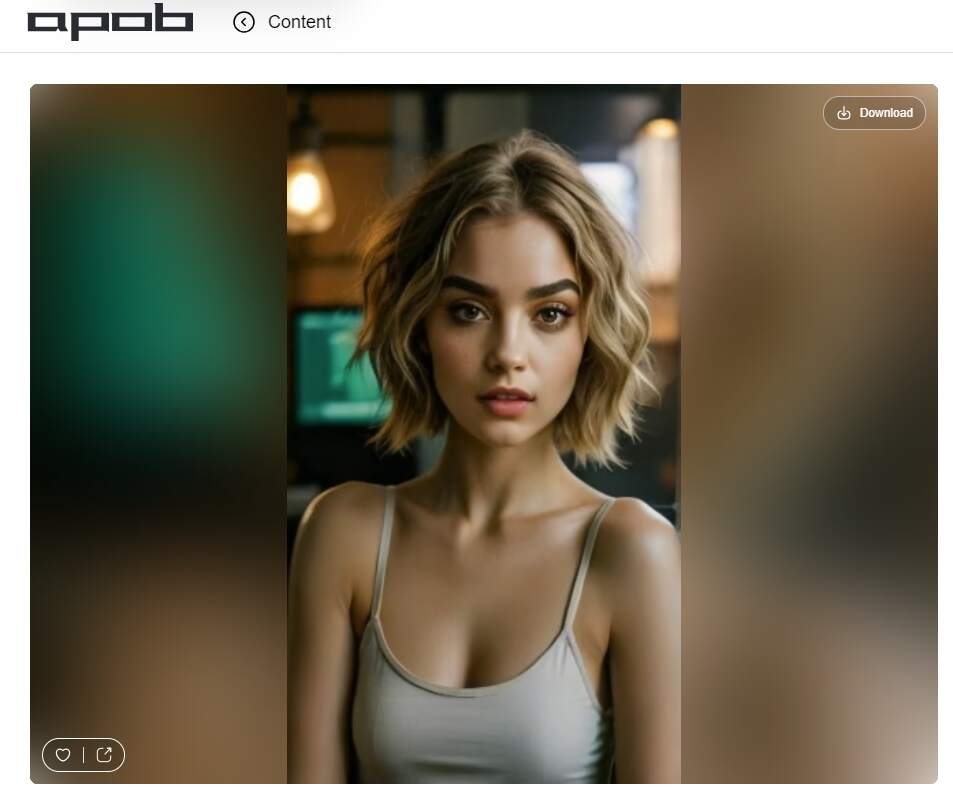
An AI image is a digital portrait created or enhanced using artificial intelligence algorithms. These algorithms analyze and manipulate images to produce unique and creative outputs that often surpass the capabilities of traditional photo editing software. One of the most exciting applications of AI technology is the creation of AI-generated faces, which can transform ordinary selfies into stunning digital art.
The Technology Behind AI-Generated Images
AI-generated images are created using deep learning techniques, particularly generative adversarial networks (GANs). GANs consist of two neural networks: the generator, which creates new images, and the discriminator, which evaluates the realism of these images. Through continuous feedback and improvement, GANs can generate highly realistic and artistic representations of human faces. This process allows for the creation of AI-generated images that can mimic various artistic styles, from photorealism to abstract art.
Examples of AI Images in Various Media
AI-generated images are used in a variety of media, from digital paintings and illustrations to animations and interactive installations. Notable examples include AI-generated portraits sold at art auctions, music videos featuring AI-created visuals, and interactive art installations that respond to viewers' emotions and movements. These applications demonstrate the versatility and creative potential of AI image generation.
Benefits of Making an AI Image of Yourself
Personalized Digital Portraits
One of the most significant benefits of using an AI image generator is the ability to create personalized digital portraits. These portraits can be customized to reflect your unique style and preferences, making them perfect for profile pictures, social media posts, and personal branding. By creating an AI-generated image of yourself, you can stand out in a digital world where individuality and creativity are highly valued.
Creative Expression and Unique Styles
AI art allows for unparalleled creative expression, offering a wide range of artistic styles and effects. Whether you prefer a realistic 3D rendering, a whimsical anime look, or a futuristic cyberpunk aesthetic, AI-generated faces enable you to experiment with different styles and create truly unique digital art. This flexibility allows you to explore and express different aspects of your personality and artistic vision.
Practical Applications
AI-generated faces have practical applications beyond personal use. They can be used in marketing campaigns, virtual influencers, and branded content. For example, businesses can use AI-generated images to create engaging and visually appealing content that resonates with their audience. Similarly, influencers can use AI-generated images to enhance their online presence and attract more followers. By leveraging the power of AI art, businesses and individuals can create content that is not only visually stunning but also highly engaging.
Tools and Platforms for Creating AI Images
Popular AI Image Generators
Several AI image generators are available, each offering unique features and capabilities. Some popular tools include:
DeepArt: Known for its ability to transform photos into artwork inspired by famous painters. DeepArt uses neural networks to apply the style of artists like Van Gogh and Picasso to your photos, creating unique and artistic images.
Artbreeder: Allows users to blend and morph images to create unique and imaginative portraits. Artbreeder offers a collaborative platform where users can explore and create diverse and imaginative portraits by mixing and matching different images and styles.
Runway ML: A versatile tool that offers various AI models for generating art, including GANs and neural style transfer. Runway ML provides a user-friendly interface and a wide range of models, making it accessible for both beginners and experienced users.
Comparing Features and Pricing
When choosing an generator, it's essential to consider the features and pricing of each platform. Some tools offer free versions with limited capabilities, while others require a subscription for full access. Compare the customization options, ease of use, and output quality to find the best fit for your needs. For instance, while DeepArt may be suitable for those looking for artistic transformations, Artbreeder offers more customization options for creating unique and imaginative portraits.
Step-by-Step Guide to Selecting the Right Tool
Identify Your Needs: Determine what you want to achieve with your AI-generated image. Are you looking for a specific style or effect? Do you need high-resolution images for printing or just for online use?
Research Options: Explore different AI image generators and read reviews to understand their strengths and weaknesses. Look for user feedback and examples of images created using the tool.
Test Tools: Try out a few tools to see which one feels most intuitive and meets your requirements. Most platforms offer free trials or basic versions, allowing you to test their features before committing to a subscription.
Consider Budget: Evaluate the pricing plans and choose a tool that offers the best value for your budget. Consider whether the features and capabilities of the tool justify the cost.
How to Make an AI Image of Yourself: Step-by-Step Guide
Preparing Your Photo
To get the best results from an AI image generator, it's essential to start with a high-quality photo. Follow these tips for optimal results:
Use Good Lighting: Ensure your face is well-lit to capture all the details. Natural lighting is usually the best, but you can also use artificial lighting to achieve even illumination.
Neutral Background: A plain background helps the AI focus on your face. Avoid busy or distracting backgrounds that may interfere with the image generation process.
Clear Expression: Avoid excessive makeup or accessories that may interfere with facial recognition. A neutral or slight smile usually works best.
Uploading Your Image to the AI Generator
Once you have a suitable photo, upload it to your chosen AI image generator. Most platforms have a straightforward upload process, allowing you to drag and drop your image or select it from your device. Ensure that the image is of high resolution and meets the platform's requirements for optimal results.
Customizing the AI-Generated Image
After uploading your photo, you can customize your AI-generated image by selecting various styles and effects. Most generators offer a range of options, such as:
Artistic Filters: Apply filters to transform your photo into different artistic styles, such as oil painting, watercolor, or sketch.
Backgrounds: Change the background to suit your desired look. You can choose from a variety of backgrounds, from abstract patterns to realistic landscapes.
Facial Adjustments: Modify facial features, expressions, and age. Some platforms allow you to adjust specific facial features, such as the shape of your nose or the size of your eyes, to create a more personalized portrait.
Downloading and Sharing Your AI Image
Once you're satisfied with your AI-generated image, download the final image. Many AI image generators provide high-resolution downloads suitable for printing or sharing online. Share your AI art on social media platforms to showcase your creativity and engage with your audience. Use relevant hashtags and tag the platform you used to create the image to reach a wider audience and connect with other AI art enthusiasts.
Tips for Enhancing Your AI-Generated Image
Adjusting Facial Features for a Natural Look
To achieve a natural look, fine-tune the facial features and expressions of your AI-generated image. Adjust the intensity of filters and effects to avoid an overly edited appearance. Subtle adjustments can make a significant difference in the final result, making the image look more realistic and appealing.
Experimenting with Different Artistic Styles
Don't be afraid to experiment with various artistic styles and combinations. AI image generators allow you to explore different aesthetics, helping you find the perfect look for your digital portrait. Try combining different styles and effects to create a unique and eye-catching image that reflects your personality and artistic vision.
Combining AI Art with Traditional Photo Editing
For even more customization, combine AI art with traditional photo editing tools. Use software like Photoshop to make additional adjustments and enhancements, blending the best of both worlds. This approach allows you to fine-tune your AI-generated image and add personal touches that make it truly unique.
Common Mistakes to Avoid
Using Low-Quality Images
Starting with a low-quality image can result in poor AI-generated output. Ensure your photo is high resolution and well-lit for the best results. Avoid using blurry or pixelated images, as they may not provide enough detail for the AI to work with.
Overloading with Too Many Effects
Applying too many effects can make your AI-generated image look unnatural. Use filters and adjustments sparingly to maintain a realistic appearance. Focus on enhancing the image rather than overwhelming it with excessive effects.
Ignoring Facial Proportions and Symmetry
AI image generators rely on facial proportions and symmetry to create realistic outputs. Avoid excessive modifications that disrupt the natural balance of your face. Subtle adjustments are often more effective than drastic changes in creating a visually appealing image.

Be the first to like this.





No credit card needed


