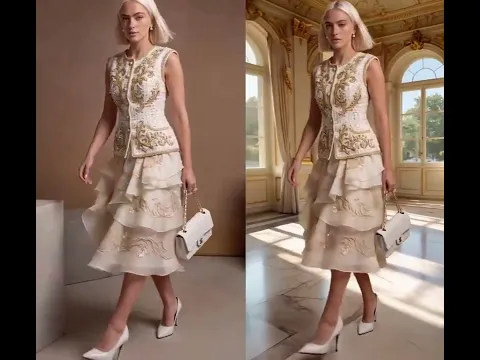
Instantly generate outfit ideas with our Free AI Outfit Generator! Don't forget to read the guide before claiming your Free Membership!
If you are an e-commerce brand, a fashion designer, or a style enthusiast, you need a tool that is secure, powerful, and built for commercial success. Here is why APOB AI stands out as the ultimate AI outfit generator on the market:
Swap models, clothes and background easily
We offer ultimate versatility for both images and videos. Need to adjust a shot? You can effortlessly perform Face Swaps, Background Swaps, Product Swaps, and Outfit Swaps within a single platform. It’s an entire post-production studio at your fingertips.
Multi-Model Support for E-commerce (Premium Feature)
Our paid tiers allow e-commerce merchants to create and manage multiple distinct AI models. Showcase your AI outfits on different body types, ethnicities, and aesthetics to resonate with a global customer base seamlessly.
POPULAR
Premium Support & Refund Guarantee
If you are ever unsatisfied with the generation results or need technical guidance, our dedicated support team is ready to help. We offer a transparent refund policy for dissatisfied users, making your investment entirely risk-free.
Advanced AI Generation model
Powered by the most advanced image and video generation models, we continuously update our engine.
Unbreakable Face Consistency
You can lock in a specific model's face and use them repeatedly across hundreds of campaigns. Build a recognizable virtual ambassador for your brand with perfect consistency.
Absolute Privacy & Control
You can set your generated models to Private and delete them at anytime.
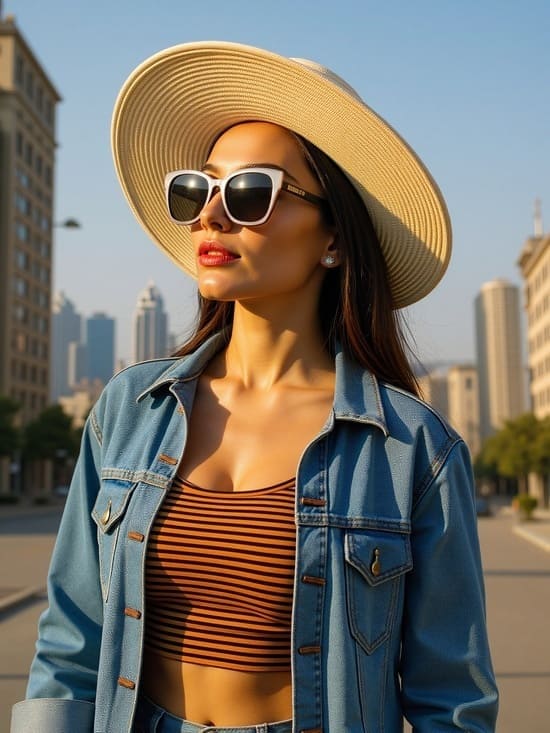
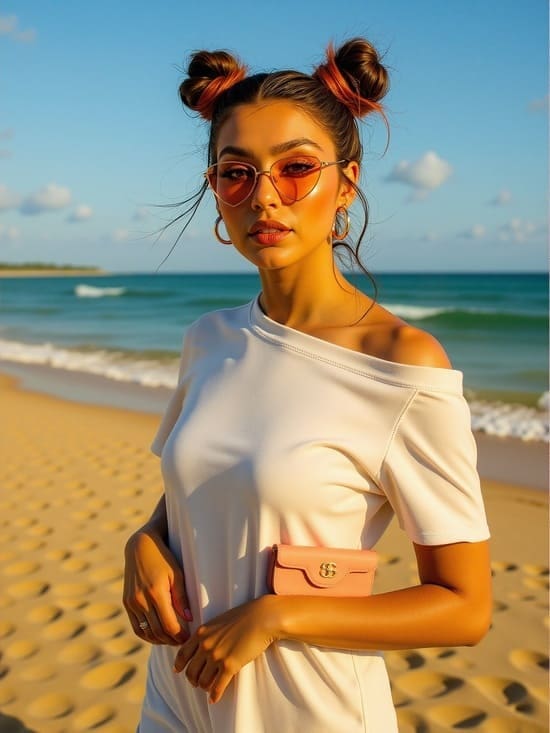
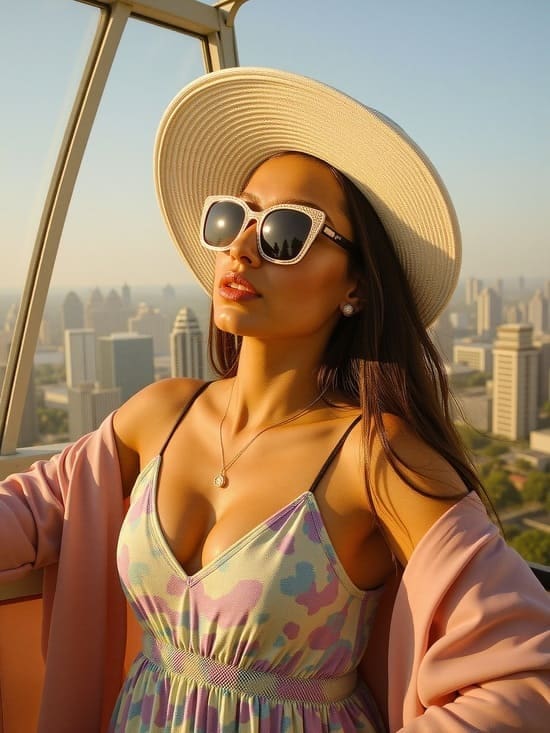
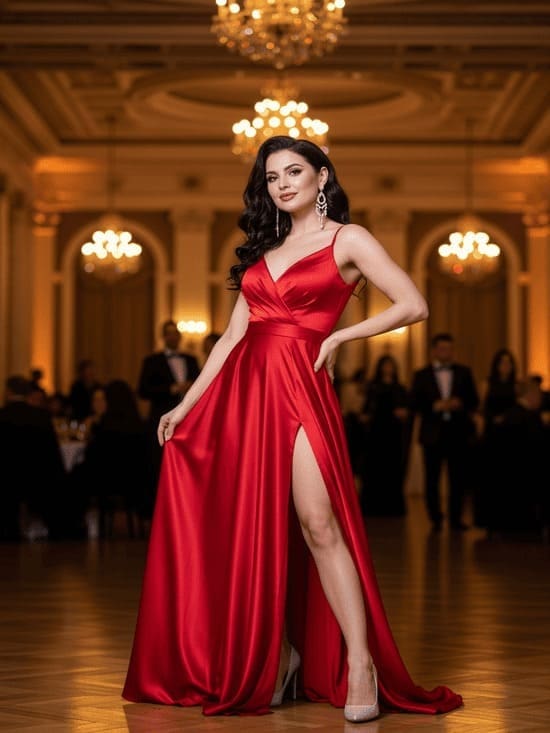
Elevate Your AI Outfit Displays with One-Click Backgrounds.
Stop paying for expensive fashion shoots. See how easily our AI seamlessly blends your AI outfit into any environment for a highly professional, ready-to-convert look.
Stop paying for expensive fashion shoots. See how easily our AI seamlessly blends your AI outfit into any environment for a highly professional, ready-to-convert look.
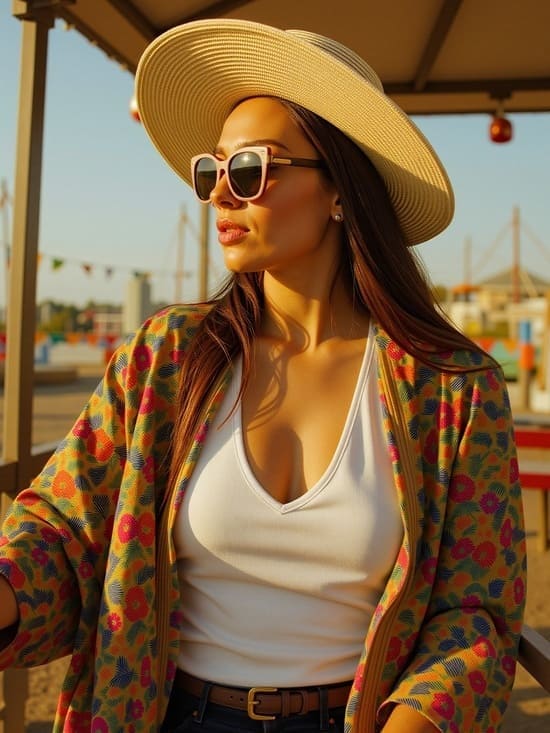
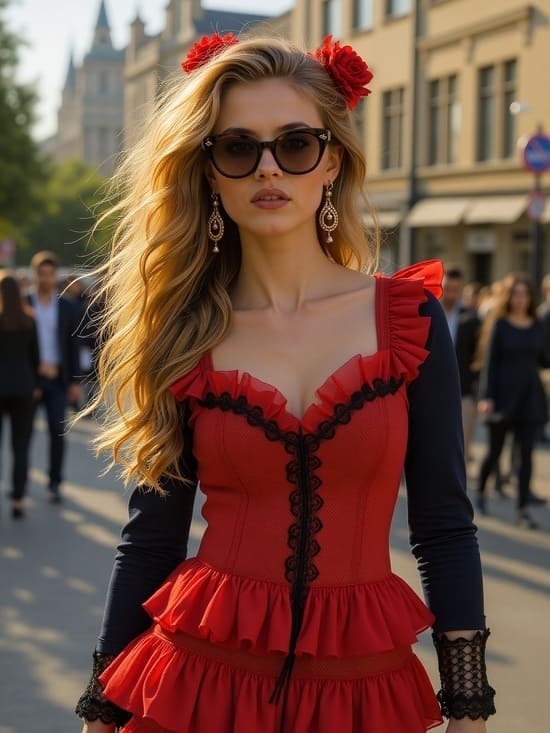
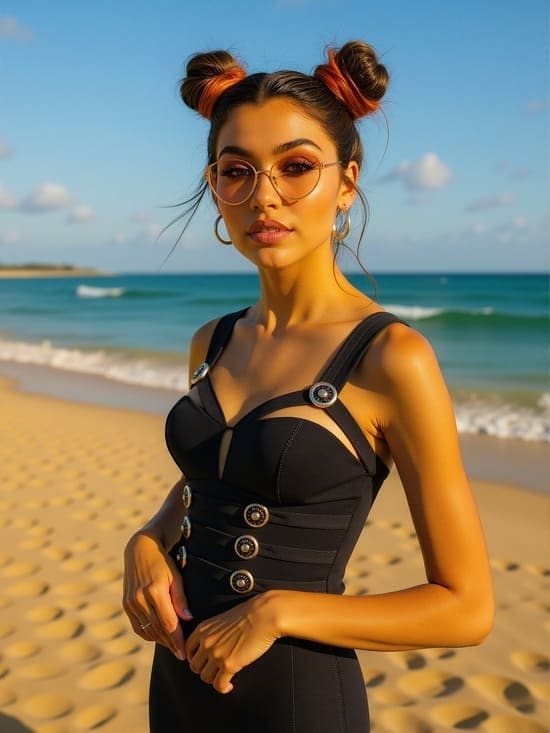
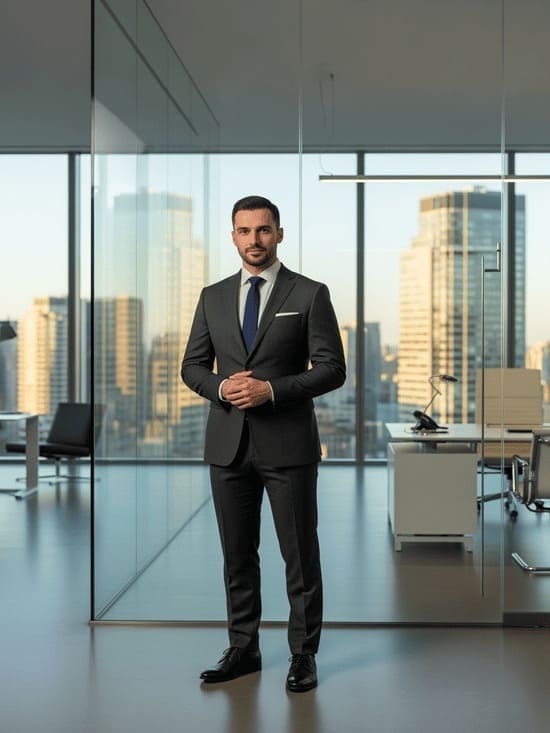
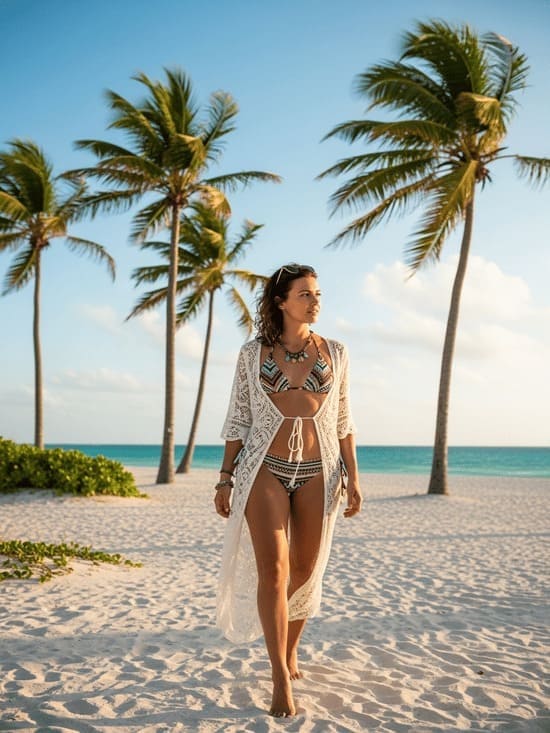
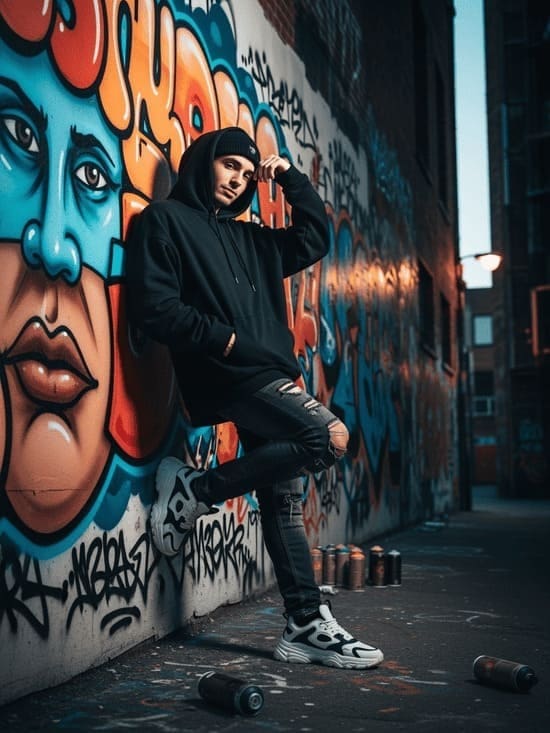
See AI Outfits on Yourself
Forget the dreaded dressing room mirror with its harsh fluorescent lighting, or the endless cycle of ordering and returning online clothes that look great on a model but terrible in reality. Our advanced AI outfit generator eliminates the guesswork by placing garments directly onto your unique body proportions. Simply upload a selfie, and watch the AI seamlessly map the exact drape of a silk dress or the crisp lines of a tailored jacket onto your frame. You aren’t looking at a flat 2D sticker; you are seeing a hyper-realistic visualization of how the fabric hugs your silhouette and reacts to natural light, creating the perfect AI outfit without you ever leaving your house.
Try This Prompt (Streetwear Try-on):
[Upload your photo] + tanding confidently in a minimalist studio, wearing an elegant silk evening dress, soft studio lighting highlighting the fabric texture and flowing folds, clean neutral background, natural pose showing the full outfit, high-end fashion photography, ultra realistic, editorial magazine style, detailed fabric texture.
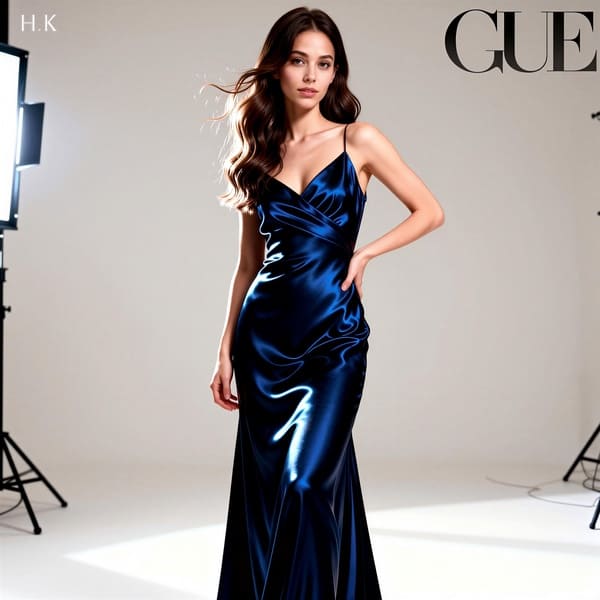
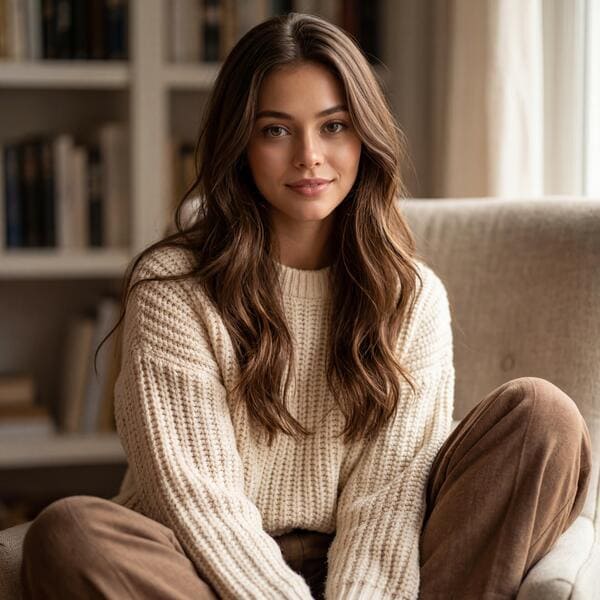
AI Outfits for Real Life: Master Everyday Casual Wear
Use the AI to mix and match practical, everyday pieces—like finding the perfect oversized sweater to pair with your favorite vintage jeans. Build a confident, comfortable capsule wardrobe in minutes, turning an ordinary selfie into an incredibly stylish everyday AI outfit and saving you hours of morning stress.
Try This Prompt (Casual Weekend Vibe):
[Upload your photo] + sitting casually in a cozy indoor setting, wearing a chunky knit sweater and relaxed trousers, soft warm lighting highlighting the knit texture and fabric thickness, lifestyle fashion photography, ultra realistic.
Step 1: Create an account to get free membership and create a model
- Click the button below and sign up for free.
- You will have 80 free daily credits to try out all the features of the AI Outfit Generator.
- Log in and choose "Create Portrait Model" , so that you could create a digital avatar or virtual influencer. If you want to virtually try on clothes, upload your image as model.
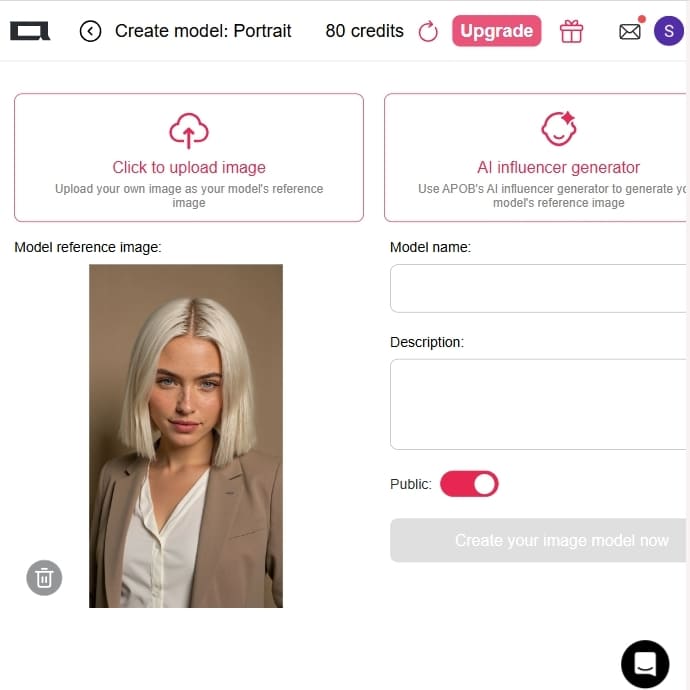
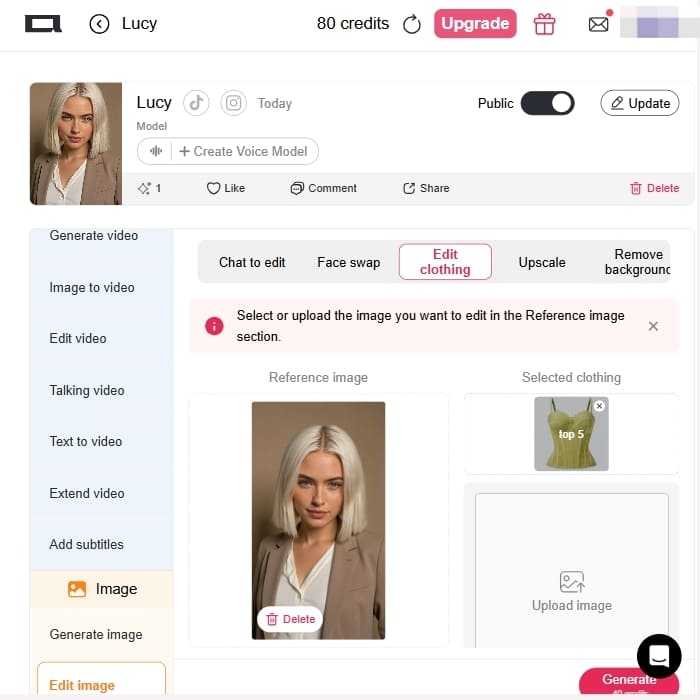
Step 2: Upload your image as the reference photo for the model
- You could upload Your Own Image: Click "Click to upload image" and reference with your own photo.
- Generate a Reference Image: Utilize the "AI Influencer Generator" to design a bespoke AI model portrait from scratch.
- Add a name and description for your model.
- Click "Generate" to generate your virtual model.
Step 3: Generate Your AI Outfit
- Try out different styles with the AI Outfit changer such as daily, street, corporate, or even specialty styles such as Anime or Christmas-themed.
- Let APOB AI know what you want to wear, and it will show you a digital, photorealistic picture of you (or your AI) dressed in it.
- Customize clothes, buildings, landscapes, and weather in the "Build Your Own Mode" for more detailed control.
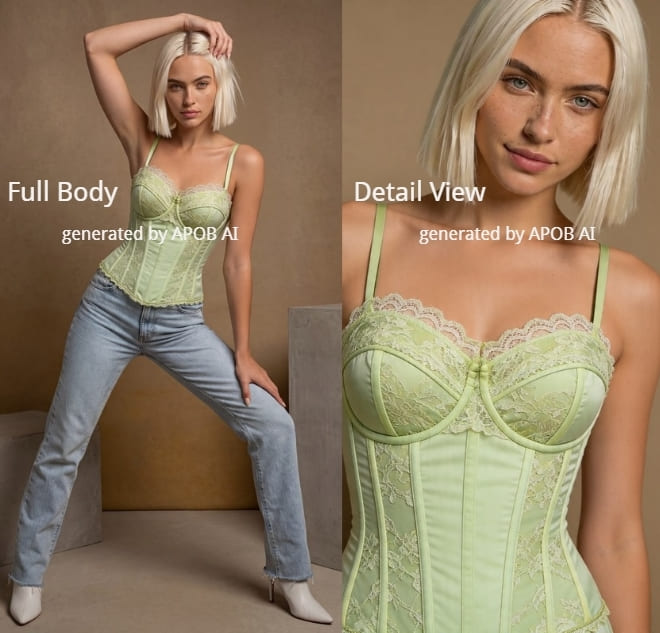
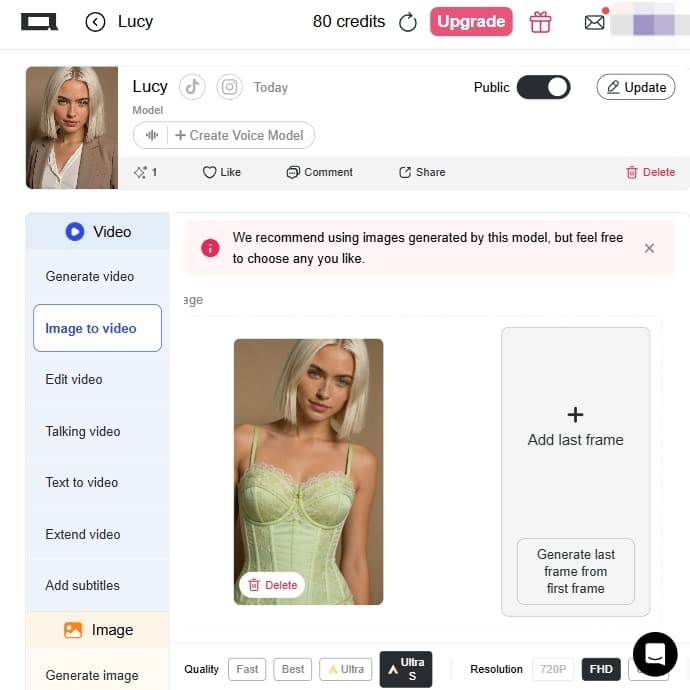
Step 4: Discover More Features and Visualize how it will look in video
- You can utilize 'Edit Image' in order to alter poses, dress details, and backgrounds to make you even more personalized.
- Employ "Image to Video" and "Video Face Swap" tools to design dynamic content and videos using your AI outfit. Subsequently, you can export your AI-generated outfit photos in high definition, and you can post them on social media or personal identity. You might also make an Instagram username or other social media handles to sell your AI model's fashion pieces and engage with a fashion-interested target audience.
Effortless Style Discovery
Whether searching for streetwear, business attire, or cutting-edge fashion, AI styling technology can create new wardrobe ideas instantly, options that range from “trending styles” to incredibly specific fashion choices.
Personalized Fashion Advises
AI dress-up software lets you dress up in style you like. And you can customize the look through modes such as “Build Your Own” to have complete control.
Saves Time and Money
Rather than purchasing ensembles without first trying them on, you will be able to see how different ensembles fit you or your AI model before you purchase, which may cut down on unwanted returns.
For consumers
For the everyday consumer, APOB AI acts as a personalized stylist right in their pocket. Our platform allows users to upload images of their existing clothes, you can then generate new outfit combinations from your own wardrobe, helping you discover fresh looks with clothes you already own. This reduces shopping fatigue and promotes a more sustainable approach to fashion by maximizing the use of existing garments.
For business
For businesses, retailers can offer customers instant styling suggestions on product pages by creating images and videos of the clothes. For example, a shopper viewing a dress can see it paired with shoes, a handbag, and a jacket—all generated by APOB AI—encouraging them to “complete the look” and increasing the average order value.
For fashion designers
Our AI Clothes changer enables you to generate a diverse range of designs, from streetwear to haute couture, in seconds, providing a powerful brainstorming tool that fuels creativity and innovation. This capability significantly speeds up the design process, lowers costs, and enables a brand to stay ahead of the competition. With APOB AI, the future of fashion design is not just about human vision, but about human-AI collaboration.
Emma Li
I uploaded a plain mirror selfie and tested three outfits before a weekend shoot. The best result was not the flashiest one, but it showed me which jacket shape actually worked on my body.

Hana Sato
I used the outfit generator to preview a cyberpunk look before ordering fabric. Seeing the colors on a model saved me from choosing a silver that would have looked too flat on camera.
Marcus Bennett
For client mood boards, APOB AI helps us test outfit direction quickly. We still do final styling by hand, but the AI previews make the first conversation much more visual.

Taylor Reed
The tool helped me decide whether a wider trouser fit would photograph better with oversized layers. It felt like a fast styling rehearsal before asking the model to try everything on.
Miles Carter
I use it to keep an AI model's wardrobe consistent across posts. When the prompt is specific about fabric and silhouette, the outfit looks much more believable.

Priya Nair
Clients often say they want something 'more elevated' but cannot picture it. Showing them a few AI outfit options makes the feedback practical instead of vague.
Idris Walsh
We tested seasonal outfit ideas before committing to a small lookbook. It gave us a quick sense of which combinations felt premium and which ones looked too busy.

Owen Pierce
I liked how fast I could switch from casual to corporate styling on the same character. It is useful when a campaign needs several audience segments but the same visual identity.

Clara Hughes
The first output was too dramatic, so I simplified the prompt and got a much better everyday look. It is a helpful preview tool when you stay realistic about the request.
1. Instant Online Try-Ons
Certain advanced AI functionalities mimic how the clothes will look on your avatar or body, aiding in online shopping.
Text to Style:
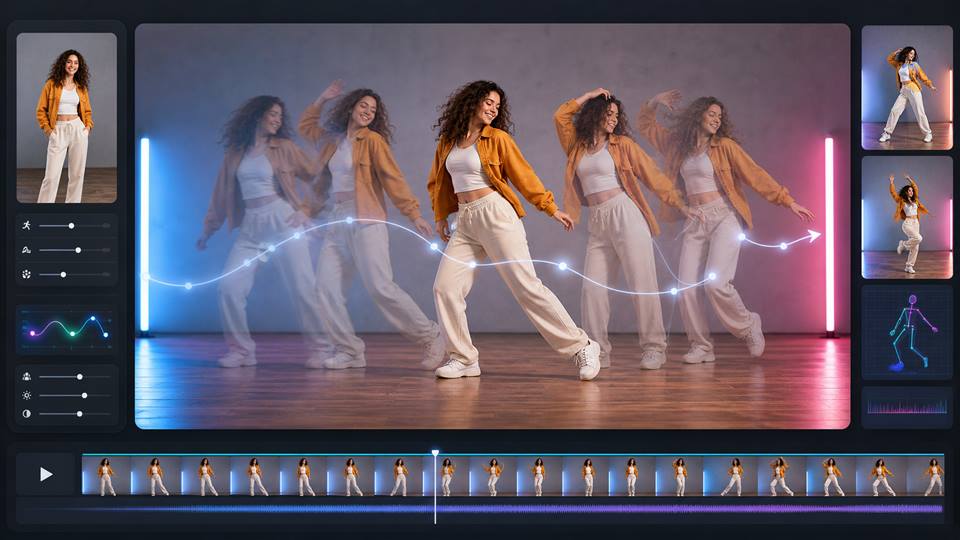
Generate AI outfit images and videos from simple text prompts. Simply use 'Expert' feature and 'Chat to edit' to modify ai outfit images and use 'Edit everything' to edit videos.
For Everyone:
The AI clothes changer is built for e-commerce shoppers, fashion designers, and style enthusiasts.
1. Limited Real-World Fit
Virtual try-ons and try-ons aren't always 100% perfect in fit or fabric look—particularly if your inputs or measurements aren't accurate.
2. Lack of Human Sensibility
The AI can provide combinations based on trends or data, but without the cultural or emotional context of some fashion items.
Enjoy more features
AI Clothes ChangerAI Hair Colour Changer: Salon Realism in 4KAI Lingerie Model GeneratorAI Model Girl GeneratorAI Fitness Influencer GeneratorRecolour Image with AIAI Photo Editor for Creators, Product Ads, and AI InfluencersAI Face SwapperAI Dance GeneratorAI Woman GeneratorFree AI Portrait GeneratorAI Tattoo GeneratorAI Virtual Try-On
No Credit Card Required

Answers about outfit styles, try-on quality, credits, privacy, formats, and commercial use.
How to create an outfit using AI?
Upload your photo or create a digital avatar using the “AI Influencer Generator.”
For image generation of your ai outfits, choose 'Expert' feature to write down your expectation for the outfits.
Click on 'Generate' and wait for the results.
Can AI Outfit Changer alter clothes?
Absolutely! Use 'Chat to edit' feature, and describe your requirement. Let APOB AI help you alter clothes within seconds.
How do individuals create AI avatars?
Individuals design AI avatars with apps such as APOB AI, uploading a photo or creating one from scratch, establishing the appearance and wardrobe style of the avatar, and allowing AI to create a realistic or stylized virtual individual.
Do you allow conceptual ideas for my sewing and design work to utilize APOB AI?
Yes, we provided our AI Outfit Generator to assist in getting your creative wheels turning, providing you with a visual nod towards how your designs will appear in reality. It’s priceless for those wanting to craft customized items, providing a virtual sketchboard on which to iron out ideas and bring your own style visions to life.
How can I make the AI highlight the clothes better and improve fabric texture?
The secret is using "macro" and material-specific keywords in your prompts. Tell the AI exactly what the fabric feels like and use lighting keywords to emphasize the weave. Pro Prompt: high-fashion editorial close-up, focusing on the outfit, heavy ribbed knit wool sweater, crisp linen trousers, macro photography, intricate fabric texture, cinematic studio lighting, sharp focus on the garment
Can I upload my own real-life clothes to try on, or only use AI-generated outfits?
A: Yes, absolutely! While text-to-image is great for brainstorming, APOB AI's advanced virtual try-on feature allows you to upload a photo of your actual garment (flat lay or on a mannequin) and seamlessly wrap it onto your AI model or your own selfie.
My images keep generating as "upper body only." How do I fix this?
A: AI models tend to default to portraits unless told otherwise. To force a full outfit view, you must use specific framing keywords and a vertical aspect ratio. Pro Prompt: full-body shot from head to toe, shoes visible, standing wide shot, wearing a sleek black evening gown and stiletto heels, --ar 9:16 (Always include footwear in the prompt to force a full-body render).
What are the best angles for e-commerce, and can I generate side or back views?
A: Yes! E-commerce requires multiple angles to build buyer trust. You can direct the AI camera just like a real photographer by adding angle keywords to the very beginning of your prompt.
Pro Prompt (Back View):
shot from behind, back view of the model walking away, showing the intricate lace back detail of the dress, solid studio backgroundPro Prompt (Side Profile):
side profile shot, full body, model looking away, showcasing the side slit of the skirt, clean background
How do I make the AI model showcase the outfit in a video comprehensively?
A: To show off the drape and flow of the garment in video, prompt for specific movements rather than just standing still. Action verbs are your best friend here.
Video Prompt:
cinematic video, model doing a slow 360-degree spin, walking forward like a runway model, the silk dress flowing dynamically with movement, 60fps, smooth camera pan


