
Best Free AI Photo Generator: How to Create Useful Images Without Stock Photo Fatigue
A free AI photo generator is not just a toy for making strange pictures. Used well, it can replace the slowest parts of stock-photo hunting: finding a specific pose, matching a brand color, creating product-style scenes, or making social visuals that do not look like everyone else's template.
That said, the best results do not come from typing one vague sentence and hoping for magic. They come from a clear brief: subject, setting, camera angle, lighting, mood, usage, and format. APOB AI can be positioned here as a practical generator for creators who want photo-style images, AI portraits, social visuals, and virtual influencer assets.
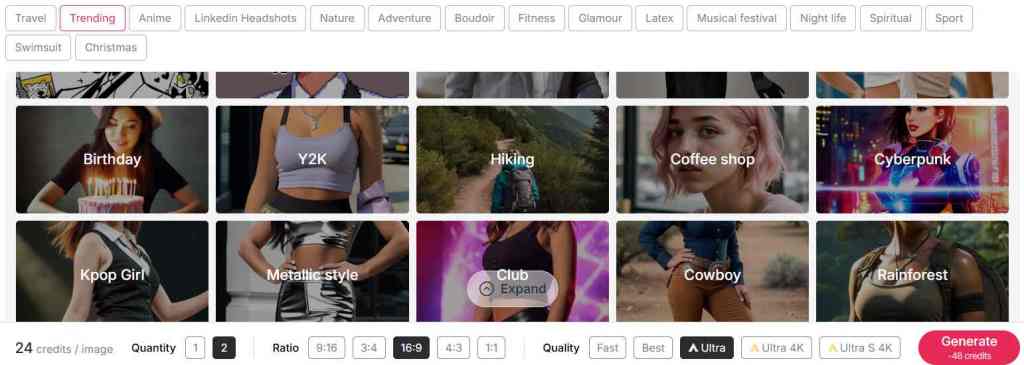
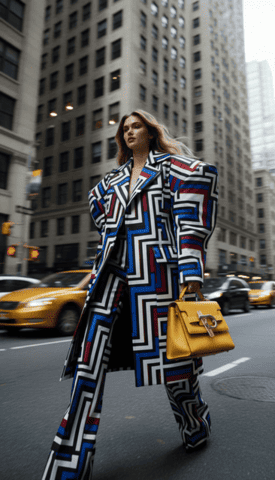
Visual examples
The examples below show the visual direction for this workflow and keep the original media assets in place.
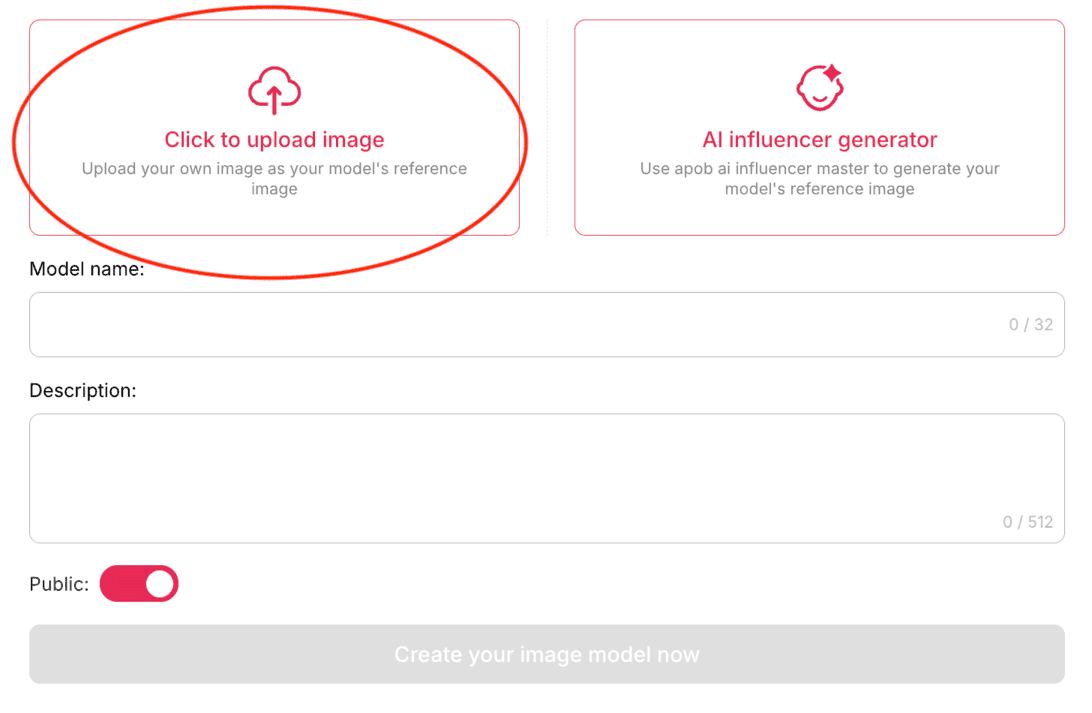
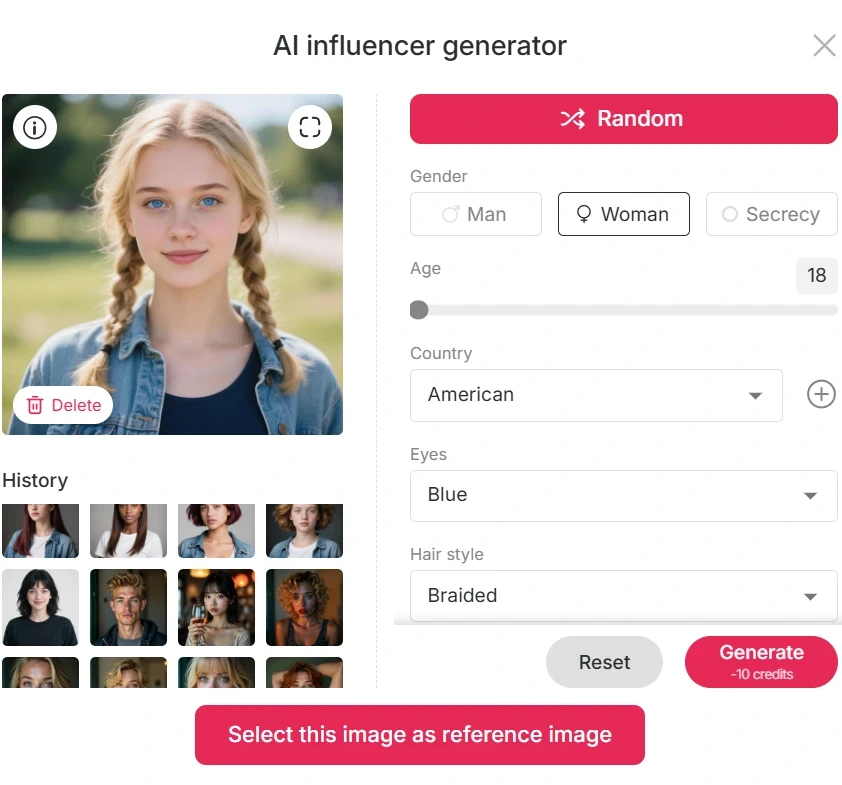
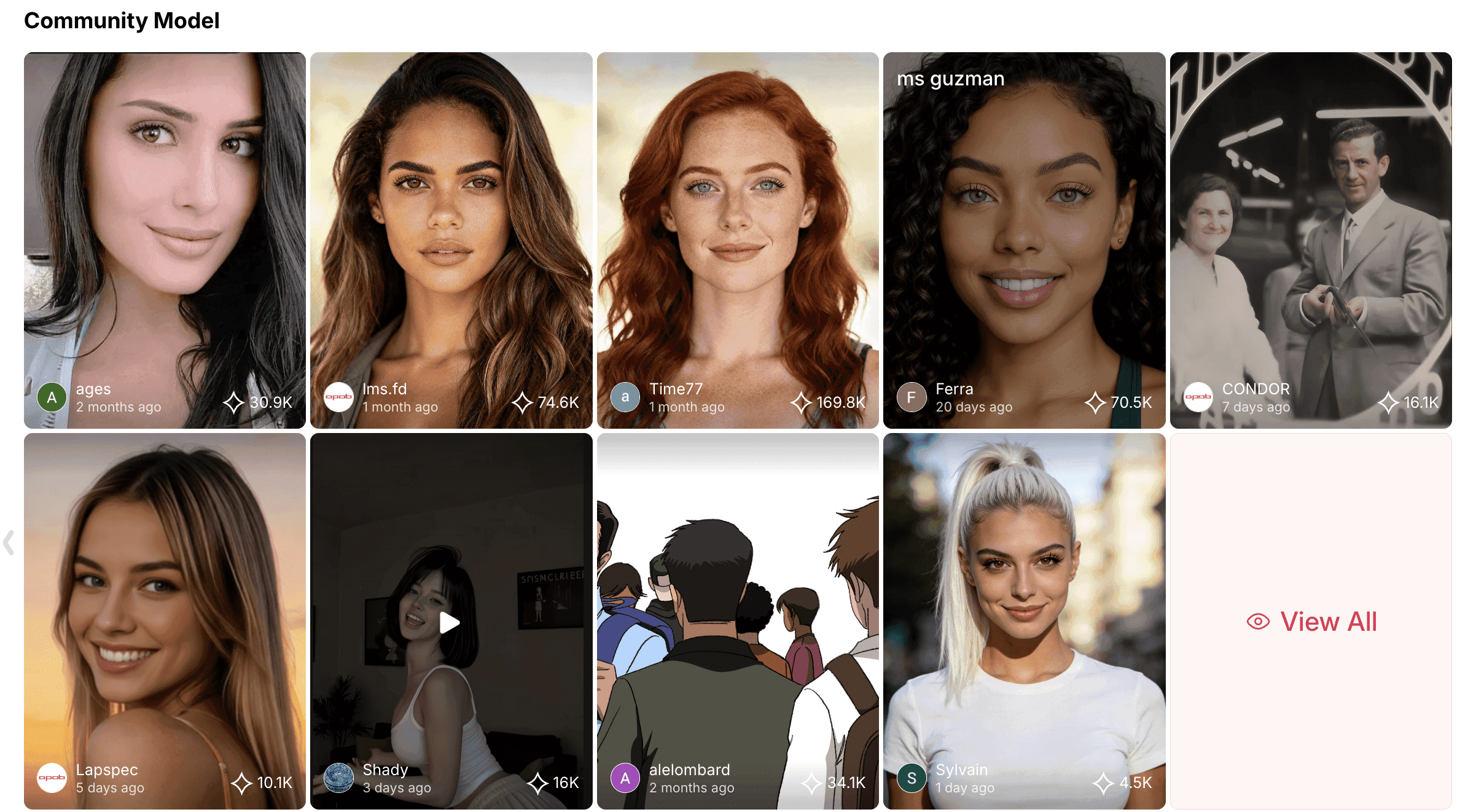
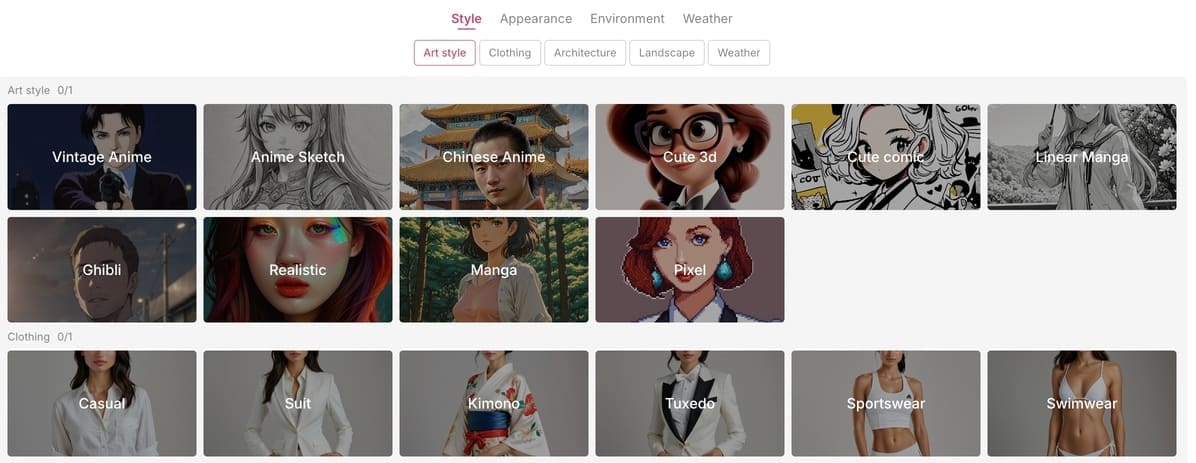
When AI photos are better than stock photos
Stock photography is still useful for editorial and corporate work. The problem is specificity. If you need "a skincare founder holding a glass bottle in warm bathroom light" or "a virtual travel creator in a Lisbon street at sunrise," stock libraries may make you compromise. A good AI photo generator lets you build the exact scene.
Need | Stock photo | AI photo generator |
|---|---|---|
Highly specific concept | Often hard to find | Prompt it directly |
Brand color consistency | Limited | Describe palette and styling |
Virtual influencer assets | Not suitable | Strong fit |
Editorial accuracy | Usually safer | Needs review and disclosure |
How to write prompts that produce photo-style results
Think like a photographer. A useful prompt says what is in the image, how it is lit, where the camera sits, and what the image is for. Add format at the end: square social post, vertical story, website hero, product listing, or ad creative.
Realistic skincare product photo on a white marble sink, soft morning window light, clean shadows, premium beauty brand style, square crop.
Female virtual influencer drinking iced coffee outside a small cafe, natural smile, candid street photography, warm sunlight, vertical Instagram story.
Minimal tech product hero image, matte black device on a concrete desk, cool studio lighting, shallow depth of field, website banner.
Fitness creator portrait in a bright gym, confident pose, natural skin texture, realistic sportswear, editorial photography style.
Luxury perfume bottle surrounded by soft fabric and flowers, macro product photography, pastel color palette, high-end ad look.
Small business owner packing online orders at a wooden table, real home studio feel, documentary photography, natural light.
AI travel influencer standing near a coastal viewpoint, wind in hair, golden hour, realistic camera lens, vertical reel cover.
Food photography of handmade cookies on parchment paper, overhead angle, soft shadows, warm kitchen light, Pinterest-style image.
Professional headshot of a friendly startup founder, neutral background, softbox lighting, realistic face, LinkedIn crop.
Streetwear model leaning against a brick wall, urban fashion editorial, natural pose, muted color grade, full-body portrait.
Pet product lifestyle photo with a clean living room background, playful but realistic, bright natural light, social ad format.
Virtual pop star promotional image, glossy studio lighting, confident expression, colorful background, album-cover composition.
What to look for in a AI photo generator
A useful generator should make the path obvious: write a prompt, choose a style, generate, edit, and export. Before choosing a tool, check free limits, image quality, privacy, commercial-use rules, and whether the output can be edited without starting over.
Where APOB fits
APOB is especially useful when your image is part of a wider creator workflow: portraits, AI characters, campaign visuals, and assets that can later become video or social content. Start here: TRY APOB AI FOR FREE.
A practical workflow for better AI photos
Use the AI photo generator like a small photo studio. Start with one goal, such as a product shot, creator portrait, or website hero image. Then choose a camera style, lighting setup, background, and crop before generating. This avoids the common problem where an AI photo generator creates something attractive but unusable.
Goal | Prompt details to include | What to check |
|---|---|---|
Product photo | surface, material, lighting, background, crop | logo clarity, reflections, realistic scale |
Portrait | age range, expression, lens, lighting, background | natural eyes, hands, skin texture |
Social ad | platform format, mood, color palette, negative space | readability, brand fit, no strange artifacts |
Editing tips after generation
Do not publish the first result automatically. Crop it for the platform, remove distracting details, and check whether the image still makes sense at thumbnail size. A AI photo generator is most useful when you treat the output as a first draft, not a finished campaign asset.
FAQ
Is a AI photo generator good enough for marketing?
It can be, especially for social posts, drafts, moodboards, and virtual influencer assets. For paid campaigns, review the tool's terms, image quality, and brand safety before publishing.
How do I make AI photos look less fake?
Use specific lighting, realistic camera language, natural poses, and avoid asking for too many conflicting styles in one prompt.
Can I use AI-generated photos commercially?
Commercial use depends on the platform and the content. Check the terms for the generator, avoid protected characters or real people without permission, and keep records of your prompts and assets.
What image size should I create?
Use vertical images for stories and reels covers, square for feed posts, and wide horizontal crops for website sections. Generate larger than needed when possible.
Should I disclose AI-generated images?
Disclosure is a good practice when the image could affect trust, identity, product claims, or newsworthiness. Some platforms and regions may also require labels.
How do I describe my image idea clearly?
Use plain visual details: subject, setting, lighting, camera angle, mood, and format. The more specific the scene, the easier it is to get a useful result.
References
Canva (2026) AI Image Generator. Available at: https://www.canva.com/ai-image-generator/ (Accessed: 8 May 2026).
Adobe (2026) Firefly AI Image Generator. Available at: https://www.adobe.com/products/firefly/features/ai-image-generator.html (Accessed: 8 May 2026).
Pixlr (2026) AI Image Generator. Available at: https://pixlr.com/image-generator/ (Accessed: 8 May 2026).
Fotor (2026) AI Image Generator. Available at: https://www.fotor.com/features/ai-image-generator/ (Accessed: 8 May 2026).
Picsart (2026) AI Image Generator. Available at: https://picsart.com/ai-image-generator/ (Accessed: 8 May 2026).
Buffer (2025) Best AI image generators. Available at: https://buffer.com/resources/ai-image-generators/ (Accessed: 8 May 2026).
U.S. Copyright Office (2026) Copyright and Artificial Intelligence. Available at: https://www.copyright.gov/ai/ (Accessed: 8 May 2026).
Content Authenticity Initiative (2026) Content Credentials. Available at: https://contentcredentials.org/ (Accessed: 8 May 2026).
Influencer Marketing Hub (2025) AI Marketing Benchmark Report. Available at: https://influencermarketinghub.com/ai-marketing-benchmark-report/ (Accessed: 8 May 2026).
Federal Trade Commission (2023) Keep your AI claims in check. Available at: https://www.ftc.gov/business-guidance/blog/2023/02/keep-your-ai-claims-check (Accessed: 8 May 2026).
Useful links
These related resources are kept from the original page for readers who want to explore the workflow further.

Be the first to like this.




No credit card needed


