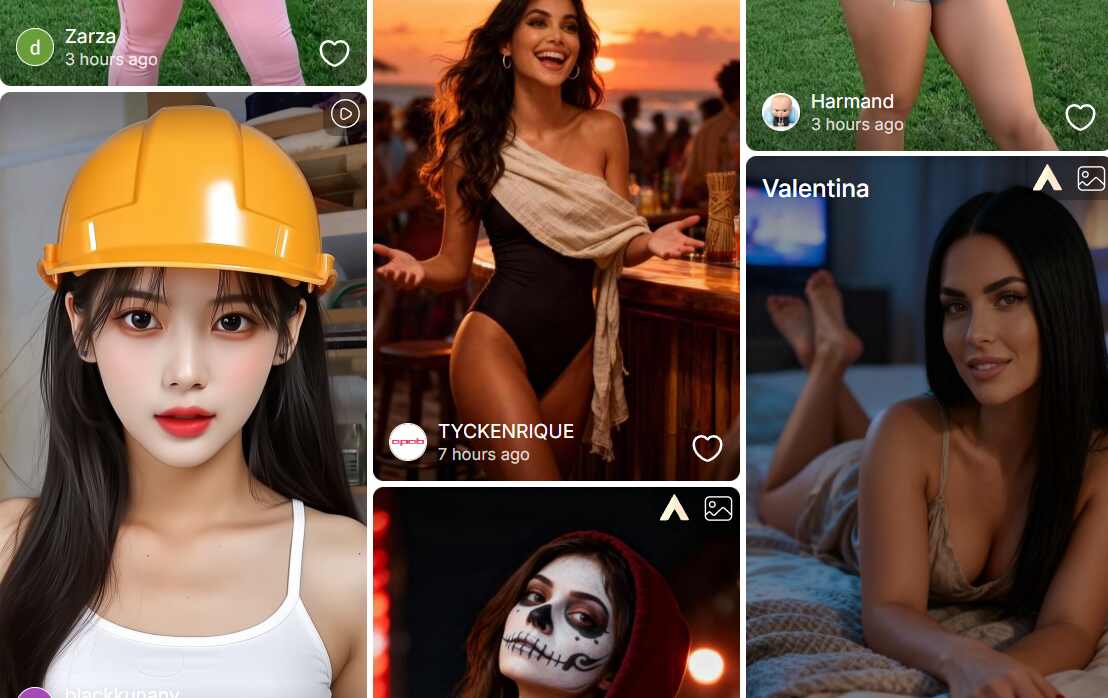
Artificial intelligence has completely changed how we create and edit images. What used to take hours of careful Photoshop work can now be done in seconds with an AI image generator. From digital artists and content creators to e-commerce brands and marketers, everyone is now embracing AI tools to make visual creation faster, smarter, and more natural. And among the growing list of options, APOB AI stands out as the best free AI image generator 2025 — combining creativity, accessibility, and professional-grade results in one easy-to-use platform.
Why AI Image Generators Are Revolutionizing Visual Creation
Earlier, editors like Photoshop or Lightroom had tremendous learning curves and needed to be operated manually. Editing would take hours with adjustments to lighting, changing backgrounds, or creating ideas from scratch. Today, AI picture generators do all that with button clicks. Leaning on the power to understand natural language inputs, the software translates words into real-world images.
No matter if you need to design a product shot, concept art, or develop fashion looks, AI design provides you with faster, more consistent, and sometimes more convenient outcomes than manual editing. To date, as of 2025, technology is already at a point that enables amateurs to produce cinematic-level, 4K-standard shots — no need for design skills. That’s why APOB AI is leading the trend as the best free AI image generator 2025.
What Is APOB AI Image Generator?
APOB AI is a robust image-making and editing tool for professionals and the rest of us. It blends user-friendliness with sophisticated AI technology to enable users to make ideas into stunning, high-definition images in just seconds.
There are two primary modes of image making:
Template Mode:
Under the Complete Set tab, APOB provides adequate choices of pre-designed templates. One-click select combinations of clothing, styles, or poses — perfect for speedy content creation.
Custom Mode:
Under the Build Your Own option, you select your choice of style — realistic photography, anime, manga, fantasy, or others — and then submit a prompt to create unique images. For advanced users, the Expert tab offers direct prompt-based image creation for full creative control.
In addition to image generation, APOB’s editing suite includes powerful tools like Enlarge, Remove Background, and Clothing, supporting up to 2K and 4K image resolution. These features ensure clean edges, natural color grading, and realistic outfit transformations — but today, we’ll focus on one of APOB’s most impressive innovations: Chat to Edit.
What Is the “Chat to Edit” Feature?
Imagine having a photo that’s almost perfect — but not quite. Maybe your outfit blends into the background. Maybe there’s a random passerby in the corner. Maybe one friend blinked in a group photo. Or perhaps you just want to explore creative edits for fun. That’s exactly where Chat to Edit comes in.
With APOB’s Chat to Edit, you can upload any image and simply describe the change you want in plain English (or upload a reference image). The AI will automatically adjust the photo to match your request — keeping realism, lighting, and composition consistent.
Even better, each edit costs only 40 credits, and every APOB user receives 80 free credits daily after logging in. That means you can edit photos every day — completely free. For many creators, it’s like having a professional photo editor in your pocket.
Chat to Edit — Real Use Cases
Here are three examples that show how flexible APOB’s Chat to Edit feature can be:
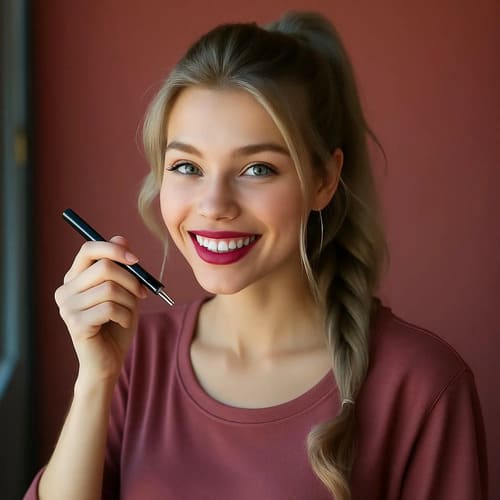
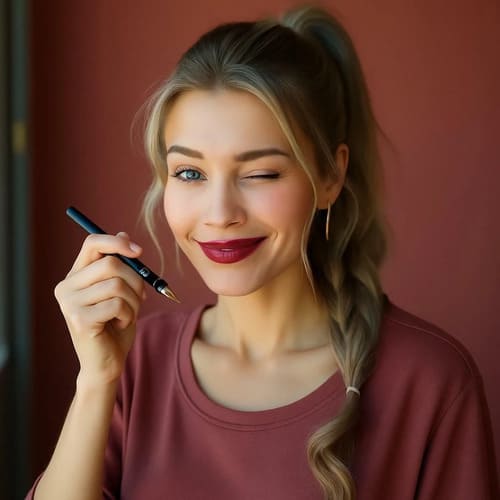
Change Expressions: Convert a smiling portrait into a playful wink without reshooting the photo.Style Transformation: Turn an anime-style character into a realistic human portrait while keeping the same pose and vibe.
Style Transformation: Turn an anime-style character into a realistic human portrait while keeping the same pose and vibe.
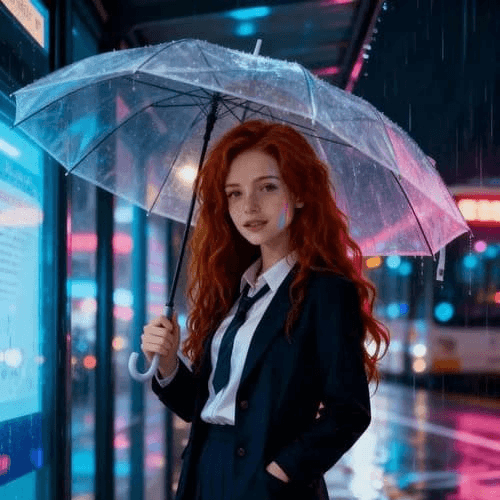
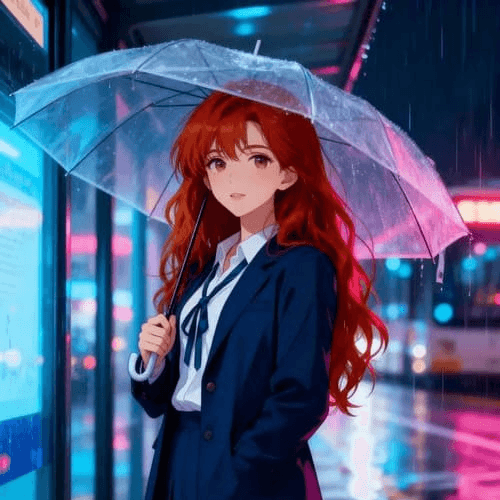
Action Enhancement: Change a person holding a basketball into one caught mid-jump shot, capturing a more dynamic moment.
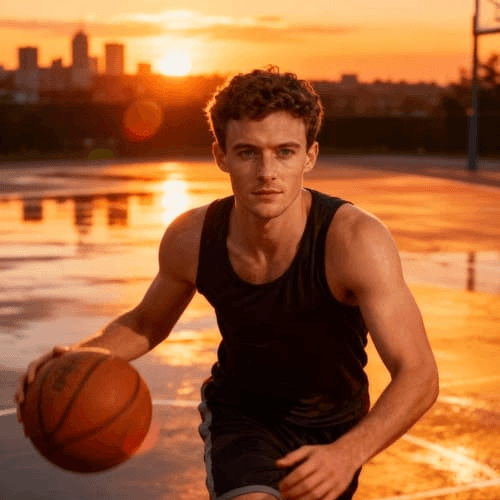
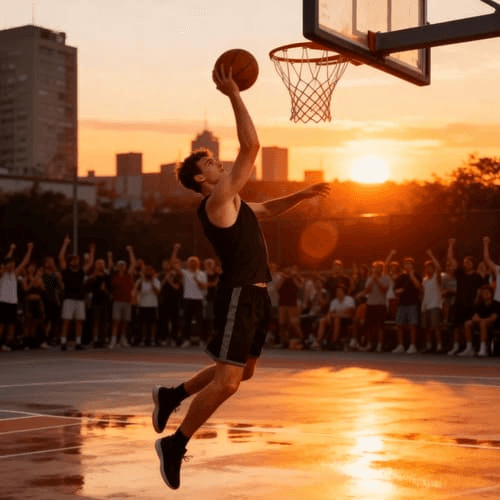
Each of these edits takes just seconds to process — proving that APOB isn’t just an AI image generator, but a full creative assistant.
Why Choose APOB AI?
In today’s fast-moving creative world, time and quality are everything. Whether you’re a designer, marketer, or influencer, APOB AI helps you create stunning images and videos in a fraction of the time traditional editing would take.
Here’s why creators around the world are calling it the best free AI image generator 2025:
Speed and Efficiency: Create, edit, or upscale images within seconds.
Professional Quality: Every output reaches up to 4K resolution with natural lighting and detailed textures.
Creative Freedom: From realistic portraits to imaginative fantasy art — you’re limited only by your prompt.
Cost-Effective: With 80 free daily credits, you can experiment endlessly without spending a cent.
Final Thoughts
The future of visual creation is already here — and APOB AI is leading the way. With its powerful image generator, smart editing tools, and daily free credits, it makes it super easy for anyone to create studio-quality visuals in minutes.
Whether you’re designing social media posts, making ads, or just playing around with creative ideas, APOB AI proves why it’s the best free AI image generator 2025. It helps you turn your imagination into stunning, one-of-a-kind visuals — no design skills needed, just pure creativity.
FAQs About APOB AI Image Generator
Q1: Which image sizes and aspect ratios does APOB support?
A1: APOB supports numerous other image sizes and aspect ratios, such as 9:16, 16:9, 3:4, 4:3, and 1:1, so it's ideal for any creative endeavor or social media site.
Q2: Is it free?
A2: Yes. You can register and get 80 free credits per day, which is sufficient to create and edit images for free. You can also pay to upgrade for increased speed or higher resolution.
Q3: Is it possible to use the pictures produced from APOB for business purposes?
A3: Yes. You're free to apply APOB-generated pictures in advertisements, social media updates, online store inventory listings, etc. Just ensure that your particular use case complies with any platform terms.
Q4: Is it possible to modify a picture I've already made?
A4: Absolutely! Add your own photo and employ Chat to Edit to change details, correct expressions, change clothes, or even delete objectionable areas — all via easy text instructions.

Be the first to like this.




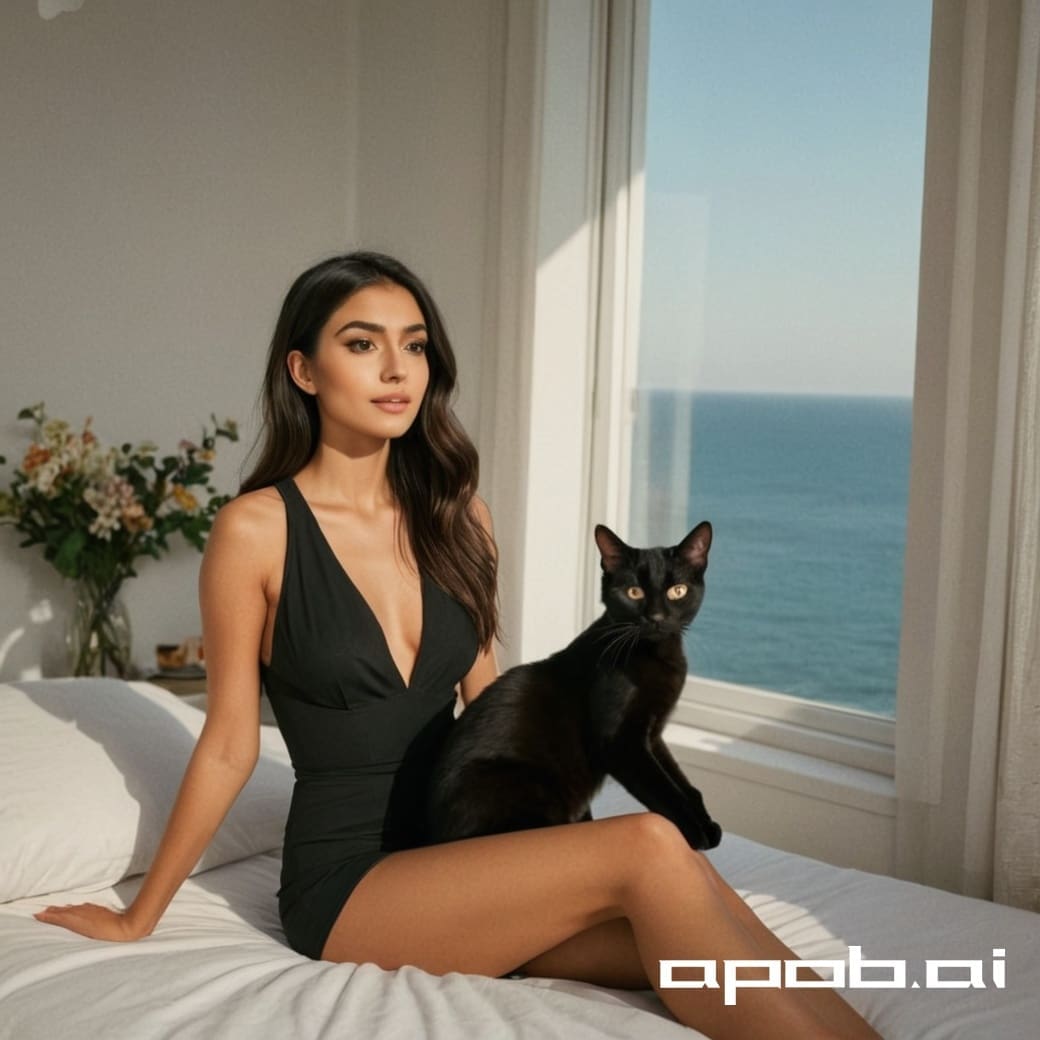
AI Image Generators: Discover the Best Tools & Techniques, Including Free Options for Image Generation

No credit card needed


