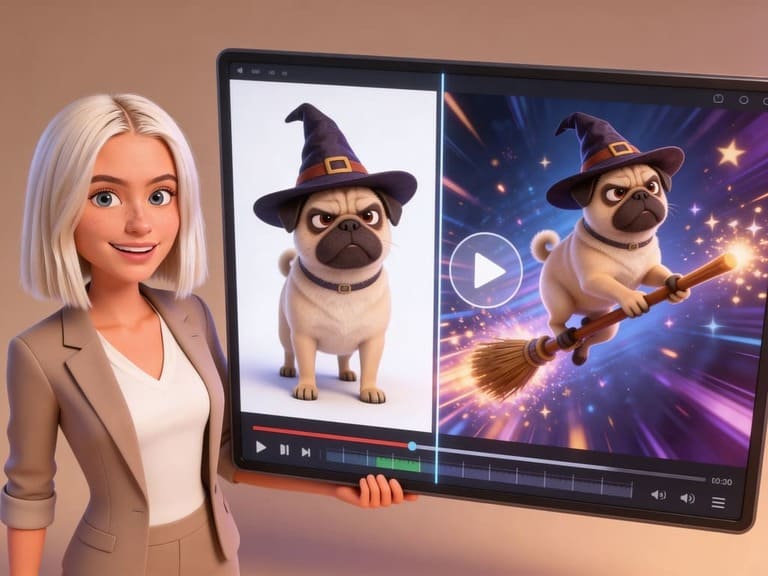
Many users look for ai video generator from image free because they want proof before they pay. That is reasonable. Image-to-video tools can look magical in demos, but your own photo may behave differently. The smart move is to test with a small plan, not burn free credits on random prompts.
An ai video generator from image free should answer three questions quickly: can it keep the subject consistent, can it create believable motion, and can the final video be used for the platform you care about?
Test our image to video feature
What to Test First
Do not start with your hardest image. Pick three test files:
A clean portrait
A product or object
A full-body image or character
This tells you what the image to video generator handles well. For portraits, check face stability. For products, check shape. For full-body images, check hands, feet, and anatomy.
A Free-Credit Workflow in APOB AI
APOB AI's Image to Video AI page is a natural fit for ai video generator from image free because it offers free daily credits and lets users test image-to-video output before deeper production.
Use this workflow:
Upload a simple image.
Use a short prompt: "natural blink, slight smile, slow camera push-in, stable background."
Generate a short clip.
Write down what worked and what failed.
Change only one part of the prompt.
Save the best settings for future images.
If your first result is bad, do not assume the tool failed. Often the prompt asked for too much. A free test should be boring on purpose: small motion, clear subject, stable background.
Quality Checklist
Before choosing any ai video generator from image free, check:
Does the face stay consistent?
Does the background remain clean?
Are hands and edges acceptable?
Is there a watermark?
Can you export in the format you need?
Are commercial rights clear?
Does the tool allow prompt control?
Wyzowl reports that 91% of businesses use video as a marketing tool, and 89% of consumers say video quality affects trust in a brand. That matters here. A free AI video is only useful if it does not make the brand look careless.
Prompt Starters
For a profile photo: "natural blink, soft smile, gentle camera push, realistic face, no background distortion."
For a product image: "slow camera orbit, premium light reflection, product shape unchanged, clean studio background."
For an AI character: "character turns slightly toward camera, confident smile, subtle hair motion, stable identity."
For a meme: "dramatic zoom-in, eyes widen slightly, comedic pause, background stable."
These help an ai video generator from image free produce usable tests instead of chaotic motion.
AI Video Generator From Image Free: What to Test First
Free credits are useful, but they disappear quickly if every test is random. Start with one clean portrait, one product image, and one full-body or character image. These three tests reveal whether the tool handles faces, objects, and body movement well.
For each test, write down the same checks: identity stability, background quality, edge quality, export format, watermark, and whether the motion fits the original photo. This turns a free trial into a real evaluation instead of a guessing game.
AI Video Generator From Image Free Credit Strategy
Use the shortest clip length for your first round. If the short version has face drift or warped edges, a longer version will usually make the problem more visible. Once the short version looks clean, then spend credits on a longer or higher-quality output.
How to Improve an AI Video From Photo
If a result looks unstable, reduce the action. Replace "dance" with "small shoulder movement." Replace "turn around" with "slight head turn." Replace "dynamic camera" with "slow camera push." Small changes often create a bigger quality improvement than changing tools.
APOB AI gives you a practical testing path because you can start with image-to-video and then expand into creator, character, or ReVideo workflows. If your first clip works, save the prompt and reuse the same motion pattern on similar images.
When a Free Image to Video AI Result Is Good Enough
A free result is good enough when the subject is recognizable, the motion supports the goal, and no visual flaw distracts in the first two seconds. For brand assets, be stricter. For casual social posts, a little imperfection may be acceptable if the idea is funny or emotionally clear.
AI Video Generator From Image Free Output Checklist
Before exporting a free AI video, check it like a viewer would. Does the subject remain recognizable? Does the movement fit the image? Does the background stay stable? Are there strange artifacts in hands, eyes, teeth, text, or product edges? Does the clip still make sense when watched muted?
For personal use, a small artifact may not matter. For brand use, it does. If the video will sit on a landing page, ad, or product page, use the cleanest version rather than the most dramatic one. A realistic four-second clip can be more valuable than a messy ten-second clip.
AI Video Generator From Image Free Ideas to Try
Try a portrait blink, product orbit, fashion pose shift, pet reaction, food steam effect, artwork parallax, or old photo smile. These tests cover common real-world needs and help you understand what the tool does best before you spend more time.
An ai video generator from image free is most useful when you treat the first result as a test, not the final version.
FAQs
What is the best ai video generator from image free?
The best option depends on whether you need realistic portraits, product videos, memes, or creator characters. APOB AI is useful for testing because it connects image-to-video with AI character workflows.
Can I turn a photo into a video for free?
Yes. Use a tool with free credits or a free plan, upload a photo, add a motion prompt, and generate a short clip.
Why do free AI video tools add watermarks?
Many free tools add watermarks to control costs and encourage paid upgrades. Always check export rules before creating brand assets.
What photo works best?
A clear, sharp image with one main subject works best. Avoid busy backgrounds and cropped hands.
How long should the AI video be?
Start short. Four to eight seconds is enough to test motion quality before spending more credits.
How can I get better results from free credits?
Start with one simple image and a short motion request. Test subtle movement first, then adjust camera motion, background stability, and subject action one change at a time.
References
APOB AI (2026) Try image to video AI for free. Available at: https://apob.ai/image-to-video-ai/ (Accessed: 12 May 2026).
Canva (2026) AI Video Generator. Available at: https://www.canva.com/ai-video-generator/ (Accessed: 12 May 2026).
Kapwing (2026) AI Video Generator. Available at: https://www.kapwing.com/ai-video-generator (Accessed: 12 May 2026).
Wyzowl (2026) Video Marketing Statistics 2026. Available at: https://wyzowl.com/video-marketing-statistics/ (Accessed: 12 May 2026).

Be the first to like this.




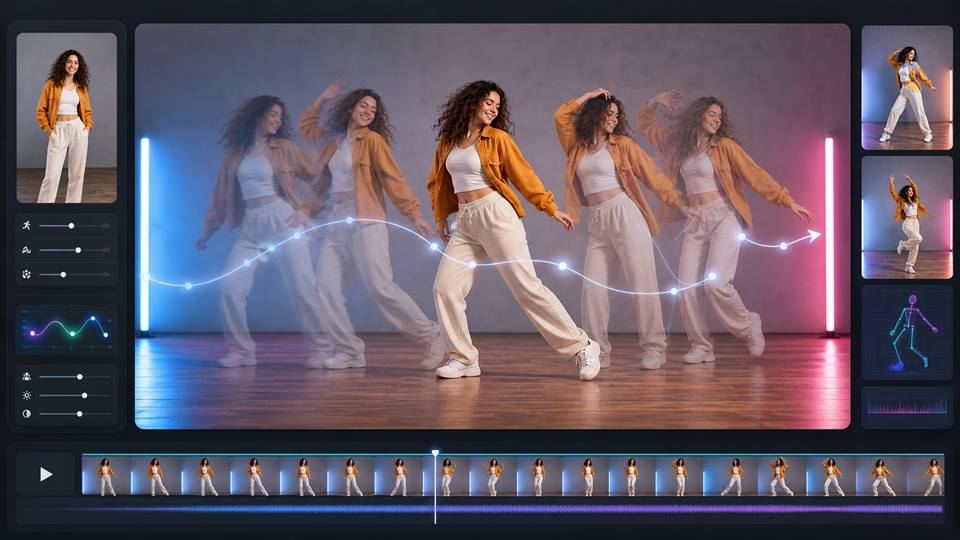
How to Make a Picture Dance With AI Without Breaking the Body
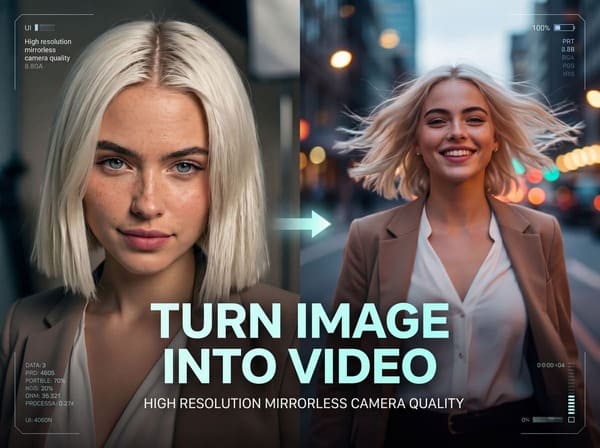
How to Make Pictures Come to Life Without Weird AI Motion
Explore the AI Image-to-Video function of APOB AI
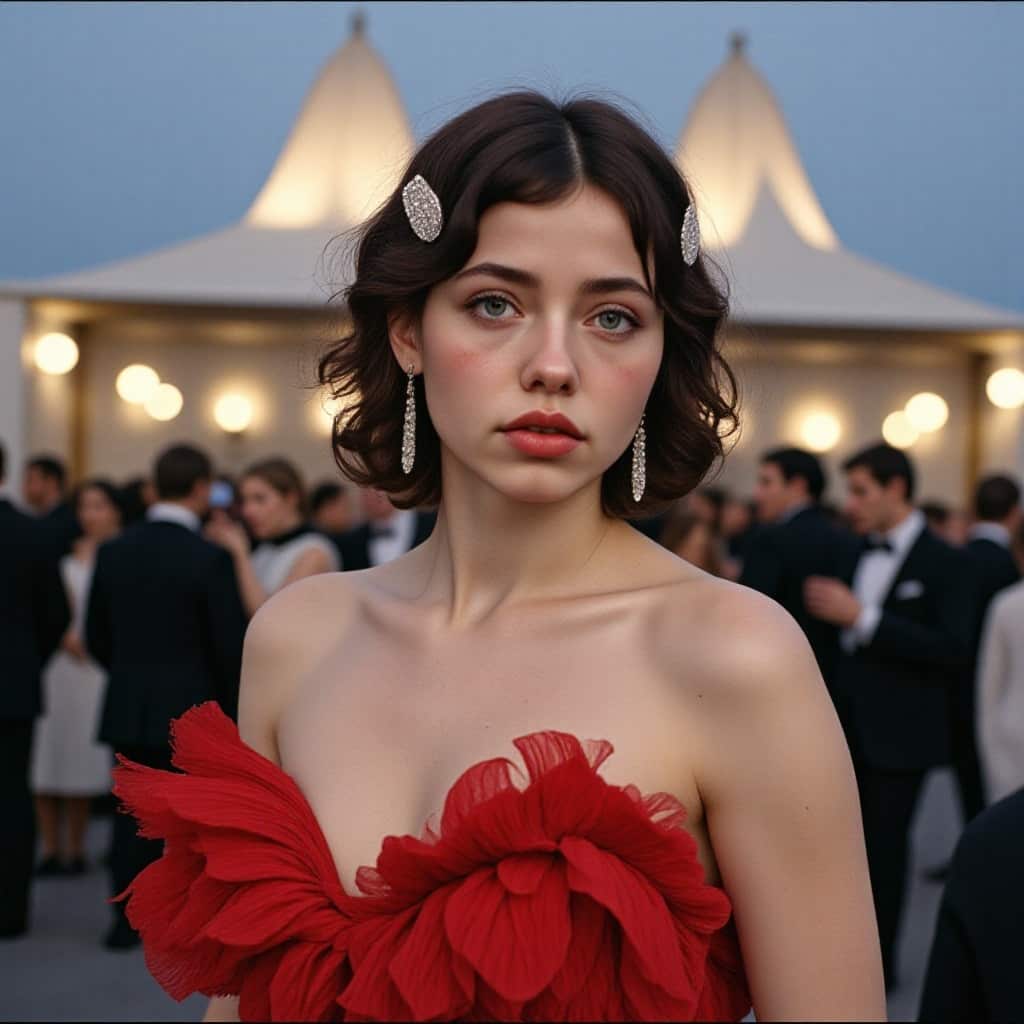
What is Image to Video AI and How Does It Work?
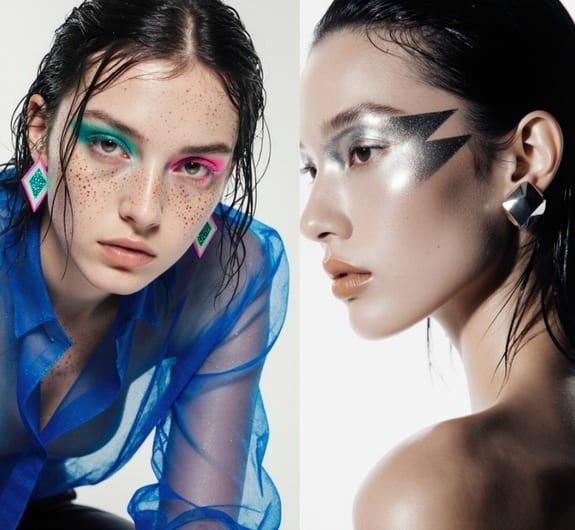
Image to Video AI: Turn Photos into Income with Apob AI

No credit card needed


