Kling O1 empowers creators to turn AI images, text, and models into cinematic videos—faster, smarter, and effortlessly creative.
We keep improving our image generation experience by testing and integrating the best-performing models available. Some older kling version pages are kept as reference guides so users can compare model capabilities, understand past updates, and find the version-related information they searched for.
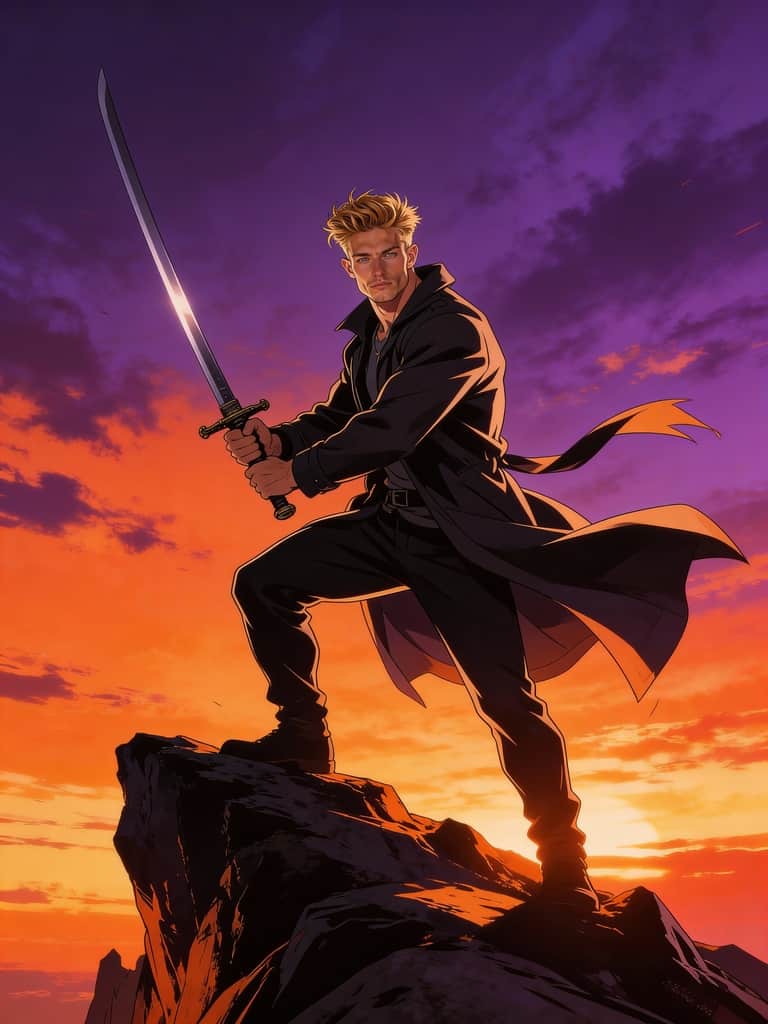
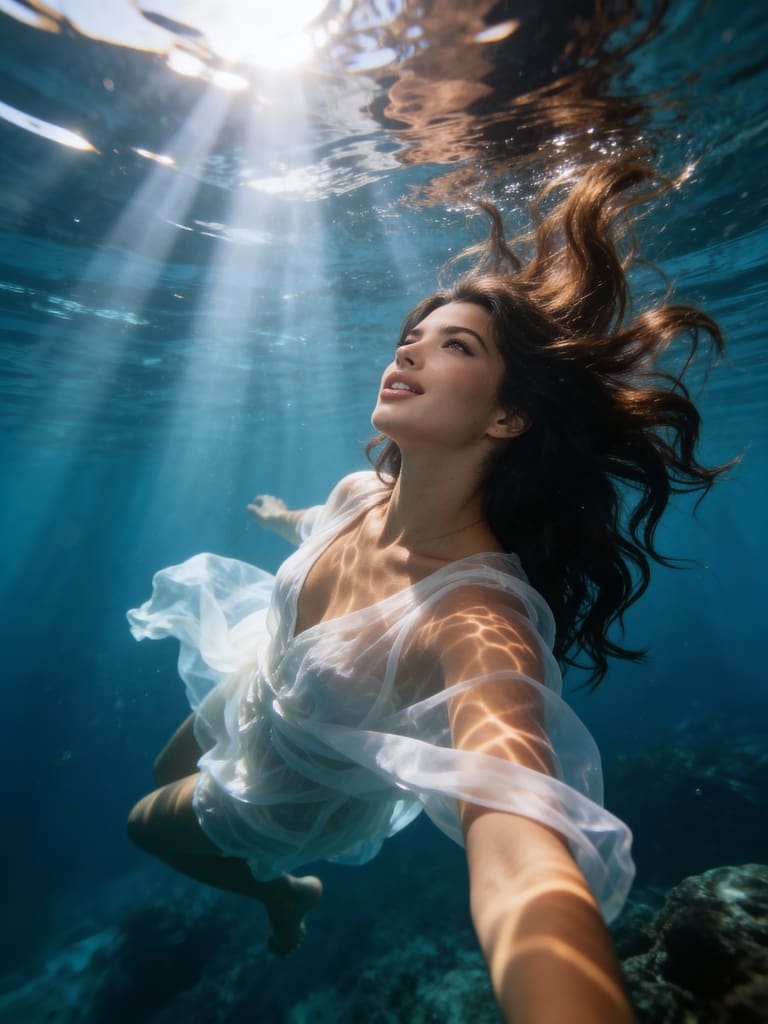
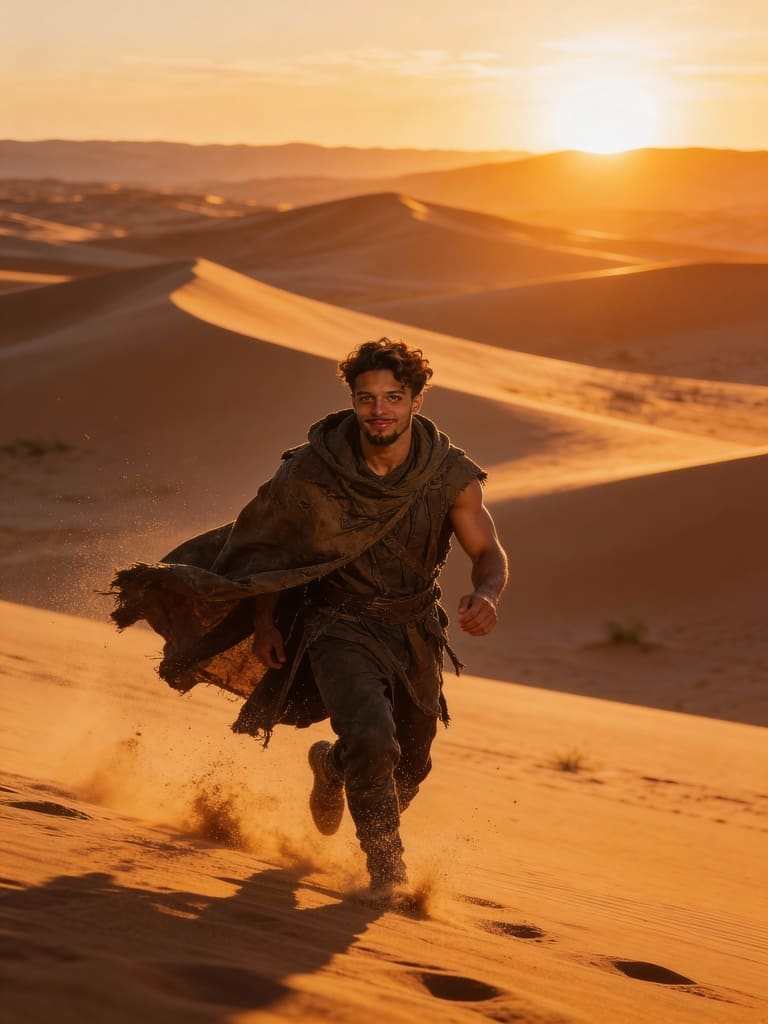
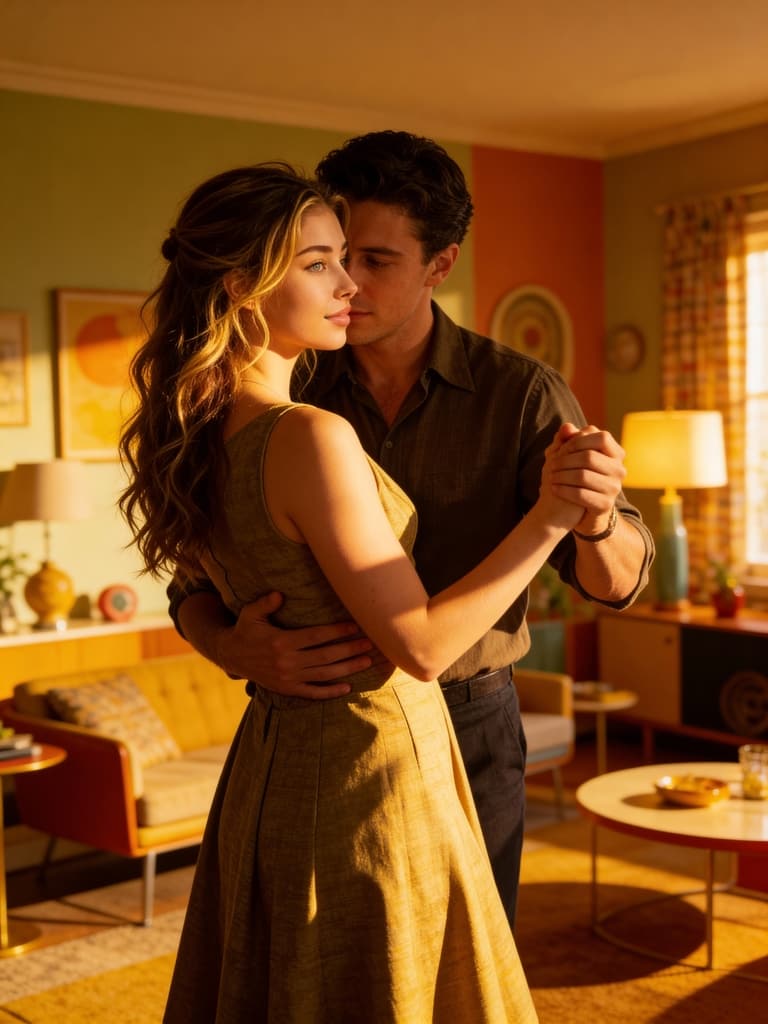
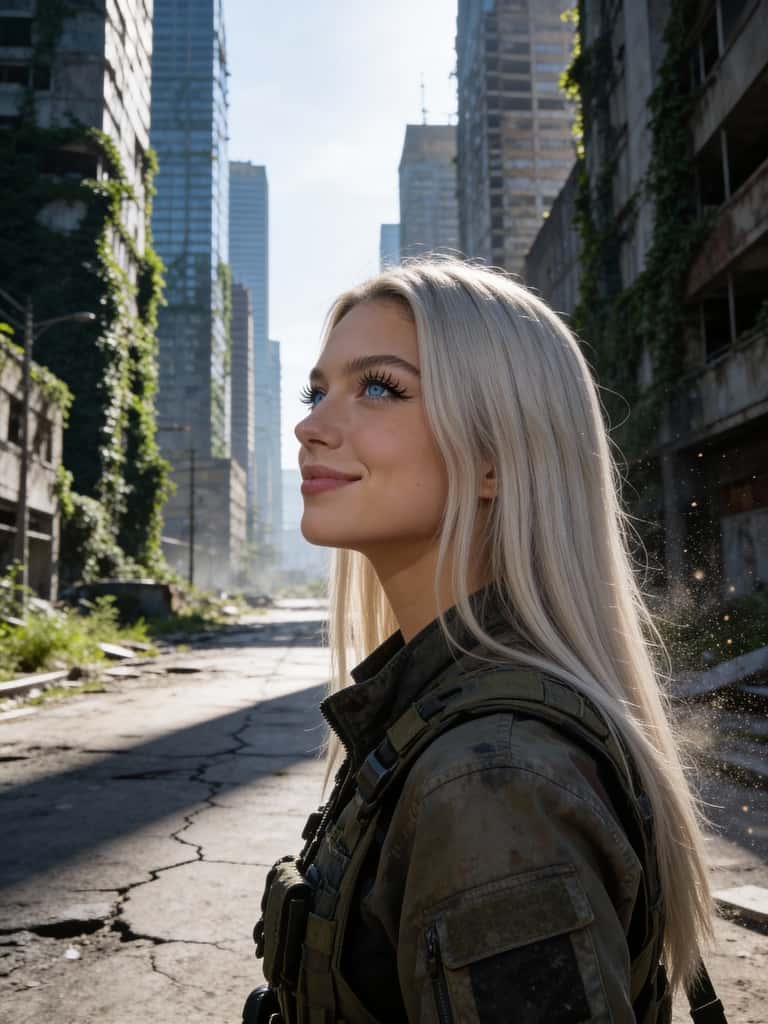
Build Your Perfect AI Model with Kling O1
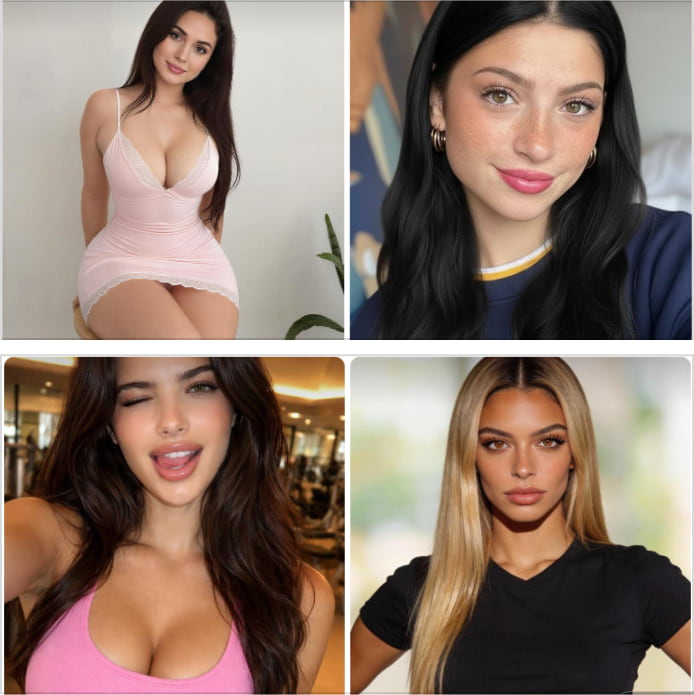
Getting started with Kling O1 begins by creating or selecting an AI model. Click the button below to enter the APOB platform, where the Community Model section showcases a wide range of AI humans created by other users. If you find a model that fits your vision—such as a realistic influencer, anime-style character, or cinematic persona—you can instantly select and use it without any setup.
If you want something truly unique, click Create Portrait Model. You can upload real photos or design a character using the AI Influencer Generator. Kling O1 allows deep customization, including age, gender, nationality, height, weight, hairstyle, eye color, face shape, skin tone, and more. This makes it ideal for building consistent digital identities for storytelling, branding, or social media. Once created, your AI model can be reused across images and videos, ensuring visual consistency and saving massive production time.
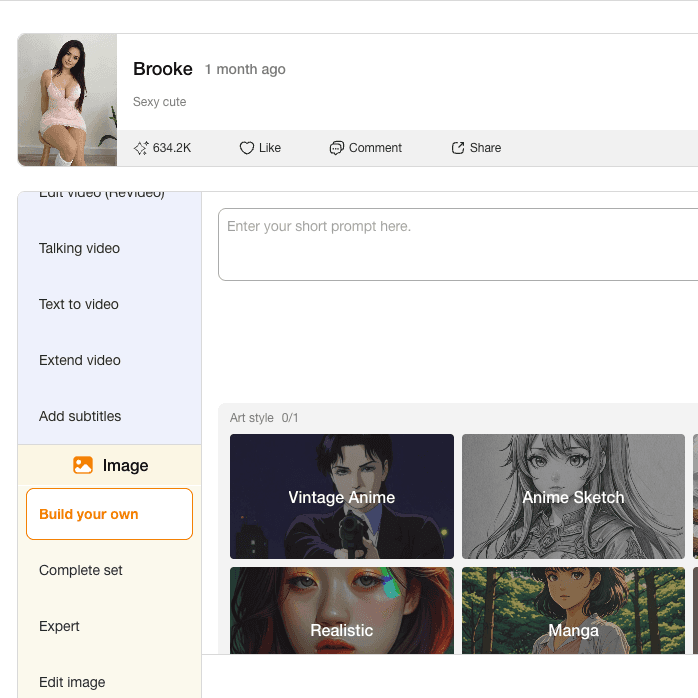
Generate AI Images with Kling O1
Kling O1 offers two powerful image generation modes designed for both beginners and advanced users.
Template Mode simplifies creation. In Build Your Own, you can mix and match elements like Art Style, Clothing, Architecture, Landscape, and Weather to design a complete scene. You may also add a short description to enrich details. For even faster results, Complete Set offers one-click presets such as Travel, Trending, LinkedIn Headshots, Nature Adventure, Fitness, Latex, Music Festival, Nightlife, Sports, Swimsuit, and Christmas. With Kling O1, stunning AI images are just seconds away.
Bring Images to Life with Kling O1
Once your image is ready, Kling O1 seamlessly transforms it into motion using Image to Video. Simply enter a prompt (up to 2000 characters) to describe the animation style, atmosphere, or action. You can also precisely control camera movement, choosing from options like Zoom In, Zoom Out, Around Character, or Follow Character for cinematic storytelling.
To ensure smooth motion continuity, Kling O1 provides advanced tools such as Chat to Edit for generating consistent end frames, or uploading both starting and ending images. You can also use Add Shot to input multiple prompts, creating multi-scene videos with natural transitions. After generation, the Talking Video feature allows your character to speak by creating a custom AI voice model—perfect for explainers, storytelling, and social content with real personality.
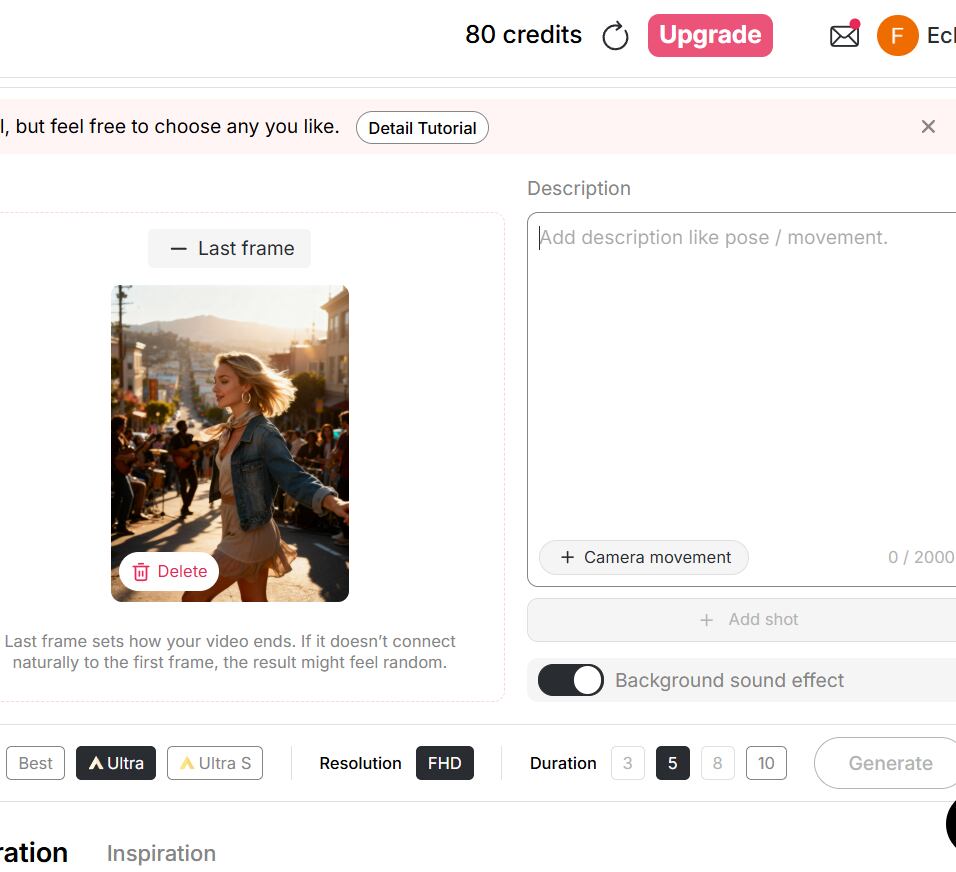
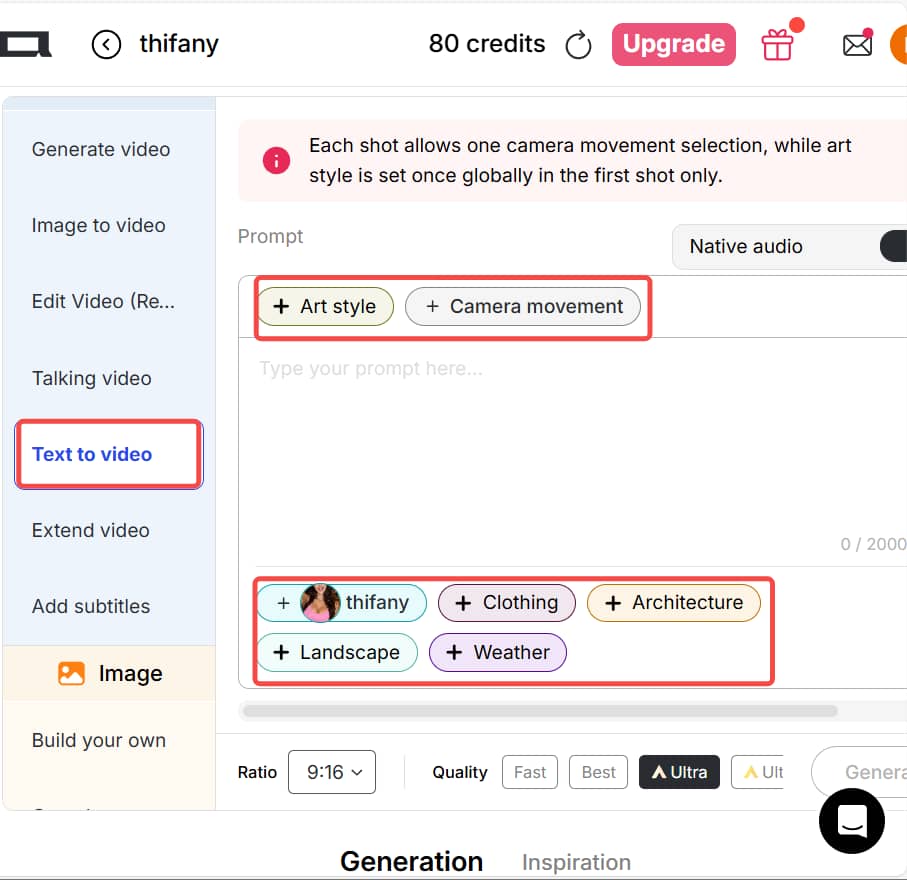
Create Videos from Text with Kling O1
Unlike many AI tools that rely entirely on complex prompts, Kling O1 significantly reduces prompt-writing time. Before typing anything, you can predefine your video’s structure using APOB’s built-in templates such as Art Style, Clothing, Architecture, Landscape, and Weather. This ensures consistent visuals and faster creation.
After selecting your presets, simply add a prompt (up to 2000 characters) to define poses, movements, actions, or additional details you want in the video. You can describe character motion, camera behavior, or scene dynamics in plain language. This hybrid workflow—template-first, prompt-second—makes Kling O1 especially efficient for creators who want professional-quality AI videos without spending hours fine-tuning prompts.
Swap Video Characters Instantly
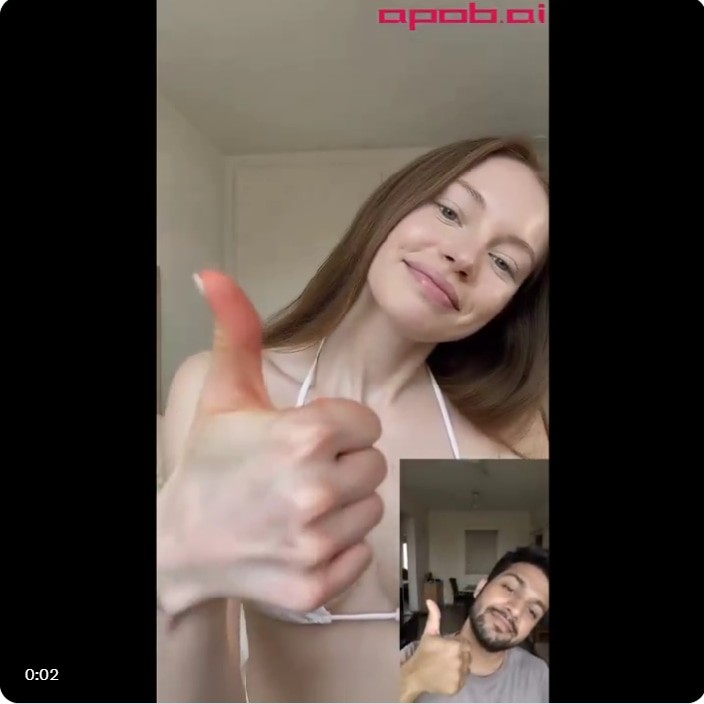
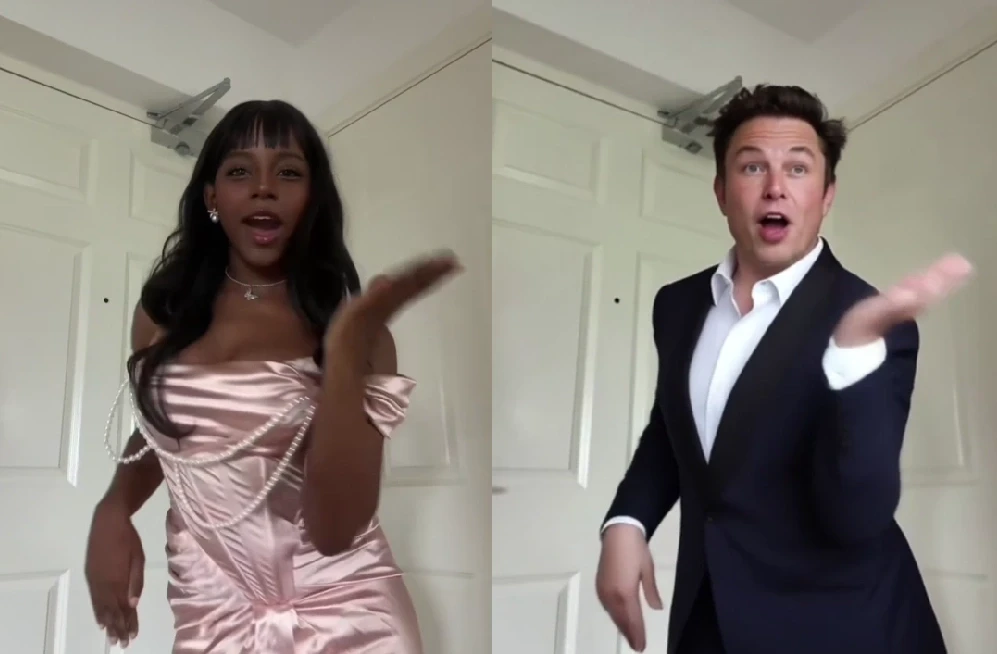
If you want to recreate viral trends or remix popular videos, Edit Video feature is your secret weapon. It includes tools such as Edit Character, Edit Motion, Edit Style, Edit Shot, Edit Product, Edit Background, and even Edit Everything.
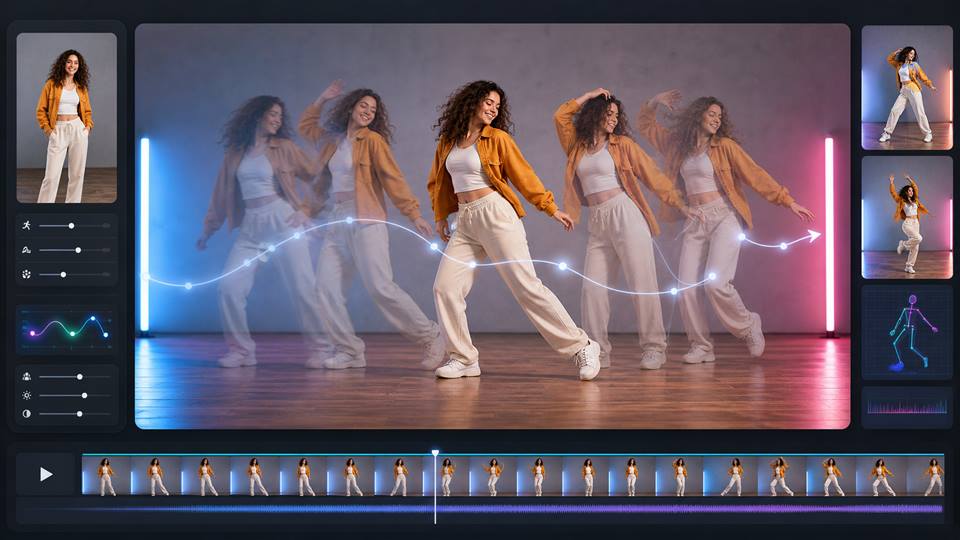
With Edit Character, simply upload an original video and a reference image. If no reference is provided, an AI model generated by the AI Influencer Generator will be used automatically. The original character is replaced while preserving motion, facial expressions, and background. If you want to keep movements but change both character and background, choose Edit Motion. This is perfect for dance videos, e-girl content, and trend-based short videos that demand speed and consistency.
Transform Video Style in One Click
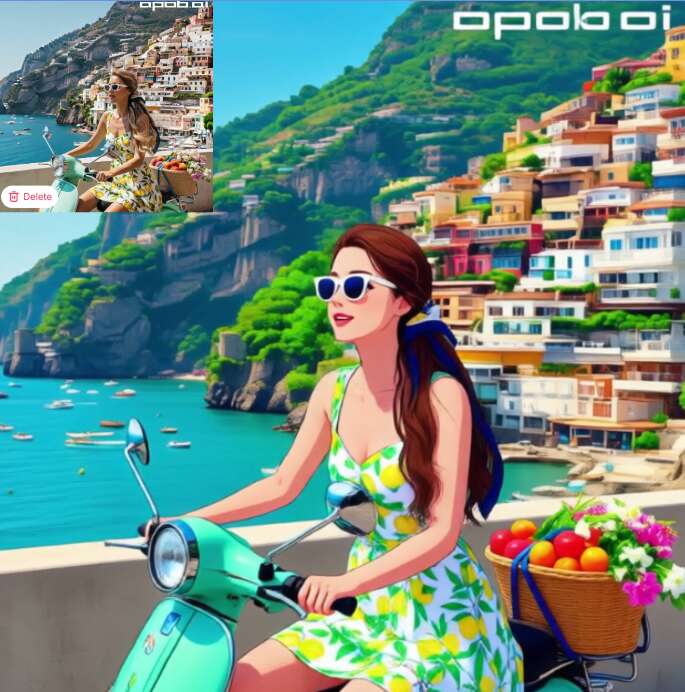
Using Edit Style, you can completely transform the visual identity of a video—not just the character, but the entire scene. Turn realistic footage into anime, watercolor, or pixel art instantly. Kling O1 supports nearly 30 styles, including Steampunk, Marble Sculpture, Japanese Anime, Pencil Sketch, Pixel Art, Comic Book, 3D Chibi, LEGO, Van Gogh, and more.
Other tools like Edit Shot and Edit Background allow you to modify camera angles or environments using only a single video upload. This makes Kling O1 ideal for batch AI video production, content localization, and rapid experimentation without reshooting footage.
Free to Use with Daily Credits
Kling O1 supports free usage. In Fast mode, generating one second of video costs only 8 credits. Users receive 80 free credits daily, enough to create up to 10 seconds of AI video. Credits can also be accumulated to produce longer content without immediate payment.
All-in-One AI Creation Platform
From AI image generation to video creation, editing, music, and subtitles—everything happens on one platform. Kling O1 eliminates the need for multiple tools and complicated workflows.
Cinematic, Realistic Output
Videos generated with Kling O1 feature smooth motion, strong visual coherence, and cinematic-level realism that stands out across social platforms and professional use cases.
Marketing & Advertising Content
Brands can quickly produce high-quality promotional videos without expensive shoots. Product demos, AI spokesperson videos, and seasonal campaigns can all be generated with consistent branding and minimal effort.
Content Creators & Influencers
Creators who want to grow on social media don’t need to appear on camera or do complex editing — AI Influencers make it easy to gain followers and build a personal brand.
Education & Training Videos
Educators and businesses can create explainer videos, tutorials, and onboarding content using AI avatars, saving time while maintaining clarity and professionalism.
Beginner-Friendly Operation
Kling O1 is easy to use, with both AI-powered customer support and human assistance. It’s ideal for users new to AIGC who want fast results without a learning curve.
Fast Generation Speed
Images and videos are generated quickly, eliminating long wait times and enabling rapid content iteration.
Rich Artistic Styles
From anime and Barbie-style visuals to oil painting and cinematic realism, Kling O1 offers diverse creative styles.
Excellent Value for Money
Affordable plans, strong cost-performance ratio, and bonus credits during major holidays make Kling O1 highly economical.
Advanced Features Require Upgrades
Some premium modes and longer video durations are available only through paid plans.
High-Quality Videos Need Detailed Prompts
To achieve top-tier results, carefully written prompts are still important.
Enjoy more features
No Credit Card Required

Answers about video generation, editing controls, credits, export formats, quality, and commercial use.
Is Kling O1 free to use?
Yes. Kling O1 is a free AI video generator. After logging in, users receive 80 free credits daily, allowing multiple image generations and up to 10 seconds of video.
Can I edit images after generation?
Absolutely. Use Chat to Edit to modify images by simply describing your changes.
How long can a single video be?
It depends on the mode. Fast mode costs 8 credits/sec; Best mode costs 30 credits/sec. For 60s videos, Ultra or Ultra S modes are required.
Can I create videos starring myself?
Yes. Upload your photos when creating a portrait model and generate AI talking or explainer videos featuring you.
Will you keep my photos private?
Yes. Enable Private Mode to ensure your images are not visible to others.
How many languages are supported?
Currently 13 languages, including English, Chinese, Spanish, French, German, Japanese, Korean, Russian, Italian, Portuguese, Arabic, Hindi, and Turkish.
Can I use the videos commercially?
Yes. Videos generated with Kling O1 can be used for commercial purposes, including marketing, social media, advertising, and branded content, as long as you comply with the platform’s terms of service and your selected subscription plan.


