Turn imagination into reality with InVideo AI features—create digital twins and cinematic videos effortlessly.
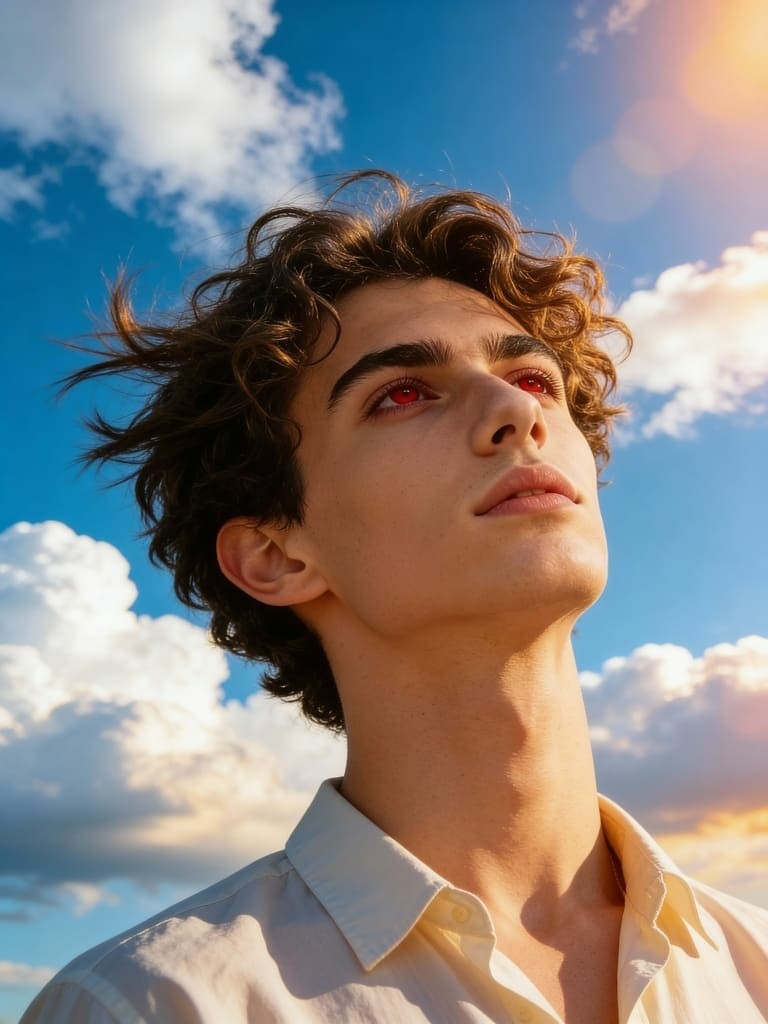

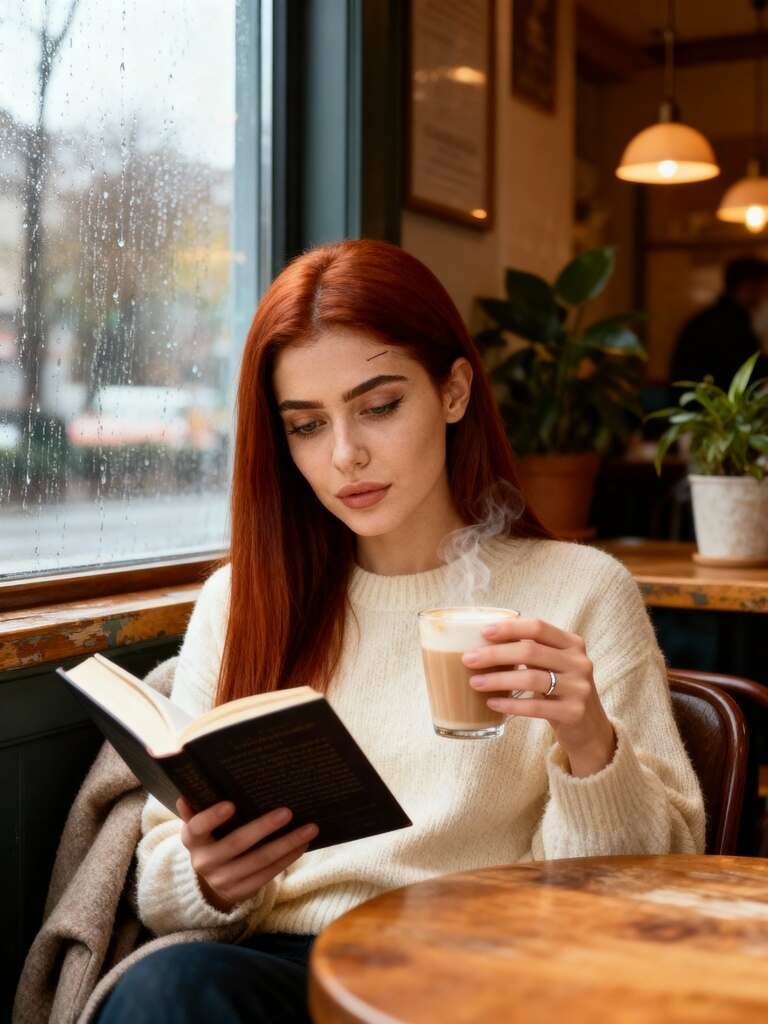
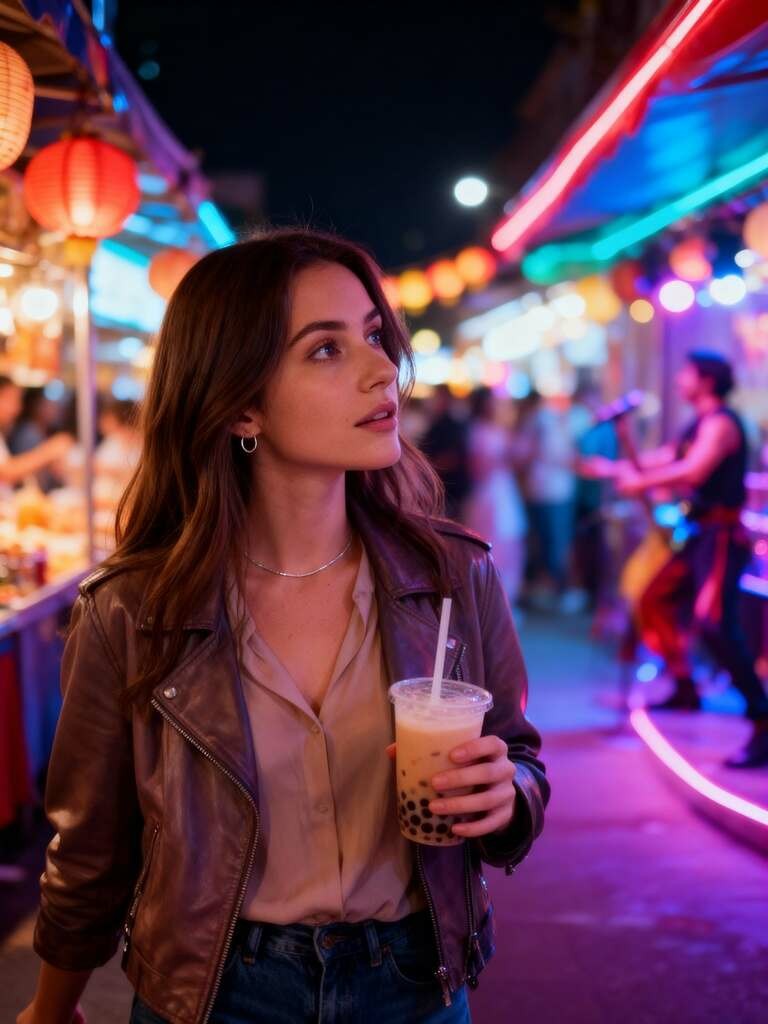
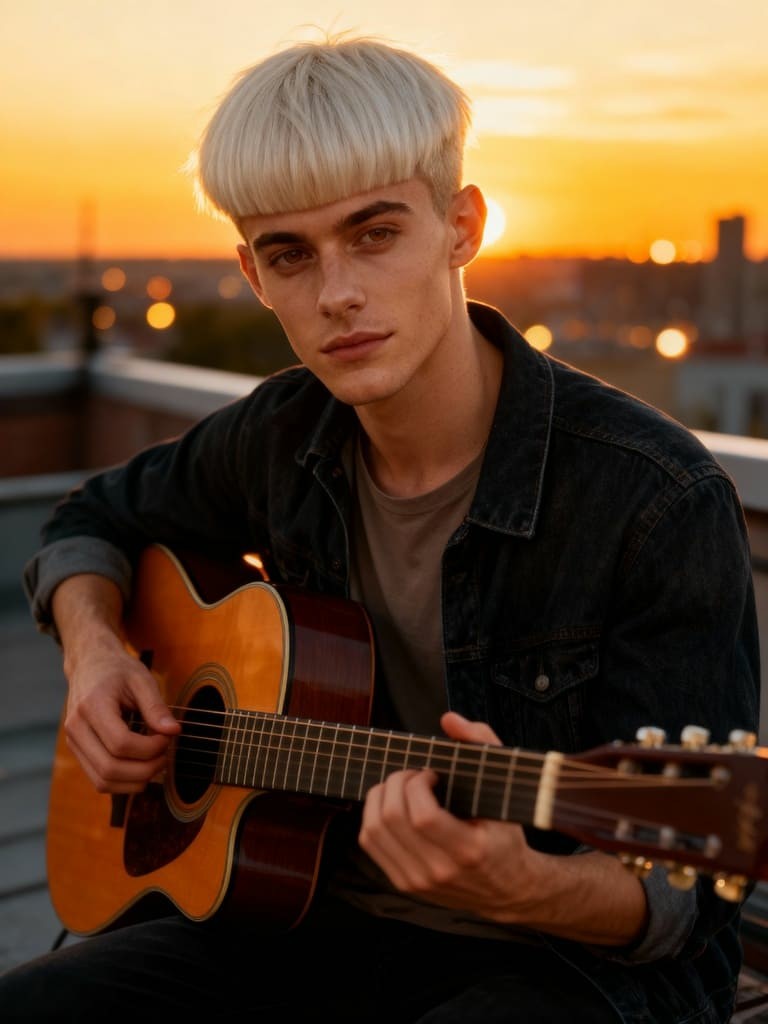
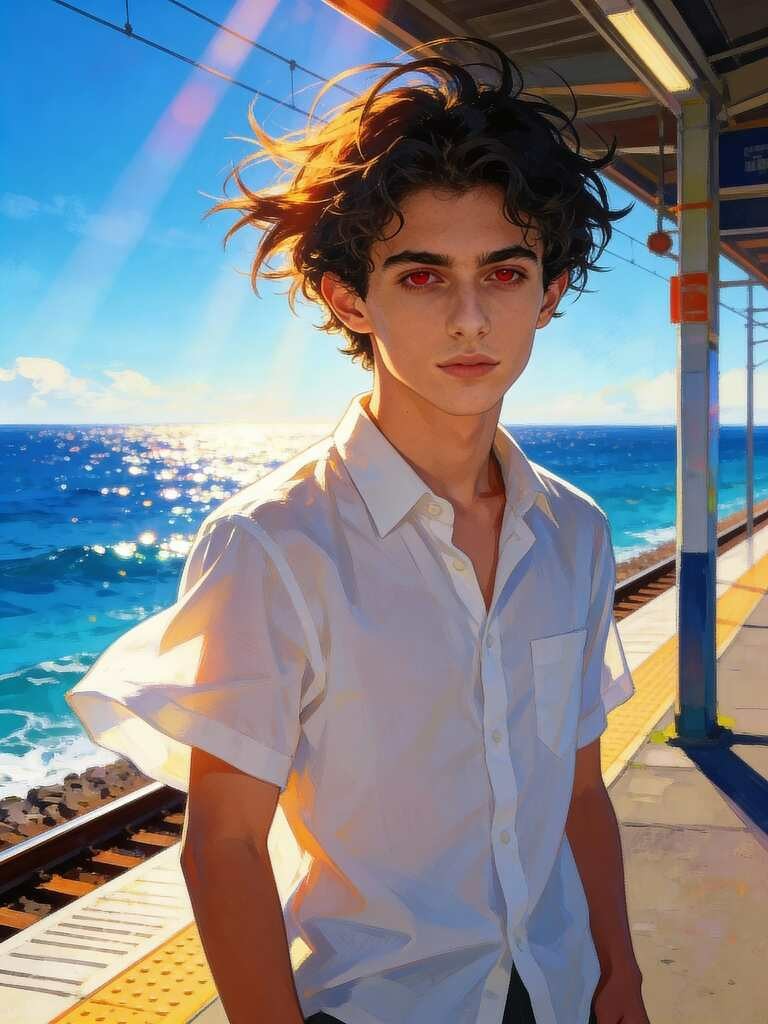
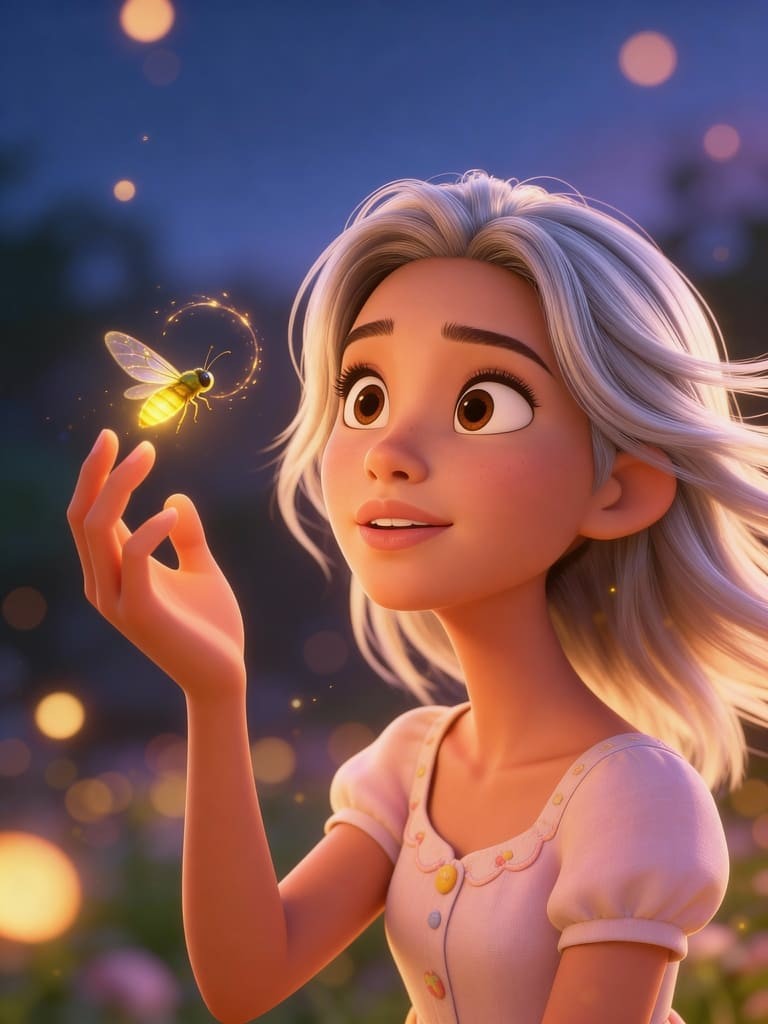
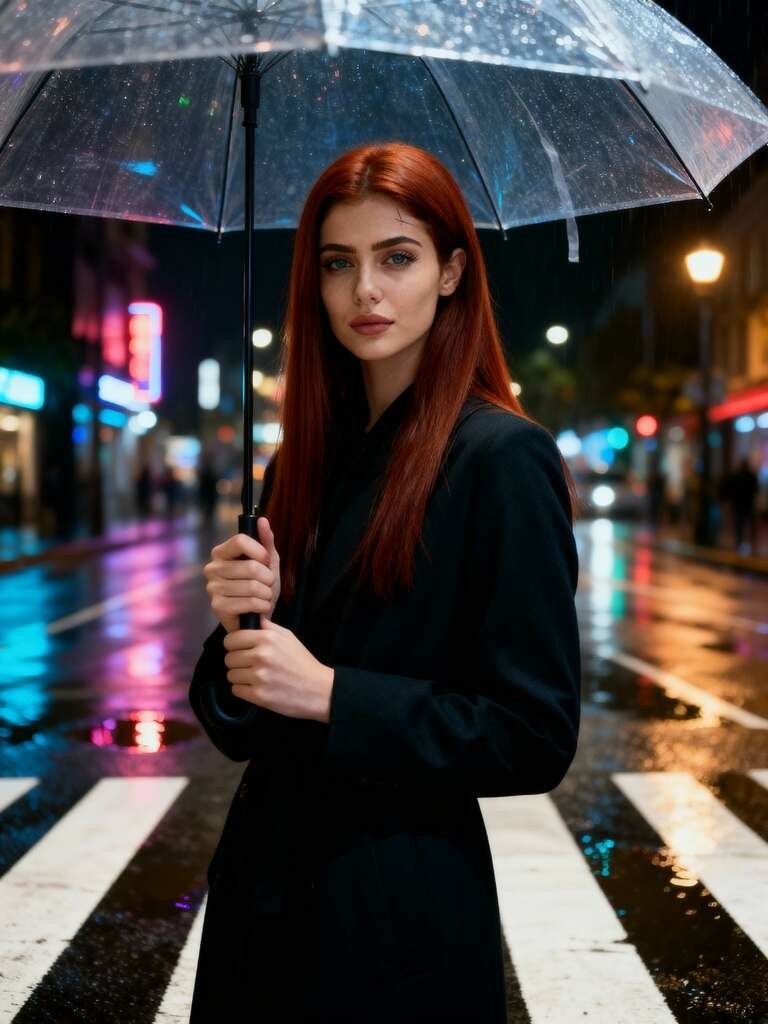

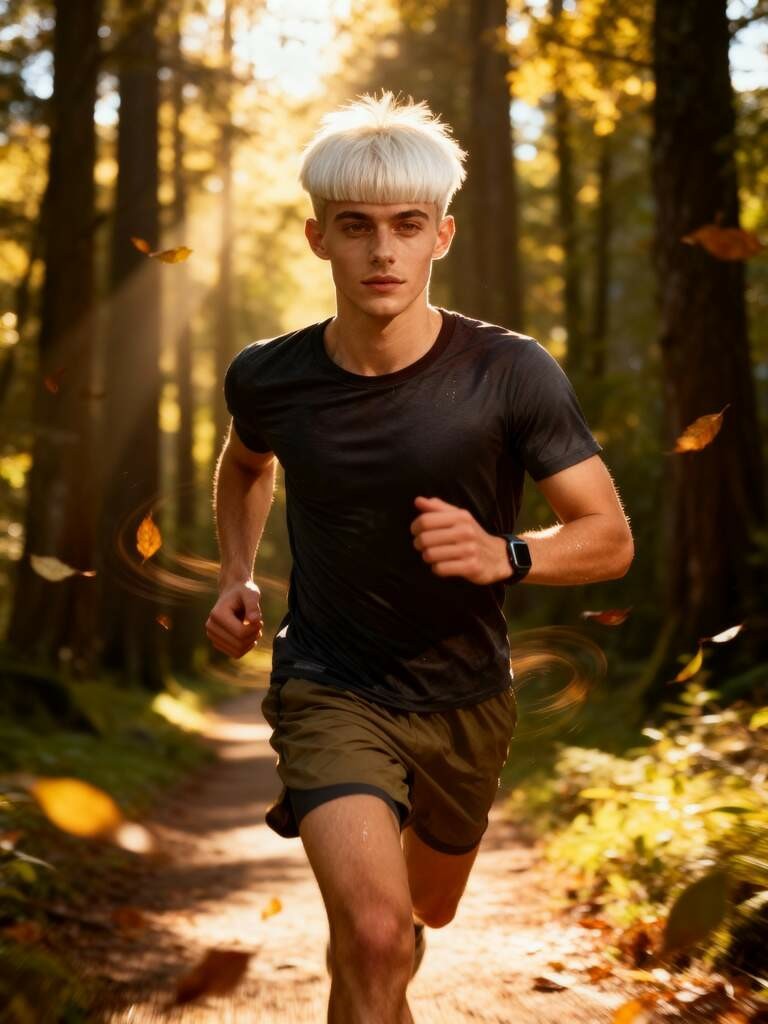
1. Create Your Perfect Digital Twin with InVideo AI's features
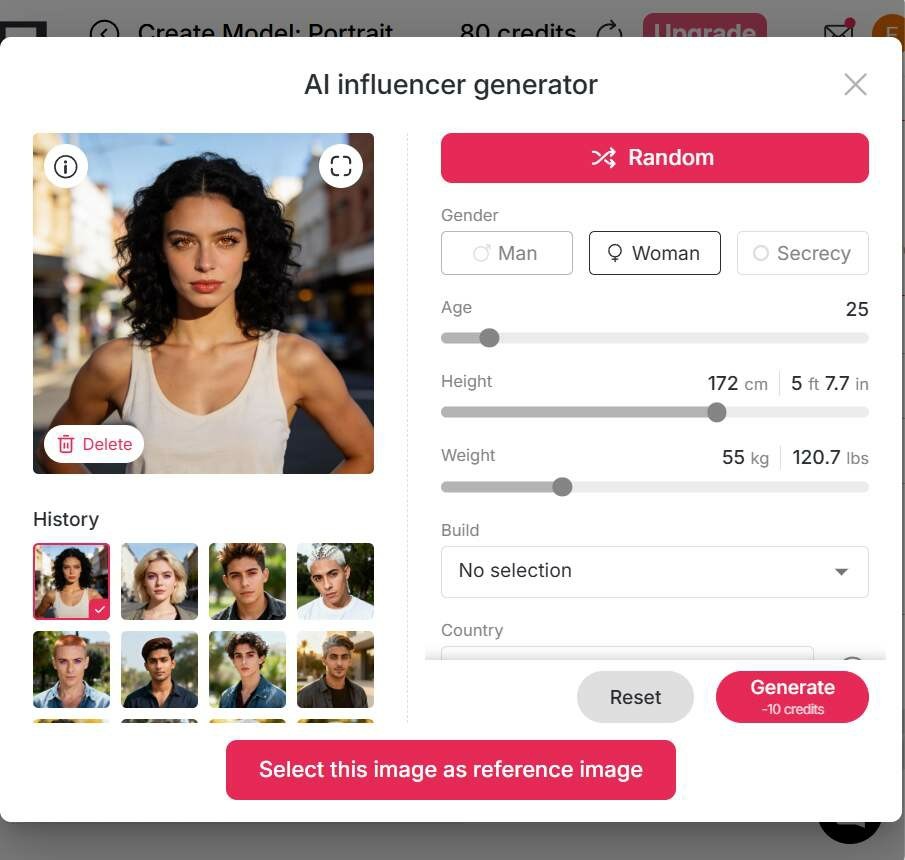
Creating a personalized digital twin is the cornerstone of the APOB AI experience. Users have three flexible paths to craft their ideal AI persona.
First, you can use the AI Influencer Generator to build a model from scratch—customizing everything from gender, age, and nationality to specific details like hair color, eye shape, and skin tone. If you're feeling spontaneous, the "Random" mode generates a unique AI human instantly.
Second, you can upload a photo of yourself, a friend, or even a celebrity to serve as a high-fidelity prototype.
A standout feature is the Chat to Edit tool, which lets you refine visual details through simple conversation. Moreover, this module can generate "last frames" to ensure smooth, coherent transitions when you eventually convert these images into motion.
Lastly, the Community Model section offers a curated gallery of user-generated personas that you can adopt with a single click.
This versatility ensures you find a face that perfectly aligns with your brand identity, allowing for infinite iterations until you reach perfection.
2. Generate High-Quality AI Images
The image generation suite is designed to balance speed with creative freedom.
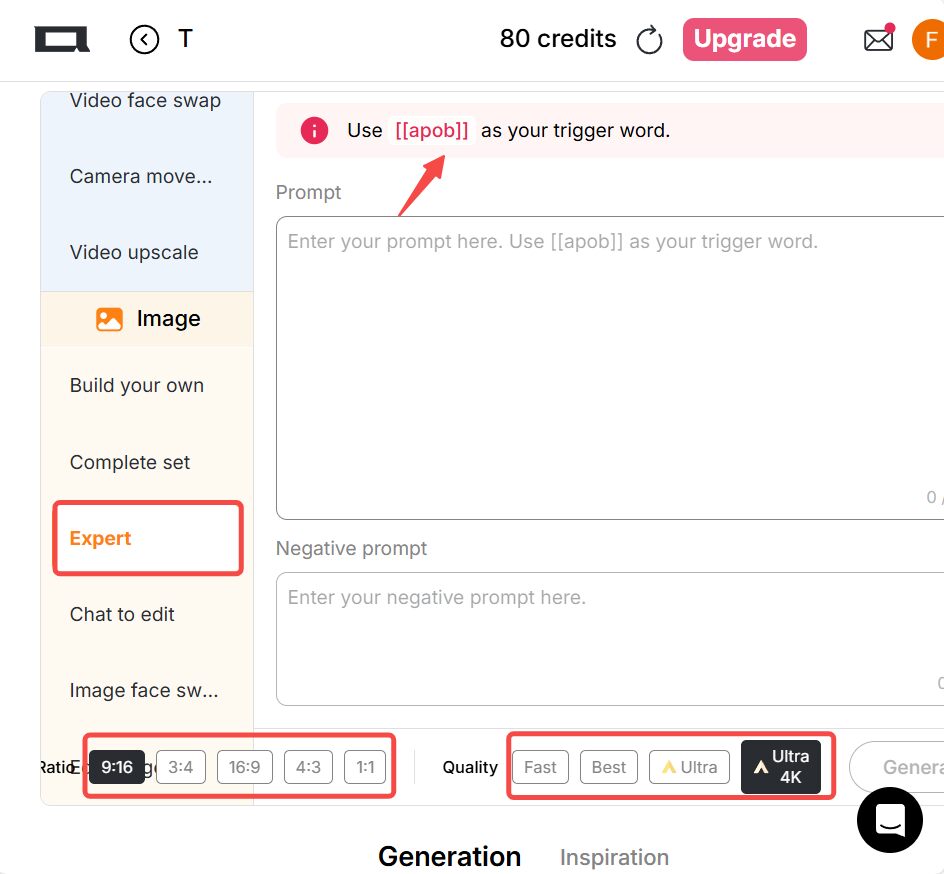
Users can leverage the Complete Set of templates, covering niches like LinkedIn Headshots, Travel, Fitness, and Nature, to produce HD photos instantly. For those seeking total control, the Build Your Own mode allows you to specify elements across categories like Art Style, Clothing, and Weather, supported by a prompt box of up to 1,024 characters. Professional creators can dive into the Expert mode for pure prompt-to-image generation.
3. Produce Creative Videos with InVideo AI features
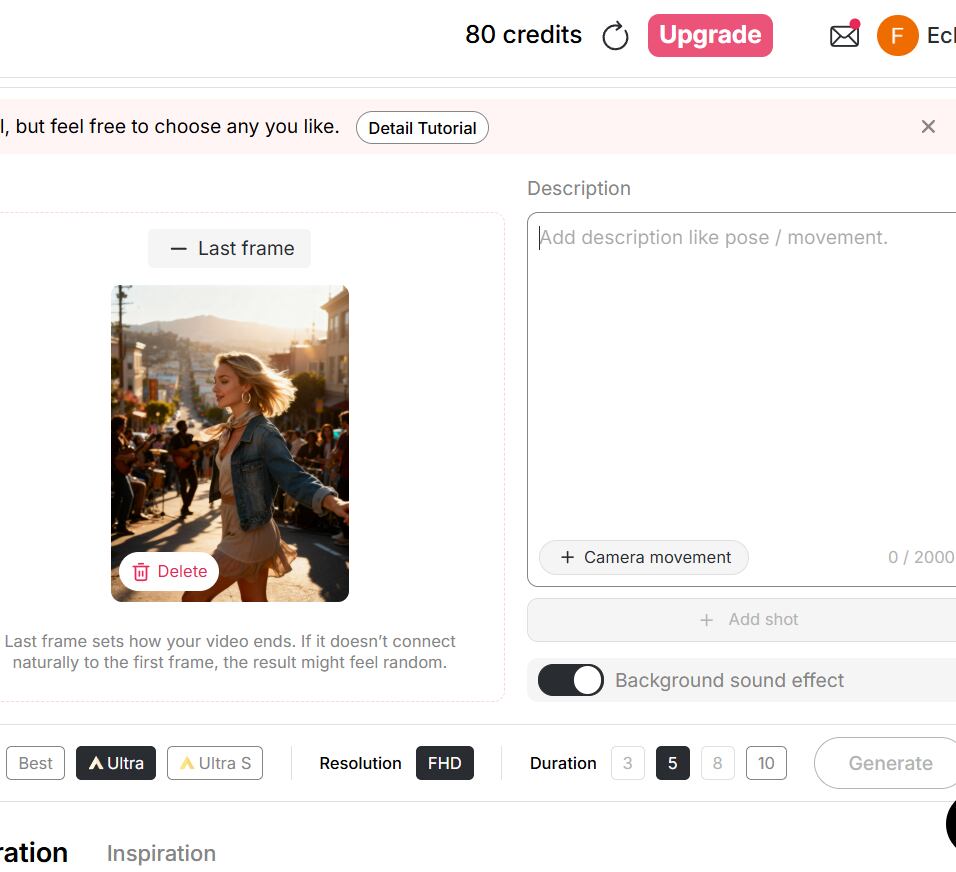
APOB AI elevates the image-to-video process by offering deep control over cinematic elements. By uploading an image and entering a prompt (up to 2,000 characters), you can dictate specific movements, poses, and camera angles like Zoom In, Zoom Out, or Follow Char. You can even layer in background sound effects for an immersive experience. For narrative consistency, the Add Shot feature allows you to chain multiple scenes together.
For those preferring text-to-video , APOB simplifies the process with preset categories (Architecture, Landscape, etc.) to minimize prompt fatigue. You can select various aspect ratios, such as 9:16 for TikTok or 16:9 for YouTube, and choose durations ranging from 3 to 10 seconds using the high-performance Ultra or Ultra S modes.
4. Professional Voiceover and Auto-Subtitles
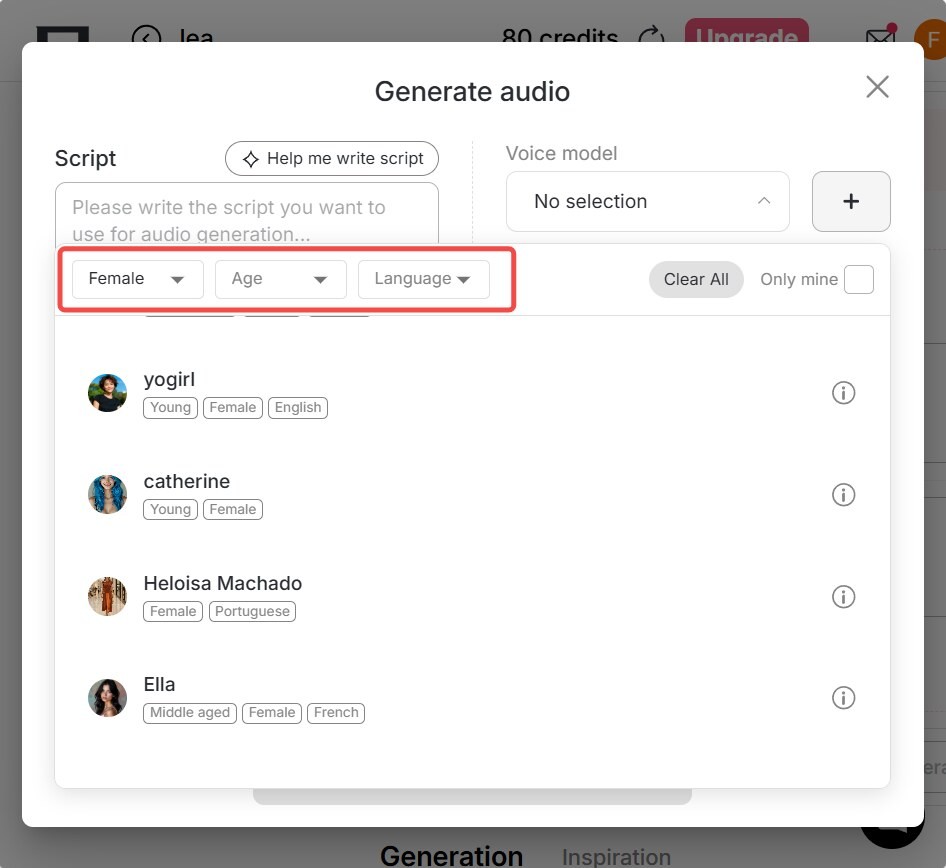
A great video needs a compelling voice. Once your footage is generated, the Talking Avatar and Lip Sync tools bring your AI characters to life with remarkable accuracy. Within the "Select Audio" menu, the Generate Audio function allows you to customize voices based on gender, age, and a choice of 13 different languages. You can either paste a pre-written script or simply type an idea and watch APOB’s AI transform it into a polished short video script.
To ensure your content is accessible and engaging, especially for mobile viewers who watch without sound, the platform also provides an automated subtitle generation tool, making your video production workflow truly end-to-end.
5. Rapid Video Replication via InVideo AI features
For creators who need maximum efficiency, the Edit Video module is a game-changer. This suite includes specialized tools like Edit Character, Edit Motion, Edit Style, and Edit Background.
The Edit Character tool allows you to upload an original video and a reference image; the AI then swaps the original person with your chosen AI model while maintaining the movement. Similarly, the Edit Product and Edit Background features enable you to swap out items or settings in an existing video instantly. This "remixing" capability is perfect for bulk content creation, allowing you to take one base video and generate dozens of variations for different products or aesthetic styles without ever picking up a camera.
Free to Start, Easy to Grow
APOB AI offers a generous Daily Credit System, giving users 80 free credits every day. In "Best Mode," these credits can produce a high-quality 3-second video, allowing you to experiment with various styles at no cost. By logging in daily and accumulating credits, you can eventually unlock longer videos or test-drive more advanced generation modes, making professional AI video creation accessible to everyone, regardless of their budget.
All-in-One AI Production Studio
The platform serves as a comprehensive Virtual Studio. You no longer need to hire expensive actors, rent cameras, or book lighting stages. From creating an AI human to generating the script, voiceover, and final edit, every step happens within a single browser tab. This centralized workflow drastically reduces the time and technical barriers traditionally associated with high-end video production.
Inspiring Community & Collaboration
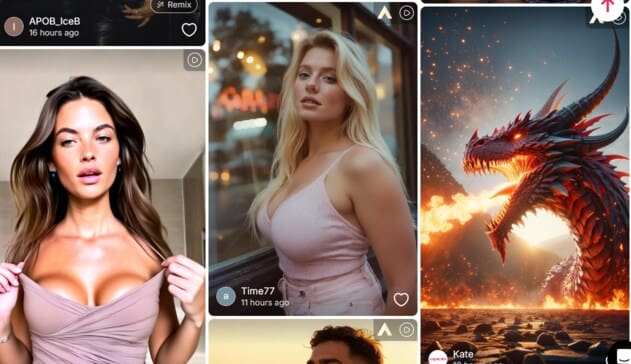
The Community Content hub is a thriving ecosystem where users share their latest AI masterpieces. It’s not just a gallery; it’s a source of inspiration where you can exchange ideas with other creators. If you see a style or model you love, you can reference it to replicate similar results, fostering a collaborative environment that accelerates your learning curve in the world of AIGC.
Content Creators & YouTubers
Boost your channel’s growth without ever stepping in front of a lens. YouTubers can use APOB AI to quickly produce educational, "top 10," or commentary videos. By leveraging AI Influencers, you can build a consistent personal brand that works 24/7. The automated workflow handles the tedious parts of editing, allowing you to focus on storytelling and audience engagement.
Marketing & Social Media Pros
Marketers can revolutionize their ad spend by using the Edit Product feature to create localized or personalized advertisements at scale. Whether it's a sleek Instagram Story or a high-energy TikTok ad, the ability to swap characters and backgrounds in seconds means you can A/B test different creative directions faster than any traditional agency.
E-commerce & Digital Retailers
E-commerce owners can transform static product photos into dynamic promotional videos. By using the Edit Background and Edit Product tools, you can showcase your items in various lifestyle settings—from a sunny beach to a modern living room—without the cost of multiple photoshoots. This creates a high-conversion shopping experience that highlights your product's best features across different demographics.
Diverse Styles & Templates: Supports a vast range of video aesthetics, from hyper-realistic and surrealism to vibrant 3D anime, catering to any creative vision.
User-Friendly Interface: Intuitive design backed by AI and human support, making it exceptionally welcoming for beginners entering the AIGC space.
Customizable AI Influencers: Generate unique digital personas with granular control, ensuring your AI-generated content stands out with a distinct identity.
Budget-Friendly Plans: Competitive pricing tiers complemented by holiday credit bonuses and daily free rewards make it a cost-effective solution for all.
Premium Feature Gating: Accessing the most advanced generation modes and higher resolution exports requires a subscription upgrade.
Prompt Precision: Creating truly high-end, complex AI videos often requires a detailed and refined text description to guide the AI effectively.
No Credit Card Required
Answers about text-to-video, editing tools, credits, formats, quality, and commercial use.
Can I use the website for free?
Yes! Upon logging in, you receive 80 free credits daily . We offer four modes—Fast, Best, Ultra, and Ultra S—allowing you to generate multiple images or short video clips every day without spending a dime.
What kind of AI human can I generate?
The possibilities are endless. You can customize age, skin tone, hair, and even fine details like beards or dimples. If you aren't satisfied with the result, you can click "Generate" as many times as you like until you find the perfect match.
Can I modify an image after it has been generated?
Absolutely. Use our Chat to Edit tool to refine your image. Simply type your requested changes—like "change the shirt color to red"—and the AI will update the original image for you.
Can I generate anime-style videos?
Yes! You can either convert an anime-style image into a video or use the Text-to-Video tool. We offer styles like Cute 3D, Vintage Anime, Manga, and Anime Sketch to help you achieve that specific look.
If I want to transform my video into a different style, what styles can I choose from?
In the Edit Video tab, the Edit Style feature offers nearly 30 options. With one click, you can transform your footage into Steampunk, Japanese Anime, Pencil Sketch, Watercolor, LEGO, Van Gogh, and more.
Will my generated works appear in the Community Content?
That is entirely up to you. We respect your privacy; if you prefer to keep your creations private, simply set your project to Private Mode in your settings.
Can I use the videos commercially?
Yes, you can! Videos generated with a paid plan can be used for commercial purposes, including social media ads and YouTube monetization. We provide the tools; you own the creative output to grow your business.
Do I need to download an app to use it?
No download is required. You can start creating immediately by clicking the "Create Now" button on our website. It works seamlessly across desktops, tablets, and smartphones via your browser.


