



























Lillian Grove
I turned a set of research notes into a structured podcast outline in one sitting. It gave our host a clear story to record and edit.
Turn notes, PDFs, scripts, and product ideas into AI-hosted podcast videos, avatar episodes, and social clips.
Use APOB AI to create a video podcast from approved scripts, notes, PDFs, or product ideas with AI hosts, talking avatars, lip sync, product visuals, image-to-video scenes, captions, and short social clips. This workflow does not replace a podcast host, distribution platform, fact-checker, or general audio-podcast uploader. Review the script, pronunciation, source rights, disclosures, product claims, and final lip sync before publishing. Available formats, voices, generation cost, and free access depend on the options and credits shown in your current account.
Use real source material such as product pages, webinar notes, customer objections, founder memos, course modules, blog posts, PDFs, or transcripts. Thin prompts create thin episodes, so mark the facts that must stay unchanged before generating. APOB AI works best when the final result needs a face, format, and reusable social asset.
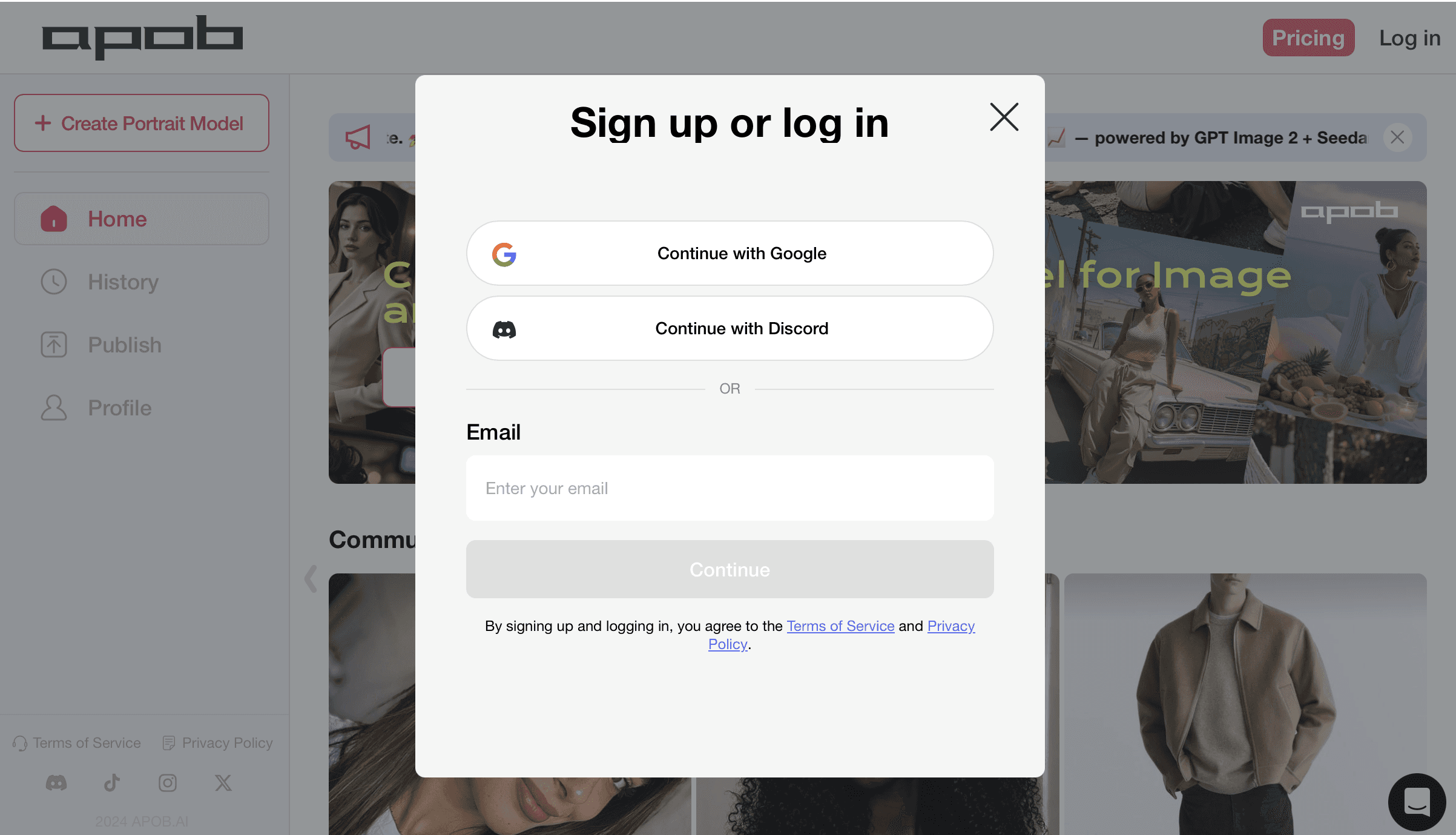
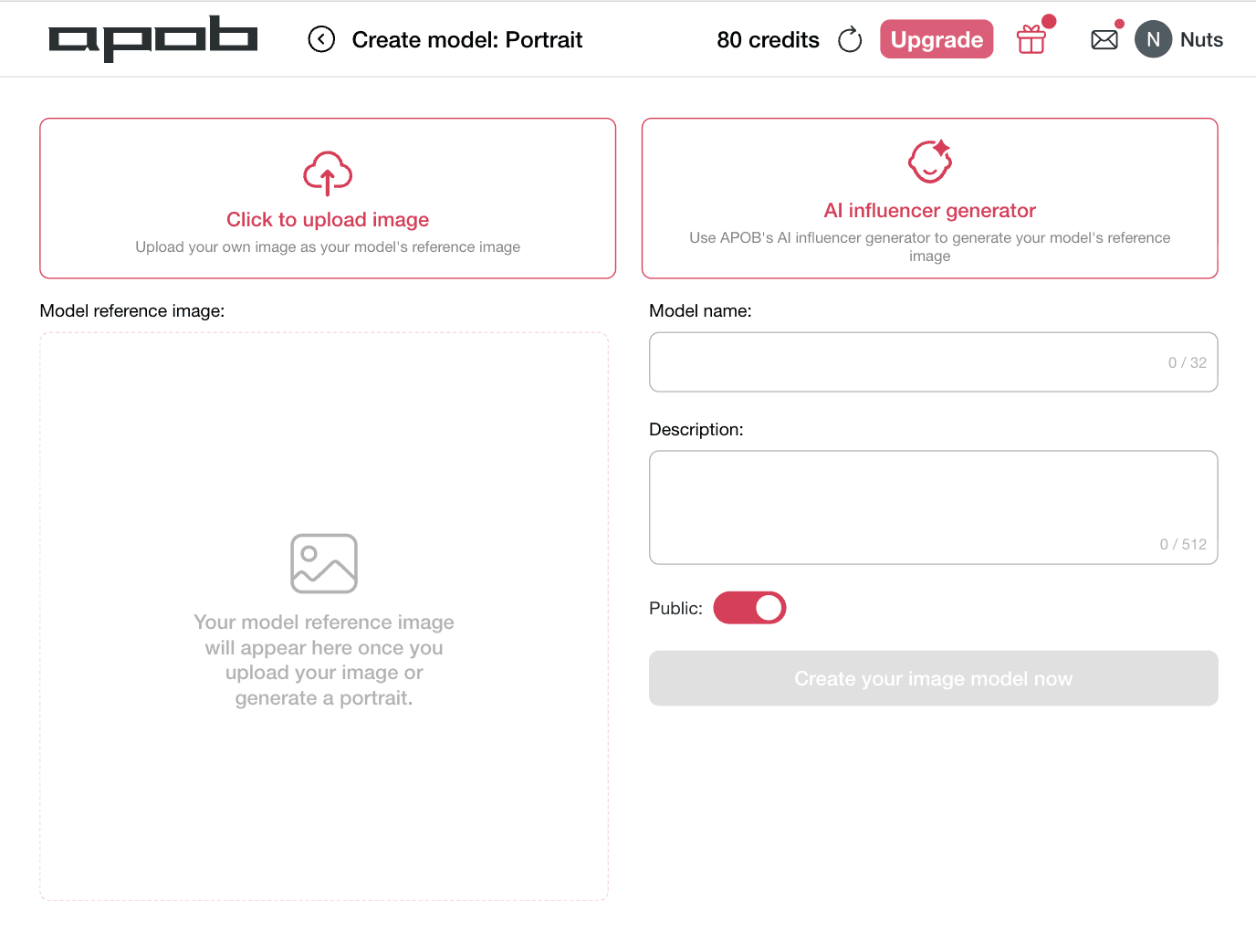
Pick the format first: solo expert host, two-host conversation, host plus customer question, AI influencer commentary, or mini episode series. Clear format choices make the script sound more natural and help the avatar delivery fit TikTok, Shorts, Reels, LinkedIn, product pages, or ecommerce videos.
Decide who should present the episode: brand educator, founder-style avatar, AI influencer, faceless presenter, professional talking head, stylist, coach, trainer, or reviewer persona. APOB AI supports AI portraits, AI influencers, talking avatars, and image-to-video content so the host becomes part of a repeatable content system.
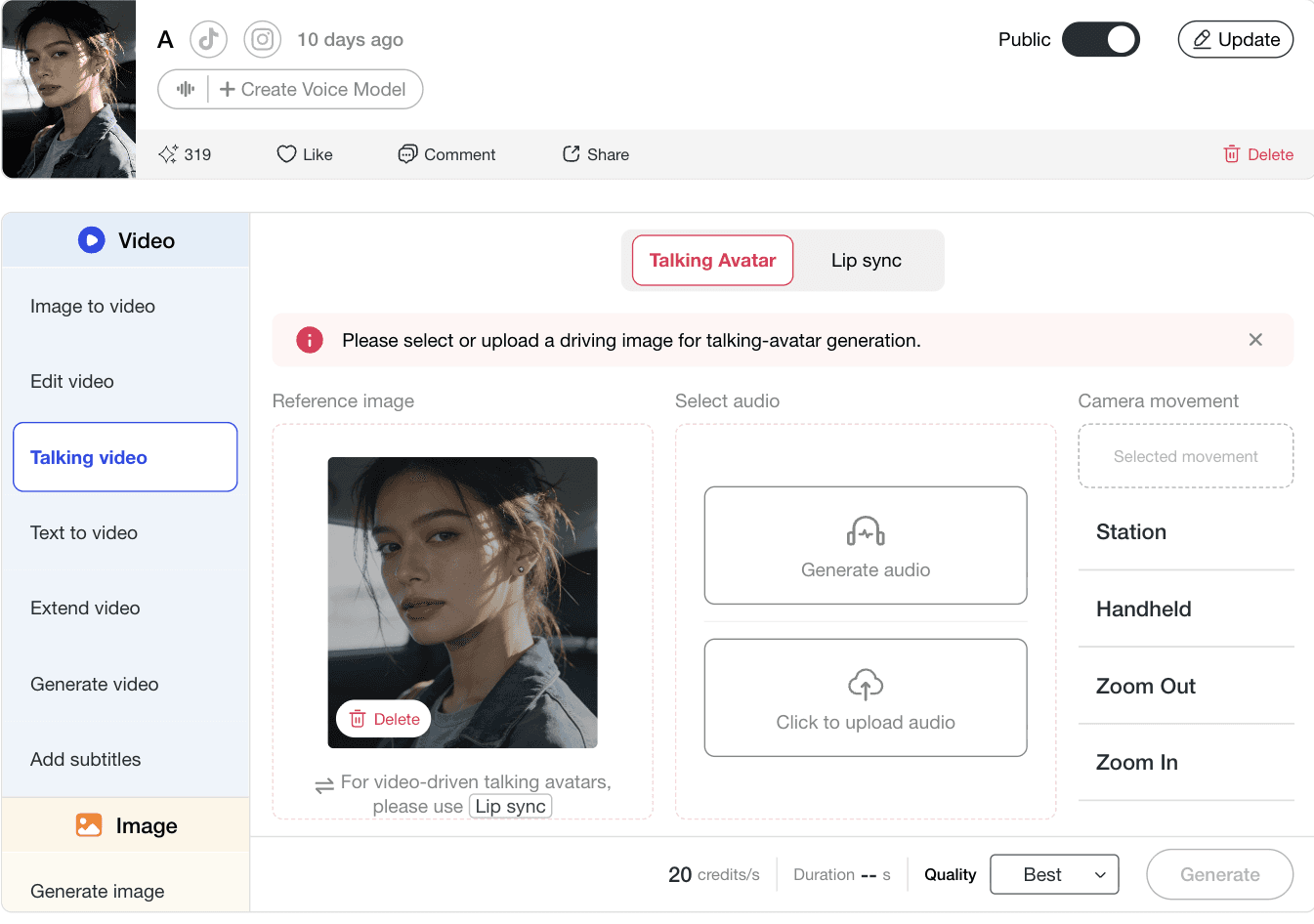
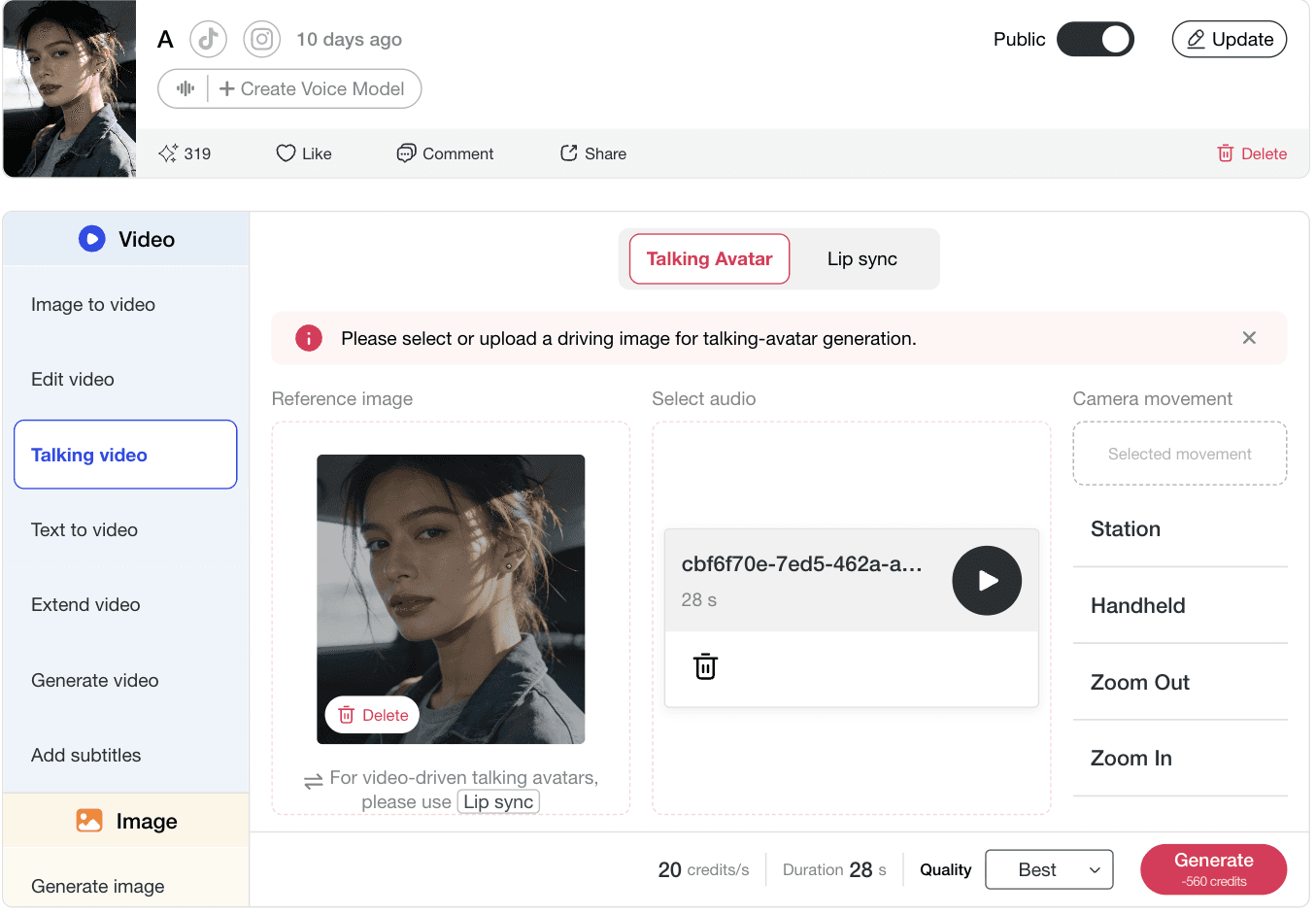
Prepare pacing, pauses, emphasis, speaker turns, pronunciation notes, captions, and show notes before creating the final video. Split long ideas into hooks, context, explanation, example, proof, CTA, and recap so talking-avatar delivery sounds natural.
Turn messy notes into a 60-second podcast-style video script for two AI hosts. Use a hook, main question, concrete example, and useful takeaway.
Create a 90-second AI podcast script where one host is the skeptical buyer and the other is the product educator. Include a realistic use scenario and avoid unsupported claims.
Write a concise solo-host podcast script that opens with a specific business problem, explains why it happens, and gives one practical next step.
Create a recurring personality-led short episode with a strong opinion, simple trend explanation, real-life scenario, and comment prompt.
Use a host-led format to compare outfit ideas, explain occasions, and include visual direction for product shots or image-to-video.
Turn lessons into a study podcast with two hosts, clear definitions, one memory hook, a recap, and no unsupported facts.
People often search for an AI podcast from notes because their source material is too long to read in one sitting. APOB AI adds a video layer so the summary can become a host-led explanation for social feeds, course pages, sales decks, or product launches.
Podcasting is increasingly video-led. APOB AI helps users create AI podcast video assets, not just scripts, with talking avatars, AI hosts, product visuals, captions, and social-ready formats.
AI influencers, AI portraits, and talking avatars make a podcast series easier to recognize than generic two-voice audio.
Turn product information, customer objections, and FAQs into host-led Q&A clips that explain usage, comparisons, and buying concerns.
A single script can become a YouTube video, TikTok clips, LinkedIn post, ecommerce explainer, ad variation, thumbnail concept, Reel, and AI influencer post.
Turn meeting notes, lesson docs, webinars, research docs, blog posts, PDFs, raw text, or founder memos into structured podcast scripts with speaker roles, intros, topic sections, recaps, and optional show notes.
Convert product pages, FAQs, customer objections, and reviews into a useful two-host product conversation with an AI host, product visuals, captions, and short clips for ecommerce pages or paid social.
Split long scripts or webinar transcripts into hooks, objections, examples, and takeaways for YouTube Shorts, Reels, TikTok, LinkedIn, and recurring AI host series.
Use real source material such as notes, PDFs, product FAQs, transcripts, or customer objections. Choose solo host, two-host dialogue, interview simulation, or product Q&A before scripting. Start with 30–90 seconds for social clips and 2–5 minutes for landing pages.
Define Host A as the questioner, skeptic, buyer, student, or trend watcher. Define Host B as the educator, founder, reviewer, or product expert. Add delivery notes, keep lines short for lip sync, and create captions from the approved script.
Add an AI host, product shots, AI portraits, image-to-video B-roll, or scene changes that support the spoken point. Decide whether the output should be vertical clips, horizontal video, product-page embed, audio version, or a file prepared for a separate podcast hosting workflow.
An ecommerce seller has a product FAQ for a compact red-light therapy mask. The audience is skincare shoppers who are curious but cautious. Source facts include 10-minute sessions, rechargeable battery, soft-cloth cleaning, avoiding unsupported medical claims, and advising users with sensitive skin or medical conditions to consult a professional.
Hook: “The real question is not whether a skincare device looks high-tech. It is whether you will use it safely and consistently.” Host A asks what to check before buying. Host B explains routine fit, cleaning, safety, and realistic expectations, then closes with a concise recap.
Create one consistent AI host for the skincare education series, use talking avatar delivery for a 60–90 second episode, add product visuals and close-up image-to-video scenes, generate three clips (before you buy, how to use it, who should be careful), and add captions plus disclosure when needed.
Use AI hosts, face swap, voice, or likeness only when you have the right to do so. Do not use a real person’s face, voice, name, or identifiable style without permission. Before using AI podcast videos in ads, sponsorships, product pages, or paid campaigns, confirm source materials, visuals, voice assets, music, and brand claims are cleared for commercial use.
YouTube and TikTok require disclosure or labeling for realistic AI-generated or meaningfully altered content. Sponsored or affiliate content should make the material relationship clear. Platform rules differ for synthetic media, impersonation, endorsements, health claims, finance claims, and political content.
Do not upload or transform copyrighted articles, paid courses, books, videos, music, or transcripts unless you have permission or a clear legal basis. For health, finance, legal, education, or safety topics, treat AI podcast scripts as drafts and review claims before publishing.
Use AI hosts, face swap, voice, or likeness only when you have the right to do so. Do not use a real person’s face, voice, name, or identifiable style without permission.
Before using AI podcast videos in ads or paid campaigns, confirm source materials, visuals, voice assets, music, and brand claims are cleared.
YouTube and TikTok provide guidance for realistic AI-generated or meaningfully altered content. Check each platform’s latest rules before publishing.
If a creator, influencer, or AI persona promotes a brand because of payment or another material connection, the relationship should be clear.
Do not upload or transform copyrighted articles, courses, books, videos, music, or transcripts unless you have permission or a clear legal basis.
For health, finance, legal, education, or safety topics, review claims, cite sources where appropriate, and include disclaimers when required.
Turn weekly research notes into a recognizable short-form podcast series with an AI host who appears in every episode.
Convert product FAQs, reviews, and customer objections into buyer-friendly host-led videos for product pages, TikTok ads, and Instagram Reels.
Turn executive notes or webinar outlines into concise professional talking-avatar videos for LinkedIn.
Create personality-led commentary with AI portraits, product visuals, and image-to-video scenes.
Turn support playbooks and onboarding documents into repeatable avatar-led training assets.
Use podcast structure — a question, answer, and specific example — to create social ad angles from real comments.
Lillian Grove
I turned a set of research notes into a structured podcast outline in one sitting. It gave our host a clear story to record and edit.
Darius Cole
The text-to-podcast workflow is a great first pass for interviews and explainers. I can shape the script before we spend time on production.

Priyanka Iyer
I used a PDF brief to create a conversational episode plan, and the key points were much easier for our audience to follow.
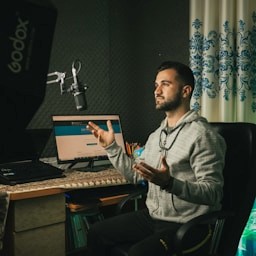
Quentin Hayes
The AI host format helped us turn a product update into a short episode and several social clips without starting from scratch each time.

Naomi Laurent
I find that it is simple to move from an idea to a two-person podcast script. The speaker turns stay organized, which makes the final edit much faster.
Idris Malik
I can test different openings for the same topic before recording. That makes it easier to choose a hook that sounds natural and useful.
Vera Okoye
Our internal knowledge base became a series of listenable episodes. The workflow kept the language clear without losing the important details.

Theo Alvarez
The podcast generator helps me turn a long article into a concise episode plan and a few reusable clip ideas for the week.
Soren Blake
I like being able to review the script structure before creating the video. It gives the episode a real beginning, middle, and ending.
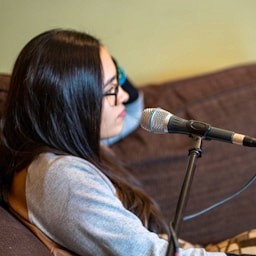
Mina Rios
The first draft gave our team something concrete to discuss. We spent less time staring at a blank page and more time improving the conversation.
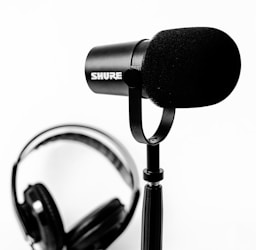
Caleb Sutton
I created a short educational podcast from workshop notes and kept the tone friendly. It was ready for review much sooner than expected.
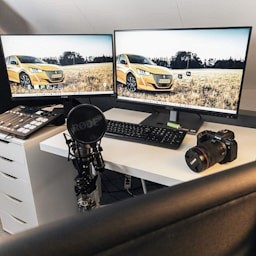
Yasmine Farouk
The tool is useful for turning a weekly newsletter into an audio-friendly story. I can adjust the pacing and message before publishing.
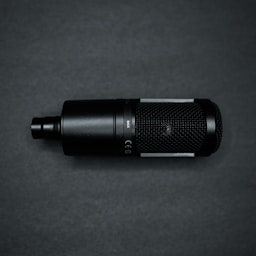
Elliot Vaughn
It helped us create a repeatable podcast format for customer stories, with consistent sections and easy-to-edit talking points.
Leona Park
I can prepare a podcast concept from a rough brief and share it with the team the same day. That has made approvals much smoother.

Arun Patel
The script suggestions make technical topics less intimidating. I can keep the explanation accurate while making it sound like a real conversation.

Francesca Bell
I used it to plan a short brand podcast with two voices and a clear call to action. The structure made the recording feel confident.

Nicolas Hart
The workflow is quick for exploring episode ideas, summaries, and clip angles. It helps us keep a steady publishing rhythm.

Asha Whitmore
I can turn scattered notes into a polished podcast direction without losing my own point of view. It is a very practical creative starting point.
APOB AI turns podcast ideas into visual content with AI hosts, talking avatars, lip sync, and product or brand visuals.
A recurring avatar or AI influencer makes an AI podcast series easier to recognize.
One source can become a script, host video, short clip, product explainer, ad variation, and social post.
Podcast-style Q&A makes features, ingredients, comparisons, and usage instructions easier to understand.
Creators can build a recognizable video series without appearing on camera.
Vague notes create vague output. Provide real details, examples, constraints, and audience context.
Fact-check claims, product details, legal language, and platform disclosures before publishing.
Interview shows, personal storytelling, and relationship-driven content may still benefit from real human voices.
Platforms may require labels for realistic AI-generated or meaningfully altered content.
APOB AI is strongest for visual podcast assets; RSS hosting may require a dedicated podcast platform.
No Credit Card Required
Answers about presets, custom prompts, Upscale, transitions, daily credits, and video filter workflows.
An AI Podcast generator helps turn text, notes, scripts, PDFs, articles, or ideas into a podcast-style format. APOB AI is best positioned for video-ready podcast content with AI hosts, talking avatars, lip sync videos, and social clips.
Yes. Organize your notes into topic, audience, key points, examples, and source facts, then create a podcast script before turning it into a talking avatar video or podcast clip.
Yes. Text-to-podcast works best when the source text has a clear point of view, examples, and audience context.
Yes. APOB AI can create podcast-style videos with AI portraits, AI influencers, talking avatars, image-to-video visuals, lip sync, and product assets.
Yes, if you have the right to use the PDF content. Extract key points, define the audience, create a script, and review the output for accuracy.
Yes. A talking avatar or AI host workflow can help produce podcast-style video content without appearing on camera.
Yes. Write separate speaker roles and keep turns short so the dialogue sounds natural and the lip sync remains easy to review.
Often, yes, especially when content is realistic, AI-generated, or meaningfully altered. Follow platform and sponsorship disclosure rules.
Many tools stop at audio. APOB AI adds AI influencers, AI portraits, talking avatars, lip sync, product videos, image-to-video scenes, and social-ready creative assets.
Lillian Grove
I turned a set of research notes into a structured podcast outline in one sitting. It gave our host a clear story to record and edit.
Darius Cole
The text-to-podcast workflow is a great first pass for interviews and explainers. I can shape the script before we spend time on production.
Priyanka Iyer
I used a PDF brief to create a conversational episode plan, and the key points were much easier for our audience to follow.
Quentin Hayes
The AI host format helped us turn a product update into a short episode and several social clips without starting from scratch each time.
Naomi Laurent
I find that it is simple to move from an idea to a two-person podcast script. The speaker turns stay organized, which makes the final edit much faster.
Idris Malik
I can test different openings for the same topic before recording. That makes it easier to choose a hook that sounds natural and useful.
Vera Okoye
Our internal knowledge base became a series of listenable episodes. The workflow kept the language clear without losing the important details.
Theo Alvarez
The podcast generator helps me turn a long article into a concise episode plan and a few reusable clip ideas for the week.
Soren Blake
I like being able to review the script structure before creating the video. It gives the episode a real beginning, middle, and ending.