Turn any image into a lifelike talking avatar video in minutes. Create, customize, and monetize AI characters—no camera, no actors, no limits.
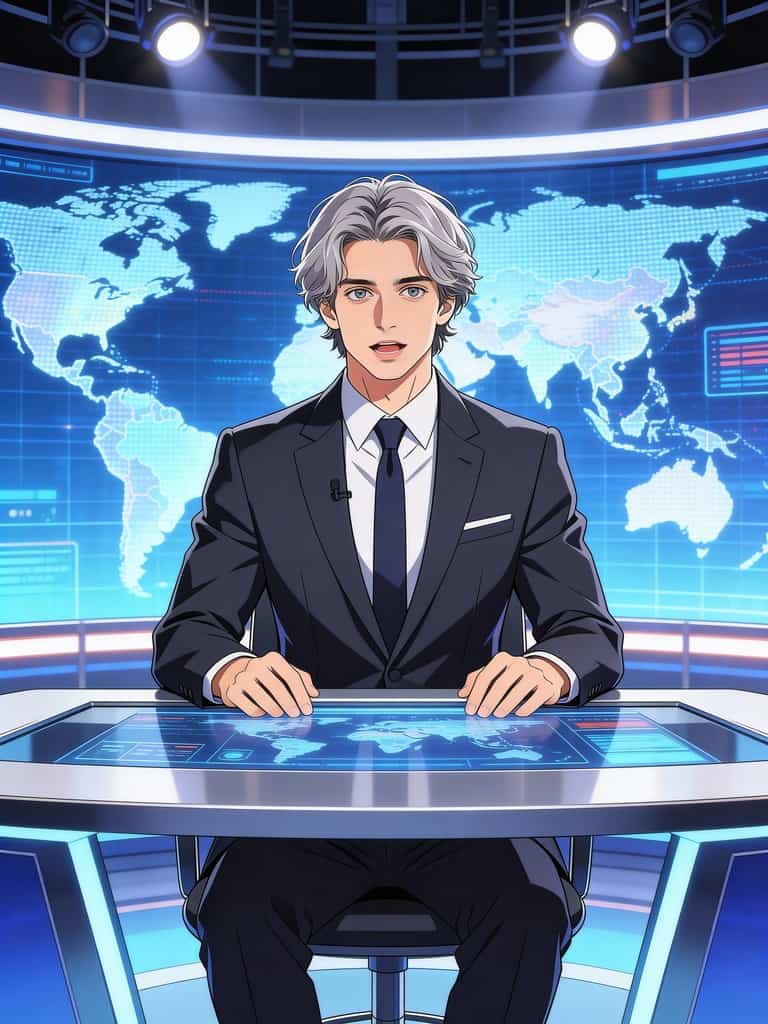
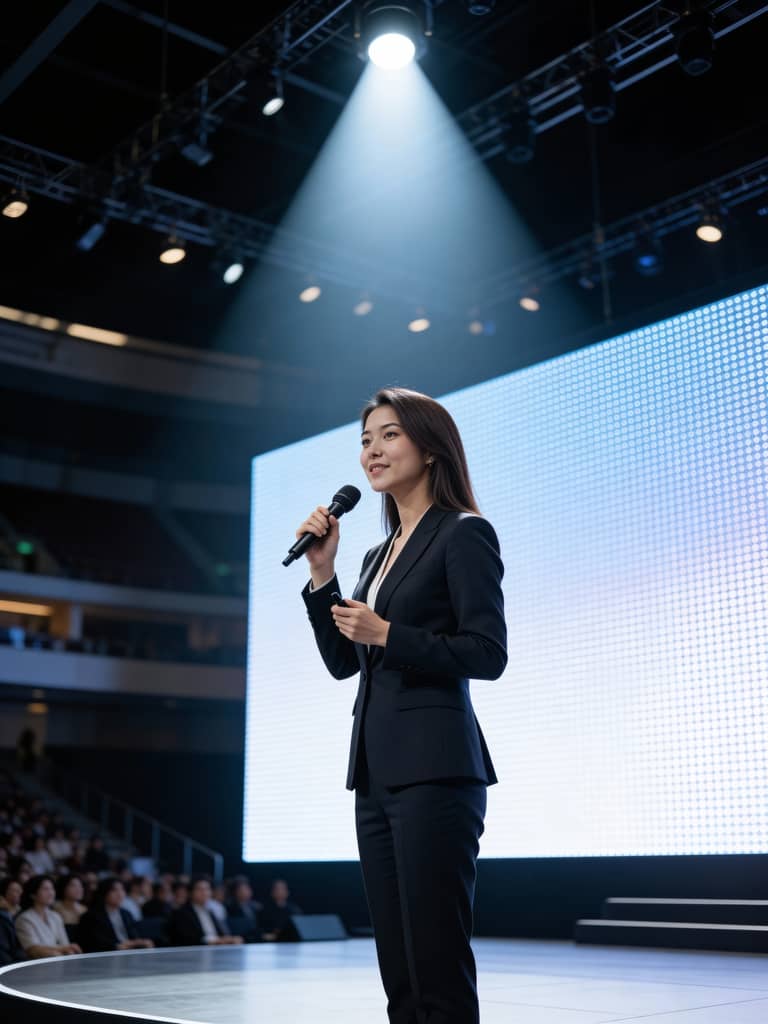
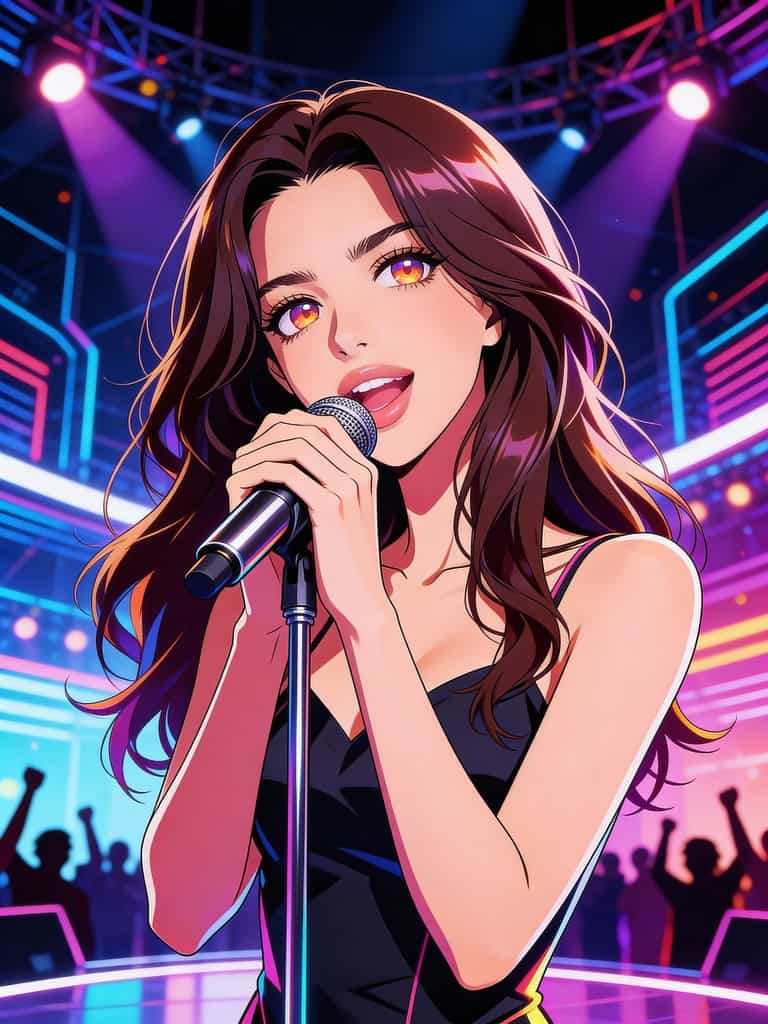
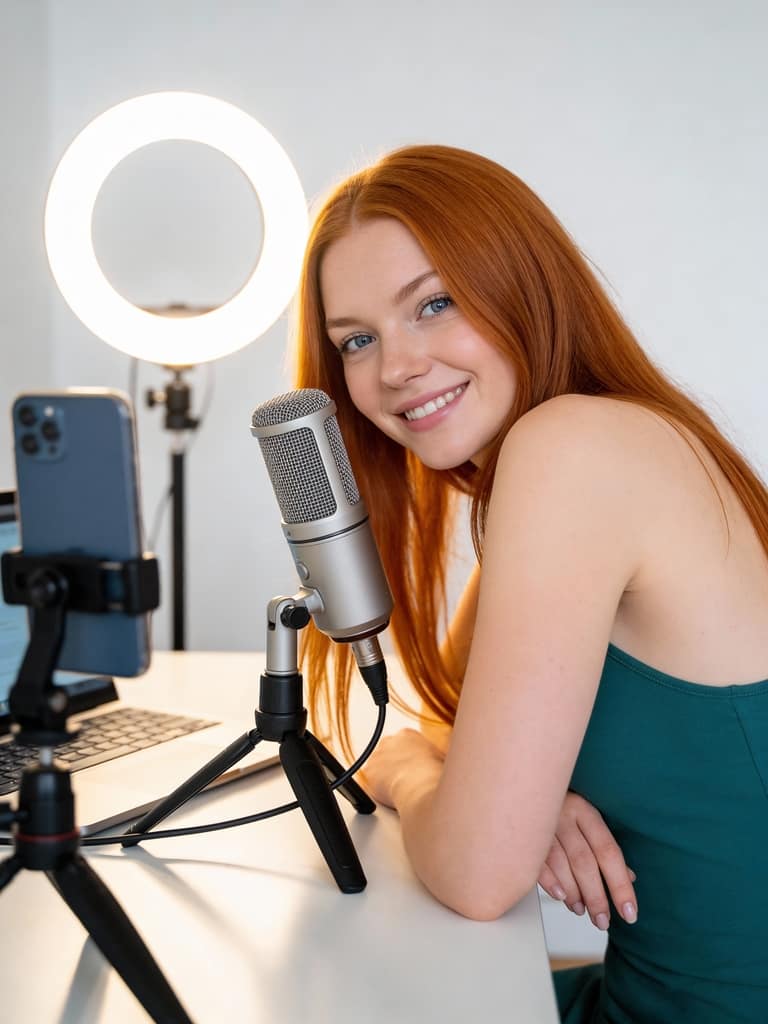
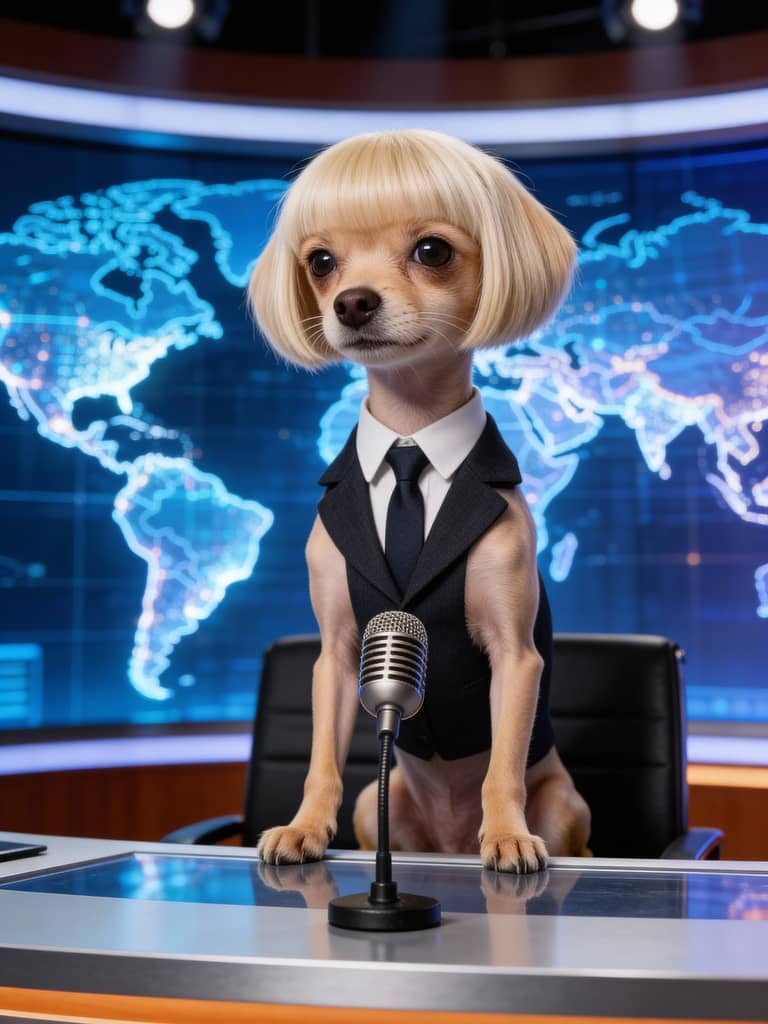
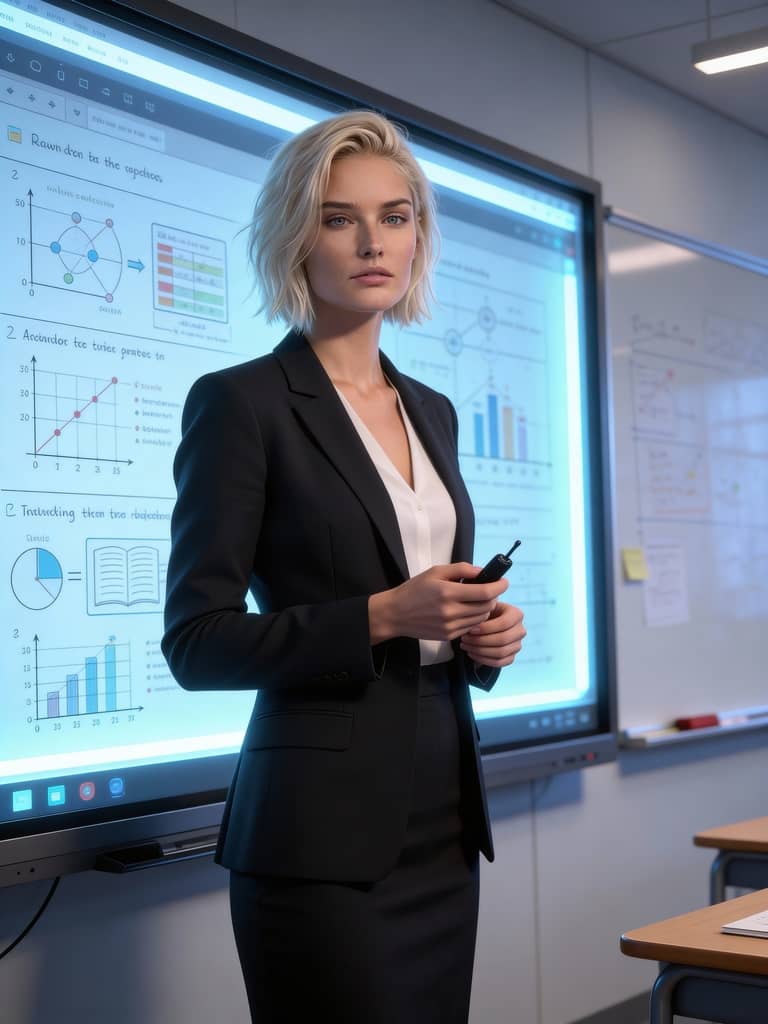
Build Your Own AI Character with Longcat
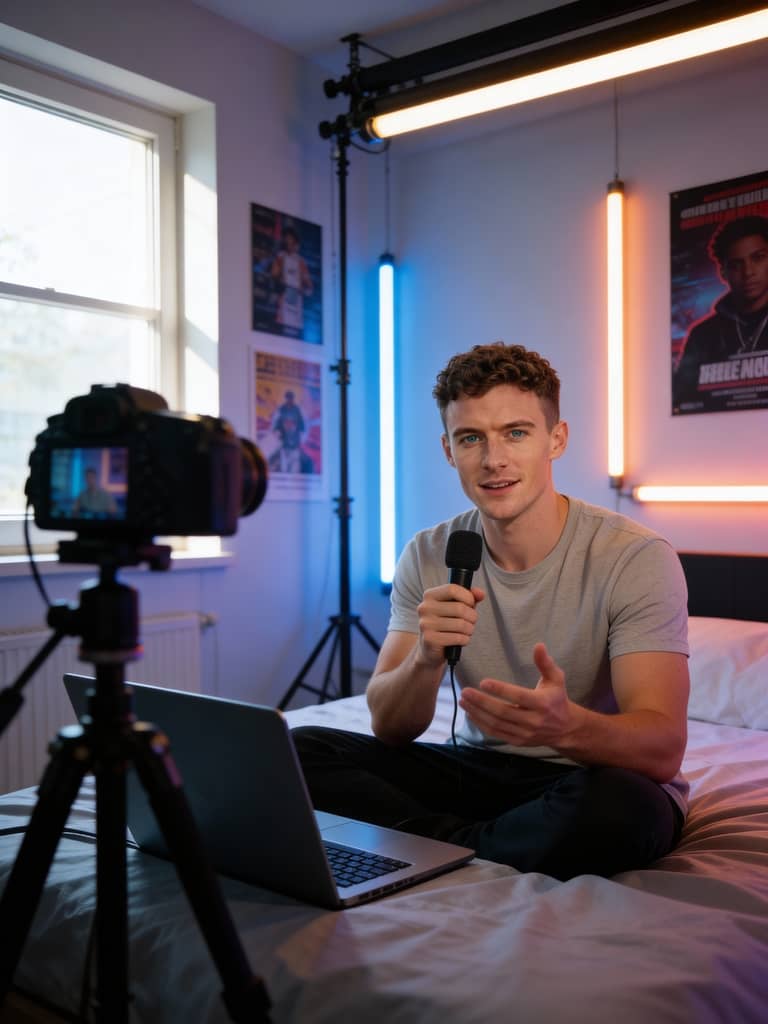
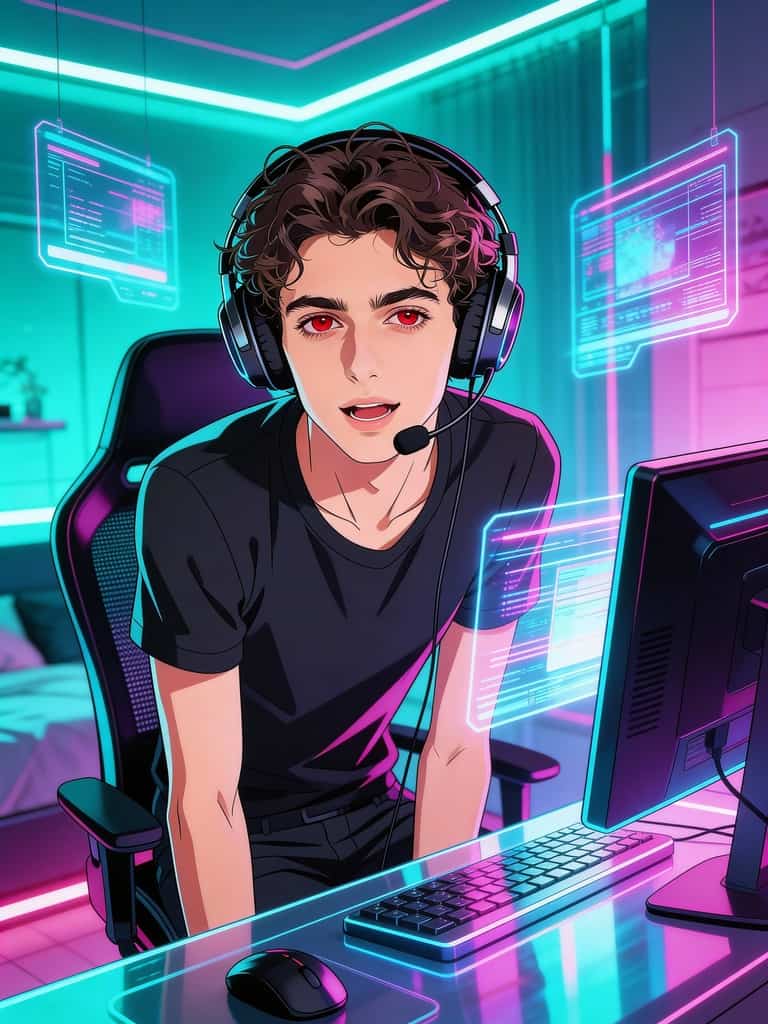
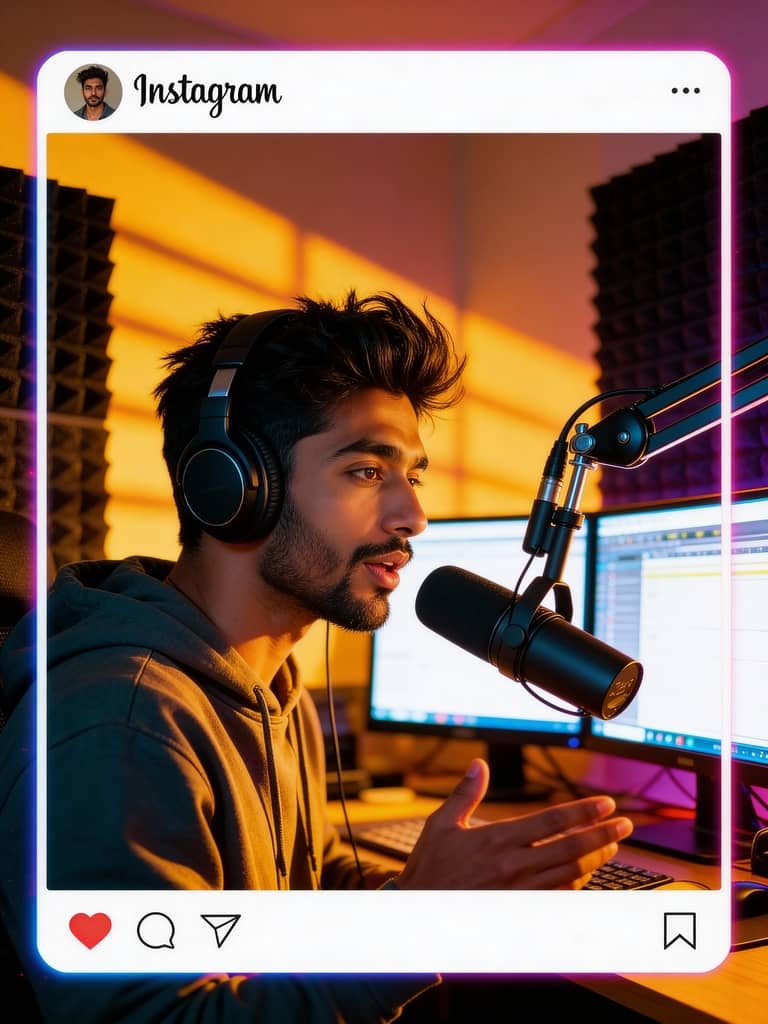
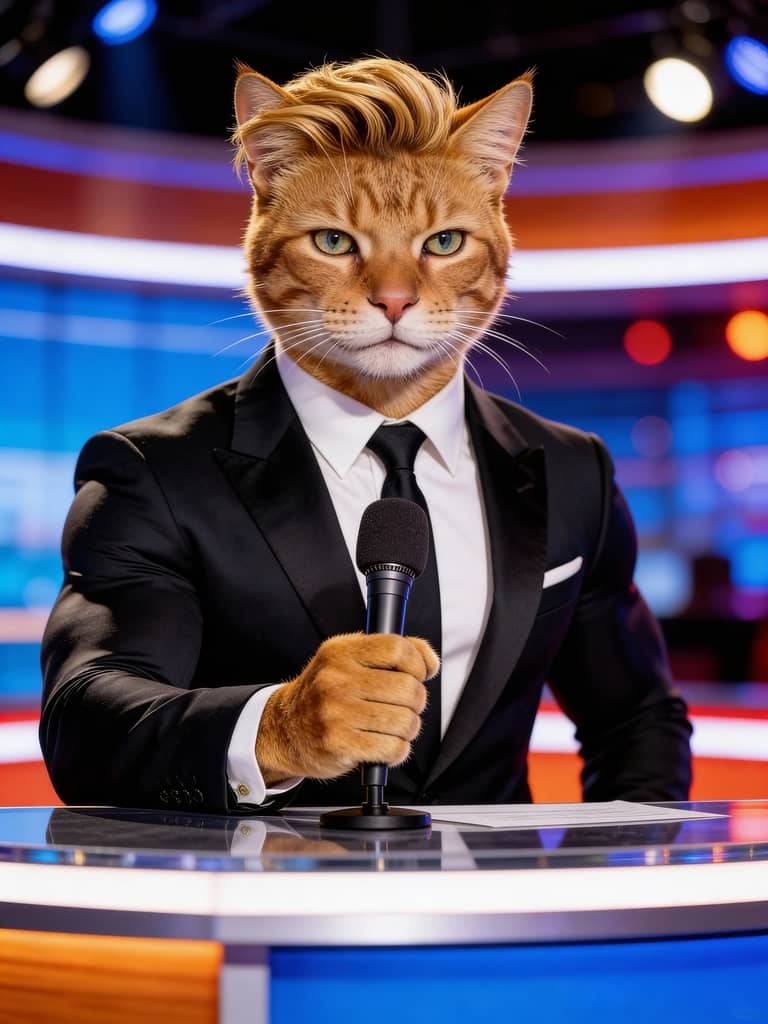
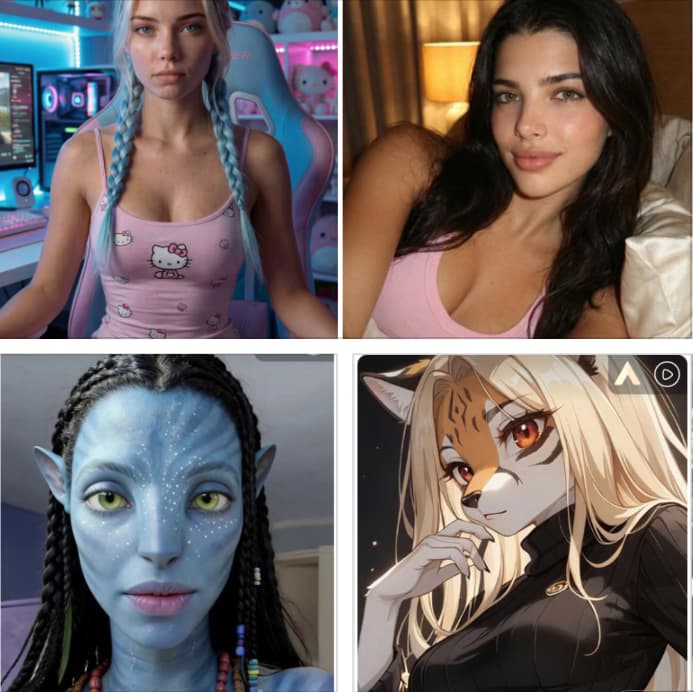
Start by choosing or building your AI character. In our Community Model section, you’ll find thousands of user-generated models—from realistic humans to animals, celebrities, and fantasy characters. Simply click any model you like and use it instantly.
Prefer full control? Click Create Portrait Model to design your own AI image model. Upload photos (people, pets, or public figures) or generate a brand-new character using the AI Influencer Generator. You can freely design facial features, expressions, hairstyles, outfits, and overall personality to craft a unique AI human that fits your content style or brand tone.
This flexibility makes APOB AI ideal for creators who want consistent characters across videos, marketers who need brand mascots, or influencers building a recognizable digital identity.
Generate Talking Avatar Images with Longcat's Advanced Tools
Not every photo is suitable for a talking avatar. A formal portrait or casual lifestyle image may lack the right pose, framing, or emotion. We offer two powerful ways to optimize your image:
Option 1: Chat to Edit Open Edit Image → Chat to Edit and describe your change, such as: “Change the pose to holding a microphone.” The AI instantly generates an improved version.
Option 2: Expert Mode + Build Your Own For complex scenes, use Expert Mode (up to 2,000 characters). You can redesign the entire image. To save time, use Build Your Own to select Art Style, Clothing, Architecture, Landscape, and Weather before adding your prompt.
Switch styles freely—LEGO, Barbie, cyberpunk, surrealism, or cinematic realism—to create the perfect talking avatar image.
Create Talking Avatar Videos with Longcat's Video Technology
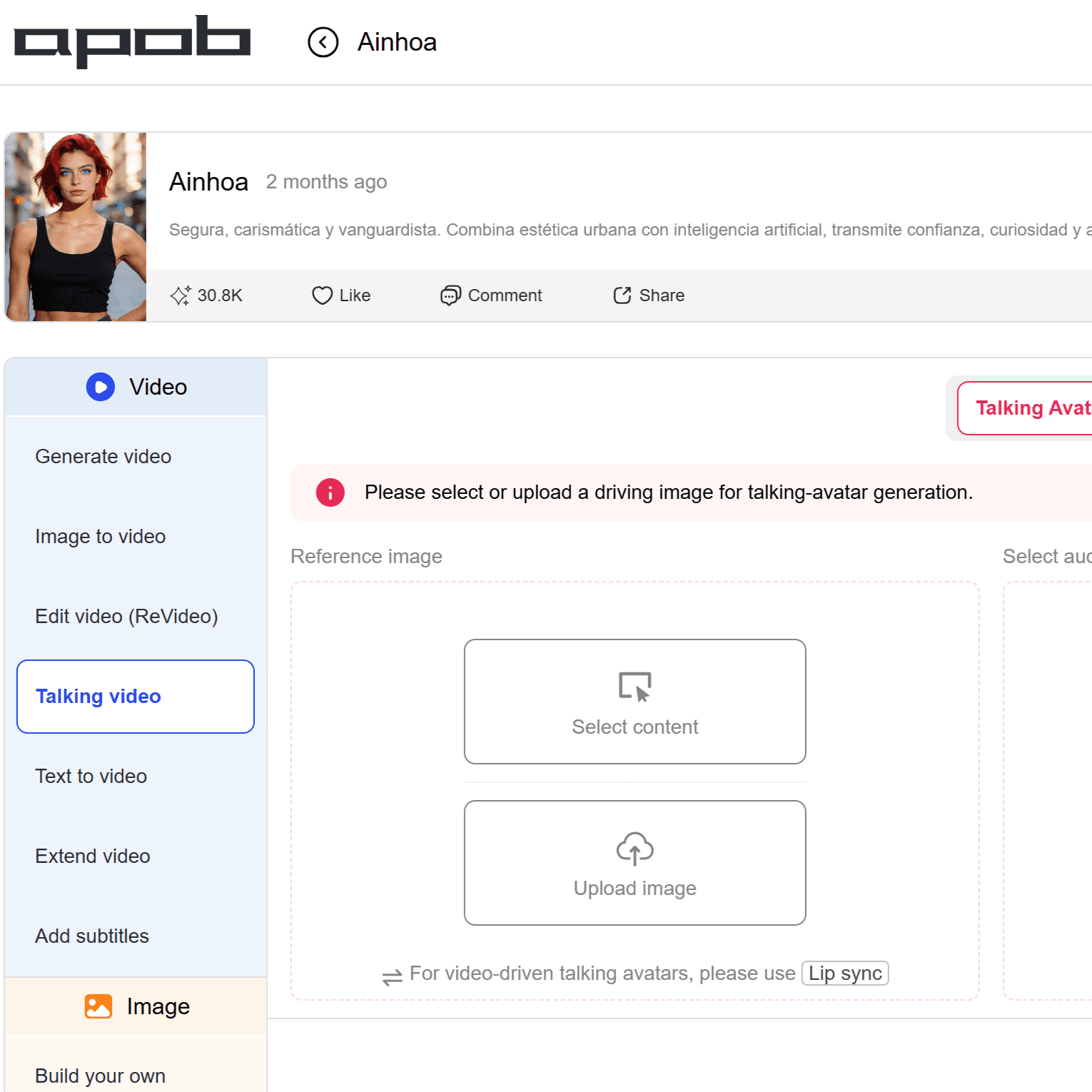
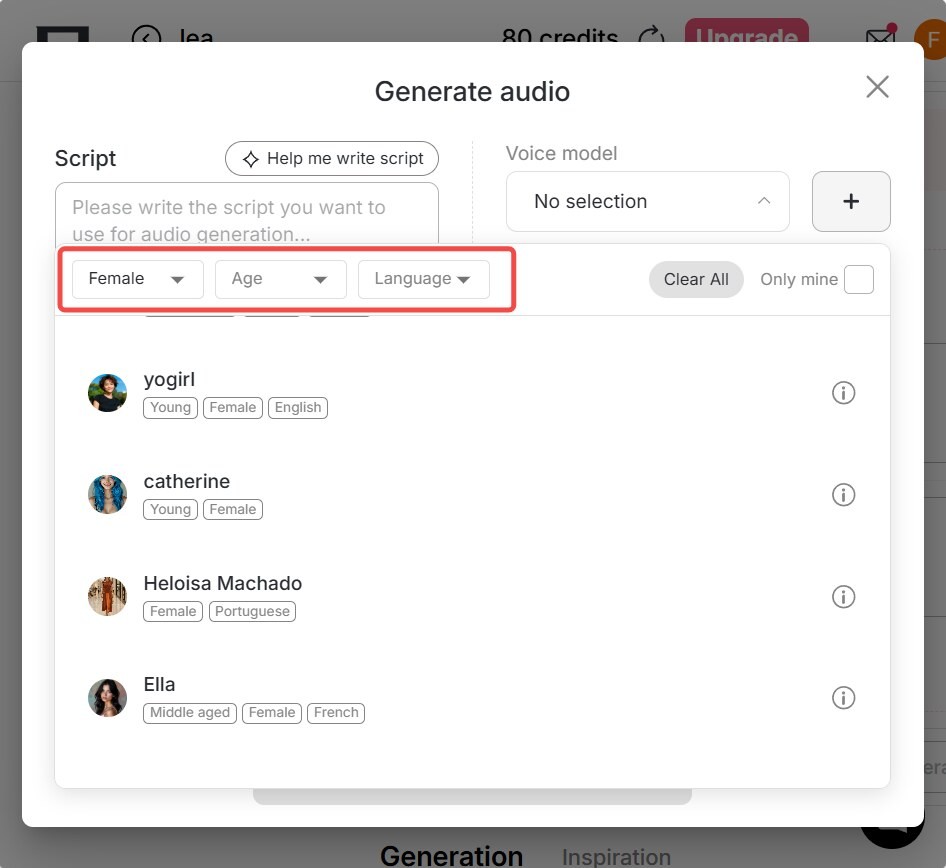
Once your image is ready, go to Video → Talking Video.You can upload trending audio, or click Generate Audio to build a voice model by selecting Gender, Age, and Language.
we support 13 languages and 100+ voice types. Enter your script manually or use “Type your idea” to let the AI convert concepts into short video scripts automatically.To enhance realism, choose emotional tones such as happy, sad, angry, fearful, surprised, neutral, and more.
Pro Tip: Enable camera movements like Handheld, Zoom In, Zoom Out, or Follow Character to make your talking avatar video look cinematic and human-like.
Recreate Viral Content with Longcat's Edit Video Feature
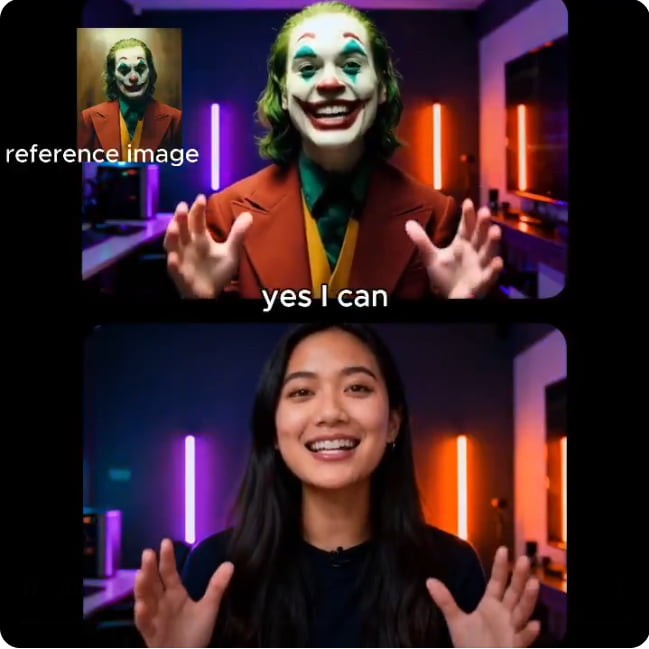
Want to copy trending videos fast? Use Edit Video (Revideo).
Available tools include: Edit Character; Edit Motion; Edit Style; Edit Shot; Edit Product; Edit Background; Edit Everything.
With Edit Character, upload original video and reference image (or auto-use your AI influencer model).
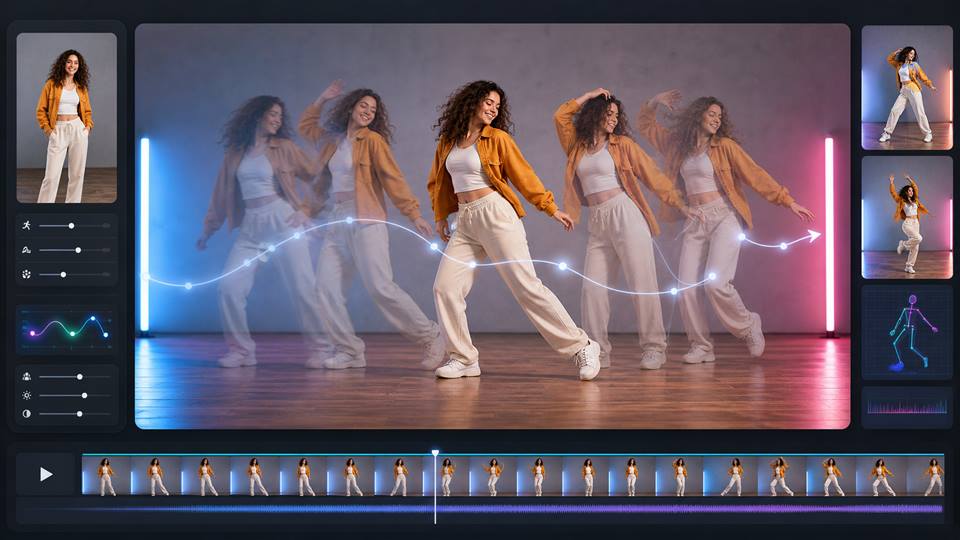
The AI replaces the person while keeping motion, expressions, and background unchanged. Choose Edit Motion if you want to keep the character but replace the background.
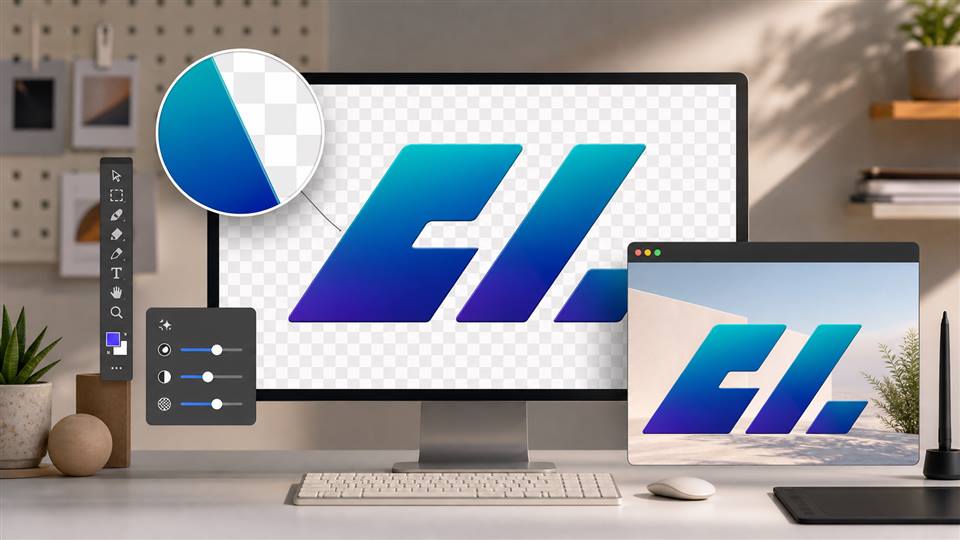
Other tools let you change style, camera shots, products, or scenery using only one video—perfect for mass-producing AI marketing or social media content.
Export Your Longcat Videos to Social Media Platforms
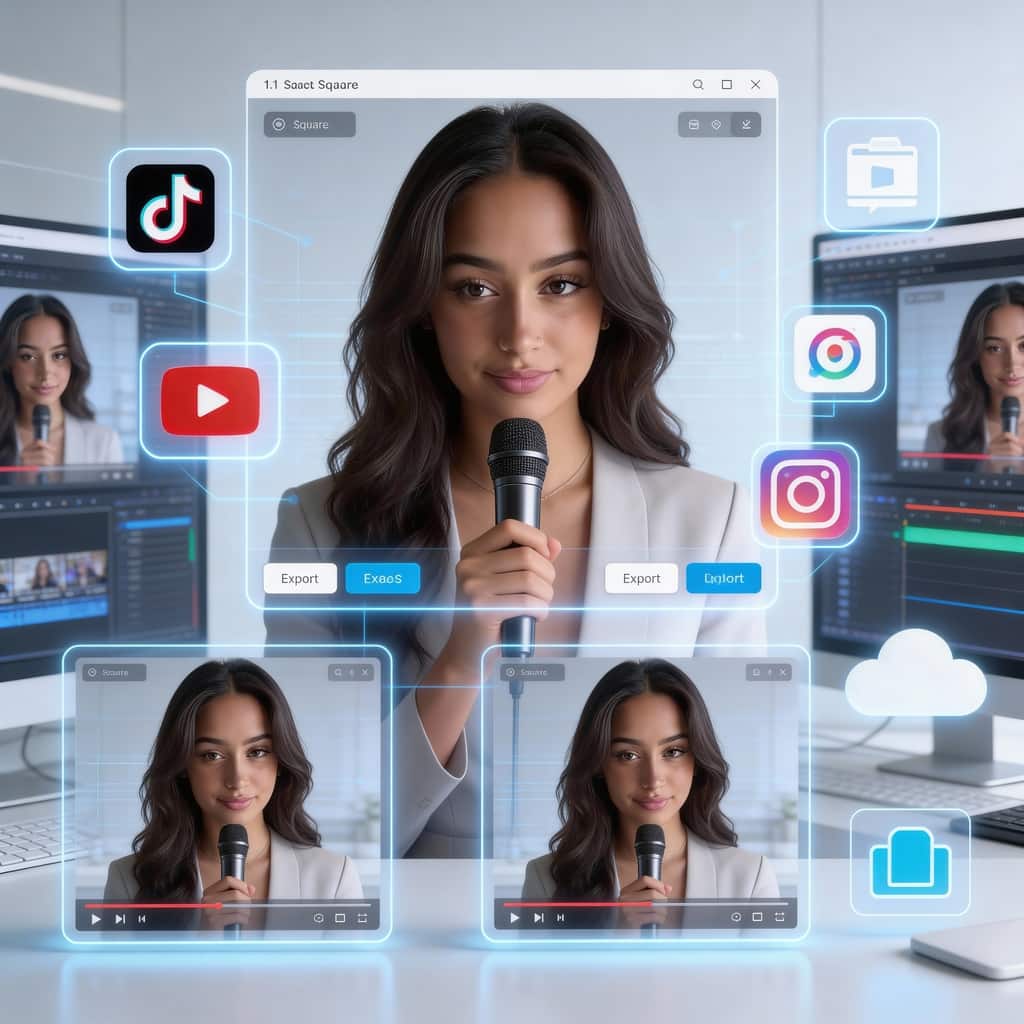
After generating your talking avatar video, download it in high quality and publish directly to TikTok, YouTube Shorts, Instagram Reels, or ads platforms.
You can reuse the same AI character for long-term branding, multilingual campaigns, or automated content pipelines. Many creators batch-generate videos using different scripts, voices, and styles to scale production without increasing cost.
With APOB AI, one model becomes hundreds of content variations—ready to grow traffic, followers, and revenue.
Free Daily Credits for Video Generation
APOB AI is a true free ai talking avatar video generator. You receive 80 free credits daily. In Best mode, 20 credits generate 1 second of video—meaning 4 seconds daily for free. Save credits to create longer videos over time, or upgrade anytime for faster modes and higher quality.
All-in-One AI Creation Platform
From AI images to talking videos and viral video editing, everything runs in one dashboard. No studio, no actors, no microphones, no editing software. You create characters, voices, scripts, scenes, and videos in one workflow—perfect for solo creators, startups, and agencies.
Realistic Results with Lip Sync Accuracy
LongCat technology delivers smooth facial motion, stable identity, and precise lip synchronization. Even long videos remain visually consistent, helping your content appear natural, professional, and trustworthy across platforms.
Content Creators & AI Influencers
YouTubers and TikTok creators can quickly produce educational or commentary videos without showing their real face. AI influencers help grow followers faster, maintain privacy, and build recognizable digital brands that work 24/7.
E-commerce & Product Marketing
Online stores can create product explainers, virtual sales assistants, and multilingual ad videos using the same AI presenter. This boosts conversion rates, reduces production cost, and allows rapid testing of different ad styles, scripts, and characters for global audiences.
Corporate Training & Customer Support
Companies use talking avatars for onboarding videos, internal training, FAQs, and customer service explanations. AI presenters ensure consistent messaging, reduce repetitive human workload, and scale easily across languages and regions.
Video tutorial on how to create AI talking avatar videos
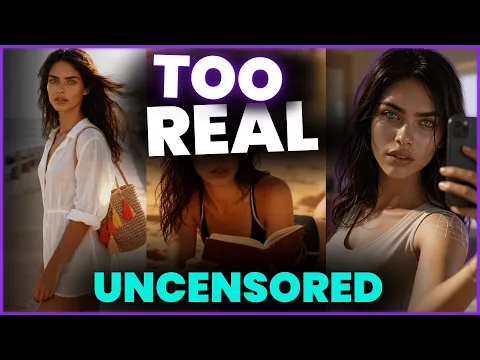
Create long, uncensored and realistic AI Avatar video in 5 minutes!
User: AI Madame
In this step by step tutorial, AI Madame show the complete process of using APOB AI to design a portrait, refine it, and transform it into a talking AI avatar video with lip sync, subtitles, and advanced edits.
Multilingual Audio Support
Supports 13 languages, enabling global content creation without hiring voice actors. Perfect for cross-border marketing, education platforms, and international social media channels.
Beginner-Friendly Operation
Simple interface with AI assistant and human customer support. Even users new to AIGC can create professional videos within minutes.
Fully Customizable AI Influencers
Create unlimited digital characters for branding, storytelling, or niche content. Ideal for long-term channel growth and identity consistency.
Affordable Pricing & Bonus Credits
Competitive plans with frequent holiday bonus credit events, making high-quality AI video production budget-friendly.
Advanced Features Require Upgrade
Ultra and Ultra S modes unlock higher realism and speed, but require paid plans for heavy professional usage.
Quality Depends on Prompt Design
Detailed scripts and visual prompts produce better results. Beginners may need short learning time to master prompt writing.
No Credit Card Required

Answers about talking avatars, lip-sync, voice input, credits, privacy, and video formats.
Is the website free to use?
Yes. We are a free ai talking avatar video generator. After logging in, you receive 80 free credits daily. You can generate multiple images for free, and in Best mode, you can create talking avatar videos every day at no cost.
What kind of AI human can I generate?
Any age, skin tone, or appearance. You can customize height, weight, gender, nationality, hairstyle, eye color, face shape, skin tone, beard, dimples, and more. You can regenerate unlimited times until satisfied.
Can I edit images after generation?
Yes. Use Chat to Edit to modify your original image by simply typing your ideas.
Can I generate anime-style talking avatar videos?
Absolutely. Choose styles like cute 3D, manga, vintage anime, pixel art, anime sketch, or convert existing videos using Edit Style. Nearly 30 styles are supported, including LEGO, Van Gogh, watercolor, and cyberpunk.
How many languages are supported?
Currently 13: English, Chinese, Spanish, French, German, Japanese, Korean, Russian, Italian, Portuguese, Arabic, Hindi, and Turkish.
Can I use the videos commercially?
Yes. Videos generated with APOB AI can be used for commercial purposes such as social media marketing, advertisements, e-commerce product promotion, online courses, and client projects. As long as you follow our platform’s content guidelines and local regulations, you retain the rights to use your generated videos for business and monetization.
Do I need to download an app?
No. APOB AI is 100% web-based. Click Create Now and start generating directly on desktop, tablet, or mobile—no installation required.


