Turn simple text prompts and story ideas into cinematic scenes with APOB's AI movie generator, from character creation and storyboard planning to polished video clips.
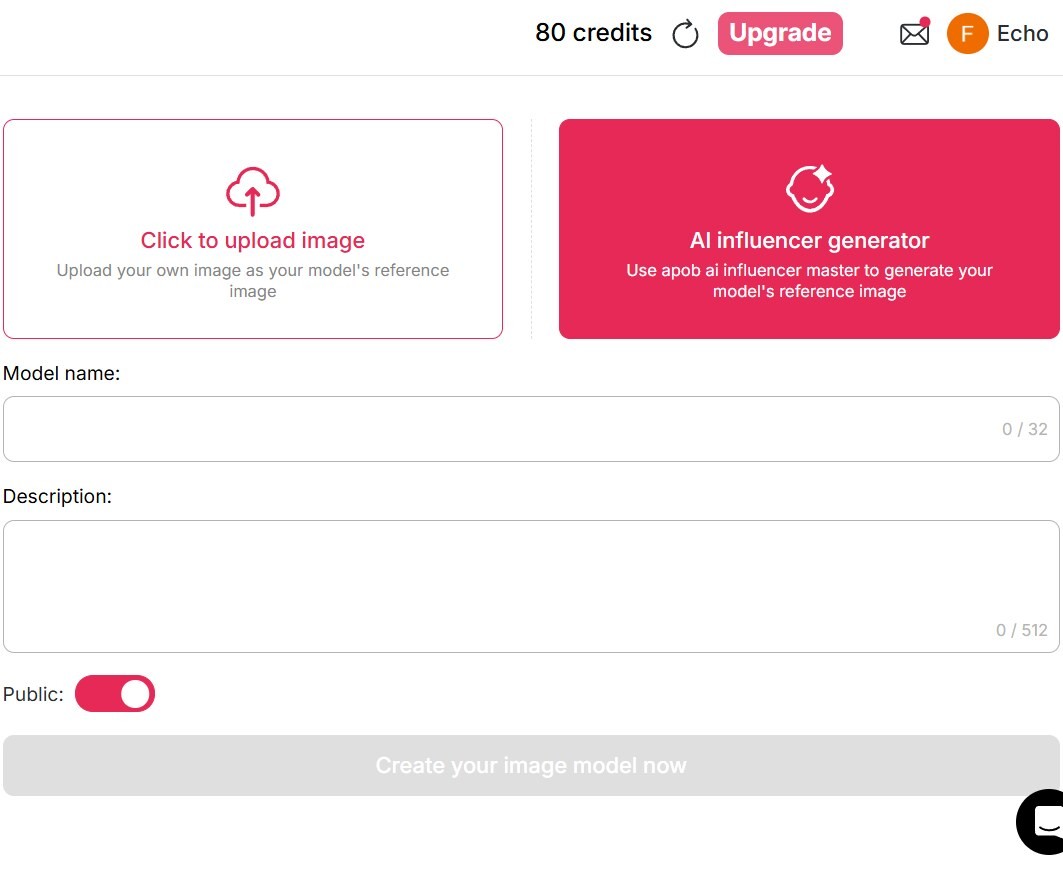
Claim Your Free Credits & Design Custom Characters
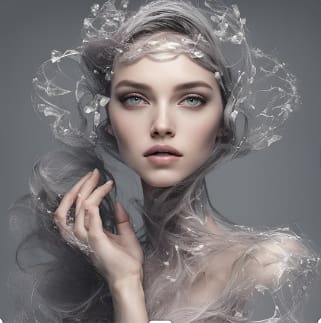
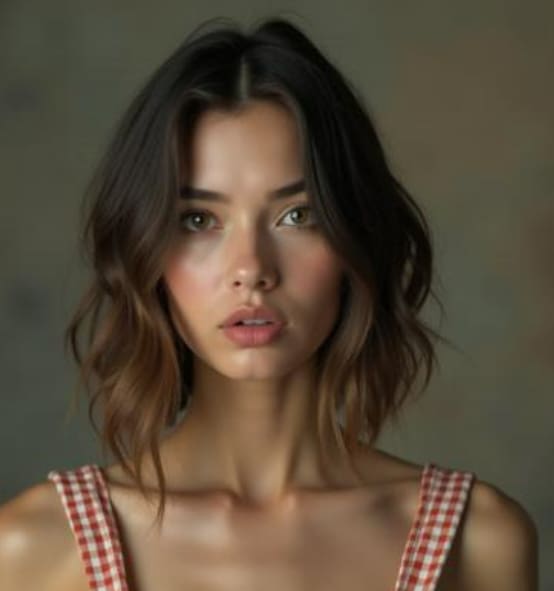
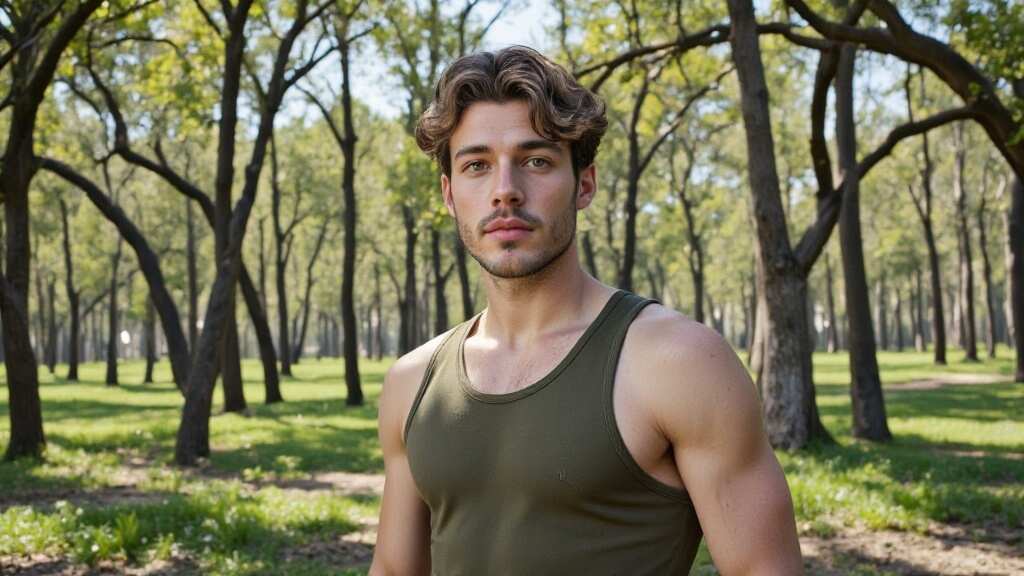
Log in to APOB to receive 80 free daily credits and start testing the workflow. Enter a prompt or adjust facial and style details to build a realistic or stylized character. Save a strong reference image and reuse it across shots to improve visual consistency; complex scenes may still need iteration.
From Storyboard to Video: Seamless Scene Control
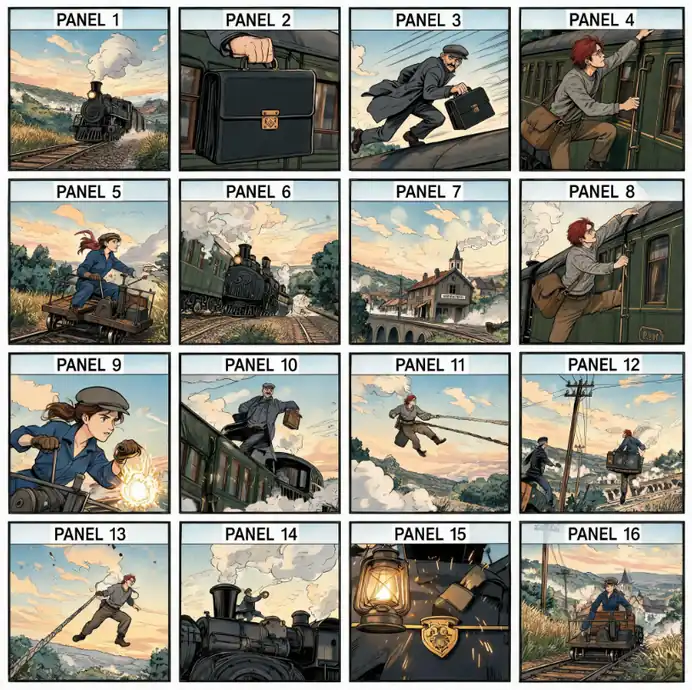
Open the video workspace and create a storyboard from your brief. Choose an available aspect ratio, organize the sequence, then adjust characters, backgrounds, and individual shots before rendering. Clip length and controls depend on the selected model and mode, and shorter clips can be combined into a longer movie sequence.
High-Quality Cinematic Polish at a Fraction of the Cost
Use storyboard planning to explore multiple angles, lighting directions, dialogue, and soundtrack ideas before committing to a full production. APOB can reduce the need for physical sets and large crews during concept development, while final quality still depends on the selected model, prompts, source images, and editing decisions.
Dynamic Camera Movements and Flexible Export Options
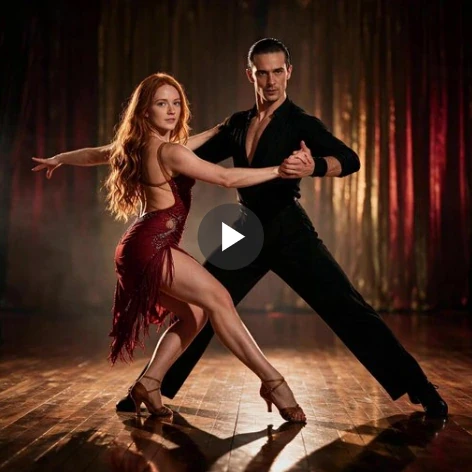
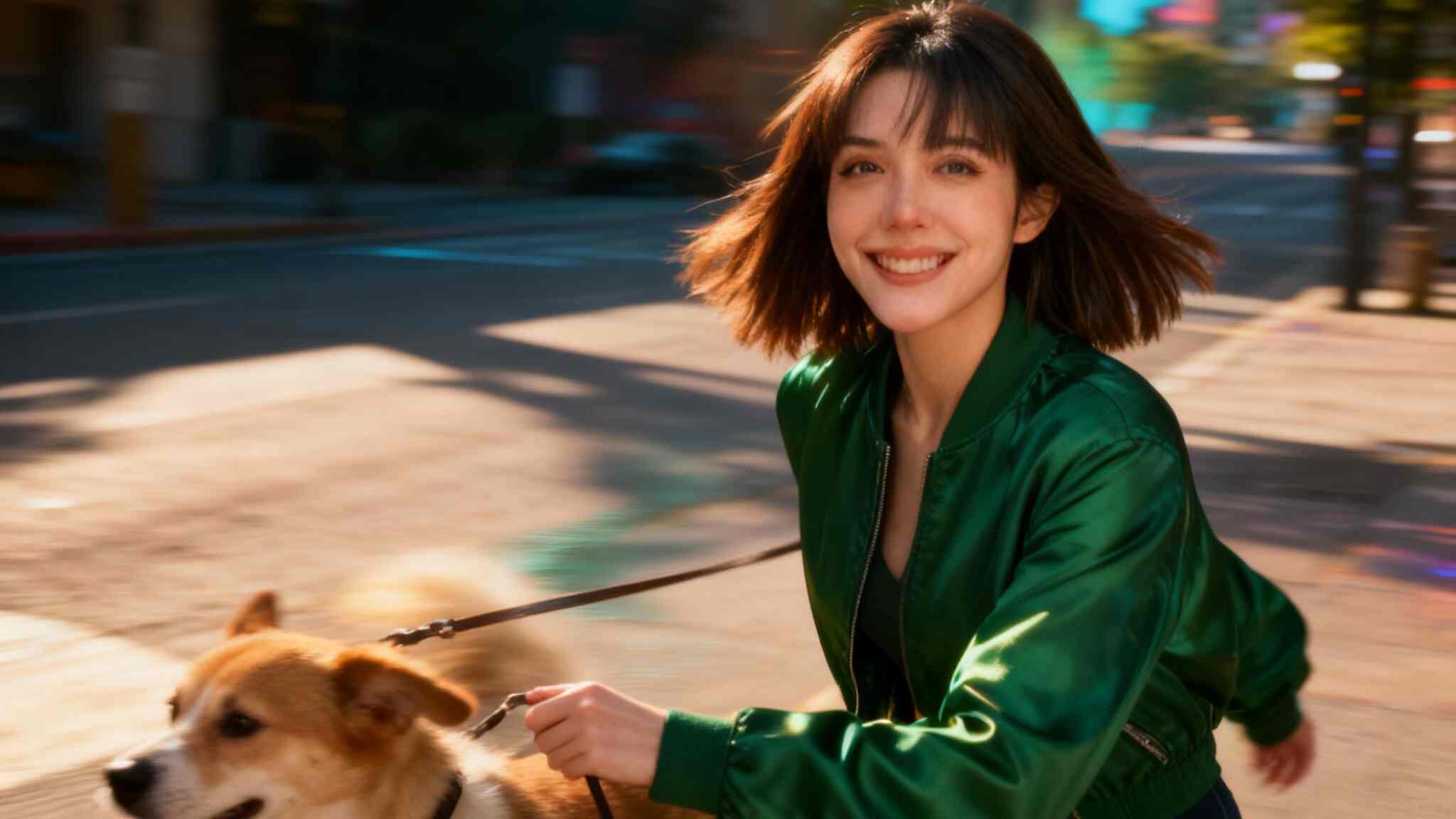
Direct pans, tilts, zooms, and tracking-style motion with clear prompts and reference frames. Export quality and available resolutions, including any 4K options, depend on the selected model, mode, and subscription plan, so confirm the current settings before rendering your final cut.
Improve Character Consistency Across Scenes
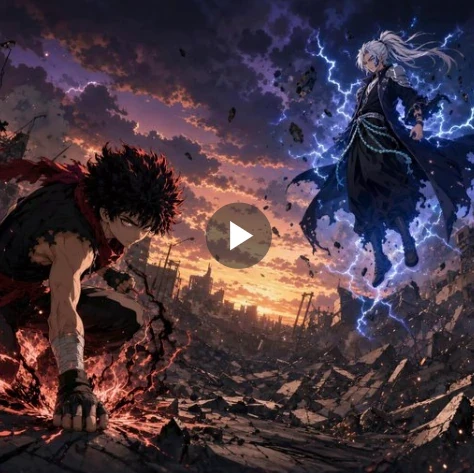
Character and reference controls help keep a recognizable face, clothing direction, and visual style across storyboard shots. Reuse the same model reference and scene notes, then refine prompts when complex movement or crowded shots introduce variation.
Start with Daily Credits and Scale as Needed
APOB provides 80 free credits each day after login, so creators can test prompts and short clips before choosing a paid plan. Paid options can provide additional capacity and plan-dependent quality or commercial-use benefits; check the current plan details for your intended workflow.
Use One Connected Creative Suite
Create characters, organize a storyboard, generate clips, add voice, use lip sync, and refine motion within one connected APOB workflow. Keeping these stages together can reduce repeated exports and help creators focus on story, continuity, and final editing decisions.
Low-Budget Independent Filmmaking and Pre-Visualization
Indie directors and screenwriters can turn a script into storyboard shots and short movie scenes that communicate framing, character direction, and pacing before a full shoot.
Scalable Digital Marketing and Brand Storytelling
Brands and agencies can turn a campaign brief into video concepts, product mockups, and localized variations, then review every output for brand accuracy and disclosure requirements.
Faceless Content Creation for Social Media
Creators can build repeatable short-form formats with virtual characters and vertical clips for TikTok, Instagram Reels, and YouTube Shorts without appearing on camera.
Enjoy more features
No Credit Card Required
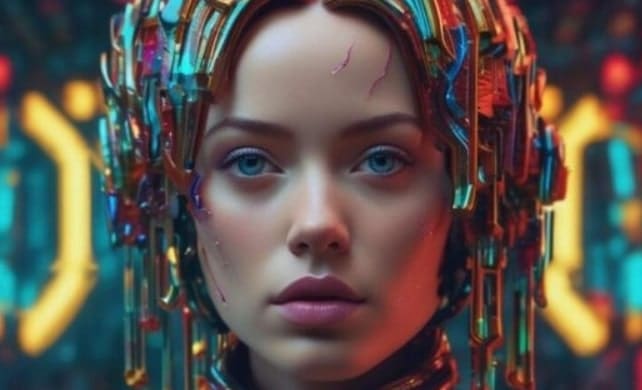
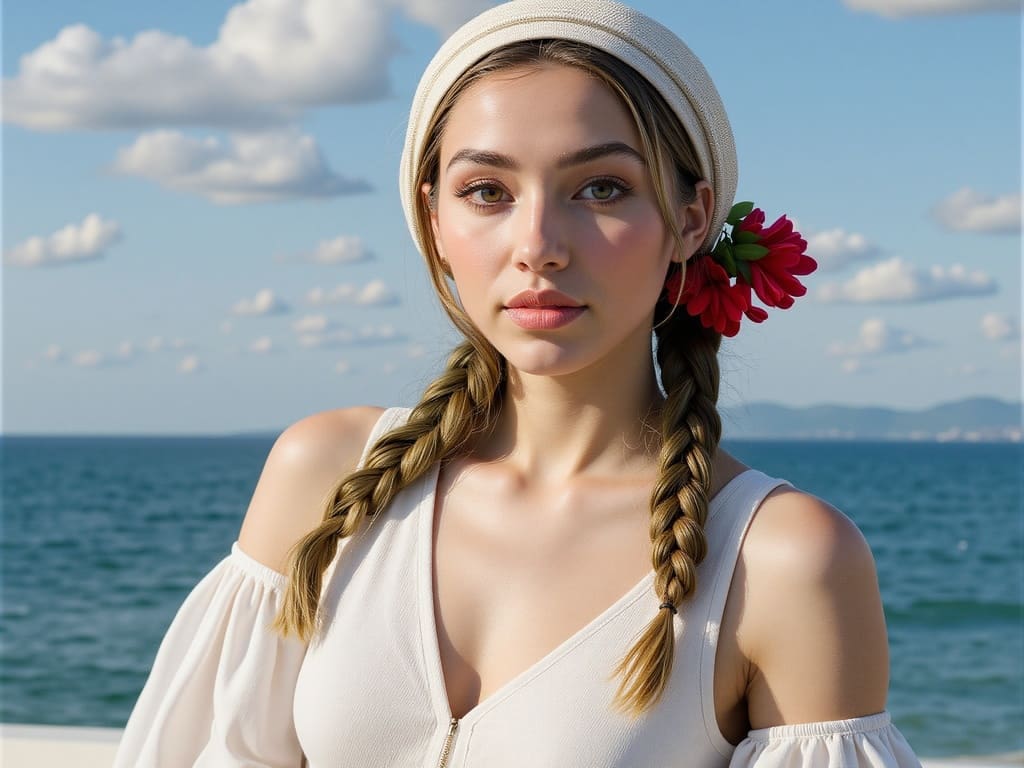
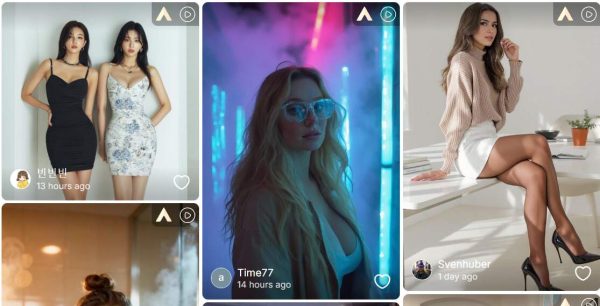
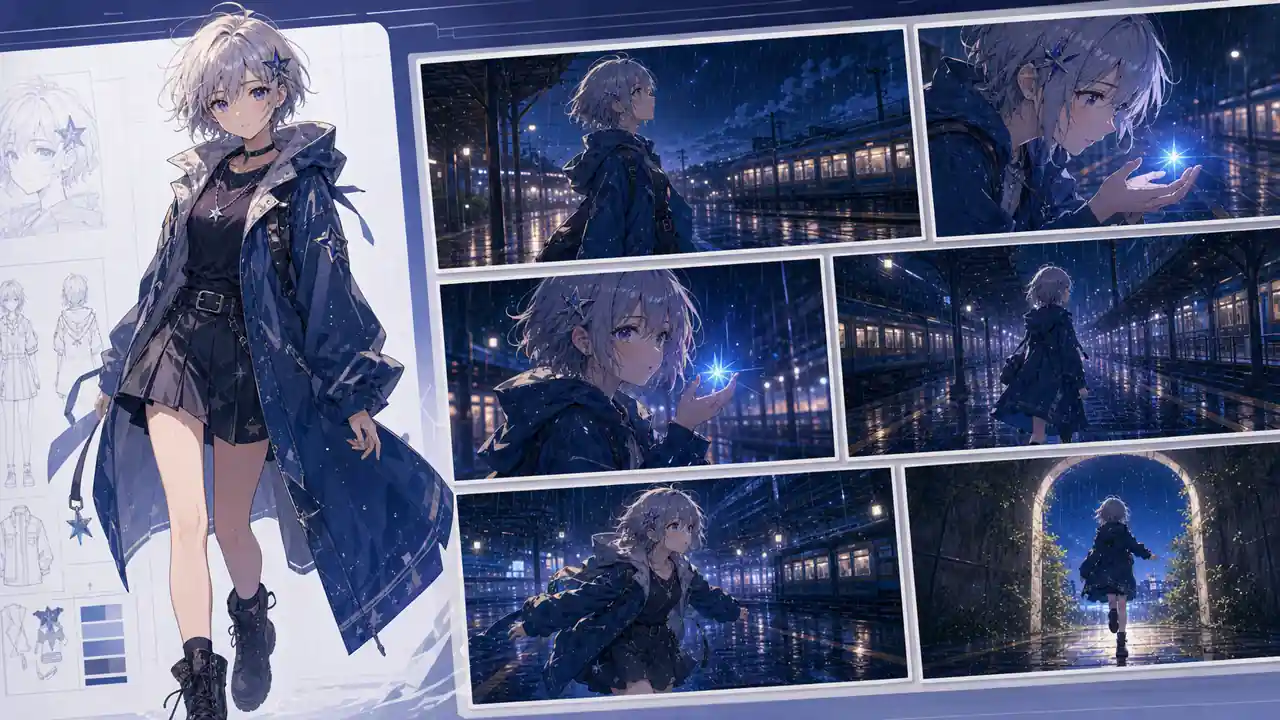


Answers about credits, characters, storyboards, camera control, audio, exports, and commercial use.
What is an AI movie generator?
An AI movie generator uses generative AI to turn text prompts, scripts, images, or storyboards into video clips that can be assembled and edited into a longer narrative.
How do I get free credits on APOB?
Log in to APOB to receive 80 free daily credits and start testing video and character creation without entering a credit card.
Can I create consistent characters using this AI movie generator?
Yes. APOB provides character and reference controls designed to help maintain a recognizable face, clothing, and visual style across storyboard shots. Complex motion or crowded scenes may still require another generation or prompt refinement.
What is the "Storyboard to video" feature?
It lets you start with a video brief, choose an aspect ratio and available duration, generate a visual storyboard, and refine individual scenes before rendering video clips.
What video durations are supported by the APOB AI movie generator?
Available durations depend on the selected generation model and mode. You can combine shorter clips with additional shots or extend-video workflows to build a longer movie sequence.
Can I customize character styles using the AI movie generator?
Yes. You can guide characters toward realistic, animated, or anime-inspired looks with prompts and reference images, then refine the result for the style you need.
Does the platform support multi-angle camera transitions?
APOB supports camera directions such as pans, zooms, tilts, and tracking-style motion. Results vary by model, prompt, and scene complexity, so review each generated shot.
How does the dialogue feature work in this AI movie generator?
You can generate or upload dialogue, choose an AI voice, and use lip-sync tools to help align mouth movement with the audio. Review the result and refine the script, voice, or clip when needed.
Can I edit the background of my scenes?
Yes. You can change backgrounds, add or adjust characters, and refine individual shots before assembling the final sequence.
Is APOB suitable for low-cost micro-movie production?
APOB can help independent creators plan shots and produce short cinematic clips without a physical set, large crew, or specialized camera package. Final editing and quality review are still recommended.
Can I export videos in 4K resolution?
Selected premium and Ultra quality modes may support output up to Cinematic 4K. Available resolution depends on the chosen model, mode, and subscription plan.
Do I own the commercial rights to videos made with this AI movie generator?
Commercial use may be available on eligible paid plans, subject to the current APOB terms. You remain responsible for the rights and permissions for every face, voice, image, music track, logo, and other asset used in the project.
Is any coding or technical video editing experience required?
No coding is required. The interface is designed for prompt-based creation, storyboard planning, and visual review, while experienced editors can continue refining exported clips.
How does APOB differ from other text-to-video tools?
APOB brings character creation, storyboard planning, image-to-video generation, voice, lip sync, and editing tools into one connected workflow instead of requiring a separate tool for every stage.
Can I upload my own reference images for characters?
Yes. You can upload a reference image to guide character creation, provided you own the image or have permission to use the person's likeness.
Does this AI movie generator include background music?
When supported by the selected mode, you can enable background music or native audio. These options are not always enabled by default, so review the audio settings before rendering.
Can I adjust the aspect ratio for different social platforms?
Yes. You can choose widescreen formats for platforms such as YouTube or vertical formats for TikTok and Instagram Reels, subject to the selected model's available settings.
Who can benefit most from using an AI movie generator?
Independent filmmakers, faceless creators, marketing teams, educators, and storytellers who need faster visual drafts or short-form video variations can use an AI movie generator.
How fast does the platform generate video clips?
Processing time varies with clip length, quality mode, model choice, and the current server queue.
Can I try the APOB AI movie generator without a credit card?
Yes. You can create a free account without a credit card and receive 80 daily credits to test supported APOB creation workflows.


