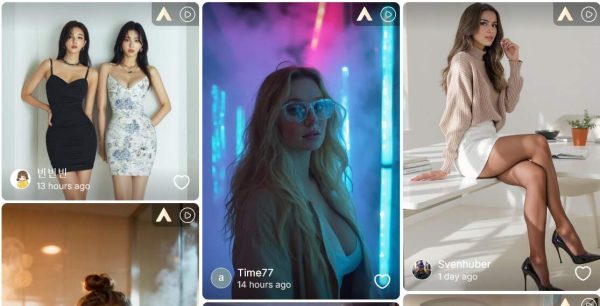
Luma Dream Machine is one of the names creators search for when they want cinematic AI video from a prompt or an image. It is especially popular because it can create smooth motion from simple inputs. The real question is not only whether Luma is powerful. It is whether it is the easiest tool for the kind of video you need to make today.
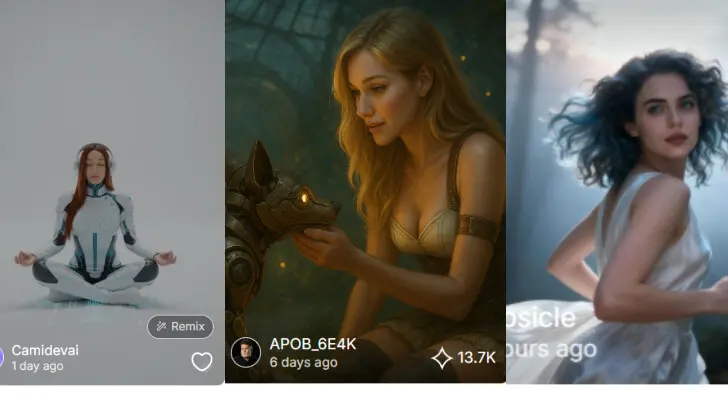
APOB AI gives creators a different route: build or upload a character, generate images, animate them, and use daily credits to keep testing ideas without treating every attempt like a big production decision.
What Is Luma Dream Machine?
Luma Dream Machine is Luma AI's video generation product for text-to-video and image-to-video creation. Its strongest appeal is motion: camera movement, scene continuity, and a cinematic look that feels more natural than older AI video tools. Luma also offers API documentation for developers who want to generate video through a product workflow rather than only through a consumer interface.
That makes it a strong benchmark. If you are building a polished trailer, a surreal short clip, or a visual concept for a pitch deck, Luma belongs on your shortlist. But if your work depends on repeating the same character, testing many looks, and turning a portrait into social-ready videos, APOB AI may feel more direct.
Why APOB AI Is a Practical Luma Alternative
APOB AI focuses on creator workflow. Instead of asking you to jump between separate image, character, and video tools, it keeps those steps close together. You can create an AI model, build a style, generate images, and turn them into video without resetting your idea at every stage.
Text to Video: Write the scene you want and let APOB generate a moving clip.
Image to Video: Upload a still image and add motion, camera direction, or atmosphere.
Camera Movement Video: Test zoom, follow, orbit, or simple motion options for social content and ad concepts.
APOB offers Fast, Best, Ultra, and Ultra S generation modes. Fast and Best are available for free daily. Ultra modes use points or paid access when you need higher quality.
How to Generate AI Videos in APOB
1/4 Create Your AI Model
Click Create Portrait Model. You can upload your own reference or use the AI influencer generator to create a character for your campaign, story, or social feed.
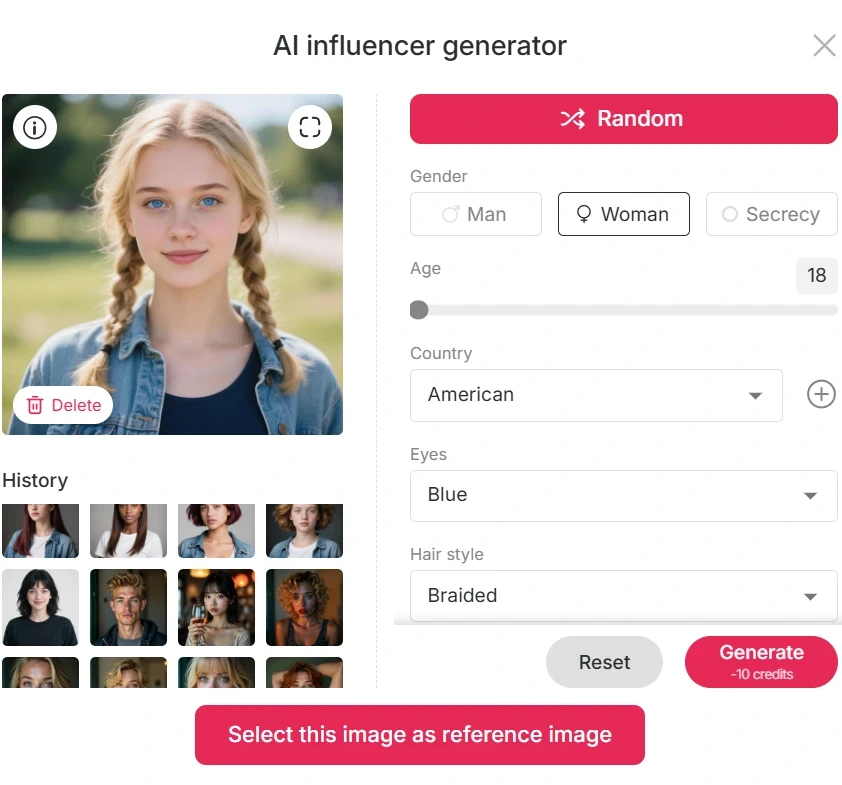
2/4 Choose Your Creation Mode
Select Text to Video if you are starting from a scene idea. Choose Image to Video if you already have a portrait, product shot, illustration, or concept image.
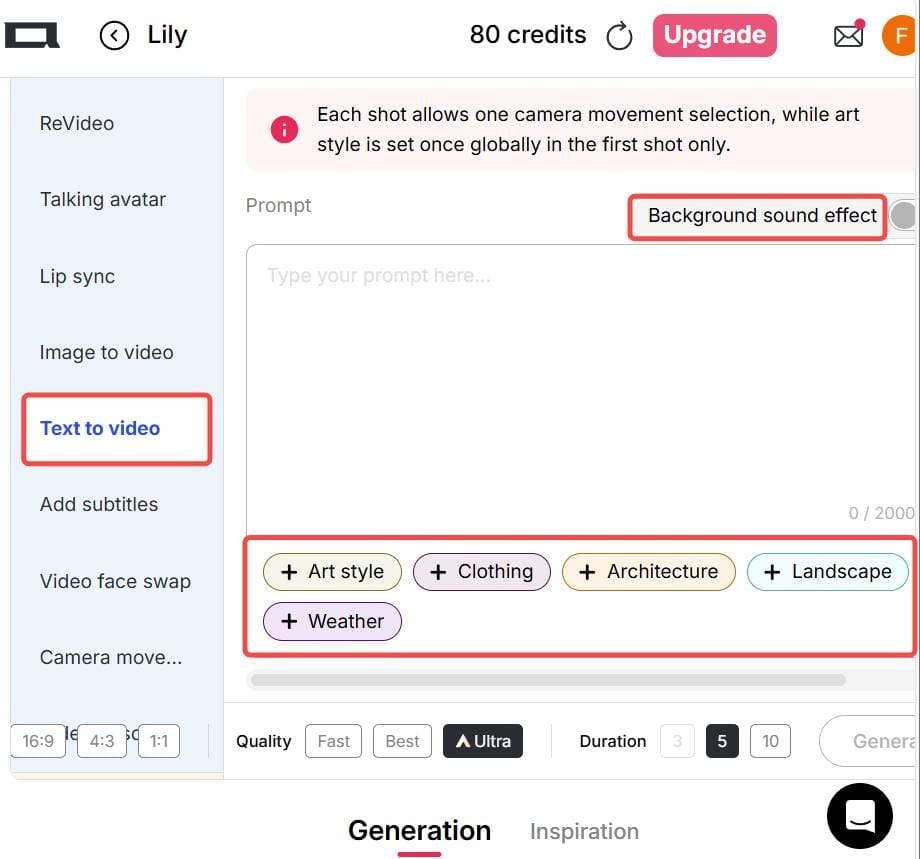
3/4 Select a Generation Mode
Use Fast or Best for everyday tests. Move to Ultra or Ultra S when the image quality matters more than speed, such as a client preview, ad concept, or polished short clip.


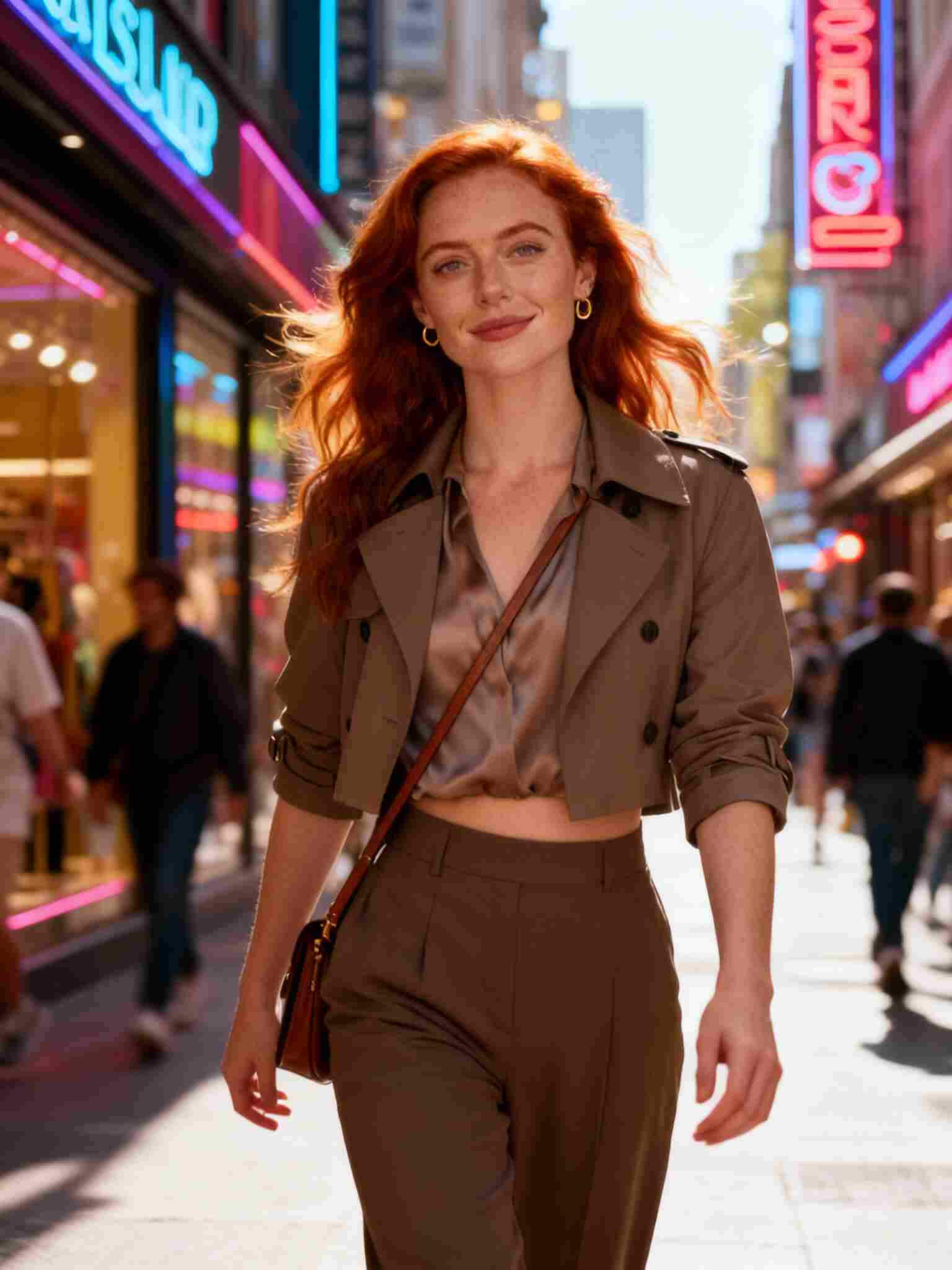
4/4 Generate and Download
Review the first version before spending more credits. If the motion is good but the style is not quite right, adjust the prompt rather than starting over with a completely new idea.
Prompt Examples for Luma-Style Motion
For cinematic motion, describe the shot like a director. Try prompts such as:
"A fashion model walking through a narrow neon street at night, rain on the ground, slow tracking shot, shallow depth of field, cinematic color."
"A product bottle on a marble table, soft morning light, slow push-in camera, premium beauty commercial, clean background."
"Anime girl standing in a snowy garden, umbrella moving slightly in the wind, gentle camera orbit, soft winter lighting."
Luma vs APOB: Which One Should You Use?
Use Luma when you want to explore high-end generative video and cinematic motion as the main goal. Use APOB when the job is more repeatable: make a character, create variations, test a short video, and keep the workflow affordable with daily credits.
For small businesses and creators, the best tool is often the one that lets you make ten decent tests before choosing the final direction. That is where APOB AI can be easier to live with day to day.
FAQs
Q1: Can APOB videos be used for commercial content?
A1: Yes. APOB videos can be used for creator and marketing purposes, including social media and brand content. However, users should always follow applicable laws and avoid using copyrighted characters, logos, or real individuals without permission.
Q2: Is APOB the same as Luma Dream Machine?
A2: No. Luma Dream Machine is focused mainly on text-to-video generation. APOB is designed as a broader creator workflow that combines AI influencer creation, image generation, and video tools in one platform.
Q3: Can text-to-video create anime videos?
A3: Yes. Anime-style output works well when prompts include detailed descriptions of characters, environment, lighting, and motion instead of only using the word “anime.”
Q4: Do I need design experience to use APOB?
A4: No. APOB is designed for beginners and does not require any design or editing background.
Q5: Can I create consistent AI influencers?
A5: Yes. APOB supports identity consistency so the same AI influencer can appear across different scenes and styles.
Q6: What can I create with APOB AI?
A6: You can create AI influencers, social media posts, UGC ads, product visuals, and short-form videos.
Q7: Does APOB support image-to-video?
A7: Yes. You can turn static images into short videos with motion and scene animation.
Q8: Can I use APOB for TikTok content?
A8: Yes. APOB is widely used for TikTok, Reels, and Shorts content creation.
Q9: Are APOB-generated images realistic?
A9: The system is optimized for realistic outputs, especially for portraits, lifestyle scenes, and social media content.
Q10: Can I upload my own reference image?
A10: Yes. Uploading a reference image helps maintain character identity across generations.
Q11: Is APOB free to use?
A11: APOB offers free daily credits so users can try generation features before upgrading.
Q12: What is a credit in APOB?
A12: Credits are used to generate images and videos. Different modes consume different amounts of credits depending on quality.
Q13: What makes APOB different from other AI tools?
A13: APOB focuses on building consistent AI influencers rather than generating one-off images or videos.
Q14: Can APOB generate videos with sound?
A14: APOB primarily focuses on visual generation, while some workflows may support motion-based outputs depending on the mode.
Q15: Can I use APOB for brand advertising?
A15: Yes. Many creators and brands use APOB for ad creatives, UGC-style content, and marketing visuals.
Q16: Does APOB support talking avatars?
A16: Yes. You can create talking AI avatars for social and promotional use cases.
Q17: Can I edit generated outputs?
A17: Yes. You can refine prompts and regenerate results to improve visuals.
Q18: Is APOB suitable for beginners?
A18: Yes. The platform is designed to be simple and accessible for non-technical users.
Q19: Can I create multiple scenes of the same character?
A19: Yes. APOB is built for multi-scene character consistency, which is useful for storytelling and influencer content.
Q20: What industries use APOB AI?
A20: APOB is commonly used in social media, digital marketing, e-commerce, influencer content creation, and creative production.
References
Luma AI (2026) Dream Machine. Available at: https://lumalabs.ai/dream-machine (Accessed: 7 May 2026).
Luma AI (2026) Luma API Documentation. Available at: https://docs.lumalabs.ai/docs (Accessed: 7 May 2026).
Zapier (2025) How to use Luma Dream Machine. Available at: https://zapier.com/blog/how-to-use-luma-dream-machine/ (Accessed: 7 May 2026).

Be the first to like this.





No credit card needed


