APOB AI is a creator-focused GPT Image 2 alternative for text-to-image and reference-guided editing. Create photorealistic portraits, transfer outfits, build product visuals, and refine results in one workflow.
What Is GPT Image 2—and Why Look for an Alternative?
GPT Image 2 is OpenAI’s image generation and editing model for fast, high-quality outputs, flexible image sizes, and high-fidelity image inputs. OpenAI also highlights stronger instruction following and detail handling in its current image system. Read the official GPT Image 2 model page and launch overview.
Creators may still want an alternative when the main need is a dedicated visual workspace for portrait identity, reference-guided outfit changes, creator assets, product images, enhancement, and a direct path from image to video. APOB AI brings those tasks together without claiming to be an OpenAI product or a drop-in API replacement.

GPT Image 2-Style Generation and Editing for Creators

APOB AI supports both text-led creation and prompt-based editing. Start from a written concept, upload an existing image, or combine a base identity photo with an additional reference for clothing, pose, product, scene, or style.
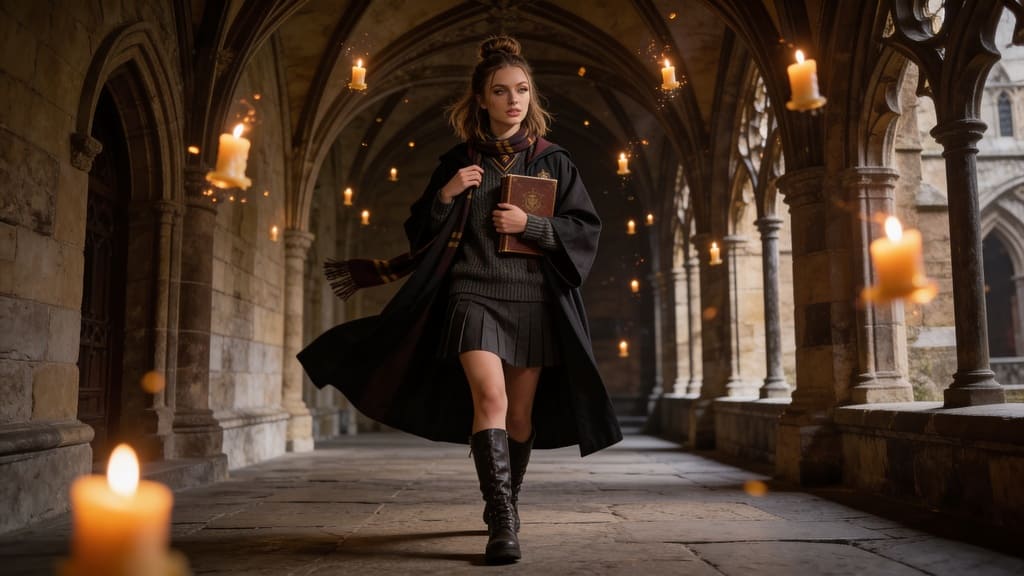
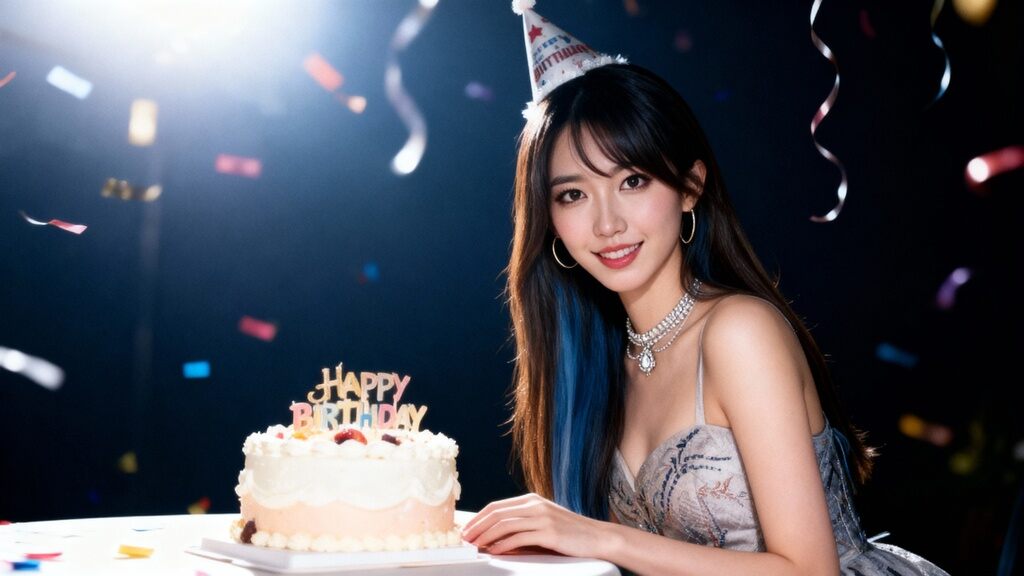
This makes it useful for photorealistic portraits, AI influencer content, product ads, social visuals, campaign variations, and reusable first frames for video. You can generate, inspect, edit, enhance, and continue the strongest result inside one broader creator workflow.
Why Use APOB AI as a GPT Image 2 Alternative?
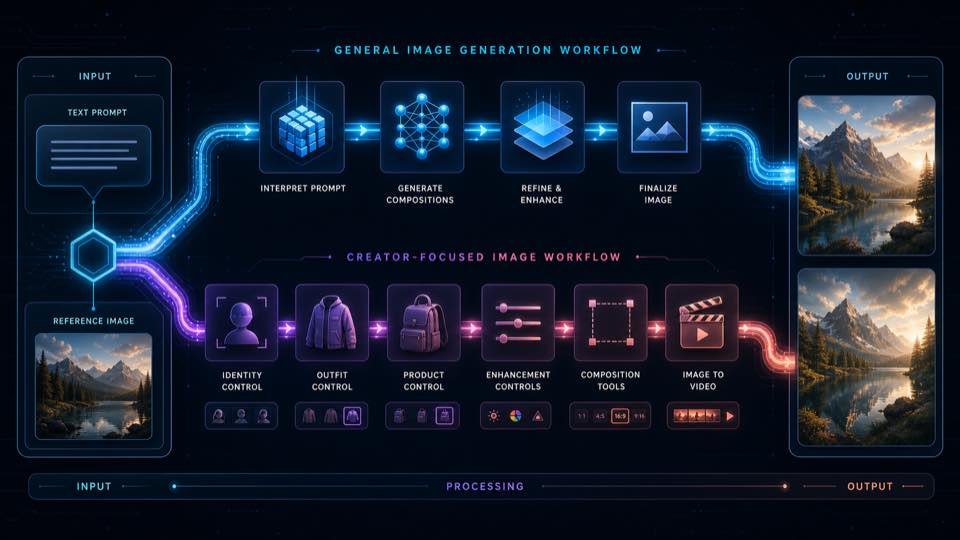
Step 1: Upload the person or base image you want to keep
Open APOB AI Photo Editor and choose Chat to edit. Upload a clear base photo with the face, identity, and important details visible. This image is the anchor for the person you want to preserve.


Step 2: Add a reference and write a constraint-first prompt
Upload the second image as a style or outfit reference. Tell APOB AI which image defines identity, which image supplies clothing or visual direction, what must stay unchanged, and how the final scene should be composed.
Step 3: Generate, inspect, and refine the result
Review identity, clothing details, hands, lighting, background, and framing. If one constraint is missed, revise only that part of the prompt and generate again. The supplied example keeps the person while transferring the green jersey outfit into a photorealistic street portrait.

A practical GPT Image 2 alternative for creators
Generate and edit images through a visual creator workspace instead of assembling a separate model, editor, and post-production chain.
Reference-guided edits with clear roles
Use a base image for identity and an additional image for an outfit, product, pose, background, or visual direction. Constraint-first prompts help separate what to keep from what to change.
Built around portraits, outfits, and creator assets
APOB AI connects general image editing with dedicated face, clothing, portrait, product, enhancement, and influencer workflows that are useful for repeatable content production.
Photorealistic results that can match the brief
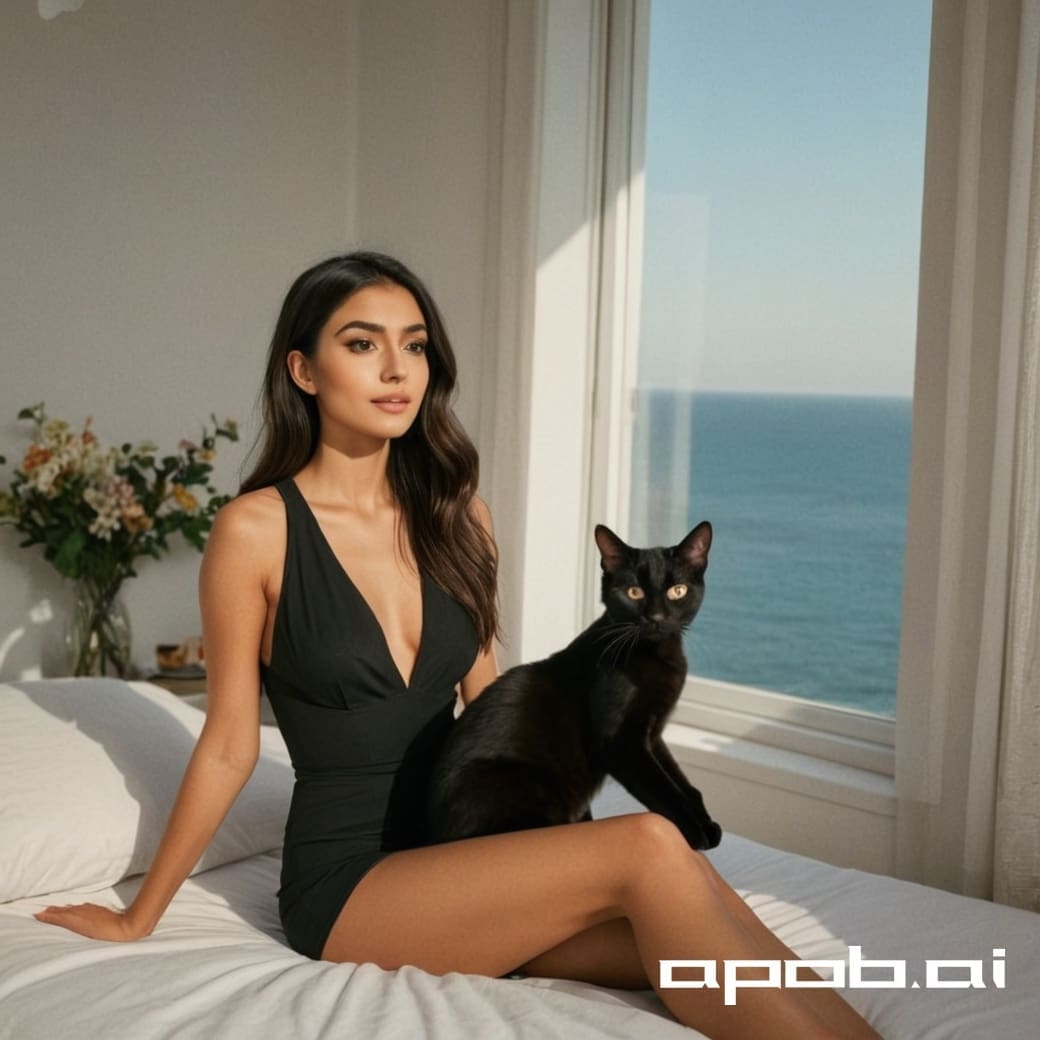
The example on this page shows a believable full-body street image created from a portrait and outfit reference. For identity-led edits like this, APOB AI can deliver the same class of outcome and may fit the creator brief better.
Continue from image to video
Once an image works, move into APOB AI image-to-video, talking video, or other creator tools without rebuilding the subject from scratch.
Quality controls for final delivery
Choose the aspect ratio and available quality options for the intended channel, then upscale or refine the strongest result before publishing.
OpenAI describes GPT Image 2 as a model for fast, high-quality image generation and editing with high-fidelity image inputs. See the official GPT Image 2 model page and OpenAI launch overview. The comparison here focuses on creator workflow fit, not a controlled head-to-head benchmark.
Identity-preserving outfit and style edits
Keep the person from one image while borrowing clothing or visual direction from another. This is useful for virtual try-on concepts, AI influencer styling, lookbooks, and fashion content.
Photorealistic creator portraits
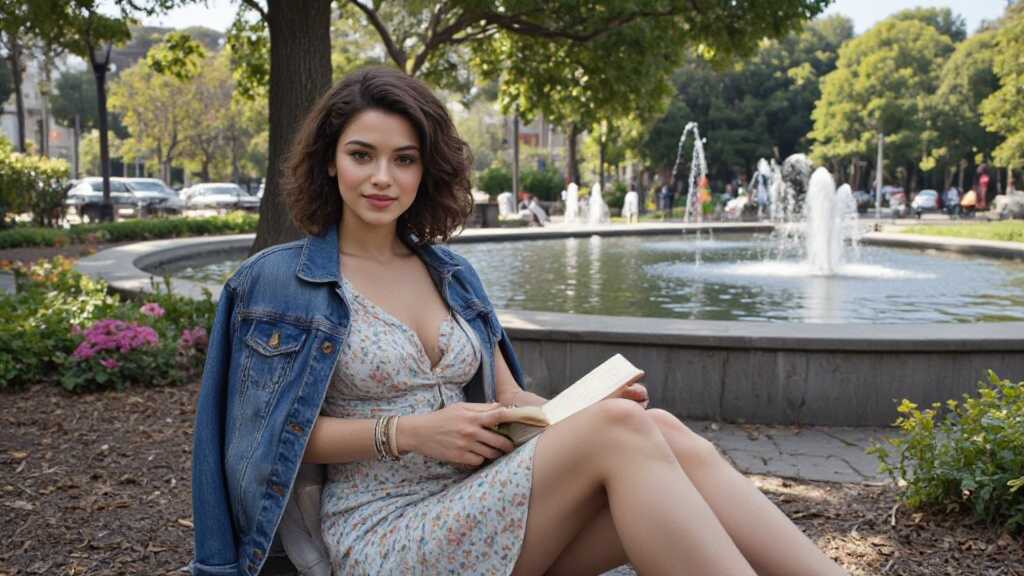
Turn a casual portrait into a polished lifestyle, editorial, travel, studio, or street image while directing lighting, composition, wardrobe, and background.
Product and campaign variations
Generate product scenes, creator-style ad concepts, seasonal variations, and social-first compositions without reshooting every combination.
Text-to-image ideation
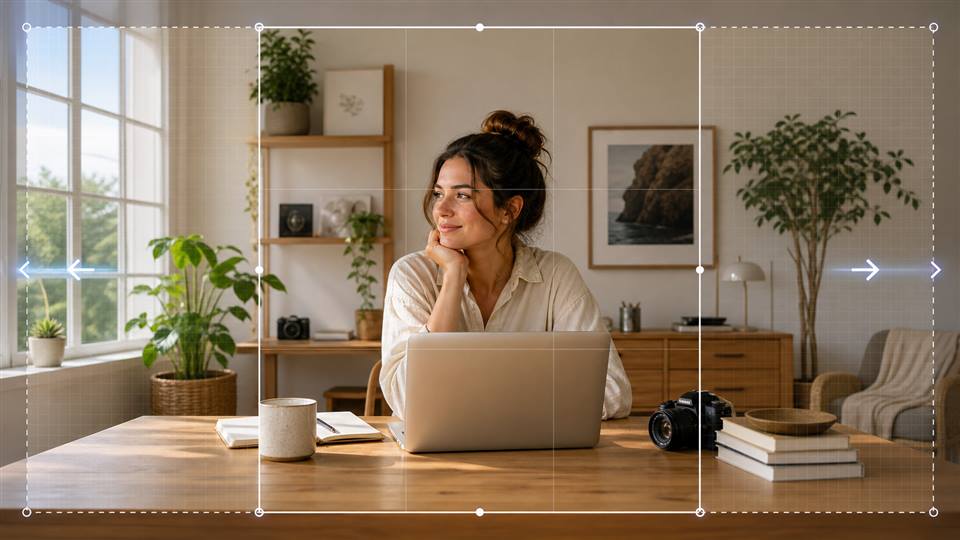
Explore a concept from a written brief, then use the strongest output as the base for targeted edits, crops, enhancements, or video.
Image repair and creative refinement
Change backgrounds, remove distractions, adjust visual details, expand the frame, merge references, or improve resolution with related APOB AI image tools.
Creator-focused alternative workflow
Image generation, editing, portrait tools, outfit workflows, enhancement, and image-to-video options live in the broader APOB AI workspace.
Supports text and image references
You can describe an edit in natural language and use images to anchor identity, clothing, products, scenes, or style.
Useful for repeatable identity-led content
Dedicated creator and AI influencer workflows make APOB AI a strong fit when the same recognizable subject must appear across multiple concepts.
Good fit for visual teams without advanced editing skills
A prompt-led browser workflow reduces the need for manual masking, compositing, and layer-by-layer retouching.
Real workflow example included
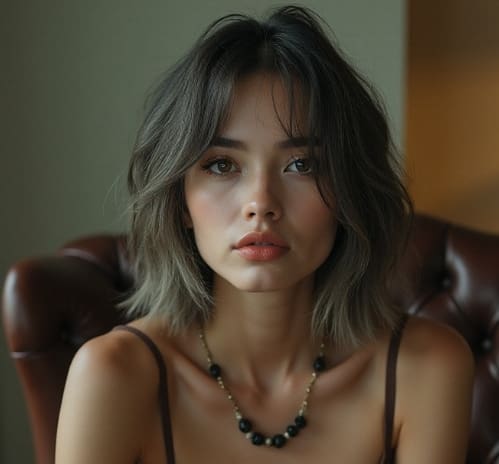
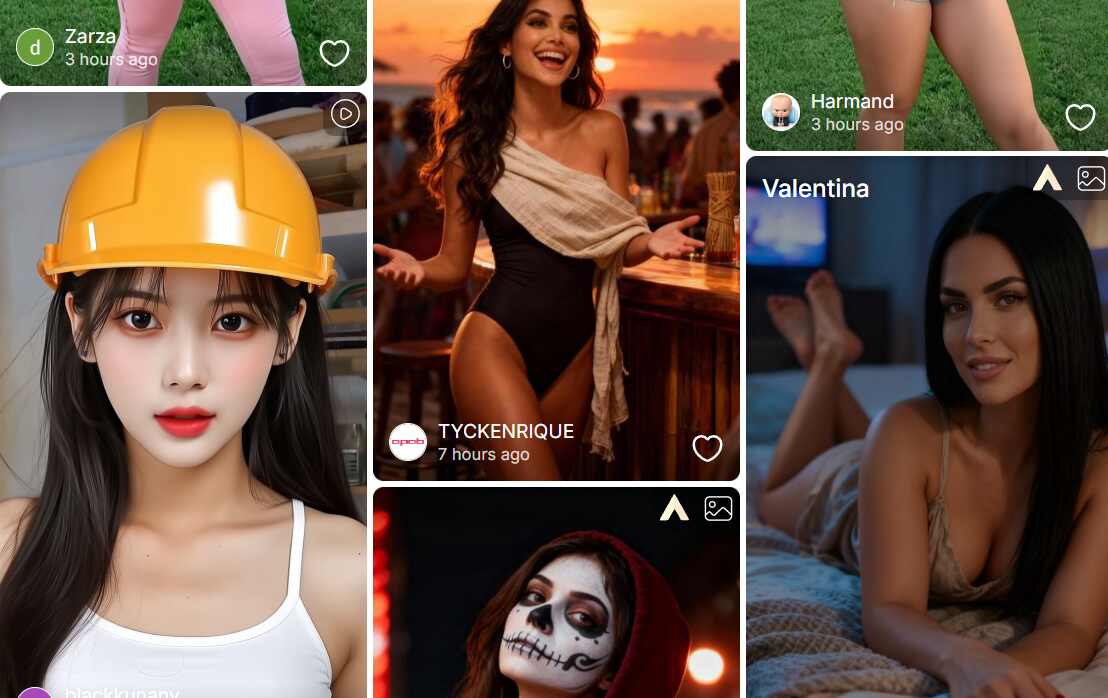
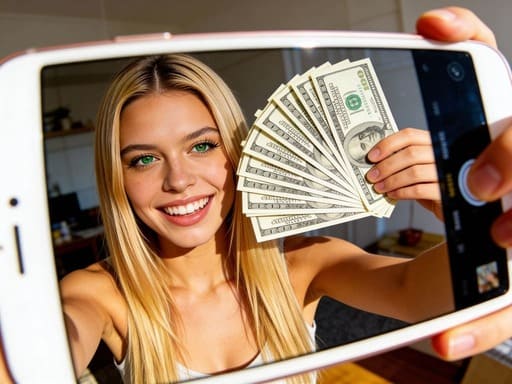
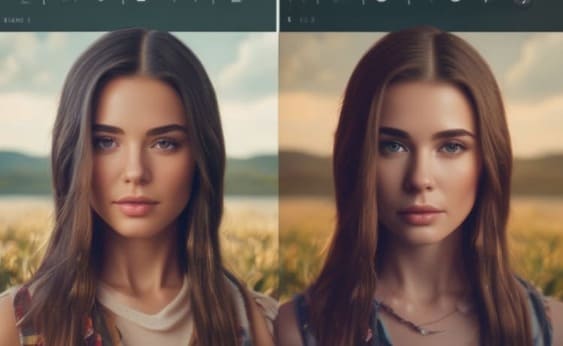
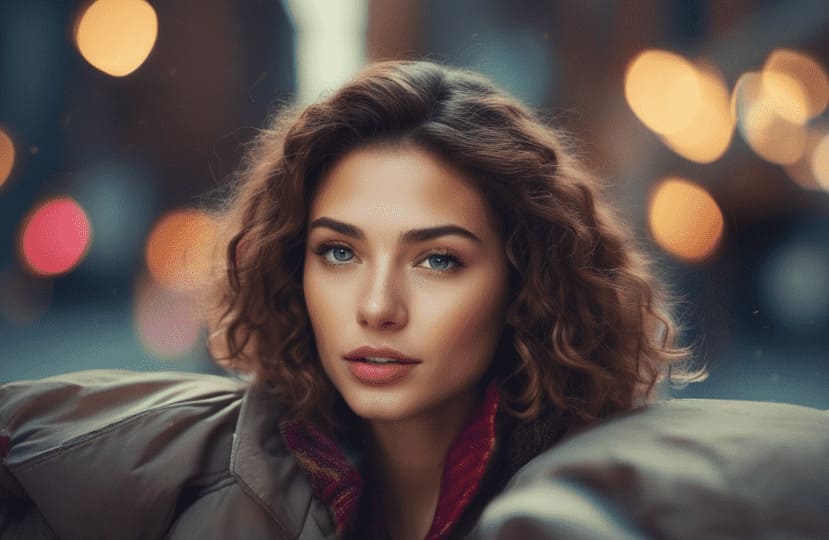
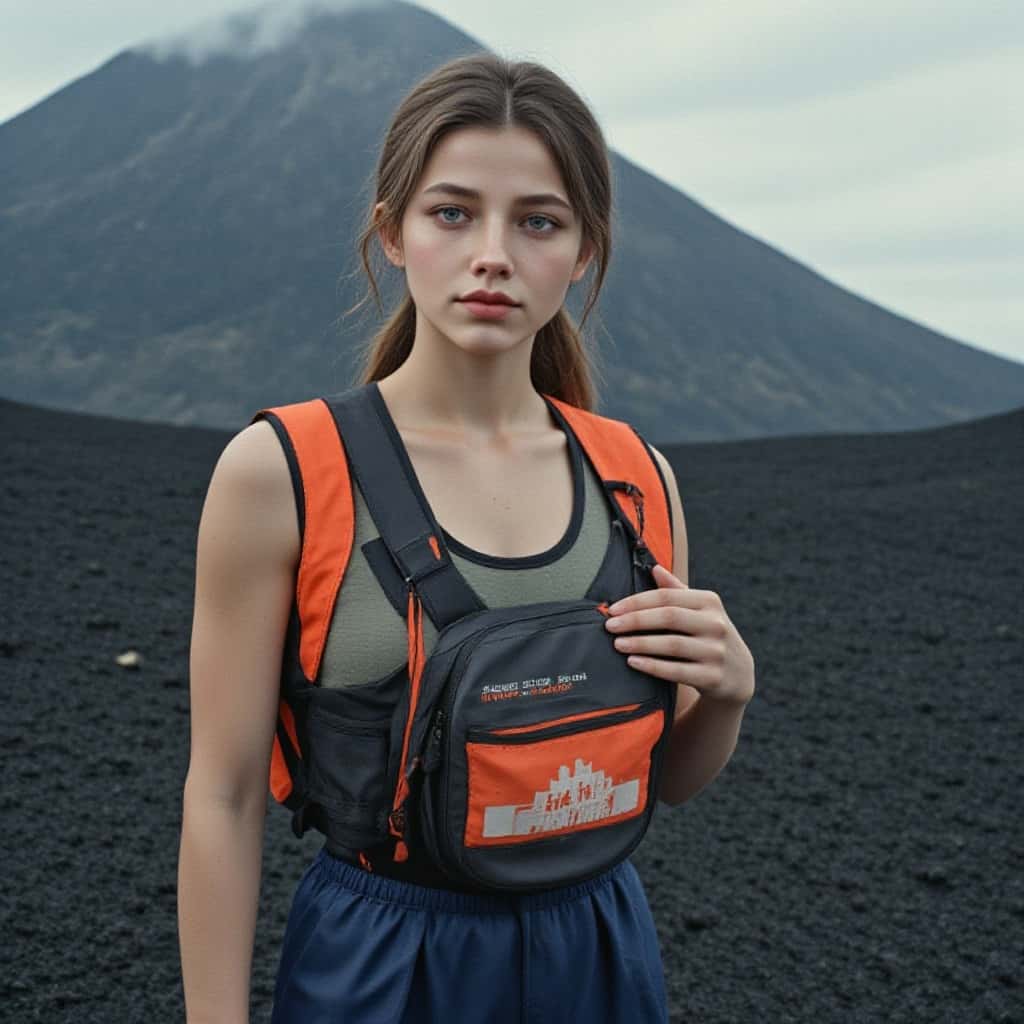
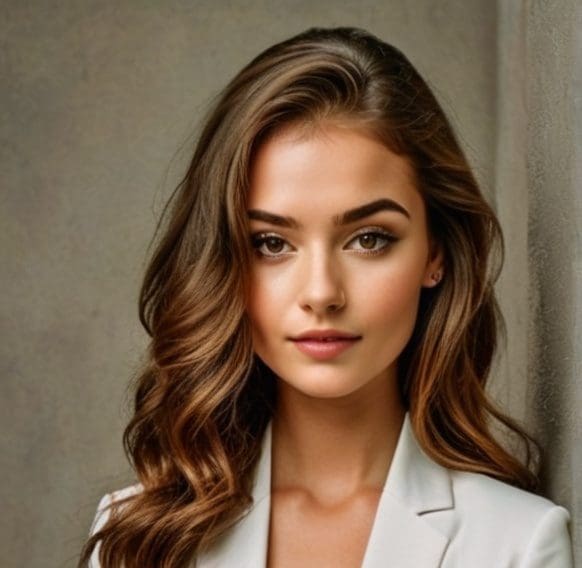
The gallery shows the supplied base image, reference prompt setup, and final generated image rather than a hypothetical result.
Results vary by input and prompt
Identity, hands, text, clothing details, and complex layouts can require another generation or a more explicit prompt.
Not a drop-in GPT Image 2 API replacement
APOB AI is presented here as a creator-workflow alternative; technical API requirements should be evaluated separately.
Credits and processing requirements apply
Generation and high-quality options can use account credits, and availability may depend on the selected workflow or plan.
Final review is still necessary
Teams should check accuracy, brand details, rights, and disclosure requirements before publishing AI-generated images.
No Credit Card Required
Answers about capabilities, reference images, identity, quality, rights, credits, and workflow differences
1. What is a GPT Image 2 alternative?
A GPT Image 2 alternative is another AI image tool that can generate new visuals from text and edit existing images from instructions or references. APOB AI is positioned as a creator-focused alternative for these workflows.
2. Is APOB AI a GPT Image 2 alternative?
Yes. APOB AI offers text-to-image generation, prompt-based photo editing, reference-image guidance, outfit changes, portrait workflows, enhancement, and connected image-to-video tools in one creator workspace.
3. Can APOB AI create the same kind of images as GPT Image 2?
APOB AI can target many of the same output categories, including photorealistic portraits, creator images, product visuals, social ads, and reference-guided edits. Exact results depend on the prompt, source images, and selected settings.
4. Can APOB AI produce better results than GPT Image 2?
For some identity-preserving edits, outfit transfers, AI influencer assets, or creator workflows, APOB AI may produce a result that fits the brief better. This is task-dependent, not a claim that one system wins every prompt.
5. Is APOB AI made by or affiliated with OpenAI?
No. APOB AI is an independent product and is not made, sponsored, or endorsed by OpenAI. GPT Image 2 is an OpenAI model; this page compares workflow alternatives.
6. Can I generate images from text with APOB AI?
Yes. Use APOB AI text-to-image tools to describe a subject, scene, lighting, composition, style, and output goal, then generate and refine the result.
7. Can I edit an existing image with a natural-language prompt?
Yes. Upload a base image, describe what should change and what must remain, then generate an edited version without working through manual layers or masks.
8. Can I upload an additional reference image?
Yes. In supported editing workflows, an additional image can guide an outfit, visual direction, pose, product, background, or other details.
9. Can APOB AI keep the same person while changing the scene or clothing?
APOB AI is designed for identity-led creator workflows. A clear, front-facing base image and an explicit instruction to preserve identity usually give the model the best chance of keeping the person recognizable.
10. How do I transfer an outfit from one reference image to another person?
Use the base photo as the identity reference, add the outfit image as the secondary reference, and state that only the clothing should be borrowed. Describe the final pose, location, lighting, and framing separately.
11. What prompt structure works best for reference-guided editing?
Name the role of each image, list the elements to preserve, list the elements to change, and finish with the desired composition and quality. Specific constraints are easier to follow than a short style-only prompt.
12. Can APOB AI create high-resolution or 4K images?
APOB AI includes quality and enhancement options, including Ultra 4K where shown in the product interface. Availability and credit cost can vary by workflow and account.
13. Can I try APOB AI for free?
APOB AI may provide trial or account credits so you can test supported image workflows before choosing a paid option. Check the product interface for the current credit offer and generation cost.
14. Does APOB AI work in a browser?
Yes. The image generation and editing workflow runs online, so you can upload references, enter a prompt, generate, review, and continue editing from the browser.
15. Can I use APOB AI images commercially?
Commercial use depends on the current APOB AI terms, your plan, and the rights attached to your prompts and source images. Review the latest terms and avoid using material you do not have permission to use.
16. Is APOB AI useful for product photos and ads?
Yes. It can support product packshots, lifestyle scenes, creator-style visuals, campaign variations, and image enhancement, especially when you provide a clear product or style reference.
17. Can I make social media content with APOB AI?
Yes. You can create portrait posts, influencer images, ad concepts, thumbnails, profile visuals, and other assets, then adapt the strongest image for additional formats or video.
18. Is APOB AI an API replacement for GPT Image 2?
This page presents APOB AI as a creator-workflow alternative, not as a drop-in API replacement. Developers who need API-level compatibility should compare the current product and developer options separately.
19. What is the biggest workflow difference between APOB AI and GPT Image 2?
GPT Image 2 is an OpenAI image generation and editing model. APOB AI packages image generation, reference-guided creator edits, portrait and outfit tools, enhancement, and image-to-video paths into a dedicated creator workspace.
20. How do I start using APOB AI as a GPT Image 2 alternative?
Open the APOB AI Photo Editor, upload a clear base image, add a reference if needed, explain what to keep and change, choose the output settings, and generate. Refine the prompt if the first result misses a constraint.


