Free AI Photo Filter for Custom Styles
Turn one still photo into a cinematic, vintage, anime, or editorial look with APOB's Chat to edit. Describe the style and the face, product, pose, camera angle, and crop to preserve, then compare the result with the source before downloading. Sign-in is required to generate. Nano currently includes 80 daily credits; free downloads are watermarked.
How to Use APOB's AI Photo Filter
1. Start with a clear, reviewable still photo
User problem: A filter prompt cannot reliably protect details that are hidden, tiny, blurred, or already compressed.
Real task: For our test, we selected an APOB-generated photorealistic 4:3 café portrait—not a verified camera photograph—with a visible face, hairstyle, navy blazer, hands, coffee cup, window, and table. Those features became the review checklist.
How APOB helps: Open Image → Edit image → Chat to edit, then choose Select content or Upload image. Start from the original file whenever possible. The official Edit Image guide confirms that Chat to edit requires both a base image and a description.

2. Choose Chat to edit for a described style change
User problem: Upscale, background removal, face swap, and color correction solve different jobs.
Real task: A fashion marketer wants cool teal shadows, warmer skin, fine grain, and moderate contrast while retaining the person and café composition. That is a prompt-based photo filter job, so Chat to edit is the appropriate path.
How APOB helps: The workstation places the base image, edit description, aspect ratio, quality choice, and live credit quote in one view. Keep original refers to the aspect ratio; it is not an identity or detail lock.

3. Write a target look plus a protected-detail list
User problem: A request such as “make it cinematic” leaves the palette, texture, contrast, and protected content undefined.
Tested prompt: “Apply a cool cinematic editorial photo filter with restrained teal shadows, warm natural skin tones, fine 35mm grain, soft highlight roll-off, and moderate contrast. Keep the same facial identity, expression, hairstyle, pose, navy blazer, hands, coffee cup, café background, camera angle, and crop. Do not add text, logos, props, or extra people.”
How APOB helps: Chat to edit accepts both the visual direction and the keep list. A keep list reduces ambiguity, but it cannot guarantee exact preservation. In our authenticated test, the interface displayed Generate −50 credits; this is a dated observation, not a permanent price.

4. Compare the source and result before approving the style
User problem: A convincing overall mood can hide drift in eyes, jawline, hands, garment seams, product labels, object count, or crop.
Observed result: The completed image added a cooler cinematic palette, visible grain, and stronger editorial contrast. The person, pose, blazer, hands, cup, camera angle, and 4:3 framing remained recognizable, but the rendering and facial detail were not pixel-identical to the source.
How APOB helps: Keep the original beside the generated image and inspect at full size. Review identity, anatomy, product geometry, text, logos, background objects, and edges—not just the thumbnail.

5. Open the completed result and record the recipe
User problem: A team may approve the right-looking thumbnail but lose track of the source, prompt, ratio, or quality setting that produced it.
Verified workflow: Our result detail retained the base-image thumbnail, full edit description, Ultra 4K, Keep original, and the generated image. A social team could store that record with the approval date before adapting the image for a campaign.
How APOB helps: The result page connects the source and settings to the output. Treat it as a production record, not proof of exact preservation or legal clearance. If a face, hand, label, or crop drifted, return to the original and run one narrower edit instead of stacking another filter on the result.

6. Download the approved image and inspect the file
User problem: “Generation succeeded” does not mean the asset is ready for publication. Rights, watermark status, destination crop, disclosure, and the downloaded file still need review.
Verified workflow: From the completed detail page, open More actions → Download. Our tested result downloaded as a 4096 × 3072 JPEG. No obvious watermark was visible when we inspected that file at full size, but the account and creation history were not a controlled Nano-plan test, so this is not a watermark-free promise.
How APOB helps: The current credits and billing guide lists 80 credits per day for Nano, but one tested edit was quoted at 50 credits—80 daily credits does not mean 80 edits. The content detail guide says Nano downloads always carry a watermark, including free content downloaded after a later upgrade. Treat the live plan and the saved file—not a marketing assumption—as the final check.

Prompts for Portraits, Products, and Illustrated Styles
Use this order: target look → visual traits → protected details → exclusions. The café portrait and product-packshot prompts were tested in the workflow above. The other prompts are starting points to adapt and verify with your own images.
Cinematic café portrait — creator or influencer
Purpose: Add a cool editorial film treatment while retaining the person and setting.
Prompt: Apply a cool cinematic editorial photo filter with restrained teal shadows, warm natural skin tones, fine 35mm grain, soft highlight roll-off, and moderate contrast. Keep the same facial identity, expression, hairstyle, pose, navy blazer, hands, coffee cup, café background, camera angle, and crop. Do not add text, logos, props, or extra people.
Intended result: A cooler, tactile portrait with the original scene still recognizable; inspect facial details and hands.
Cinematic product still — ecommerce marketer
Purpose: Create a seasonal campaign variant without redesigning the product.
Prompt: Apply a cool winter editorial product-photo filter with soft blue-gray shadows, gentle window light, controlled contrast, and clean premium reflections. Keep exactly one ivory glass jar and one cream carton, with the same silhouettes, lid shape, material, colors, object count, spacing, camera angle, and 4:3 crop. Do not add text, logos, labels, hands, props, smoke, or extra products.
Intended result: A cool editorial packshot with one jar and one carton retained; inspect object count, silhouettes, lid, material, spacing, angle, and crop.
Soft magazine flash — fashion designer
Purpose: Give a lookbook a contemporary editorial signature.
Prompt: Restyle this fashion portrait with soft on-camera flash, neutral skin tones, slightly cool shadows, crisp fabric texture, low saturation, and a clean magazine finish. Preserve the model's face, body proportions, garment cut, stitching, accessories, pose, backdrop, and framing. No wardrobe replacement, body reshaping, logo changes, or extra objects.
Intended result: Consistent light and tone without intentionally changing the outfit; inspect seams and accessories.
Anime editorial portrait — character creator
Purpose: Convert a portrait into illustration while retaining recognizable structure.
Prompt: Transform this portrait into a polished anime editorial illustration with clean linework, cel-shaded lighting, restrained pastel color, and detailed eyes. Keep the same face shape, hairstyle silhouette, expression, pose, clothing colors, crop, and background composition. Do not imitate a named living artist or add text, logos, weapons, or extra characters.
Intended result: A clearly illustrated interpretation; compare the face shape, expression, and silhouette with the source.
When a Prompt-Based Filter Is the Right Choice
A prompt-based AI photo filter is useful when the goal is a visual reinterpretation—not exact color correction—and a reviewer can inspect the result.
First-hand workflow evidence
Last verified: September 23, 2026. We completed two authenticated APOB tests: a photorealistic café portrait and an uploaded, AI-generated unbranded packshot with one ivory jar and one blank carton. For both, we opened Image → Edit image → Chat to edit, kept the original 4:3 ratio, selected Ultra 4K, saw a 50-credit quote, generated the edit, opened the detail record, and used More actions → Download. The portrait finished in about 43 seconds and the product test in about 55 seconds; both downloads were 4096 × 3072 JPEG files. These are dated observations, not guarantees for speed, cost, format, or dimensions.
What the visual comparison showed
The portrait result kept the person, pose, blazer, hands, cup, camera angle, and framing recognizable. The product result retained one jar and one carton with broadly similar silhouettes, spacing, and viewing angle while keeping the 4:3 aspect ratio. The blank packaging had no printed labels, so this test did not evaluate logo, typography, or mandatory-label preservation. These were visual comparisons of two examples, not quantitative tests of identity accuracy, geometry, or repeatability.
Free entry with visible limits
APOB currently lists 80 daily credits for Nano, while the generation button shows the server-driven cost. The Help Center says Nano downloads are watermarked and private content is paid-only. Our inspected exports had no obvious visible watermark, but the tests were not controlled Nano-plan tests; check the live plan and saved file before a batch.
Clear page boundaries
Use this page for generative still-photo styling. For broader changes, use AI Photo Editor; for controlled hue and tonal work, use AI Color Grading; for clips, use AI Video Filter.
Rights, Privacy, and Disclosure Checklist
This is a practical publishing checklist, not legal advice. Rules vary by jurisdiction, client, and platform.
Consent and likeness
Obtain permission for the source image, the transformation, and the intended distribution. A public profile does not create permission for an advertisement, endorsement, impersonation, or sensitive portrayal. Do not use the workflow to deceive, harass, humiliate, or falsely represent a real person.
Rights in the source and references
Confirm that you have the rights and permissions needed to upload each asset and use the edited result for its intended purpose. Describe visual traits instead of requesting a close imitation of a named living artist. Keep releases, licenses, source files, prompts, and the approved output with the project record.
Commercial use and APOB's content license
APOB's Terms of Service say that, as between the user and APOB, users own Generated Content to the fullest extent permitted by law, subject to third-party rights and the licenses in the Terms. The same Terms grant APOB a broad, perpetual, transferable, sublicensable license to user and generated content. Commercial clearance is therefore not the same as exclusive control or third-party clearance.
Privacy, training, and confidential work
APOB's Privacy Policy lists User Content among information it may collect and says collected information may be used to improve services, including training AI and machine-learning models. A paid “Private content” feature concerns visibility; it should not be treated as a confidentiality agreement or a promise that content is excluded from model training. Do not upload unreleased campaigns, biometric records, identity documents, children's photos, or client-confidential assets without an approved data-handling review.
Disclosure and platform rules
Use disclosure controls when realistic media is generated or materially altered and viewers could be misled. Check TikTok's AI-generated content guidance and Meta's labeling approach at publication time. Advertising, political, health, finance, and public-figure content can require stricter treatment.
Copyright and human contribution
The U.S. Copyright Office AI initiative explains that copyrightability depends on human authorship and is assessed case by case. Prompting alone may not establish protection in the United States; meaningful human selection, arrangement, or editing can matter. Other jurisdictions differ.
Photo Style Ideas for Real Creative Tasks
Six still-image workflows with preservation checks for portraits, products, creator campaigns, profiles, thumbnails, and faceless content.
Fashion lookbook: one art direction, individual review
A small label can reuse a soft-flash editorial brief across approved portraits while protecting each model's face, garment construction, pose, and crop. Inspect every output; the same prompt does not guarantee identical treatment.
Ecommerce campaign: change atmosphere, not the claim
A skincare seller can request a cool winter-window mood while protecting the jar silhouette, cap, material, color, label position, logo geometry, package text, and item count. Restore exact typography in a standard editor if it changes. For net-new catalog scenes rather than restyling one source, use the AI Product Photo Generator.
AI influencer feed: repeat a visual language
A creator can use one restrained 35mm brief for carousel covers and campaign stills, then save the prompt and review checklist with approved files. IAB projected U.S. creator-economy ad spend at $37 billion in 2025, up 26% year over year, and $44 billion in 2026; a documented asset workflow matters as creator campaigns scale. IAB Creator Economy report.
LinkedIn or speaker headshot: polish without reconstruction
A consultant can request neutral editorial color, gentle contrast, and natural skin texture while excluding face reshaping, age changes, teeth edits, and synthetic makeup. Compare the result with the original where identity accuracy matters.
TikTok ad still or YouTube thumbnail: style first, typography last
A marketer can create a cinematic key image while protecting the creator and product, then add the final headline in a layout tool. This reduces invented copy and logo errors.
Faceless creator mood board: objects and spaces only
A faceless account can restyle desk setups, interiors, recipes, or travel details into archival, anime, or risograph references. Remove addresses, documents, account screens, and other sensitive information before upload.
Benefits and Limits
Pros
Custom directions instead of a preset catalog
Describe an era, publication, palette, grain, contrast, and light behavior in one brief.
Visible acceptance criteria
A keep list gives both the model and reviewer a concrete checklist for the face, product, pose, crop, and exclusions.
Useful for rapid campaign variants
Test a cinematic product still, editorial portrait, or illustrated direction before committing to a manual production workflow.
Traceable result record
The detail page retains the base image, prompt, quality, aspect ratio, result, and downstream actions.
Free daily credit allowance
Nano currently provides 80 credits per day, and the button shows the live cost before generation.
Cons
Preservation is not guaranteed
Faces, hands, jewelry, labels, fine geometry, background objects, and crop can drift even when they appear in the keep list.
Not ideal for exact color correction
A generative edit is less deterministic than a preset or manual grade. Use conventional tools when brand color or pixel continuity is mandatory.
Text and logos need a separate check
Small type, package copy, certification marks, and logos can be distorted. Restore exact assets after the style pass.
Repeated filtering can compound changes
For each major direction, return to the original rather than filtering a previous result.
Free-plan limits affect the workflow
80 credits is a daily allowance, not a count of edits. Our tested edit cost 50 credits, Nano downloads are watermarked, and private content is a paid feature.
Try Chat to Edit — Check the Live Credit Cost
No Credit Card Required
AI Photo Editing, Portrait, Product, and Prompt Guides
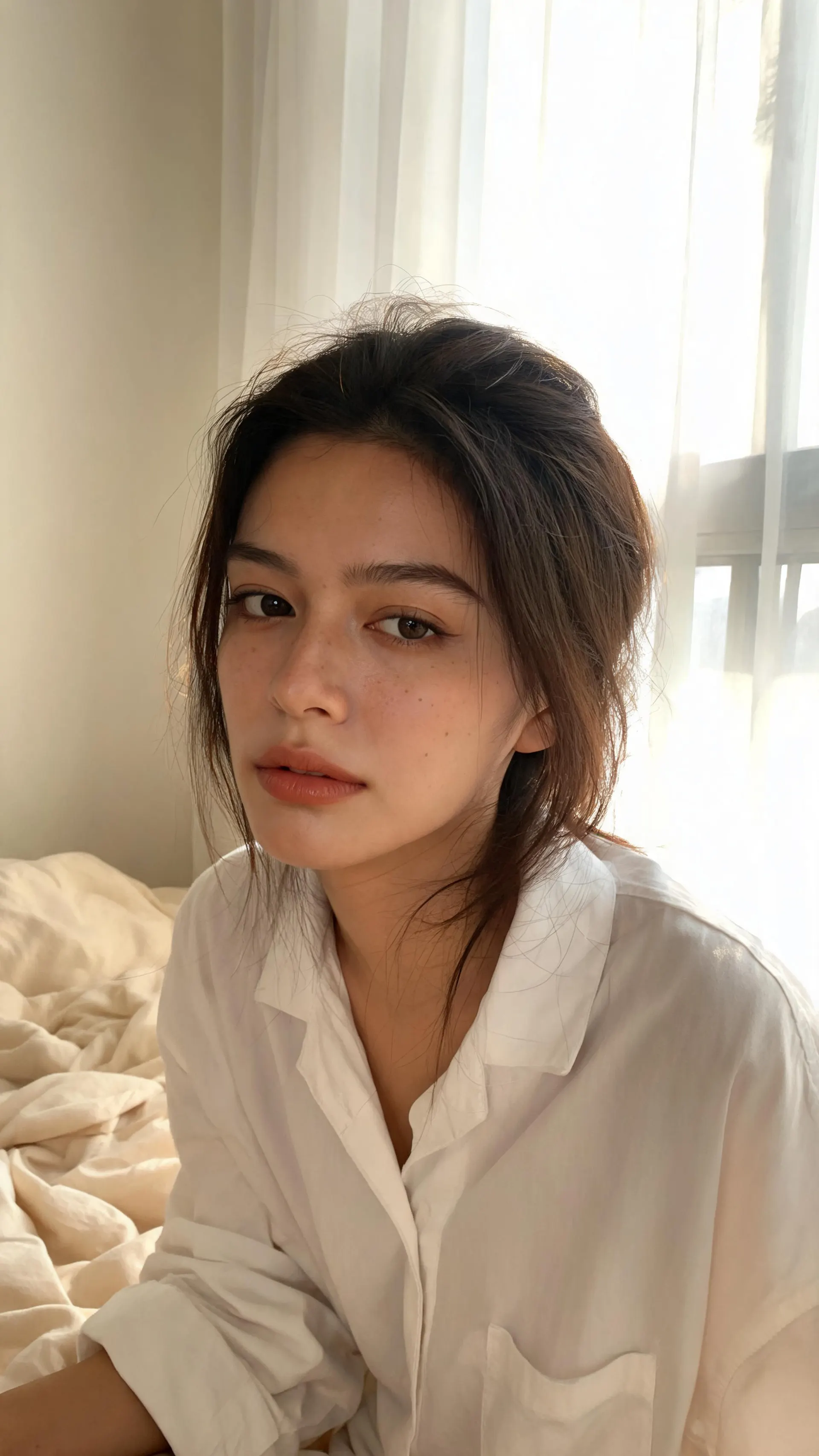
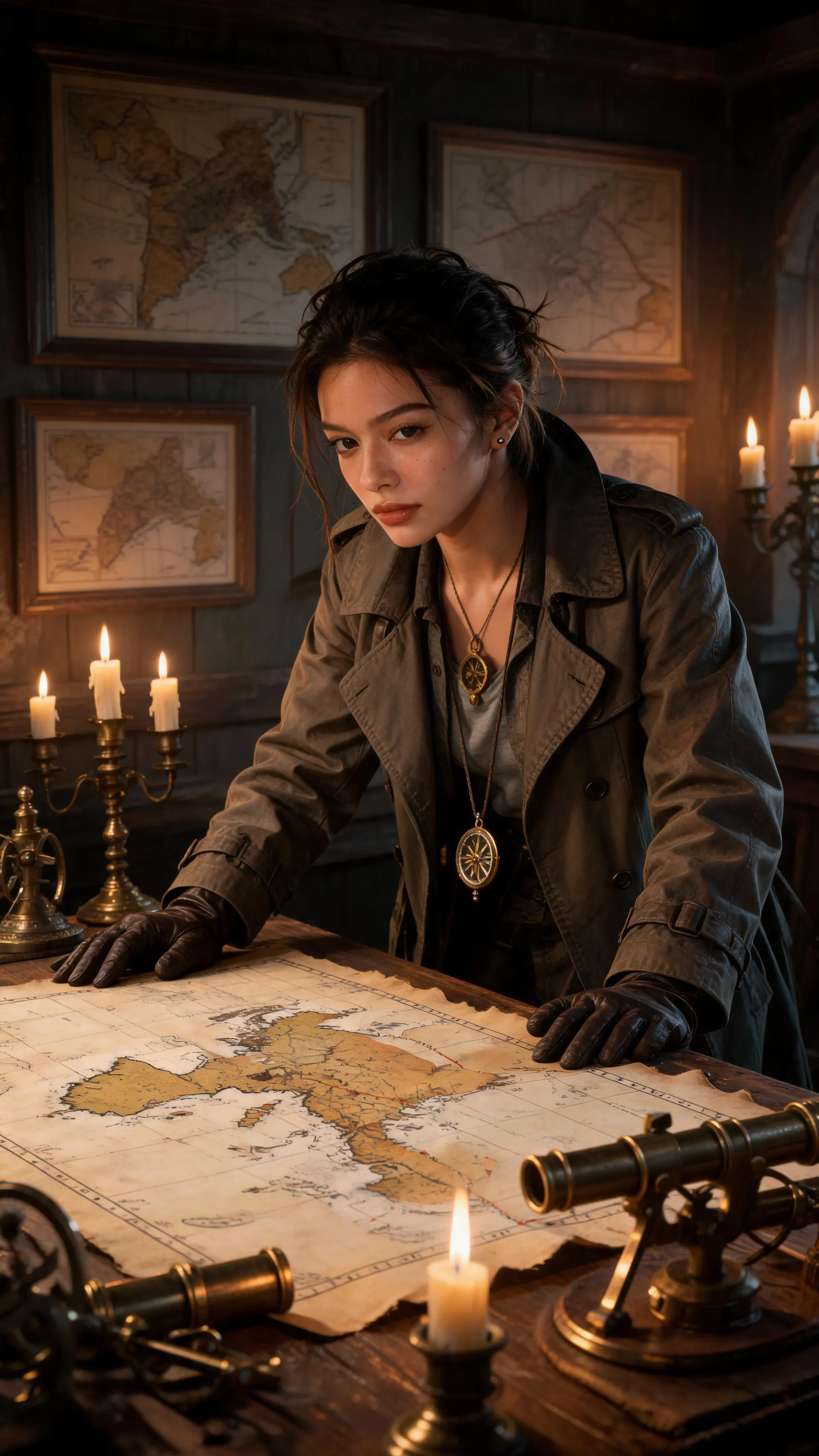
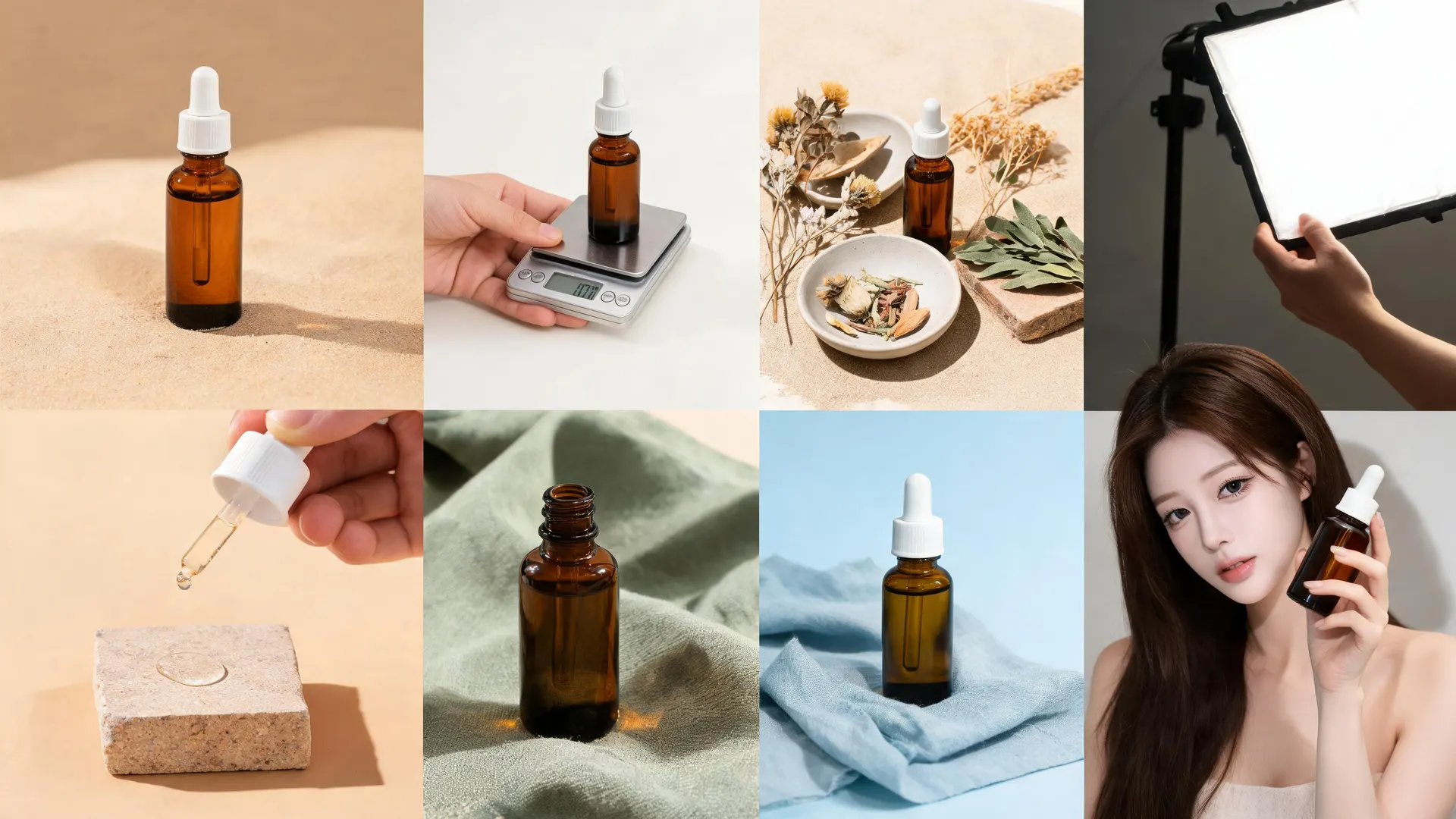
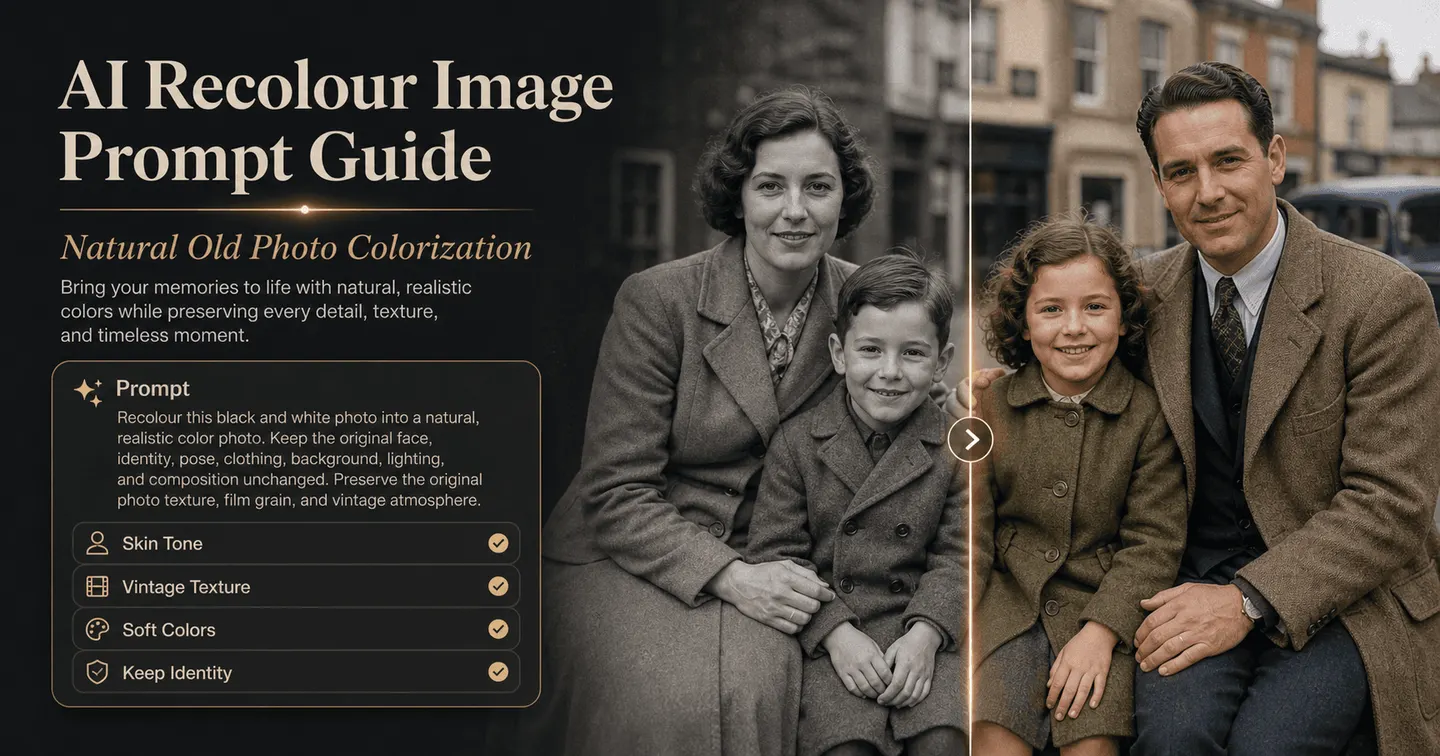


FAQ About Filtering Photos with AI
Answers about free credits, prompt structure, identity and composition checks, pricing logic, privacy, commercial use, disclosure, downloads, mobile access, and still-photo scope.
What is an AI photo filter?
An AI photo filter uses AI to change an image's appearance. APOB's workflow on this page uses prompt-based generative editing: describe a style in Chat to edit, then review the transformed still. It can reinterpret lighting, texture, and details that a conventional preset would leave unchanged.
Can I upload my own photo?
Yes. Chat to edit offers Select content and Upload image for the base. Sign-in is required to generate, and the tool needs both a base image and a description. The current Edit Image guide does not specify every accepted format or upload-size limit, so check the live uploader before preparing a batch.
Is there a free AI photo filter in APOB?
APOB's current Nano plan tops up 80 credits per day. A tested Ultra 4K Chat to edit run displayed a 50-credit quote, so the allowance should not be read as 80 edits. Costs are server-driven and shown before Generate. Nano downloads are watermarked. Check the live plan guide.
How is this different from a traditional preset?
A preset mainly applies a fixed color-and-tone recipe. A prompt-based filter can reinterpret lighting, texture, rendering style, and mood. That flexibility creates more variation and more risk of detail drift.
How is it different from manual color grading?
Color grading changes hue, contrast, highlights, shadows, and temperature while usually preserving photographed structure. Generative filtering can redraw texture or convert the image into an illustrated style. Choose grading when exact control matters.
Can it keep the same face?
It can keep a person recognizable, but exact identity preservation is not guaranteed. Use a clear source and name the face, expression, hair, pose, hands, camera angle, and crop in the keep list. Review the result at full size.
Does Keep original protect my composition?
Keep original preserves the source aspect ratio. It does not lock every object, person, or pixel. Add a composition instruction such as ‘do not crop, move, add, or remove subjects,’ then compare the source and result.
What makes a strong filter prompt?
Use four parts: target look, specific visual traits, protected details, and exclusions. Avoid stacking background replacement, wardrobe changes, and a strong style conversion in the same test when preservation matters.
Why did the result change a face, hand, product, or label?
Generative editing can reinterpret ambiguous or small details. Return to the original, make one narrower change, name the feature that drifted, and use a conventional editor for exact text, logos, or regulated package information.
Will the same prompt produce the same result every time?
Do not assume deterministic output. Save the approved source, prompt, settings, and final file, and review every new generation—even when the wording is unchanged.
Can I use AI photo effects on product images?
Yes, when you have rights to the source and can review the result. Protect the silhouette, material, color, label placement, logo geometry, package text, and item count. Restore exact typography after generation if needed.
Can I use the result commercially?
Potentially, but clearance depends on your rights to the source, people, products, marks, artwork, and references. APOB's Terms address ownership between you and APOB while also granting APOB broad licenses. Review the current Terms and obtain campaign-specific permissions.
Are uploads and results private?
Do not equate a private visibility setting with confidentiality. The Nano plan does not include private content; APOB's Privacy Policy says collected information may be used to improve services, including training AI/ML models. Avoid sensitive or confidential uploads without a data-handling review.
What quality options and costs are available?
The current Edit Image guide lists Ultra 4K and UltraS 4K for Chat to edit. The cost is server-driven and appears beside Generate. Availability can vary by account and plan.
How do I download a filtered photo?
Open the completed result, choose More actions, and select Download. Our inspected test file was a 4096 × 3072 JPEG, but format and dimensions can vary. The content detail guide says Nano downloads always carry a watermark; upgrading later does not retroactively remove the watermark from content generated while free.
Does it work on mobile?
APOB's current Edit Image guide says the same tools are available on mobile, where the tool picker and upload flow use mobile-specific sheets. Controls can appear in different locations than on desktop.
Do I need to disclose an AI-filtered photo?
Can this page filter video?
No. This workflow is for still photos. Video restyling introduces frame-to-frame consistency, motion, and export issues and belongs in APOB's separate AI Video Filter workflow.