
AI Influencer Generator
Create a virtual influencer from a description or reference image. Reuse your character in photos, TikTok clips, and Instagram Reels.
MADE WITH APOB
AI influencer video ideas for TikTok and Instagram Reels
Use the APOB AI Influencer Generator to create short videos for TikTok and Instagram Reels. Try a giant-lemon reaction, a street-style walk, or a mirror GRWM. Each clip includes a suggested text-to-video prompt you can adapt for your virtual influencer.
The giant lemon reaction
Try this AI influencer video idea for TikTok: put the oversized prop in frame before the reaction.
Vertical 9:16 reaction clip in a bright home kitchen. A giant lemon fills the foreground from the first frame. Behind it, an adult creator in a gray sweatshirt looks down in disbelief, pauses, then breaks into a smile. Fixed phone camera at counter height. Keep the lemon still. No captions or logos.
Create in APOBStreet style in a mural alley
Create an AI influencer fashion video for Instagram Reels with a bold outfit, a colorful backdrop and one clean pose.
Vertical 9:16 street-style Reel. Start on a colorful mural alley with an adult creator in a bright blue top and black wide-leg trousers already walking toward the camera. She stops near the corner and puts one hand on her hip. Keep her full outfit in frame with a fixed eye-level phone camera. No captions or logos.
Create in APOBMirror GRWM: one beauty touch-up
Make a GRWM video with your virtual influencer. Use the mirror to show her face and the touch-up in one shot.
Vertical 9:16 get-ready-with-me clip. Frame an adult creator in a white robe from behind and slightly to one side so her face is visible in the bathroom mirror. She touches up her lips with an applicator, then lowers it and checks her reflection. Steady camera, soft daylight, matching reflection, no captions or logos.
Create in APOBSunset rooftop dance
Give your AI influencer dance Reel a clear opening with the sunset skyline and a step toward the camera.
Vertical 9:16 dance Reel on a rooftop at sunset. Keep the skyline and long shadows visible. An adult dancer in a pink crop top and pastel trousers starts moving immediately, steps toward the camera and lifts one hand near her hair. Fixed full-body framing, natural weight shifts, no captions or logos.
Create in APOBThe one-flip pancake challenge
Try a TikTok cooking challenge with your AI influencer. Keep the flip, catch and reaction in one shot.
Vertical 9:16 kitchen challenge. An adult creator in a blue T-shirt holds a black skillet at the counter, flips one pancake high enough to see it turn once, catches it flat in the pan and smiles. Keep the pancake and his reaction in the same fixed medium shot. No captions or logos.
Create in APOBOcean lookout: turn to the camera
Create a travel Reel with your virtual influencer. Open on the ocean and let the turn reveal her face.
Vertical 9:16 travel Reel. Open behind an adult creator in a light linen outfit at a cliffside lookout, with sunlight reflecting off the ocean. The breeze moves her hair. She turns toward the camera and smiles. Hold the coastline and her face in the same steady shot. No captions or logos.
Create in APOBStreet dance: quick footwork and a turn
For an AI influencer dance video, keep the footwork and final turn visible in one full-body shot.
Vertical 9:16 street dance clip. An adult dancer in a black sweatshirt and loose gray trousers starts with quick crossing steps in an outdoor plaza, adds a small hop and finishes with a turn. Fixed full-body phone framing with feet in shot, natural arm movement, no captions or logos.
Create in APOB


Create a consistent AI influencer in 4 Steps
1. Define the virtual influencer
Start from a written persona brief or an approved reference image. Specify niche, audience, visual traits, wardrobe, setting, and content goal. Save one approved result and reuse stable details, while reviewing every new generation for drift.
For a fitness creator brief, explore the AI fitness influencer workflow and keep the identity and wardrobe consistent between posts.
For a sports-focused persona, explore the AI baseball influencer workflow and use original character and team details.

2. Choose image, video, or talking content with the ai influencer generator
Use the left-side creation panel to decide what you want to make next. APOB AI supports image generation, image-to-video, edit video, talking video, text-to-video, video extension, subtitles, and more. This lets you turn one AI influencer into a complete social media content engine for Instagram, TikTok, Reels, UGC ads, and brand campaigns.
For vertical creator visuals, follow the AI TikTok influencer workflow and review the portrait before adding motion.
Add Your Influencer to the Prompt
In the prompt box, mention your saved model with the @ influencer tag. This tells APOB AI to use your selected AI influencer instead of generating a random face. You can then describe the scene, outfit, pose, camera style, background, mood, or product placement you want.
Example prompt:@Lila taking a mirror selfie in a modern apartment, wearing a white blazer and jeans, natural daylight, realistic skin texture, Instagram lifestyle photo

Create a consistent AI influencer in 4 Steps
3. Customize style, clothing, scene, and details of your ai influencer
Use the quick prompt controls to add art style, clothing, architecture, landscape, weather, and extra elements. These options help you build a more specific look without writing a long prompt from scratch. For brand campaigns, you can add products, outfits, locations, or seasonal themes to create polished influencer-style content.
For Instagram-specific character visuals and formats, follow the AI Instagram influencer workflow.
Select Quantity, Aspect Ratio, and Quality
Before generating, choose how many images you want, the aspect ratio, and the output quality. For TikTok, Reels, and Shorts, use a vertical format like 9:16. For Instagram posts or product pages, choose a square or portrait format. Higher quality settings are ideal for ads, e-commerce visuals, and professional brand assets.

Generate and Reuse Your Best Results
Click Generate to create your AI influencer content. You can save the best outputs, use them as references for new generations, or turn still images into videos with APOB AI’s video tools. This makes it easy to keep your virtual influencer visually consistent while producing fresh content for different platforms.

Keep a recognizable face across photos and videos
These four photos were made with the same APOB portrait model. Compare the bakery close-up, rain-soaked street shot, record shop, and rooftop flower market. The setting, outfit, and framing change. Look for the short bob, blue eyeliner, and silver hoops in each shot.


Same character, four scenes
AI influencer video ideas for Instagram and TikTok
Recurring POV: This tiny shop sells one thing
Show your character outside a tiny shop. Cut to the counter to reveal the one oversized cake the shop sells. Put the question in the first caption, and make the reveal clear with sound off. For another post, keep the same character and visit a different shop.
Two more formats to try
For an outfit reveal, show a thrift find before the finished look. For expectation versus reality, start with your character's plan and end with an unexpected detail. Start with one clear action per shot.
Read the step-by-step creator guide
AI influencer pricing and credits
Nano includes 80 daily credits. Paid plans include larger allowances. Check the price for your region and the credit quote in the app before generating. Video costs vary with settings and duration.
Scaling Video Ads with AI Influencer Generator
In the world of paid social media ads, creative fatigue happens quickly. Using an AI influencer allows media buyers to generate dozens of video hooks in minutes. You can have the same digital persona wear different outfits, use different tones of voice, or even speak different languages to test which "first 3 seconds" converts the best. It's a data-driven marketer's dream for scaling User Generated Content (UGC) campaigns with a consistent AI influencer.
Planning a fictional adult food creator? Use our AI Mukbang example to plan one snack scene and check the bite before using the clip in a campaign concept.
Hyper-Realistic Prompt (TikTok Ad/Webcam Vibe):
A casual selfie-style photo of a young woman holding Perfume close to the camera, arm extended holding the phone, natural smile, relaxed expression, soft indoor lighting, realistic skin texture and pores, slightly messy room in the background, authentic smartphone photography, user-generated content style.

Brand safety requires human review
A virtual influencer does not remove campaign risk. Teams still need approval for claims, rights, disclosure, audience suitability, product accuracy, and platform policy. Treat the character as governed brand content, not as a risk-free ambassador.

What is an AI influencer generator?
An AI influencer generator creates a virtual persona - a consistent, photorealistic character - and produces social-media content starring that character. Unlike a general image generator, it keeps the same face, body and style across every image and video, which is what makes a believable influencer identity possible. APOB AI trains a reusable portrait model from one photo (or a generated face) and powers 40+ image, video and voice tools with it.
Image gallery of ai influencer


Give your influencer a voice and video
Talking avatar
turn one still into a talking video; check the available duration and credit cost
Voice cloning
use a voice you have permission to use, or explore text-based voice design; check the available workflow and input requirements
Video
explore image-to-video, text-to-video and storyboard workflows. Check available resolution and use footage you have permission to adapt.
To use the character in an original episodic story, follow the micro drama creation workflow and plan each shot before rendering.
For a presenter-led show, use the AI live host workflow to define the opening and the visual source.
To use your character in a native APOB session, explore AI live streaming and review the Live setup before launch.
Motion control & lip sync
natural movement and dance/motion transfer
Create UGC and brand content
Virtual try-on - re-dress your influencer in any garment from a preset library or your own product photo
Product placement & face swap
Lip-synced ad reads with subtitles
Before producing campaign assets, use this AI influencer campaign brief to agree on the creator’s role, deliverables, and review steps.

Real Creator Case Study: Build a Consistent AI Influencer with APOB AI
Watch YouTuber 'Monetize with AI' reveal his exact workflow for building and profiting from APOB AI models.
User: Monetize with AI
Creator goal: create a reusable AI influencer for social posts and short videos.
Workflow: generate a face-consistent AI model, create lifestyle images, then turn selected images into videos.
Result: one AI persona can be reused across Instagram, TikTok, UGC-style ads, and brand visuals.
Best for: creators, agencies, ecommerce brands, and social media teams.
Creators using APOB AI
Emir.
21k Followers
Subhan Qureshi
26k Followers
ELITE MINDSET
23k Followers

Ajay Sharma
30k Followers
Mr Shishir
5k Followers
edrian.exe
604k Followers
aprendeconvalerio
1.39M Followers
gabzer.mp4
591k Followers
Hasan Toor
413k Followers
Tulsi Soni
153k Followers

TuTecnoMundo
3.08M Subscribers

YORD
2.79M Subscribers
SinnerSam
325k Subscribers
malik.makhlouff
1.2M Followers
Riscaane
215k Followers
setups_ai
950k Followers



Jhonier Gomez
137k Subscribers

David Dato
70k Subscribers
Pro Secret
22k Subscribers

rulomart
2.4M Followers
xabatz
99K Followers
reels_drgn
55K Followers
cristinakerk.studio
156K Followers
websconia_ia
23k Followers
felippetek
216k Followers
cr_webq
15k Followers
moddy.a.m
385k Followers
mpminds
1.2M Followers
ainusantara
551k Followers
vin.ai93
209K Followers

pampisman
957k Followers
eloiljf
296k Followers


The Faceless Creator: Monetizing with an AI Influencer Generator
The Faceless Creator: Monetizing with an AI Influencer Generator
For creators who have a great eye for content but suffer from camera anxiety or want to protect their privacy, creating an AI influencer offers one way to create content without appearing on camera. You can build a fully fleshed-out persona with a specific fashion sense, backstory, and aesthetic. Whether it's daily lifestyle vlogs on TikTok or aesthetic photo dumps on Instagram, your AI influencer can post consistently with your ongoing direction. Brand deals and creator funds have their own eligibility, identity-verification and disclosure requirements; earnings are not guaranteed.
Hyper-Realistic Prompt (UGC/Casual Vibe):
candid mirror selfie of a 25-year-old female AI influencer, taken with an iPhone 15 Pro front camera, casual messy bun, wearing an oversized vintage graphic tee and grey sweatpants, holding a half-empty iced coffee, slightly messy bedroom background, natural window light, subtle natural skin texture, visible pores, unedited raw photo, authentic everyday lifestyle

E-Commerce Revolution: Using AI Influencer Generator for Virtual Models
E-commerce brands can explore AI-generated product and lifestyle concepts. By using an AI influencer generator to train a custom model that fits your brand's target demographic, you can generate product mockups, virtual try-ons, and lifestyle lookbooks. Check the accuracy of products, logos and claims before using a generated asset commercially. Your dedicated AI influencer can showcase your new summer collection on a beach in Bali or wear your jewelry in a Parisian cafe, exploring variations for your product pages.

Why Choose APOB AI as your AI influencer generator?
A staged workflow for social content
Create the persona, approve one still image, refine only the details that matter, then move to an optional video workflow. Platform formats, credits, output sizes, and available controls can change, so use the settings shown in the current product rather than relying on fixed promises.
4 Biggest Bottlenecks in AI Influencer Marketing (How to Fix Them)
Consistency requires review
Reuse stable references and identity notes, but expect variation across poses, lighting, and video. Compare every output.
Products and logos can distort
Check hands, packaging, labels, and claims before a brand asset is approved.
Rights and disclosure still apply
Use permitted references, avoid impersonation, and label synthetic content where required.
Pros and Cons of Using AI Influencer Generator
Pros
Reusable persona brief
Document niche, audience, visual traits, wardrobe, and tone for repeated use.
Focused content variations
Create separate stills for social posts, product scenes, and campaign concepts rather than changing everything at once.
Optional motion workflow
Animate only an approved still and review the complete clip.
Cons
Digital-only content
An AI influencer cannot attend physical events or replace an in-person creator.
Plan for scale
Free credits suit testing and light posting; high-volume campaigns may need a paid plan.
Discover more blogs about AI influencer
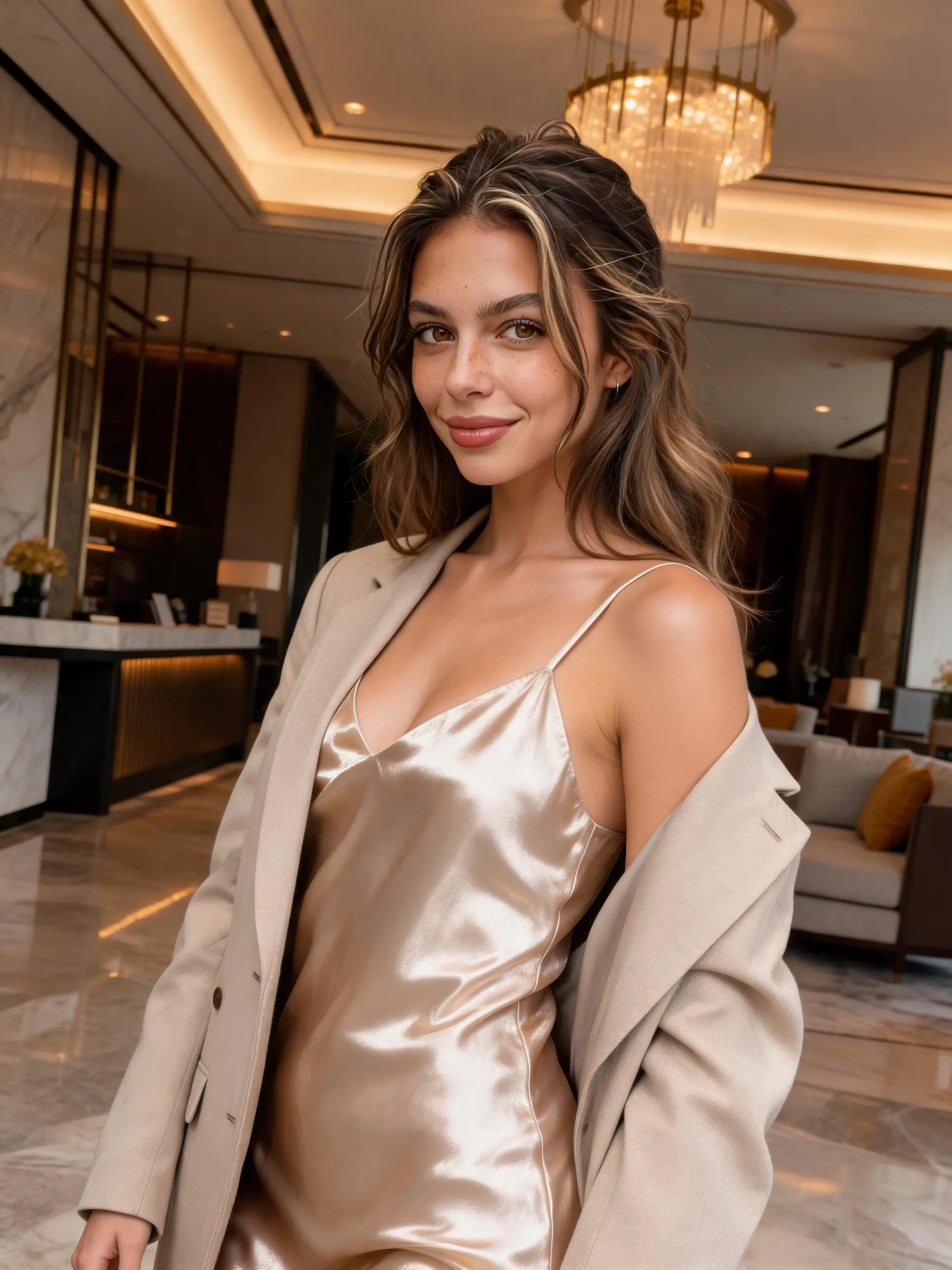
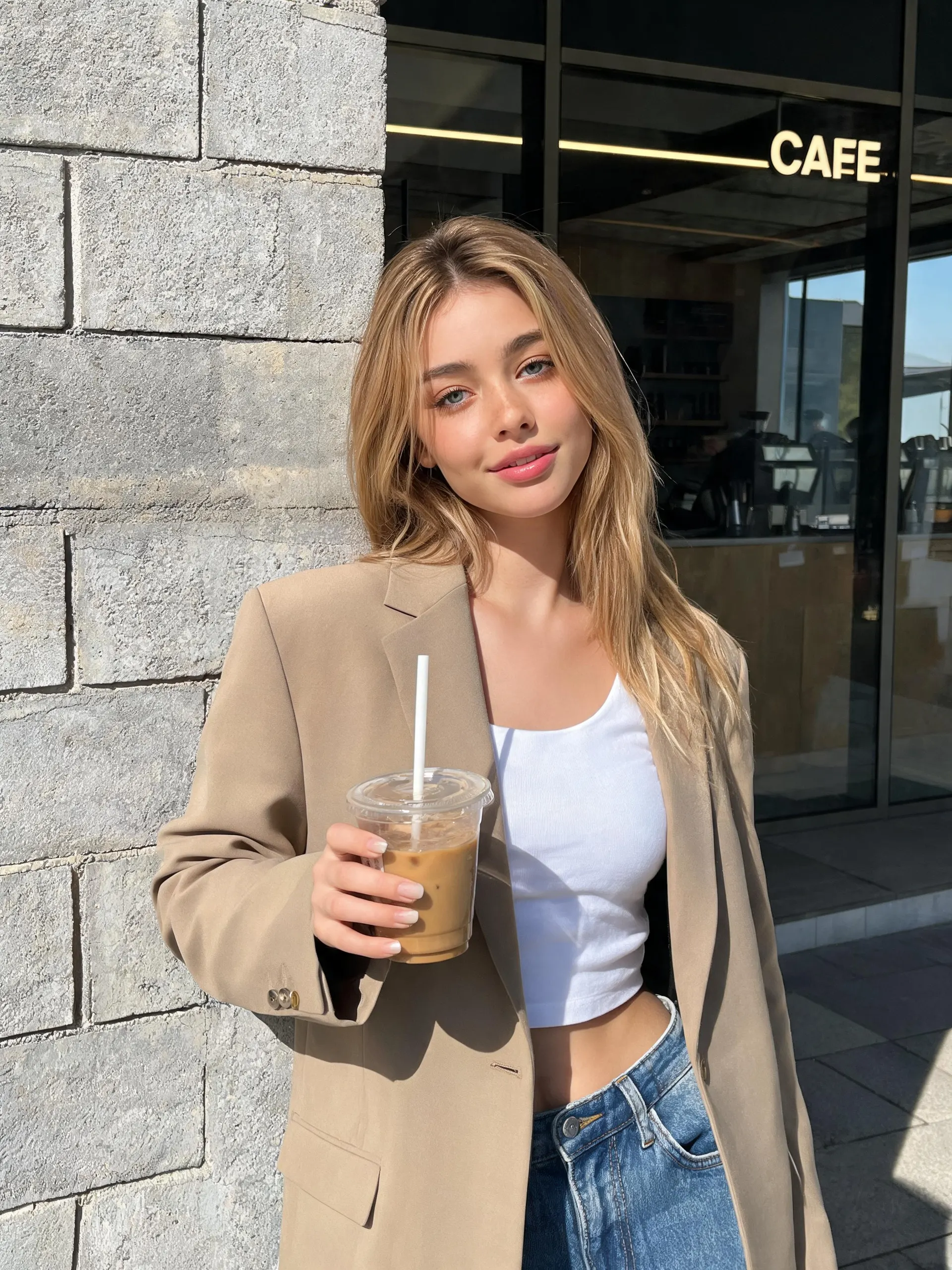
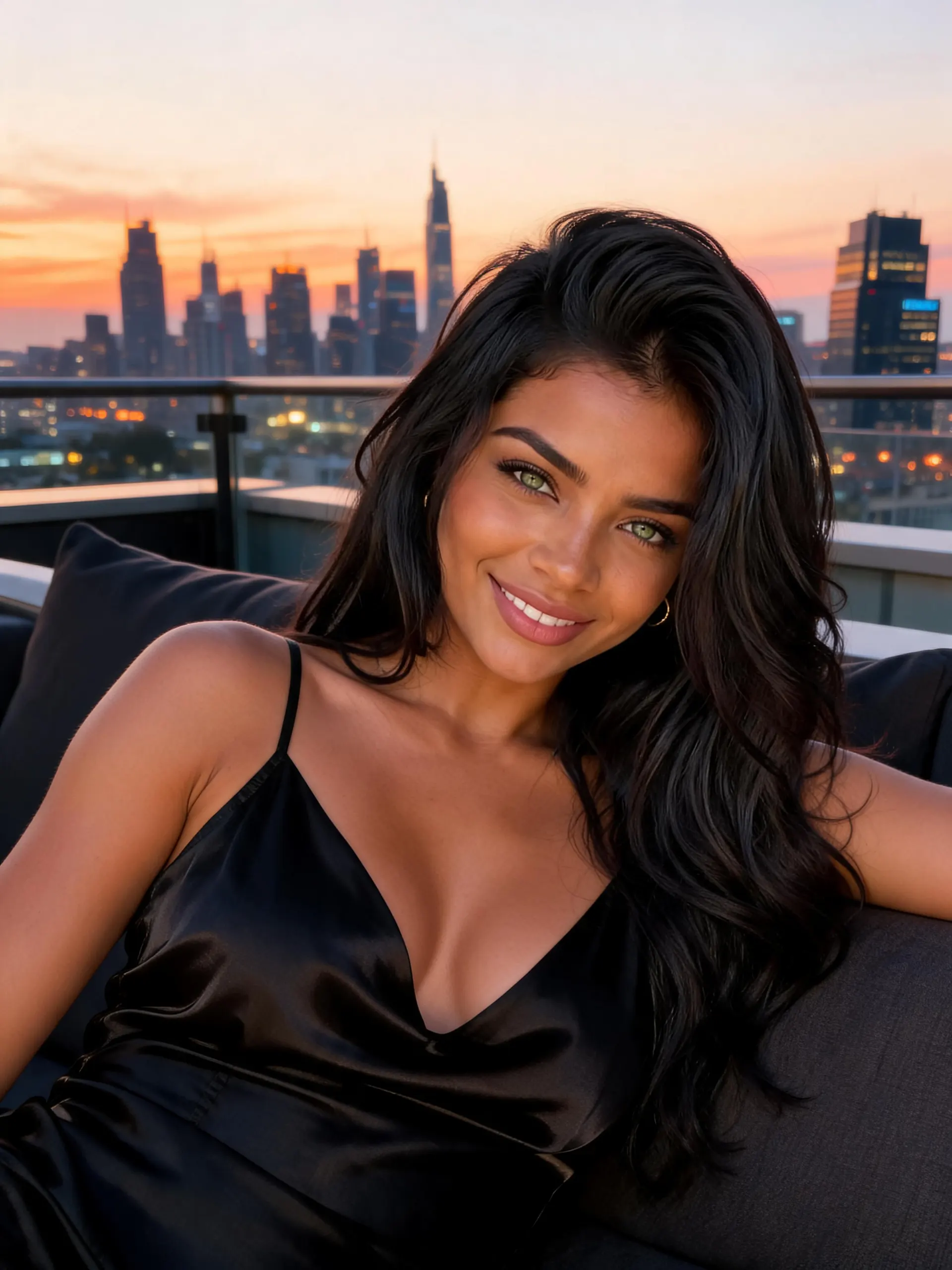
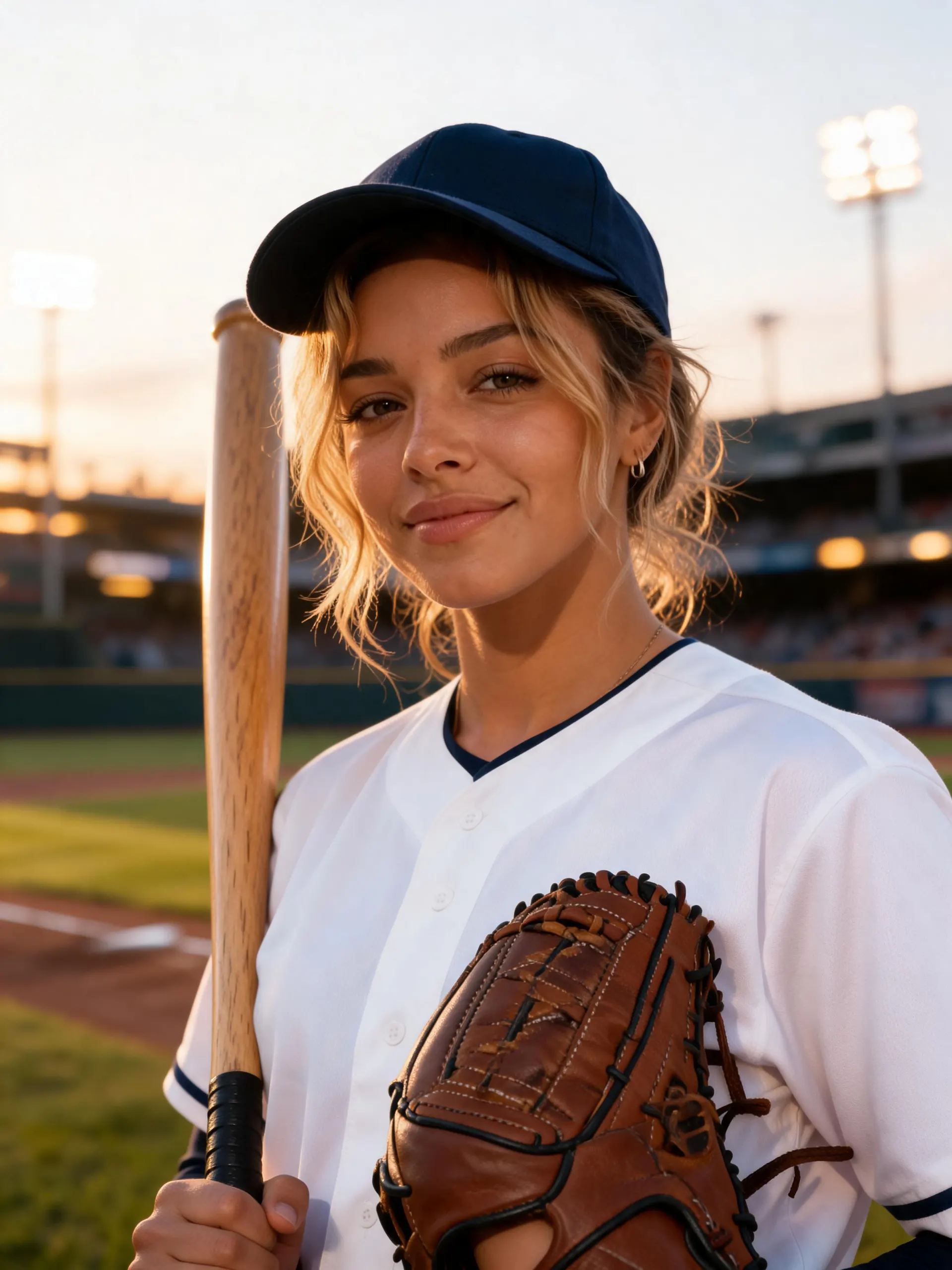
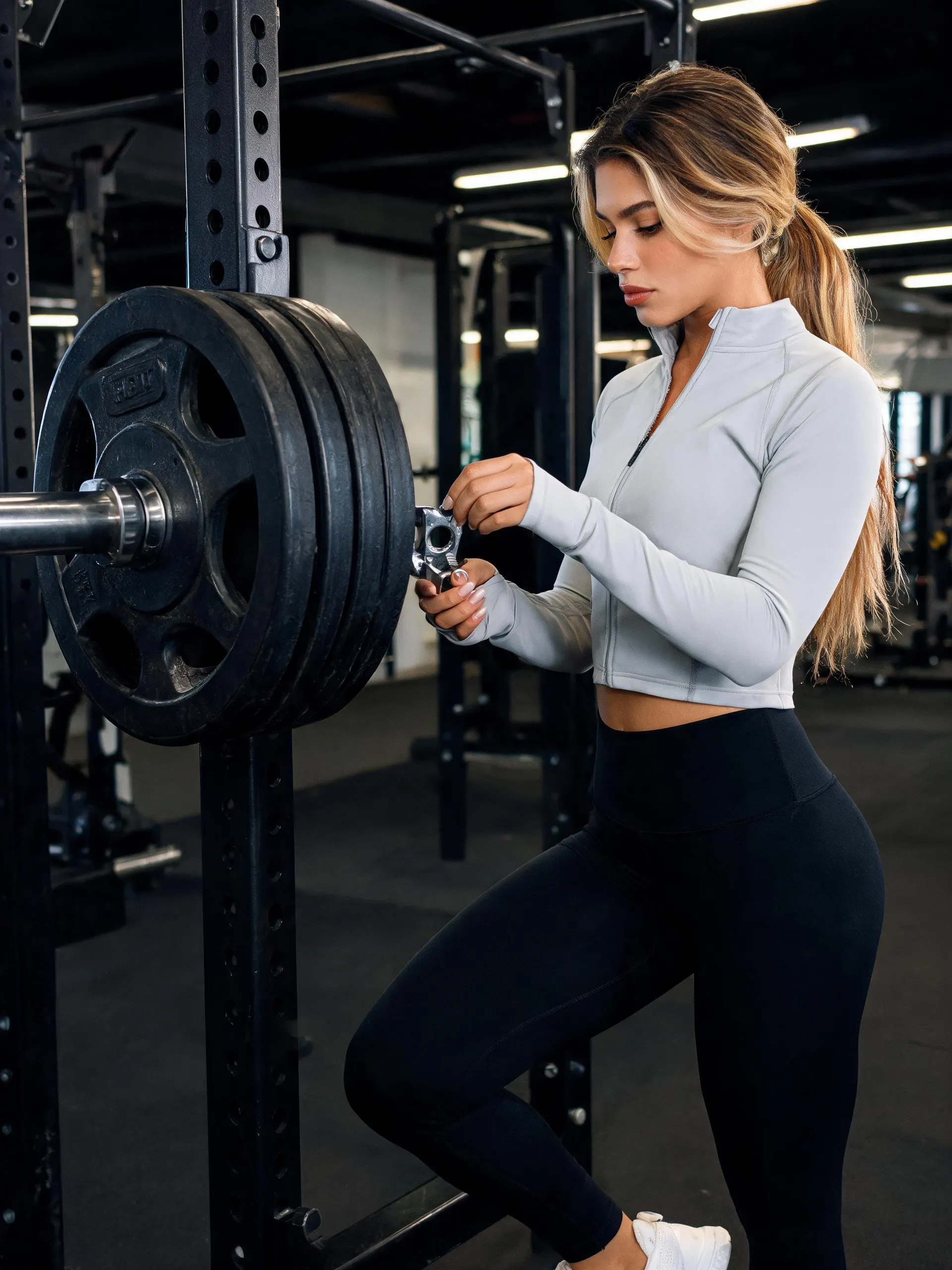
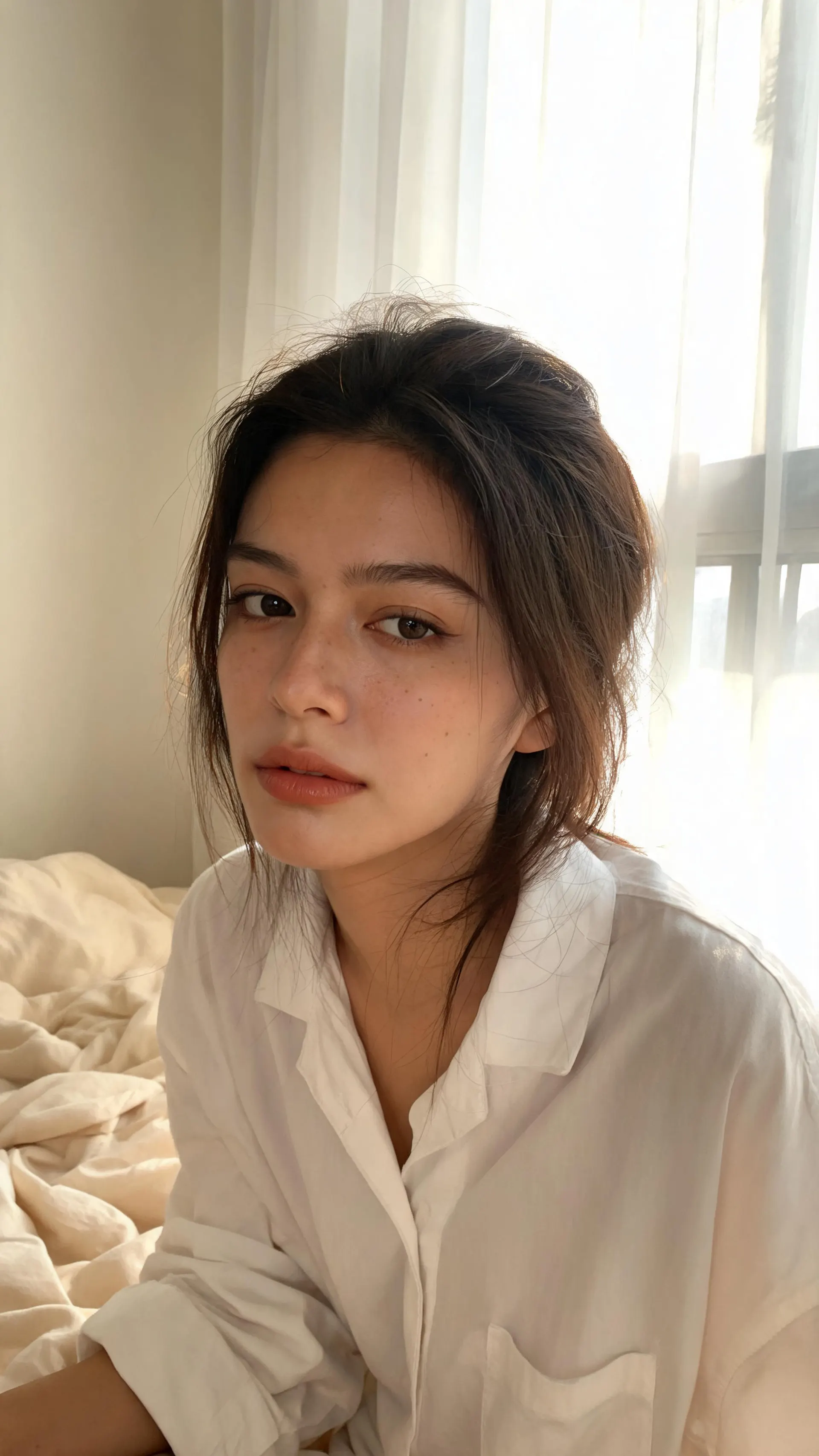
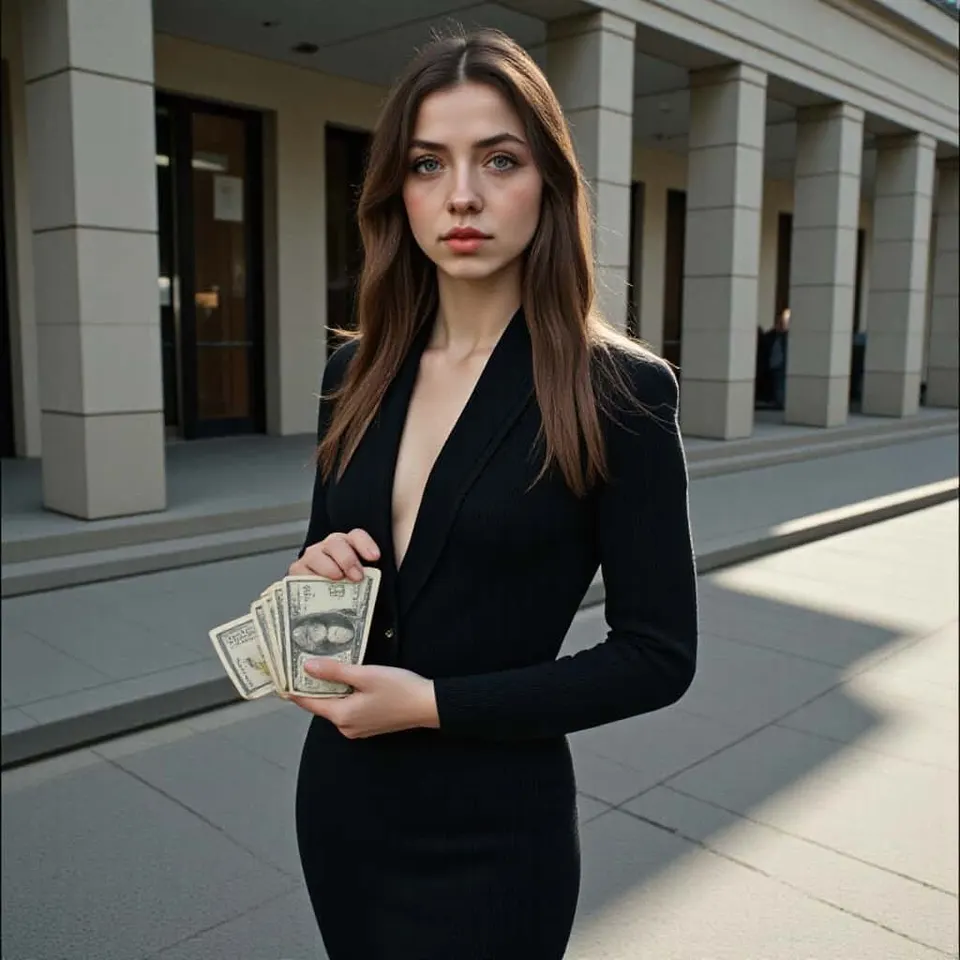


Create with the AI Influencer Generator
Free account. Check credits and generation cost before creating.
Frequently Asked Questions
Practical answers about the workflow, expected results, limitations, and responsible use.
How do I improve visual consistency?
Approve one reference image, keep stable identity details in every prompt, and change one variable at a time. Always review the result because consistency can vary across poses, lighting, and video.
How do I turn an AI influencer photo into a video?
In Image to Video, select your approved photo as the first frame. Describe one action, check the duration and quote, then review the exported clip for face, hands and framing.
Why can the face or hands change between generations?
If the face or hands change during motion, return to the still you approved. Try a shorter clip with one simple movement, then check the face and hands before adding more motion.
Can I use AI influencer content commercially?
Commercial use depends on your rights to the inputs, the current APOB AI terms, platform rules, and local law. Verify them before launch.
What is an AI Influencer Generator?
It helps create a repeatable virtual persona for social posts, campaign concepts, and optional video workflows. It is more than a one-off avatar because the brief is designed to be reused across content.
What should I check before uploading to Instagram or TikTok?
Download the clip and check its dimensions, duration, audio and any watermark. Play it on your phone to see whether the opening, captions and reveal are easy to follow.
What permissions do I need?
Use references you own or are allowed to use, disclose synthetic content where required, and avoid impersonation or false endorsements. Check the current platform and APOB AI terms for commercial use.
Do I need to show my face to create an AI influencer?
No. You can build the persona from a written brief or an authorized reference image without recording yourself.
Can I start with only a text description?
Yes. Describe the identity, niche, styling, setting, and content goal, then approve a reference before producing content at scale.
What should a strong persona brief include?
Include the audience, age range, facial traits, hair, wardrobe, tone, niche, recurring settings, and brand boundaries.
Can the same AI influencer appear in different outfits and locations?
Yes, but keep identity anchors fixed and change one outfit or scene at a time so consistency is easier to review.
What is a reliable workflow for a multi-post campaign?
Lock a reference, save a reusable prompt template, plan the posts, generate small batches, and approve every asset before scheduling.
Can I make content for Instagram, TikTok, and YouTube?
Yes. Adapt the aspect ratio, duration, hook, captions, and safe zones for each platform instead of reusing one export unchanged.
Can an AI influencer present or demonstrate products?
Yes, when you have the necessary rights to the product assets and claims. Verify packaging, labels, proportions, and demonstrations before use.
How do I keep logos and product details accurate?
Use clear authorized references, simplify the scene, generate close variants, and manually review every visible word, logo, and product feature.
Can I create more than one virtual influencer?
Yes. Keep separate references, persona briefs, naming rules, and asset folders so identities do not drift or mix.
What kind of source image works best?
Use a sharp, well-lit, front-facing authorized image without heavy filters, cropped features, or visual obstructions.
How long does generation take?
Timing depends on the selected workflow, media type, settings, and current demand. Allow extra time for review and revisions.
Can I revise a result I do not like?
Yes. Adjust one variable at a time, regenerate, and keep notes on the prompts and settings that produced approved results.
Are AI influencer outputs always unique?
Results can vary, but uniqueness is not guaranteed. Review for unwanted resemblance, repeated elements, and third-party rights.
How should I disclose AI-generated influencer content?
Follow current platform rules and applicable law, and use clear labels when content could reasonably be mistaken for a real person or event.