
AI Jump Scare Video Generator for Horror Shorts
An empty hall. One sudden reveal. Make a jump scare for a horror short, micro-drama or game teaser, then check where the scare actually lands.
Jump scares and suspense setups
Compare sudden reveals with slow setups. Open any card to see its prompt and try it in APOB.
How to make a jump scare video
Step 1. Watch the sample and write your prompt
Watch The Empty Hallway in the gallery above. This five-second vertical test requested a reveal at 00:04. The puppet appears around 00:02, and the audio in the original export swells near the reveal.
In Text to video, describe a quiet setup, one sudden entrance and a short sound cue. For this test, we used a locked camera, an empty corridor and a puppet that enters from below.

Step 2. Set the model, length and frame
For a vertical Shorts insert, choose 9:16 and leave room around the central reveal. Our Workstation test used Ultra, 720P and 5 seconds. The screen showed a 700-credit estimate. Check your quote before generating.

Step 3. Check the first frame that gives it away
Scrub the result with volume down and mark the first frame where the figure reads clearly. Replay with sound at a low level and check where the sting starts. For a precise cue, extend the empty shot and line up the visual cut and audio in your editor.

Step 4. Play, then download the strongest take
Open the completed video, play it through, then choose Download in the result view. Our MP4 was about 5 seconds at 720 × 1280. For a micro-drama, check the exported file in the actual phone crop before cutting it after the previous line of dialogue.

Why make a jump scare with APOB AI?
Test one beat at a time
In Text to video you can change the hiding place or entrance while keeping the rest of the shot fixed. Compare a puppet entering below the lens with the same puppet appearing behind a door, then keep the version that reads on mute.
Choose a usable take before editing
The Workstation pairs the prompt and generation settings with a preview and Download. Review the reveal and sound before you spend time cutting the clip into a larger sequence.
Use cases for jump scare videos
A micro-drama cliffhanger
An archivist hears a key turn in a closed records room. End the episode when an extra face appears in the door glass. Cut away before anyone explains the reflection.
A faceless YouTube horror Short
Frame an empty laundromat, let the dryer hum stop, then reveal a paper face behind the round door. Keep the glass centered so the surprise reads on a phone.
An indie game teaser
In a fictional security booth, three camera feeds stay empty. A figure appears in the only feed showing the exit. Leave the last beat for a game title added in editing.
YouTube reported an average of 200 billion daily Shorts views in its 2026 creator letter. Treat that as platform context. Check the readability of your own reveal in a square or vertical crop.
Expert prompts for a jump scare video
Records-room reflection
Purpose: end a mystery episode on a question. Expected result: a clear reflection reveal that works on mute. Prompt: “Vertical 9:16. An adult archivist walks past a dark glass door. A quiet pause. One still face appears in the glass beside her shoulder. The real hallway remains empty. One low sting, then silence.”
Laundromat insert
Purpose: give a faceless horror Short a visual payoff. Expected result: one readable close reveal on a small screen. Prompt: “Locked camera on an empty washing machine window. Low motor hum. The drum stops. A flat paper face suddenly presses against the glass from inside. One dry tap. No text.”
Game teaser camera feed
Purpose: tease an original game without revealing the monster design. Expected result: a shape recognizable for one beat before a title cut. Prompt: “Wide shot of an empty service stairwell on a fictional security monitor. Low electrical hiss. After a quiet hold, a silhouette appears on the landing in one cut. A restrained bass hit lands with the reveal. Hold the landing for one beat.”
Pros and cons
Clear comparison
A short take makes it easy to compare the prompt, reveal frame and audio cue.
Platform-ready framing
You can start with the 9:16 test setup for a vertical edit.
Timing can drift
The first visible reveal may land seconds away from the instruction. Use a timeline when the beat must hit an exact frame.
Video can exceed the free allowance
Nano provides 80 free credits a day. The tested Ultra generation quoted 700 credits, and other settings have their own quotes.
Legal and ethical considerations
Use an original fictional character or obtain explicit permission for a real person’s face and voice. Clear any music, footage, artwork and game assets for your intended use. For paid placements or client work, review your plan, APOB’s terms and third-party rights.
APOB Terms · APOB Privacy Policy
Label realistic synthetic content when the platform requires it. Keep the scene fictional, use a visible content warning for a strong scare, and give viewers control over audio. Review platform rules on violent or graphic content before posting.
TikTok AI labeling · YouTube AI disclosure · YouTube graphic-content rules
Read more about reveals and short drama
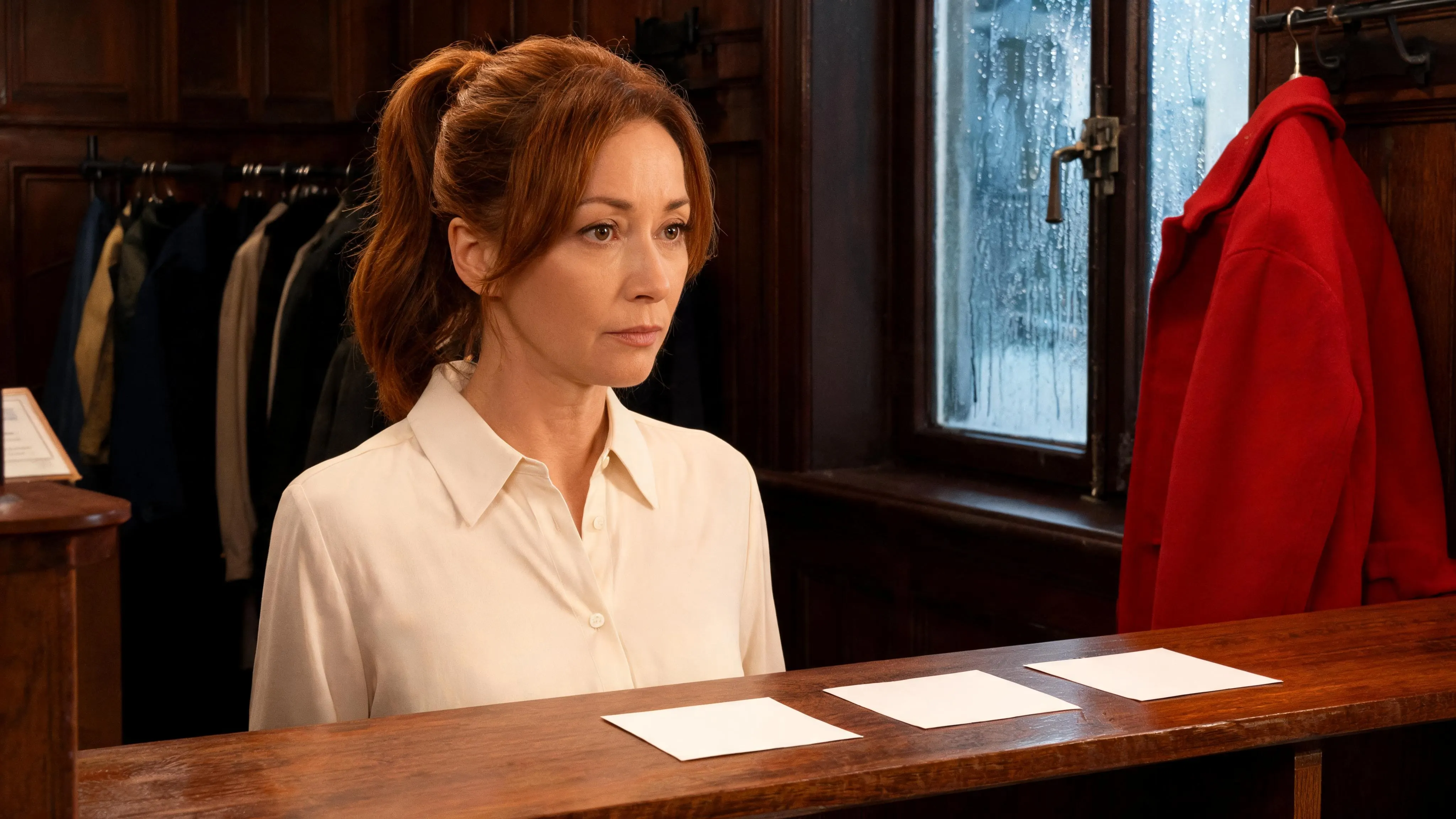
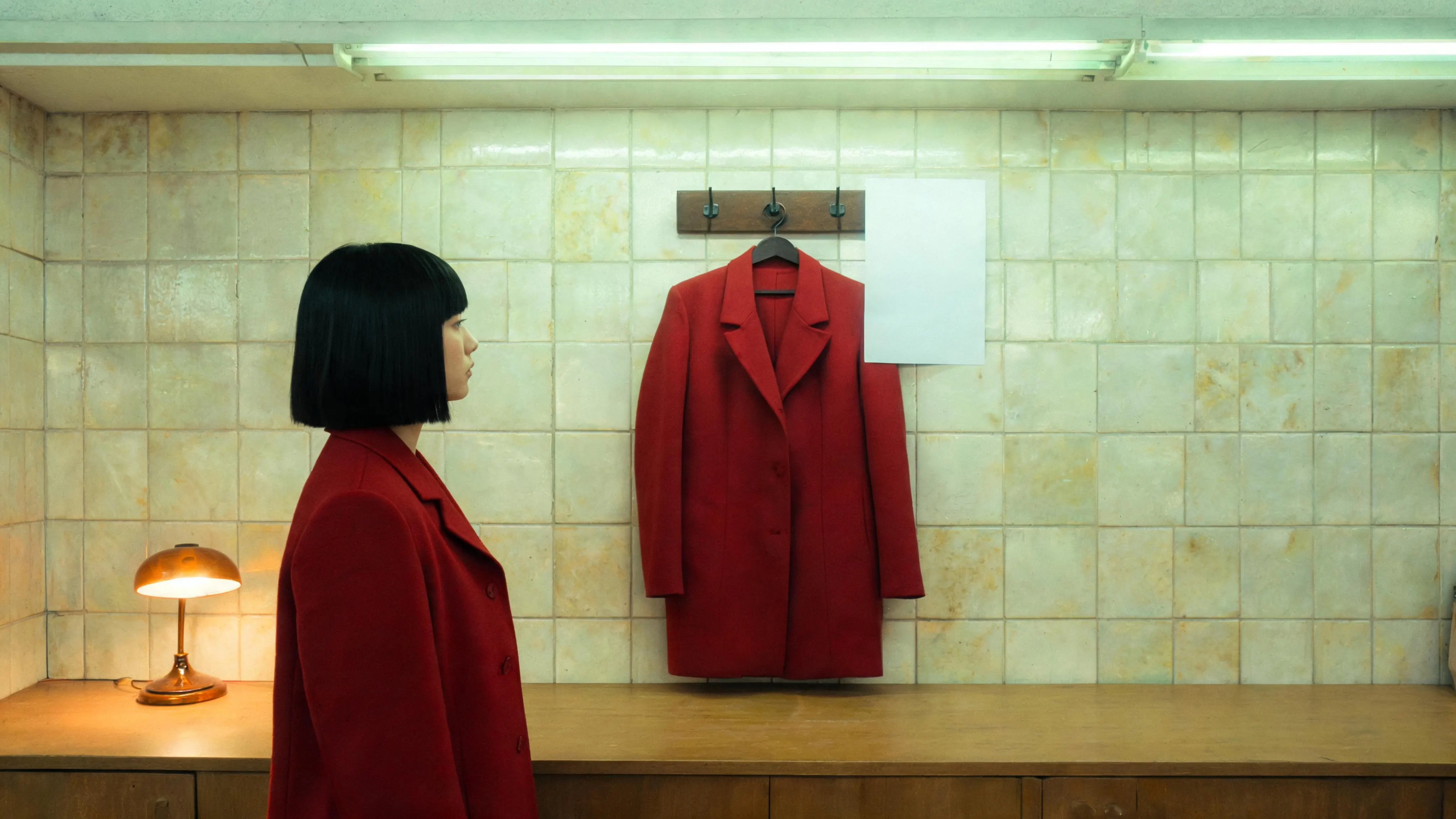
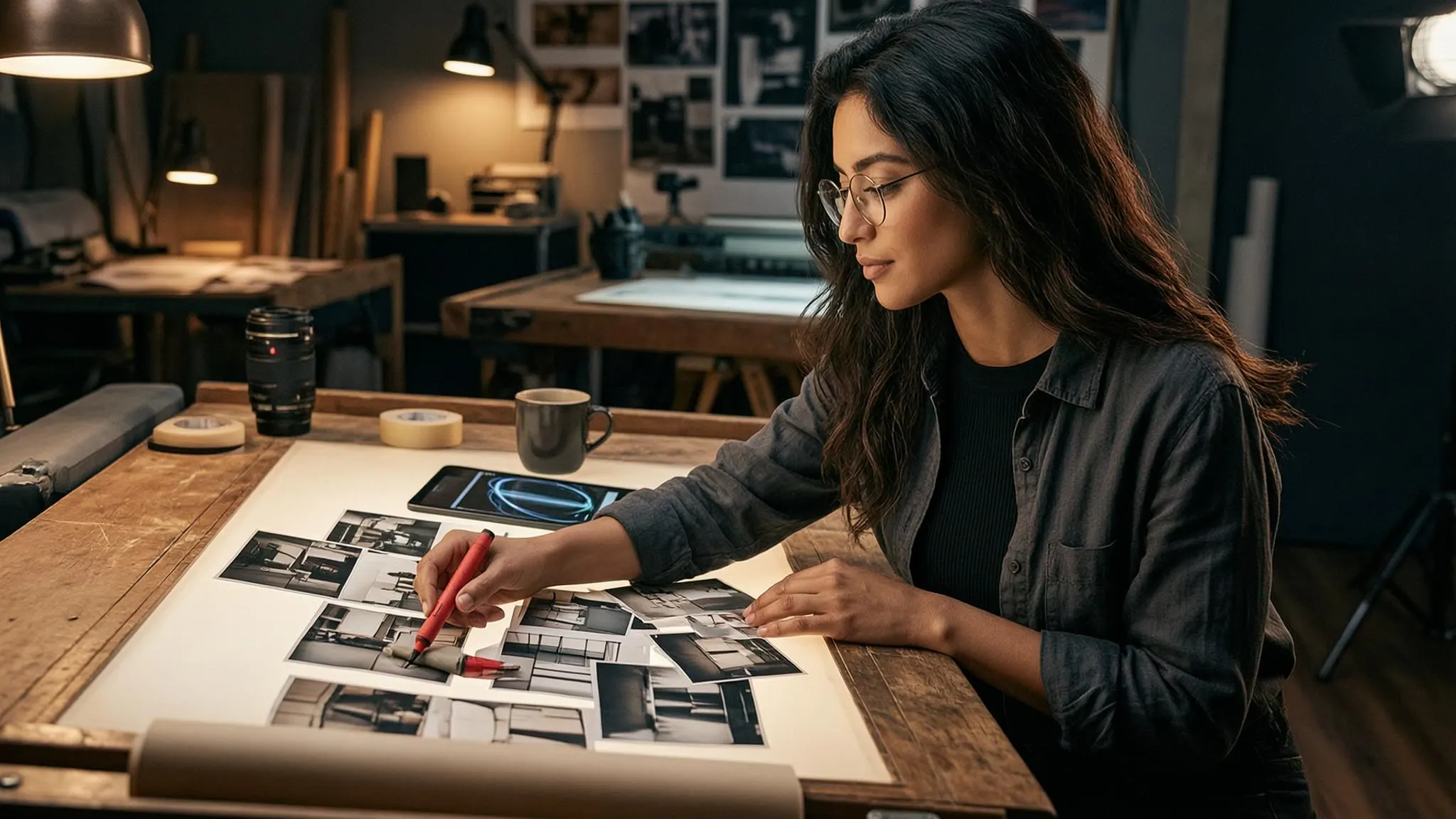
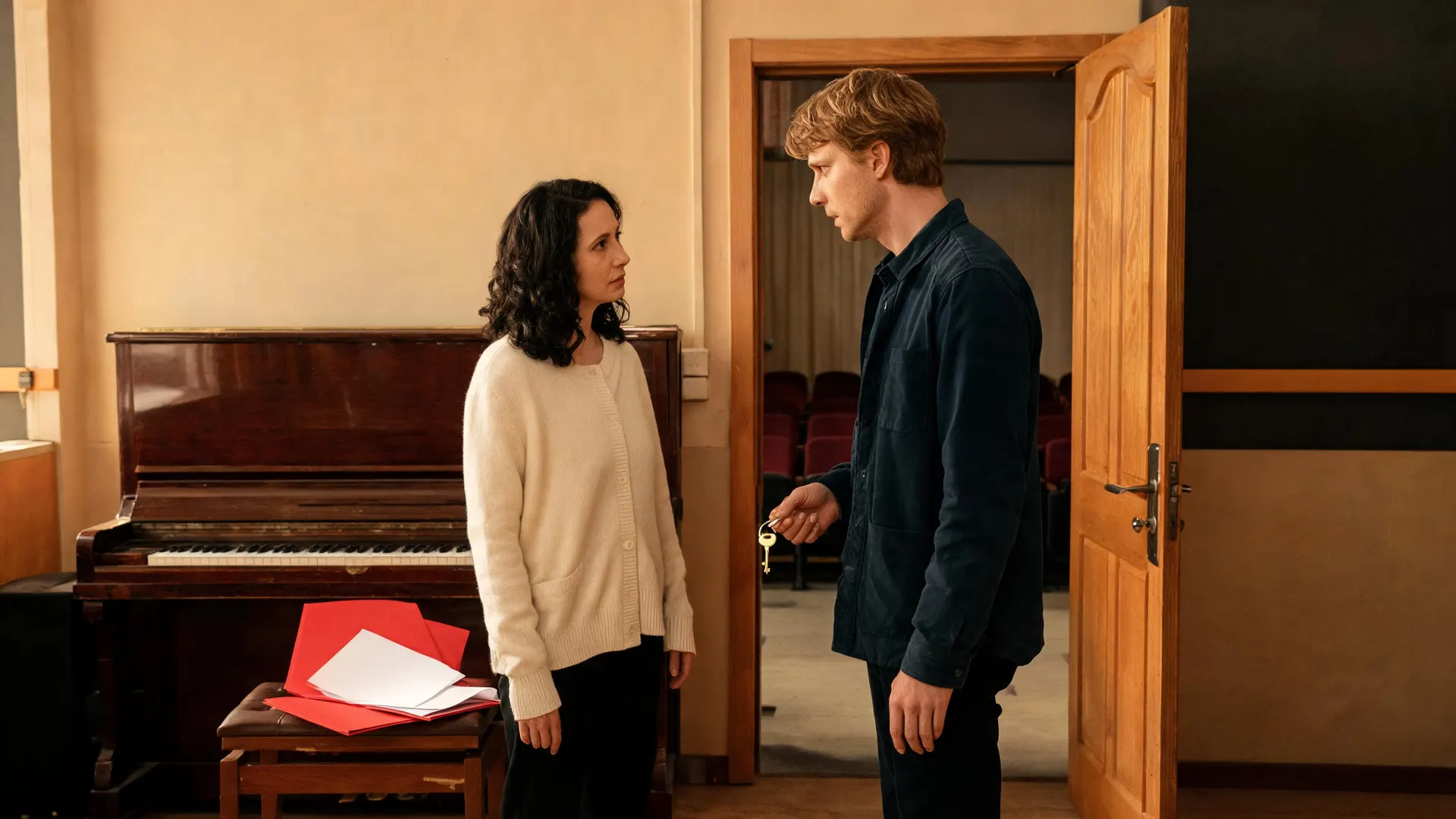


Jump Scare Video FAQs
What is a jump scare video?
A short clip or scene that builds anticipation and ends with a quick visual or audio surprise. This workflow uses an empty setup, one clear reveal and a brief sound cue.
Can I use the jumpscare maker for free?
APOB’s Nano plan gives 80 free credits per day. Check the model’s displayed quote. The tested five-second Ultra run displayed 700 credits.
Can I set the exact second of the scare?
Prompt for a target time, then find the first visible reveal in the result. The hallway prompt asked for second 4 and the puppet appeared around second 2. Put the reveal and sting on an editor timeline for exact sync.
Does the generator add sound?
The tested Ultra clip contains an audio track and gets louder near the reveal. Audio behavior can vary by model. Check both the picture and the sound in your actual export.
Can I start from my own image?
Use Image to video with an image you have rights to use. An empty doorway makes a useful opening frame. When your selected route accepts an end frame, add the reveal image there.
Can I make a jump scare for TikTok or Shorts?
Start with 9:16, check the center crop and keep captions away from the reveal. YouTube recognizes eligible square or vertical uploads as Shorts. Follow each platform’s AI labeling and content rules.
What quality was the sample?
The hallway MP4 is about 5 seconds, 720 × 1280, with an audio track. Quality, duration and aspect-ratio choices depend on the selected model.
How do I download it?
Play the completed result in APOB, then use Download. Check the exported file for framing, audio and any plan watermark.
Can I use a jump scare in a paid campaign or game trailer?
Review your APOB plan and terms, clear each asset and likeness for commercial use, and check the destination’s ad and content rules.
How do I keep a reference or clip private?
Review the account’s creation visibility settings before uploading or sharing. Use references you are allowed to upload and consult APOB’s privacy policy. Private model options depend on the plan.
Will a free download have a watermark?
APOB’s help center says downloads from Nano accounts carry a watermark. Check the current download conditions for your plan.
How can I keep a scare suitable for viewers?
Use an original non-graphic reveal, skip strobing, keep the sound cue controlled and give people a content warning or a clear choice to hear it.